CLASS ANNOUNCEMENT #7 (July 5, 2018): BC3-1806 is officially over! The Class Wrap stream recording is available to watch and the closing post is on page 63. Please take a minute to fill out the Questionnaire 🙇🏻♂️
CLASS ANNOUNCEMENT #6 (June 20, 2018): Week 4's stream recording has been edited together - curse you computer freeze! - and is available to watch. This is the final week of the class! Spend some time sculpting a wild and crazy vehicle design and let's finish strong 💪
Also a reminder that we will be having a 5th stream to wrap up the class on July 3rd, so don't miss that.
CLASS ANNOUNCEMENT #5 (June 20, 2018): Check out Week 3's stream recording if you missed the broadcast! I also updated Week 3's homework for those of you that want to finish your vehicle exterior.
CLASS ANNOUNCEMENT #4 (June 13, 2018): Week 2's stream recording is now available to watch if you missed the broadcast. Also the additional timelapse video mentioned in the stream is available here.
CLASS ANNOUNCEMENT #3 (June 11, 2018): Week 1 is done! Thanks for getting your homework submitted on time. Here's a link to the report card if you'd like to keep track of your grades throughout the class. Onward to Week 2!
CLASS ANNOUNCEMENT #2 (June 6, 2018): Week 1's stream recording is now available if you missed it. Also I've secured a concept car blueprint thanks to the talented 2D/3D artist, Milen Ivanov (see page 9 of this thread to download it). This is the vehicle I'll be modeling and you're welcome to model it as well if you don't want to find your own!
CLASS ANNOUNCEMENT #1 (June 4, 2018): Class is in session! Today officially begins the BC3-1806 class. Please check the syllabus below for Week 1's focus and assignments. Begin watching the pre-recorded courses if you haven't already and begin searching for a cool vehicle you want to model. The first Live Event is tomorrow at 2pm EST - SEE YOU THERE! 😎
Vehicle model by Chris Kuhn on blendwap.com
Welcome to the CGCookie Class: Vehicle Modeling with Blender! Here by popular demand, this class is designed to be a holistic learning experience about the art of modeling vehicles. If you’re diligent in watching all content and hitting homework deadlines, by the end of the class you'll be prepared to build digital vehicles to your heart's content! This is an intermediate-to-advanced class which means you’ll do best by having some experience with Blender and 3D modeling before committing to this class.
This is the third "Class" format where Citizen members are invited to focus together on a particular topic/skill for a month. Participation looks like this:
WHEN? The class will take place from June 4th through July 2nd (ish)
Abstract: Vehicle modeling is pure hard surface modeling. Therefore it's important to be proficient with general polygon modeling techniques. This first week we're ramping into this particular modeling skillset to prepare us for the vehicle modeling extravaganza to come!
Goal of the Week: Level-up and/or dust off your hard-surface modeling skills.
Pre-recorded course to watch:
Week 1 Live Event (Remember to RSVP!)
Homework:
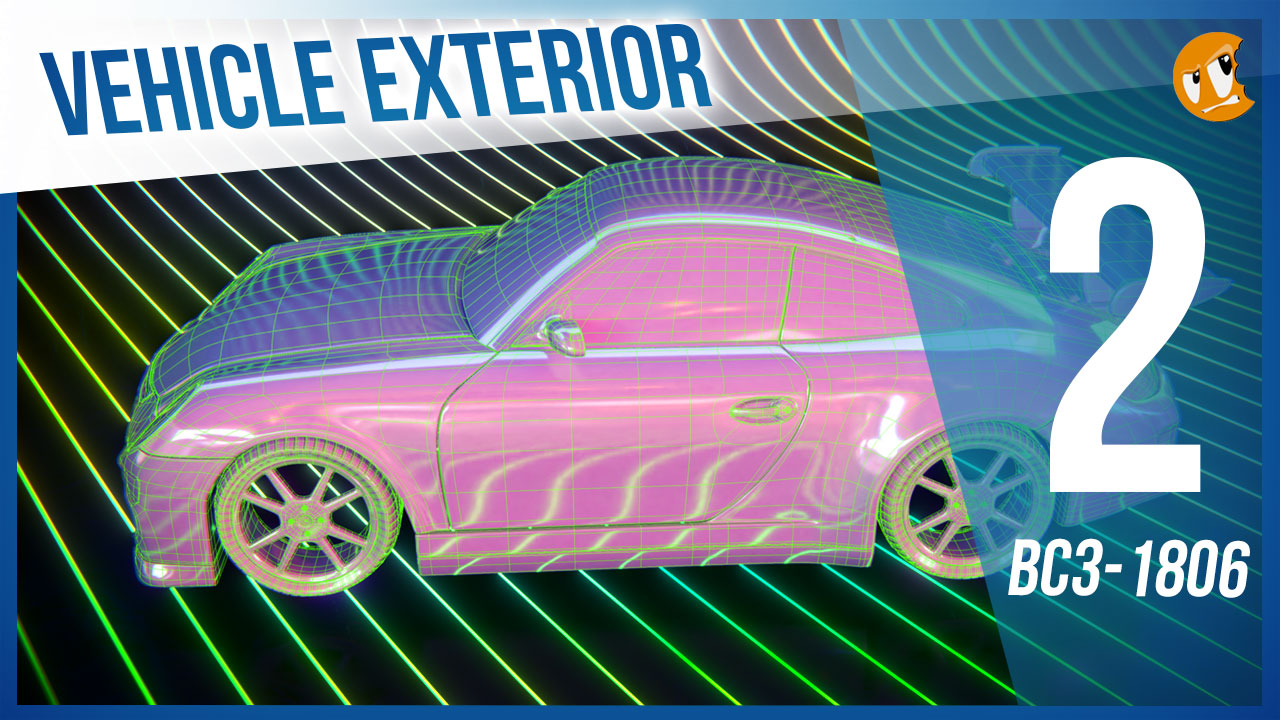
Abstract: When I say "Imagine a vehicle" I'll bet a million dollars you're thinking about the exterior. And that's why the exterior is important. It defines everything about a vehicle's visual perception: Style, utility, purpose. This week we're going to build a vehicle exterior based on concepts like building to scale and building from blueprints.
Goal of the Week: Build the exterior of your chosen vehicle based on blueprints. This will be good practice in strict adherence to orthographic front/side/back/top view modeling.
Pre-recorded courses to watch:
Week 2 Live Event (Don't forget to RSVP)
Homework:
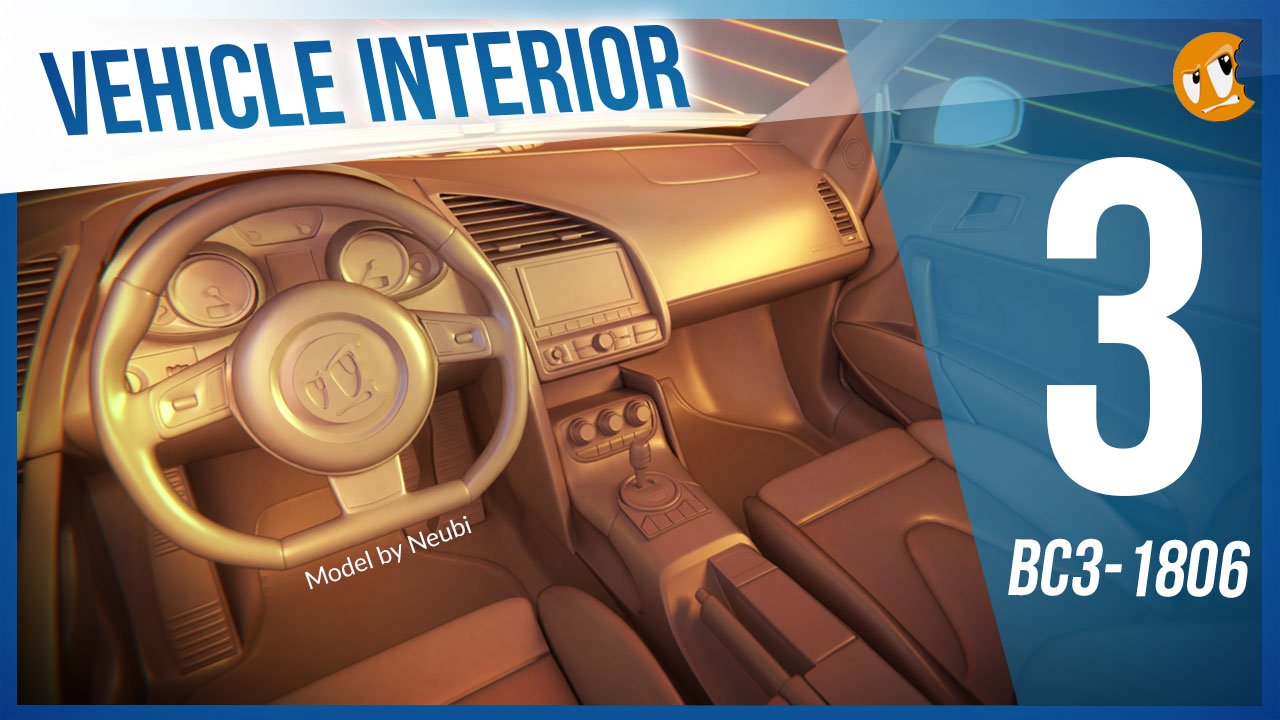
Model by Neubi on blendswap.com
Abstract: The insides of vehicles involve more organic, soft shapes as well as opportunity for lots of fine hard surface details. Often vehicles renders focus on the exterior where the interior can be hidden or approximated. But not in this class!
Goal of the Week: Model the interior of your chosen vehicle to gain experience with fine hard-surface details in a confined space.
Pre-recorded courses to watch: Admittedly we don't have much in this context specifically...
Week 3 Live Event (Don't forget to RSVP)
Homework:

Abstract: There's another facet of vehicle modeling that doesn't involve strict adherence to blueprints. Instead, Concept Sculpting is about designing a vehicle from scratch using the artistic approach of digital sculpting. This can be an extremely fun, experimental method for creating unique vehicles.
Goal of the Week: Sculpt a vehicle exterior from scratch; Practice hard-surface sculpting techniques.
Pre-recorded courses to watch: Again we don't have much in this context specifically, but we have a couple courses that cover hard-surface sculpting in general:
Week 4 Live Event (Don't forget to RSVP)
Homework:
This thread is reserved for CG Cookie Citizens that are participating in the "Vehicle Modeling with Blender" class. Its purpose is to serve as central communication for all participating Citizens (excluding Hobby plan Citizens) to ask Kent and fellow participants questions and to post homework. As the instructor of the class, Kent will be monitoring this thread on a daily basis (especially Mon-Thurs) throughout the month of June to review homework and answer questions.
Free members are welcome to observe the thread but please respect that communication is reserved for Citizens.
 vapsman88 I'm sorry to hear about the medical/life issues. Life happens, no worries. I'll keep an eye out for your homework submission 👍
 az93 Mr Dickun - glad to have you in class again! Rocking the toon shading on the plane, I dig it. Good work this week: You've earned a A fo sho 👍

williamatics You're a little outside the main vein of the class in that you're creating a concept vehicle as you go rather than basing it tightly on a blueprint. Which is completely fine - more power to ya! But it's not necessarily the approach I'm teaching. Thibaut's advice is on point though.
Hi @theluthier is it absolutely too late to submit week one exercise? I wouldn't be submitting the modelling with primitives exercise though since I haven't even gotten to it yet. It's going to be a massive challenge for me to meet the homework deadlines in general though, to be honest. Free time is usually really scarce for me.
kkjcummings I'll probably never say "It's too late, you can't submit". It's just best for me if I get all submissions within a defined window of time. But sure, go ahead and submit when you can and I'll grade it 👌

williamatics Then use the Union boolean instead in my description :) For the hinges, since it's a concept vehicle on your own the possibilities are infinite. For references look at mechanical arms of construction vehicles such as excavator if you intend to have the thrusters to have variable angles (that's what I would look for at least)
Good luck!

@theluthier thank you for the compliment. And thank you for still considering my homework even though it was late.
The fun fact about the grand cherokee is awesome. I got a fun fact, too: I am a proud owner of a grand cherokee 5,9l limited edition from 1999. I am about to fix up things and make it pretty again. Currently its in the garage, can't wait to get it back on the road. This class has the perfect timing, as I can model my jeep as is and then start changing stuff to see how it looks :D
The blueprint will just be a starting point for me, since there are some visual differences in the 5,9l. At some point I will have to start freestyling parts of it since mine is also already quite customized. I am really looking forward to this :)
I see that i havent been given a grade for my homework. Is it because it wasnt acepted or because it wasnt good enough?

@theluthier Thanks, The Cosmo is not a real plane, its from the anime space battleship yamato, and from what i recall it never actually lands on anything so the landing gear is quite vestigial.
So ill have to think about whether its worth actually keeping the gear on the model.
@theluthier Should be interesting to find reference images for the interior materials then XD
My question kinda got burried by the chat so I will just post it here :)
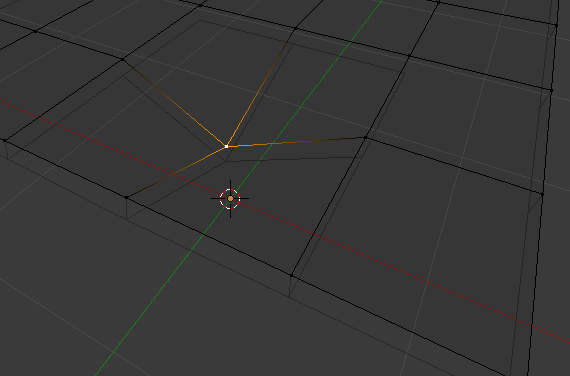
QUESTION: How to handle when a quad is a bit skewed and renderer/engine is triangling it the way I do not want to.
I could manually triangle it how I want, but then I lose the quad and good edge flow.
https://imgur.com/a/stx7csr (flat plane, and one vertex pulled back, exaggerated to show what I mean).
I really need to up my topo game, one of the reasons I am here.
EDIT:
Andswered by  ullreym in chat later on. https://cgcookie.com/lesson/all-quad-junctions

From stream question , Ill delete this post later as i dont have any online image storage at the mo,
Is it like that ddoulos4iesou, so with a solidify to stop the bottom surface coming through if i were to move the main surface down?
the solidify should follow the main mesh verts.
not sure if im on the right track or completely off, sorry :(

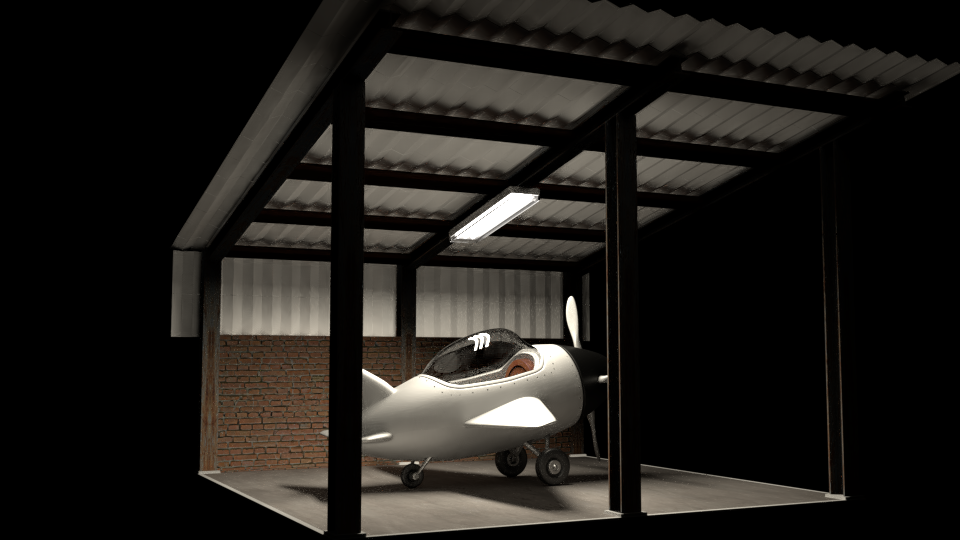
adsb2035 Haha dog ate your mouse..no worries. Nice job with your plane and render! I love the scene.

Thank you @theluthier - learned a new technique because I started with box modeling. So yihaa for my first panel :-) ... it's just a start but can't wait to do it all!
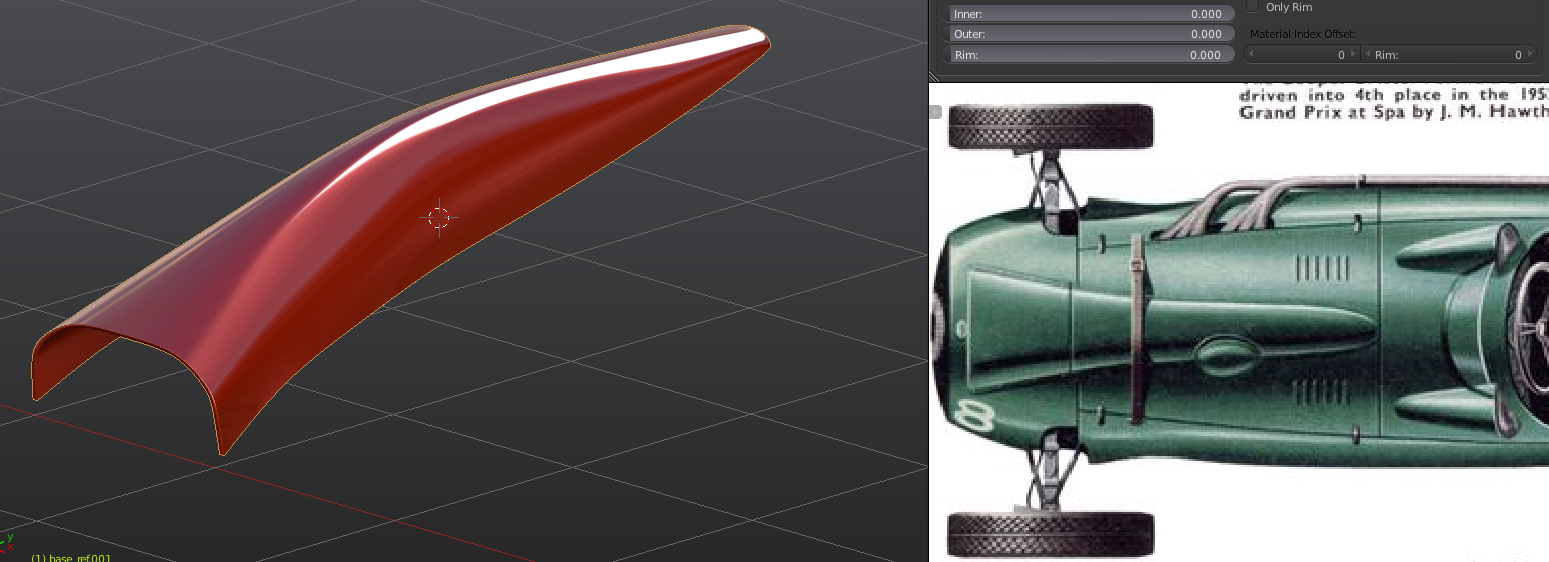
Sorry I forgot to link the blueprints I found hope it's not too late.

I have color coded my blueprints. It was a lot harder than I thought it would be.

I added some detail to the cannon. The blueprints didn't give me much information, so I did what I could.