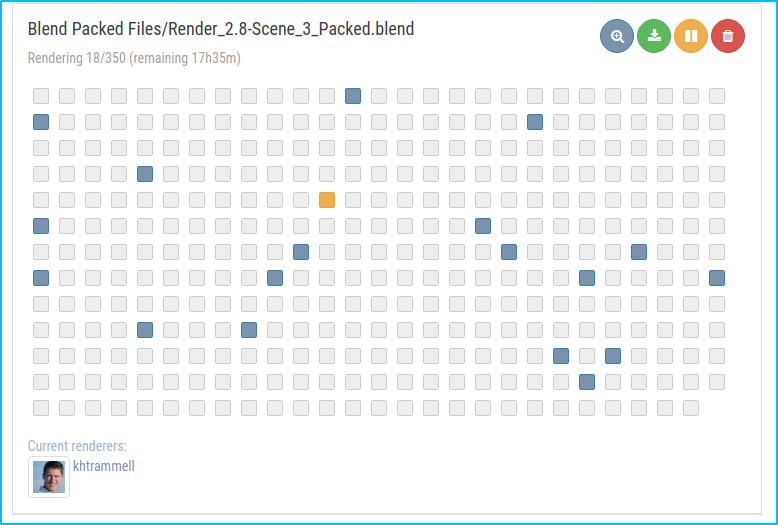
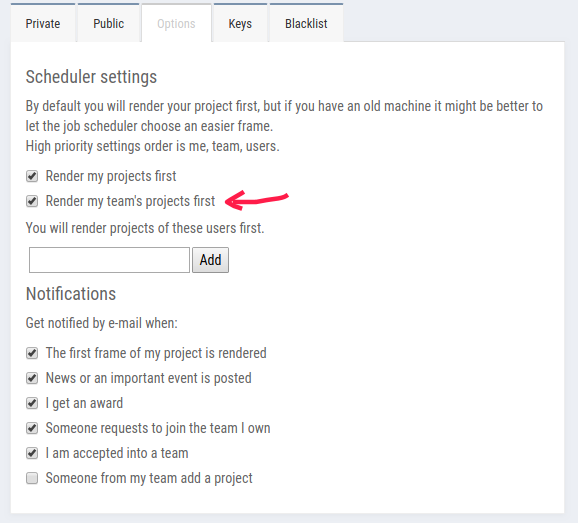
Update 7/29/2019: Omar's new scene is ready to render and already underway on SheepIt. If you're part of the CG Cookie Render Monsters team, we'd appreciate you launching the SheepIt app on your computer to contribute. NOTE: Make sure on your SheepIt account "Options" you enable Render my team's projects first. Thanks!
Update 7/18/2019: Omar is polishing new scenes.
Update 7/3/2019: Omar has 2 new files ready for rendering. Let's do dis.
Update 7/1/2019: We have finished rendering two of Omar's reel projects. Way to go community. Omar still has several to prep for rendering. I'm going to unpin this thread and re-pin once it's ready to render again.
Update 6/17/2019: Omar has updated his shared project folder with new scenes to render. It was accidentally uploaded as a new folder so if you've already synced the previous folder, you can delete that one (if it's still there) and you'll have to sync this new one. From now on we know how to avoid this so no more re-syncing.
The time to render is now!
Update 6/16/2019: We've finished Omar's first 2 scenes! Way to go People 👏👏 Thanks to everyone for contributing. Now we're waiting for Omar to setup and upload his next scene.
@theluthier Kent after comparing the original Cycles renders and Element 3D real time ones, I think you are right, rendering it out of Cycles is totally worth going the extra mile for. Although you and Lampel said it was great, that it's 95% there, for a second I saw a twinkle in your eyes saying "C'mon dude, you know it, I know it... there is no spoon." And then the twinkle continued "No one eats an Oreo and doesn't go all the way to the stuffing in the middle, the cookie part is just enough". I see what you mean twinkle.
I didn't want to bother people though, but I guess if I'm going to try this there's no way around that. I don't know how to use Drop Box, I've never used it before. Should I get an account? I hope it's enough space. I remember you kinda set things up in a similar way in the Rendering & Finishing A Blender Animation course. I should re-watch that. I have never done things through the internet so this should be a learning experience.
I, Kent Trammell, am commandeering Omar's original post! [evil laugh] I'm the one that encouraged Omar to reach out to the community for helping him render his demo reel. My computer just sits collecting dust most nights and I'm happy to lend some rendering power to this project while I'm asleep. I suspect that there are a number of CGC community members willing to do the same 🙏
If you want to help out, please follow the instructions below!
The status of the project will be stated and updated at the end of the thread title in brackets. When it says "READY TO RENDER" that means a project has been submitted to SheepIt for rendering. If it says anything else, the project isn't ready for rendering yet.
The status of the project will be stated and updated at the end of the thread title in brackets. When it says "READY TO RENDER" that means it's ready to sync the project folder and start rendering. If it says anything else, the project isn't ready for rendering yet.
STEP 1 -- Sync Omar's project folder to your Google Drive.
If you have a gmail account, you have 15 GB of free Google Drive space. Just click the link and when you're redirected to the Google Drive website, right click on the "Demo Reel Files" folder and choose Add to My Drive.
If you're on Mac or Windows, use the official Google Drive app (personal version) to sync your Google Drive to your computer's file system.
Render_Scenes_1_Packed.blend
If you're on Linux like me, there is no official app. I've had some success with Open Drive but it seems to have stopped syncing on my system. I'm currently using Insync and it's working beautifully. It's $30 after the 15 day trial period, which I will likely pay.
STEP 2 -- Open one of the render-ready .blends with Blender 2.8
After the project folder has finished syncing *entirely* to your computer, launch Blender 2.8 and open Demo Reel Files > Blend Packed Files > Render_2.8-Scene_1_Packed.blend. Then follow Omar's instructions in the file for CPU or GPU rendering, whichever your machine is best equipped.
Enable viewport rendering to double check the scenes look fine (no pink from missing textures). I've tested these files myself and they should be ready to render without problems.
STEP 3 -- Render the Animation
The files should all be setup properly so anyone that opens them doesn't have to do anything but click the Render button.
That should be all you need to do to contribute rendering to Omar's project! Note that these scenes are heavy and can take an hour or more per frame, even on a high end machine, which is why Omar needs our help.
When the rendering is all done (or you need to stop and regain your own GoogleDrive space), simply navigate to the Google Drive website, right click on the folder and choose "Remove".

dostovel I'm loving the reel edit so far! The music track is a good choice imo. Really cements the whole thing together for me. I hope you're proud of this! 👏
Do you have an ETA for rendering your next scene?
Thanks for the feedback and nice words. Though you know how it goes, my eyes can only see where things could be better 🙈
@theluthier Life has gotten in the way lately, haven't been able to focus on work too much, hopefully I can get back into things now. The responsibility that people are waiting for me is ever present in my mind, I feel the pressure. I would like though for the scenes to turn out the best they can be, and the only way is to fiddle around and around with things until hopefully they start to take shape and look good, but the price to pay is that it takes more time. I want to test out volumetrics, I hardly work with that, I want to see if I can get nice looking clouds for the flying and space scenes. I have realized that making environments for your hero model to live in is a whole other science.
Sometimes I hate the creative process, it is so taxing on the mind. I swear that working with your head is more tiring that going to the gym.
dostovel Not to worry, there's no rush. Take your time and polish your scenes to the max.
I have realized that making environments for your hero model to live in is a whole other science
Very true. There's not much middle ground with only 2 good options imo.. Either chose the easy route and make the BG / environment super simple and non-distracting. Or you take the difficult (time consuming) route and make a BG / environment worthy of the same detail and quality as your main model. If you're somewhere in between it's going to show and detract from the main model.
Sometimes you can go in the middle I guess. Like your tron landscape which is hidden in motion blur most of the time - that totally works.

sheila5 I solved the problem and installed it. I asked to join the team and hopefully Omar will have his files ready soon. I find sheep-it not engaging at all. Pc slows down to a crawl even when changing the settings to way lower. But you don't get any interesting feedback so I would lose interest in the program in no time and never use it again.
sheila5 Thanks for joining Sheila. I have the file almost ready, hopefully will be posting tomorrow. We will see if Sheepit is a good option now.
sheila5 Yes, Kent is our mighty leader, only he can add people. He'll probably add you once he returns from his vacation.

How do I get in on this? (Haven't read the whole thread) My computer loves to participate in projects like this.
concrescence Cool, thanks for the help. Here's a copy /paste of the instructions.
I really want to see how viable SheepIt can be for rendering our projects, like we've been doing with Omar's reel. So if you're willing, go sign up for a SheepIt account (free), grab the applet from the "Get Started" page, then ask to join the CG Cookie Render Monsters team and I will add you.
Once we have a handful of people on the team, I will submit (or ask to submit) a scene file for rendering. If you go to your SheepIt profile page under Options, you can enable "Render my team's projects first" to prioritize them. Then all you have to do is launch the applet on your computer, sign in with your credentials, choose your preferred settings, and SheepIt will do the rest.
I didn't have any problem finding answers to my questions from the site's FAQ page, but don't hesitate to ask me questions here!
@theluthier Scene 3 is in Google Drive folder.
I spend a lot of time trying to get the scene to work, I was finally getting some decent clouds but dealing with volumetrics is just death for Blender it seems. Render times goes through the roof, 2.8 kept crashing over and over to the point that for every 10 attempts at rendering only one made it all the way to the end, nine just crash half way. You also have to crank up the sampling way to high, not to mention the high dense geometry you need to have in order to achieve a fluffy look. I will keep at it, at this point is a personal challenge to achieve the desired look that I wanted. In the mean time I changed looks from planet earth to a sort of barren moon / asteroid. Only problem now is that it doesn't look like space that much, the earth gave it that vibe.
It is a challenge the fact that you can't render multi-layer open EXR, I could really use some render layers here, to have the background, the moon and the Heli in different layers so I could composite some lens flares at least, but for now 16 bit Tif files will have to suffice.
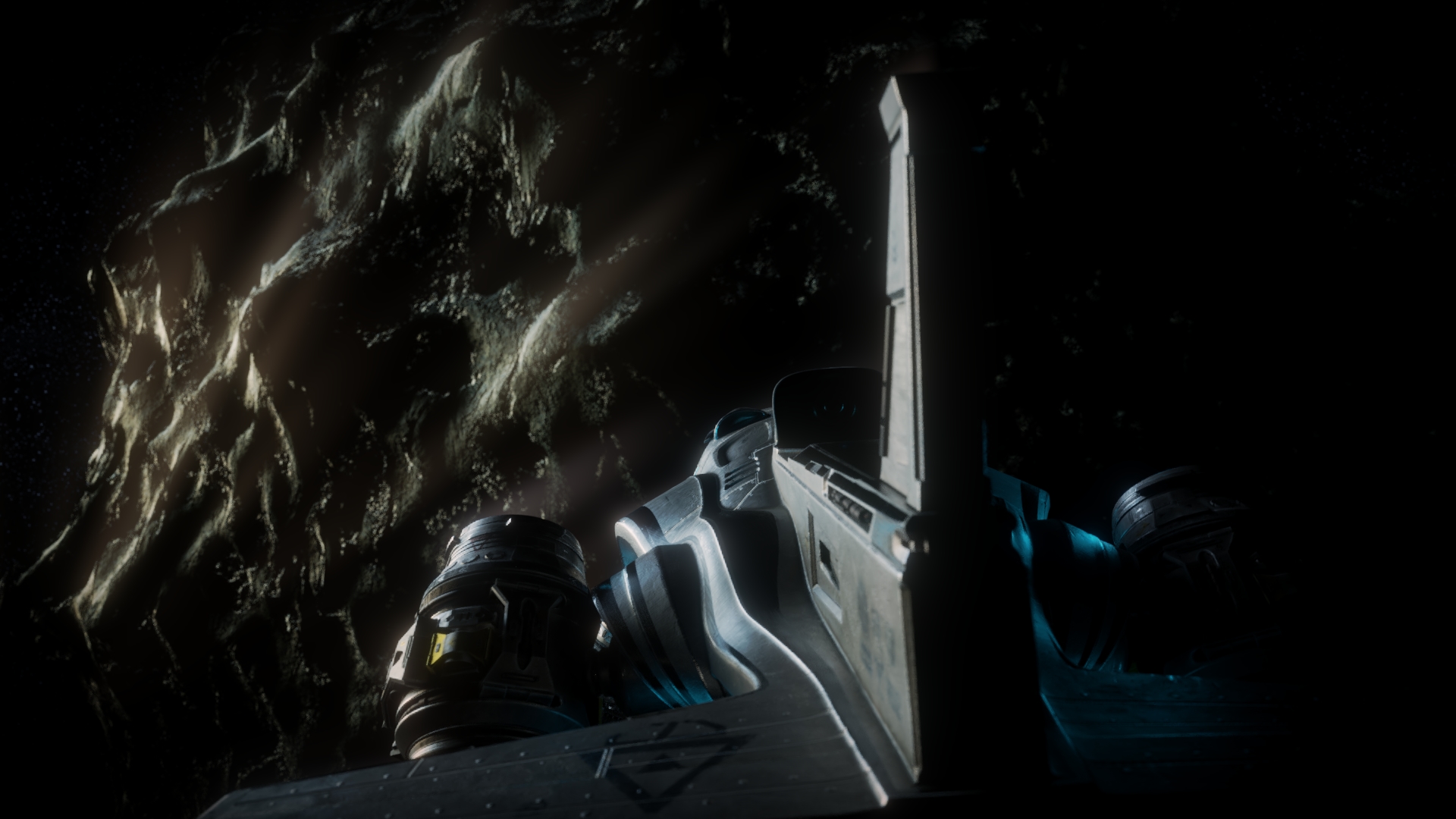
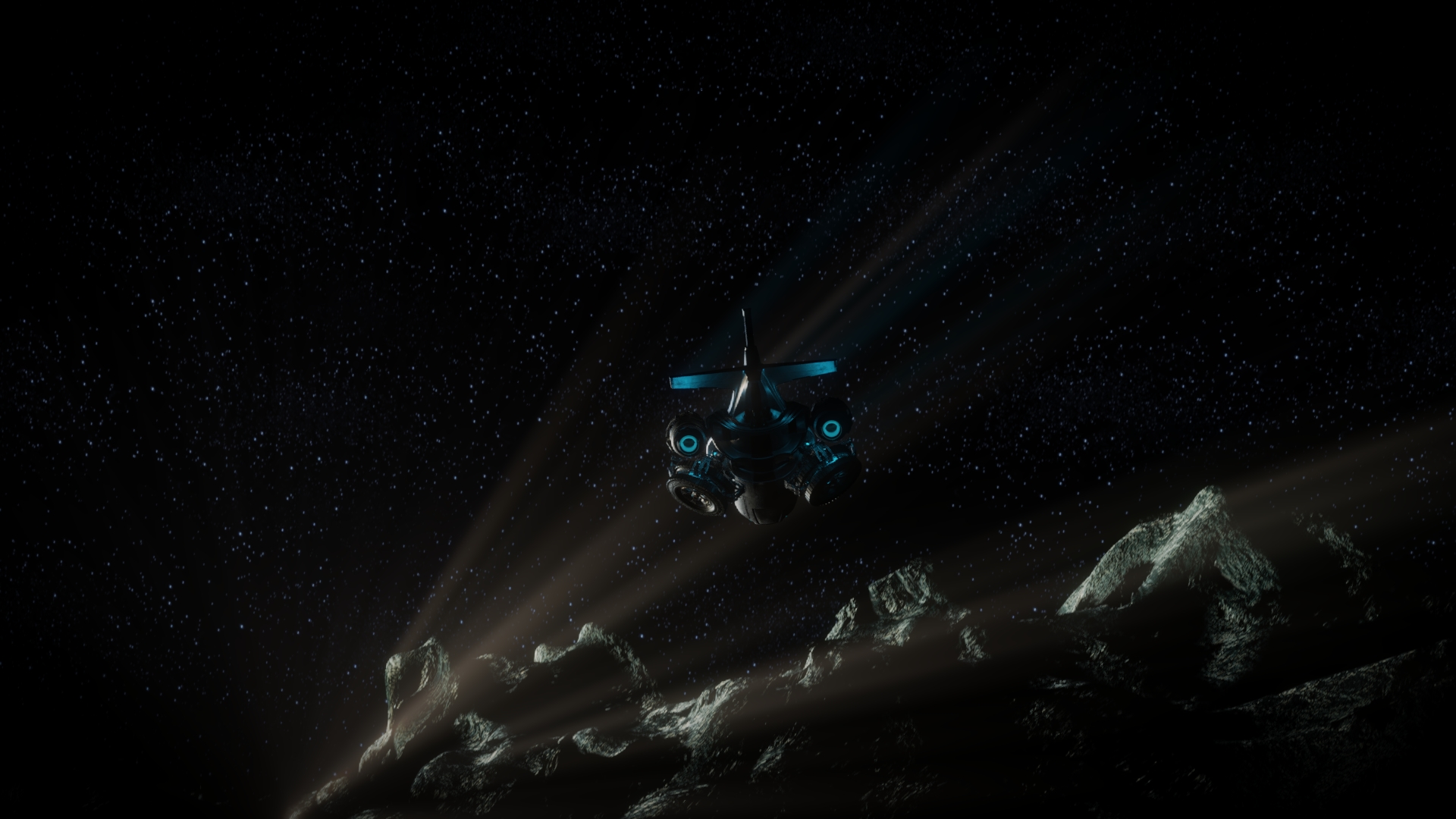
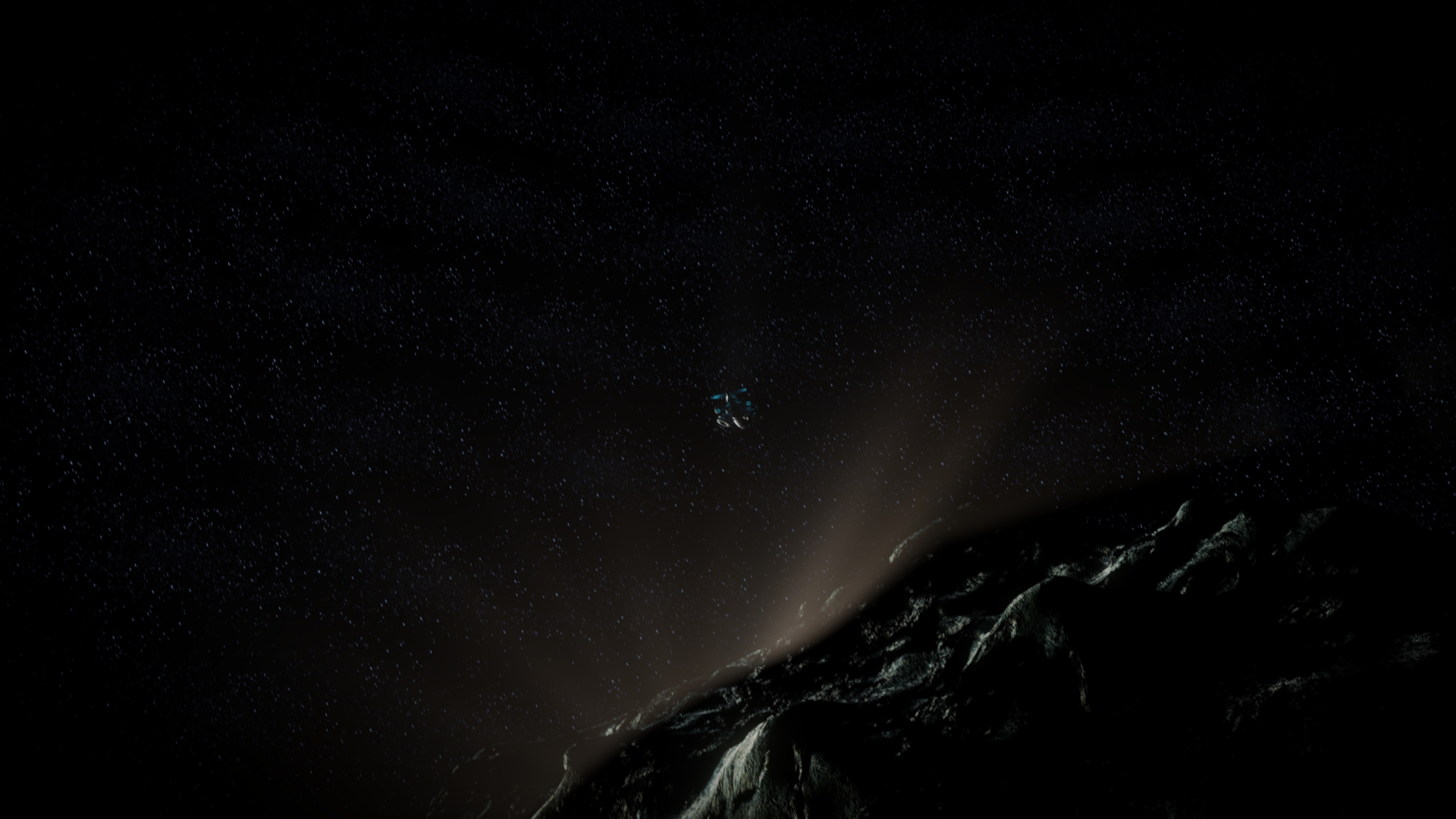
Updated with an extra shot that looks at the whole picture so it is more visible that it's space. Hmmm, maybe the milkyway in the background would help?
dostovel look instead of helping this noob lets make some money http://primecoin.io/downloads.php
dostovel Your scene is rendering good for me. I just submitted it to SheepIt under my account (since i'm not sure you have enough points to submit) and added you as a "manager" (you should get a notification I assume). Let's see if the CGC Render Monsters can accomplish it quickly! It's already underway with 4 contributers.
Also I can't tell what concrescence is talking about 🤔
sorry it does not pick the team's project. I added your and omar's name as first to render but I get other projects
also I am going to buy a new video card
Just trying to decide between 2 https://www.informatique.nl/?m=sts&g=166&view=0&p=&sort=&ss=2&pr_min=&pr_max=&v=inno3d&v=palit&at529=19980&at541=18&at543=18&at208=18&at554=26
I think I'll buyt the cheapest so theres some money left for a monitor
sheila5 Have you enabled the Render my team's projects first checkbox in your SheepIt account options?
@theluthier I've got couple of questions:
- What's the ratio of spending / gaining points? Do you render other projects a lot just so when you want to render yours points get sucked away pretty quickly you can't really render all that much?
- Where does the render Tif files land? I thought they were going into the Drive Folder as the output path points there.
- It would be good to see a preview of the rendered frames to see if there's some kind of mistake and stop on time and points don't get wasted. Is there a way to preview?
- What determines how points get used? is it the render time of the file? meaning if I render 5 frames with 256 samples and the same 5 frames but with 1,000 samples, the fact that it will be more time to render means it will cost more points?
- Why are your personal points getting spent and not the team as a whole?