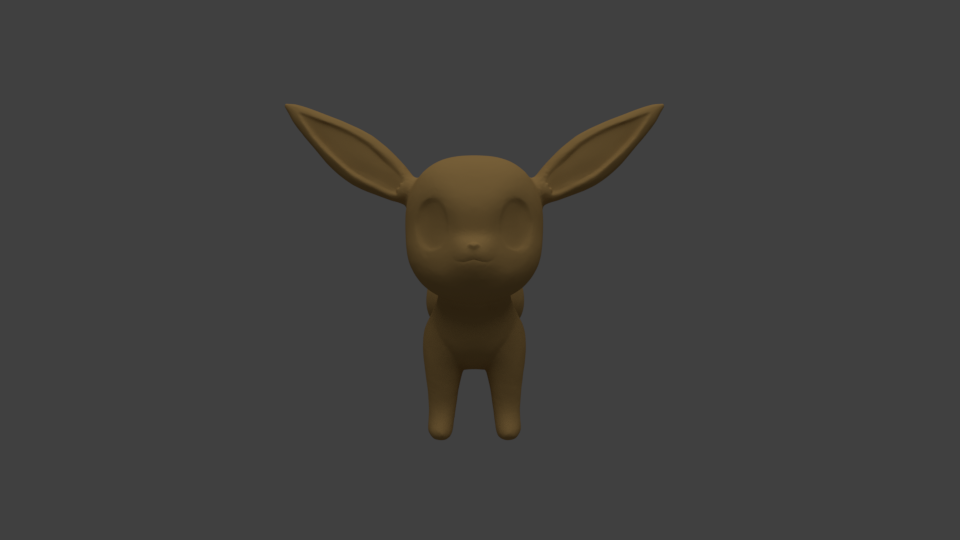
My homework thread for the august 2018 class
Week 1 submission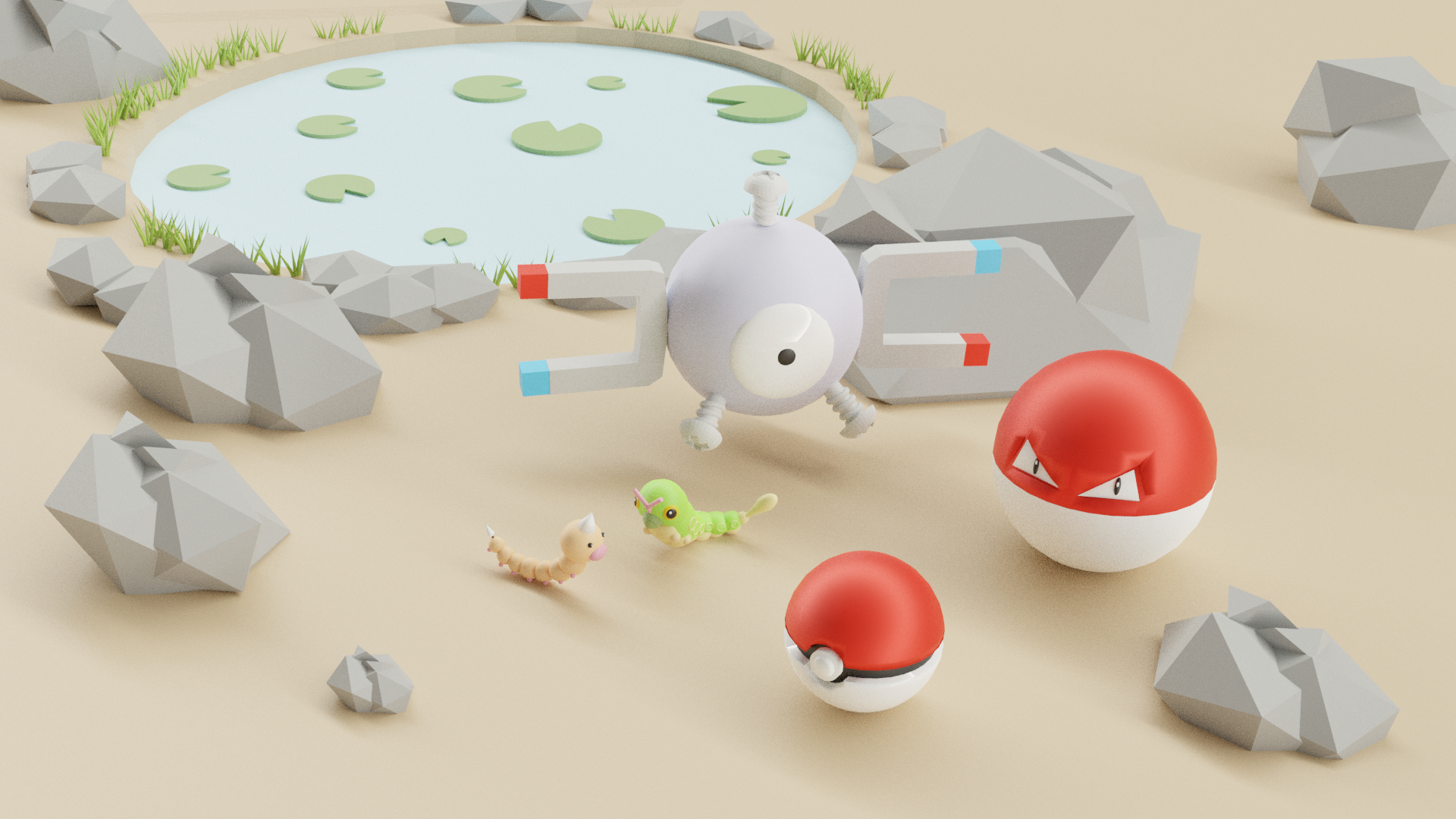
Week 2 submissions
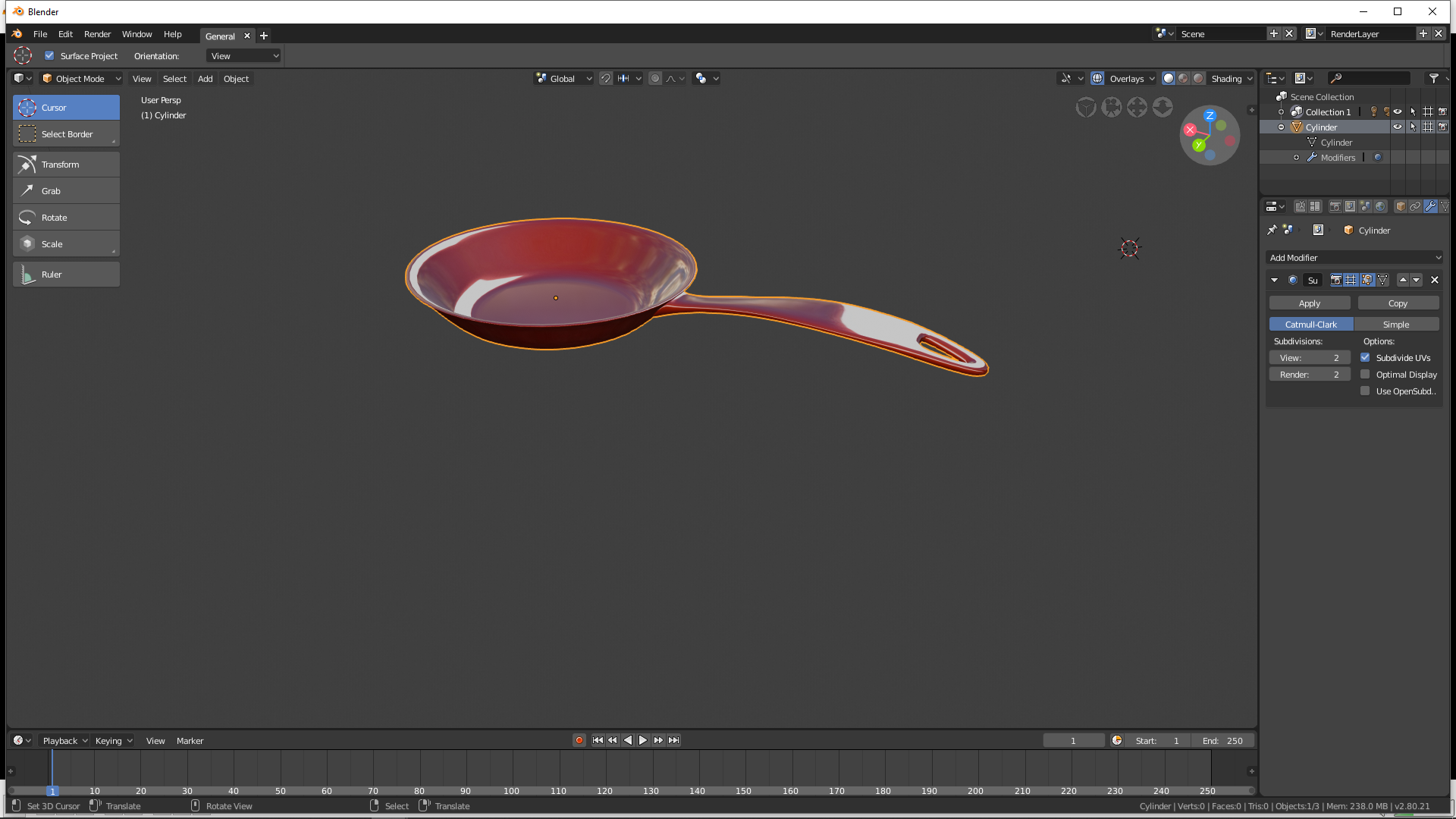
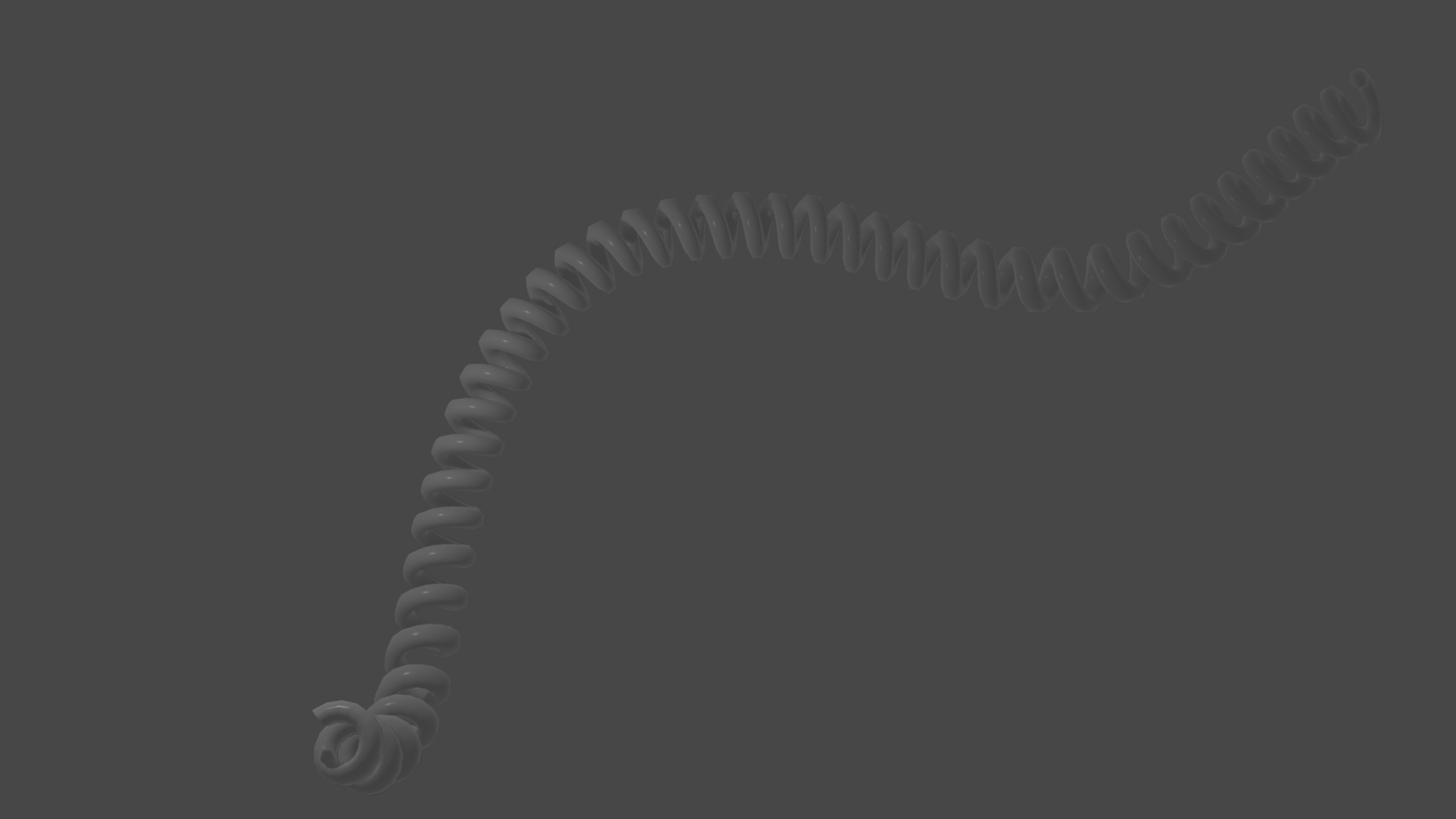
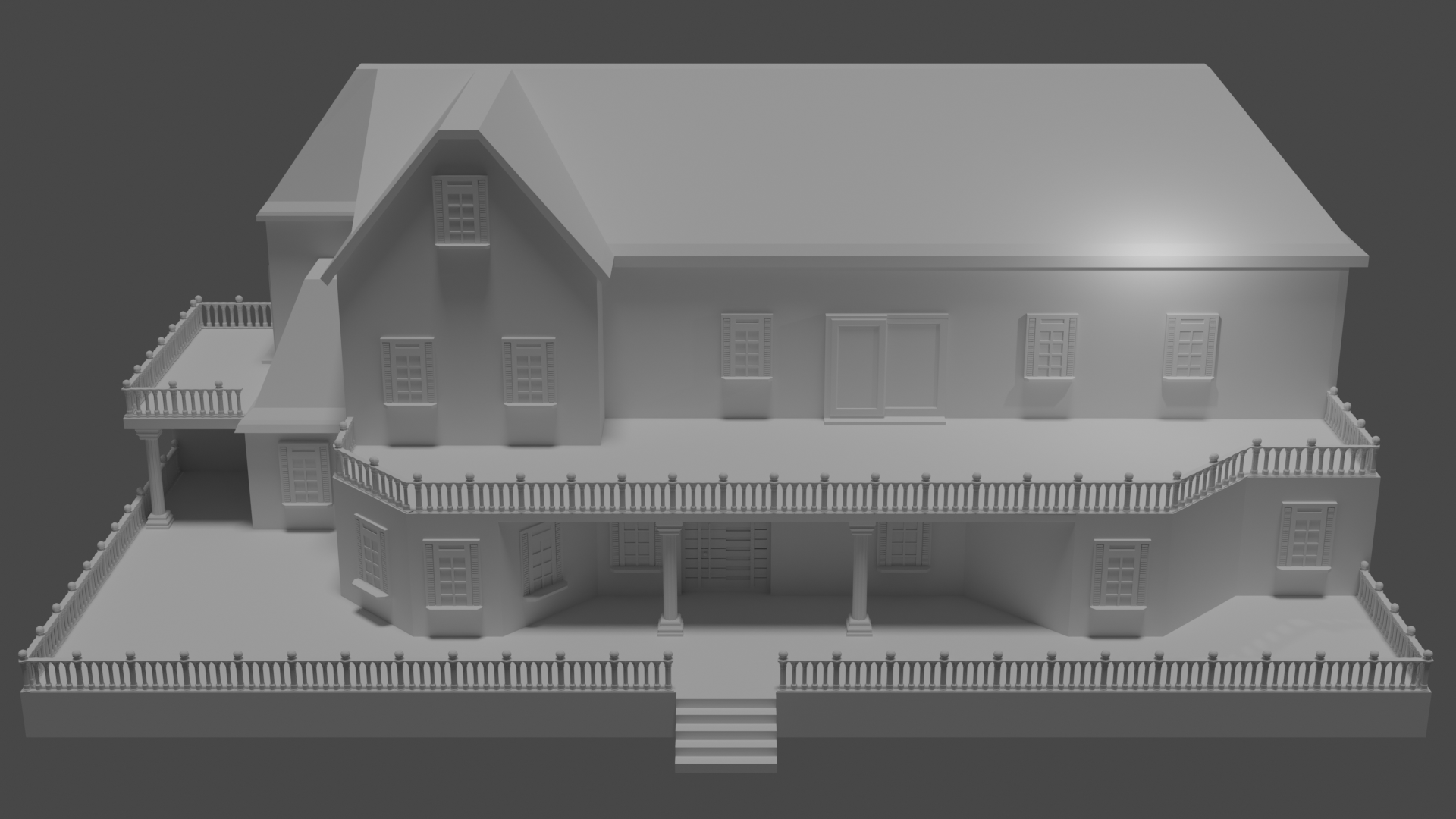
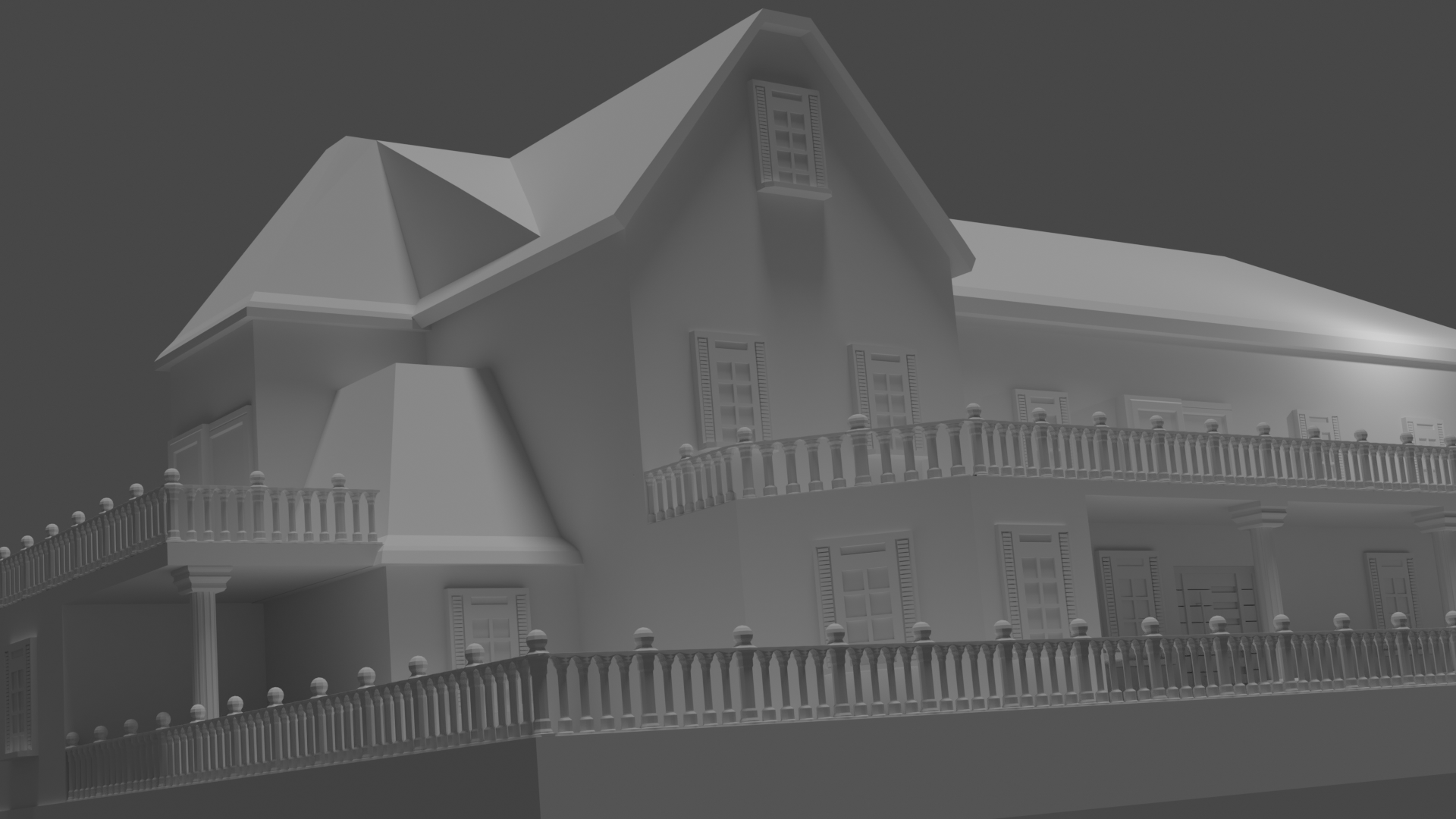
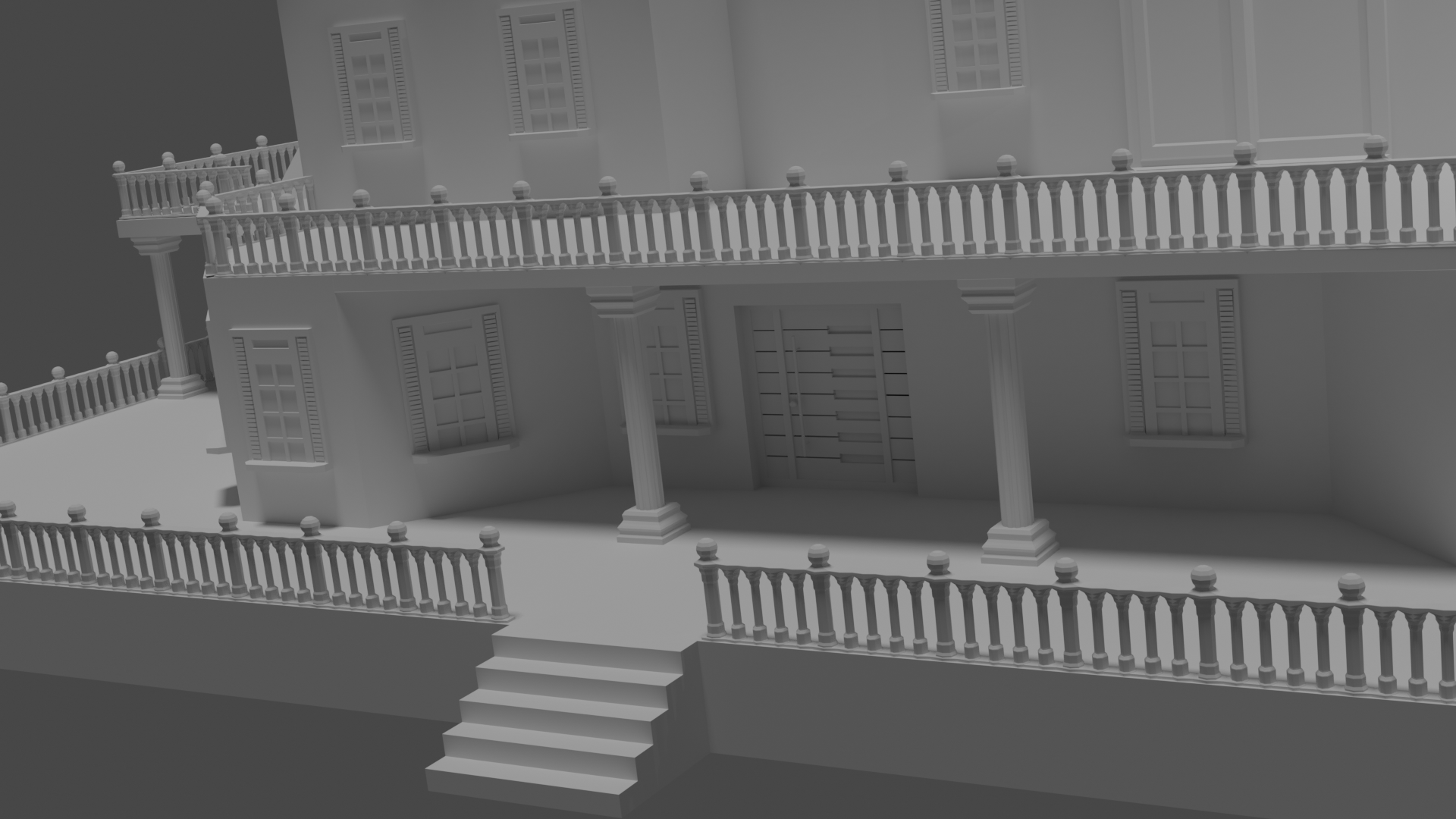
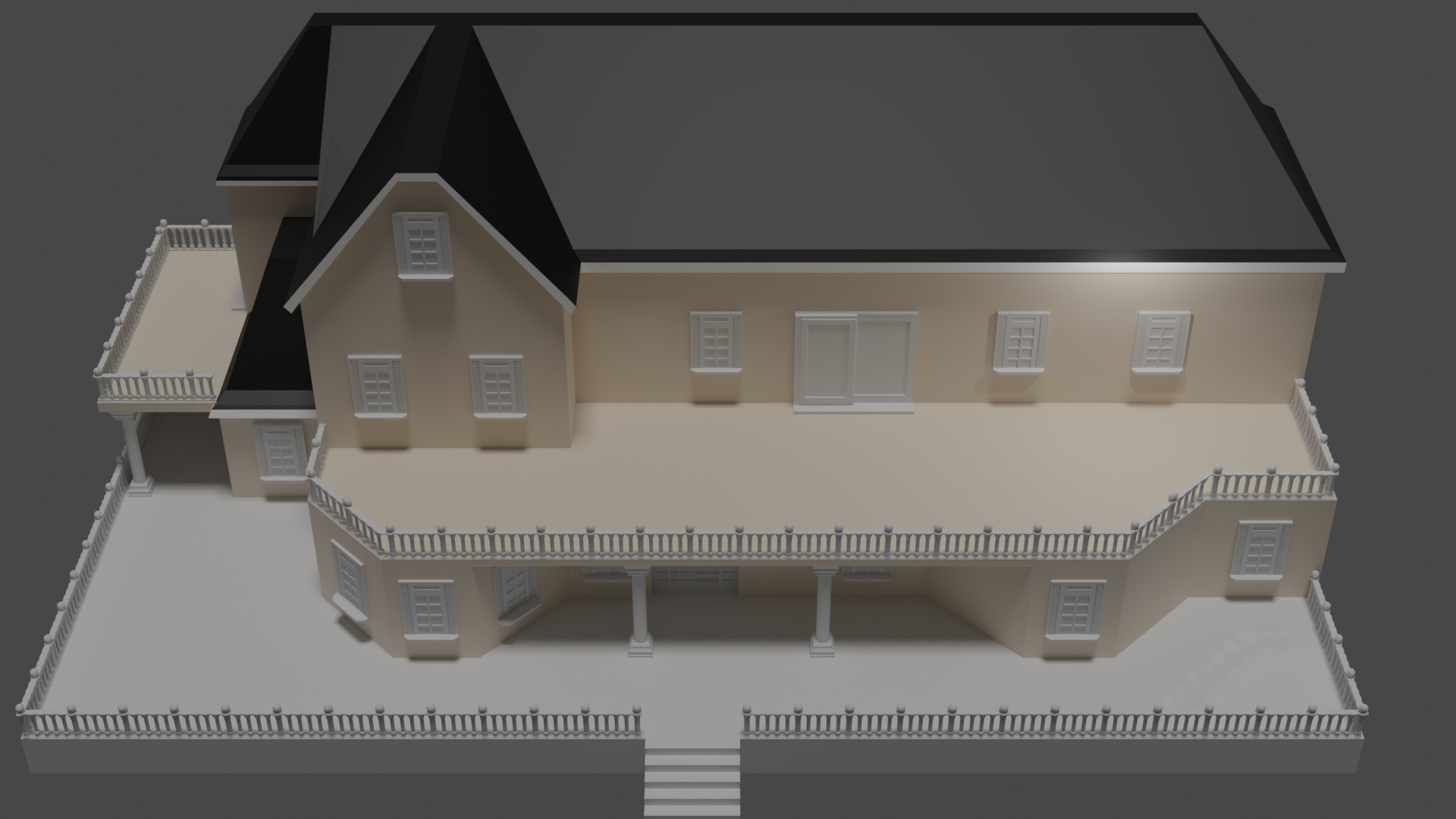
Week 3
melvin: Melvin sculpt
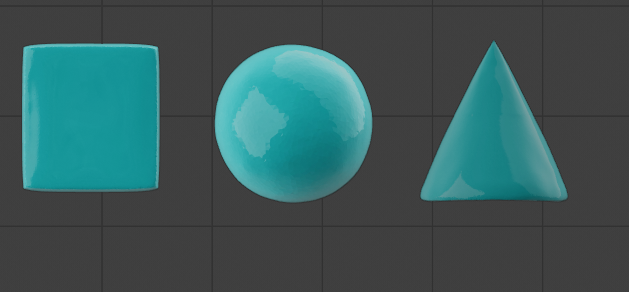
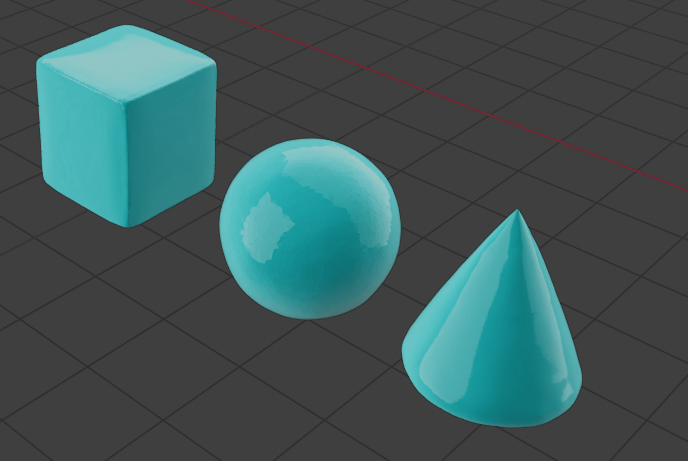
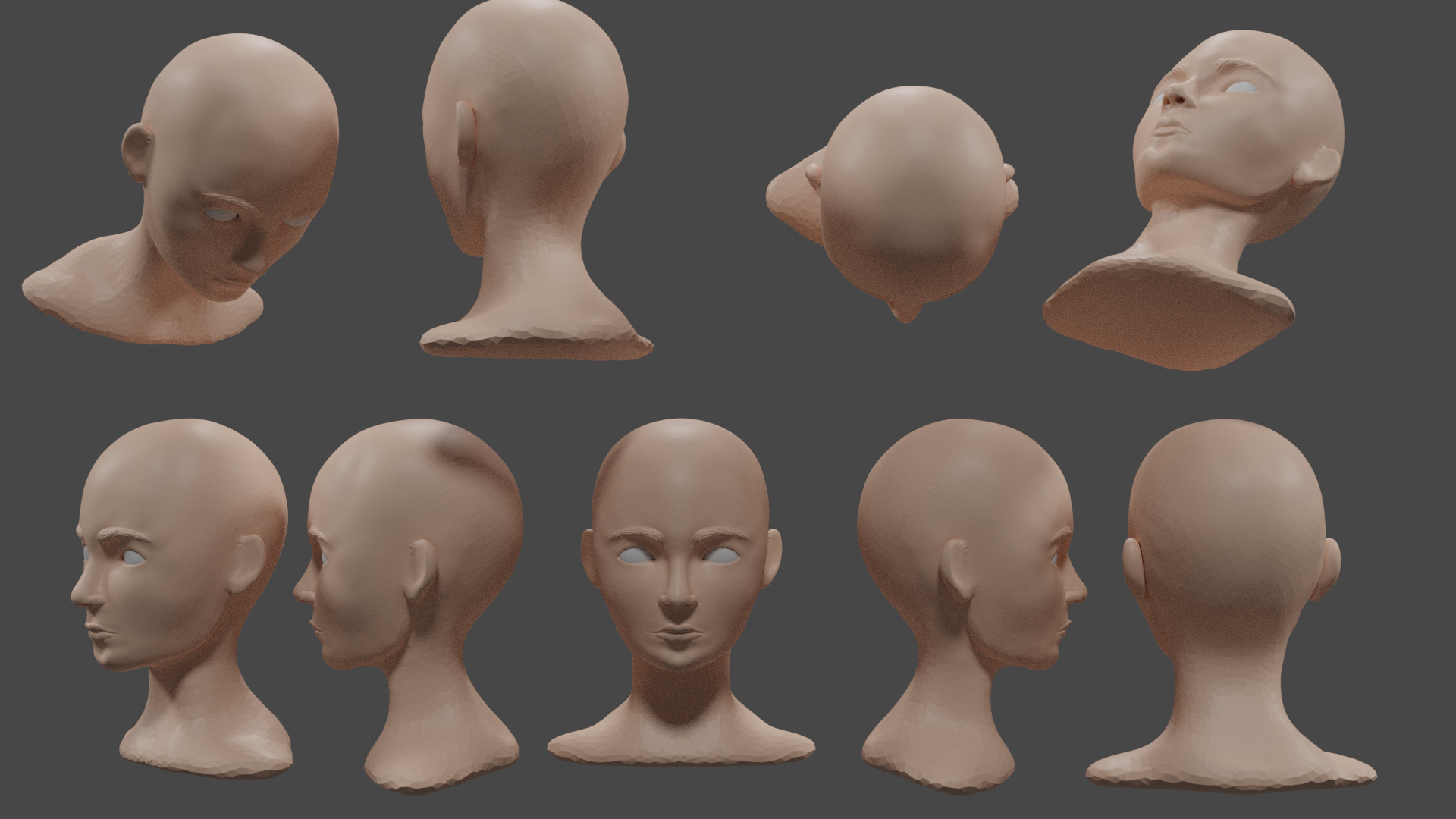
WEEK 4
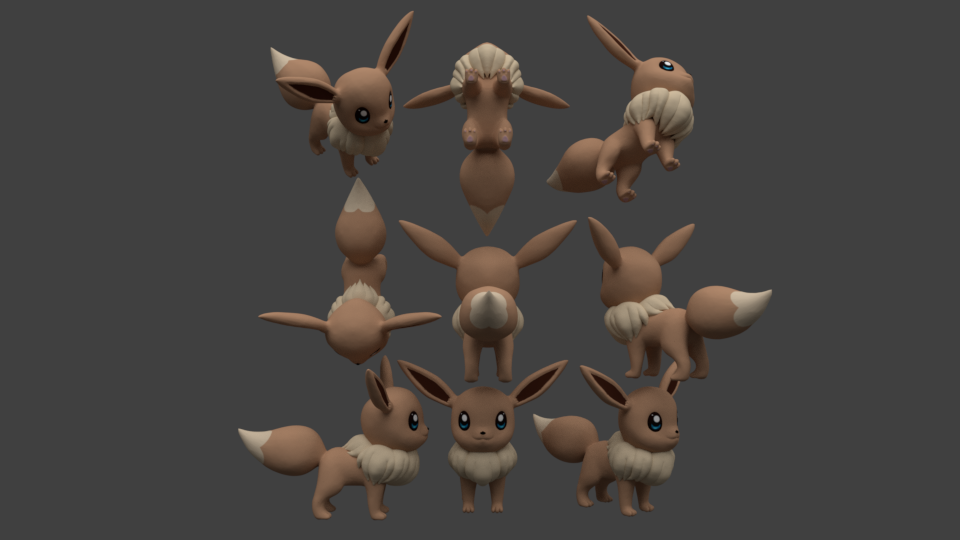


gesture sculpting 34 minutes
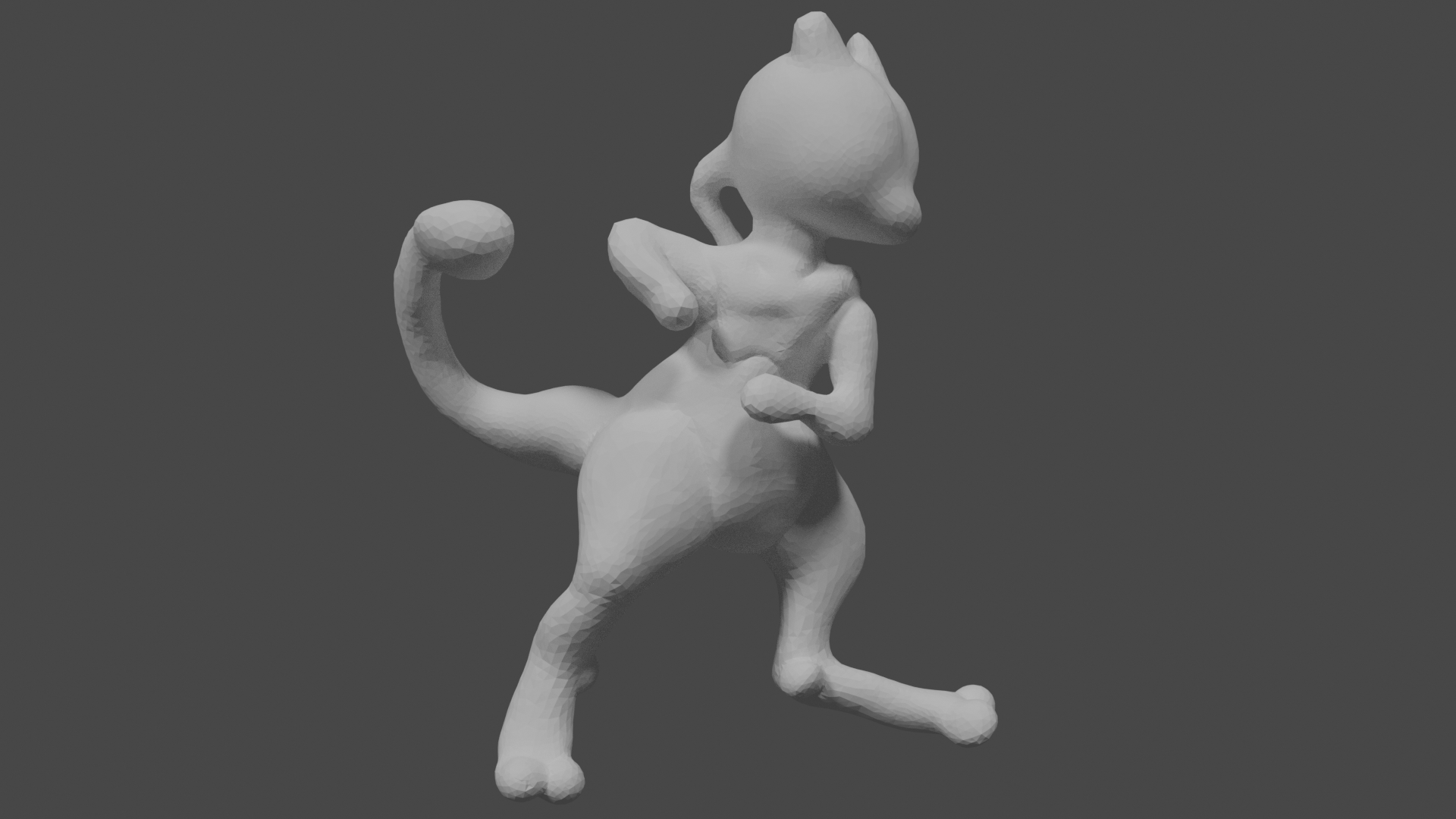
gesture sculpting continue (35 minutes)
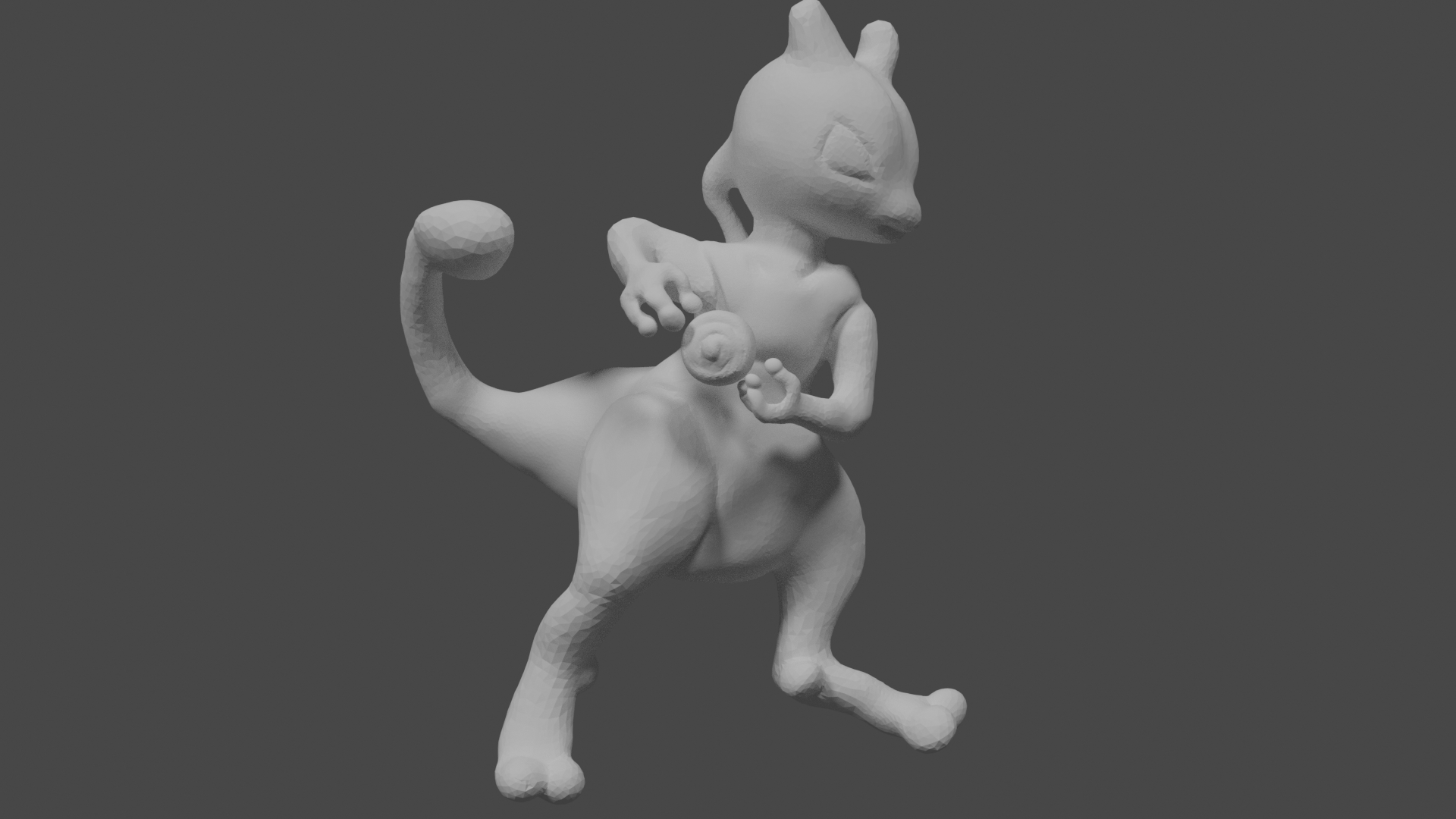
this week i learned to get even more comfortable with sculpting and learned to texture paint. also did i try the gesture and i was surprised to see how far i got in 34 minutes . i never tought i would get him that far. knowing hoe long i strugled with eevee. so i am really happy i joined this community and class . i learned a lot and i am gonna keep continueing.
yyukinoh1989 If a may chime in (feel free to ignore me though 😉) I would choose something challenging, BUT it should also be something you know you can finish on time. Finish the class strong with a piece you will be proud of and which you can show of to your friends and in the gallery.
Set a learning goal, try something new to challenge your skills, and have some fun with it! And it should be something you really like to make, so you keep being motivated throughout the process.
Don't wait to long to choose, so you don't run into trouble with your time! Start today or tommorow, you don't have to wait on the livestream for this assignment.
And then go for it! You got enough talent, I'm looking forward to see what you will make 😊
ssmurfmier1985 that is kinda the issue . i want someting challeging but also someting i could use for a later project . there are 2 main projects one is Pokémon and the other is about summoners and mages. not sure from what i will try someting . first i gonna try to animate pokemons but then again what would be a challeging Pokémon that i would be able to finish in time .
yyukinoh1989 I thought jigglypuff was challenging, but you sculpted your eevee to be almost finished in much less time, and it looks great!
Do you already have a story in mind with certain Pokémon, which Pokémon do you want to use in your first animation?
ssmurfmier1985 eevee is the main character. at least there will be 3 of them . there are a lot of other pokemons involved but in the start it will be the 3 eevee going to an office to start a guild ,but they have to prove them they are worthy by fighting against a venusaur piplup and raichu.
yyukinoh1989 Okay gonna throw a couple of options your way, but you have to choose for yourself of course (or choose something entirely different of course in the end it's up to you):
- focus on your main characters. Finish eevee, duplicate her two more times, but then maybe give each of them some individual element so the look like different 'persons' (different hair style, jewelry, a hat, etc can be anything)
- make the office where they would go to
- choose one of the three enemies and sculpt them, if you have time left you could sculpt the next one and then the next one (or finish eevee when you have little time left)
- combine any of these options if you have too much time on your hands
- you could also sculpt/finish one character, or model the office, and in addition to that start coloring them or even hand painting (in the beginner learning flow there are some useful courses for this), but the main object of this assignment is modeling so make sure that part is good and finished first!
Hope this helps you on your way, and feel free to put these suggestions beside you and do something entirely different! 😊
ssmurfmier1985 Thank you so much . question for animation i have to sculp in a basic pose right or does that not matter. want to sculp them so that after class i can continue with the eevee's
yyukinoh1989 I haven't done animation yet, but from what I know I believe the best pose is a neutral one. You have to do retopo after sculpting, and then make a rig (bone structure) which can be used to move the character. You can learn more about riggin in the Fundamentals of Rigging course. With the rig you can move you're character in any pose you want 😊
ssmurfmier1985 awesome. gonna check that out after class . gonna continue tomorrow onto eevee . i have some trouble with the furaround the neck but i believe it will work out of i keep trying

yyukinoh1989 Yes, because of how rigging works, you'll want to retopo the sculpt in a neutral, add in the rig, then skin the character, add animation controllers, and then you're read to animate.
Skinning is when you assign sections of the mesh that will be influenced by the rig. Rigging and skinning go hand in hand because one cannot function without the other. It will take a lot of trial and error to get good skinning, so you should test the deformations as you are skinning. Don't worry too much about that until you get there. You want a neutral pose because as you move the rig, it'll deform the mesh which in turn can deform your textures in weird ways if you don't know how to compensate.
yyukinoh1989 looking forward to seeing eevee evolve! (Not evolution into another Pokémon of course, you know what I mean 😉)
Maybe you can post a WIP screenshot here of how far you are right now? Than we can follow your progress from there 😬 Don't remember exactly how far it is now would love to see it 😊
silentheart00 wow guess i still will have a long wayto go .but it seems fun. that simba and oscar and mufasa trough . hope mine will be a lot better .
ssmurfmier1985 hey thanks. i will post it when i get home . really wonder how far i will be able to get this week.
yyukinoh1989 Yeah, it's a long process for one person, but it's worth trying everything so you understand the pain process others go through. And if you really like one thing, you can specialize in that and hopefully get paid for it, too.
silentheart00 That sure is true trough i wonder. if you have like a few characters set up correctly is it possible to make some animation film with it alone or do you really need a group of several persons ?
ssmurfmier1985
hey i have some problem (since i am not used to work in 2.79 i dont know what the problem is nor fix it)
when i try to render someting strange is happening . no mather how close or far my camera is the result stay the same .
this is the latest file of my eevee project.
eevee blend file
i really hope someone can help to figure out what the problem is .
yyukinoh1989 You can totally do it all on your own. It's going to take some time and a lot of hard work, but you can totally do it.
silentheart00 That is awesome to hear. with more people ,things will be faster and easier but i am glad to hear its possible to do it all alone too. question do you perhaps know what is wrong with my blender file ? i cannot take a render anymore. it looks really strange. the file is posted in the previous text
yyukinoh1989 I've seen the problem you're talking about in my own fiddling, but I have no idea what causes it. Try selecting the camera, then go to View->Cameras->Set Active Object as Camera and if that works. If not, then delete the camera, add a new one, and Set Active again.
silentheart00 hey thanx i didnt finded it at first but after going into spacebar and type the function of worked