
My homework thread for the august 2018 class
Week 1 submission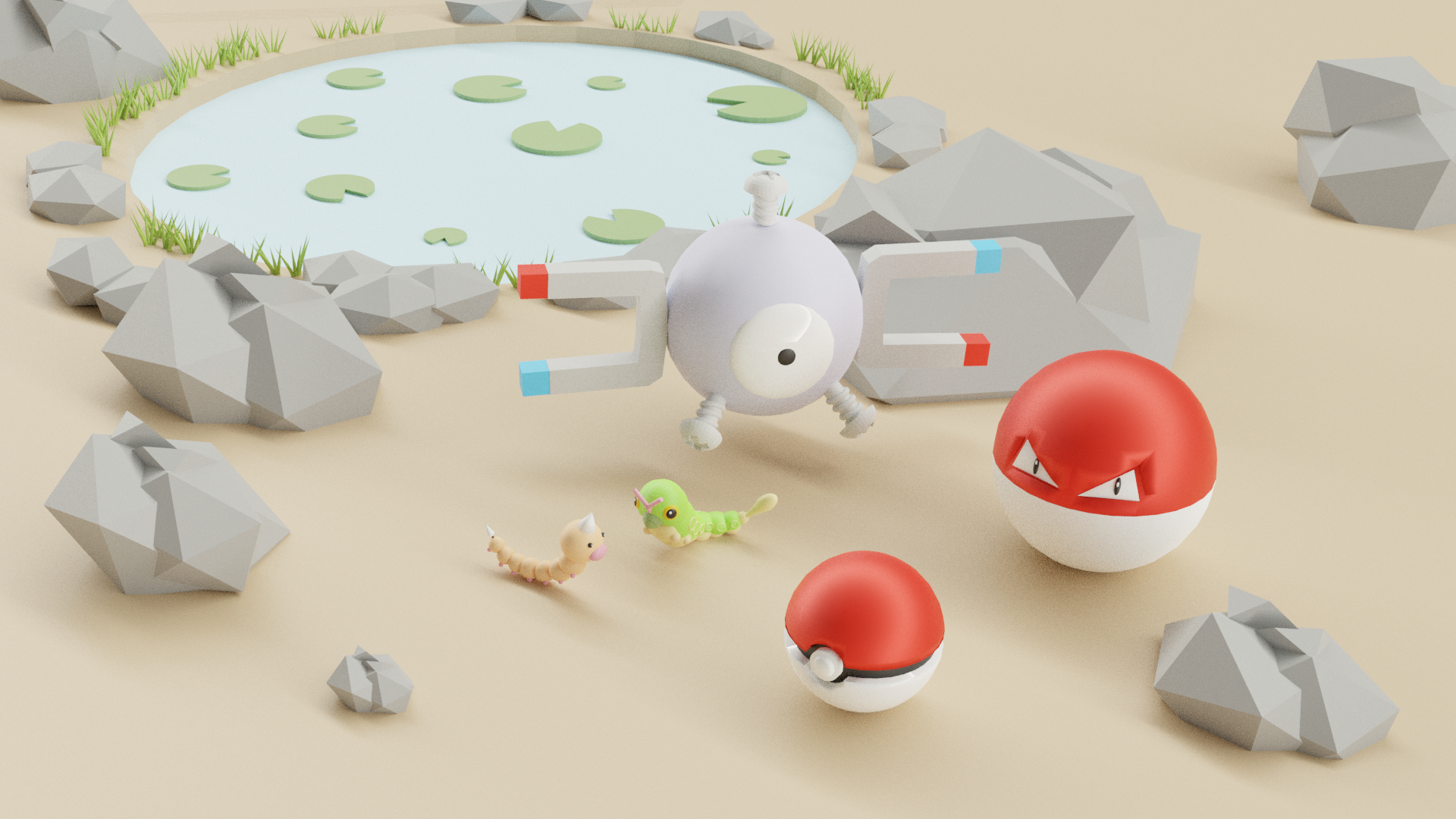
Week 2 submissions
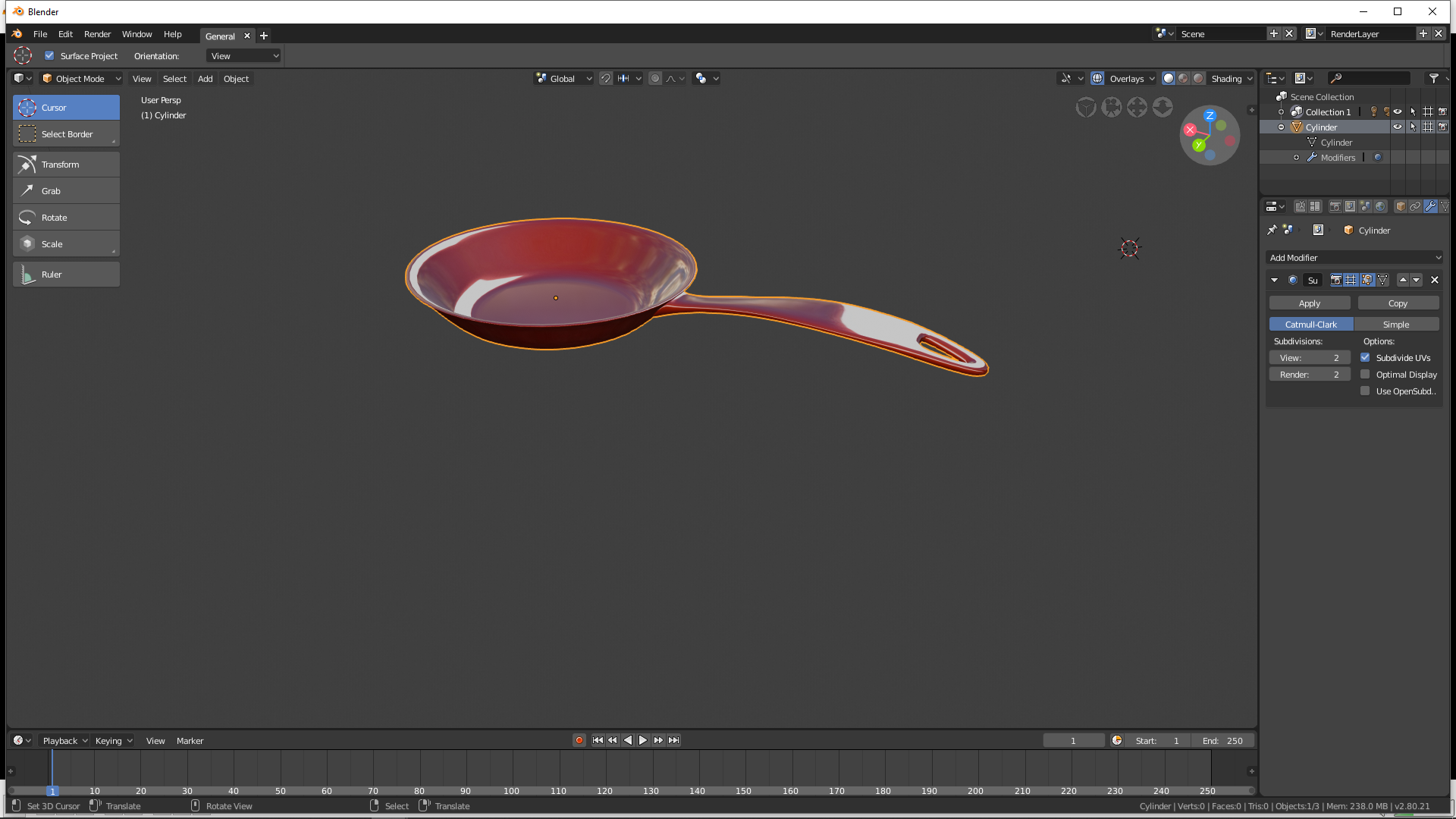
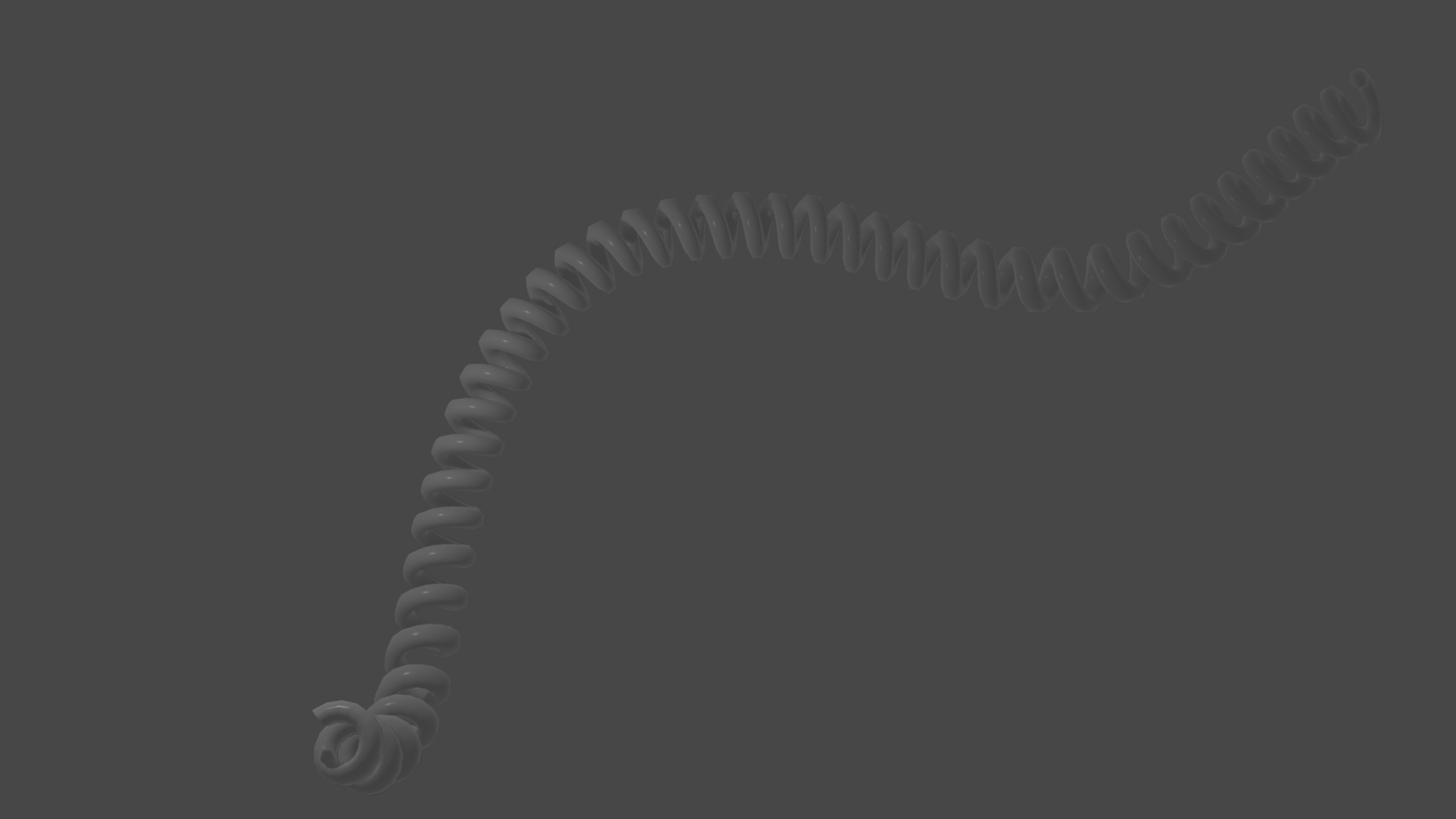
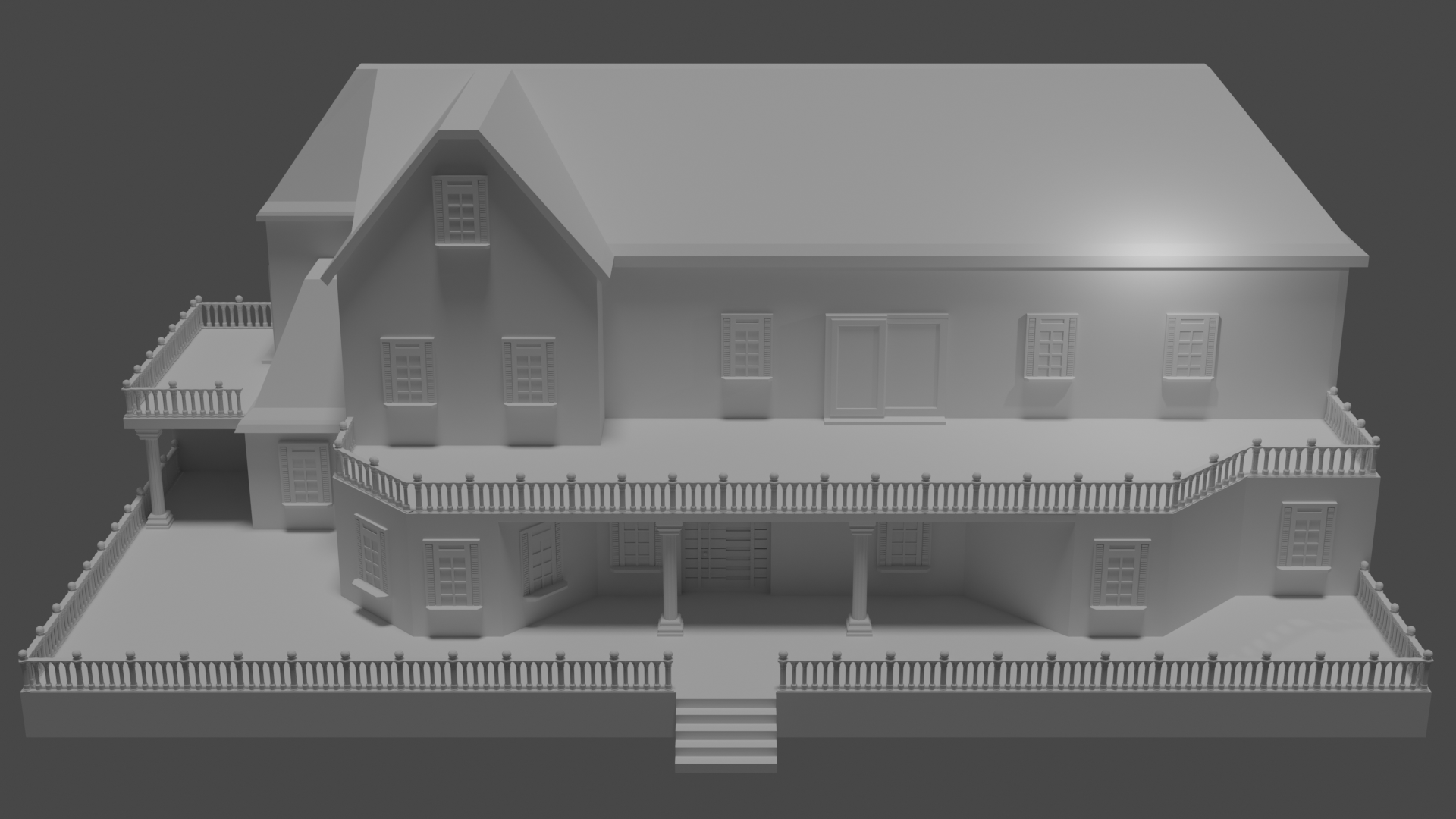
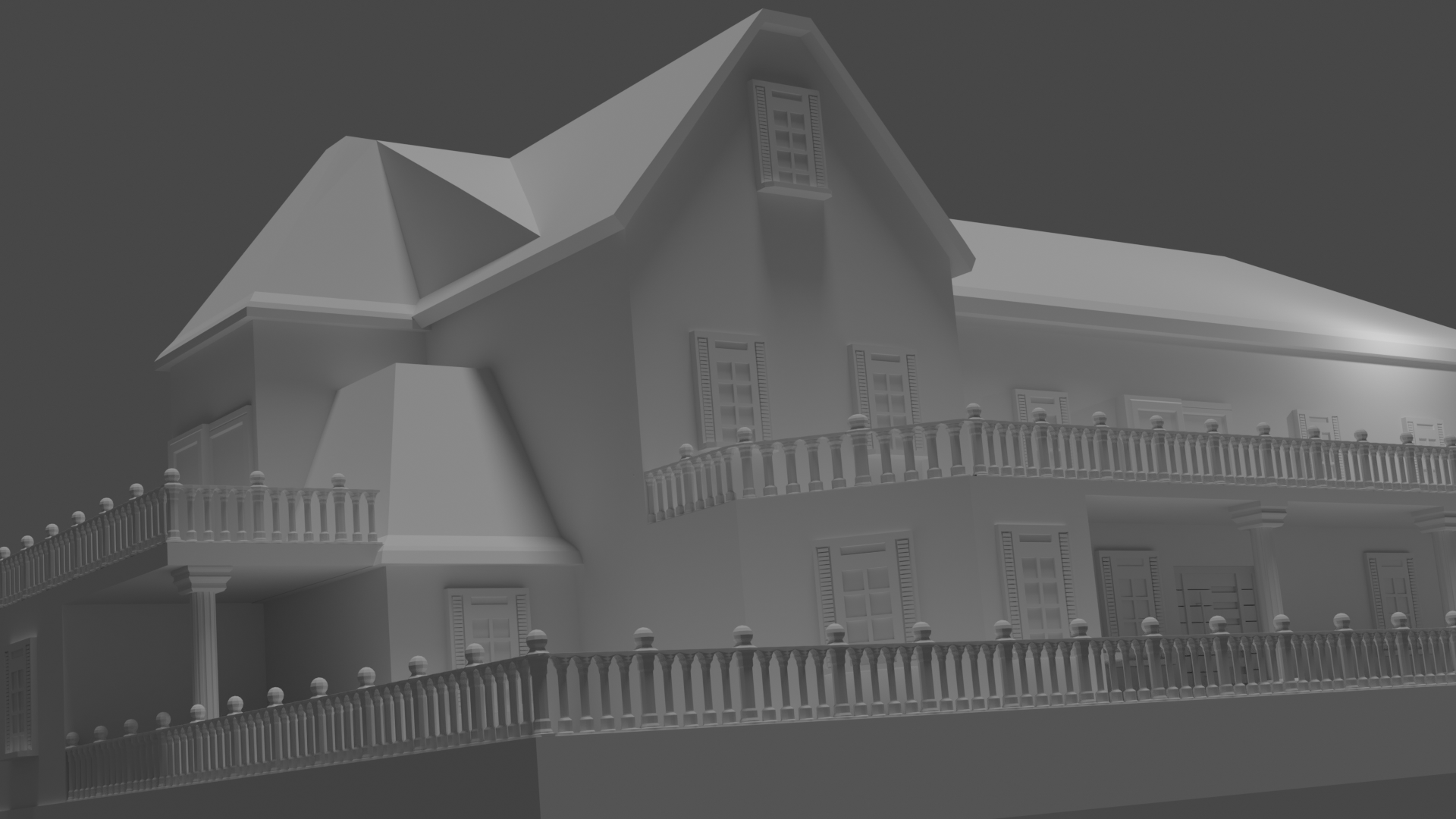
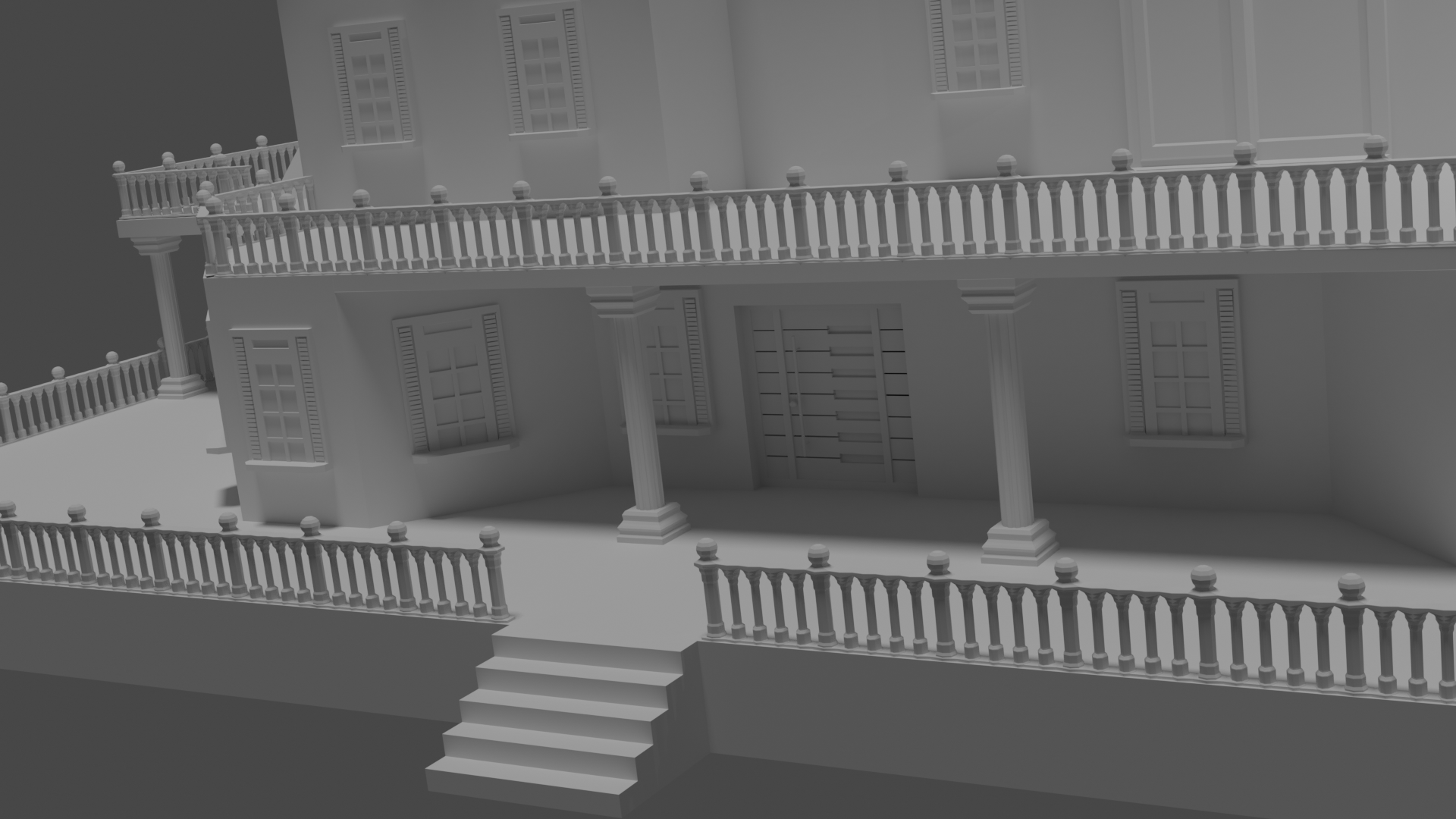
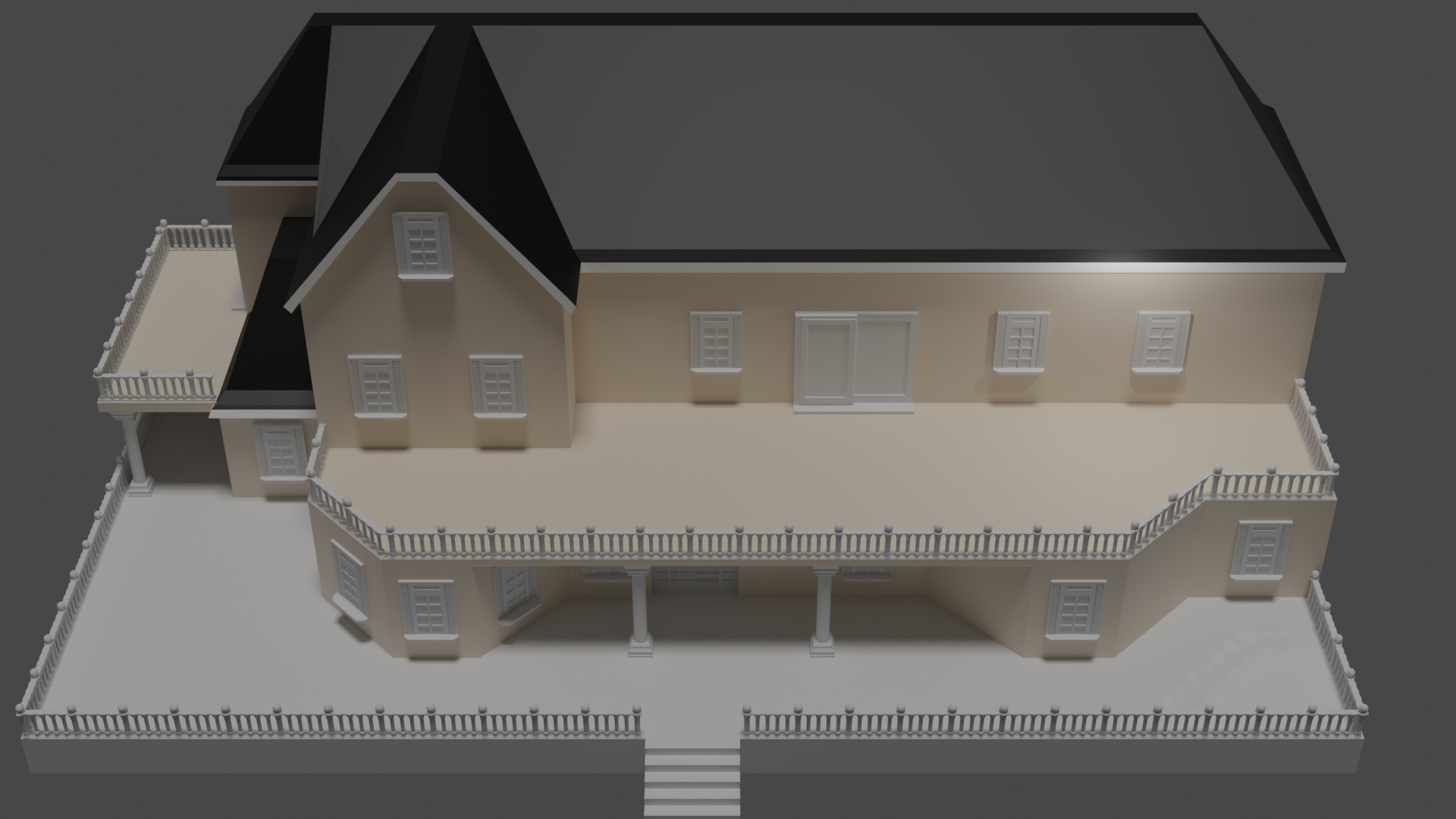
Week 3
melvin: Melvin sculpt
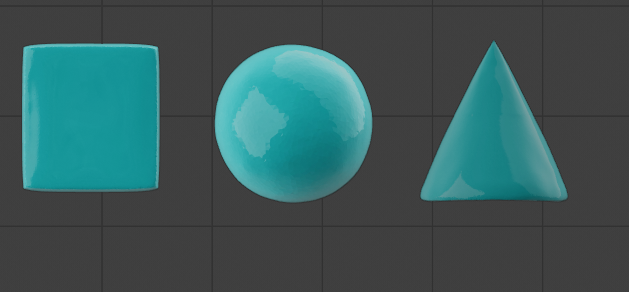
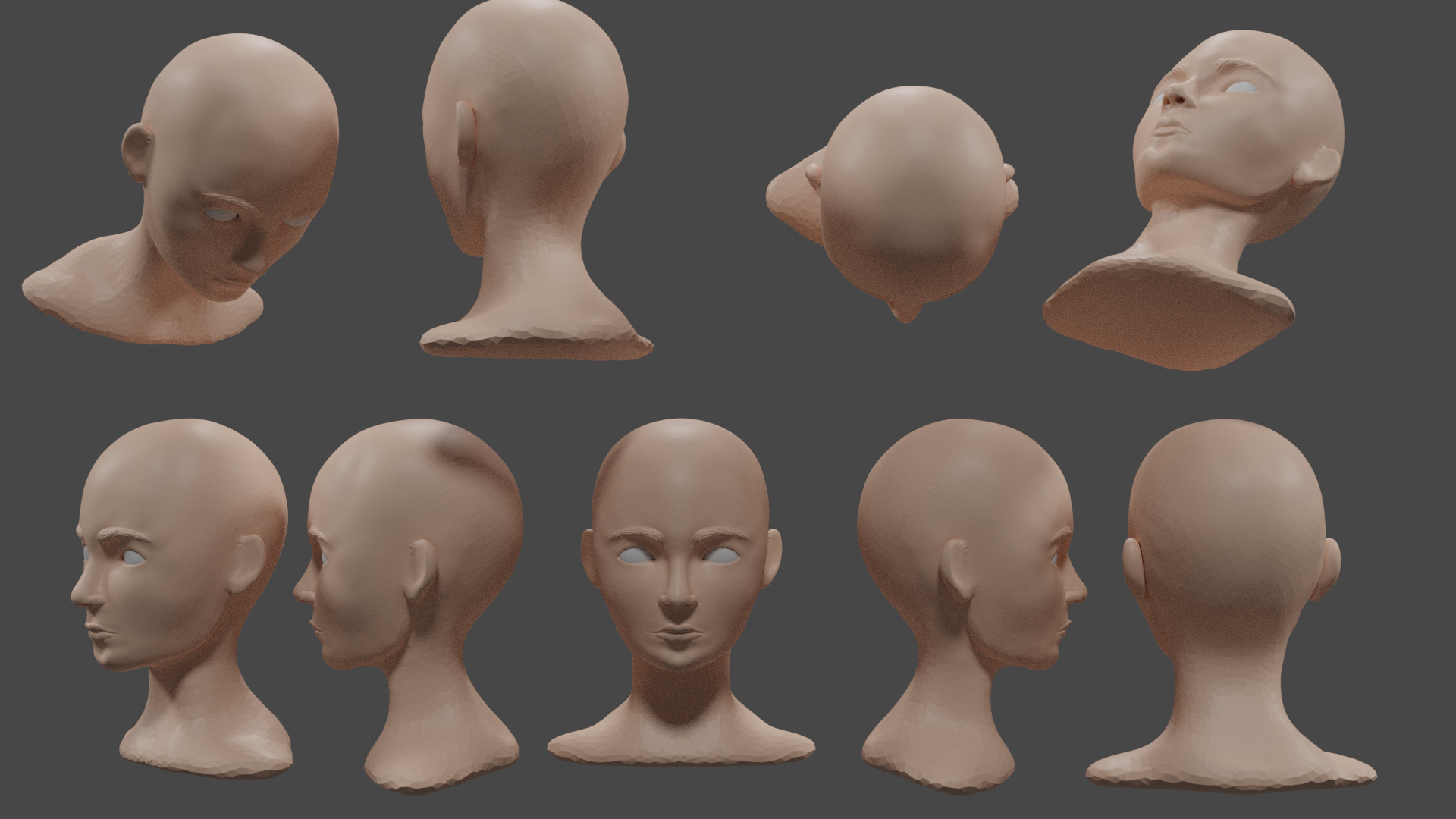
WEEK 4
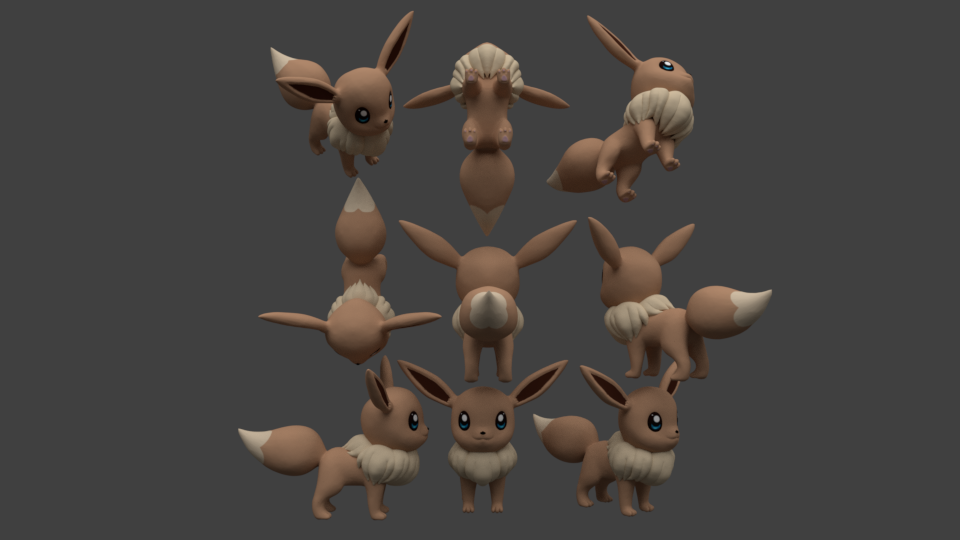


gesture sculpting 34 minutes
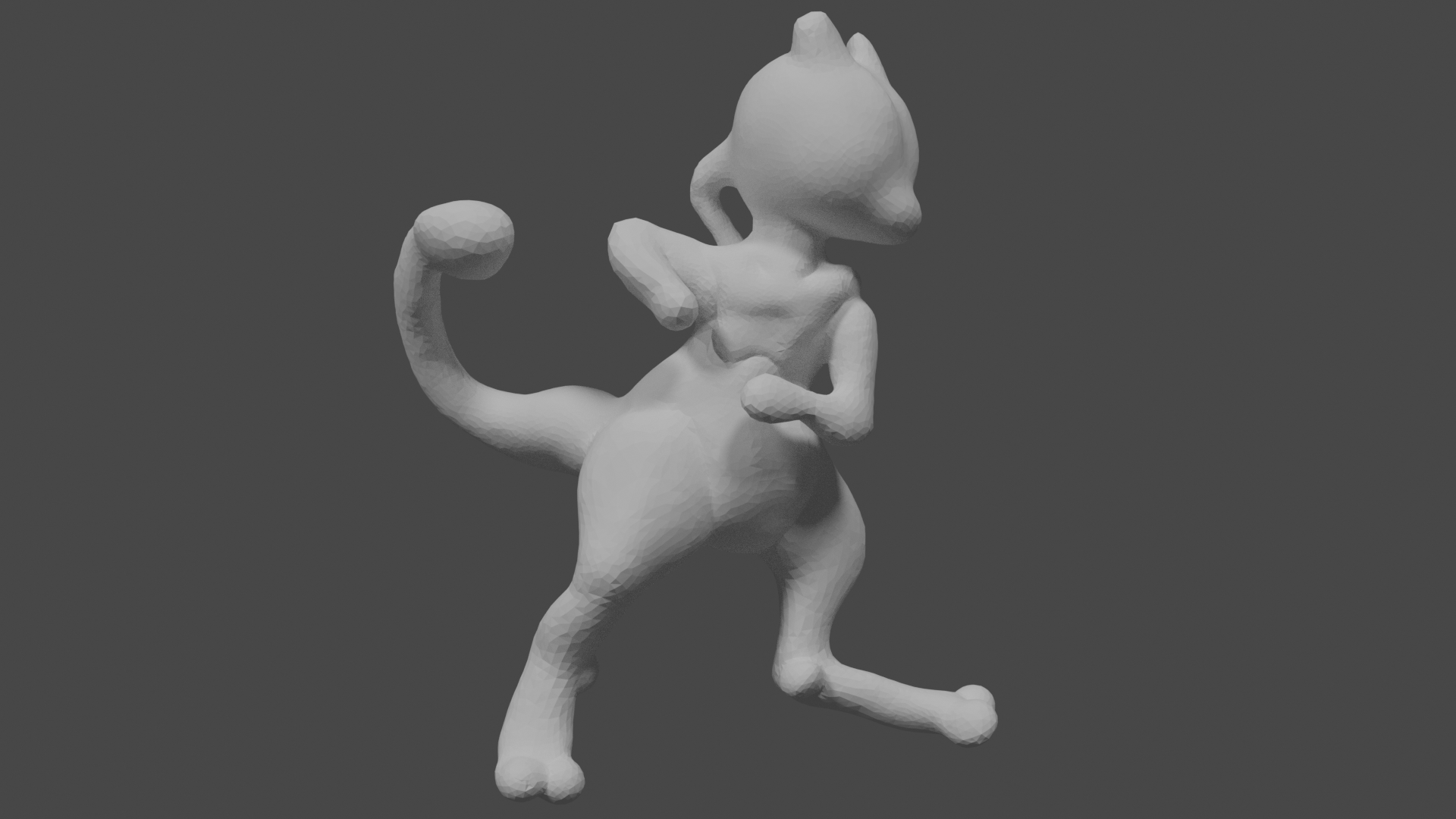
gesture sculpting continue (35 minutes)
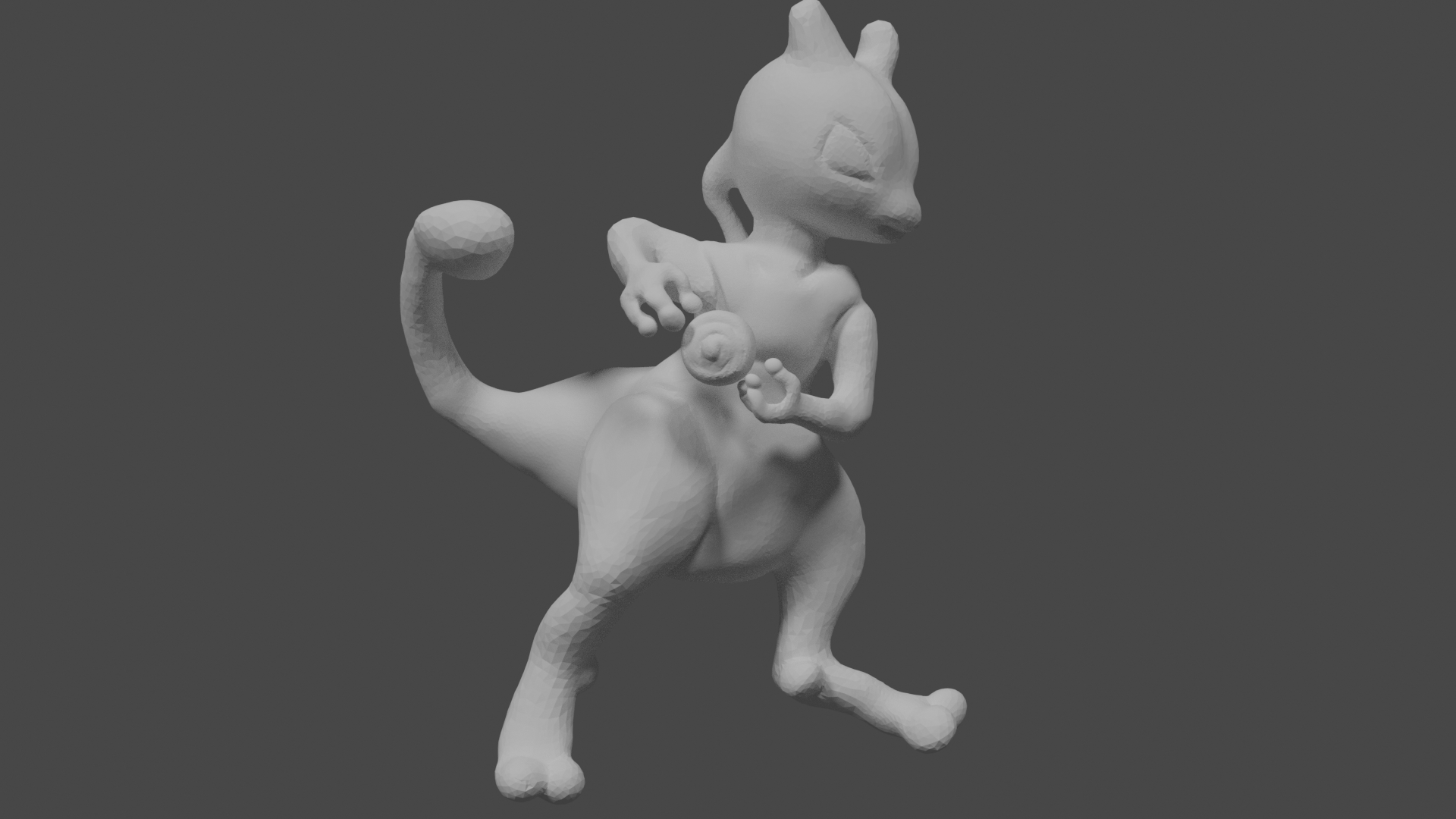
this week i learned to get even more comfortable with sculpting and learned to texture paint. also did i try the gesture and i was surprised to see how far i got in 34 minutes . i never tought i would get him that far. knowing hoe long i strugled with eevee. so i am really happy i joined this community and class . i learned a lot and i am gonna keep continueing.
 silentheart00 Thank you so much its fixed :D glad i can finally continue . been looking all day to get it back
 csehz Sorry for the bad english. with cautious style do you mean i am taking someting too easy and better should try someting harder or how you mean it.? Still have to learn better english xD
New update on the fur . gonna call it a day after class :)
let me know if someting about the fur or body is not right. i only have to add the eyes and put details in paws, then collor . 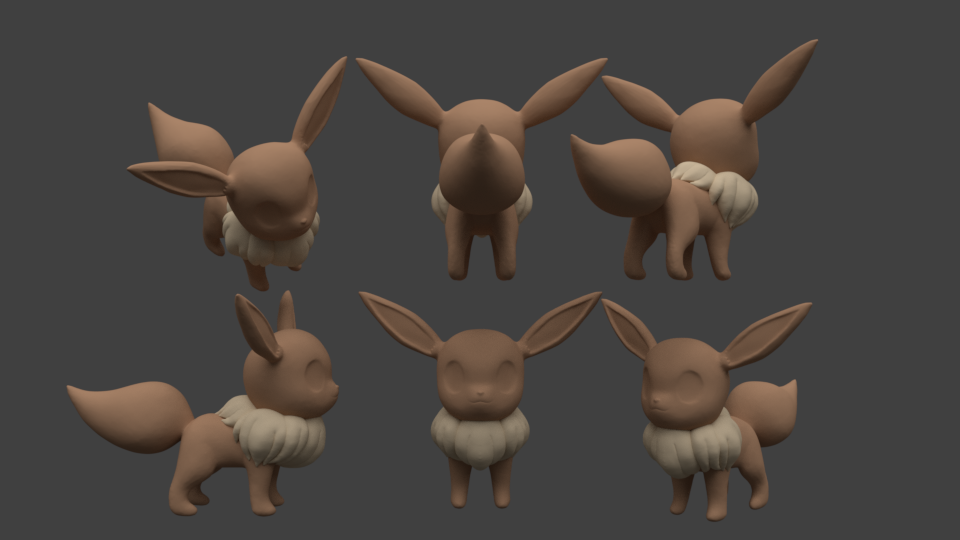
@theluthier
This is the reminder :) for the critique .
Maybe handy to show the blend file so you know what reference i used. (also maybe better to check it out )
ssmurfmier1985 yay that is good to hear gonna hey to finish her today. hope i make it
yyukinoh1989 Yukino I just meant with cautious that you seem sculpting carefully, not changing in big ratios and producing very smooth results. So definitely in positive term :-)
csehz ok thanx . didnt really understand. tought i took someting too easy. trough it was not as easy as i tought but turner out pretty well so far
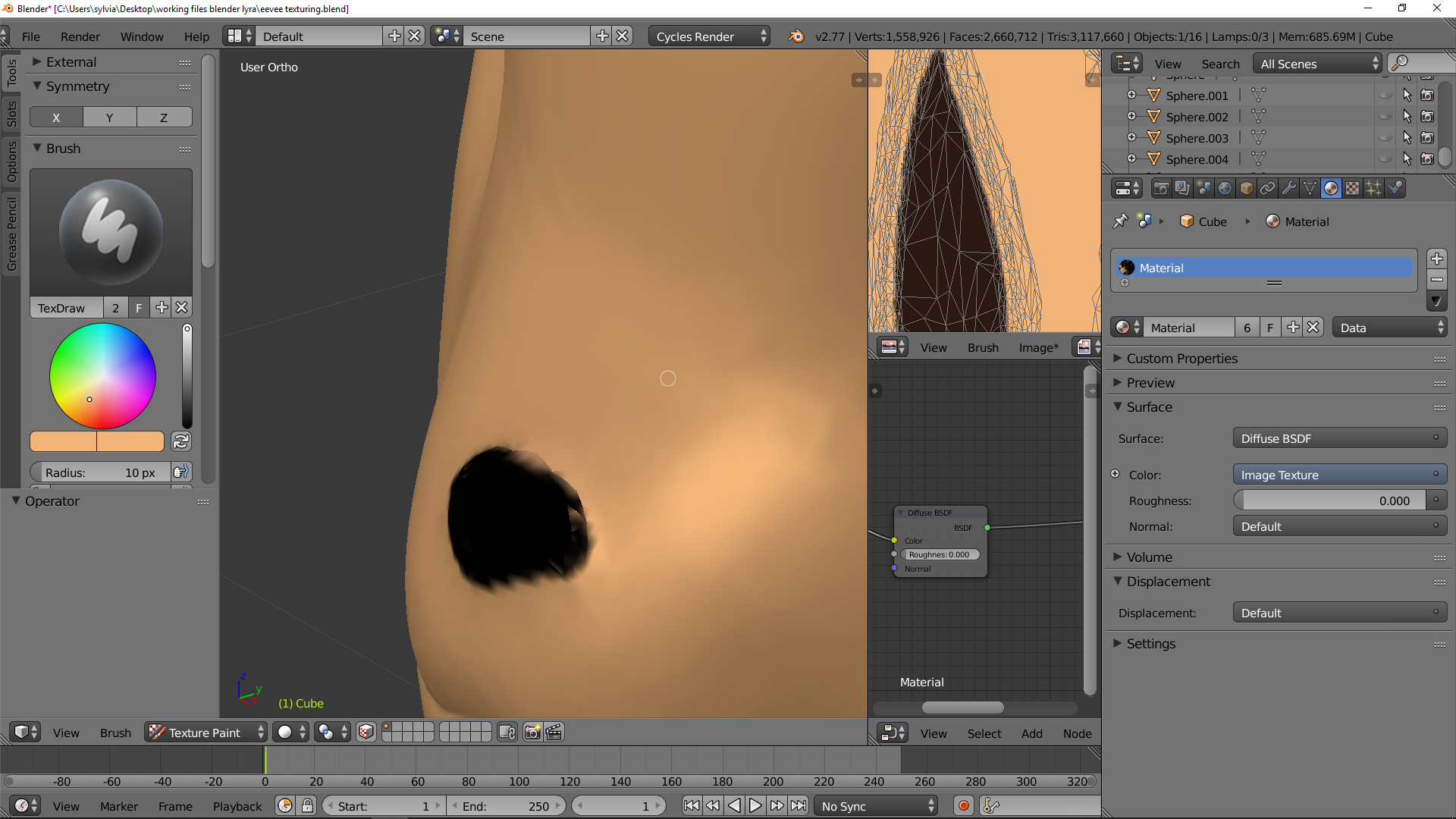
Hey guys i have been trying today to learn a bit more about colloring (texture painting) . i like the way but at first i didnt really understand about the uv's and node editor but then i got it worked. the collorring way is really fun but i have some problems.
in the picture you see that some triangles arent getting the collor good . no mather how many times i go over or how big the brush or how hard the pressure its not changing. so i hope someone can help me and explain what is wrong with my colloring
yyukinoh1989 I haven't ventured down texturing as much as I should, so I don't know what the problem is. I'd be interested to know, too.
yyukinoh1989 I'm afraid I am not much of a help here either , this is an area where my knowledge is almost non existing.. very curious about the answer too though.
silentheart00 ssmurfmier1985
Thanx both to take a peak . hope someone can help . maybe @theluthier would know more what the cause is ?
also some update to what i have. still now finished but i hope it somehow already start to look good. 
yyukinoh1989 Looks really good! The colored point of its tail improved the look of it a lot 😊
ssmurfmier1985 Thank you trough i cant detail the model perfect because of the problem that i mentioned above with the nose(have that at several places) that texturing on the tail took a bit of time . but most of the time went to learning more about texturing. and still when i tryed i was like what am i doing no Uv's and missing nodes how i get them here . The uv looks extreamly rare and complicated xD good i dont need to paint on that since that would be impossible .
for people who would like to try help solve the problem above this is the file .
eevee.blend
not sure if you need the texture png too but here it is (i noticed the second time i had to save and load the image again. (first time i lost the texturing T_T) )

yyukinoh1989 I'm not expert but if I remember correctly this is sometimes caused by either the resolution of the image texture being too low or the UV islands being too far apart. Maybe try rearranging your image texture a bit? Assuming that you're trying to paint on two islands at once that is.
Actually (didn't want to delete what I wrote because it may be helpful to others) is your model consisting exclusively of triangles? If so I'm assuming you haven't retopologized it, and in that case that could be the cause (again though, not an expert, but retopo-ing your sculpts is usually good practice anyways).
thecabbagedetective hey thanx with rearange how i do that? it are indeed triangles. i sculpted it first and then painted
guess i made things worser. tryed to recollor again after sculpting again but it became far worse. gonna redo tomorrow the eyes and finish the eevee. really have to learn more about the colloring after class
yyukinoh1989 You can simply click on and move around the verts as you would the mesh itself, at least in 2.79.

yyukinoh1989 Ahh I'm sorry I missed your question. I've got so many notifications, things are falling through the cracks.
I appreciate the .blend files but I can't see any textures unless you pack them with the file. My guess is that your texture resolution is low and causing blurring around the nose? What is the resolution of your texture?
Aside from the texture artifacts, Eevee still looks great. No critique honestly. Just excited to see how the texture turns out!
@theluthier how do i adjust the resolution of the texturen? it happens right away when i pain. like when i paint the inside of the ear then somehow there start to get Brown spots outsider the inner ear