
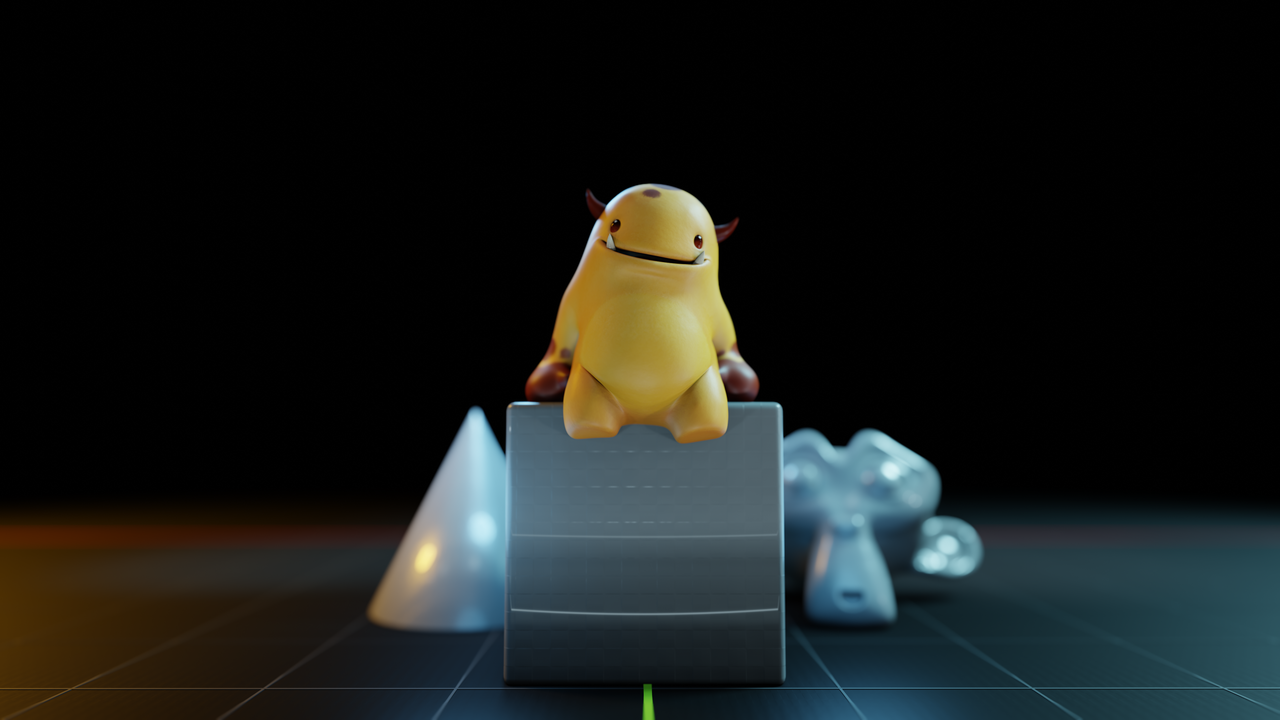
Every time Blender releases a Long-Term Support version, we at CG Cookie roll up our sleeves and update our Blender BASICS course.
Because this course isn’t just another tutorial, it’s where thousands (millions) of people have taken their very first step into 3D. And with Blender 4.5's release, we’ve handed the reins to someone who’s perfect for the job: Paul Caggegi. 🍪
Key Takeaways
- Blender 4.5 is here, and so is a brand-new BASICS course, completely free.
- Veteran artist and instructor Paul Caggegi leads this version for the first time.
- BASICS is the clearest path into Blender, whether you’re aiming at 3D printing, games, or just experimenting.
- You’ll go from “default cube panic” to actually creating in under 5 hours.
- No need to be a coder or professional artist, just curious enough to dive in.
Why BASICS Still Matters
This is the 7th version of BASICS we’ve created in 12 years. 😎 And there’s a reason we keep re-recording it: those first steps into Blender are crucial.
Blender is an incredible tool, but let’s be honest, it can feel intimidating at first. Without a guide, it’s all too easy to get lost in menus, bounce between random YouTube tutorials, and eventually give up.
BASICS fixes that. It’s a structured, five-hour foundation that turns “default cube panic” into actual creating.
Say hello to Paul, your Basics Guide
Paul Caggegi is a seasoned Blender artist and instructor with years of experience creating and teaching.
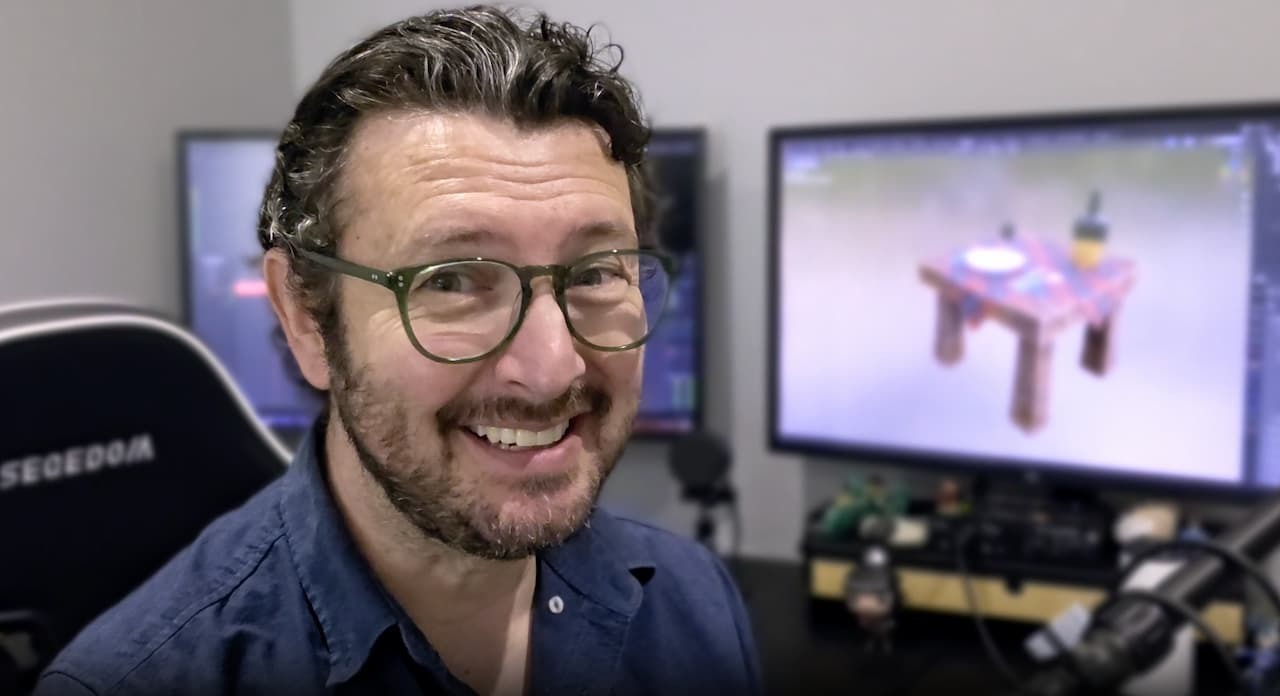
It’s Paul’s first time taking on Blender BASICS, and I couldn’t be happier about it. He brings a wealth of knowledge, a clear teaching style, and a genuine passion for helping beginners feel confident. His previous courses, such as Panels, Draw, and Modify, are great to explore.
In other words, if you’re brand new to Blender, you’re in very good hands. 🙌
5 Big Takeaways From Blender BASICS
This course isn’t about abstract theory, it’s about giving you practical wins you’ll use again and again. Here are a few takeaways you’ll walk away with:
1. Conquer the 3D View Without Getting Lost
The first skill in Blender is learning to navigate the 3D viewport intuitively. Paul doesn’t just show you how to orbit, pan, and zoom—he explains how to switch between perspective vs. orthographic views, why numpad shortcuts are faster than menus, and how the tilde (“~”) pie menu gives you quick access to top, side, and camera views.
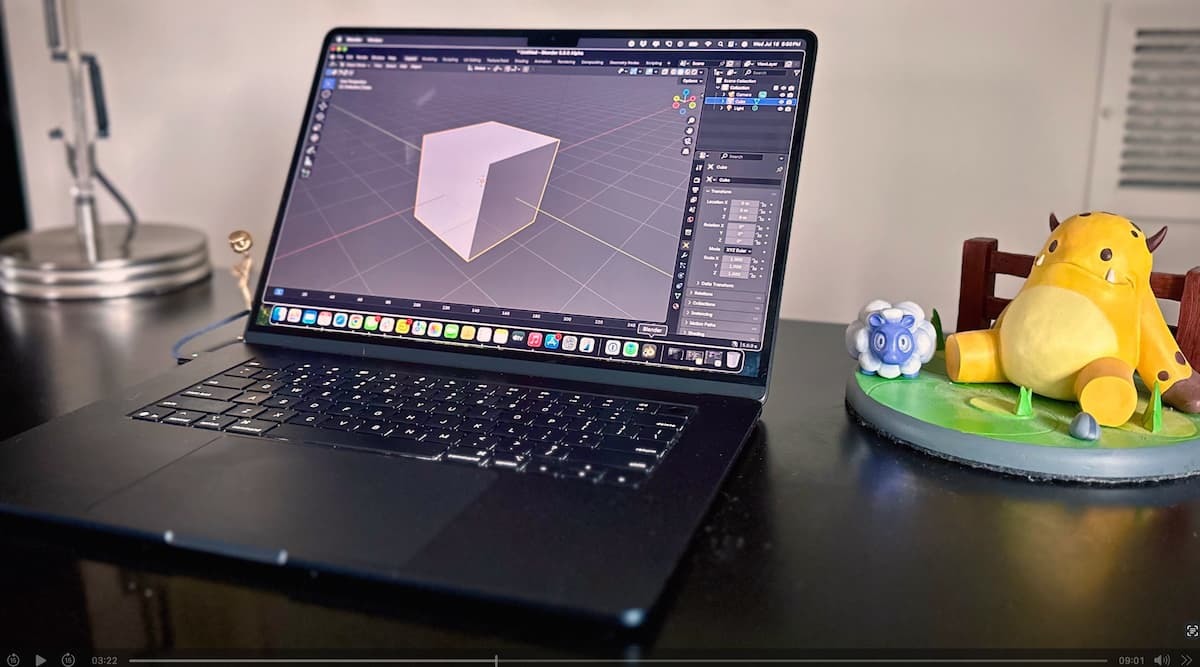
👉 Deeper Tip: Learn to use Frame Selected (Ctrl + Numpad .) to snap your camera to whatever object you’re working on.
Pair it with orthographic view (Numpad 5) to line up precise modeling, especially for game assets or 3D printing, where accuracy matters.
2. Make the Default Cube Your Friend
Transforms are more than just moving, rotating, and scaling. The course digs into numeric inputs (typing exact values), unit systems (switching between metric/imperial), and even entering math expressions directly (e.g. typing “5+2” in a field).
👉 Deeper Tip: Use double-axis constraints. For example, pressing Shift+Z while moving means “move only on X and Y, but not Z.” This is incredibly useful for keeping objects aligned to a floor plane or working in clean architectural layouts.
3. Build Objects From Scratch (and Take Them Apart)
In Edit Mode, Paul shows how meshes are just data blocks of vertices, edges, and faces. You’ll learn not only to add/delete, but also to separate geometry (P) into new objects and join objects (Ctrl+J) when needed.
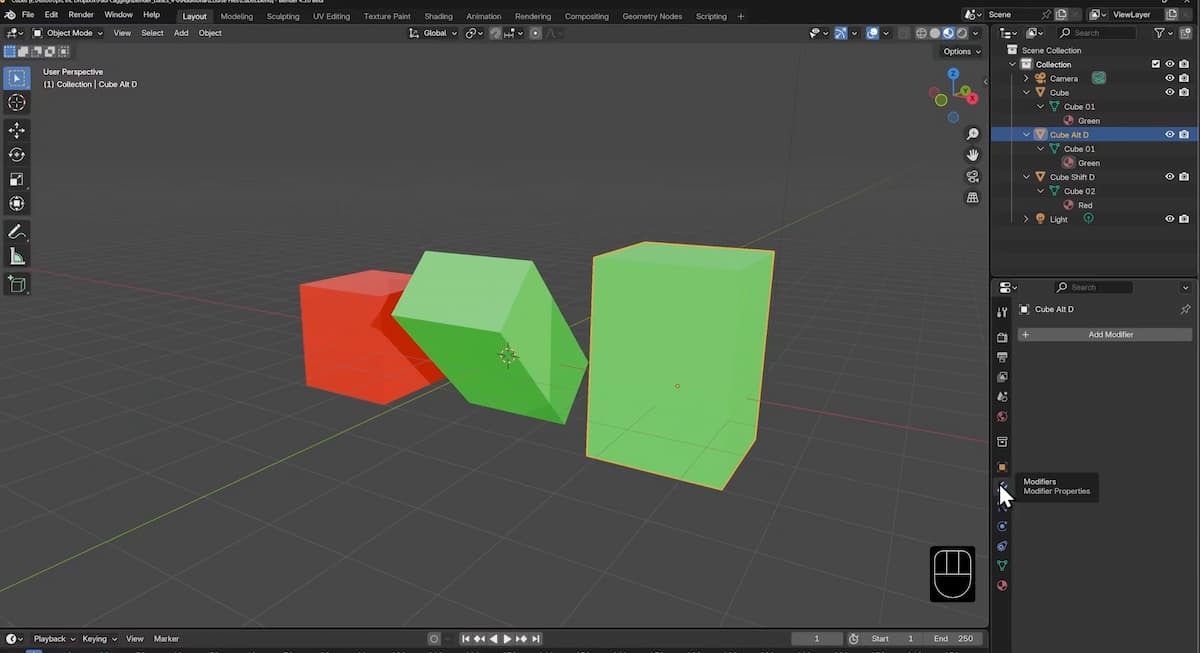
👉 Deeper Tip: Master the origin point. By snapping the origin to geometry, to the cursor, or even to a single vertex, you control where scaling and rotation happen. Want a hinge to rotate from its base? Reset its origin before animating—it’ll save you hours of frustration later.
4. Discover the Joy of Modifiers
Modifiers aren’t just shortcuts; they’re a non-destructive workflow. Paul demonstrates Mirror, Subdivision, and Simple Deform, but he also explains how modifier stacks work: order matters. A Subdivision before a Mirror gives different results than the other way around.
👉 Deeper Tip: When designing for 3D printing, pair the Solidify Modifier (to give thin walls actual thickness) with Apply Scale (Ctrl+A → Scale) before exporting. This ensures your printed model has consistent dimensions and avoids slicing errors.
5. See Your Creations Come to Life (With Rendering)
The course doesn’t stop at “hit render”, Paul explains lighting principles (three-point lighting), camera placement, and why to use material preview vs. rendered view while working.
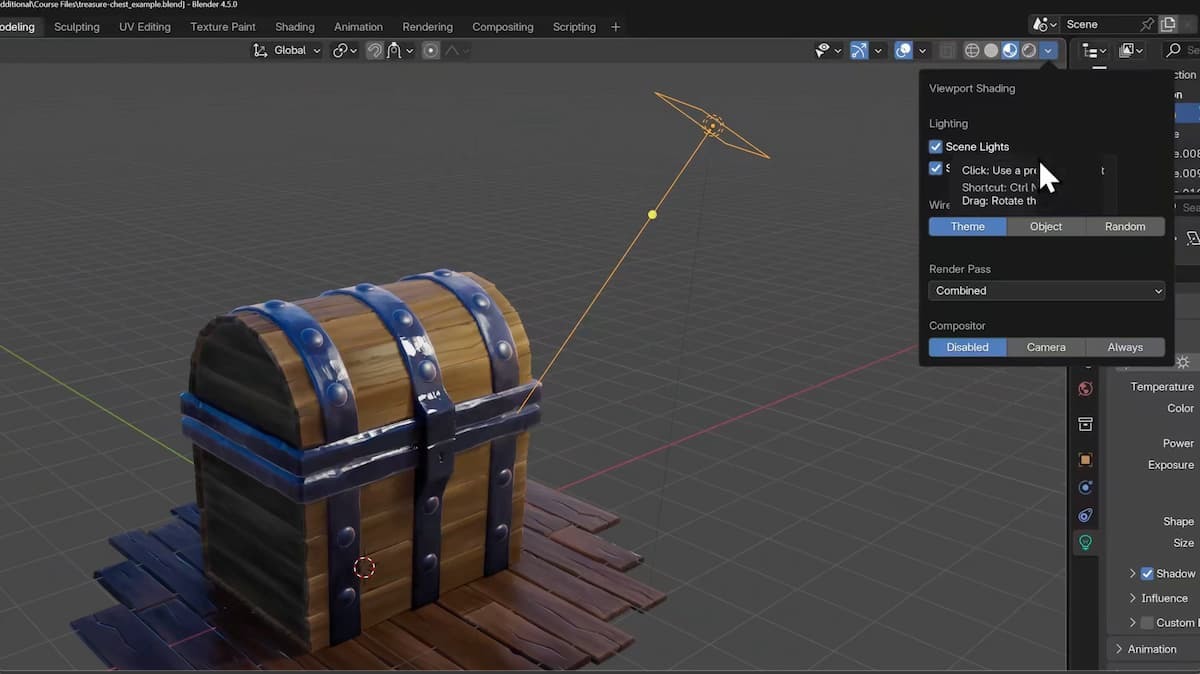
👉 Deeper Tip: Before rendering, jump into Compositor for finishing touches. Even something simple like adding a Glare node for bloom or a Color Balance node for contrast can elevate a render from “student work” to “finished piece.”
Who this tutorial series is for
- Aspiring 3D printing artists → Prototype your ideas and make them tangible.
- Future game artists → Start building the exact skills used in game pipelines.
- Anyone Blender-curious → If you’ve ever wanted to try 3D, this is the best on-ramp I know.
Should You Still Learn 3D in the Age of AI?
This is a fair question, and it's becoming more popular, as I've seen online. 🔥 With AI tools popping up that promise to generate models or entire scenes for you, is it still worth sitting down to actually learn Blender?
My Short answer: Yes, it’s still worth learning, but how you approach it matters.
The craft, the art, the choices, the style, have always been the thing that pierces through waves of new technology. Photography didn’t erase painting. Digital sculpting didn’t erase clay, and candle making is a 10.5 billion dollar industry in the age of electricity.
Each of these industries changed, evolved, but didn't go away.
AI won’t erase 3D art, it’ll reshape it. What stays irreplaceable are the human strengths: problem-solving, creativity, and storytelling.
That’s what Blender BASICS is about: giving you the beginning, the knowledge, and the creative control. Once you understand the “why” behind the tools, AI could become an amplifier, not a replacement.
🍪 If you're 100% sure, I recommend you dive into our CORE nine-course series on 3D fundamentals.
A Final Word from Me
I’ve seen Blender transform careers, hobbies, and creative paths. But I’ve also seen too many people bounce off it because they didn’t have the right entry point, or the perseverance to keep going into the unknown.
That’s why I’m so proud that we're able to offer the BASICS for free, a tool to help more get into this craft we all love, to test the waters and help others be part of the Blender community.
With Paul as your guide, you’ll get the clearest, most approachable start to Blender. If you end up catching the bug and wanting to dive into 3D printing, Animations, Game Art, and or anything, I'd love to have you as a member.
So download Blender 4.5, queue up the course, and take that first step into 3D. You won’t regret it.
