This Blender course is...
✅ made for beginners (or those who need a refresh)
✅ perfect as your first Blender project
✅ possible to complete on a weekend
✅ designed to be customized by you
❌ for creating a real game console (sorry!)
Oh, did I mention... we're keeping it light
Creating in Blender should be fun, first and foremost.
That is why we're bringing back an iconic 80s handheld gaming console from an alternate CG Cookie universe.
This object, though eternal and glorious, is just an example for teaching you the Blender workflow... so you can get up and running on creating your own endless
Blender projects.


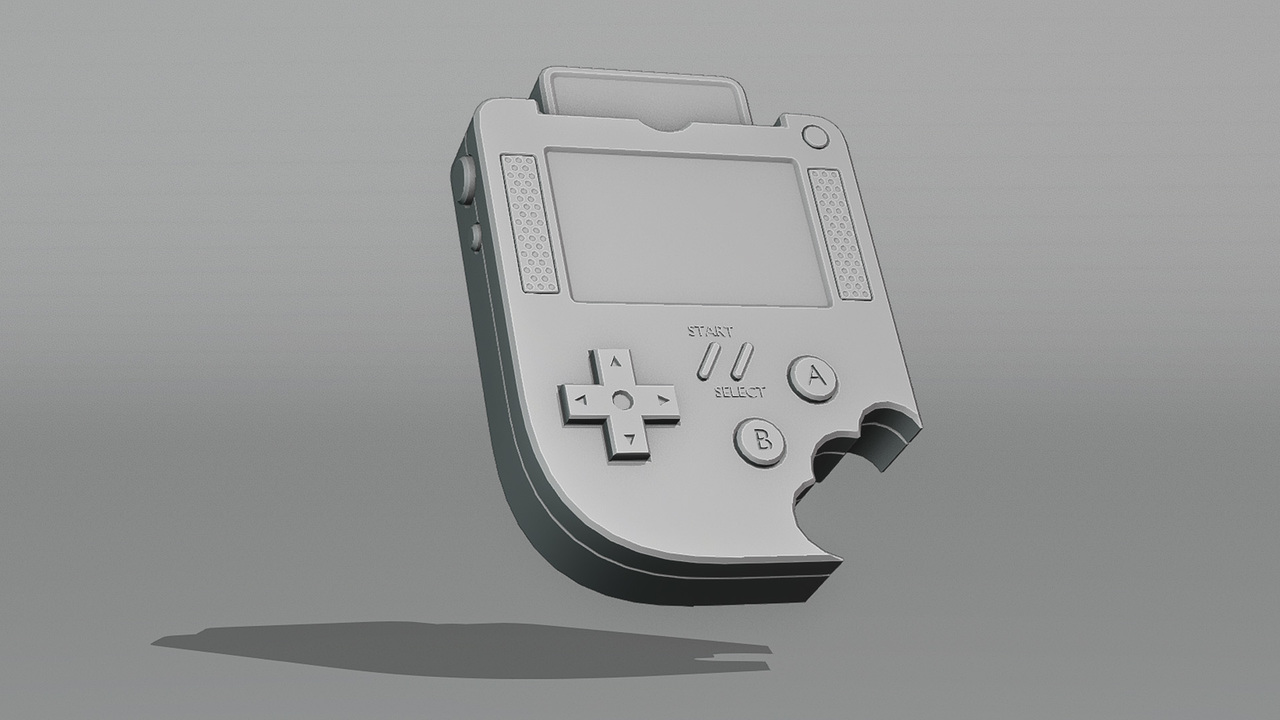
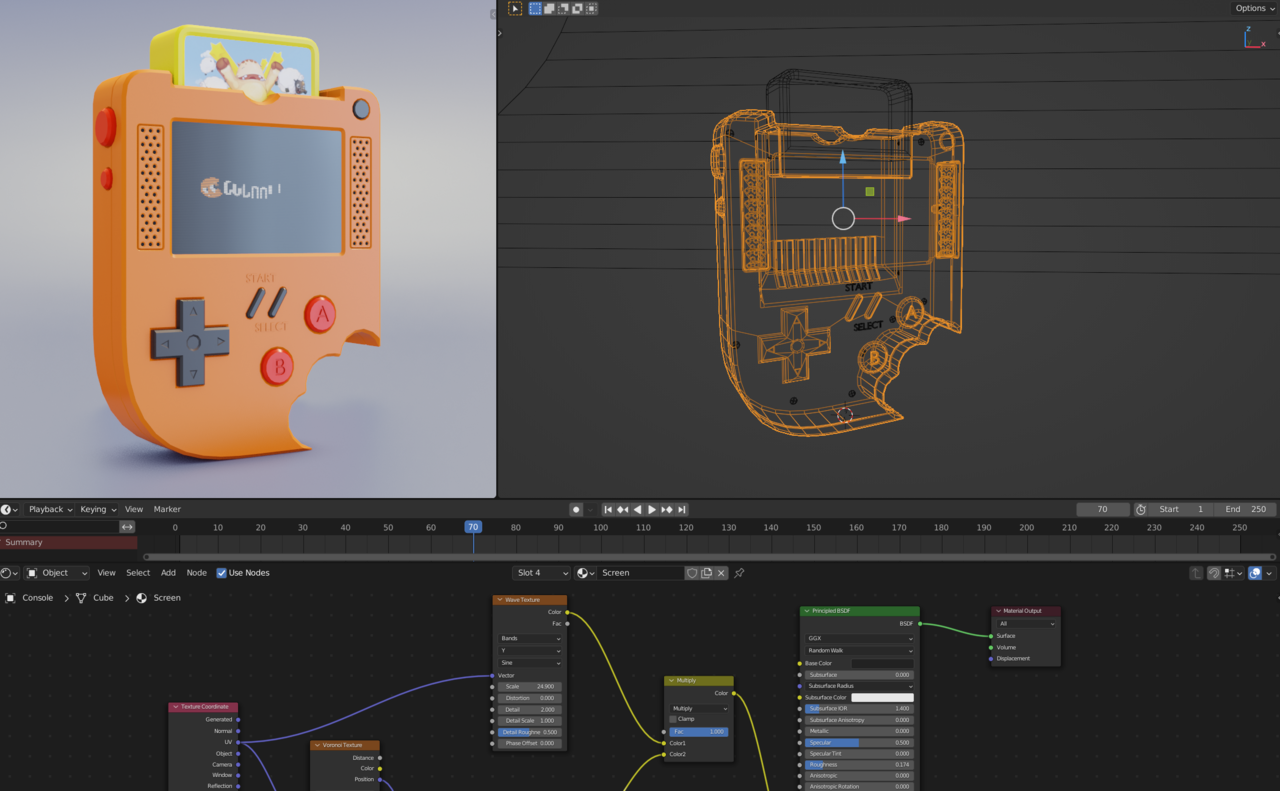


What an amazing course this was, thoroughly designed and balanced, clear instructions, detailed explanations, and a lot of very useful tips and techniques throughout
I found the pace and learning curve to be very well balanced for beginners too, not too simple, so that concepts & methodology cannot be properly learnt, and not too complex so that it doesnt go over our head
Any questions that you need to ask will be promptly answered too, both by the tutor & the community also (which is nice to see), as if you are like me, you do not want to be having to take time off the course, waiting for answers
Overall, this has been a fantastic course, hosted by a very talented & thoughtful tutor... thank you for the learning experience Jonathan, i will take what you taught me and make good use of it moving forward
I shall add my finished Render & then get started on my next course, thanks guys!
Perfect for anyone wants to dip their toes in the world of Blender. And it's free!
Short and sweet, covers a ton of ground, and you have something to show for it at the end! What more could you ask?
A really good course. Thanks for the course!
Just finished this in blender 5.1 and except for a few settings that were moved around all was fine.
Great course!
Awesome Course! Thank you very much!
A really good course for beginners or those returning to Blender. The community and instructors are there to help with any problems. Thanks for the course!
It helped me unlock
Easy to follow, and super rewarding.