
Your Character’s Eyes Deserve Better (Wayne’s Got You Covered in Blender)
Oct 23rd 2025
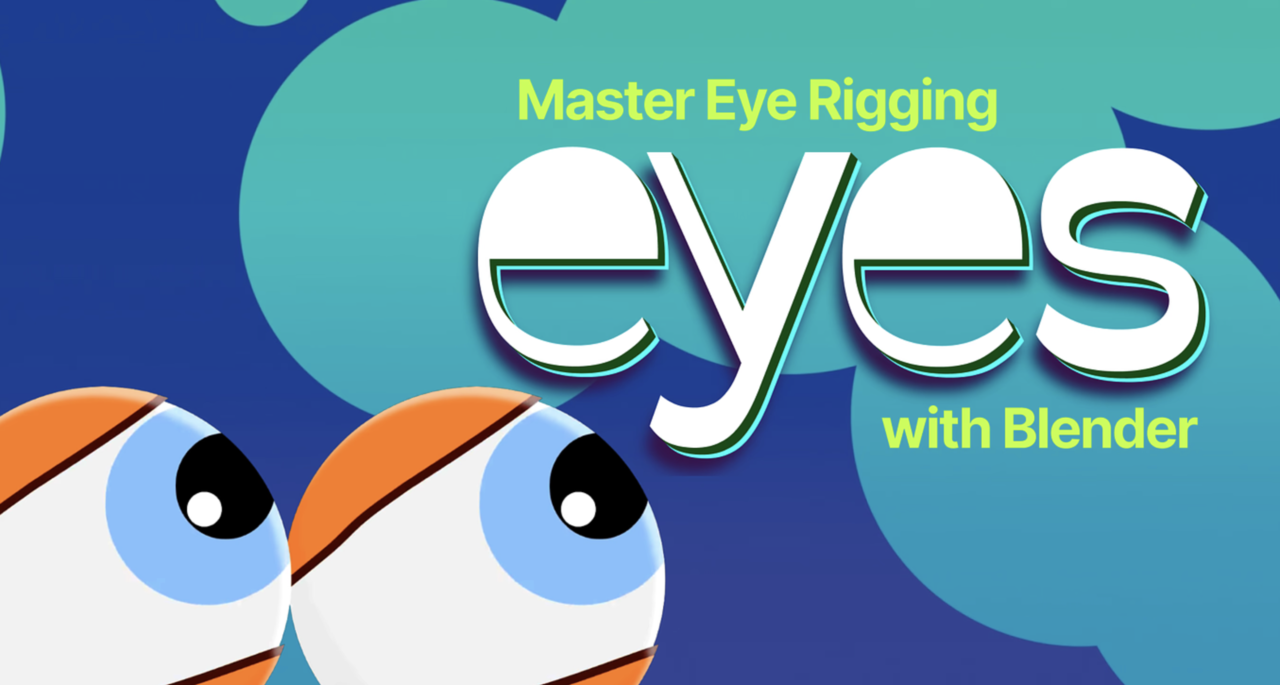
Key takeaways:
- Learn advanced eye rigging that goes beyond the basics
- Build skills you can apply to any character, not just the demo
- Wayne brings his trademark clarity, humor, and detail
- Perfect next step after the Core Fundamentals of Animation
If you’ve spent time in Blender, you know eyes can make or break a character. They’re small, but they carry so much life. A stiff blink or dead stare? Instant uncanny valley.
That’s why we’re stoked to share Eyes: Master Eye Rigging in Blender, Wayne Dixon’s newest course at CG Cookie. It’s packed with all the nerdy rigging goodness you’d expect, and a few dad jokes you didn’t ask for but will absolutely enjoy.
👉 Stream the Eyes course on CG Cookie
Why this course rocks
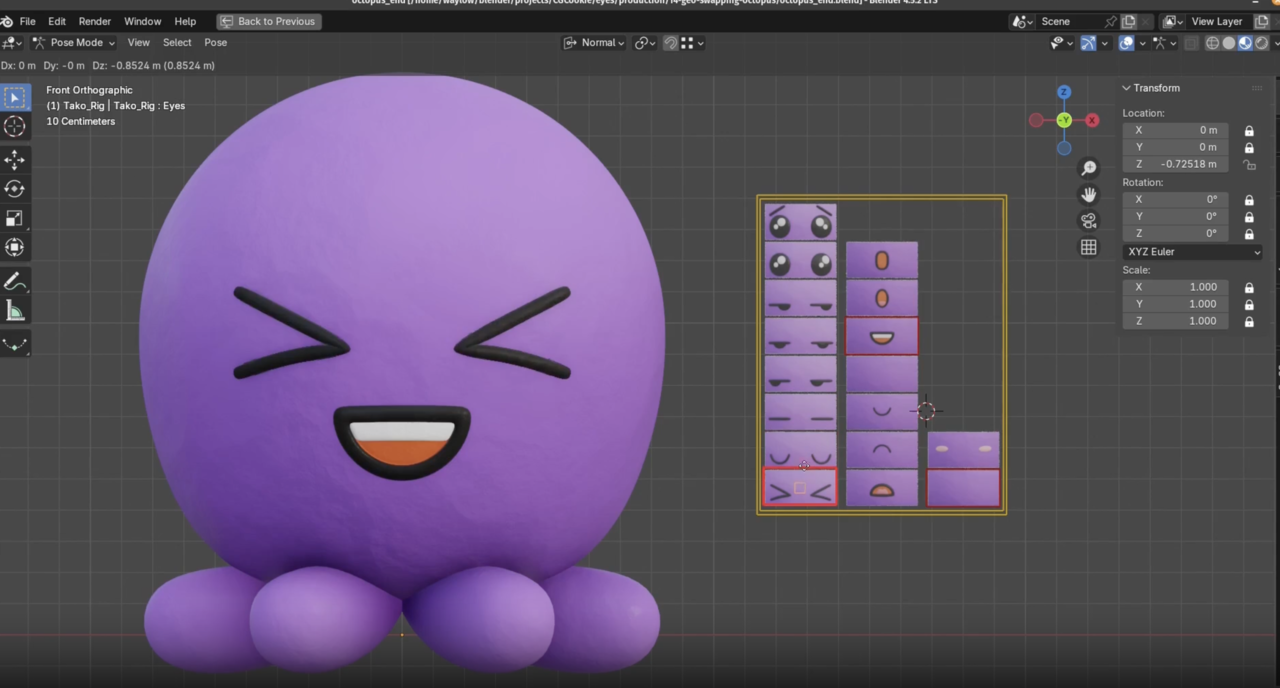
Wayne doesn’t just hand you steps to follow. He teaches you how to think like a rigger. Every exercise builds skills you’ll actually reuse, whether you’re rigging a realistic eye or a googly one on a cartoon octopus.
- Eye tracking and controller setups
- Pupil dilation (multiple ways)
- Non-spherical eyes and lattice deformation
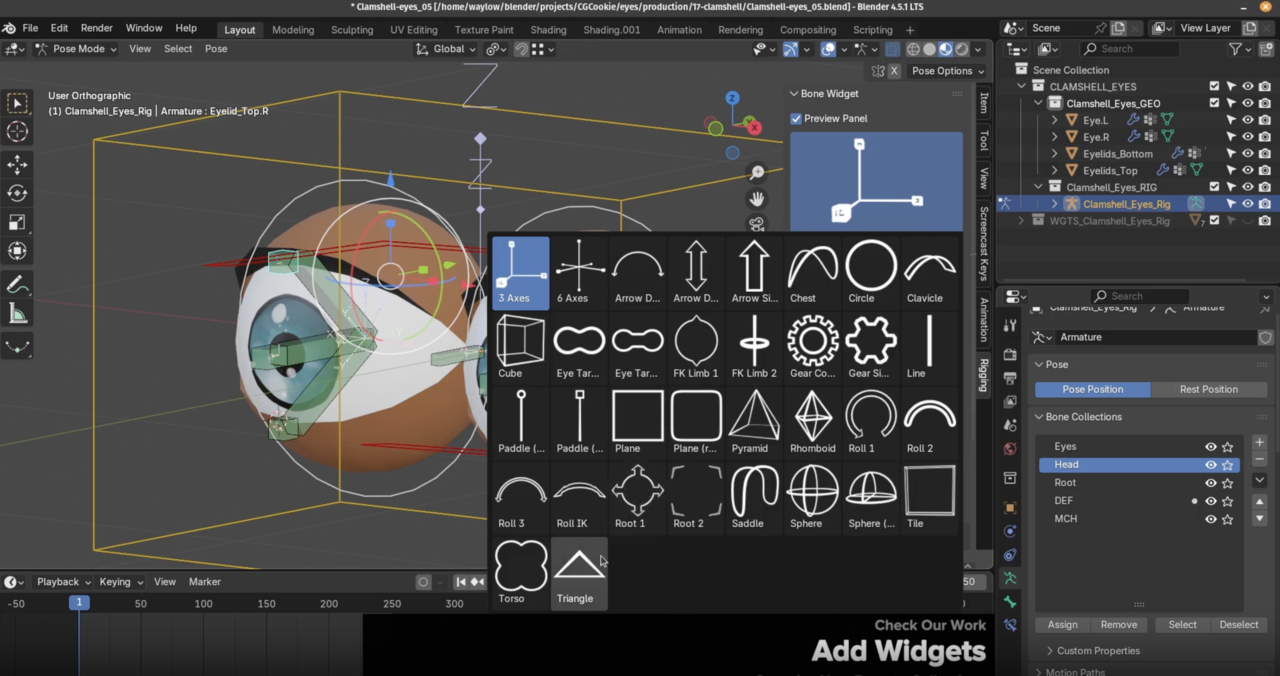
- Classic clamshell-style eyelids
- Geo-swapping for stop-motion effects
- Advanced constraints and action-driven animation
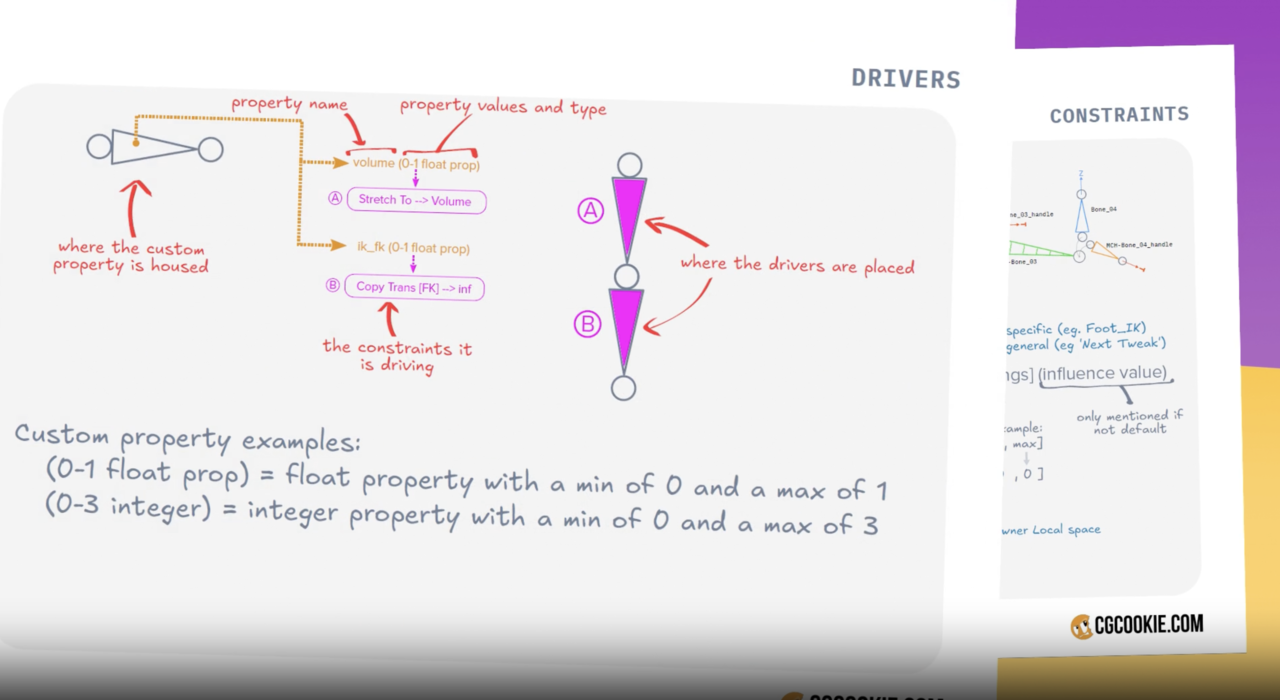
He even includes PDFs (Available to paid subscribers) so you can rebuild what you’ve learned later without scrubbing through hours of video. It’s the kind of structure only Wayne could pull off, equal parts technical and thoughtful.
Keep your rigging streak going
If you’re on a rigging roll, don’t stop here:
- Rig: Blender’s Character Rigging Playbook, The essential foundation for solid, animator-friendly rigs.
- Shape: Add Shape Keys to Your Rigging Toolbox, Sculpt expressive movement and corrective shapes like a pro.
- Core Fundamentals of Animation, Bring emotion and timing to your freshly rigged character.
A little founder love
Watching Wayne teach is one of my favorite things about CG Cookie. His passion, humor, and attention to detail make Blender feel accessible, no matter your level. These courses are a reminder of why we do what we do, to elevate artists and keep the Blender community thriving.
So if you’ve been waiting for a reason to revisit your character rigs, this is it.
👉 Watch “Eyes: Master Eye Rigging in Blender” on CG Cookie, or grab the stand-alone version on Superhive.
Thanks for reading!
Wes Burke
Founder, CG Cookie
Frequently Asked Questions
What version of Blender is used in this course?
Blender 4.5 LTS. Everything Wayne covers works in vanilla Blender, however he does use the free add-on Bone Widget (which he develops for free!). This tool significantly speeds up the process of creating bone widgets. The exact version used in the course is available in the course downloads.
Do I need to take other CG Cookie rigging courses first?
You’ll get the most out of Eyes if you’ve completed Rig and Shape. Wayne designed his series to build skill by skill.
Can I use these rigging techniques for stylized or non-human characters?
Absolutely. Wayne shows both spherical and non-spherical eye setups, so you’ll be ready for creatures, robots, and all your wild designs.
Will this help with animation?
Yes! Once you understand how the eyes are rigged, animation becomes easier. Pair it with the Core Fundamentals of Animation followed by The Animation Bootcamp courses to bring your rigs to life.
