
These two companion courses cover other important aspects of rigging with Blender.
Understand what is going to be taught in this course, how Wayne sets up his Blender workspace, and an overview of the schematics Wayne has provided.
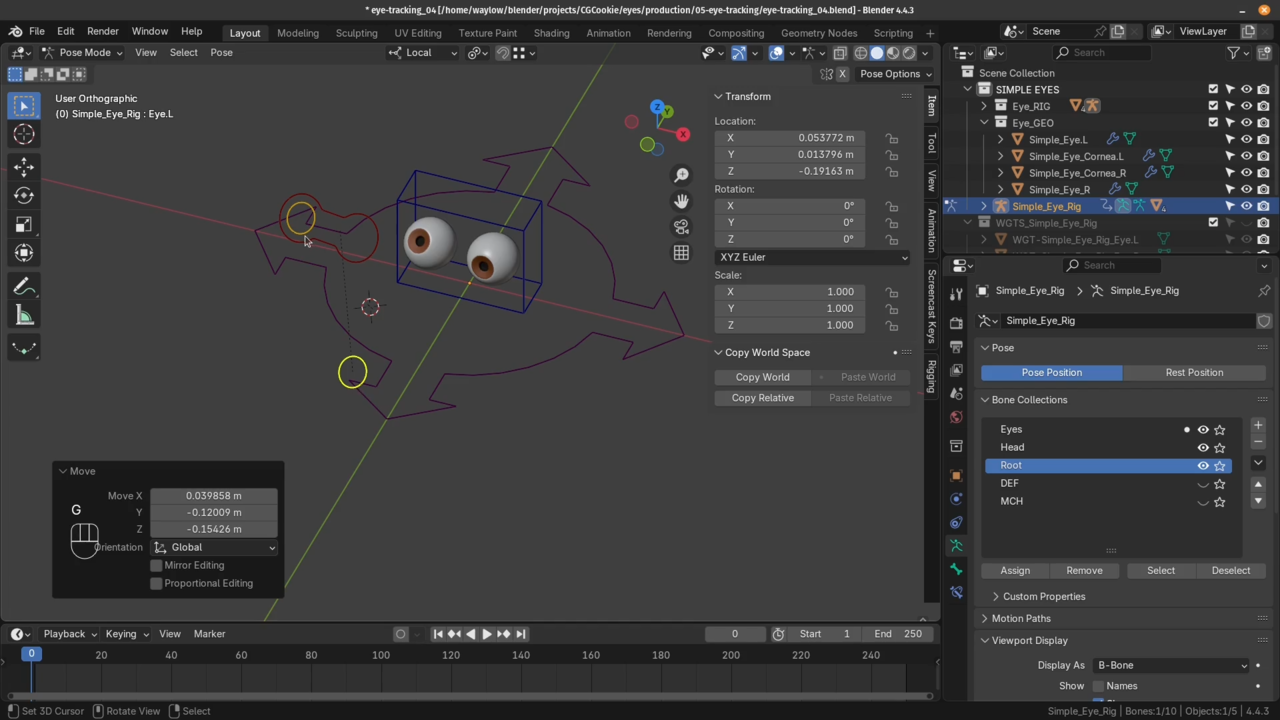
Breakdown fundamental concepts about eye motion, anatomy, technical methodologies, and types of eyes. Implement a basic eye focused on the eye tracking mechanism.
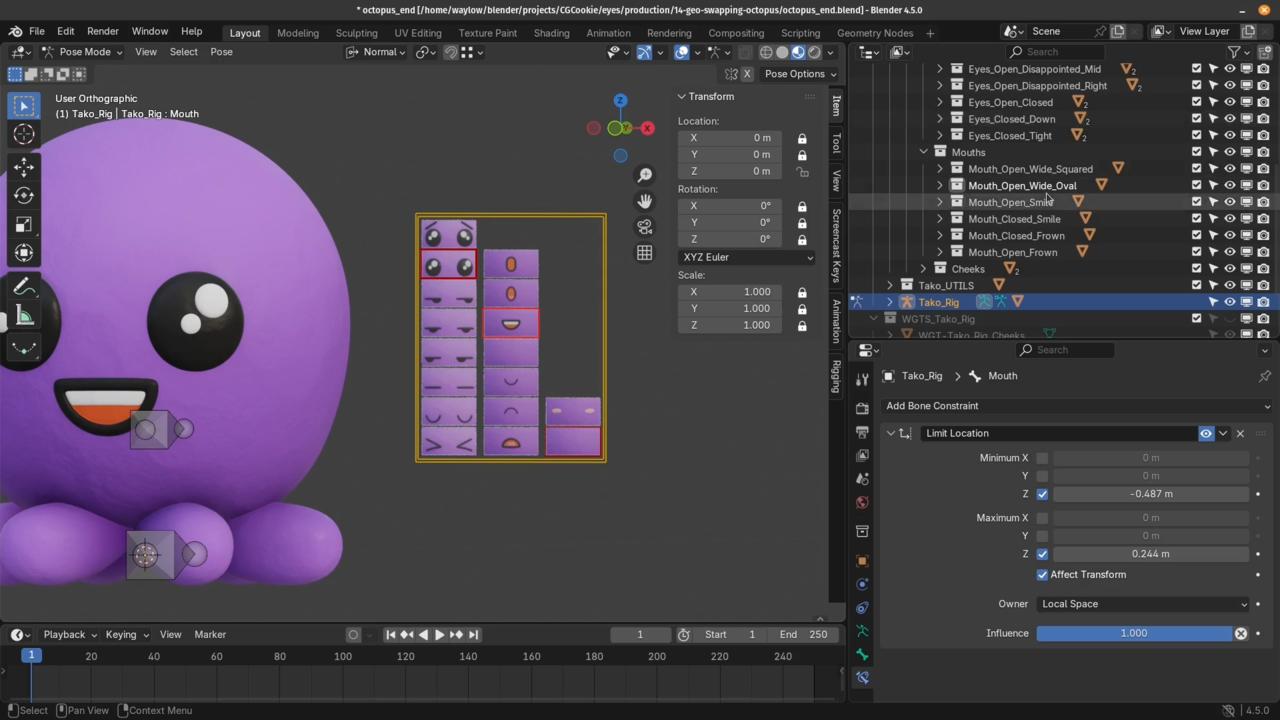
Learn another method of rigging eyes through the geo-swapping method. This is fairly simple to setup and the result fits a claymation-like aesthetic.
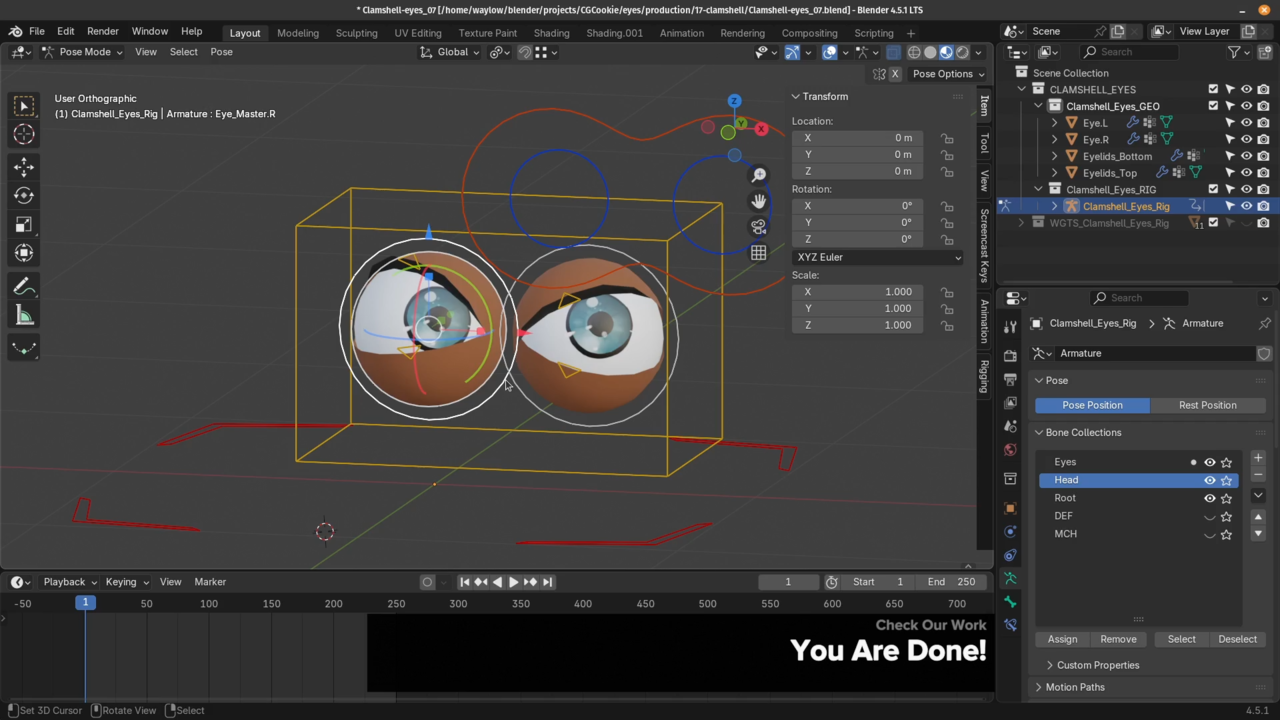
Wayne demonstrates how to setup the classic 'clamshell' eyes. This includes the ability to deform the base spherical shape for more expressive, stylized emotional range.
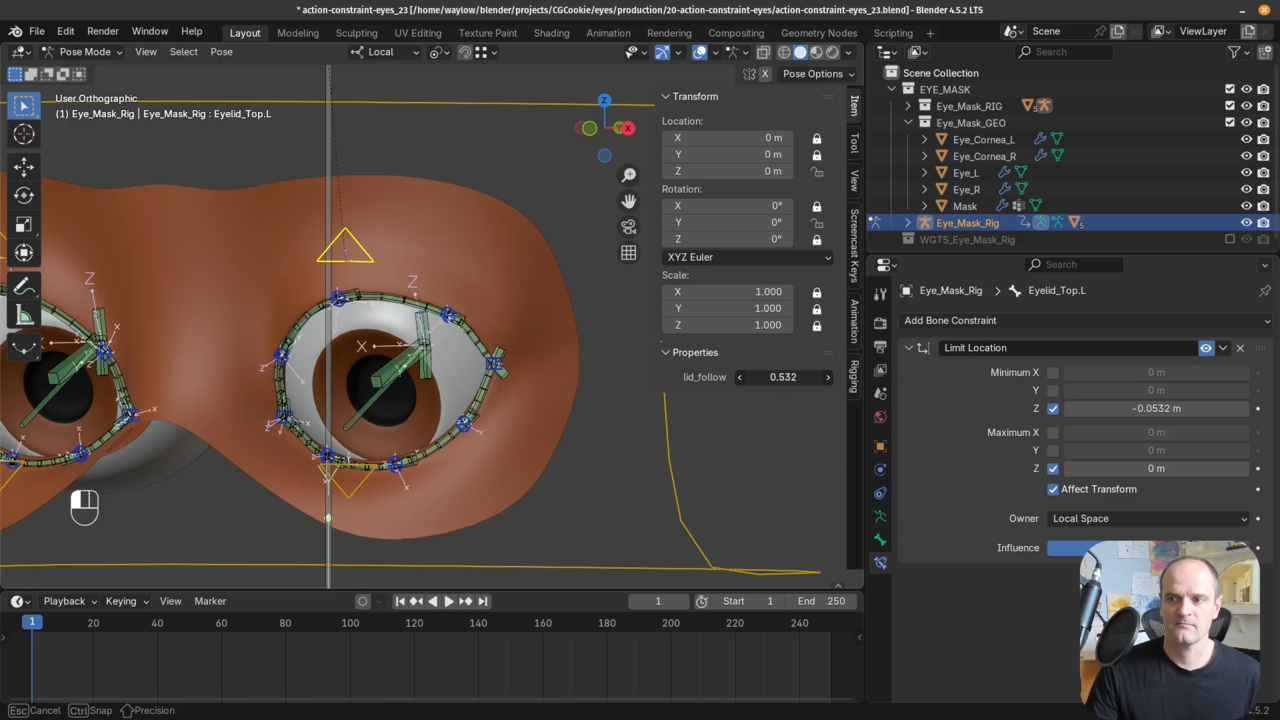
This final rig is the most flexible and most difficult to setup. But it's nothing you haven't be prepped to achieve! These techniques apply to higher fidelity / more realistic character animation goals.
Congratulations you finished the course! So what do you do next? Wayne gives you guidance for how to continue developing your rigging skills.
Get this course and 291 others by joining CG Cookie



Wayne does a great job as always to keep you entertained. Learning to rig something as important as eyes and lids is a very long trip but glad I did it! It's finally starting to sink in how all the parts work together: controls vs DEFS and MCHs, drivers, custom properties, parenting, constraints etc. I am still amazed that homework can be reviewed and questions answered and so promptly. Totally worth it. Thanks Wayne!
I highly recommend this course to anyone working with rigs. It goes through all the common pitfalls and teaches some very useful habits how to avoid them. The course is split into four sections that could be taken individually.
I appreciated the many tricks that become available by rigorously separating deformation and mechanism bones. It was my first time opening the Driver Editor creating custom drivers with adapted response curves. This opened a new world for me.
The course comes with a lot of short exercises. Thank you Wayne for the detailed reviews.
This is one of the best rigging courses I have ever taken. It is a great addition to Wayne's other rigging courses.
Like others have said, Wayne teaches some very complex rigging techniques, making them seem simple. He also offers great support when you get off track. No rubber stamps, he actually checks your work.
Can't wait for your next course, Wayne!
Great course, Wayne is legendary: complex things that almost feel light. With basic rigging knowledge, I managed to complete all the lessons fairly quickly..
It’s amazing to see how many variations can come from something as simple as two eyes. It really makes you think about how even the smallest of detail connects to the final result.
Learned a ton of transferable techniques and started to see rigs as assemblies of smaller structures, which makes me confident in the perspective of approaching new builds in the future.
Couldn’t recommend it more, along with the entire rigging library.
The humor and added positive feed back really enhance the learning experience. I also love the added extended suggestions to help push people out of tutorial lock. Great job and thanks for making this. The auto tangent chain is going to be a life changer for my own rigs. I can see this helping with shoe lace and belt animations as well as making my eye rigs easier for animators.