

A quick reference guide for commonly used hotkeys in Blender can help you work more efficiently.
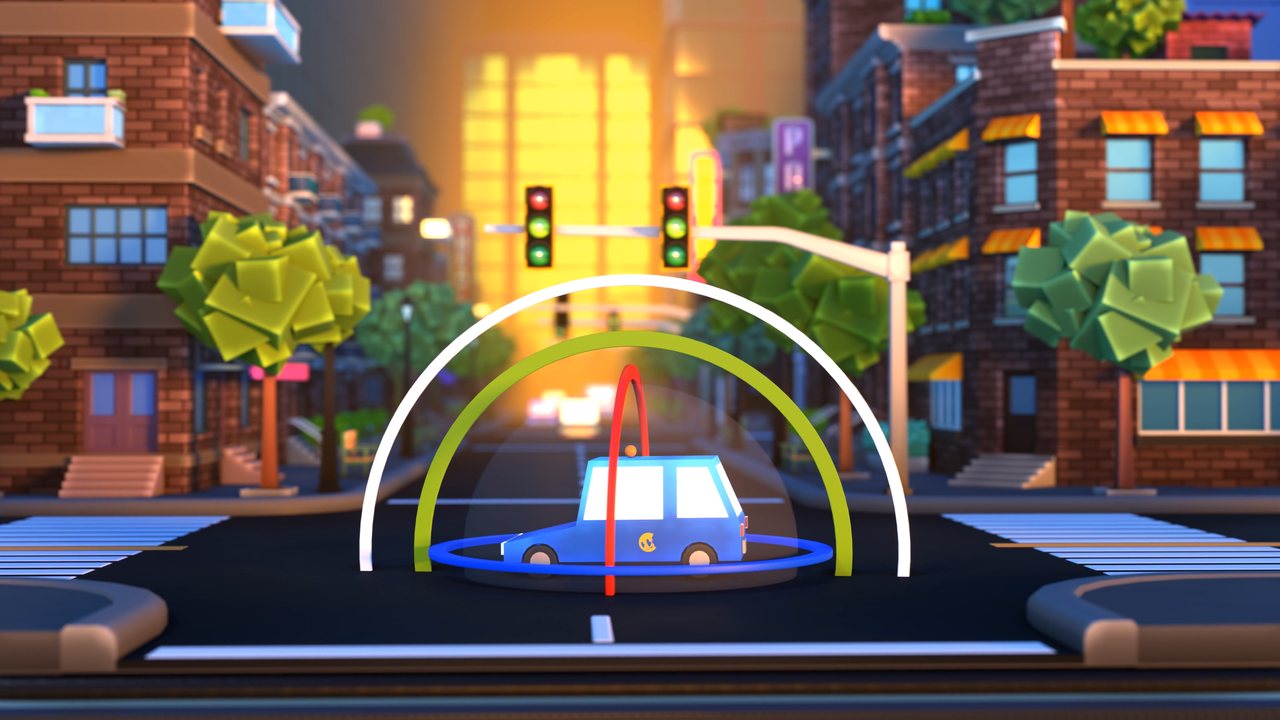
We’ll start you off with a brief overview of Blender and introduce you to the world of 3D by demonstrating how to navigate and work with objects.
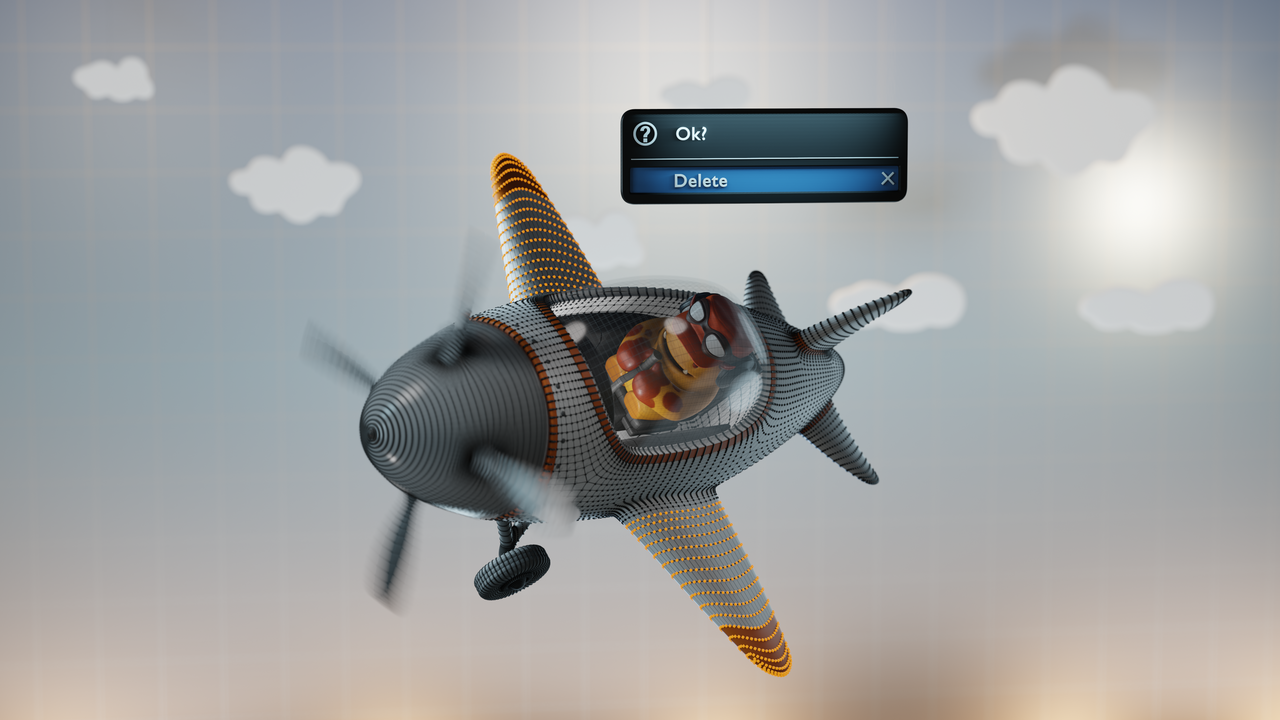
Things will start to really take off as you learn numerous ways to edit objects, many of them easier than you might expect! We’ll tackle instancing, advanced transforms, basic modeling tools, and much MUCH more!
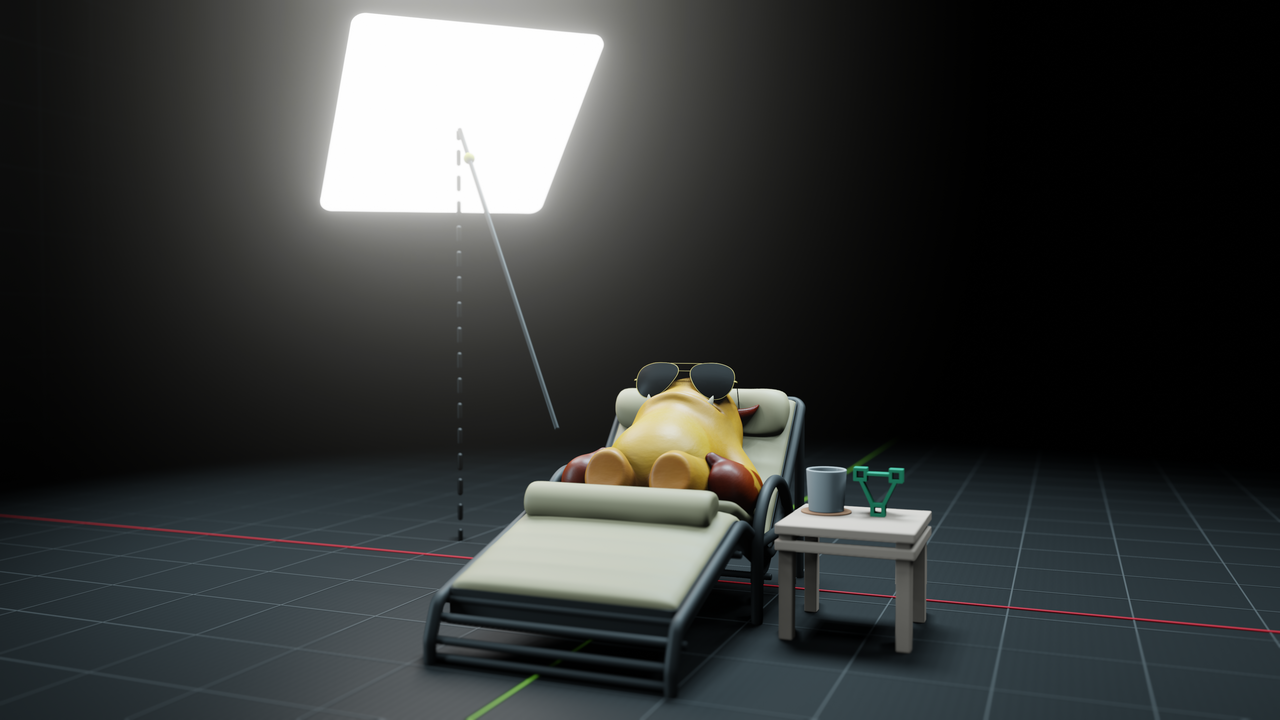
Lastly, you'll learn the basics of each of the main areas of Blender, from animation to sculpting, as well as how to set yourself up for success going forward.

Thank you so much for this course. It refreshed my knowledge. Even if you're familiar with Blender, you should definitely watch it.
I already knew the basic controls before watching this, but this was an excellent detailed refresher, and I even learned a couple things other tutorials missed.
Thank you Paul and the entire team at CGCookie for the great job with this Blender Basics 4.5 course. I've been using Blender for almost 4 years now and have followed a lot of tutorials during this time. This is the first basics course I've taken and there were actually some stuff that I hadn't heard about before. I'll probably be rewatching some of the lessons later on.
Thank you for this course. I tried many times to learn how to use Blender but each time i stepped down because i followed courses too cryptic or too superficial to really understand what i was trying to learn or to keep my interest. This introduction is very well balanced, not only i felt that i understanded everything but it made me eager to learn way more.
An excellent introduction to Blender. I highly recommend it.
Thank you to CG Cookie, Paul Caggegi and the team for this course, Paul your presentation was impeccable, and I could see you have been using Blender for a long time. I started this course because I wanted to learn all about making 3D models and how to sculpt them, especially animals. I am a retired Electronics Engineer and built a 3D printer about 4 years ago and decided its time to act on the little voice inside me demanding I step up and activate my own creative artistic expression. But doing this course really opened my mind about the possibilities of what that could be. I had no idea that Blender was packed with so much that now I am a bit overwhelmed about where to start. After much deliberation though I decided to start with the Press Start model, and see where that leads me. I had only a tiny bit of experience in Blender before this course, and that was mainly to repair stl files for 3D printing. I was always a little bit afraid of doing anything artistic, but now I appear to have an interest in many aspects of Computer Graphics including the basic drawing mode, so lets see what happens now hey! Thanks again to the CG Cookie team.
I had some knowledge with blender blender but this course fill the gaps i used to have learning from diferent sources, this give me more confidence to continue with my journey and i already delivery some jobs in blender, thank you!!
Thanks for the course, it's easy to follow and contains a lot of information. Also thanks for updating it, I already watched a previous version of the series.
To a future viewer: It's worth to watch.
Ciao :3
Loved this course, it was exactly what I was looking for.
A few years ago, I tried to learn Blender from scratch. Even though there’s an incredible amount of content online, I often felt lost about where to begin and what to focus on next. On top of that, I struggled to retain the information from the tutorials I watched, which left me feeling stuck.
This course completely changed that. It’s a perfect introduction to Blender’s many functions: well-structured, easy to follow, and explained in a way that makes the information stick. I was able to follow every example and exercise while actually applying what I learned in different ways. I also really appreciate that it points you toward what to do next, which has been extremely helpful for my learning process.
Thank you so much for this amazing course! I now feel less intimidated by Blender and genuinely excited to keep going on my learning journey.
Great Lesson and Simple to understand!