BLENDER BASICS: An Introduction to Blender 3D 4.5 LTS

Instructor:
Paul Caggegi

Whether you want to create 3D models, animate your own short films, explore lighting and rendering, or build visual effects, this course gives you the foundation to start bringing your ideas to life in Blender 4.5.


Read why LTS is a great way to learn Blender

To get started with Blender you need...

  • ❌ drawing skills
  • ❌ 3d experience
  • ❌ a super computer
  • ✅ excited curiosity
  • ✅ a little patience

Whether you’re brand new to 3D, coming from another program like Maya or Max, or returning to Blender after a long break (hello 2.5 veterans!), this free Blender Basics course is designed to get you comfortable and confident in Blender 4.5 LTS.

We’ll walk you through the essentials—navigating the 3D Viewport, selecting and transforming objects, editing mesh components, and more—everything you need to create your first 3D model in Blender.

Why Blender?

Blender is the fastest-growing 3D software in the world, downloaded over 17 million times in a single year. It’s completely free and open source, and now supported by industry giants like Adobe, Meta, and Epic Games.

It’s not just a powerful alternative to expensive software—it’s a thriving creative ecosystem used by hobbyists, freelancers, game devs, and studios alike.

FREE Bonus

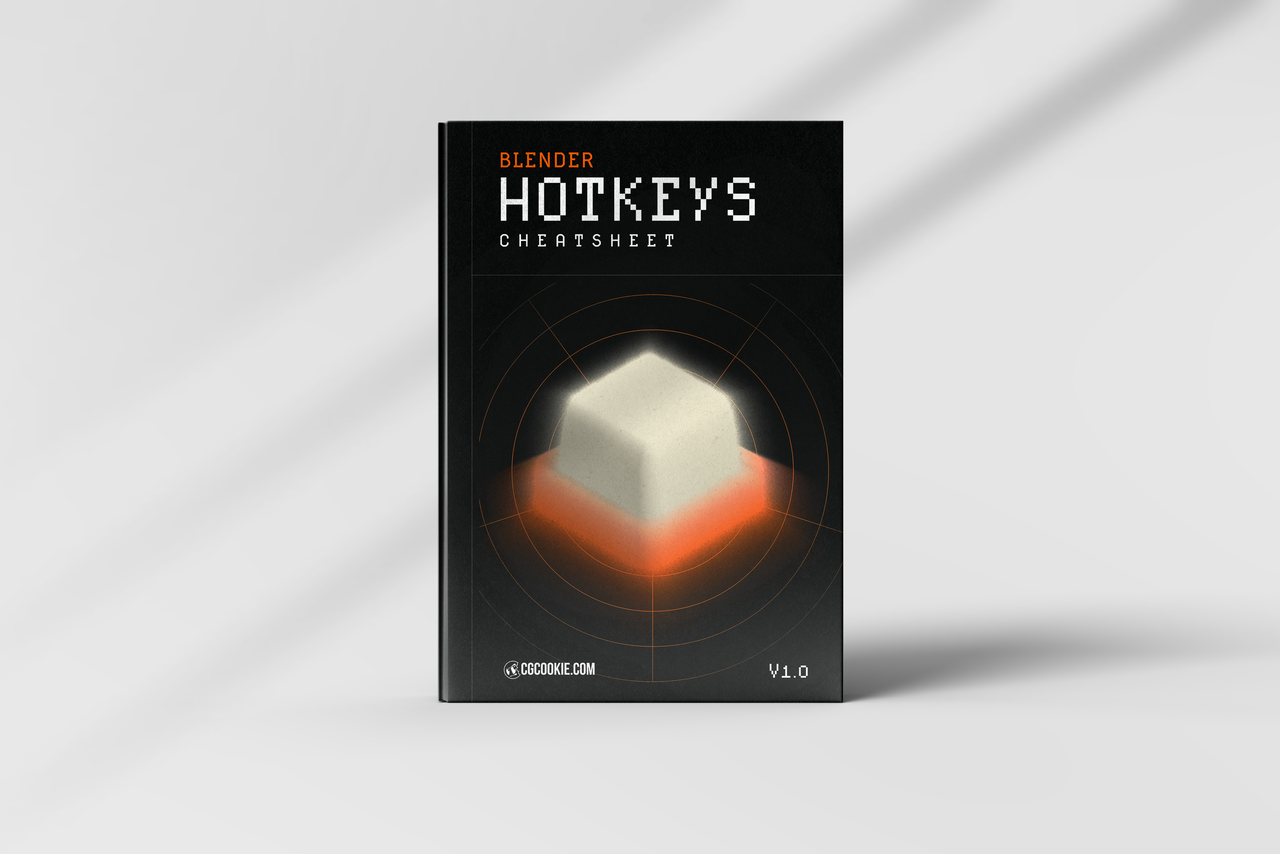
Blender hotkey cheatsheet included!

A quick reference guide for commonly used hotkeys in Blender can help you work more efficiently.
Chapter 1

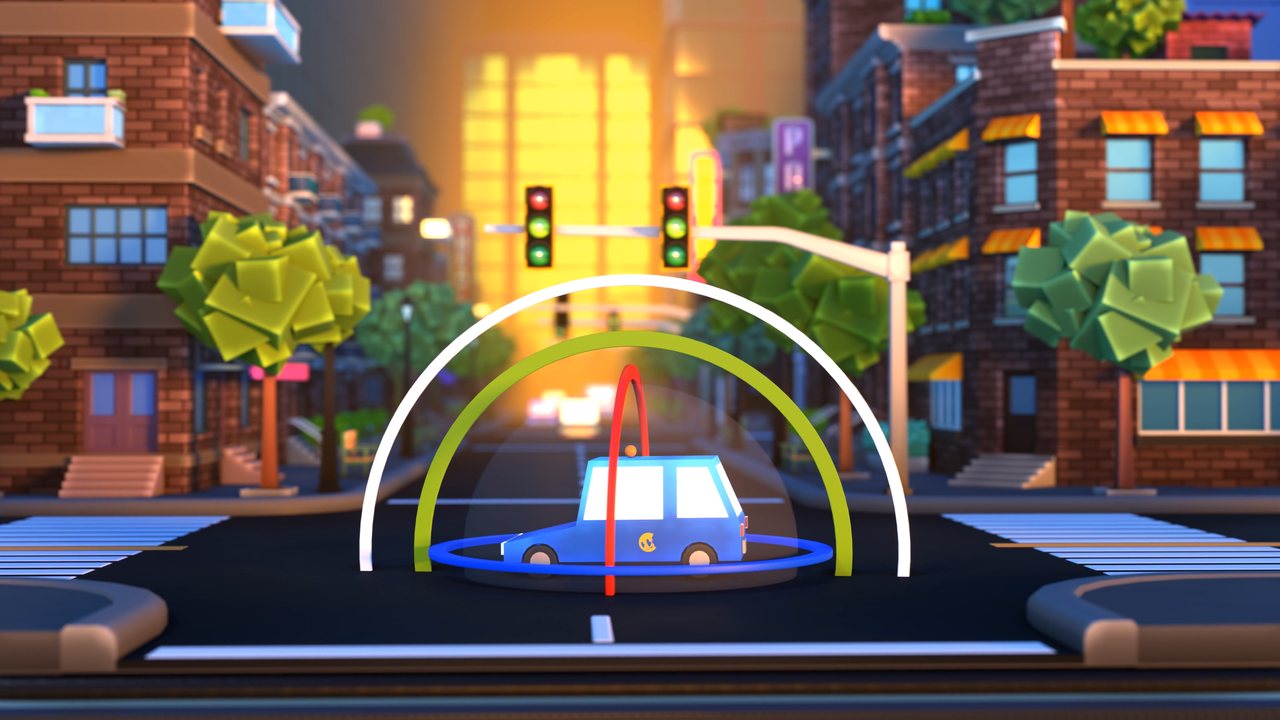
Intro to 3D Space

We’ll start you off with a brief overview of Blender and introduce you to the world of 3D by demonstrating how to navigate and work with objects.
Chapter 2

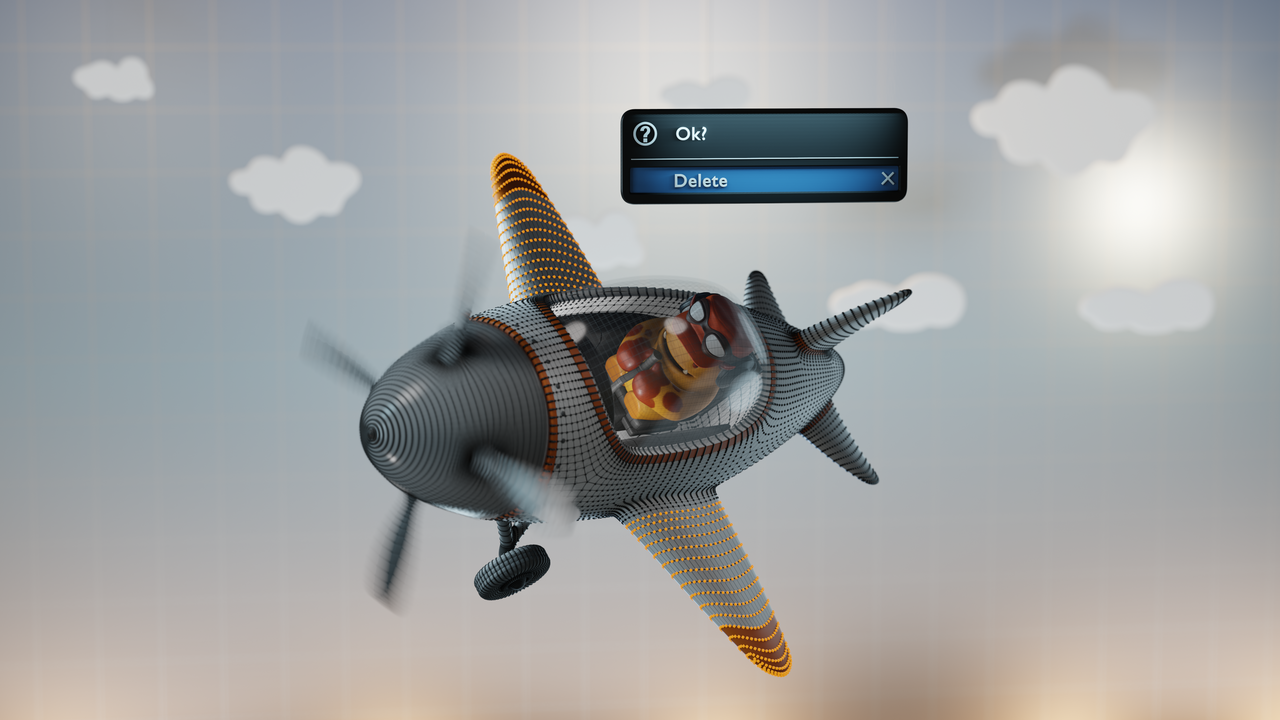
Editing Objects

Things will start to really take off as you learn numerous ways to edit objects, many of them easier than you might expect! We’ll tackle instancing, advanced transforms, basic modeling tools, and much MUCH more!
Chapter 3

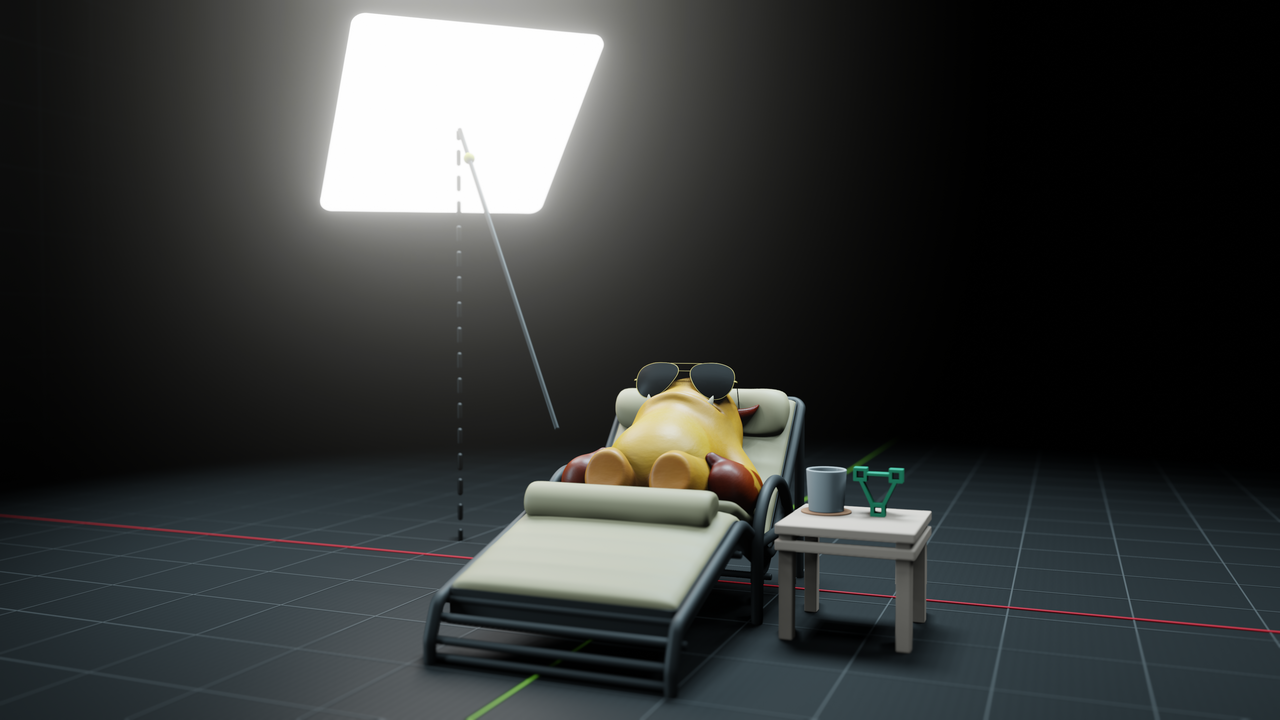
The Blender Way

Lastly, you'll learn the basics of each of the main areas of Blender, from animation to sculpting, as well as how to set yourself up for success going forward.

Frequently Asked Questions

What is the best way to learn Blender for beginners?

The best way to learn Blender for beginners is by following a structured course like Blender Basics 4.5. It walks you through the fundamentals step-by-step so you don’t get overwhelmed by the interface or tools.

Is Blender really free to use and learn?

Yes, Blender is 100% free to use and learn. Our Blender Basics course is also free, making it easy to start learning 3D modeling, animation, and more without any cost.

Can I learn Blender without any 3D experience?

Absolutely. You don’t need any 3D experience to learn Blender. This course is made for beginners and will teach you how to navigate Blender, model objects, and create basic animations.

What do I learn in the Blender Basics 4.5 course?

In this course, you’ll learn Blender essentials like navigation, modeling tools, object selection, modifiers, materials, and rendering. It’s the ideal starting point for anyone wanting to learn Blender from scratch.

Is Blender good for beginners who want to make animations or games?

Yes! Blender is a great choice for beginners interested in animation or game development. This course introduces you to Blender’s key tools so you can start creating models, environments, and even simple animations right away.

Start creating with Blender today!

Start this FREE Course
Awarded upon completion:
100xp +
Course Curriculum
22 Reviews
  • C
    Etienne FUCHS(Commissaire_Fox) ·

    Thank you for this course. I tried many times to learn how to use Blender but each time i stepped down because i followed courses too cryptic or too superficial to really understand what i was trying to learn or to keep my interest. This introduction is very well balanced, not only i felt that i understanded everything but it made me eager to learn way more.

  • d
    Devin Chapman(devchap18) ·

    An excellent introduction to Blender. I highly recommend it.

  • w
    Graham Grigg(wisham) ·

    Thank you to CG Cookie, Paul Caggegi and the team for this course, Paul your presentation was impeccable, and I could see you have been using Blender for a long time. I started this course because I wanted to learn all about making 3D models and how to sculpt them, especially animals. I am a retired Electronics Engineer and built a 3D printer about 4 years ago and decided its time to act on the little voice inside me demanding I step up and activate my own creative artistic expression. But doing this course really opened my mind about the possibilities of what that could be. I had no idea that Blender was packed with so much that now I am a bit overwhelmed about where to start. After much deliberation though I decided to start with the Press Start model, and see where that leads me. I had only a tiny bit of experience in Blender before this course, and that was mainly to repair stl files for 3D printing. I was always a little bit afraid of doing anything artistic, but now I appear to have an interest in many aspects of Computer Graphics including the basic drawing mode, so lets see what happens now hey! Thanks again to the CG Cookie team.

  • H
    Hillerl. Lozano(Hillerlo) ·

    I had some knowledge with blender blender but this course fill the gaps i used to have learning from diferent sources, this give me more confidence to continue with my journey and i already delivery some jobs in blender, thank you!!

  • Miłosz (Stachowiak78) ·

    Thanks for the course, it's easy to follow and contains a lot of information. Also thanks for updating it, I already watched a previous version of the series. 


    To a future viewer: It's worth to watch.

    Ciao :3

  • l
    Luis Gutierrez(luiskguti) ·

    Loved this course, it was exactly what I was looking for.


    A few years ago, I tried to learn Blender from scratch. Even though there’s an incredible amount of content online, I often felt lost about where to begin and what to focus on next. On top of that, I struggled to retain the information from the tutorials I watched, which left me feeling stuck.


    This course completely changed that. It’s a perfect introduction to Blender’s many functions: well-structured, easy to follow, and explained in a way that makes the information stick. I was able to follow every example and exercise while actually applying what I learned in different ways. I also really appreciate that it points you toward what to do next, which has been extremely helpful for my learning process.


    Thank you so much for this amazing course! I now feel less intimidated by Blender and genuinely excited to keep going on my learning journey.

  • C
    Charge0113 ·

    Great Lesson and Simple to understand!

  • B
    Maya Krueger(Brawl499) ·

    The 4.0 Basics course was a great and effective introduction to Blender as someone with zero prior experience, and even after having done that course, Press Start and Mesh Modeling Fundamentals before coming to this one just for the sake of drilling the basics in further, I have to say the 4.5 Basics was immensely worth my time, as it actually built further on the bones of the 4.0 Basics and delved into even more detail and little side-things than the 4.0 Basics did.

    Both Jonathan in 4.0 and Paul here are amazing at actually explaining what's going on, why and precisely how to follow their footsteps, rather than just narrating their work-flow and expecting you to keep up like some non-CGCookie YouTube tutorials I've tried in the past. Still a bit intimidated about mesh modeling and sculpting, but if Jonathan and Paul's teaching style is the site-wide standard, I have confidence I'll get over the hump eventually.

  • verdantwizard ·

    Honestly. I have been trying to get into 3D in general for maybe over a decade or so. I've tried countless blender tutorials on Youtube over the years and none of them have ever been so thoroughly informative and inspiring for a beginner as this one.

    Most other tutorials tend to be akin to just a series of instructions on how to create something specific, (a donut, perhaps?) with the hopes that you can take that and apply it to anything else you'd like to create. Maybe some people can learn that way effectively, but I've always had a hard time with it. This course actually teaches you the fundamentals of not just how the program works, but why. It gave me the tools to actually understand Blender on a deeper level without getting too into the weeds, while giving me some inspiration on what I can do with that new level of knowledge.

    I've now watched both this latest version of the course by Paul Caggegi and the previous Blender Basics from Jonathan Lampel and they are both wonderful instructors. I love the playful energy sprinkled throughout the lessons. It really makes me feel inspired to go out and "get myself into trouble" with the program and just make stuff for the sake of it.

    As soon as I've had my fun really hammering home what I've learned here with the program and I can set aside the funds, I'll absolutely be back for a subscription to dive even deeper into learning. I've certainly learned enough already to get started with some smaller ideas I want to tackle!

  • Jean pierre Gabriel(Lannak) ·

    J’utilise Blender depuis 4 ans, j’ai certainement été trop rapide dans mon apprentissage. J’ai acheté le bundle Best of Blender Education chez SuperHive . Qui m’a fait connaître CGCookie . Et me voici ! et je crois que je vais rester longtemps. Merci beaucoup ...

    • author Kent Trammell(theluthier) ·

      [Fr -> En]
      I’ve been using Blender for 4 years, and I was probably too quick in my learning. I bought the Best of Blender Education bundle at SuperHive, which introduced me to CGCookie. And here I am! I think I’ll be staying for a long time. Thank you very much...

      Thank you! This means a lot to us. Keep in mind that our video host can generate French subtitles if you need them. They have to be enabled manually per-video but we'll be happy to generate them for you. Simply leave a comment below any course saying "Can you generate French subtitles for me?"

      [En -> Fr]
      Merci ! Cela compte beaucoup pour nous. Sachez que notre hébergeur vidéo peut générer des sous-titres en français si vous en avez besoin. Ils doivent être activés manuellement pour chaque vidéo, mais nous serons heureux de les générer pour vous. Il vous suffit de laisser un commentaire sous n’importe quel cours en disant : « Pouvez-vous générer des sous-titres en français pour moi ? »