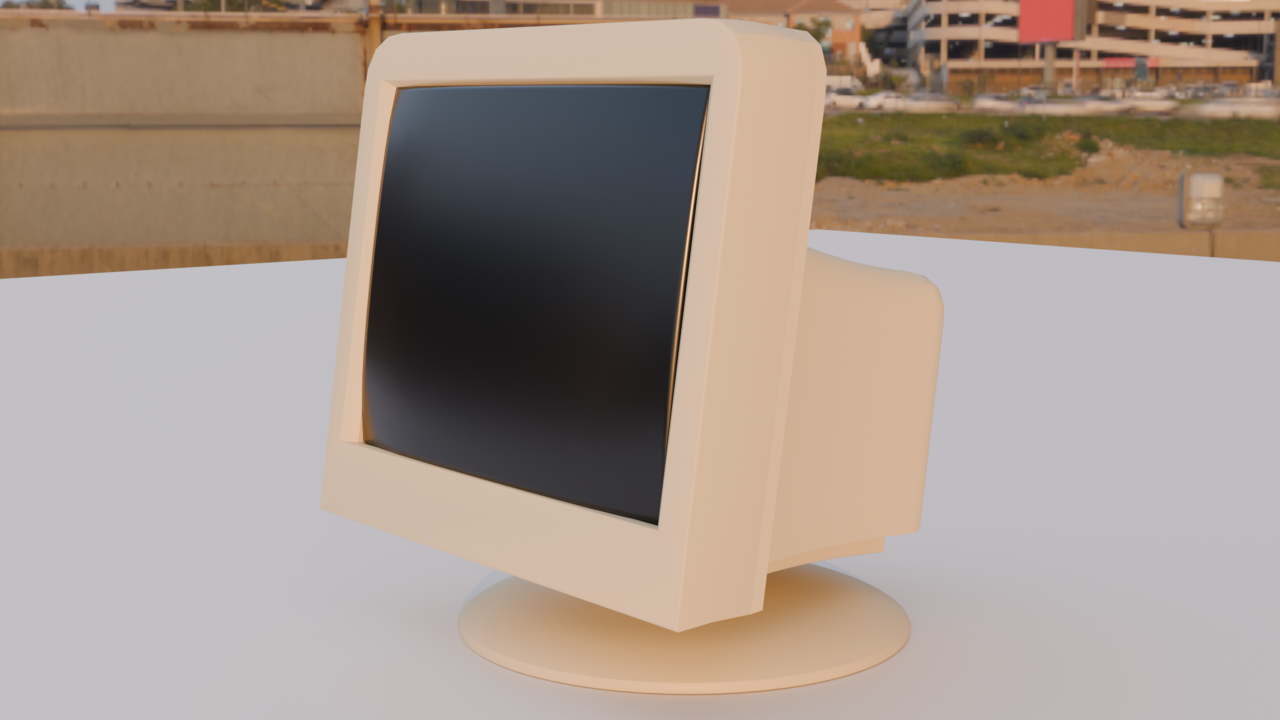
So, I'm making a monitor. Something that I saw in regards to feedback is to model each piece of this vintage monitor in separate pieces, just as it were in real life. For example, model the front bezel, then screen, then back. This is fine, but is there any issue to creating one singular model and then separating them when I'm ready to add modifiers, shaders, etc? Or, just keep them as one model and select parts of the model to assign materials to? I guess this is where my confusion lies, as when I am ready to move the back part of the monitor to the screen, it feels frustrating to do so. With my previous lamp project, the shapes were simple enough for me to separate each part, but something slightly more complex (the monitor) is where I'm not sure which direction to take.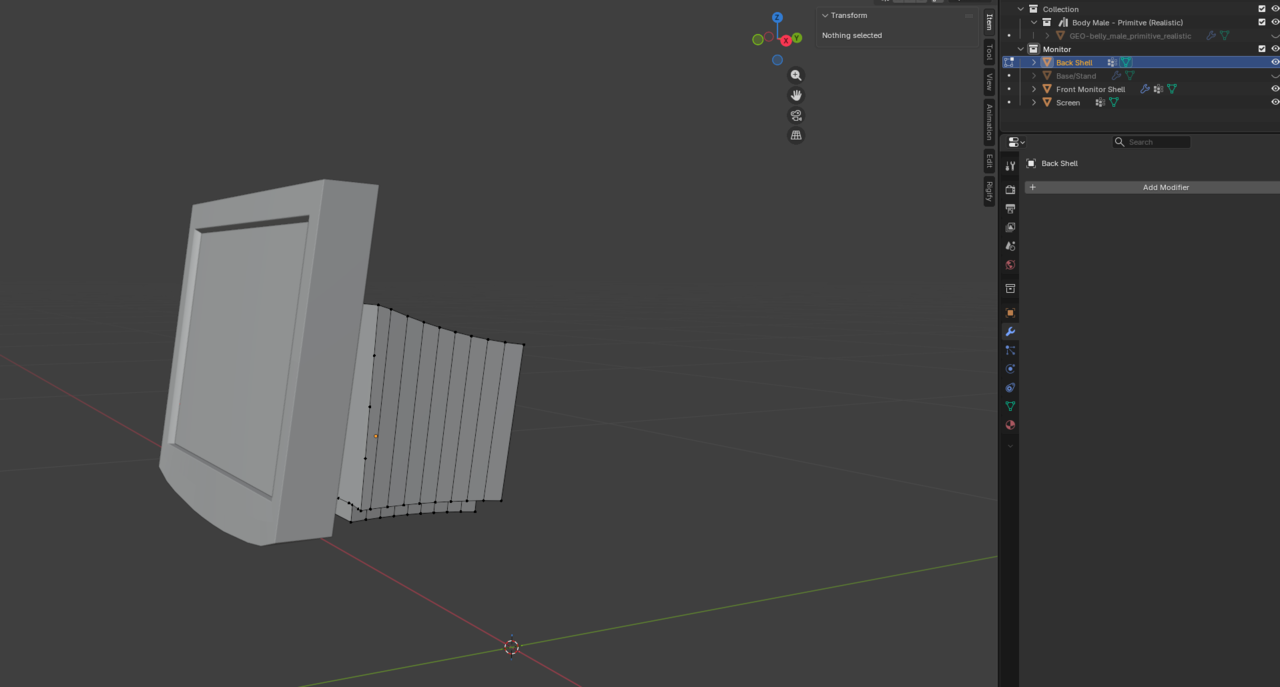
Hmm, seems like just block modeling in one go and then separating each part individually might be the best method for this project..
This has taken HOURS so far, just because of messing around with different workflows and trying new things... Really wish I did this a little faster for what I have so far, lol. A lot of this is just practicing, learning, and messing around to see what works.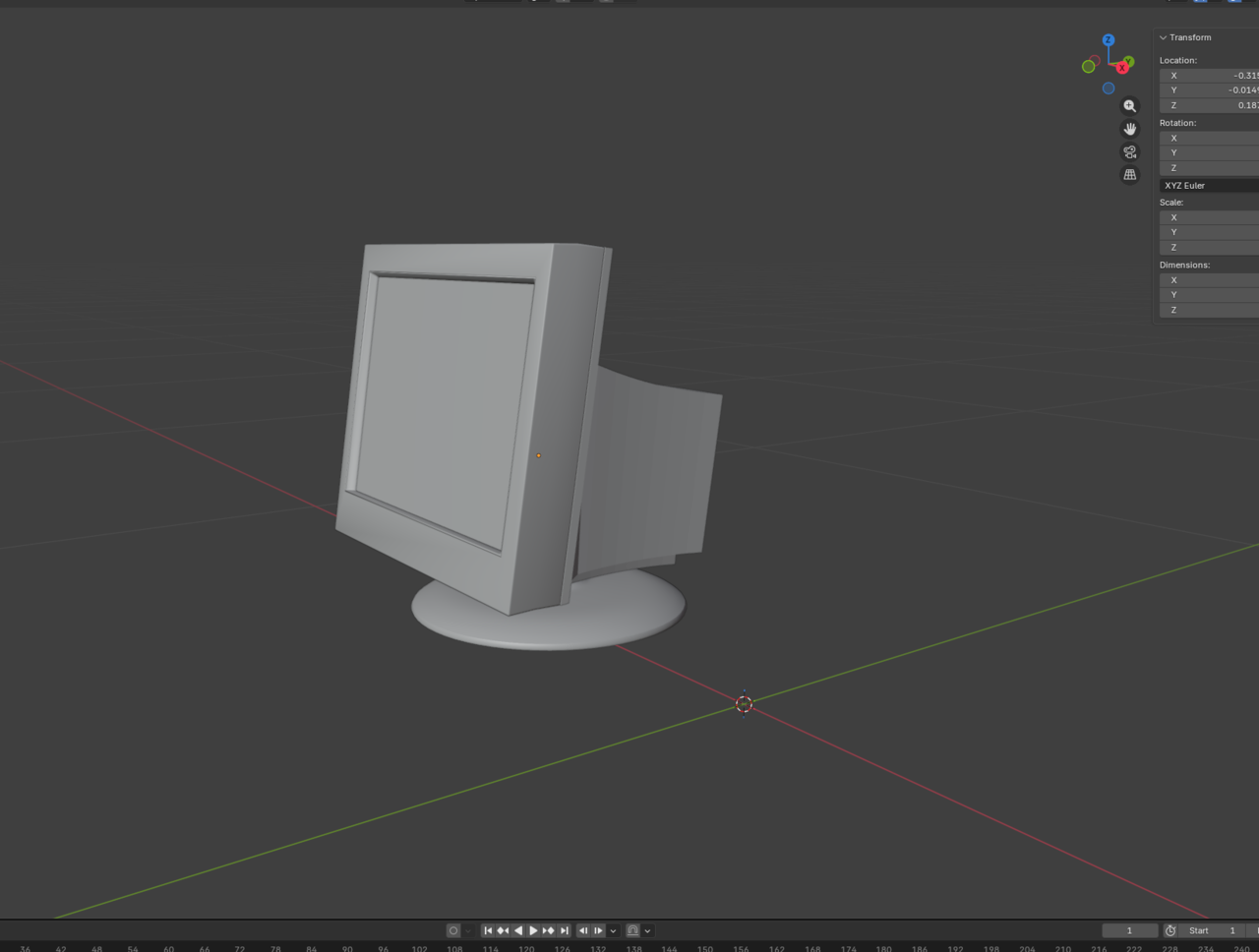
Alright, geometry could be better... Like I said, this took awhile. Just trying to learn, lol.
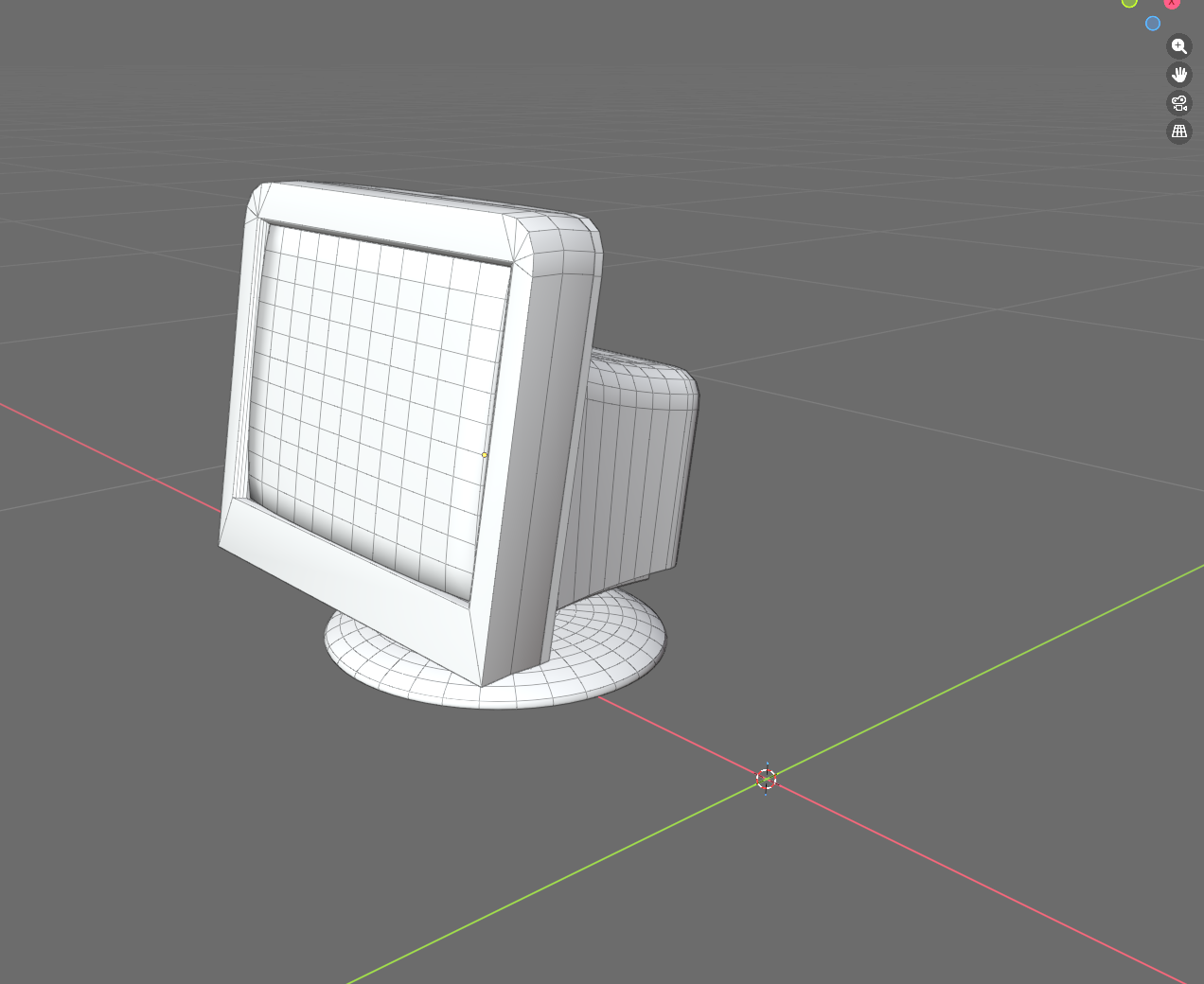
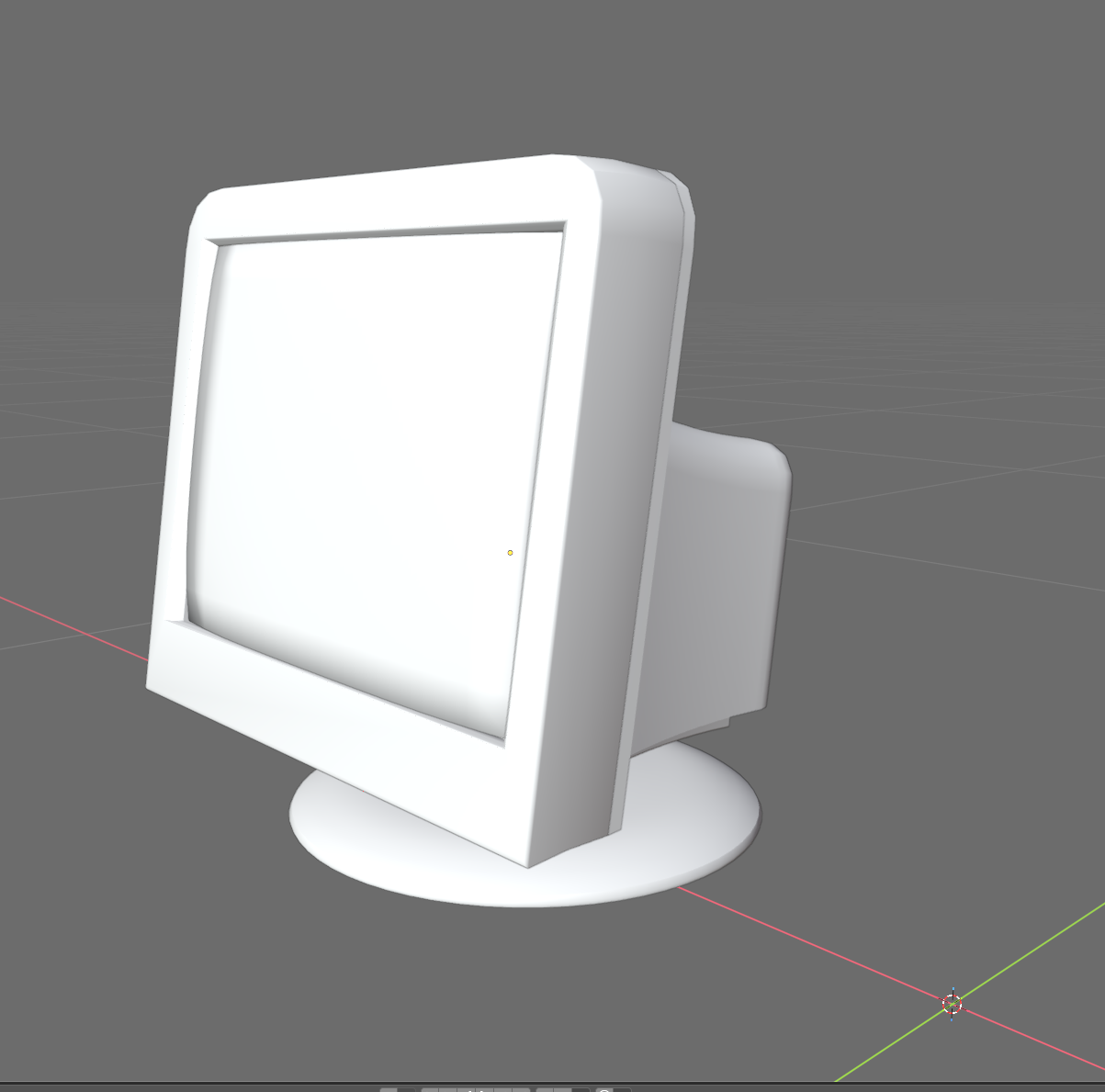
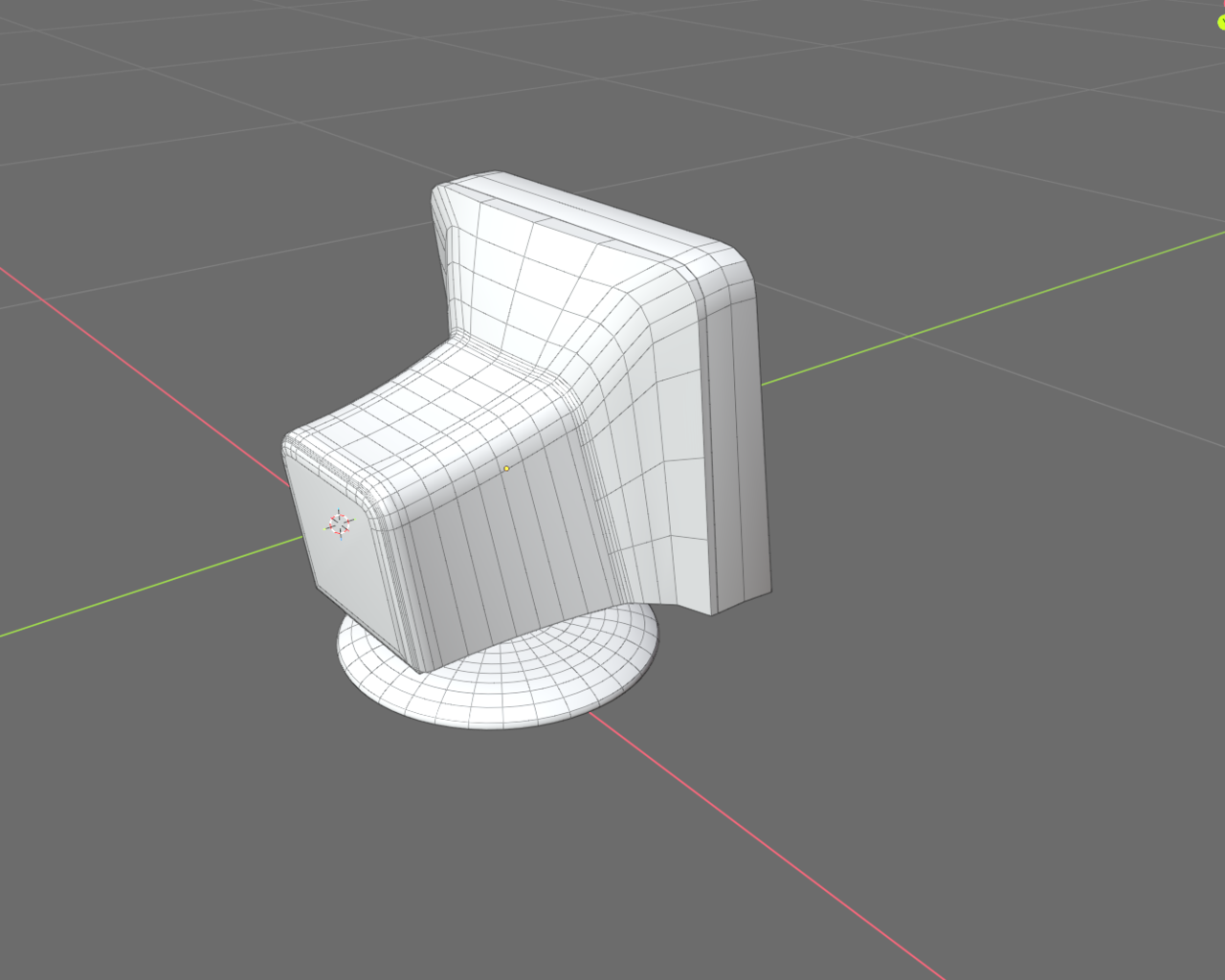
So, I ended up modeling the base separately. Then, I full modeled the rest of the computer then separated each part into separate objects (the front bezel, screen, etc). So, I guess in my opinion it is whatever is easiest for the particular object.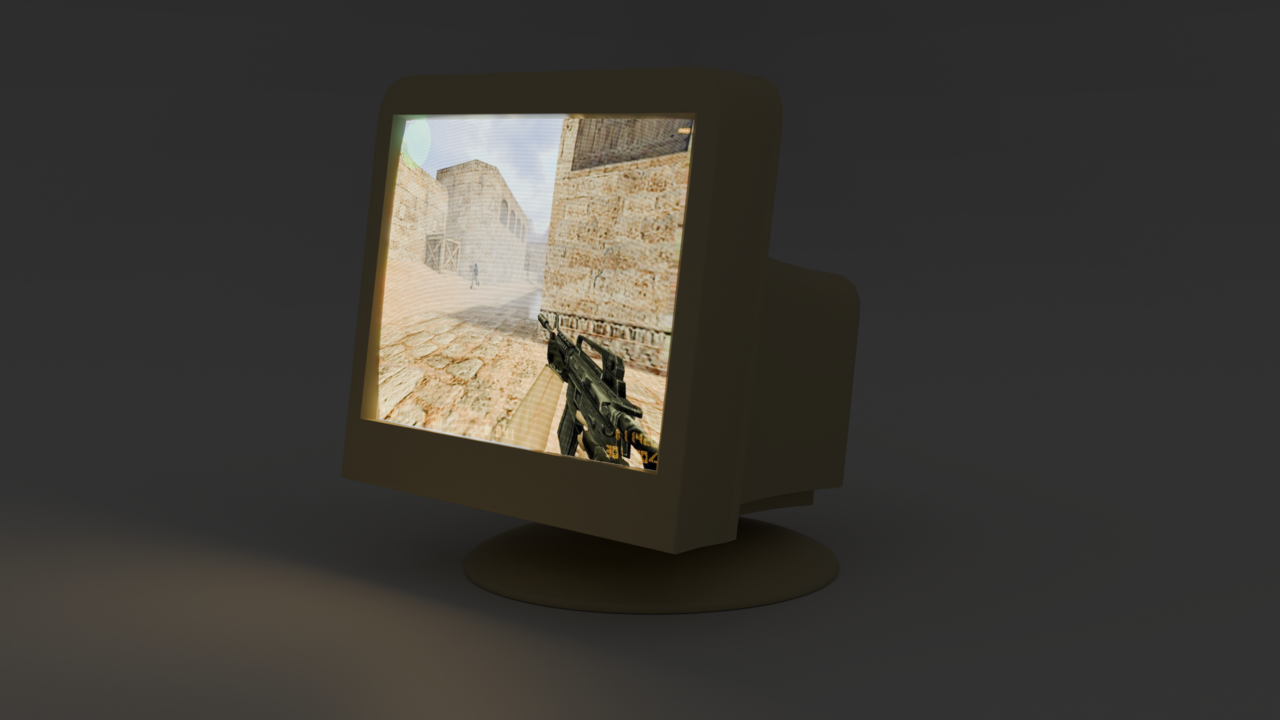


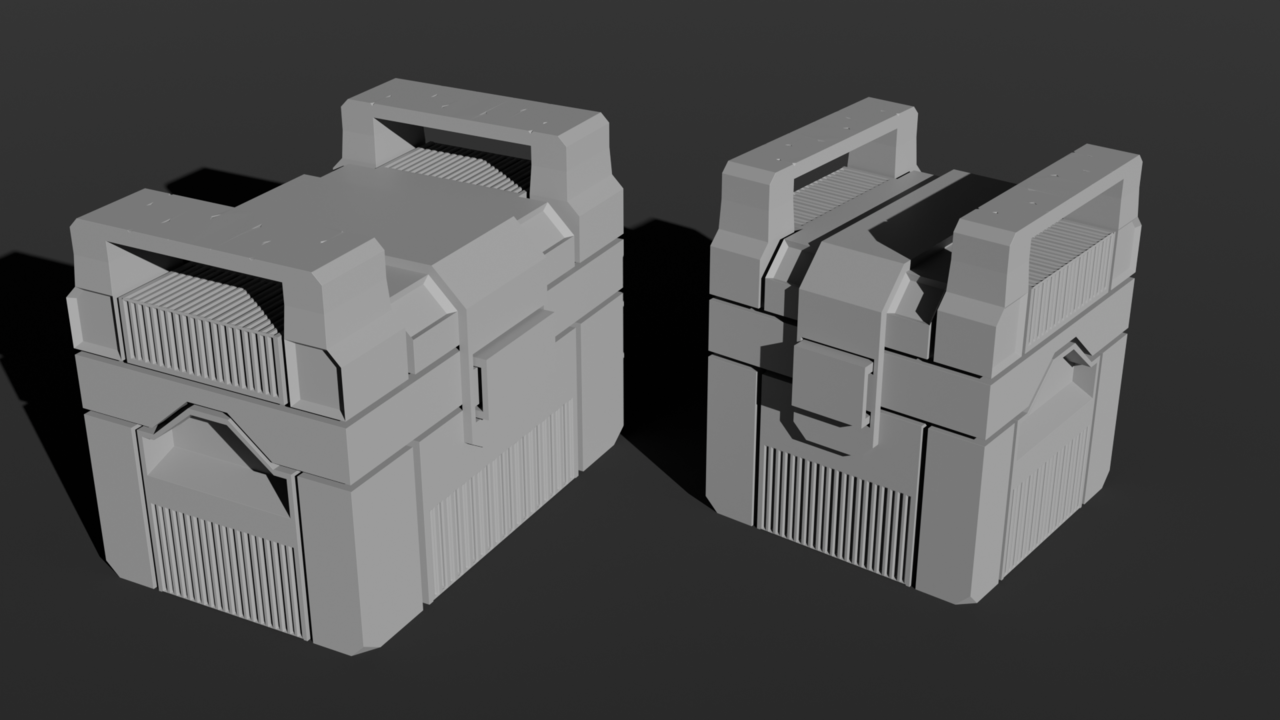
The only feedback from my part is that it feels like a mix of low poly and high poly, which shouldn't be. It's either all high poly or all low poly. Because if you have a mix of high poly and low, they clash and one makes the other look bad.
Is there any reason to apply your non-destructive modifiers? i.e bevel, and subdivision? Silly question, but I went back to my HDD project and observed that we don't apply all modifiers, compared to me applying modifiers for my computer. I'm thinking next time I'll keep the modifiers as-is rather than applying it and creating a more dense-looking topology/ngons depending on the topology (vertex bevel etc)
The only reason I can think of for me to apply the modifiers on my model, is because I have to export the mesh to a different software. Since the other software uses different systems, things are not compatible, so you have to apply the modifiers. Other than that, I never apply my modifiers.
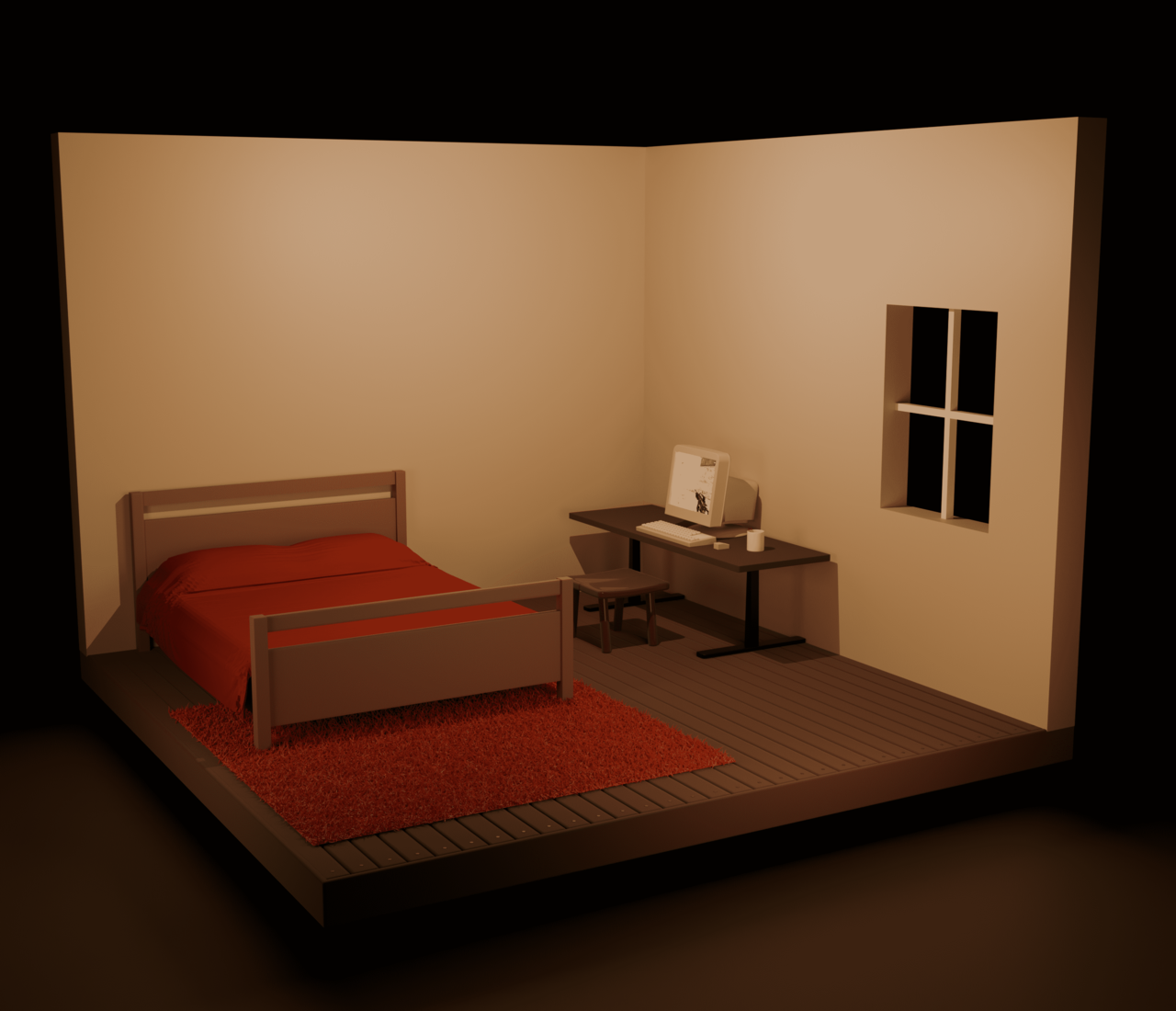
WIP Isometric bedroom. I'll be away from Blender for a few weeks, can't wait to return. Using this project to mess with materials and nail proportions. I used an array modifier for the hardwood flooring when researching. Originally, I was trying to bevel the floor in which did not look as good.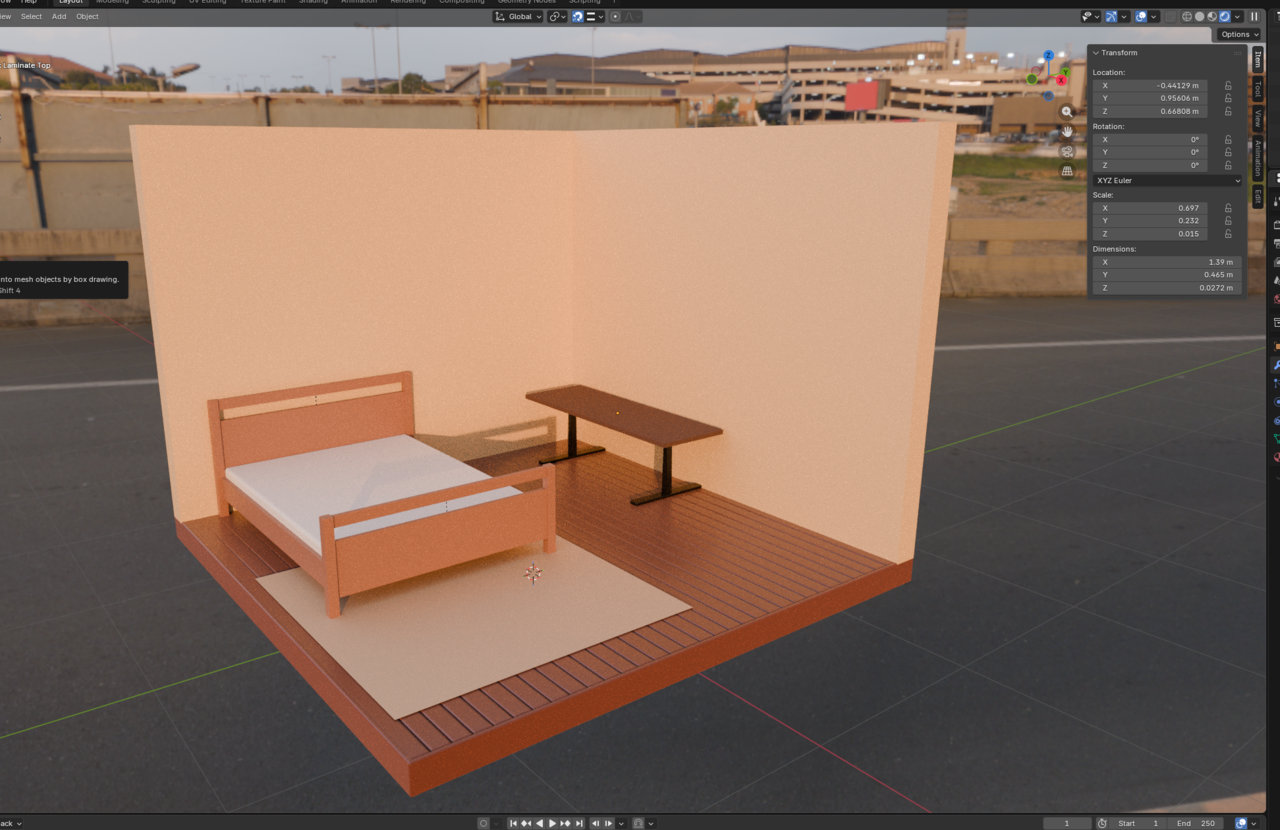

This topology feels odd but I think it will do. Just throwing it in here in case there's feedback. 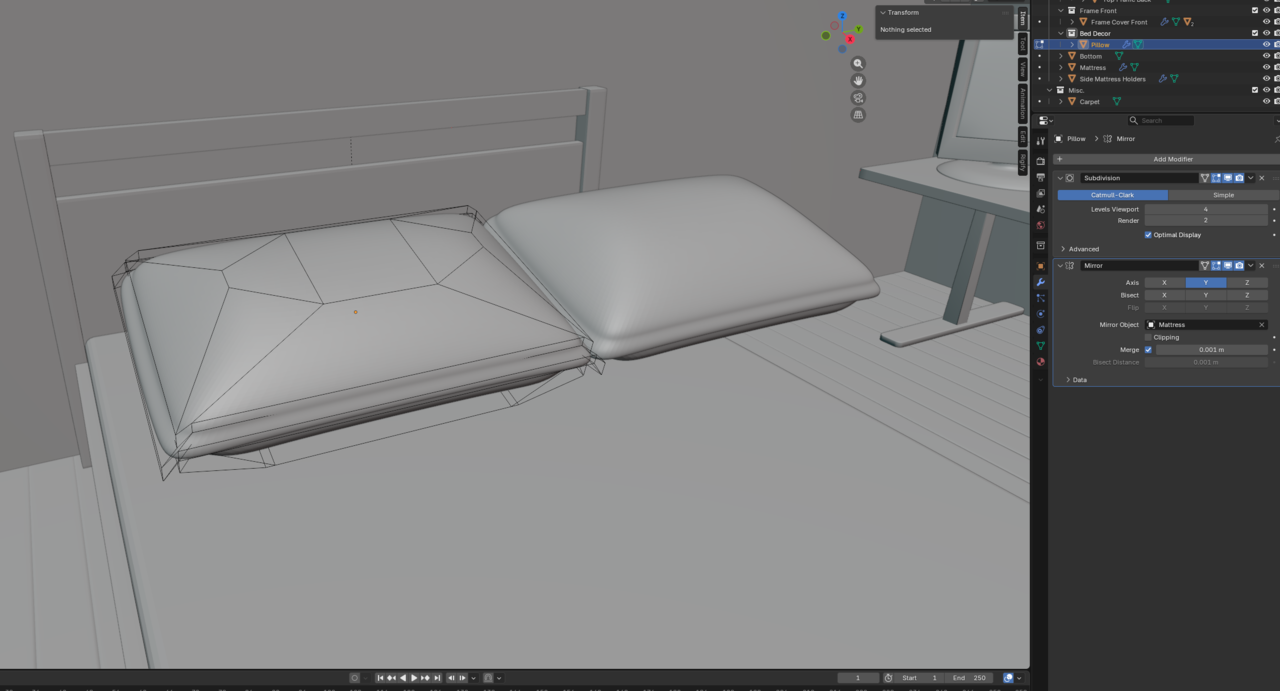
Gotcha. Yeah, I'll keep in mind the amount of detail and subsurface relative to the distance of the object, it's perspective, occlusion, etc.
I am back! Work and life is getting in the way unfortunately. I decided to go ahead and finish this project for now. Anyone have a challenge idea? I may sculpt again when I can.