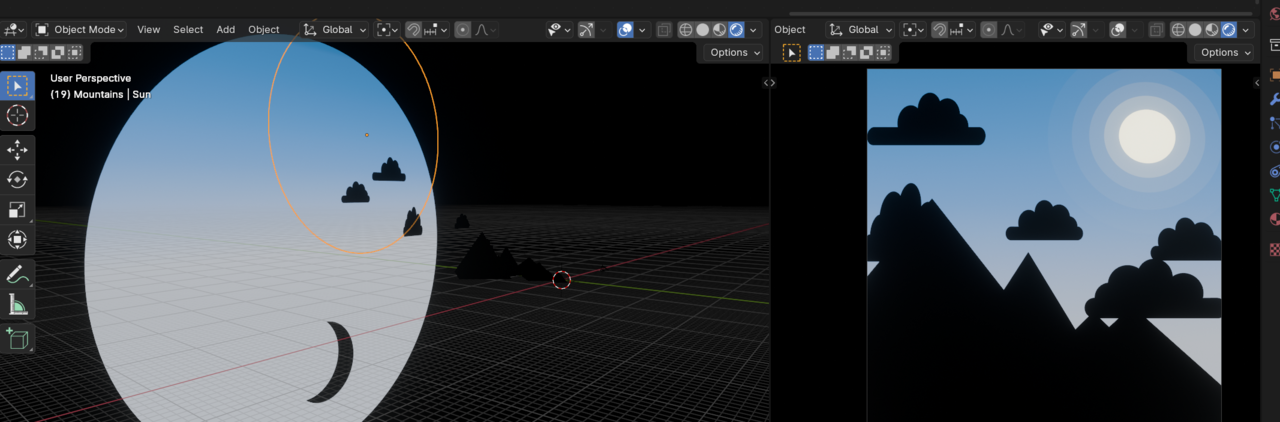
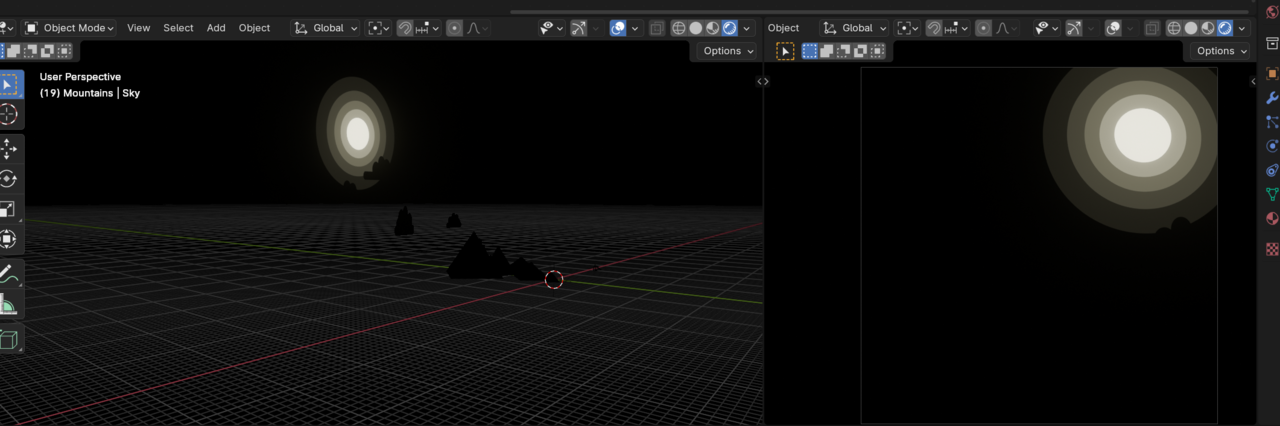
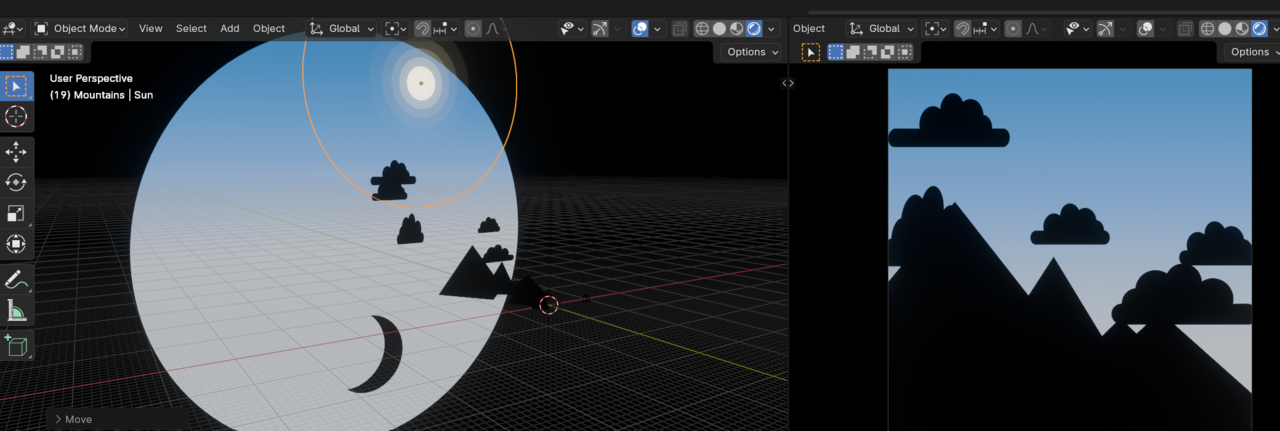
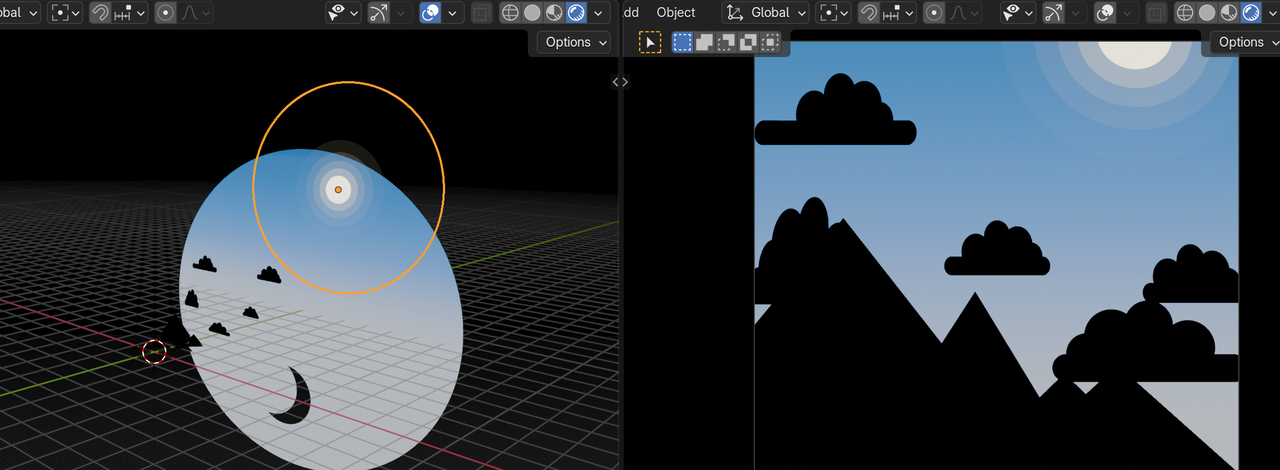
Sun Disk disappears when moved on the z Axis

I can't wrap my head around why blender is behaving this way, thought someone might have an answer.

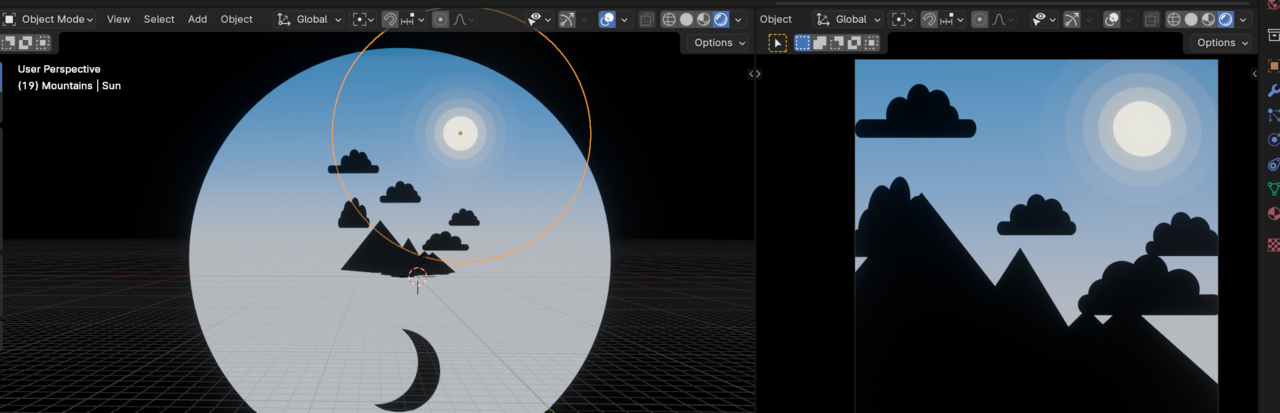
Moving the Sun Disk a tiny bit higher makes it disappear from the camera view even thought it should be in the field of view. (Changing Clip Size value doesn't help, however hiding the sky Background reveals it).

Same issue happens when navigating in the 3d viewport: under certain angles the sky disk disappears. Hiding the sky Background reveals it.

Any thoughts?

1 love
Reply
  • Omar Domenech replied

    There's two clipping values. One in the viewport and one in the camera settings. Have you changed them both? Give it a huge boost in value just in case your scene is too big.

    Also can you post some screenshots? Even better if it's a screengrab video to see the issue in action.


    1 love
  • Martin Bergwerf replied

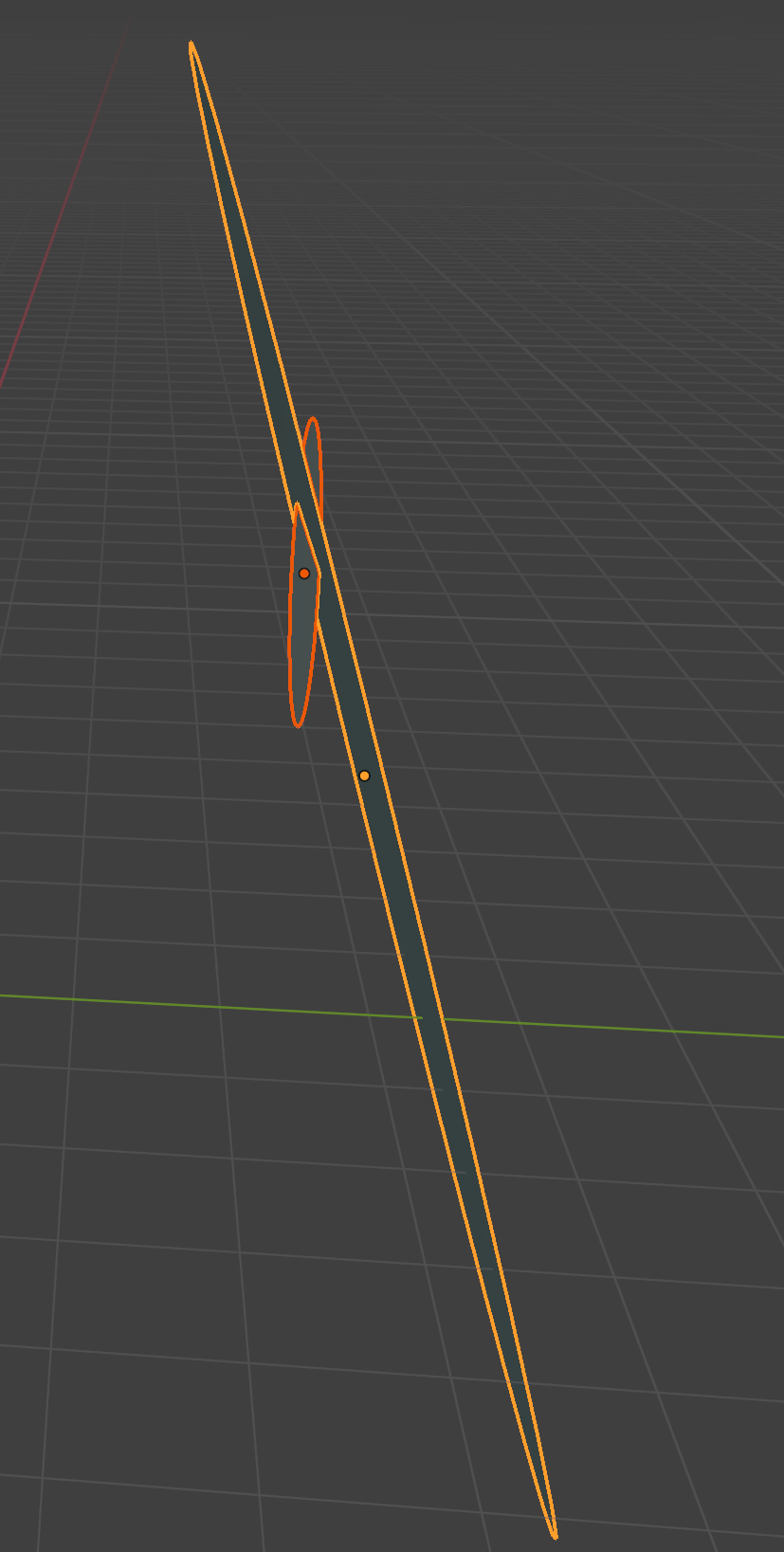
    Sounds like the sun disk is clipped by the sky background then. Maybe the background disk isn't completely vertical. Exaggerated:

    Sun.png

    1 love
  • Ali Serhan(Aliserhan) replied

    Here are some screenshots
    025-02-03 142723.png025-02-03 142910.png025-02-03 143007.png025-02-03 143134.png

    1 love
  • Ali Serhan(Aliserhan) replied

    Both clipping values are high, Changing them does not affect this.

    It doesn't seem that the the sun disk is clipped by the sky background since both are perpendicular to the y axis

    1 love
  • Martin Bergwerf replied

    Hi Ali AAliserhan ,

    Could you upload your .blend file (to Dropbox, Googledrive, or so) and post a link here, so we can have a look at what is going on exactly?

    1 love
  • Ali Serhan(Aliserhan) replied

    Of course, here's the link 

    https://drive.google.com/file/d/139WHgK8LHKwuToq9soZNLqGyKLSfUSmD/view?usp=drive_link

    1 love
  • Martin Bergwerf replied

    Oh,

    I'm afraid I can't make the Sun disappear by Moving it on the Z-Axis up or down (in Blender 4.3)

    Sundisk.png

    But what Blender Version are you using?

    The Sun magically disappears, when I open your file in 3.6 LTS, but you made it in a later Version...

    1 love
  • Martin Bergwerf replied

    It's the weirdest thing!

    All's fine in 4.2 and 4.3, but the sun disappears in 4.1 (in EEVEE)

    1 love
  • Martin Bergwerf replied

    It must have something to do with the Alpha Settings in the Material in the 'old' EEVEE, but I ma no expert, when it comes to EEVEE.

    If you have the possibility, you can switch to Blender 4.2 or higher, because the new EEVEE seems to have fixed this issue.

    1 love
  • Martin Bergwerf replied

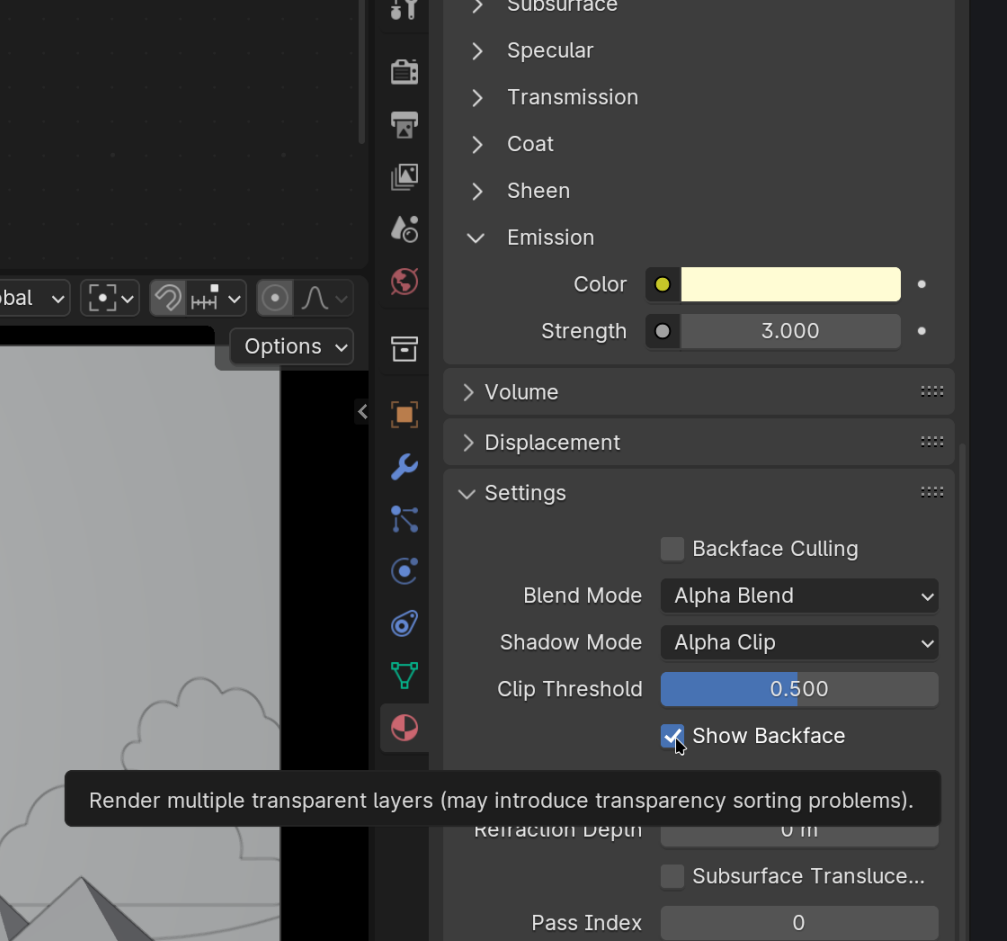
    My suspicion says it might have something to do with this:

    Sundisk_01.png

    But you can't simply disable the Show Backface unfortunately, that messes it up even more.

    1 love
  • Ali Serhan(Aliserhan) replied

    I was using Blender 4.1.1  

    Now I downloaded 4.3.2 , and it seems to work fine.

    I almost went crazy here 😅

    yeah, that make sense. Do people report a lot of issues like this for "old" EEVEE?
    1 love
  • Martin Bergwerf replied

      Do people report a lot of issues like this for "old" EEVEE?
    I don't know, but they wouldn't report it now anymore, probably. I'm not even sure if it was a bug, or just something inherent to the render engine.

    Anyway, glad it works correctly now!

    2 loves
  • Ali Serhan(Aliserhan) replied

    Yeah, Thanks a lot


    • 👍
    1 love