

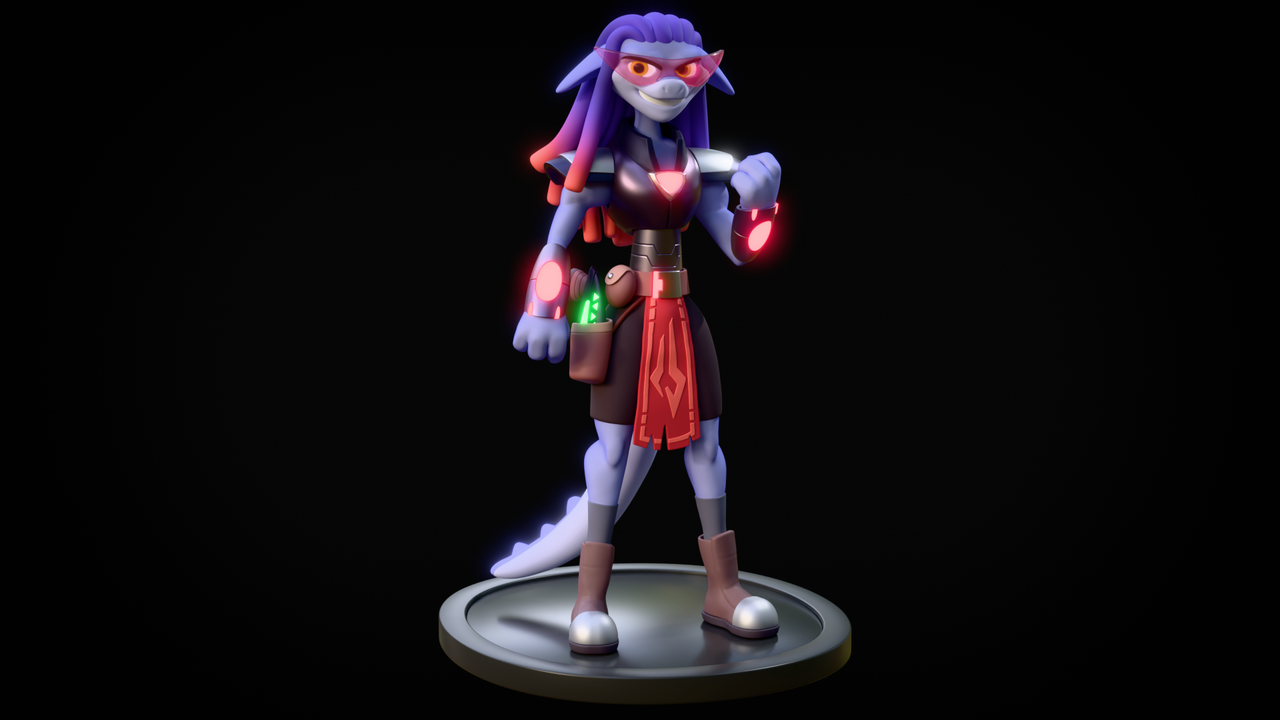
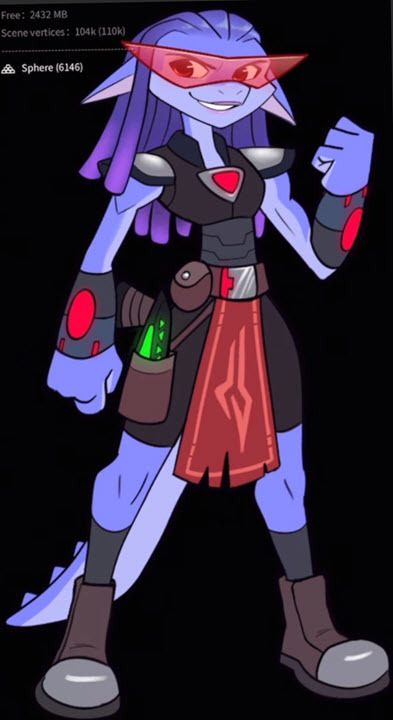
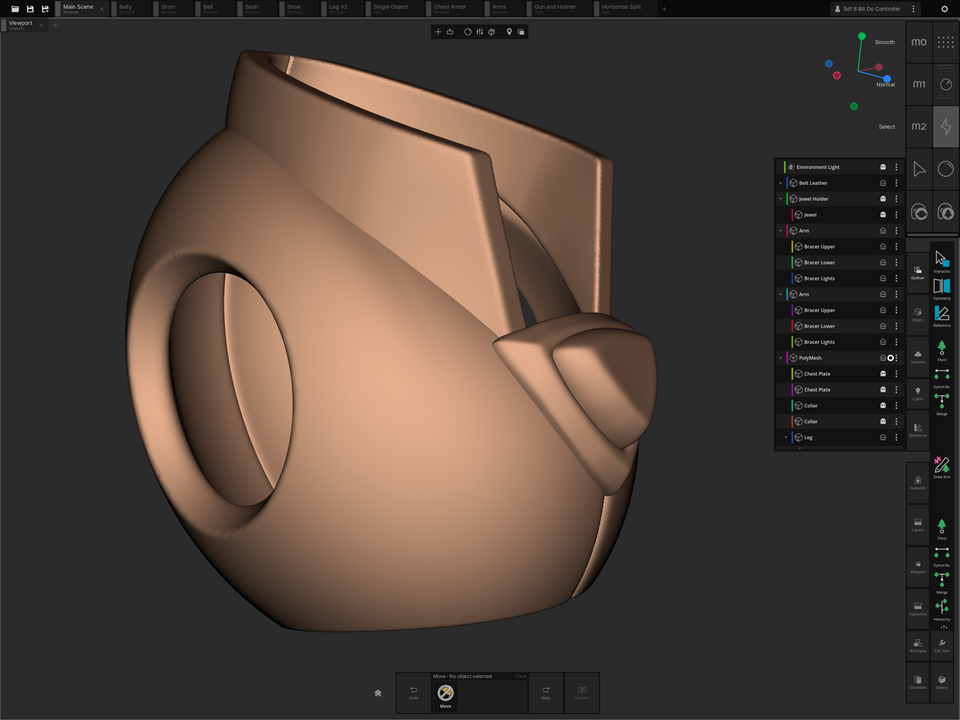
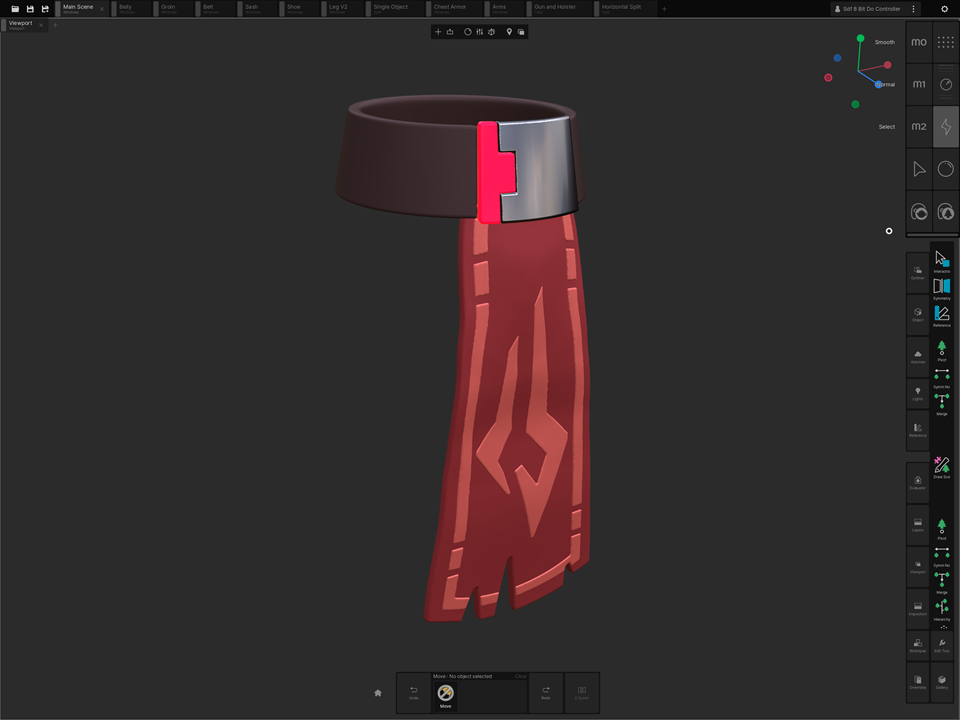
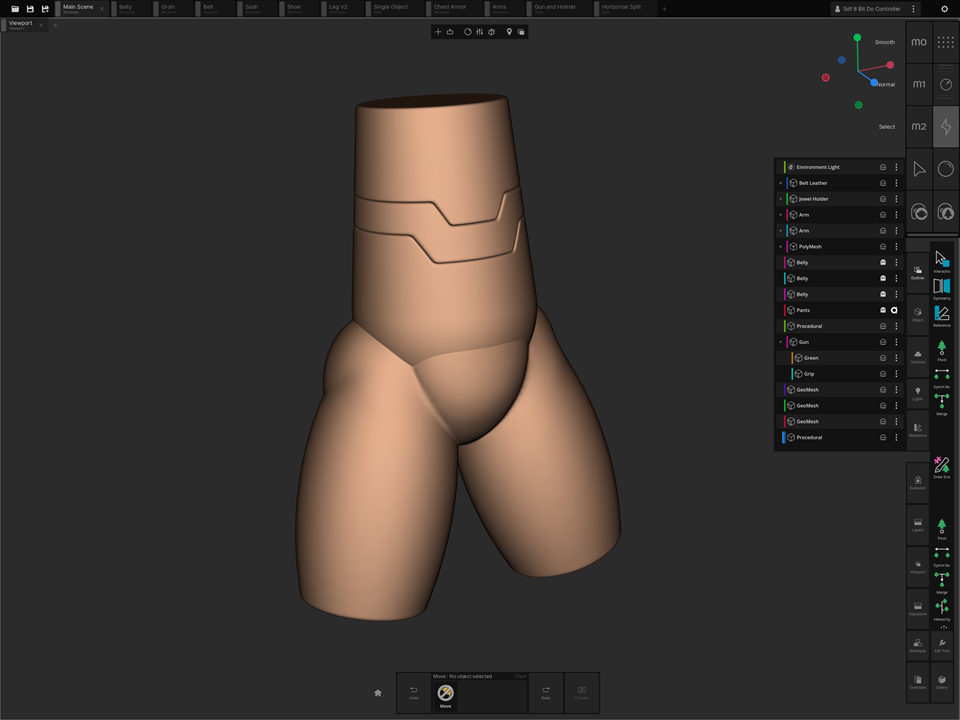
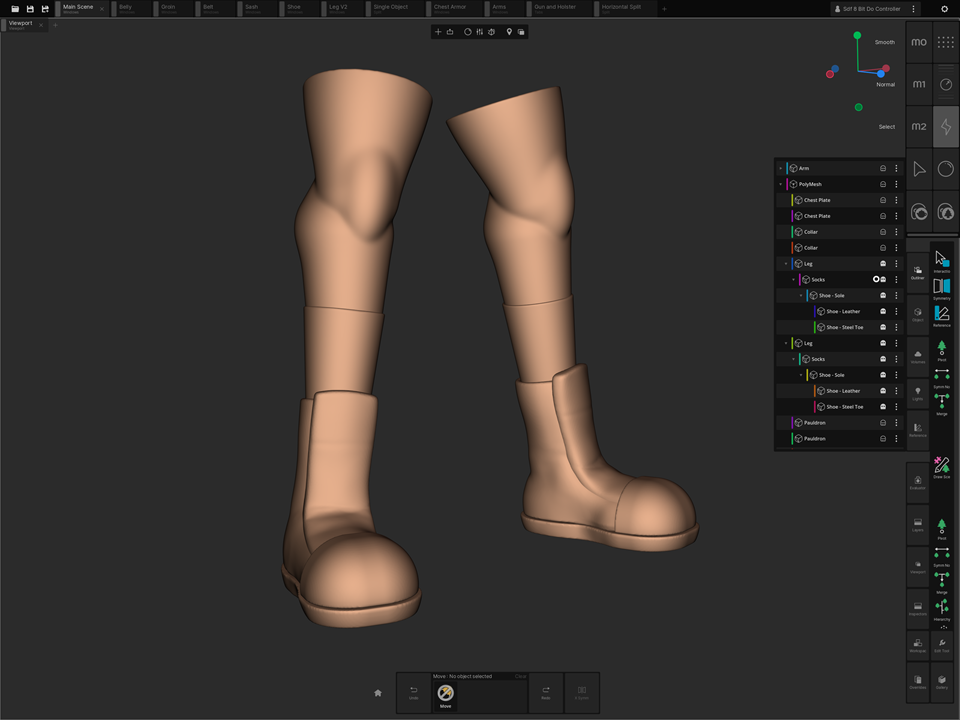
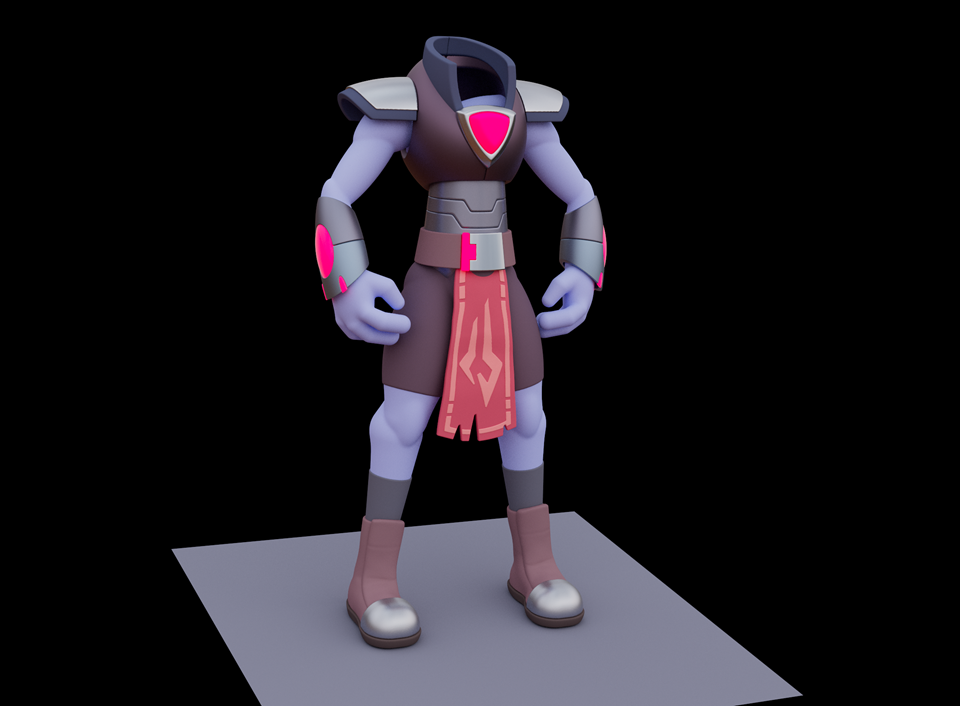
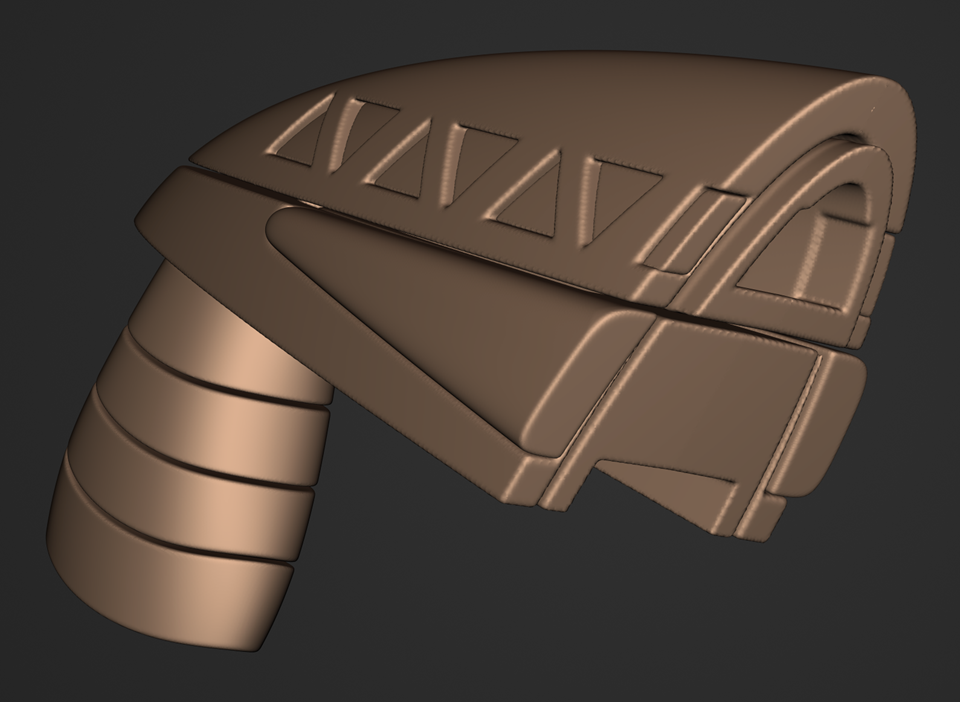
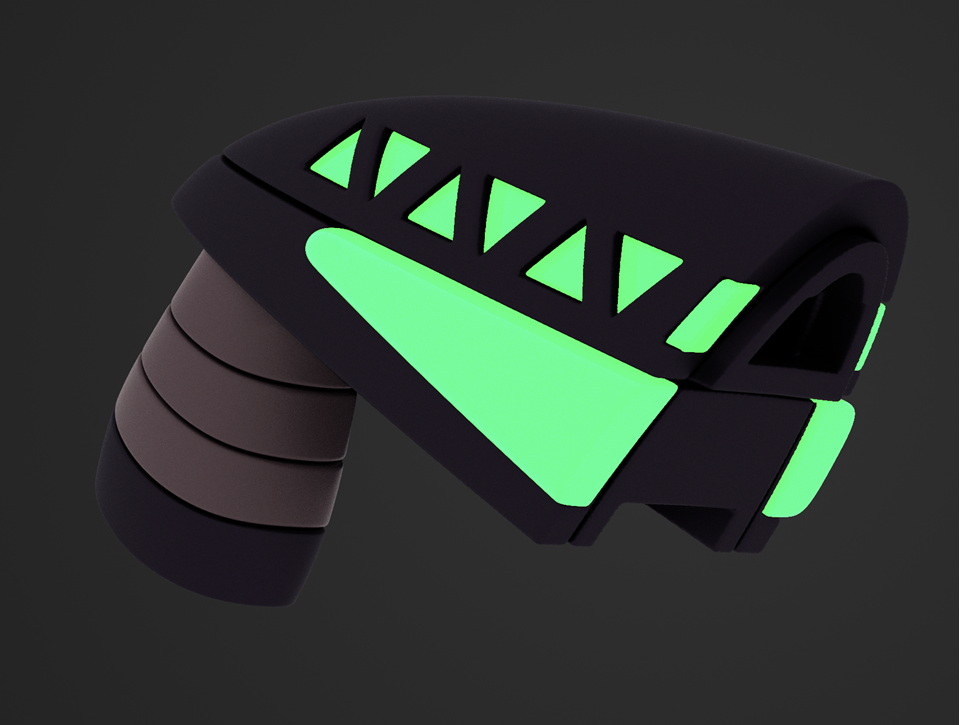
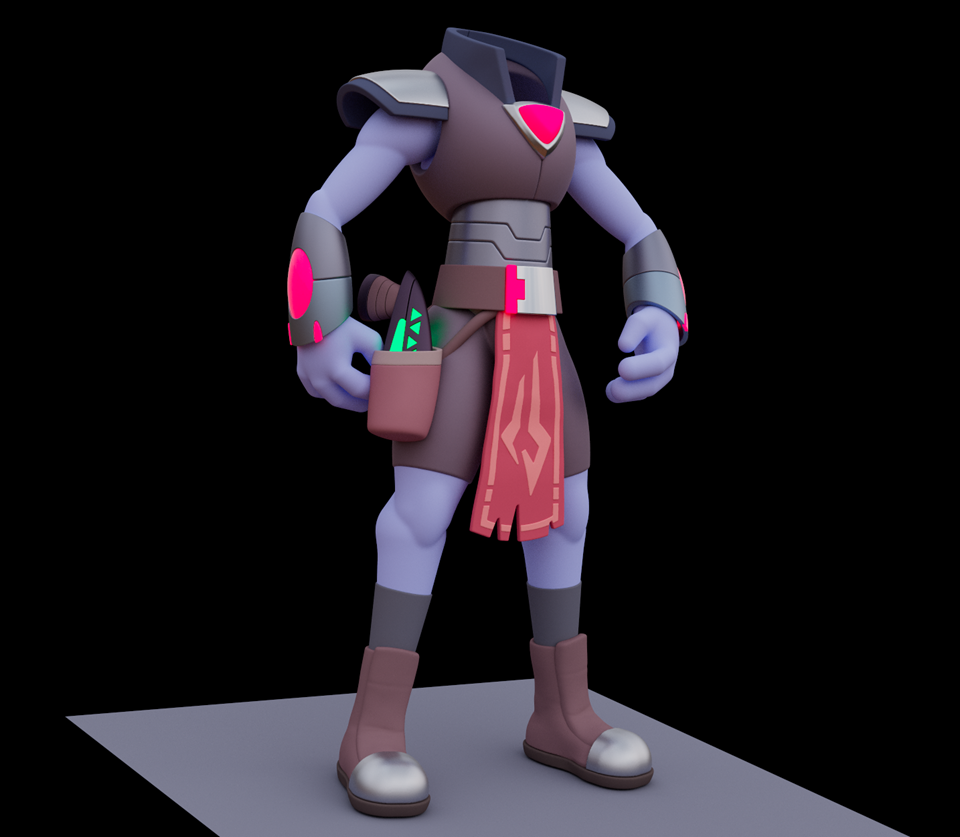
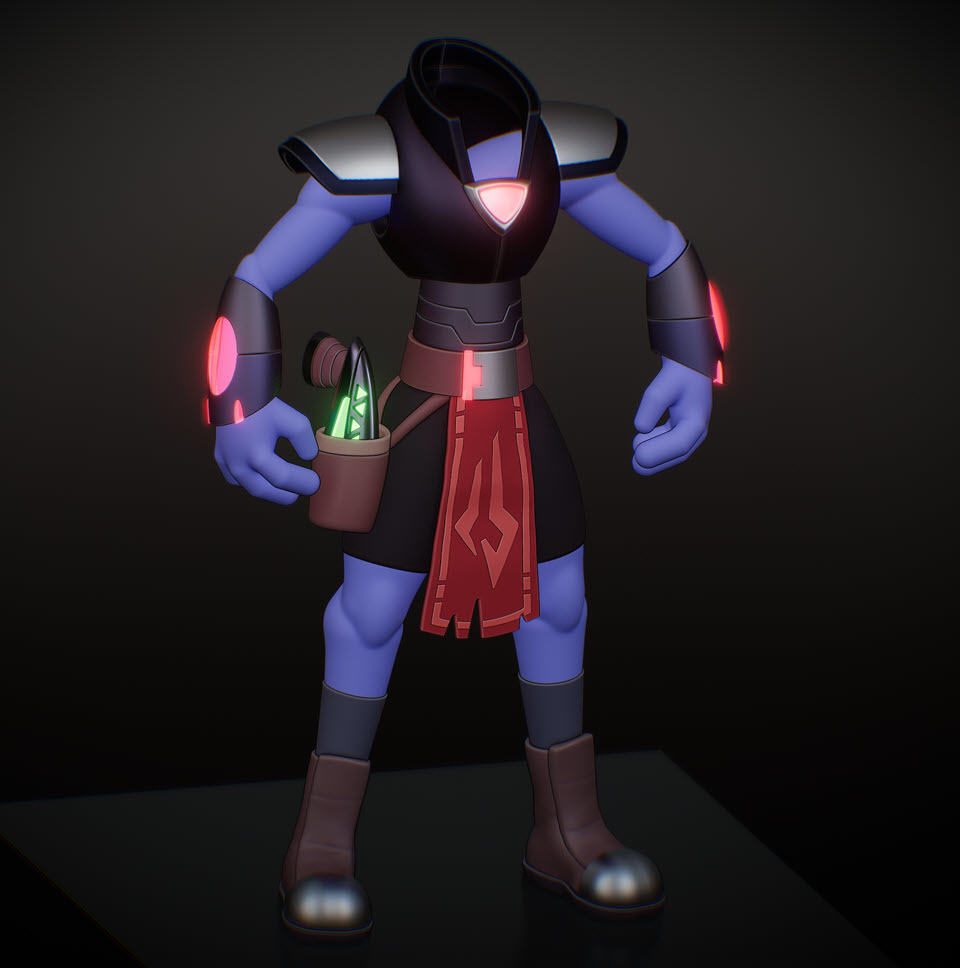
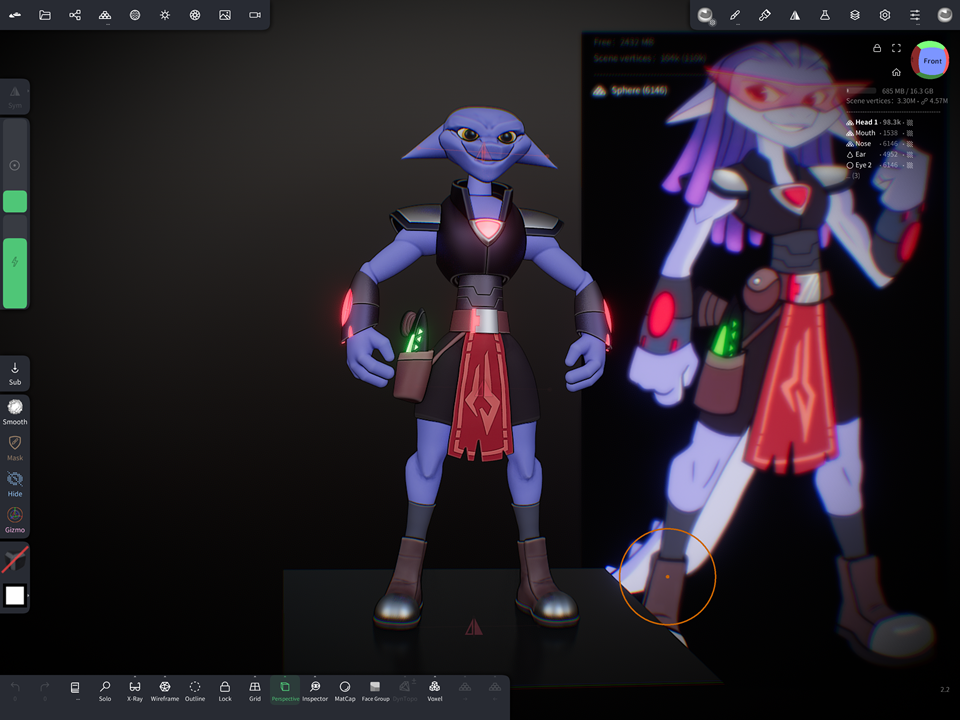
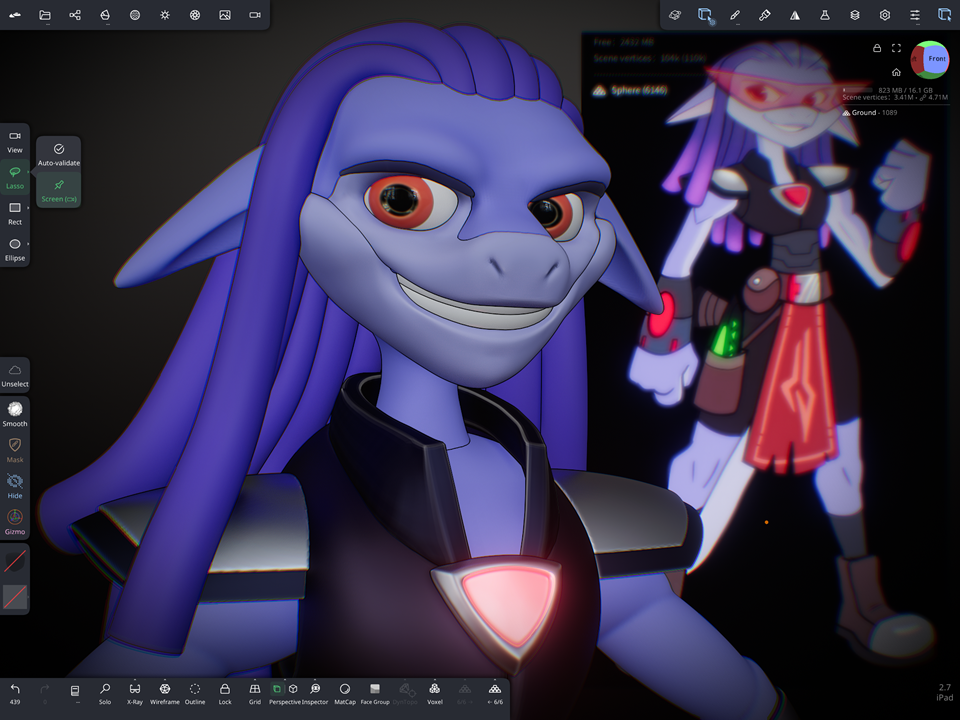
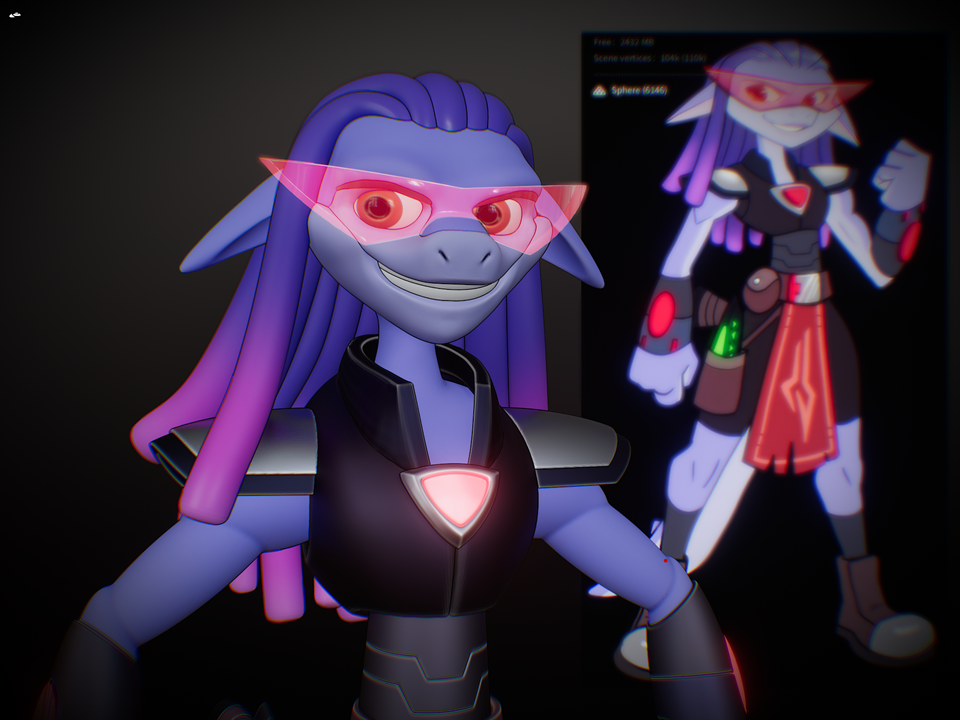
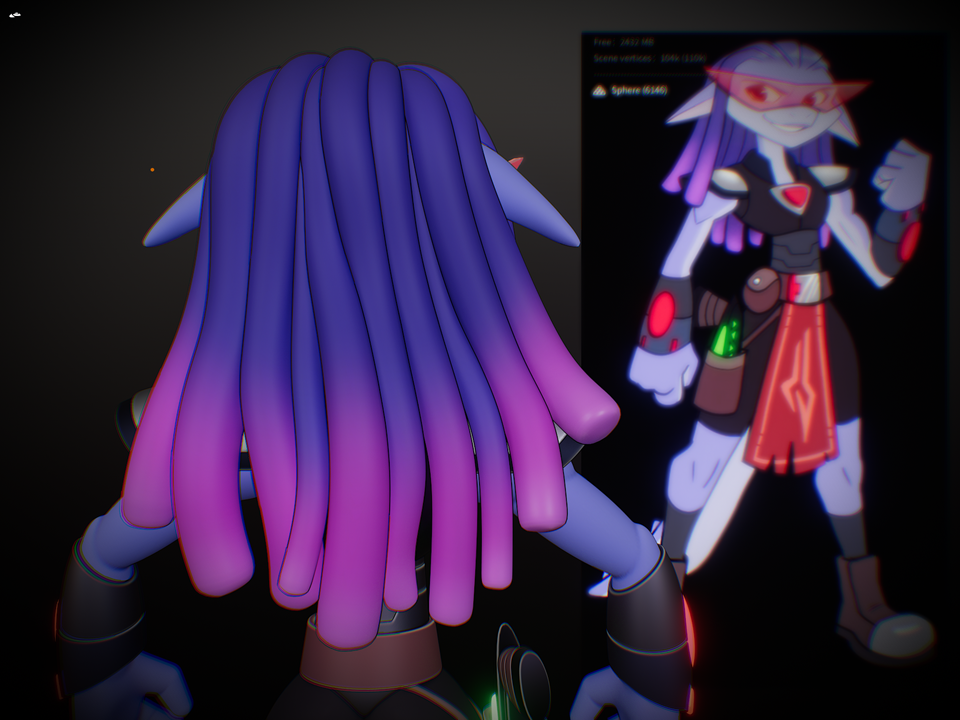
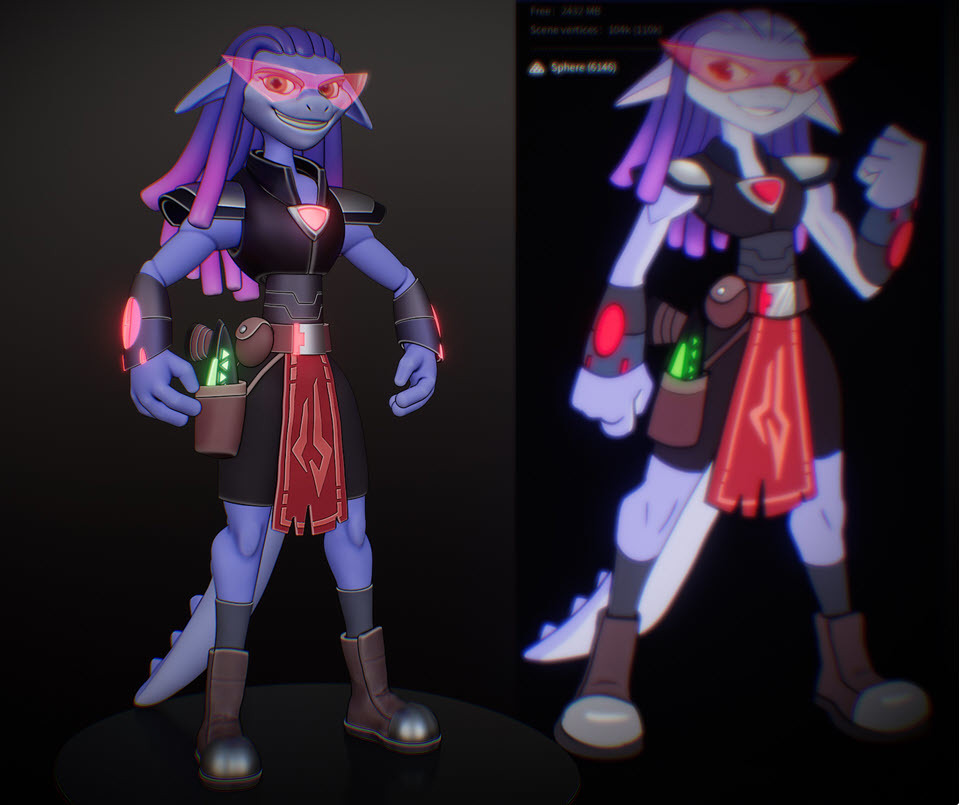
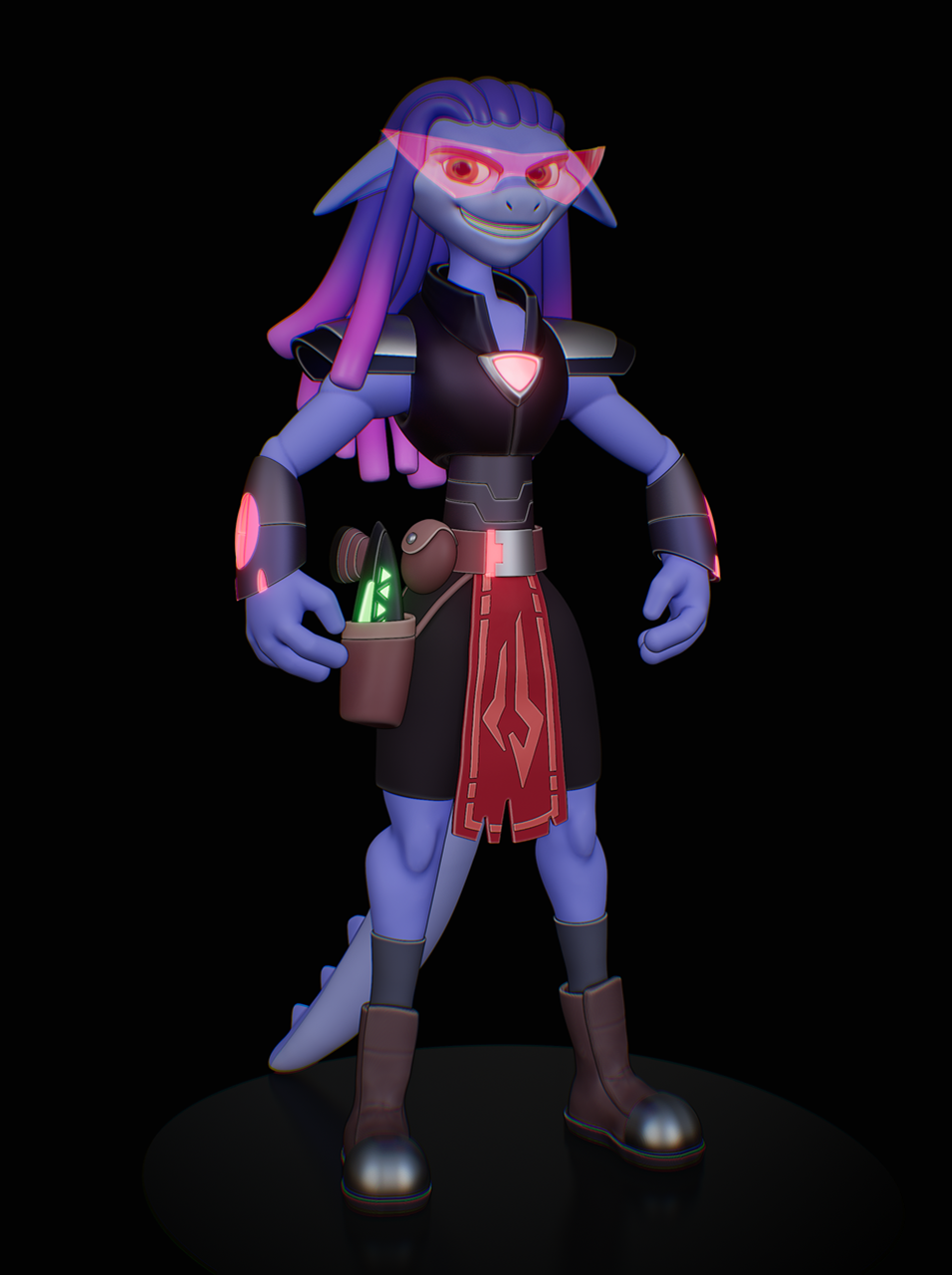
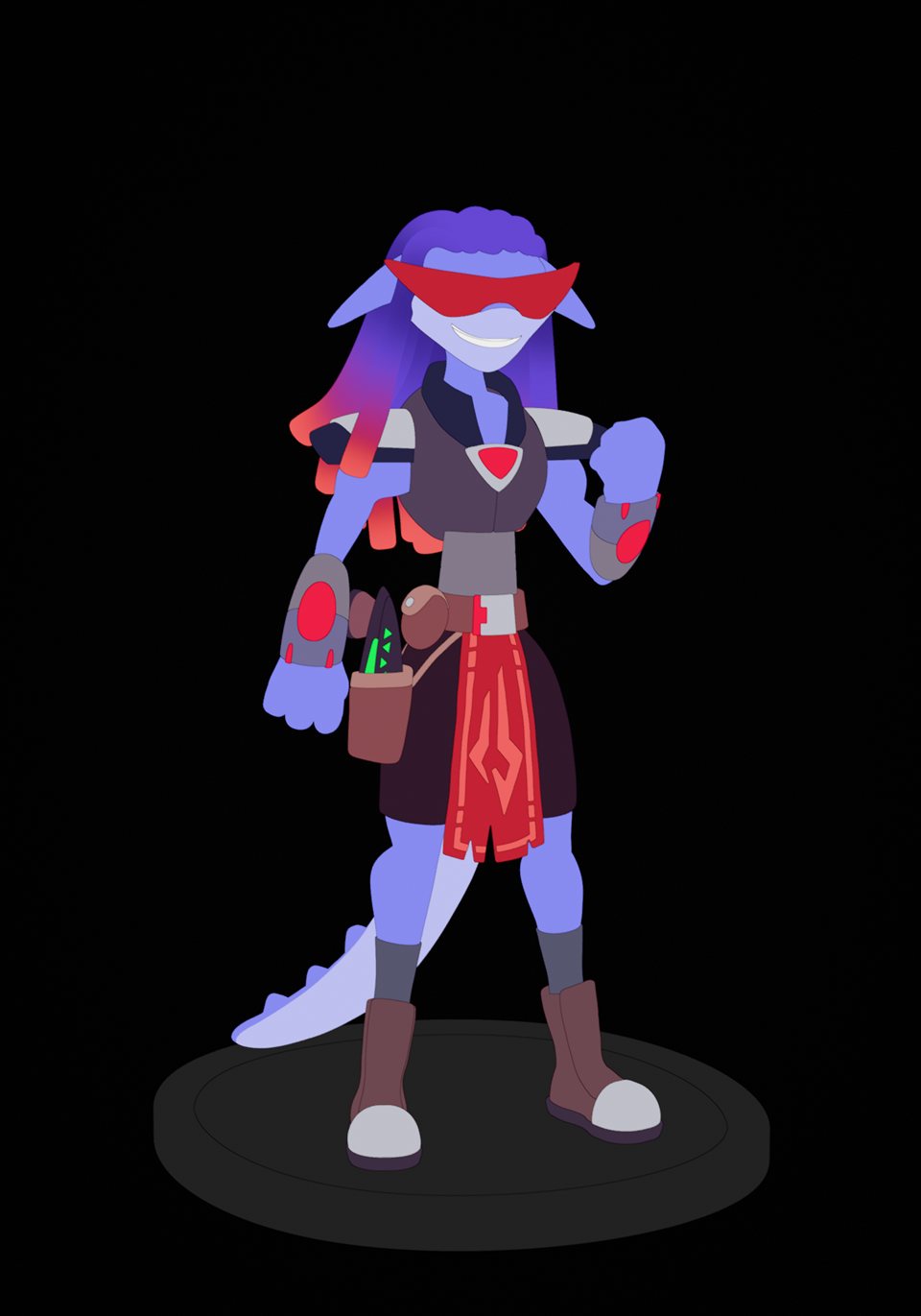
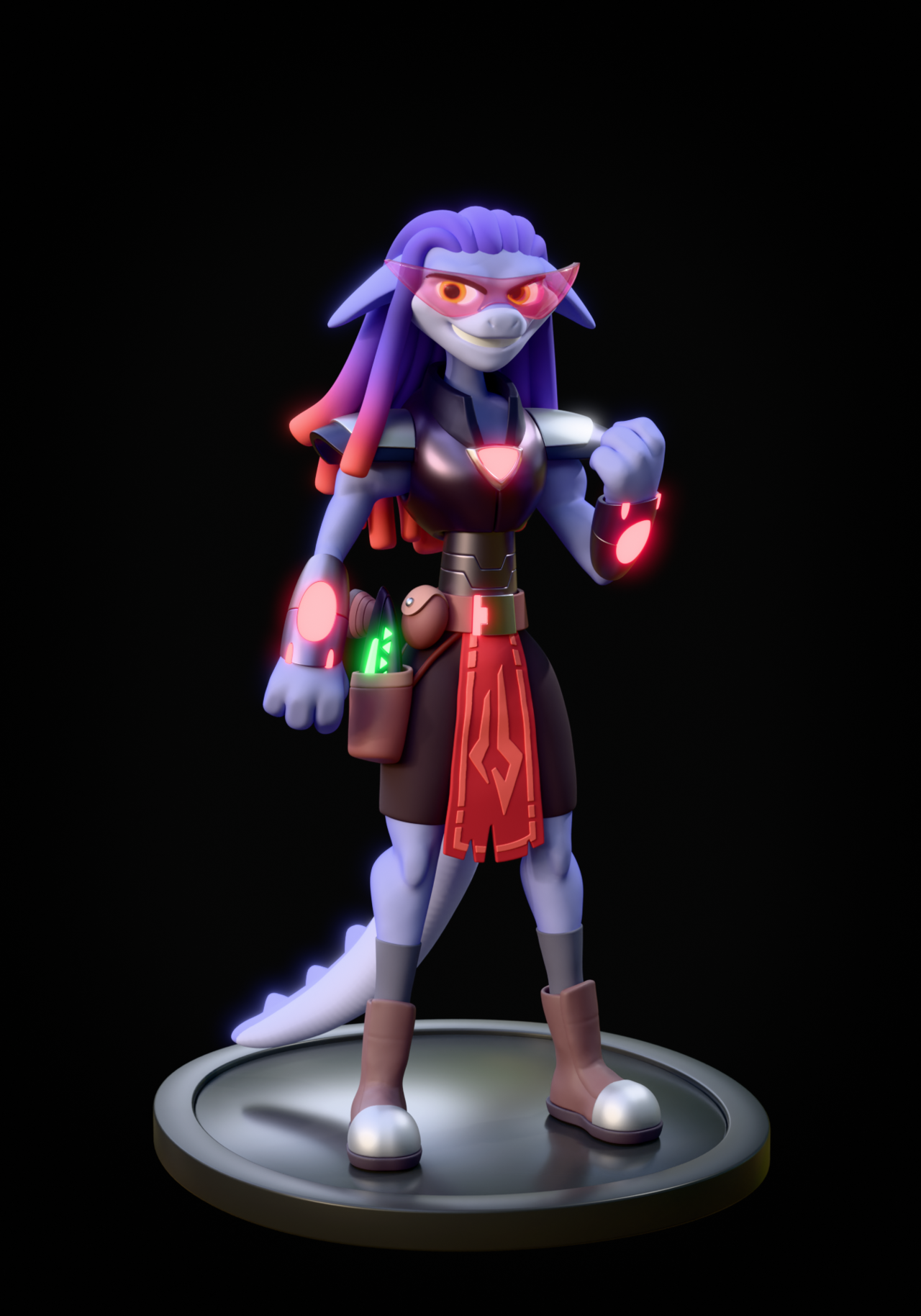
This was a replication from Shane Olson's 3D Character workshop. The concept art is from Luigi Lucarelli (link here: https://www.artstation.com/artwork/03VQd4)
I spent the last several months chipping away at this project and I have a lot of WIP to share alongside the final result. I didn't optimize the mesh. It has around 10 million verts and I don't plan to optimize it for now because I will be 3D printing it. I may remesh a few dense areas but no slick wireframes on this one to share.
Several software apps were used starting in historical order.
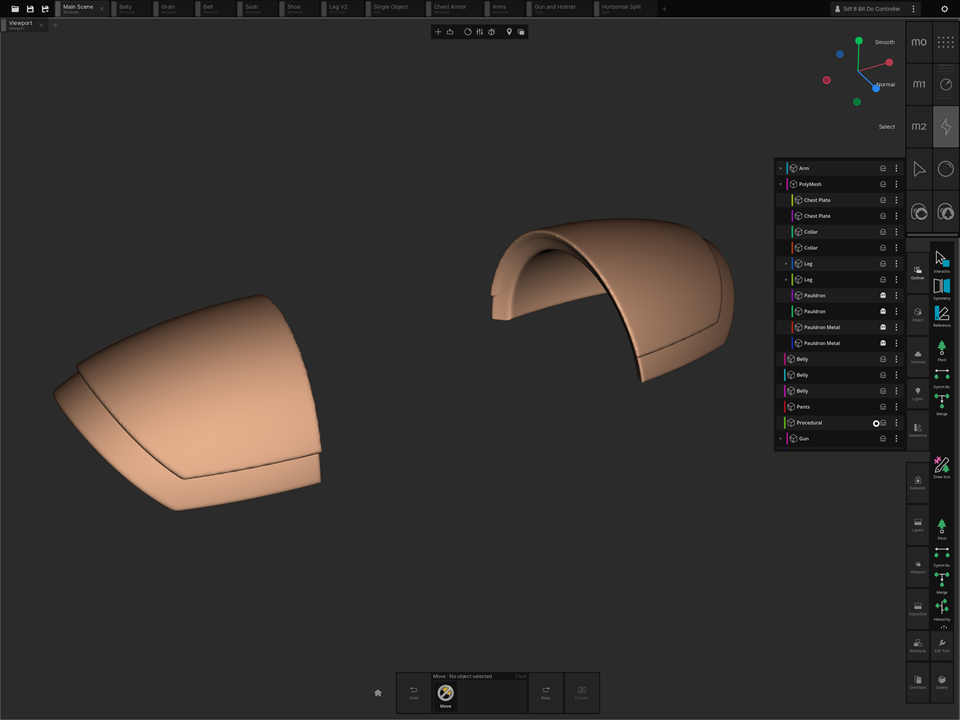
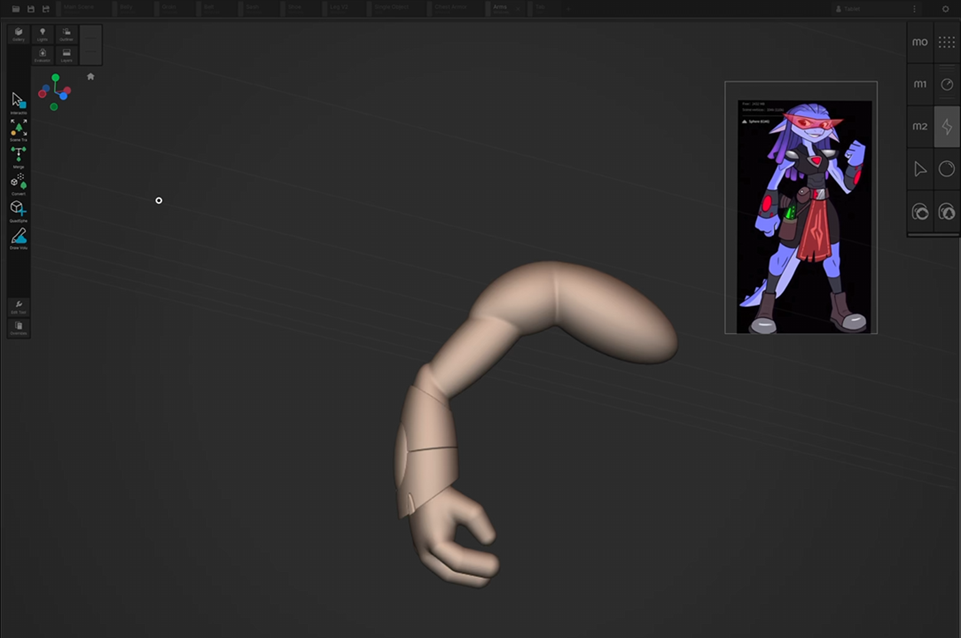
SDF block-out shapes and initial conversion to mesh for most of the body; head and tail excluded: Uniform App (iOS) on M4 iPad
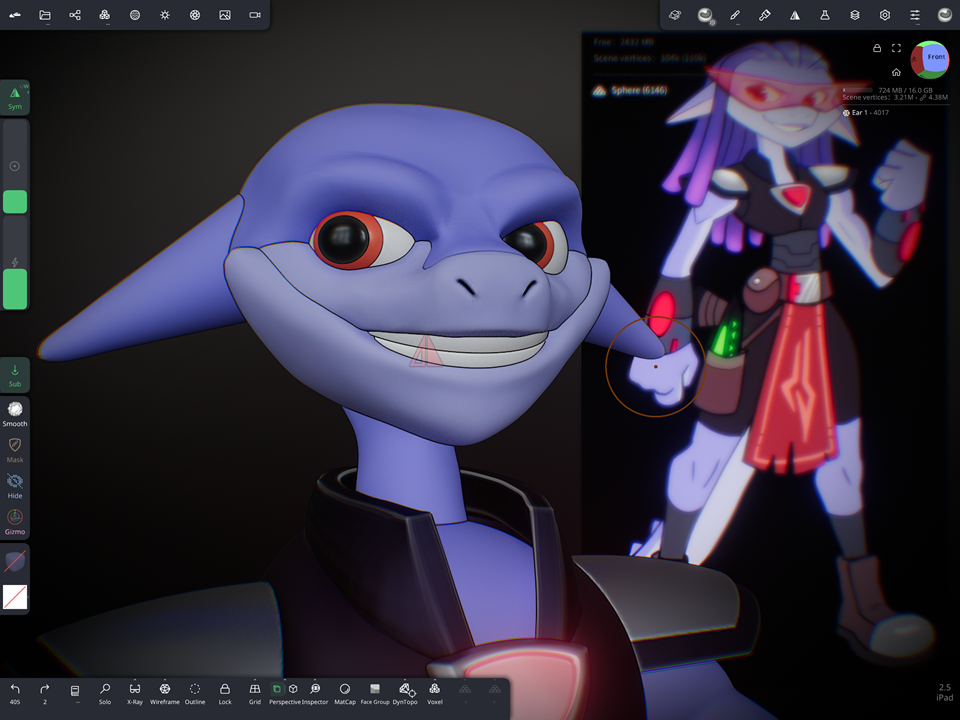
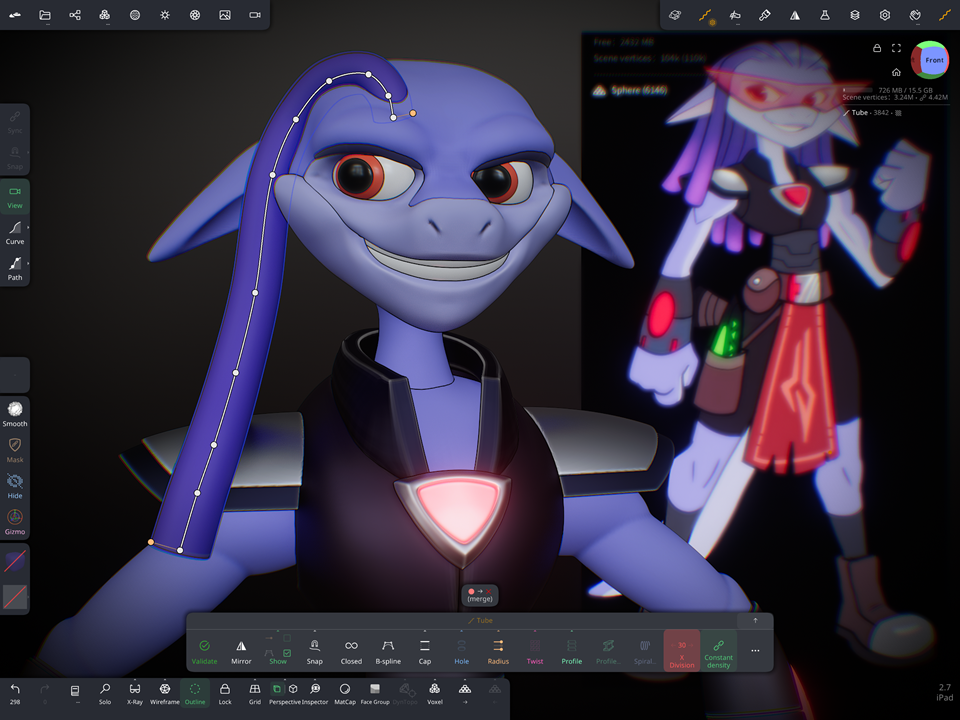
Added Tail, pouch, head, hair, glasses; final shapes and vertex painting on everything except the arms, glasses, and hair: Nomad Sculpt App (iOS) on M4 iPad
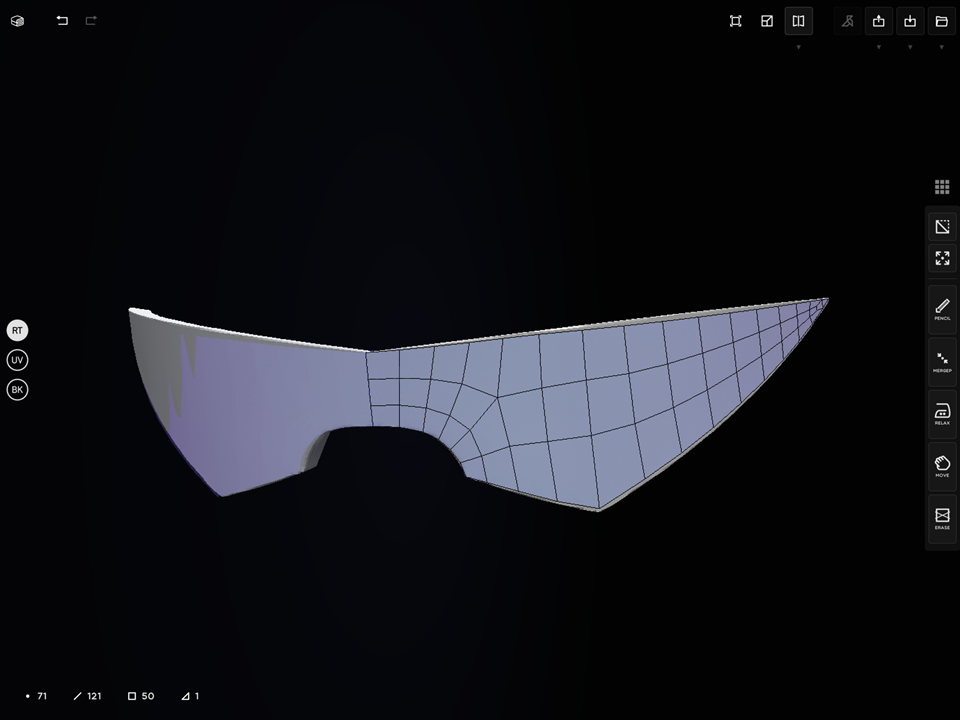
Glasses retopo'd: Cozy Blanket App (iOS) on M4 iPad
Additional materials and vertex painting; final shapes on glasses, arms, tail, eyes; Final Pose committed using Sculpt brushes; compositing and final render: Blender 5.0
I learned a lot on this project and here were some of the 5 top take-aways:
1. CGCookie Collabs made it possible for me to focus such a long art commitment on a project like this. I'm grateful to have been a part of three of them. They taught me to keep pushing on projects that seem daunting. I started this project in April (8 months ago) and chipped away at it on and off in my free time and during time off work. I fought the urge to move on to something else many times because I wanted to get to the end result. Special Thanks to CGCookie, collabs, and some stylized skills learning in the 3D Character Workshop.
2. SDF shapes are awesome for initial blockout on my iPad but they aren't as fully organic at sculpting body parts. They do a great job to start and get a silhouette started on my iPad but quickly become computationally heavy and slow down the workflow.
3. I can use other software and learning platforms besides blender and get great results. Honestly, I love coming back to blender for final renders and such. I can go from one software to the next without feeling guilty I am betraying one of them, lol. I had it stuck in my mind that if I use one software then I must stick with it. It's a silent voice with so much power sometimes. But at the end of the day the software is just a tool and each has pros and cons. I wanted to learn a few other software better and this project was great for that. Mostly I wanted to learn how to do 3D art on my iPad because I am traveling a lot more and I can take that with me. Blender is my go to tool and I wanted to be ready for when it comes to the iPad so I learned other software to get started and comfortable.
4. Take feedback. I had some great feedback and sometimes not so great feedback. I learned to filter what would make the piece better and what was someone sharing their vision for the piece instead of my own. Sometimes I had to avoid taking a stray comment here and there personally. That is what makes art great. It sparks conversation.
5. I am getting better at art. After 10 years I can finally say I made a character that I truly am proud of and it is in the style that is both my own and a respectful homage of someone else's concept work. While this is from a tutorial from Shane Olson I didn't watch most of it and felt comfortable enough to simply tackle the piece myself. I did go to watch Shane work a few things here and there when I got stuck but it was great to see how far I could get. I also mostly only had 1 reference image for this piece which made me stretch in ways that hurt some days.
Really nicely done. Loved watching it come along over time. :)
Very cool Shawn! Good stuff!
I particularly loved to read you BTS comments and your thought process.
Great, great job!!
I remain loyal to my Blender, I'm addicted. ; )
Shawn go play Expedition 33, good job though.
This is great work, Shawn. You did such a wonderful job and yeah you should feel proud.