This project comes after completing all of the core fundamentals and 3 or 4 few others. I did learnt a lot in a few months compared to where I started but the feeling after so much work wasn't or isn't the right one. After all this improvement I noticed I got stuck every time I wanted to do something on my own. This project (still on-going) is following the advice of some members of CGCookies who recommended me to start my now project. My goal is to be able to model small / medium size products (like gadgets, food, furniture...) to a very detail level, as if I was a Product Designer. Textures, materials and renders will proceed in a future time.
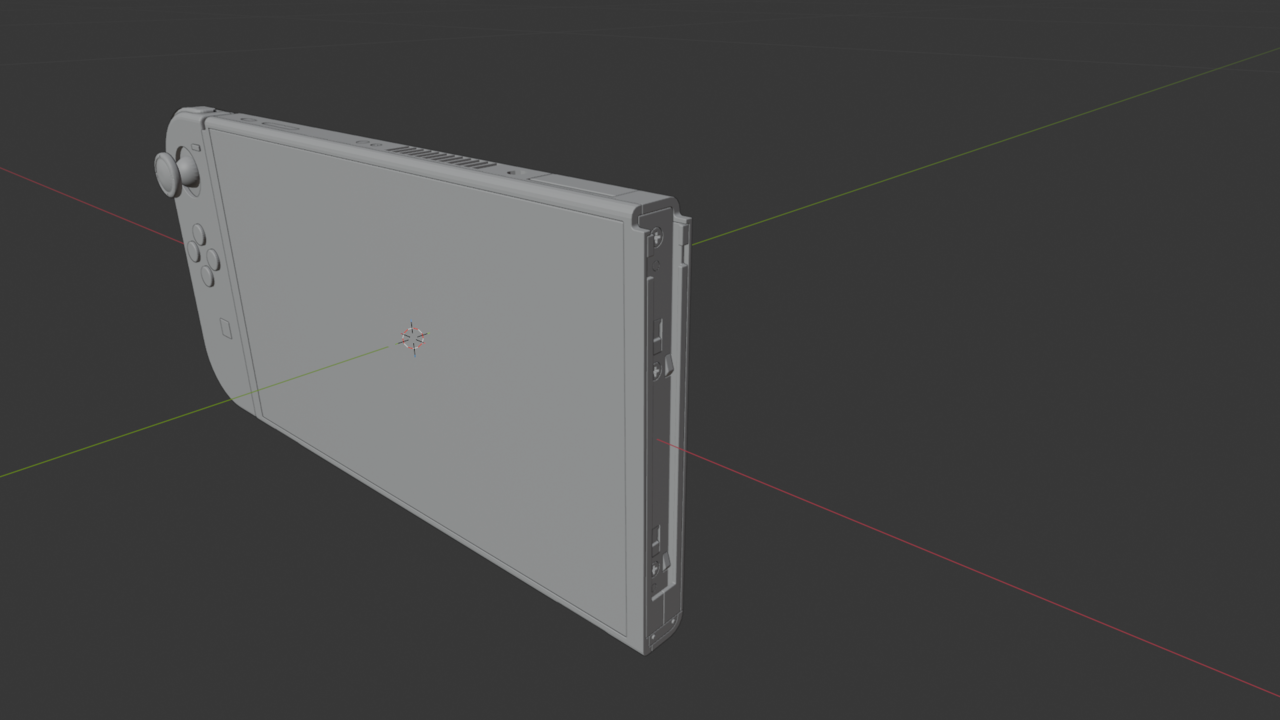
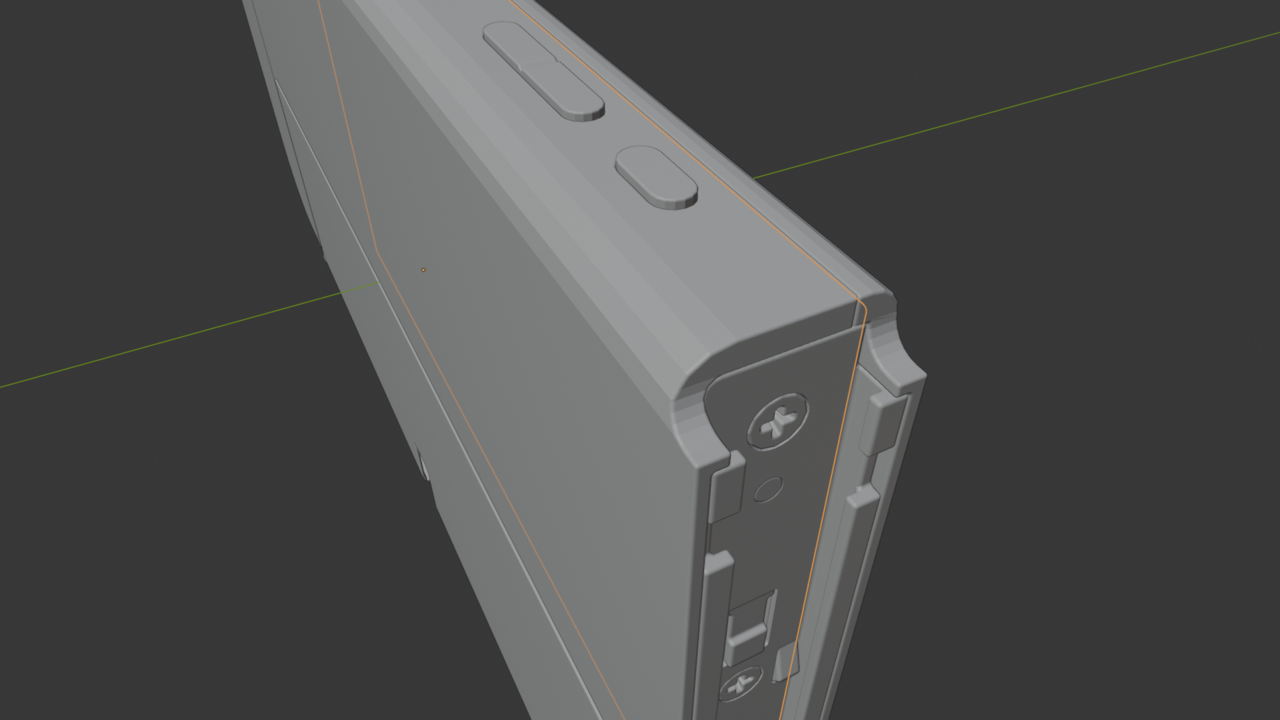
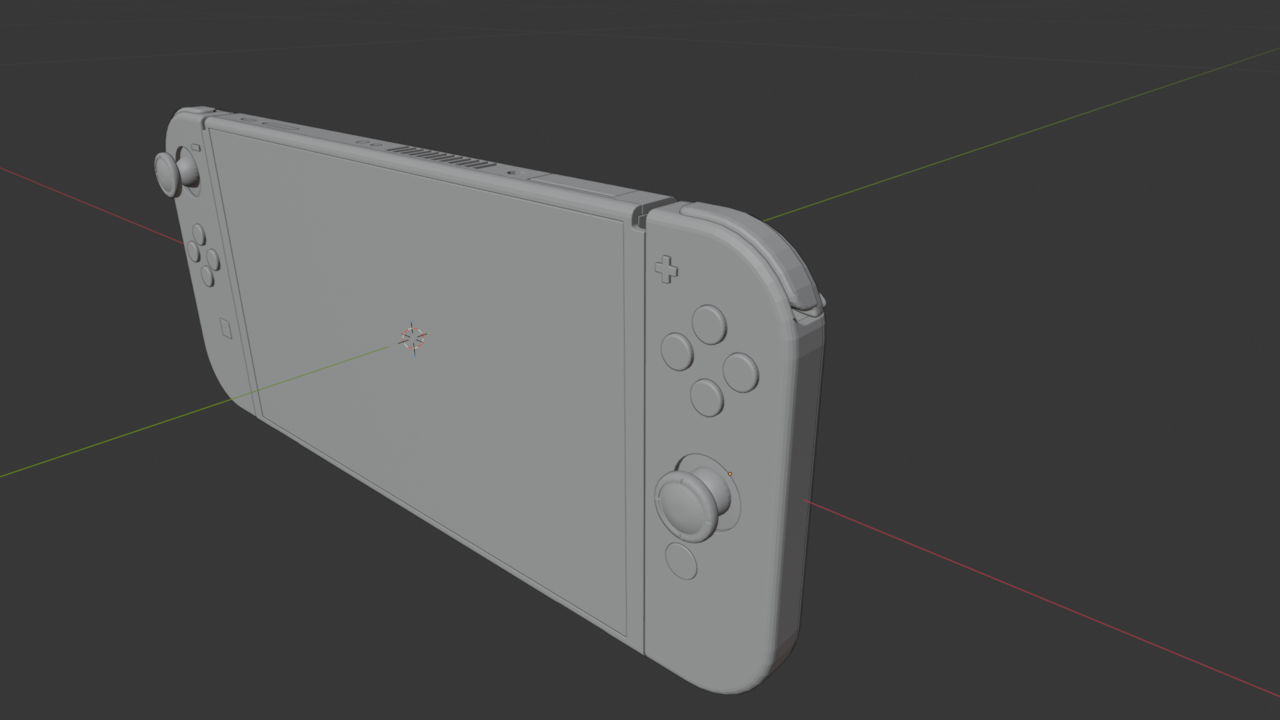
So I decided to take a Nintendo Switch I have at home and I started understanding its shapes and dimensions. I downloaded blueprints and loads of references images to help me with the task. So far this has taken me more than 10 full days of intense work and I started the project twice from scratch to implement new ideas that I learnt while working on it. My approach was to start nondestructive with the simple shapes and bevels and then carry on with more like in the "Gameboy Colour Tutorial" for more complex parts. After a few days I did noticed I could go farther into the modelling with non-destructive modelling (bevels and booleans) more than I initially anticipated. I even used the shrinking modifier which allowed me take my non-destructive approach a step further.
I haven't finished the project but I intend to go as far as I can non-destructively to then create a destructive version of it to fix all the geometry with the best quality, and eventually trying to create a low-poly version with all my assets.
By the time being I just need ideas, advice or tips to non-destructively approach the part that I've got left or improve what I've already done.
Thanks to the personal own project I have now engraved this skills into my brain: Bevel Modifier (Angle, Weight, Vertex Groups) Booleans Modifiers, how the order of the Modifiers matter, a bit of Shrink Modifier, naming every part accordingly, symmetry, accurate measurements (using measuring tool), Snapping to anything, knife tool (very useful), Arrays, thanks to non-destructive modelling I can add more geometry if I wish.
Things I wished I understood better: Screw modifier, Smooth surface, maybe parenting more (I know how to do it but I have parented anything yet), I use same shapes to keep doing booleans and other parts of the switch... I wished I was more confident with linked objects so when I change one shape I don't have to change them separately for the other parts.
That's it so far hope you like it. Also I haven't bother using auto smooth as it gives me artefacts (at some point I'll look into that).

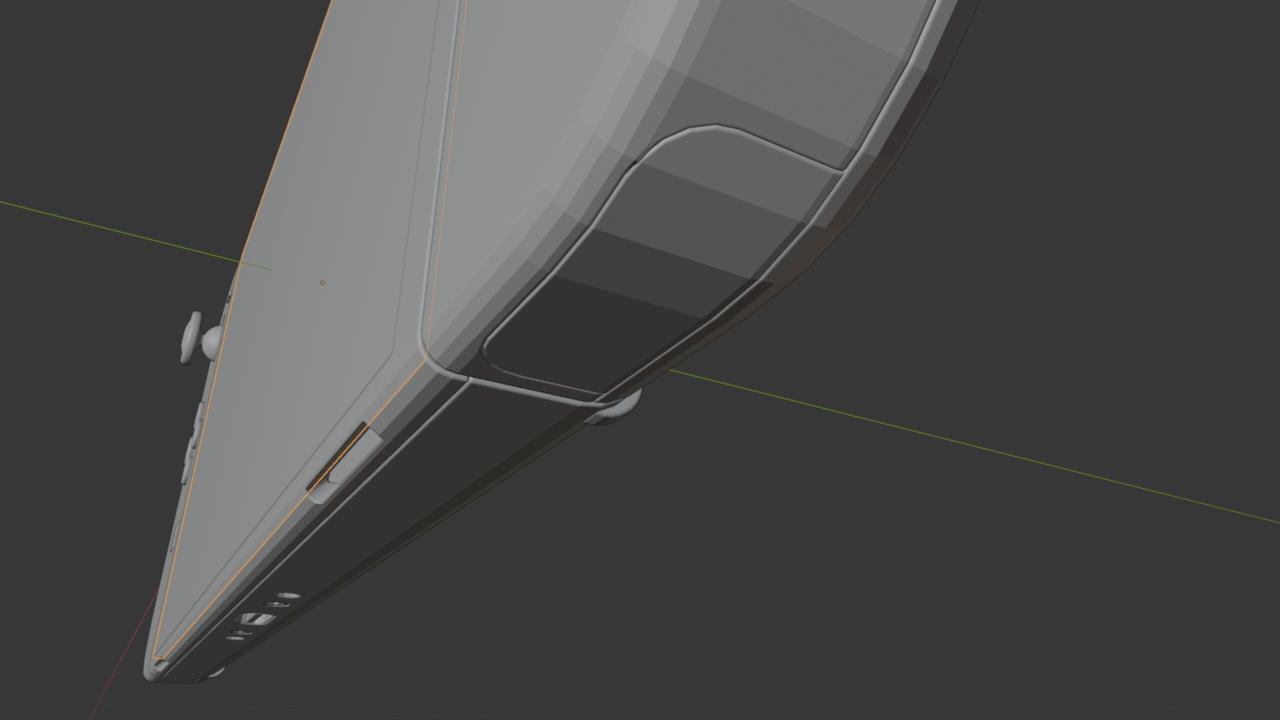
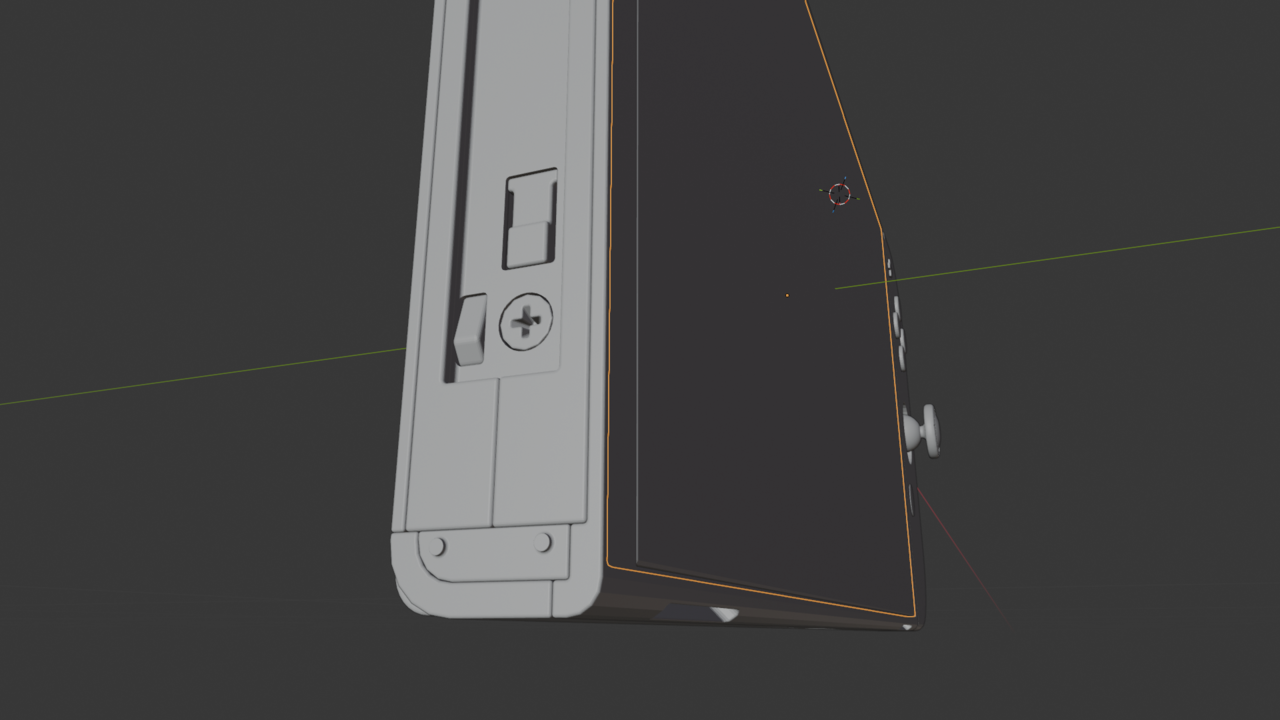
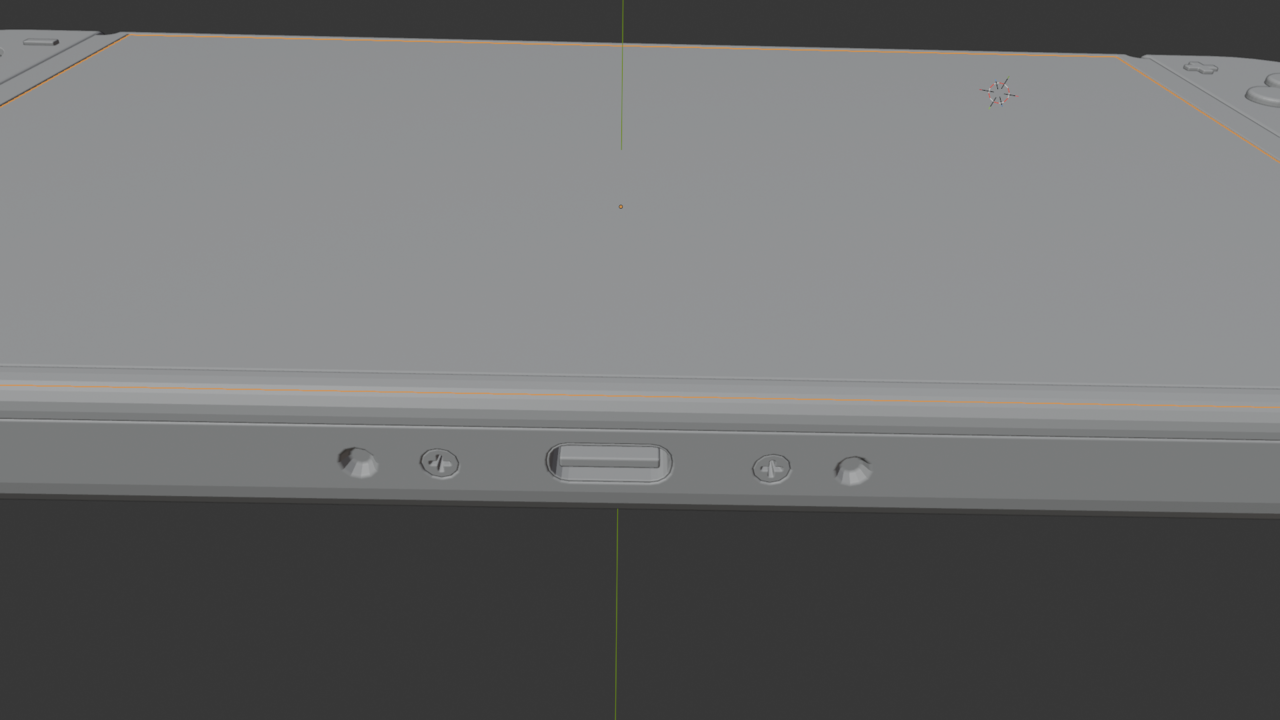
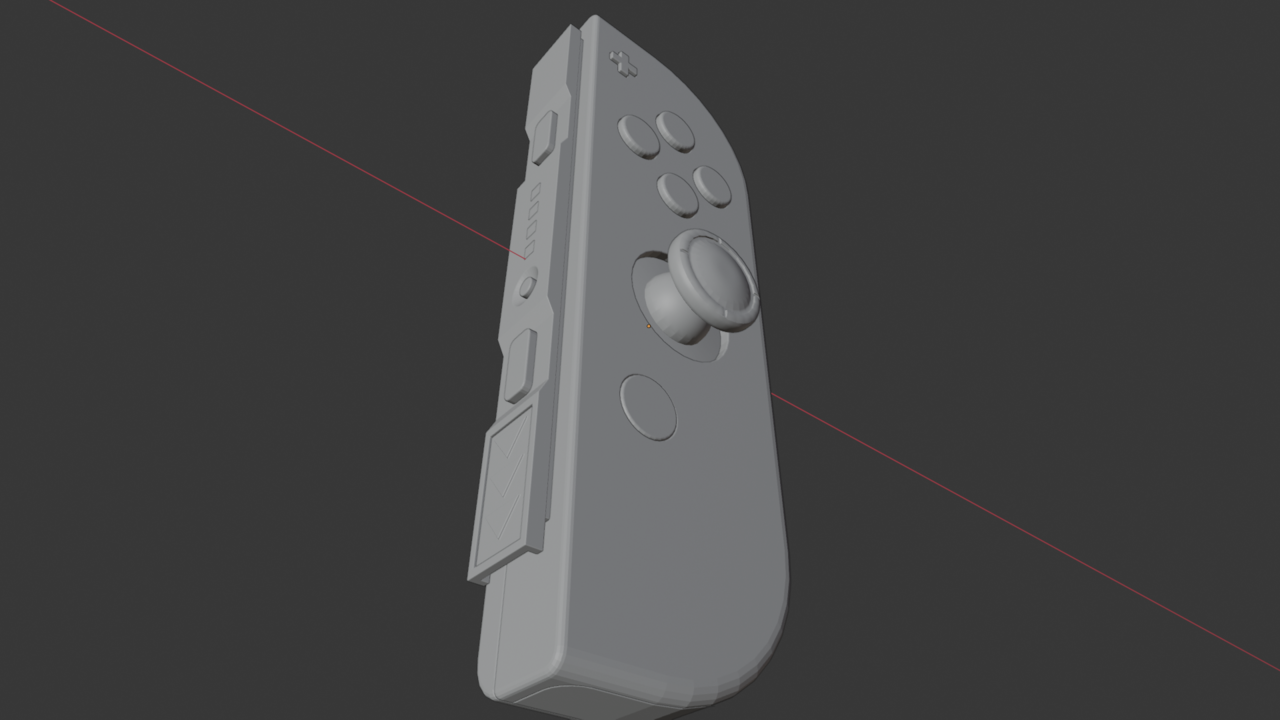
I think this is great! I'm doing something similar where I'm 12 days into modelling something. I also had to start from scratch 3 times before I got going and have had to redo elements from scratch more than once when I've realised I've made a mistake or it's simply impractical to try and fix what I have. I'm finding it V HARD but the time at the coalface working on your own thing really pays off.
You've already listed the things you've learnt and are comfortable with and identified the areas you need to understand more and the workflow/efficiencies that would make things easier in the context of actually making something. Massive win! All too often these things are demo'd in isolation on a cube and it makes it look both easy and at the same time doesn't really make you understand why/when to use it.
- When you have lots of parts parenting is very useful. The thing to remember is the last part you have selected becomes the parent.
- Alt D creates a linked duplicate. In edit mode when you change the master all the linked duplicates change too - very useful for screws & buttons!
I don't know what to advise other than to keep going and chipping away at it bit by bit. My only comment is that if you're staying low poly then some of the bigger corners could do with more faces so they were smoother but perhaps you are planning this in your destructive pass
Wow looking super good. Nintendo would be proud, or maybe litigious, you know how they are. Keep on going, that final render is shaping up to be a good one.
Thank you Omar, I was also trying to be selective with the renders to show you the best parts. I haven't done the trigger yet as I haven't figure out a way to approach it non-destructively. I'll show that disastrous part and start dealing with it in the New Year. Probably people would recommend to do things like this in Cad software but I am really enjoying exploring this way.