Description
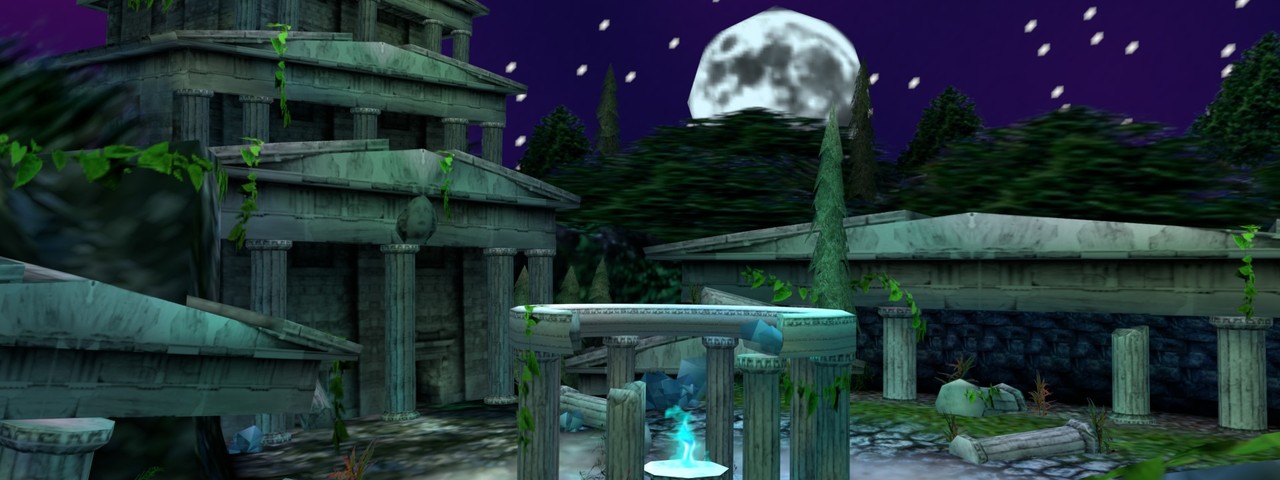
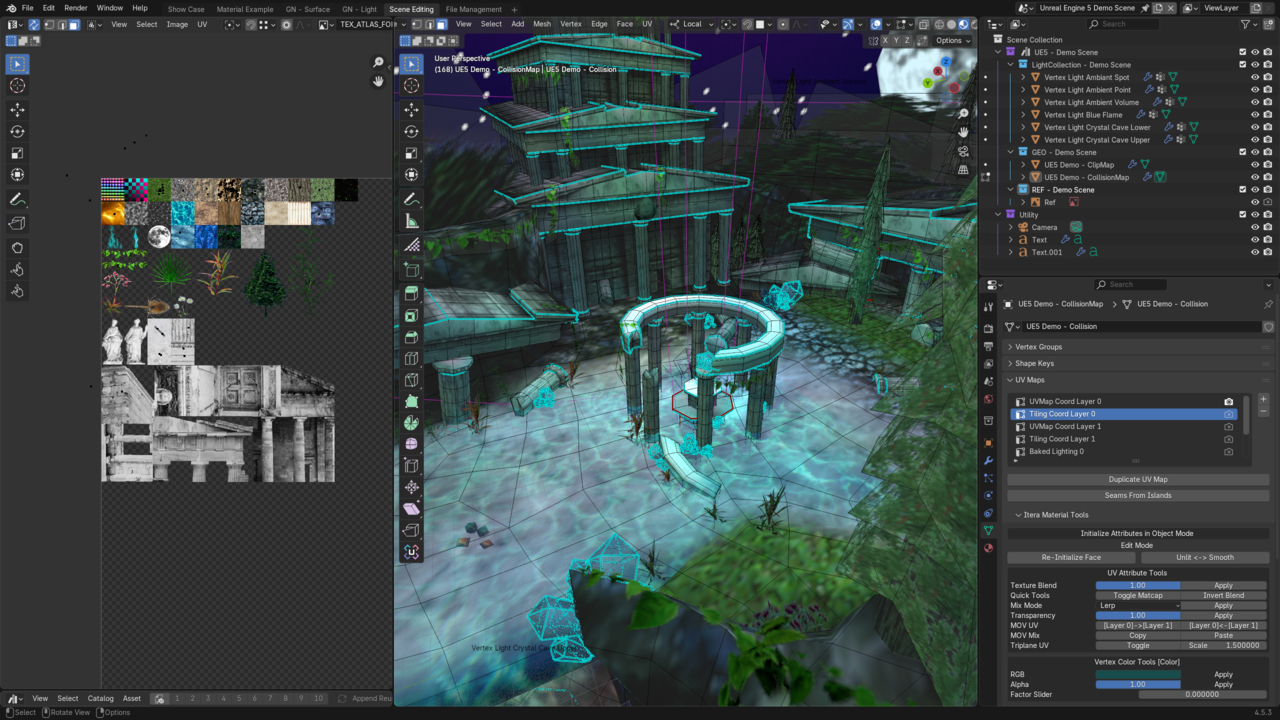
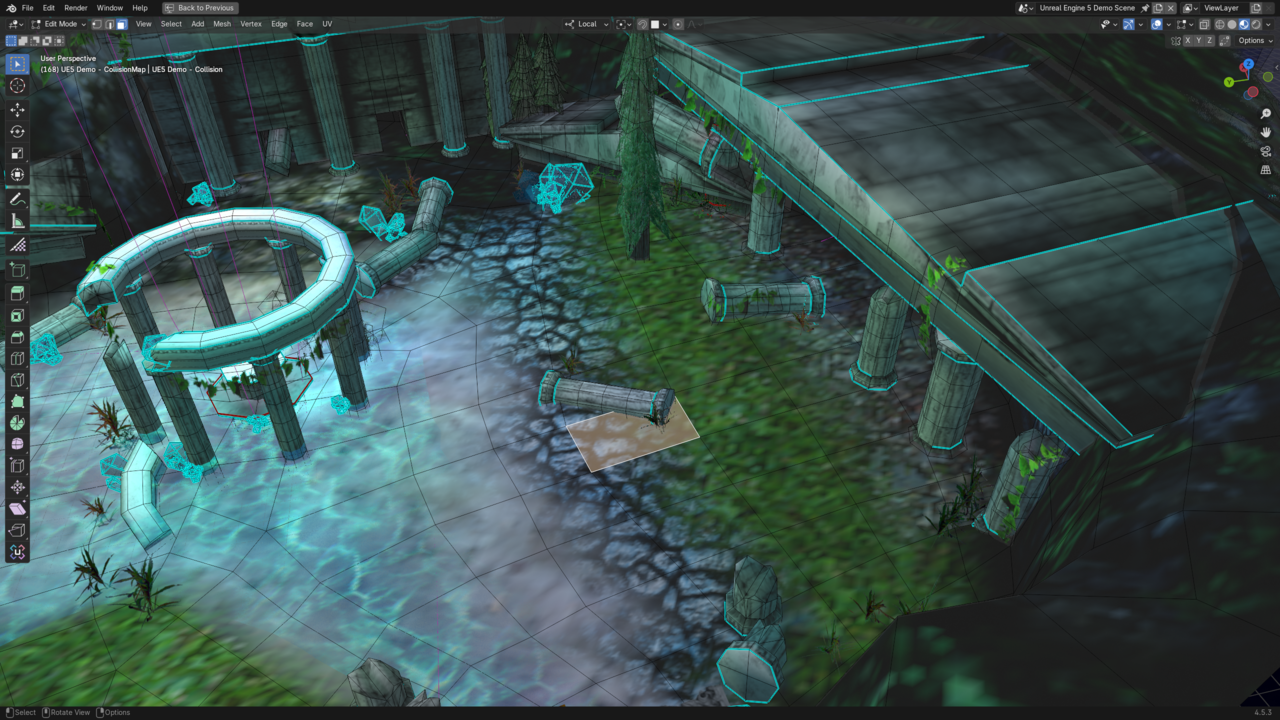
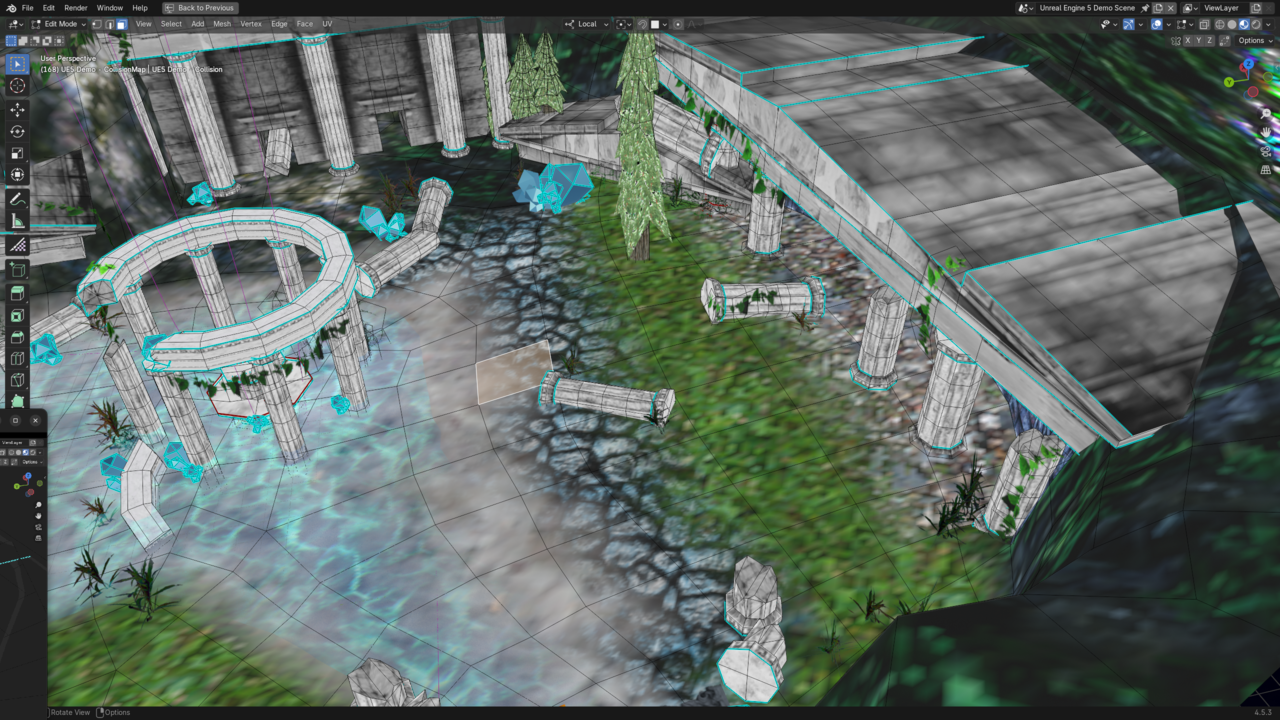
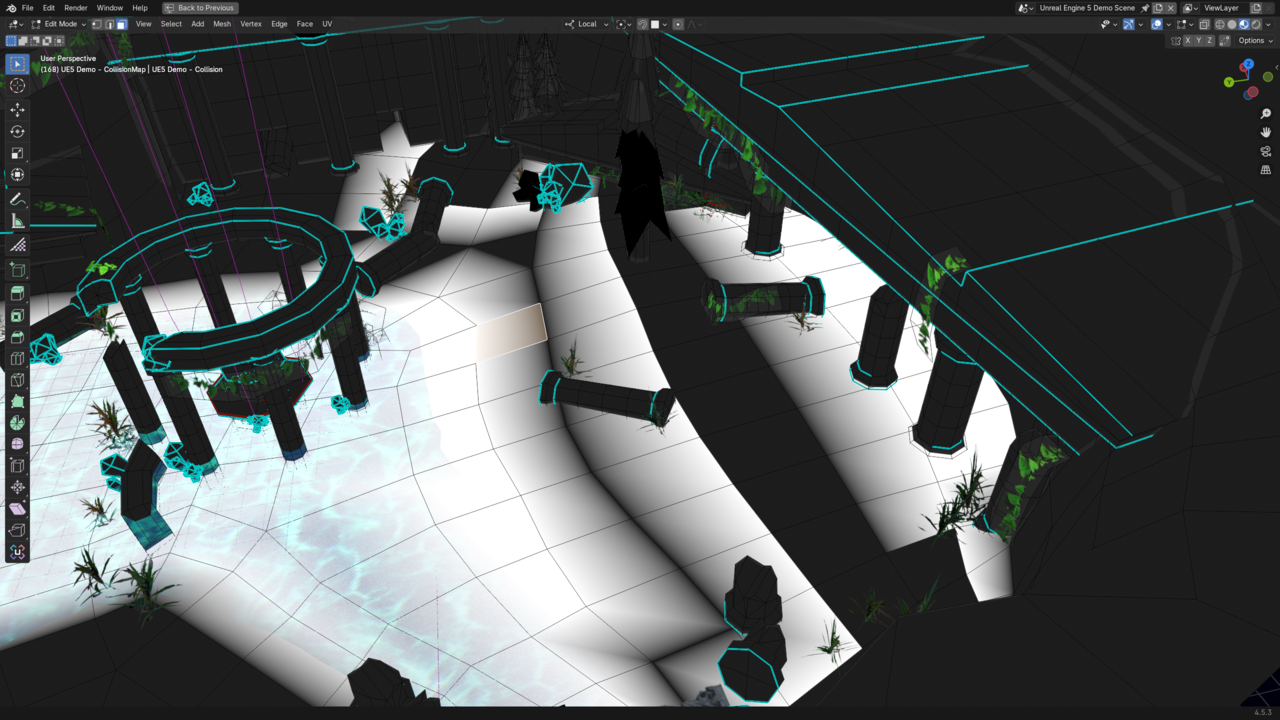
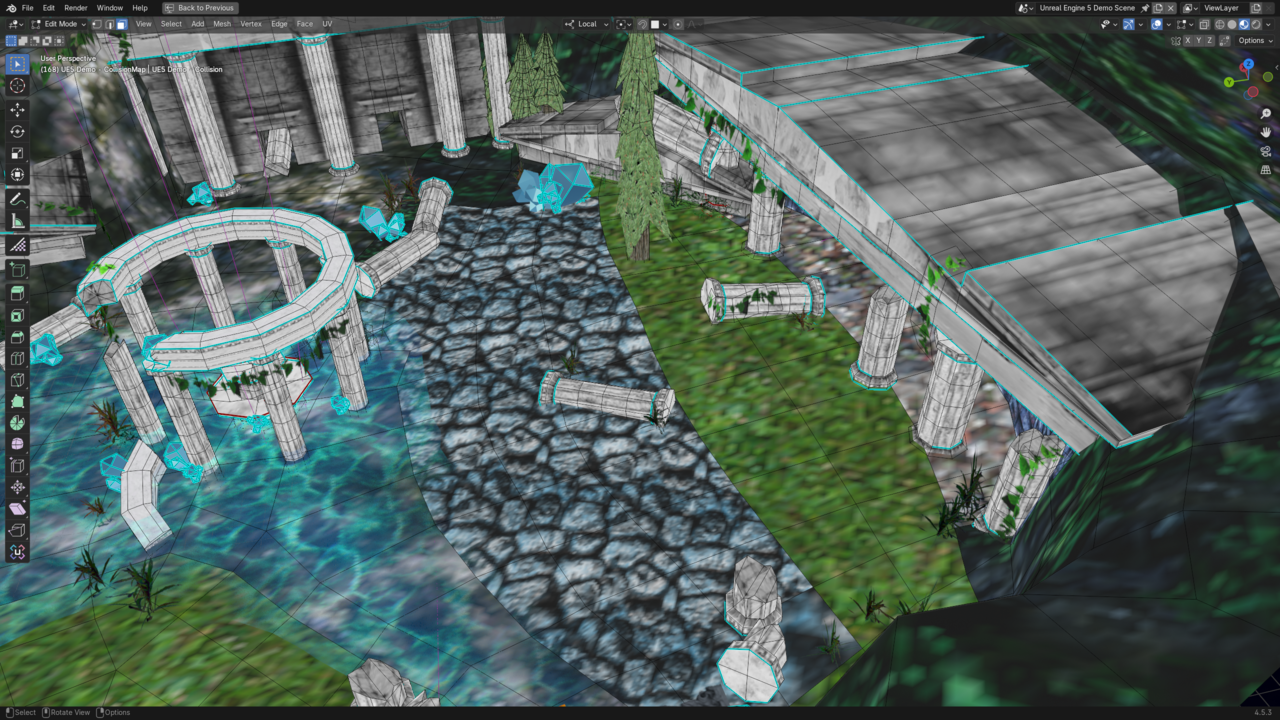
This is a asset library I've constructed and released for baking lighting into Vertex colors and UV attributes along with a virtual texture system to emulate how materials before wide spread standardization of physically based rendering materials. This comprises of a released asset library, an unreleased blender addon and a collection of unreal 5 materials and blueprints enabling a what you see is what you get experience from blender to unreal using minimal material slots.
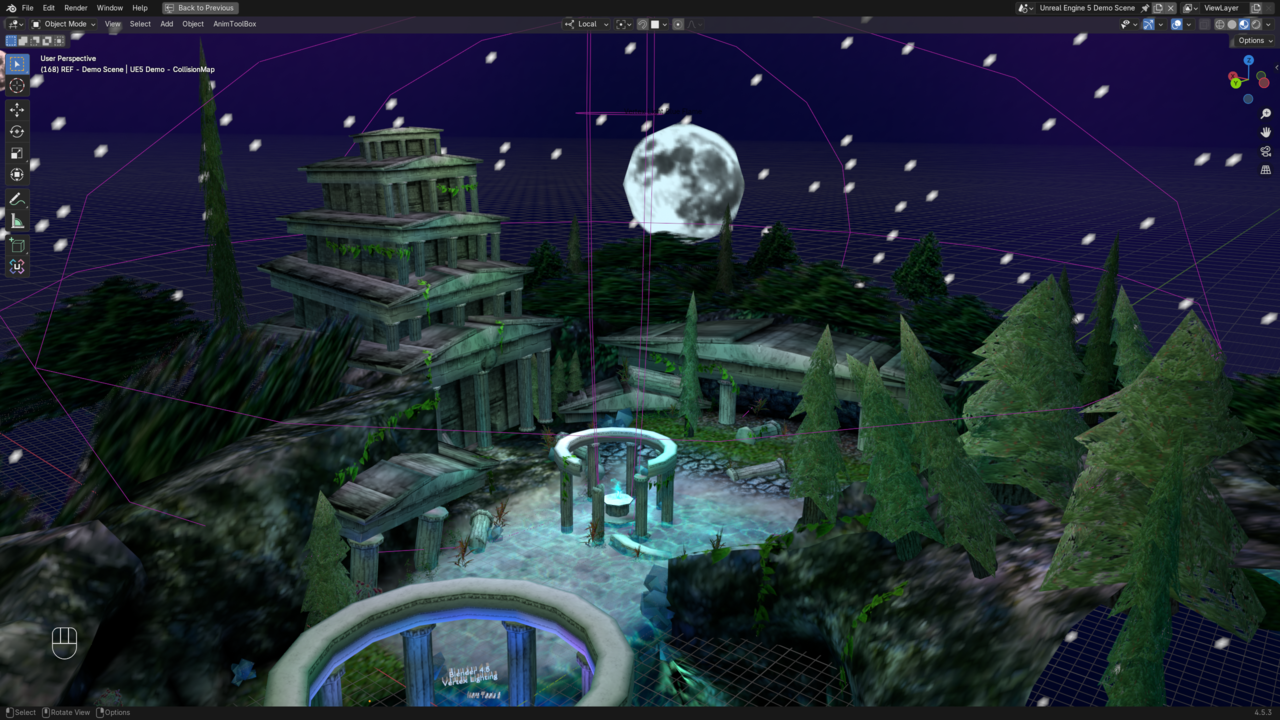
Vertex Lighting Geometry nodes
not the first time i've made this, this is version 3 but this is a process of refining getting geometry nodes talking to each other. i've gotten to the point where i have fake wireframe empties that are procedural. maybe someday the same technique could be used to direct where doors or windows could be placed, possibly details in procedural pipes. if anything on this i should probably make a video documenting just this process. the rest is the same old tune of retro lighting.
Texture atlas, splatter, and lighting encoding
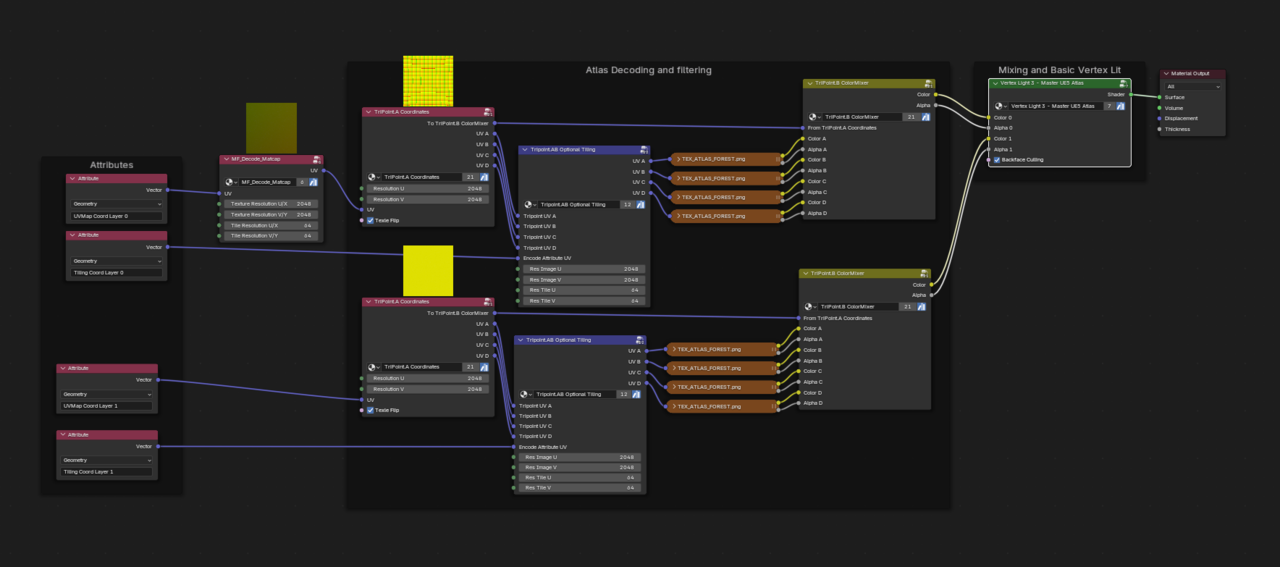
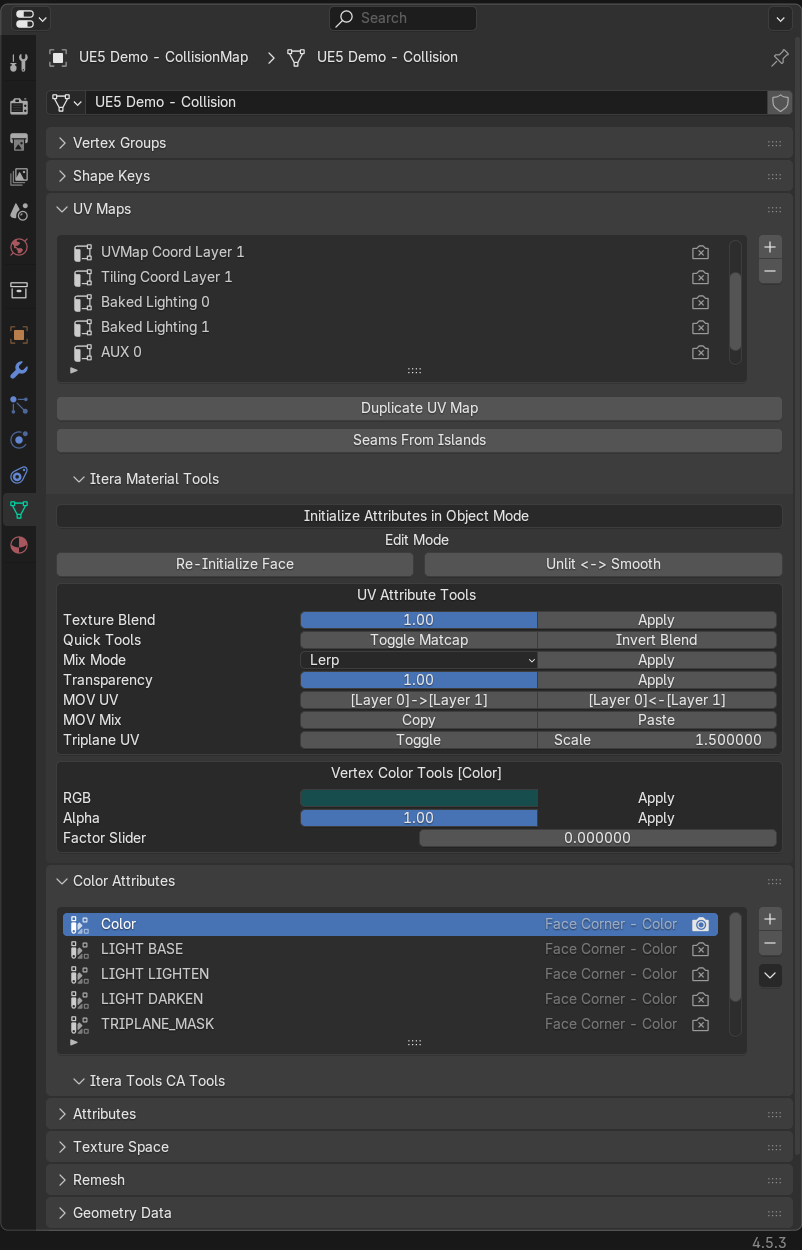
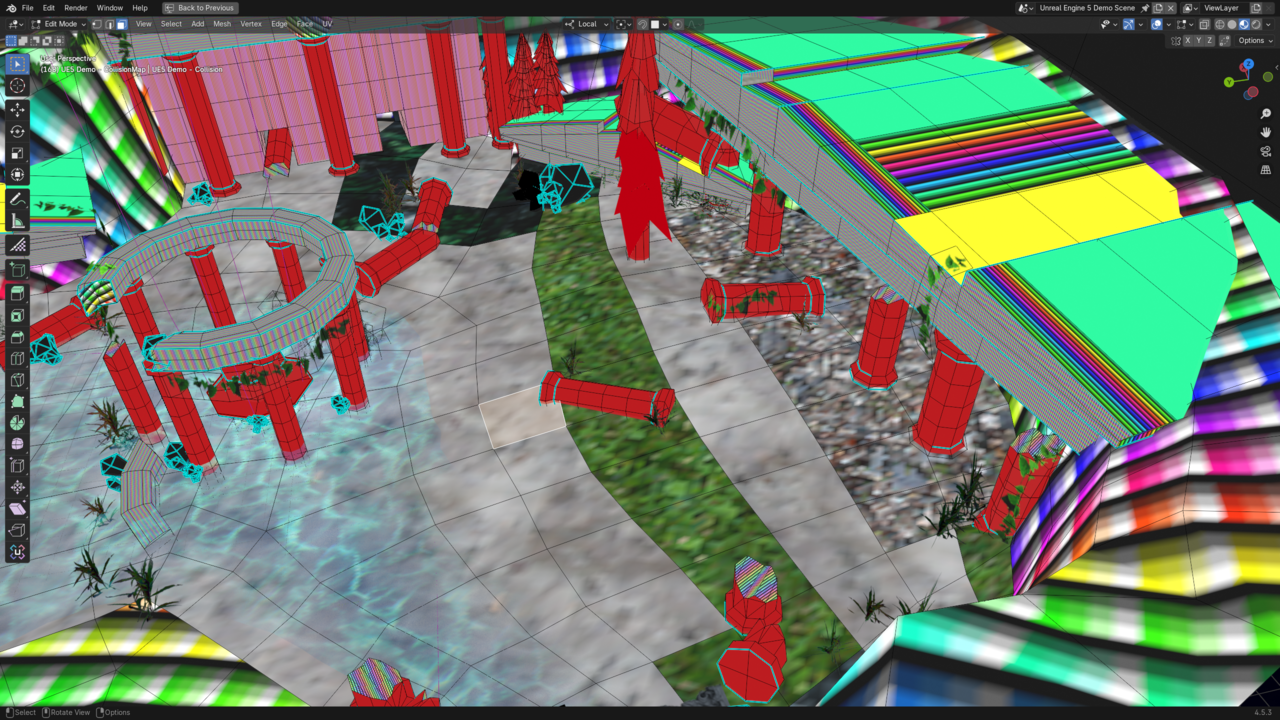
- I have used Serpens 3 to make an addon for encoding UV and vertex color attributes. these are the channels you have besides textures for multiplexing what effects you want your materials to display with, ESPECIALLY in game engines. Blender allows you to have 8 UV channels, along with unreal engine. i later found out that I could have made this addon functionality as operations/functions in geometry nodes but its just cleaner UI to have UI. my splatter system has 2 layers and part of the vertex color channel is a splatmap to lerp/mix the two layers together. the rest of the vertex color attributes determine what kind of mix to use, this is not accurate but inspired by the primitive "shader" unit of the Nintendo 64 color combiner (vibe over accuracy).
- I decided to use the vertex color for mixing instead of lighting because of how unreal treats the vertex color, as byte color; meaning you can not have a high dynamic range of color, only numbers from 0-1 on the RGB values. The first 4 UV attributes are for the layers, a regular what everyone would imagine UV's to be and then a grid address of what tile the surface should tile; if the grid coordinate is invalid (dragged off the texture past the 0-1 space) that face becomes a normal UV coordinate with no tiling, enabling trim sheet texturing.
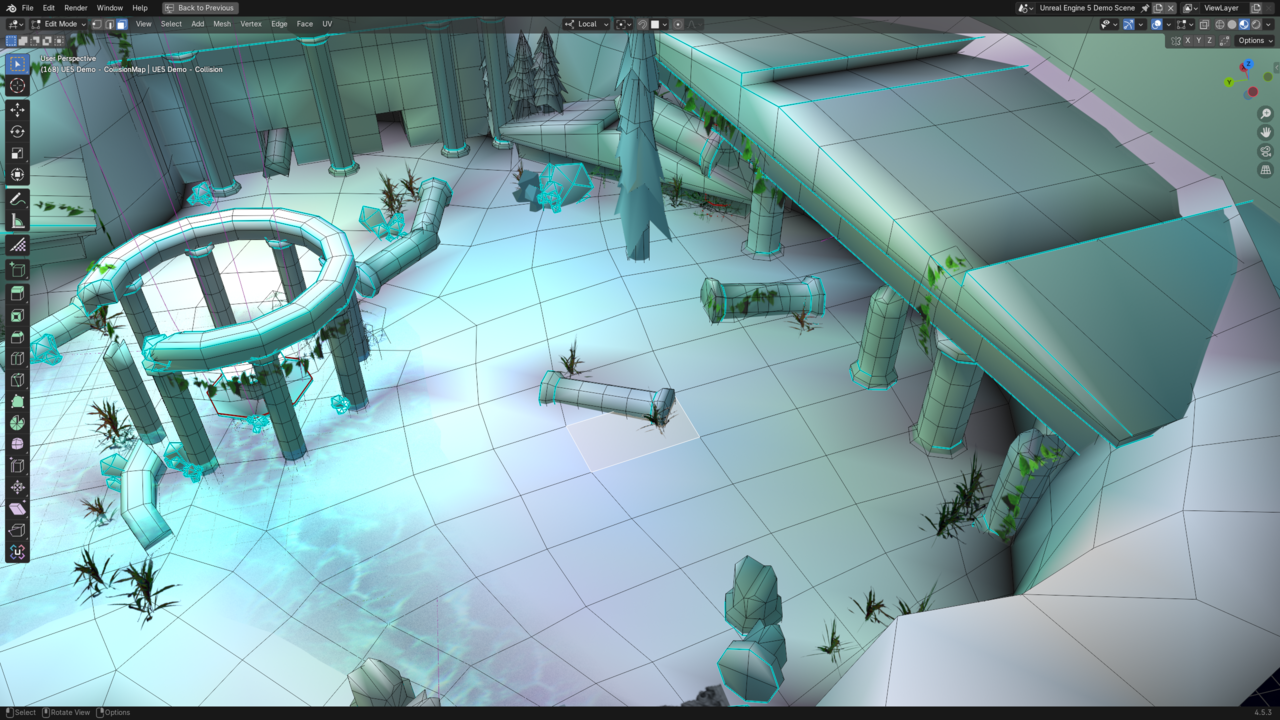
- The lighting is encoded to the last 2 UV channels, enabling high dynamic range of light values which is not accurate to the n64 but hits the vibe i want.
Unreal Engine
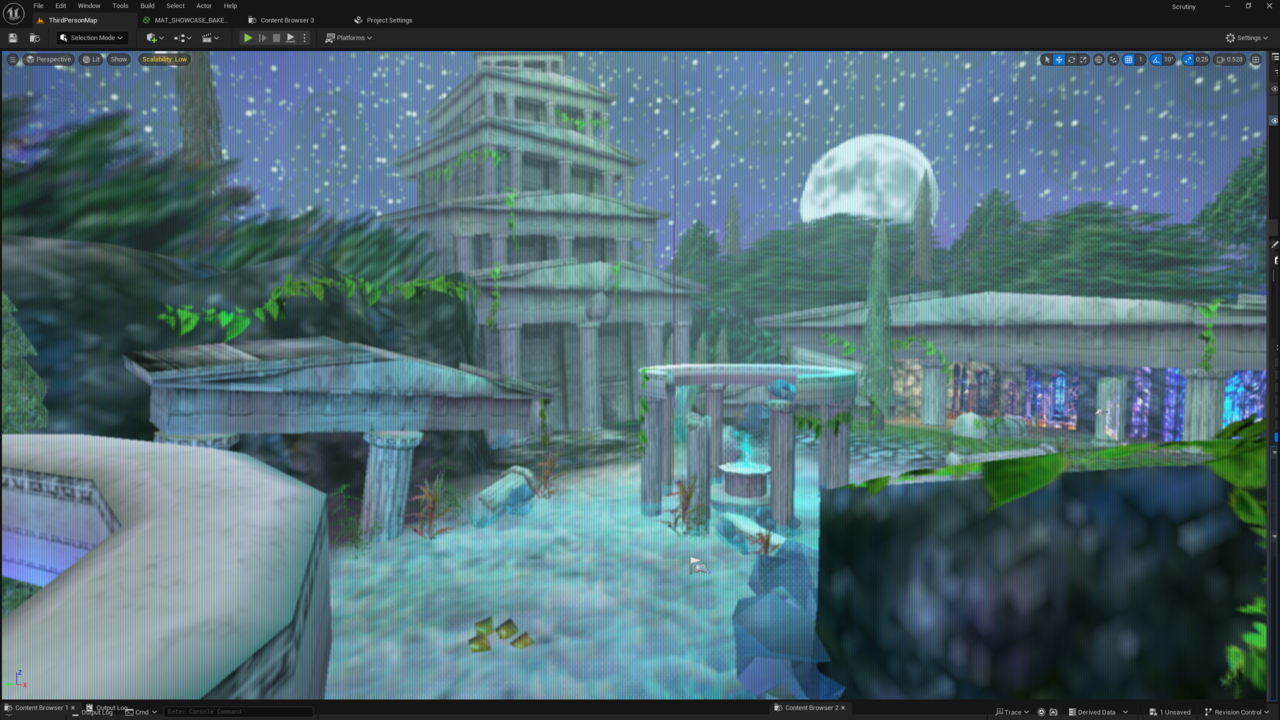
- in unreal engine I had to use HLSL to make my own texture samples capable of decoding the atlas coordinates for the tiling texture layers, this was a job and a half but it is done and compatible with mip-mapping without padding. foolishly i did not know this was a virtual texture system nor did i know that unreal has a built in one but now i have the blueprint that if i ever need to do this then i can do it many game engines, along with doing it with the custom tri point texture filtering.
- Unreal engine mixes the layers then adds dynamic vertex lighting that I made with a mix of blueprints, Niagara general purpose GPU and microsoft directx HLSL shader. the unreal vertex lighting is a cut down version of the blender one and one of the few setups that ive run across that has virtually no limit to the amount of lights. the hard limit of lights that can be on at the same time is 1024 per layer with 8 layers (for effect masking)
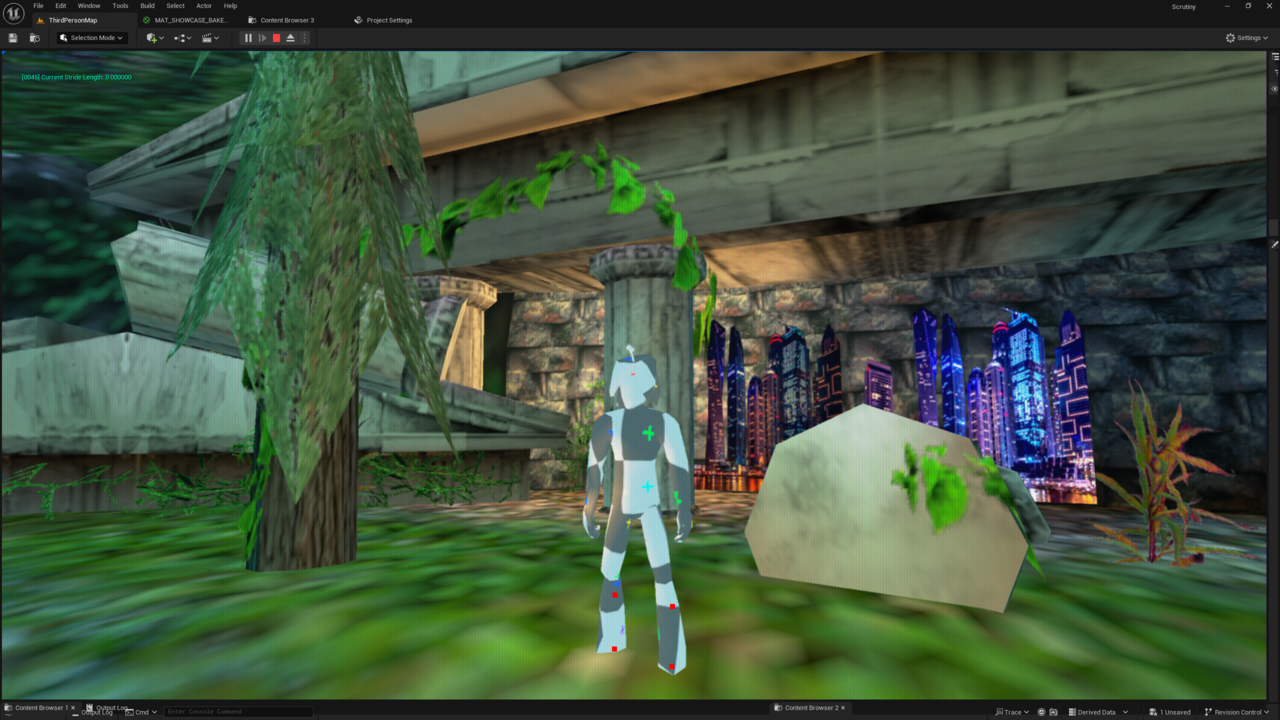
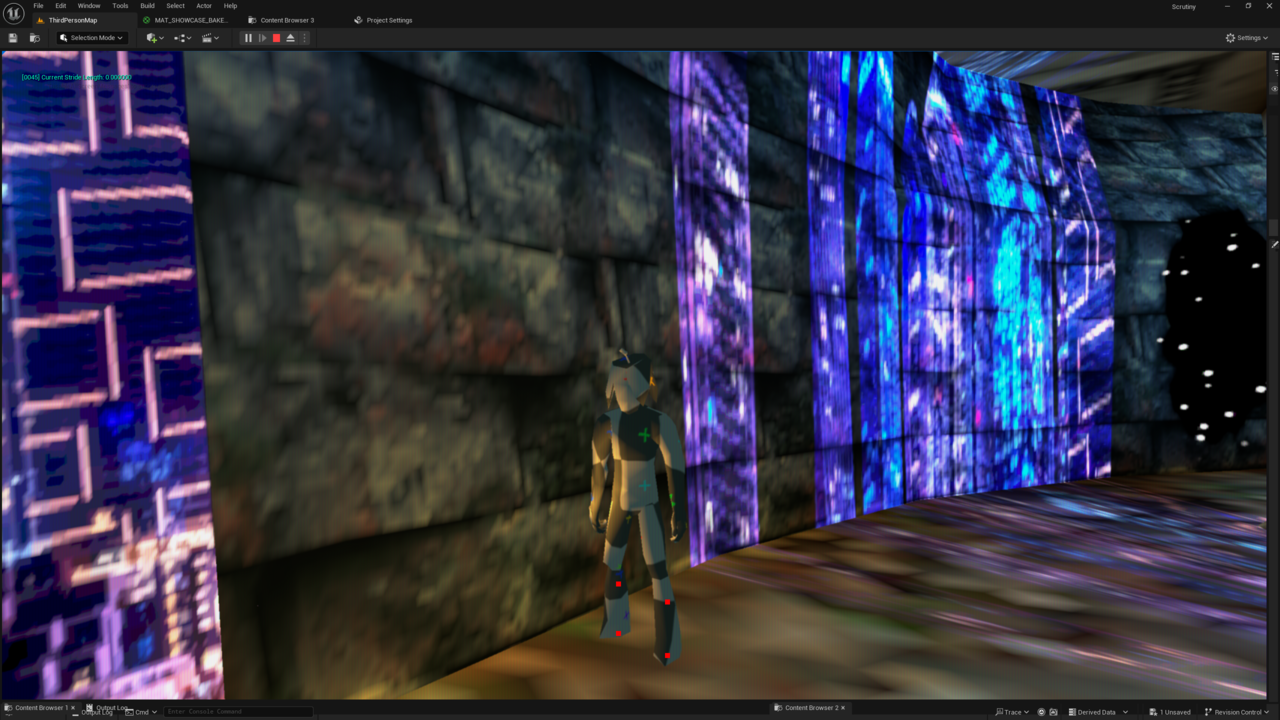
- a quirk of using UV channels for baked lighting. Unreal can use line traces to read UV data from a model, enabling me to draw a line from the characters feet and setting a base background color on the character. Note the two pictures, one of the test character standing out in the light of the forest and the second picture of the character standing in the shade next to the wall. this way ray traced shading from blender can cast the illusion of shadows in unreal. this could also be used in a stealth game to let a character be more or less visible to enemy NPCs.
this has been a long journey of learning low level CGI concepts and hopefully the solid foundation of low level things is worth it.
Special thanks
Special thanks to my God for giving me the opportunity to do all this and thanks to CG cookie for being a great stepping stone into how complex blender is, i remember my first my own shader, a ball of glitter i could tint any color with a linear light. how things have progressed.

I don't understand it all but looks like my childhood, I love it, and I love that you made it
Thanks! I'm it's worth it, the actual test scene was only a few days of light work. I'm trying to figure out what is good to make libraries and tools for. Hopefully the indie games coming out can use some more varried lighting 😎
This is an incredible feat. I’ve sat and watch you post progress about this for so many months. The dedication you show to your project is inspiring and the final result here shows it didn’t go wasted! Nicely done IItera.
I love the retro style demonstrations you came up with.
thanks blanch! Your Serpens 3 tutorials were a huge help. Let me know if you ever want a jump start in unreal a node graphs as I know we are both fans of node graphs 😀
All the awesomeness of your super human technical knowledge all in one place.
Thanks, it's definitely not super human. You are too kind. All this stuff is basically throwing out the pre made what is given today and re inventing or re discovering the wheel. All this is arguably not worth it but it's given me a low level understanding that I should be able to take it to any game engine or possibly make my own game engine. the thing thats the big point i forgot to say is all this modeling and texting tools…. this test scene took like idk 3 days to do? i was just like oh dang i need to show what this can do i should do a little scene and use that as an opportunity to bug hunt. i'm hoping it can help me find a job or a team id work well with.
Thanks Omar 😄