
One of my favorite things about running CG Cookie is getting to watch incredibly talented creators teach Blender in all kinds of ways. I am not the person spending all day inside Geometry Nodes. I am the person cheering from the sidelines, constantly amazed by what artists like Kenny Phases can pull off in real time.
Kenny’s latest livestream is a perfect example of that. It starts as a simple “let’s build a procedural rope” session and somehow turns into maze generators, leaf modeling, particle effects, and a stylized energy ball render that looks like it fell out of a trading card game.
It is creative chaos in the best way.
If you have not watched one of Kenny’s streams yet, this is a great place to start. And yes, you are absolutely allowed to watch at 1.2x speed like the rest of us reasonable humans.
Key Takeaways
- You do not need a rigid plan to learn something valuable in Blender.
- Procedural workflows feel less scary when you watch someone debug them live.
- Geometry Nodes can take you from ropes to leaves to city layouts without switching tools.
- Happy accidents often turn into your best experiments.
- Kenny is fun to watch because he talks through the chaos honestly, not as a perfect demo.
From Rope To Everything Else
The stream kicks off with a clear breakdown of how to build a procedural rope using curves, instancing, and tilt control. Even if you never create a rope in your own projects, the thinking behind it is the real value. You see how to create something that reacts in a predictable way when you change a single value.
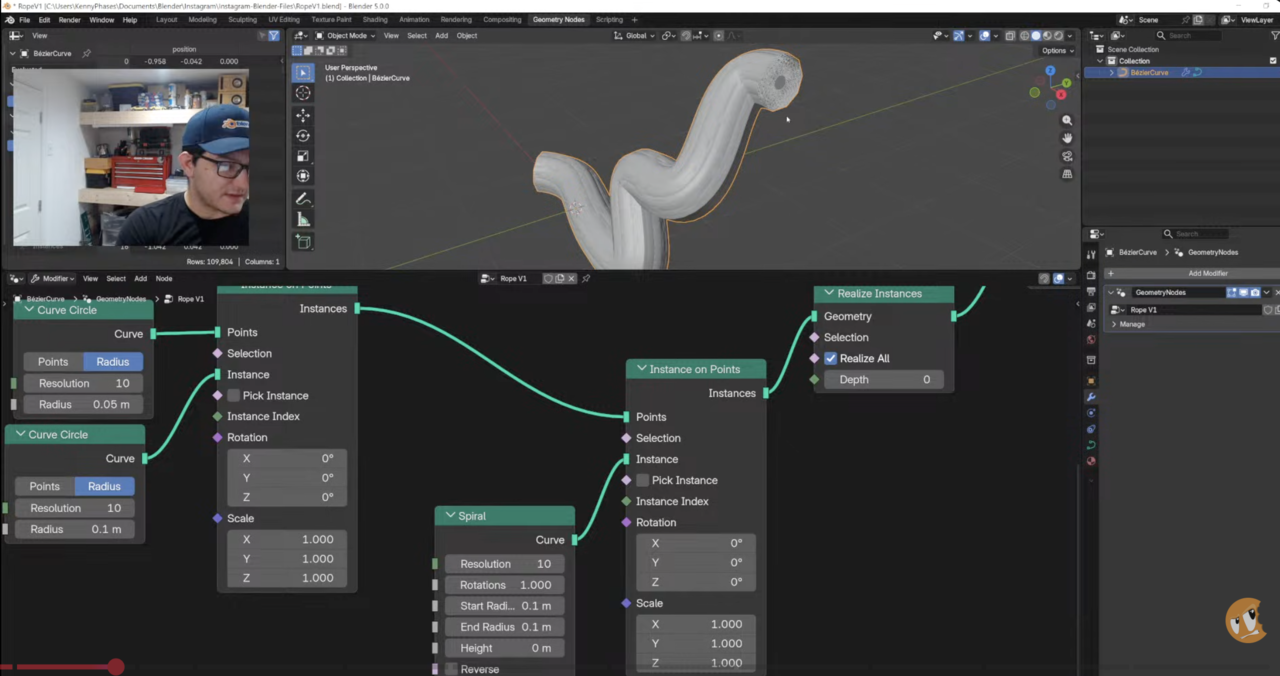
From there, Blender 5.0 throws a few surprises. Kenny rolls with it, adjusts the node tree, and the whole session shifts into a procedural playground. Watching him troubleshoot on the fly is half the lesson.
You get to see how someone experienced thinks through weird behavior, rather than hiding it with cuts and edits.
A Procedural Leaf Made From Almost Nothing
At some point, the rope experiment morphs into something more organic. Kenny takes a simple cube into Geometry Nodes and turns it into a leaf using smart face selection, controlled extrusions, and a bit of noise to push the surface.
What I like here is how approachable it feels. No sculpting, no massive node tree. Just a few clear steps:
- Use face indices to decide what gets extruded.
- Use tools like Scale Elements to taper and shape the form.
- Add a noise texture to introduce natural bends and surface variation.
- Subdivide early so the geometry has enough detail to react nicely.
If you have ever wanted to create more organic models without diving into sculpting, this part of the stream is a nice entry point.
The Accidental Maze Generator
By deleting random parts of a grid and converting what is left to curves, Kenny accidentally builds a very cool procedural maze generator.
With just a few nodes, you end up with layouts that can become:
- Mazes and puzzle paths
- Branching organic networks
- Sci-fi wiring patterns
- The base footprint of a stylized city
The best part is that it is fully procedural. Slide one value and the entire pattern reshapes itself. For someone like me, who loves systems and workflows even if I am not building them personally, it is wild to see how flexible Geometry Nodes has become.
From Maze To City In One Small Shift
Once the maze pattern exists, Kenny shows how easy it is to turn that same setup into a simple city generator. Convert curves to points, instance some basic cubes, randomize the building heights, and suddenly you have a tiny cityscape.
This is exactly why procedural thinking is so powerful. You do not start from scratch every time. You reuse ideas. One experiment feeds the next.
A Stylized Energy Render To Wrap It Up
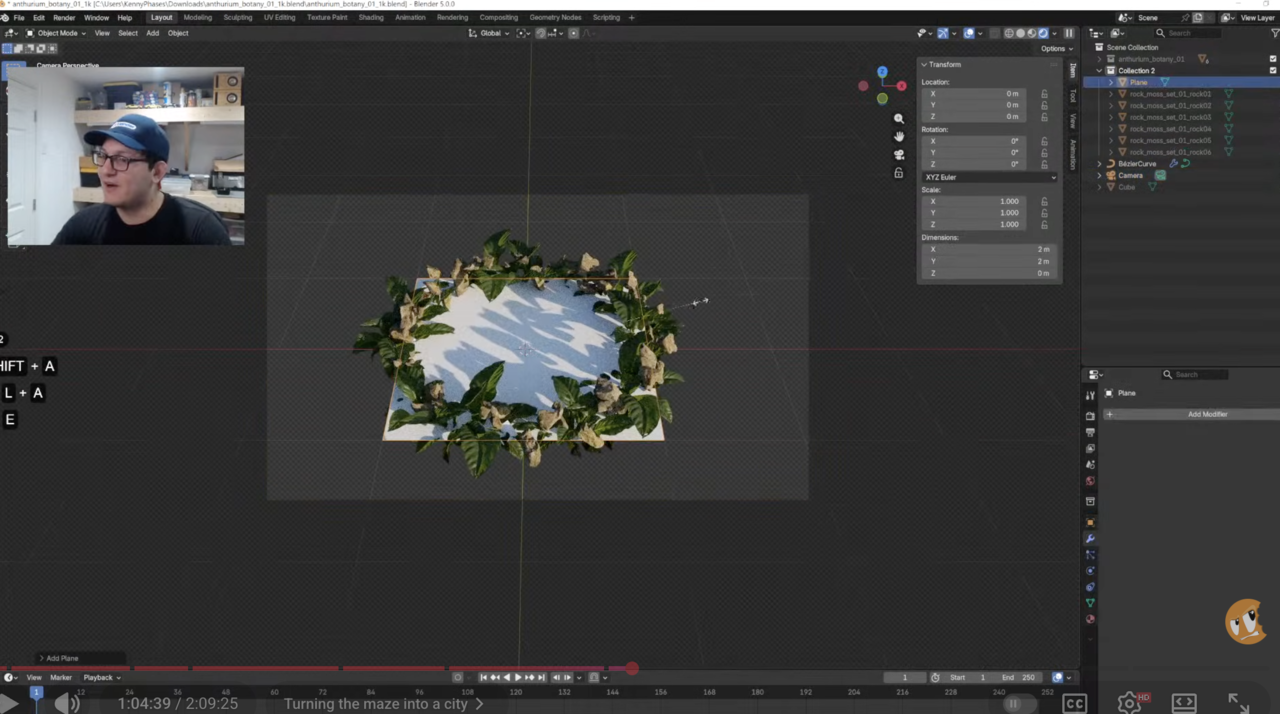
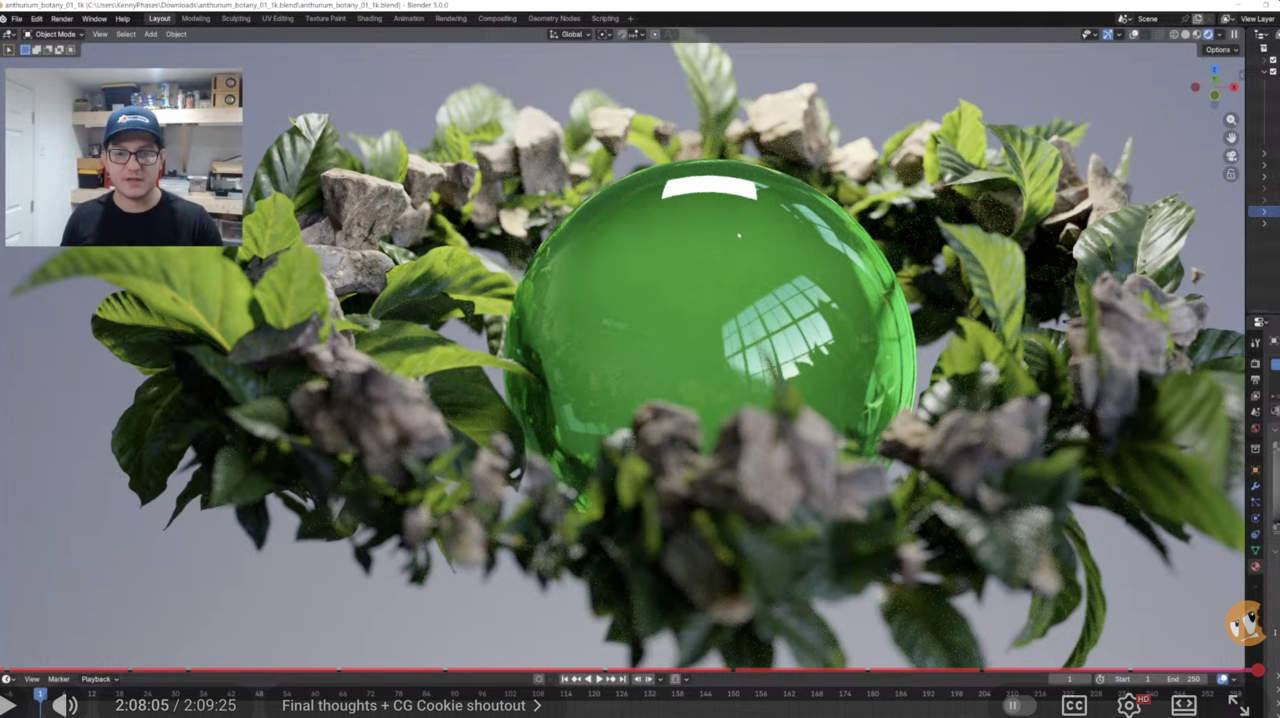
Near the end of the livestream, the focus moves into effects work. Kenny starts scattering leaves along curves, instancing rocks from a Polyhaven collection, and bringing everything together around a glowing central sphere.
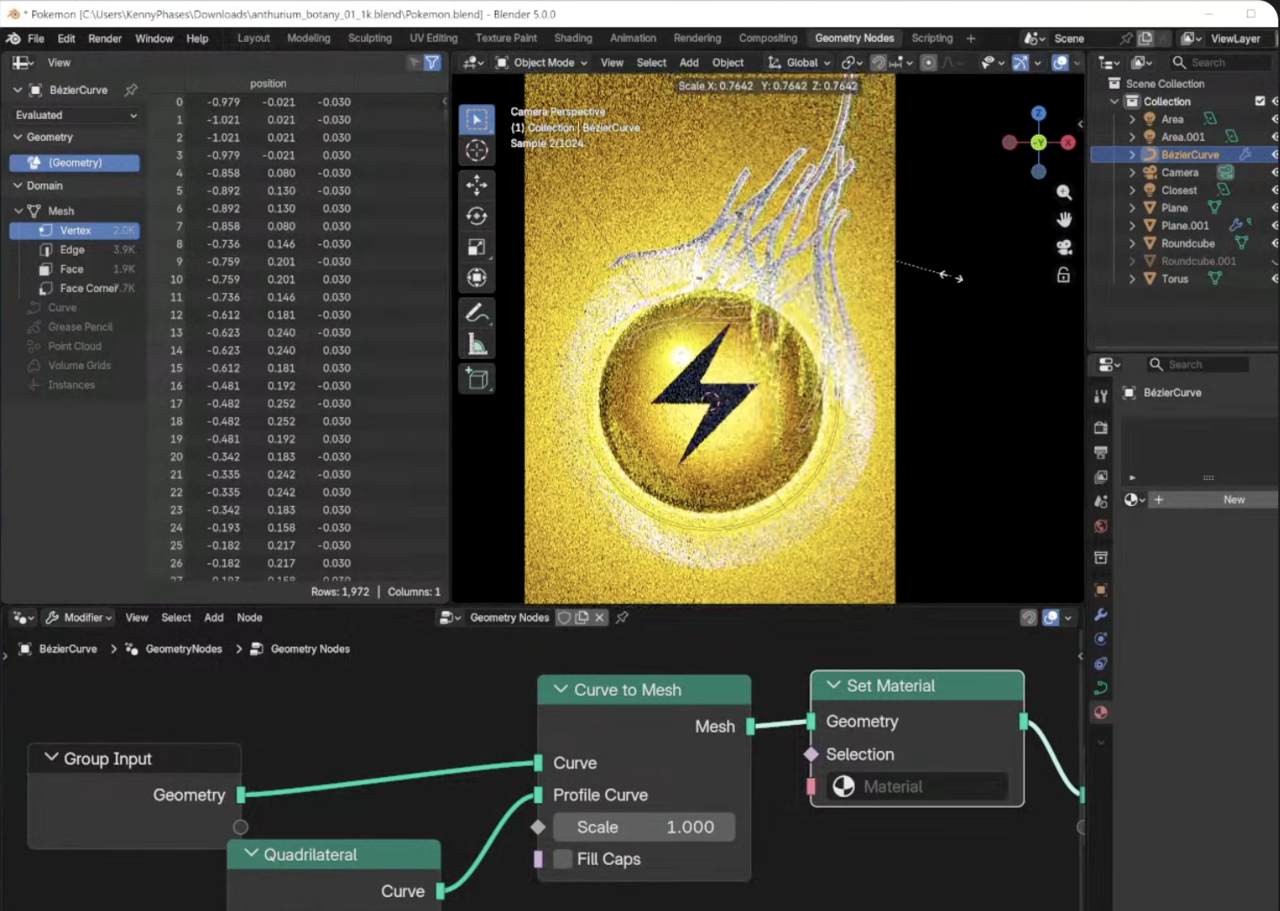
He combines:
- Instance on Points for scattering leaves and rocks.
- Pick Instance for natural variation.
- Emission shaders for bright, energetic particles.
- Volume Scatter for a soft atmospheric glow around the energy core.
The final result looks like something you would find on a trading card or in a game key art piece. More importantly, you see how all these smaller procedural ideas stack together into one cohesive scene.
Why Streams Like This Are Valuable
If your Blender learning has started to feel a little repetitive, streams like this are a great way to shake things up. It is not a perfectly scripted tutorial. It is closer to sitting next to an experienced artist while they try, fail, adjust, and discover.
You see the real process:
- Ideas that work right away.
- Nodes that do not behave as expected.
- Pivots when a new idea suddenly looks more interesting.
That kind of exposure builds confidence. You stop seeing mistakes as proof you are bad at Blender and start seeing them as part of the normal process.
How To Watch And Get The Most Out Of It
The full livestream is a solid, content-packed session. You do not have to watch it in one sitting, nor treat it like a classroom lecture.
- Watch at 1.2x speed if that keeps you engaged.
- Skip around to the sections that fit what you are learning right now.
- Pause and try a node setup as soon as something catches your eye.
- Use it as background inspiration while you work on your own scene.
However you decide to watch it, I am confident you will walk away with a few new tricks and probably a couple of your own experiments to chase.
As Founder of CG Cookie, it is a joy for me to see streams like this living on our channel. They are a reminder of why we started this in the first place: to give Blender artists a place to grow, explore, and stay curious together.
Thanks for reading!
Wes
FAQ
Do I need to be good with Geometry Nodes to follow the stream?
No. Some basic familiarity helps, but Kenny talks through what he is doing in a way that lets you pick things up as you watch. You can always pause and rewind when something sparks your interest.
Is this stream only for advanced Blender users?
Not at all. If you are new, you might not build along with every step, but you will still gain a feel for how procedural workflows come together. Intermediate users will probably pick up quite a few concrete techniques.
Why should I watch a livestream instead of a short tutorial?
Quick tutorials are great for focused skills. Livestreams give you something different. You see the real problem solving, the dead ends, and the adjustments that never make it into edited videos. That is incredibly valuable if you want to think more like a Blender artist, not just copy steps.
