
If you’ve ever asked, “What exactly makes a 3D model game-ready?” you’re not alone. I hear this question all the time, from CG Cookie students wrestling with their first character to creators submitting assets to the Superhive Blender marketplace.
The label “Game Ready” gets thrown around a lot, but what does it actually mean?

In short: a game-ready model isn’t just about looking good. It’s about being optimized, efficient, and compatible with real-time engines like Unity or Unreal.
Here’s what you need to nail down:
- Geometry that’s lean but solid
- Textures and materials that won’t kill performance
- Rigging and animation (if your model needs to move)
- Export settings that play nice with engines
- Performance tweaks so your asset runs smoothly at runtime
Let’s break those down.
Geometry: Keep It Clean
Think of geometry as your model’s skeleton. If it’s messy, everything else wobbles.
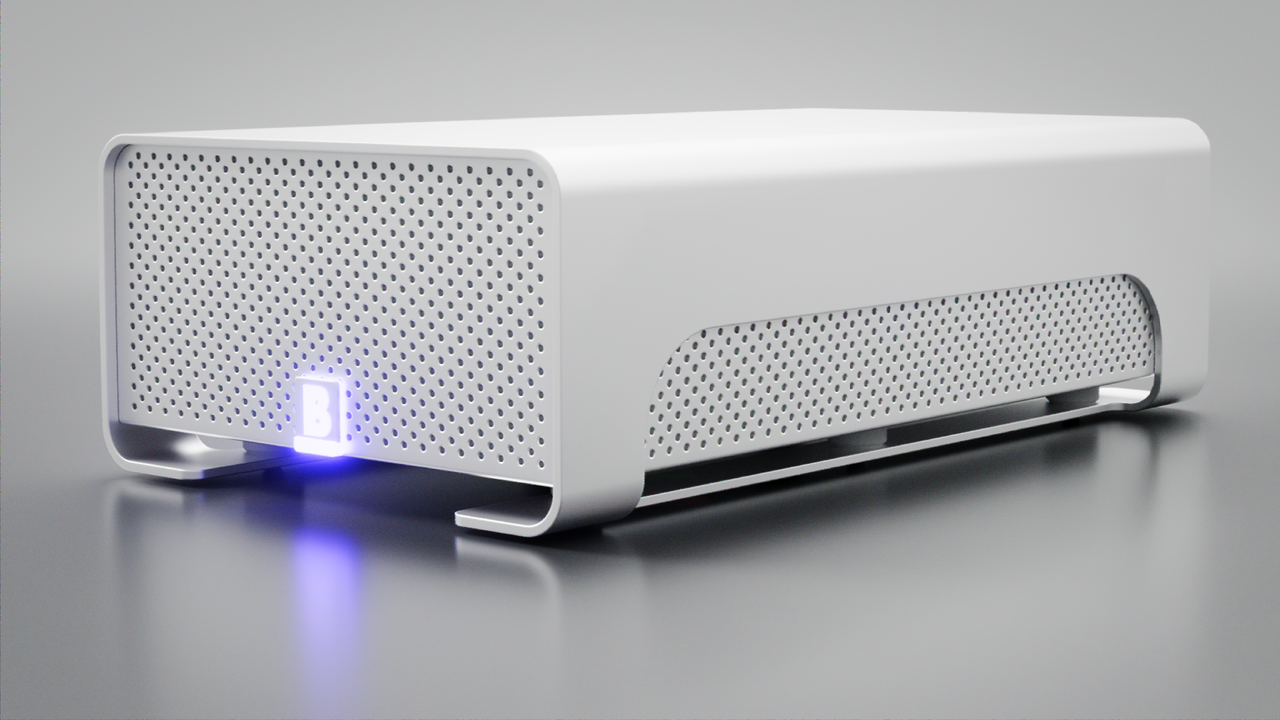
- Low poly count: Focus on silhouette and key forms. Don’t waste geometry where it won’t be noticed or seen by the camera.
- Clean topology: Quads > n-gons. Fewer unnecessary loops = easier rigging and smoother shading.
- Apply transforms: Always apply scale, rotation, and location (Ctrl+A) before export. It saves you from weird engine surprises.
👉 Deeper dive: CORE: Fundamentals of 3D Mesh Modeling
Textures & Materials: Performance Meets Style
Textures do the heavy lifting for visuals, so keep them efficient.
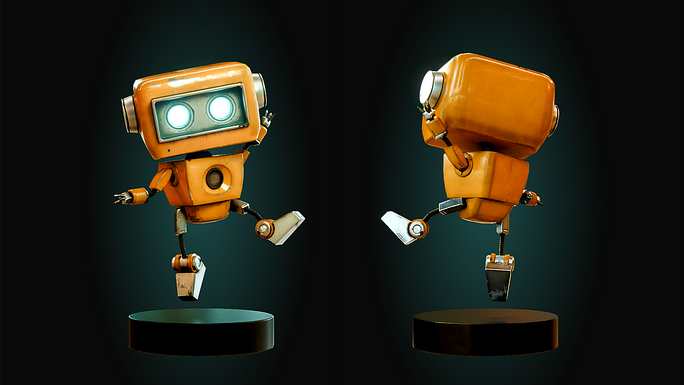
- UV unwrap carefully: Avoid overlaps unless you’re mirroring on purpose.
- Texture atlases: Combine textures into one sheet to cut draw calls.
- PBR workflows: Base Color, Roughness, Metallic, Normal for consistency across modern engines.
- Consistent texel density: Keep detail uniform across the model.
👉 New to unwrapping or baking? Fundamentals of Texturing in Blender
Rigging & Animation: If It Moves, It Needs a Rig
Not every asset needs rigging, but if it bends or animates, structure matters.
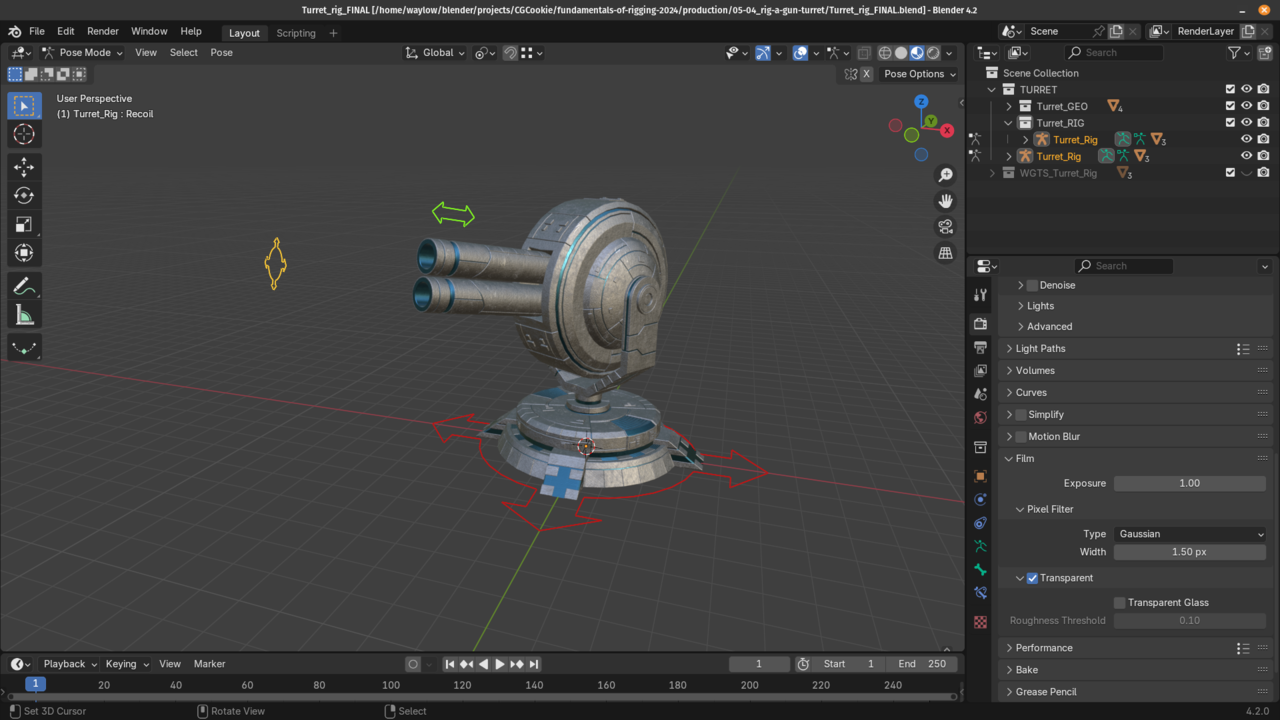
- Clean armatures: Simple hierarchies, clear names.
- Weight painting: Smooth deformations, no rogue weights.
- Bake animations: Some engines can’t handle Blender constraints; bake before export.
👉 Modular rigs that animators love: RIG: Blender’s Character Rigging Playbook
Exporting: Don’t Trip at the Finish Line
The final step can make or break your workflow.
-
File formats:
.FBXand.GLTFare the safest bets. - Naming: Keep it engine-safe (no spaces or special characters).
- Scale: Match your engine. For Unity, 1 Blender unit = 1 meter.
👉 Learn the quirks: Exporting Objects
Performance & Engine Readiness: Make It Run
A beautiful model is useless if it tanks frame rate.
- LODs: Create simplified versions for distance rendering.
- Collision meshes: Use low-poly versions for physics.
- Normals & tangents: Recalculate if shading looks off (Shift+N is your friend).
👉 Go end-to-end: RELIC: Game Asset Creation Fundamentals
Wrap Up
Game engines don’t care how long you spent on your model; they care if it runs smoothly. By optimizing geometry, textures, rigging, exports, and performance, you’ll make assets that look great and hold up in real-time.
Next time you’re prepping a Blender model for Godot, Unity, or Unreal, run through this checklist, export with confidence, and let your asset shine in-game.
Thanks for reading!
Adrian
FAQ
What’s the difference between a high-poly and a game-ready model?
High-poly models are built for detail and renders, often with millions of polygons. Game-ready models are optimized with fewer polygons and rely on textures like normal maps to capture detail without slowing down performance.
Which file format should I use to export game-ready models from Blender?
The most common formats are .FBX and .GLTF. FBX works well for most pipelines, especially with animation. GLTF is increasingly popular because it’s lightweight and engine-friendly.
Do all game-ready models need LODs?
Not always, but they’re strongly recommended for complex assets. LODs (Levels of Detail) let the engine swap in simpler versions of your model at a distance, which helps performance without sacrificing visuals.
What texture size should I use for game-ready assets?
It depends on the asset’s importance in-game. A hero character might justify 2K–4K maps, while background props can usually get by with 512px–1K textures. Always balance resolution with performance.
