
“You can’t be precise in Blender.” That’s what Sascha Feider kept hearing… until he decided to merge his practical building experience with his Blender knowledge.
If you’ve ever wanted to see your DIY project before you cut the first board, or even pull real measurements right from your 3D model, this is the course that will change how you plan.
👉 Check out the CRAFTSMAN Course on CG Cookie, or if memberships are not your thing, purchase on Superhive.
Key Takeaways
- Learn precision modeling in Blender for real woodworking and DIY projects.
- Follow a real client project from site assessment to finished plan.
- Discover Sascha’s pro workflow for accurate measurements and build-ready files.
- Perfect for DIY’ers, hobbyists, and pros who want a visual planning edge.
Why I’m So Excited About This Release
I’m not the one teaching this course. And that’s exactly why you should be excited. hah... 😅
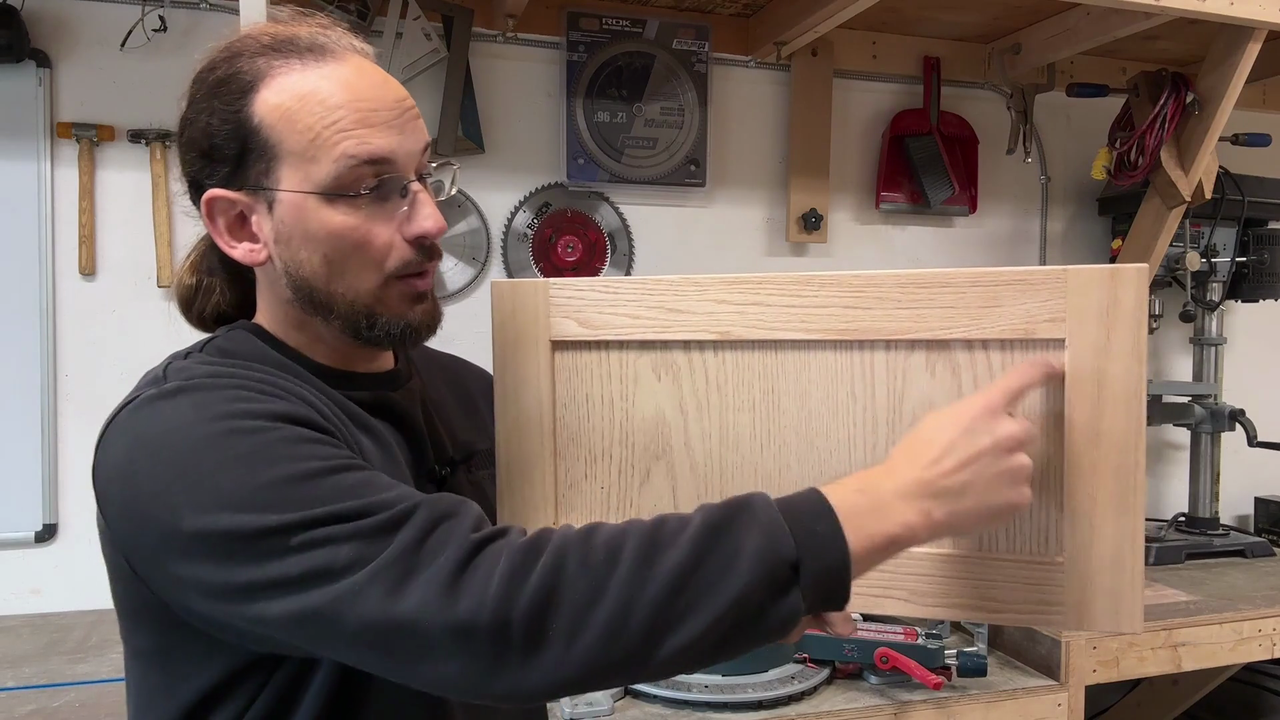
Sascha Feider, carpenter, cabinetmaker, and the kind of guy who can explain Blender without making your brain melt, is your instructor.
He’s been designing and building custom cabinetry for years, and he began to realize 3D could be an effective way to visualize his clients' projects before production began. When he discovered that Blender could function precisely enough to not need CAD (yes, really), he switched his entire planning workflow.
Now, he’s packaged that process into a course for us, and you! The DIY’ers who want to plan projects with the same tools as the pros.
What Makes This Course Different
1. It’s Based on a Real Build
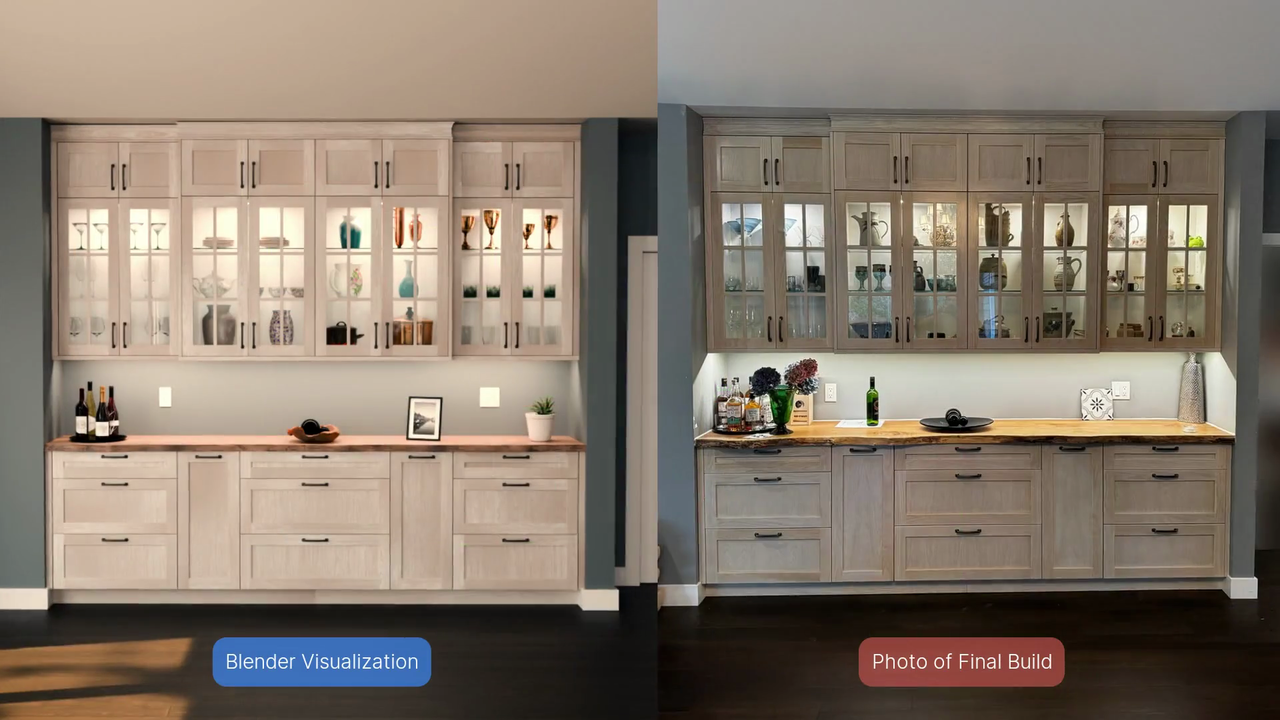
We’re not just pushing polygons around for practice. You’ll follow the design of a custom built-in unit, from the first tape-measure reading at the site to the final 3D model with exact dimensions.
This means:
- You'll see the real-world problems (like crooked walls) and how to address them in your plan.
2. It Bridges Blender and the Workshop
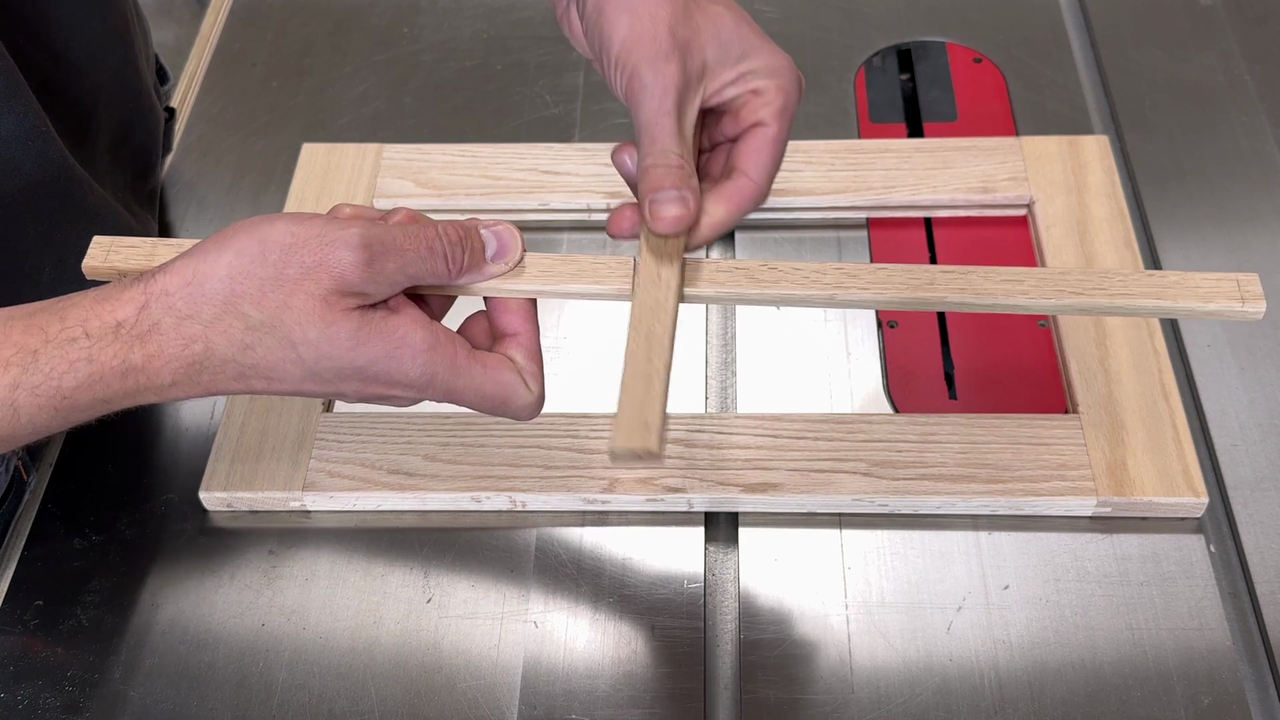
Sascha brings you into his workshop to show how materials behave in real life, then jumps back into Blender to recreate them digitally.
That’s a huge deal because understanding how something is built makes you better at modeling it accurately.
3. Precision Tools, Simplified
You’ll activate and learn to use Blender’s precision tools, like the MeasureIt add-on, the Bool Tool, and edge length overlays, so you can pull measurements as you model.
No guessing, no “eyeballing it,” just numbers you can trust.
Who This Course is For
This isn’t for someone who wants to sculpt dragons (though Blender can do that, and that's pretty cool 🐉 ). This course is for:
- DIY’ers planning home projects, built-ins, shelving, and furniture.
- Woodworkers who want to show clients a finished look before starting.
- Hobbyists who love Blender but want to make it practical.
If you’ve ever made a cut, only to realize it was a millimeter off and now nothing fits, this course will feel like insurance for your sanity.
Inside the Course: A Sneak Peek
Starting at the Site
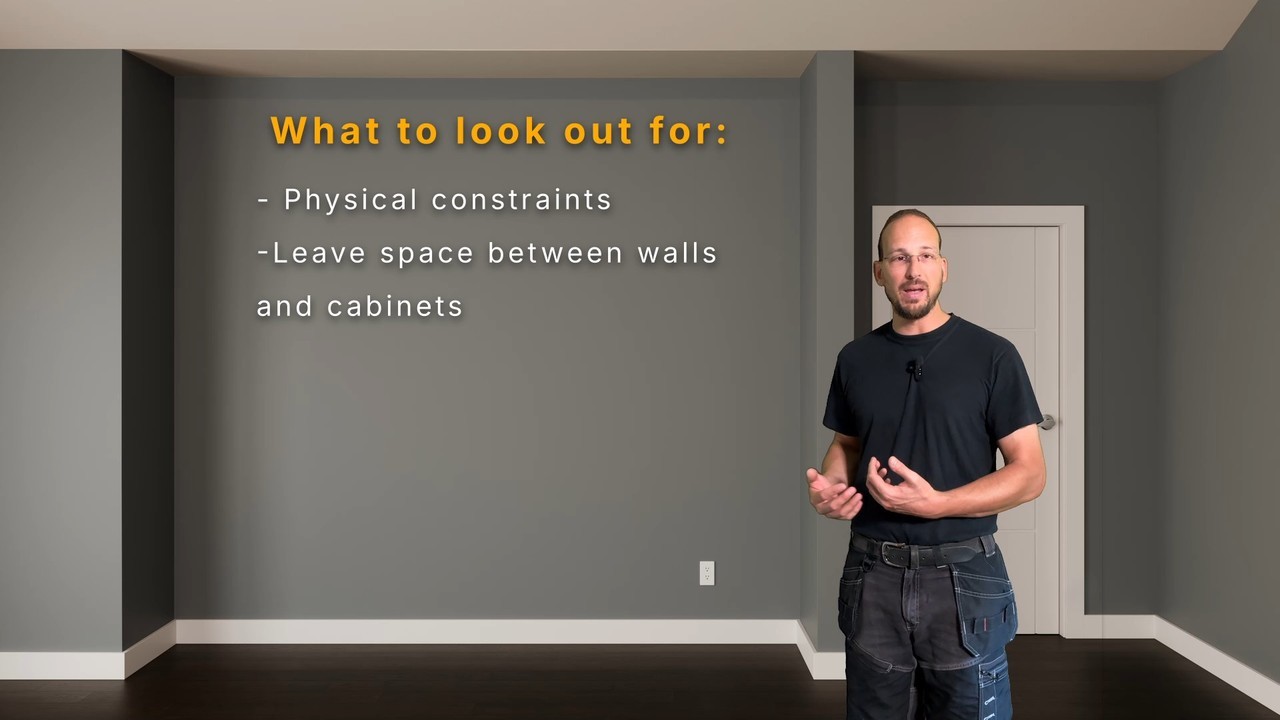
Before a single vertex is moved, you’ll learn how to assess a space, spot problem areas, and measure like a pro. (Hint: walls are never as straight as they look.)
Planning with the Client in Mind
Sascha walks through turning a client’s style preferences, like whitewashed oak shaker doors, into a clear design plan with symmetry, proportion, and function.
Modeling with Real-World Materials
From 18mm cabinet-grade plywood to oak edge banding, you’ll model with the same specs you’d use in the shop. That means your Blender file can double as your cut list.
Adding the Details that Matter
You’ll learn to:
- Set up proper units and scale in Blender.
- Use snapping and base points for exact placement.
- Add bevels, materials, and UV maps for a realistic presentation.
Focusing on what the client is expected to see
Sascha also shows what not to model, like internal cabinet hinges, so you can stay focused on what will actually make the build go smoothly.
What You’ll Walk Away With
By the end of the course, you’ll:
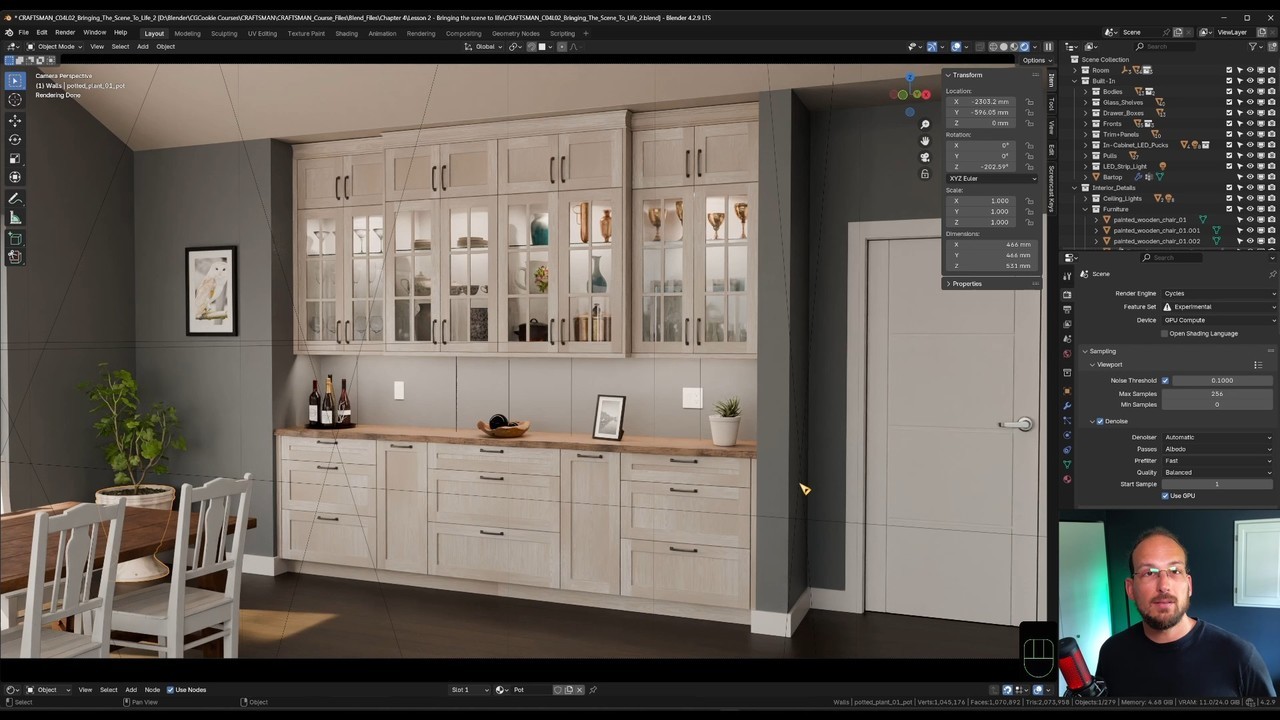
- Have a complete, accurate 3D model of a custom-built-in.
- Know how to take precise measurements from Blender for your build.
- Be able to present professional, client-ready visuals.
- Understand how to adapt the process to any DIY project.
If that sounds like what you've been looking for, or just curious, start streaming the course today (available for paid subscribers)
👉 Check out the CRAFTSMAN Course on CG Cookie, or purchase a la carte on Superhive.
FAQ
Q: Do I need to be a Blender expert to take this course?
A: No, you’ll need some basics, but Sascha explains every precision tool and technique step-by-step.
Q: Can I really trust Blender’s measurements for building?
A: Yes, for woodworking, cabinetry, and most DIY projects, Blender’s accuracy is more than sufficient when set up as shown in the course.
Q: Will this work for metal or other materials?
A: Absolutely. The modeling principles apply to any material, you’ll just adjust dimensions and joinery for your medium.
Q: Is this course only for cabinet projects?
A: No, while the example is a built-in unit, the workflow works for tables, shelves, and any custom piece.
Q: How long will it take to complete?
A: Total course duration is just over seven hours, but you can follow at your own pace. Most DIY’ers can complete the lessons over a few weekends, but the classic, "It depends" answer is appropriate here. ;)
