
These courses should help you get up to speed in no time.
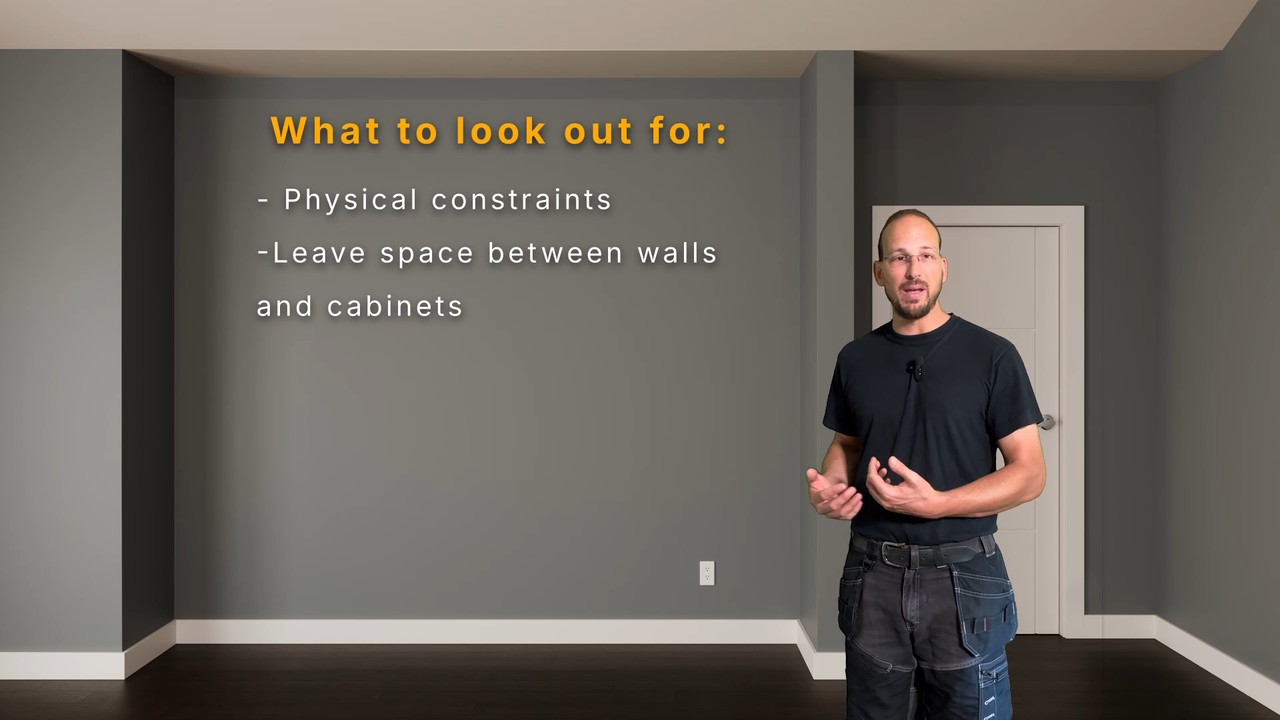
Failure to plan is a plan to fail. Learn how to approach our project to ensure best results, from assessing the site, to measurement standards, to setting up Blender for a precision workflow.
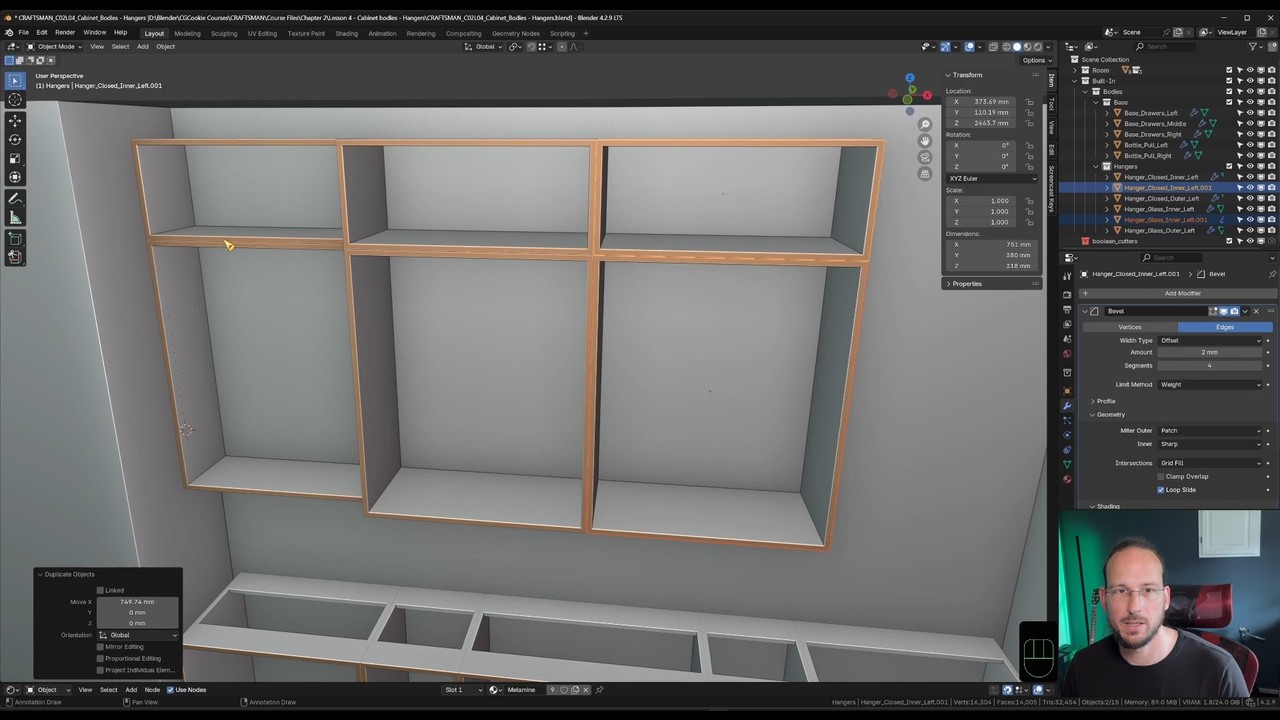
Model each component of the built for structural integrity. Everything is built as it is in reality, including cabinet bodies, cabinet fronts, hardware pulls, glass shelving, and live-edge countertop.
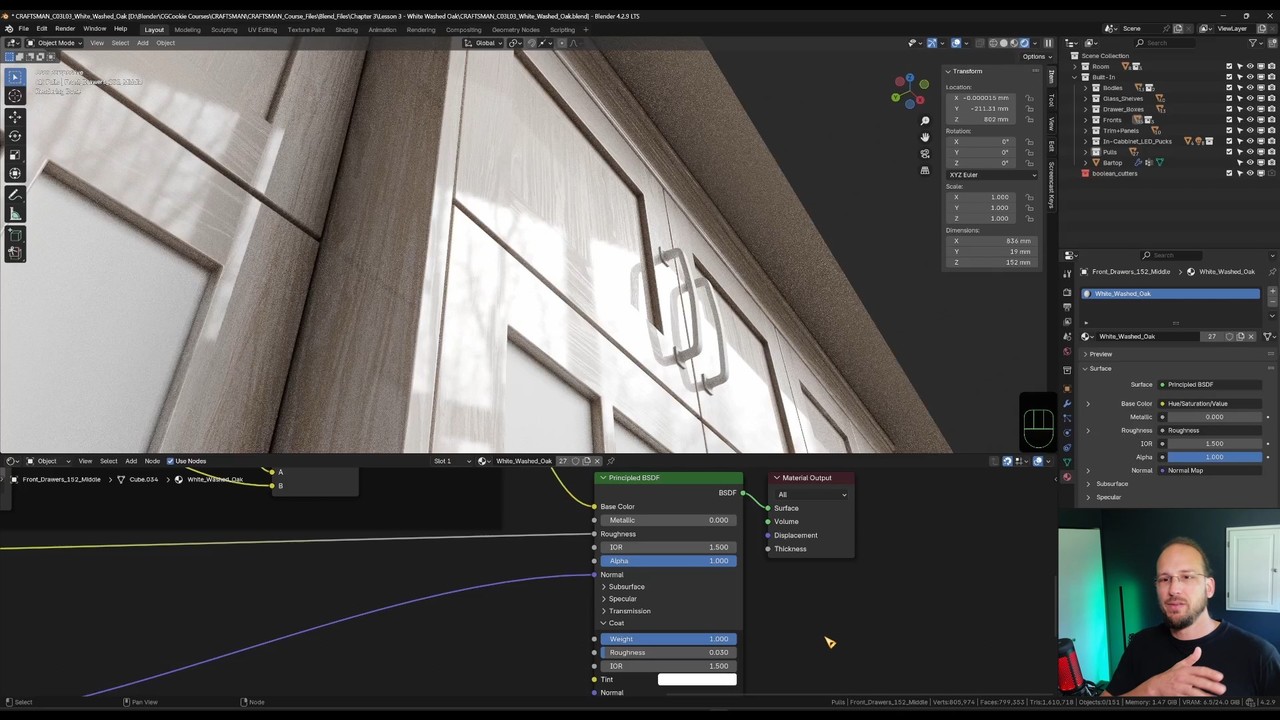
Learn to apply textures realistically and efficiently to our built in, using freely available sources. Then build out materials like wood, melamine, glass and antique pewter for final surface qualities.
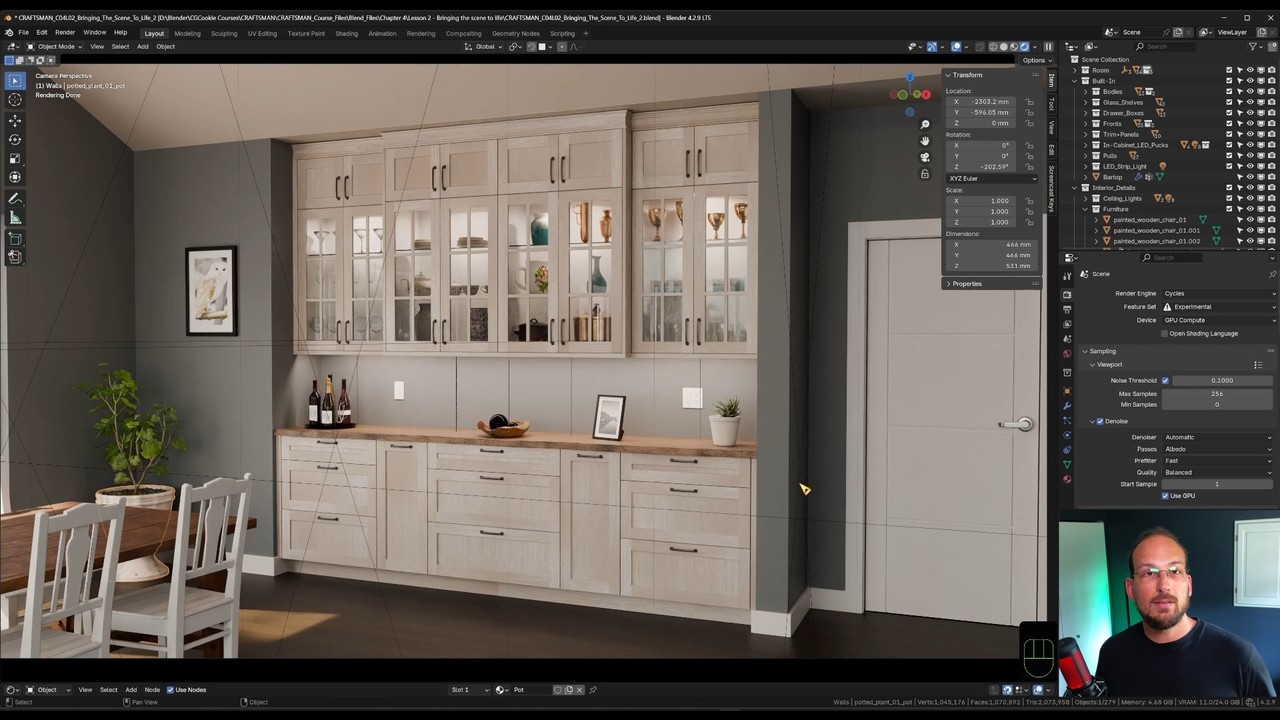
Finalize the built-in's visualization with a polished presentation. Then discuss how to extract measurements and drawing material for production of the physical built-in.
Hello! I'm a professional carpenter utilizing 3D and Blender for visualization and design. When I'm not running my business, I like to teach Blender on my YouTube Channel. I also enjoy creating personal 3d illustrations and working on my add-on .
Get to know Sascha a bit better from this interview:
Get this course and 291 others by joining CG Cookie





Thank you very much Sascha.
The course is fantastic. Truly thoughtful and practical. Easy to follow. From modelling to final renders. Advises that cannot be find anywhere else. The author has many years of carpentry and blender experiences combined to craft this tutorial. Thank you for you to share your valuable knowledge. It is a course that worth learning.
Best Regards,
Keswick
Thank you, Keswick. I'm happy to hear you appreciated the unique content. :)
Hi Sascha,
Thanks for this great course, I learned a lot from it. Great blender tricks sometimes, and I love the bit of humor from time to time. I had to follow the course in two parts due to time restrictions, which made me overdo the first part of the course again, but that was not a punishment :-). Hope to see another course from you in the future.
Kind regards,
William
Thank you for the kind review, William.
I'm so glad you enjoyed the course. I'm currently working on a new Sessions course (see Coming soon page).
I'm very impressed, incredible precision and depth of the course. It will allow to built any kind of furniture straight away.
Every explanation is through and detailed. Each gesture is sufficient and optimal.
Also, Sasha's light humor is a nice charming touch.
Thank you so much, Daria. I'm glad to hear it was not just educational, but also entertaining. 😀
I can't believe I finished it. It was a great course. It is long but it worth it. It touches a good amount of very tricky Blender areas, it is a big load-down of information but it sets the foundations to create things in Blender in a good way. Thanks for the course.
Love it! Thanks for taking the course and posting this review. 😊
It was great for me to watch this course by Sascha. I learned a lot about modeling for real applications. It also brought new ideas to me that I am planning to apply and share soon.
This course will surely become a reference to me for some time until I get to remember all the standard measurements by heart ;)
Totally appreciated effort.
Thanks for taking the course. Glad it turned out to be a great resource for you. Looking forward to seeing your projects! 😀
I had a great time with this course, it was easy to follow and I feel that everything was explained in a good way, while still keeping the pace. I really like how Sascha explained how things work in the real world in regards to wood working, and how that translates into making believable 3D renders.
I had a blast doing the final project for the course and Sascha was very helpful at coming with thoughts and comments in a constructive way.
I hope there will be a follow up course from Sascha, with even more advanced projects. I would enroll in an instant!
Wow, this make our team smile from ear to ear. Thanks for taking the course and posting such a positive review!
Thank you so much for this review and taking the course. I enjoyed working on your project with you. 😊
Sascha Feider teaching style is fantastic immediately subscribed to his YT channel after watching this course. The course itself was easy to follow detailed & thorough cover everything from planning, modeling to the most left out piece compositing. It's great to see a professional from another industry using blender & graphic design as a production tool.
Thank you for posting this review and taking the course. 😊
I absolutely loved the course! It was inspiring to see Sascha use his extensive carpentry experience and apply Blender for project planning and visualization.
I picked up many valuable tips and tricks, especially clever snapping techniques and useful key combinations that I can’t wait to start using.
Sascha’s personality made the lessons genuinely entertaining. Even if you’re not into woodworking, his teaching style, occasional jokes, and the clear, project-driven structure kept me coming back for more until, sadly, it was over.
I still need to upload something for the final exercise, but totally recommended. I’m excited to put everything I learned into practice in the 3D printing world.
So glad to hear that you found it not just informative, but also entertaining. Thanks for leaving this here. 😊
I just finished the course and I'm very happy about it.
This is my review:
- The teacher
Sasha seems a good guy, I didn't know his YT channel before, but you can see his passion on wood working and Blender teaching. His style is fresh and straightforward: he says everything you need to hear about one topic without being boring, and he's fun too!
- The course
I expected a good course about Blender (obviously, we are on CG Cookie) but I didn't expected so many informations about "the real thing": building a cabinet! I really enjoyed the video from his lab where he talks about the process of choosing materials, the wood cutting, the measurements(*) and so on.
All of this is useful even if you are just interested in the Blender part and you want to achieve more realism.
Various topics are covered with lots of tips and tricks: modeling (almost Blender almost like a CAD), texturing, shading, UVing but also compositing and rendering.
So, who is this course is aimed at?
I would say that the level is not for beginner but it's not too advanced either. If you know the Blender basics and you follow the lessons, it will be always clear what Sacha is doing and why. If you are interested in ArchViz, you'll love it.
(*): be aware that all the measurements are in millimeters, no inches or fractions! Hooray!
We loved reading this one. Thanks so much for sharing! ❤️
Metric FTW! 😁 Thanks for taking the course and the time to leave such a positive review.
Holy! Since it was announced I was looking forward to this course and I'm stoked to say it has surpassed nearly all of my expectations. What a blast! This is no kidding some Pro level workflow you shared with us!
I knew Sascha had a very clear way of teaching from following his YT channel, but this course went to a whole new level. My favorite part was that we get a real life application right off the bat, with demonstrations from a real life workshop. As a woodworking hobbyist I learned a lot from this course and not only about Blender!
Also very cool that we see a realistic workflow; while we all want to claim we modeled and textured everything from scratch all the time, tweaking PBR textures to fit our needs and using library assets is a real step for Arch-Viz and these lessons made it feel simple and achievable.
The amount of great modeling quality-of-life tips is also awesome. My overall use of Blender leveled up throughout the lessons. There is something in here for every level of user, I dare say.
All very transferrable to the 3D printing world. The precision modeling tips really make it easier to see how we really don't need a CAD program after all (though I know every tool has a perfect use scenario).
An incredible addition to the course catalog! 10/10 would recommend, and will come back to it when I get the time for my next house project.
ps. I love the little course badge with the saw blade.
Thanks so much for taking the course and posting this review.
Looking forward to your exercise project. 😊