free modeling

Retopology with Retopoflow 4

Instructor:
Jonathan Lampel

Retopoflow is the premier retopology add-on for Blender artists and CG professionals, which helps to quickly create new low poly geometry on top of high poly sculpts and scans. This free course walks you through how to use each of the sketch-based tools, as well as the overall retopology workflow. Let’s learn to draw out new topology like a pro!

Tools built for artists, by artists


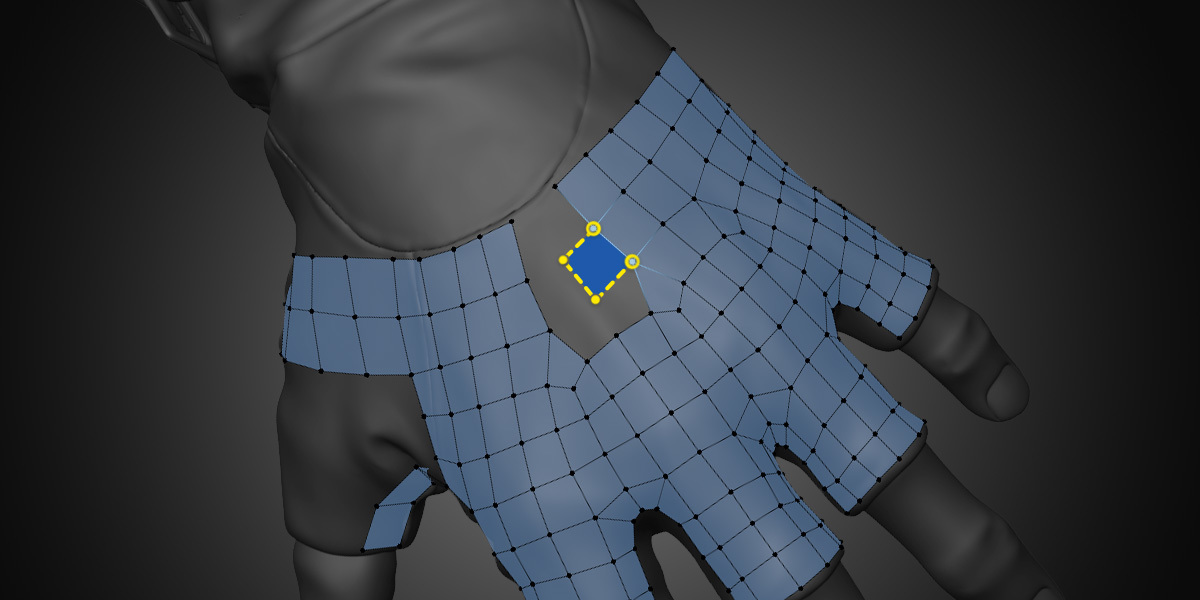
The tools in RetopoFlow mode are designed to be used by artists, and make the retopology process more like quick sketching and less like monotonous pointing and clicking. They make good topology practices like evenly spaced quads the default rather than the exception.

PolyPen

Sometimes you need to be more precise and deliberate, so PolyPen is built to give you maximum control over fine details. Select an edge, hold Ctrl, and click to extend the selection with triangles, quads, or both. PolyPen will automatically snap to other vertices and edges and can even be used as a knife to make basic cuts. 

PolyStrips

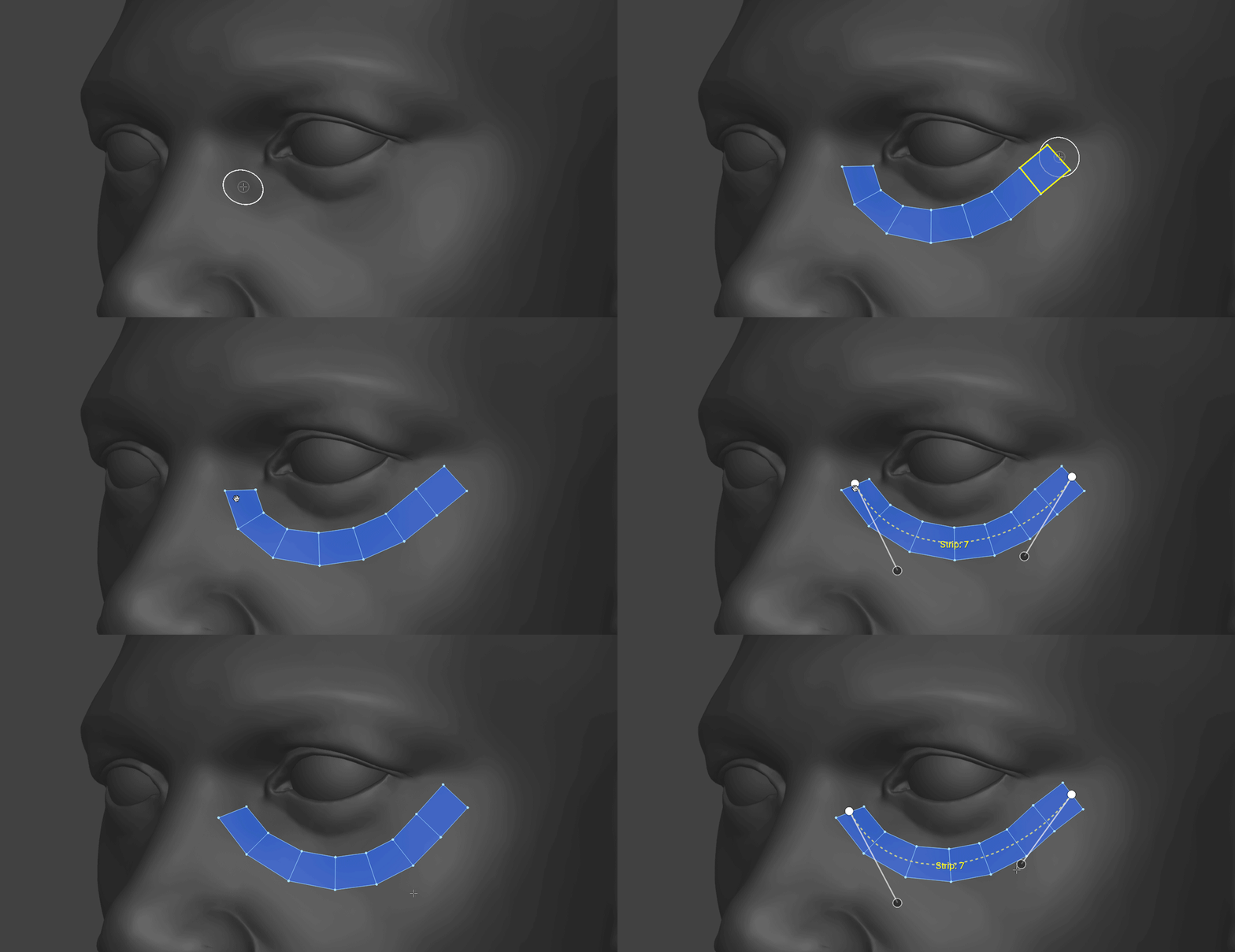
Quickly sketch to define your most important loops with PolyStrips. It can extend topology, bridge between faces, or create a totally new strip. The best part? You can also use PolyStrips to manipulate any selection of quads like a Bezier curve. Everything is automatically snapped to the surface so you can focus on what’s important - the perfect placement of your key loops. 

Strokes

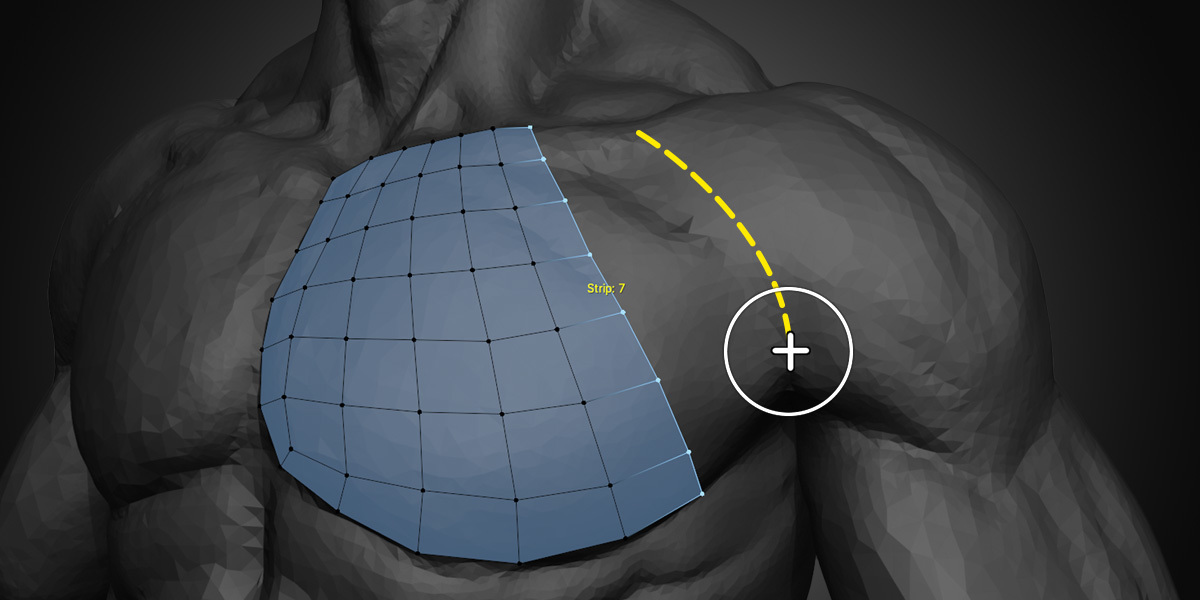
To quickly extend your main loops or define grids in larger areas, switch to the Strokes tool. Drawing a single stroke will create a row of connected vertices, and drawing another stroke roughly parallel to the first will connect the two with an even grid of interpolated quads. Or you can draw out from a vertex to extend your selection to match the curve of the stroke. 

Contours

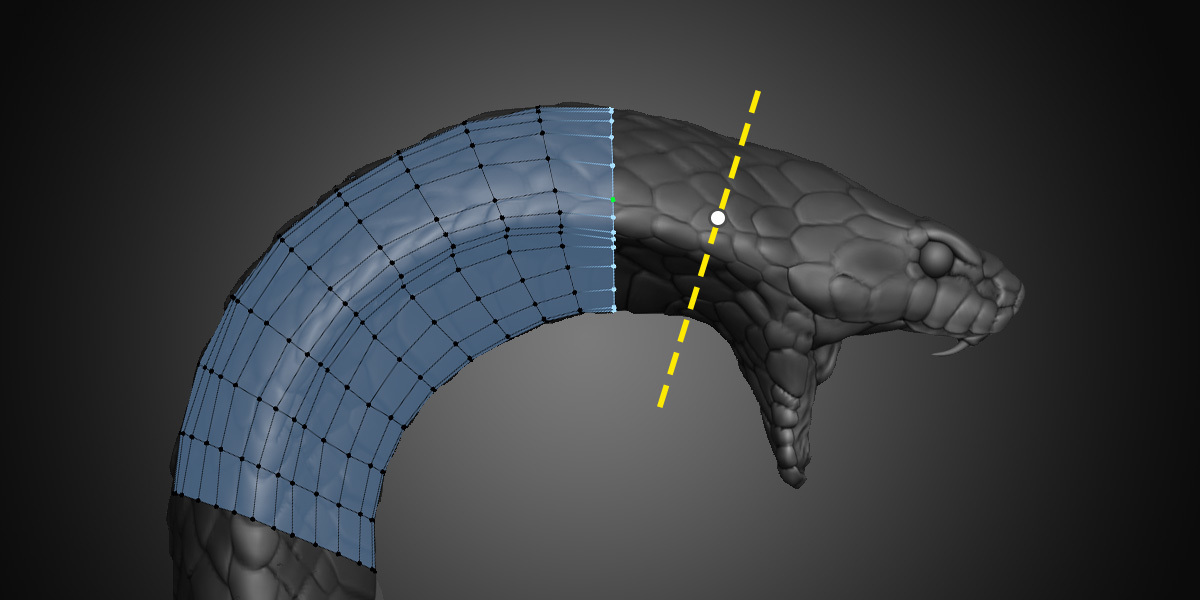
With Contours, you can quickly place and adjust loops around any cylindrical form. Just draw across the mesh and a loop with an easily adjustable number of vertices will wrap around the high poly surface. 

Tweak

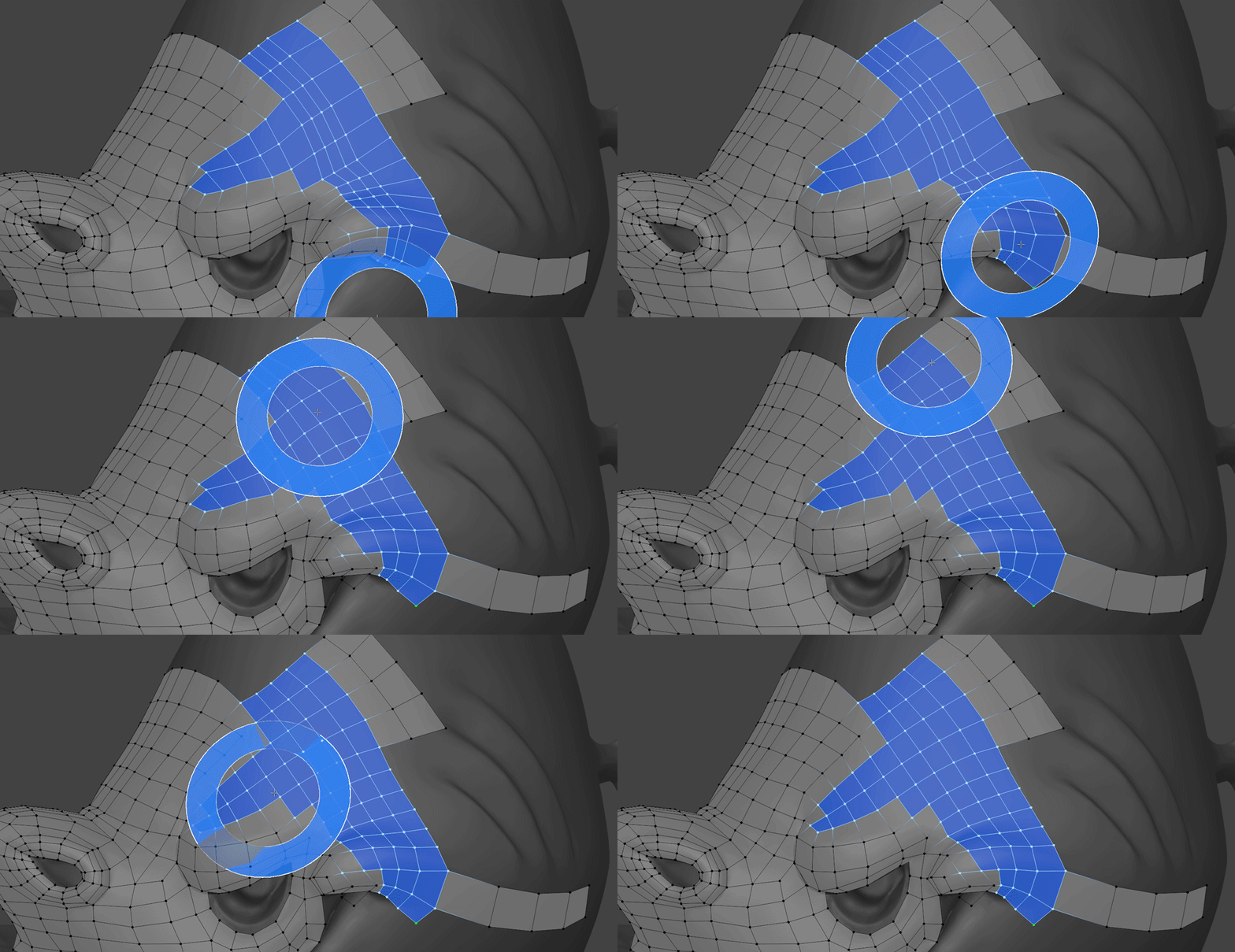
It’s not particularly fun to select and then move vertices around one by one, so if you need to do some adjusting then reach for the Tweak tool. It pushes and pulls the geometry like a sculpt brush in a way that’s fast, fluid, and intuitive.

Relax

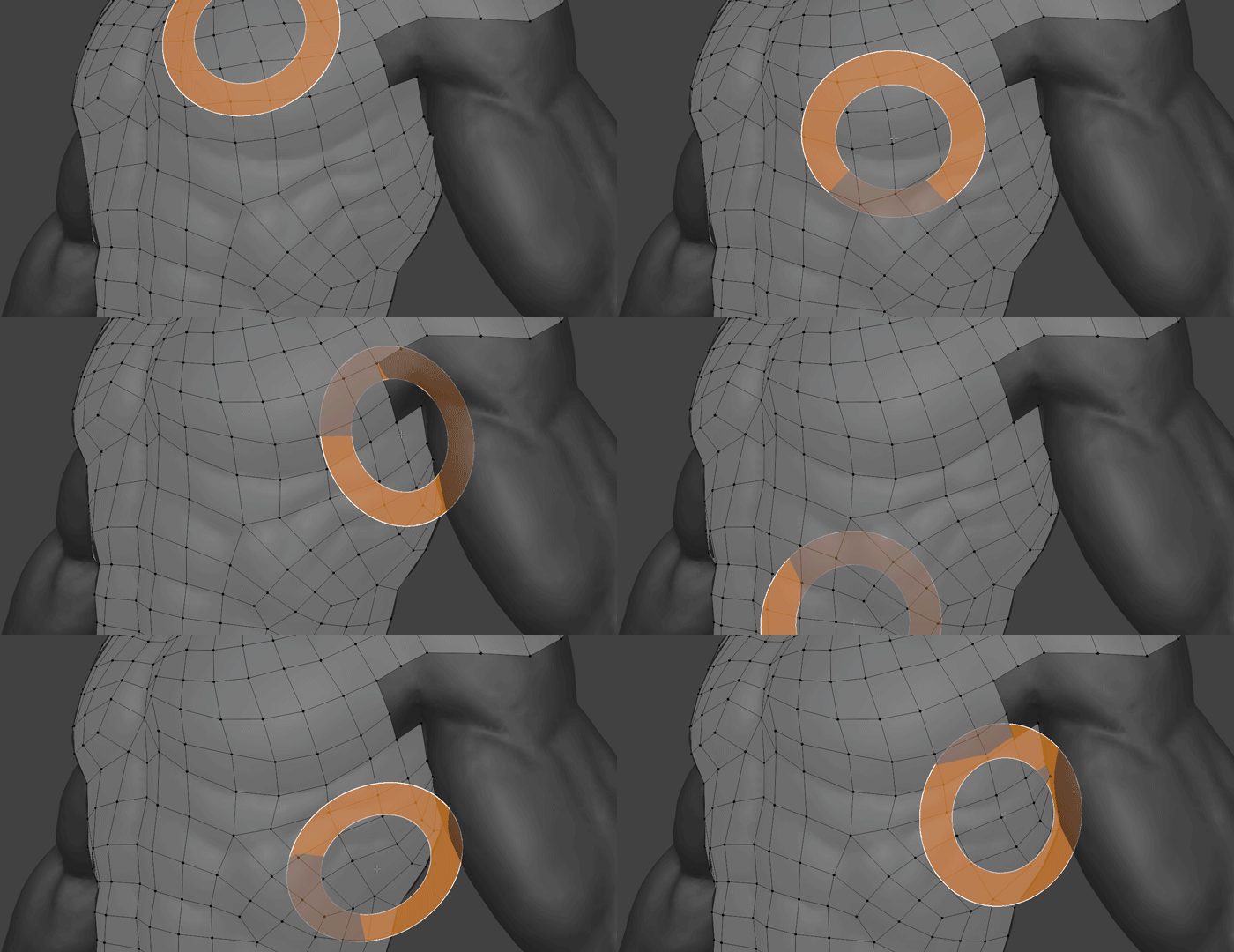
Gently massage your geometry into evenly-spaced-quad perfection with the Relax tool. It behaves just like a sculpting brush, except that it keeps all vertices snapped to the high poly geometry and shifts them towards a clean layout. Controls for what mesh features it tries to correct are adjustable so that you can use it in a wide variety of situations.

Frequently Asked Questions

What is RetopoFlow 4 and what will I learn in this course?

RetopoFlow 4 is a powerful retopology toolkit for Blender that speeds up turning dense sculpts or scans into clean, animation-ready topology. The course teaches installation, navigation, and every major RF4 tool—PolyPen, PolyStrips, Strokes, Contours, and Tweak & Relax—ending with a full character-face retopology demo.

Who is this course best suited for?

Any 3D artist working with high-resolution sculpts or scans who needs clean meshes for games, animation, or production. Beginners to retopology, RetopoFlow 3 users upgrading to version 4, and Blender users who want faster, cleaner manual retopo will feel right at home.

What software do I need to follow the lessons?

You only need Blender 4.2+ and RetopoFlow 4 installed from the ZIP file. The course shows how to install, enable, and confirm the tools inside Blender. Any modern Windows, macOS, or Linux machine that handles sculpting will work fine.

Awarded upon completion:
100xp +
Course Curriculum