
These courses should help you get up to speed in no time.

Learn all about the tools and concepts that are essential for all types of modeling workflows, including advanced selection, mesh operators, and good topology.

Whether your models need to be low poly or high, we'll talk about how the crisp shapes of hard surface modeling can be achieved with modifiers, n-gons, and altered normals.

Smooth, highly detailed shapes that melt into each other are incredibly satisfying, and you'll learn all about the foundational rules of topology that will help you create them.


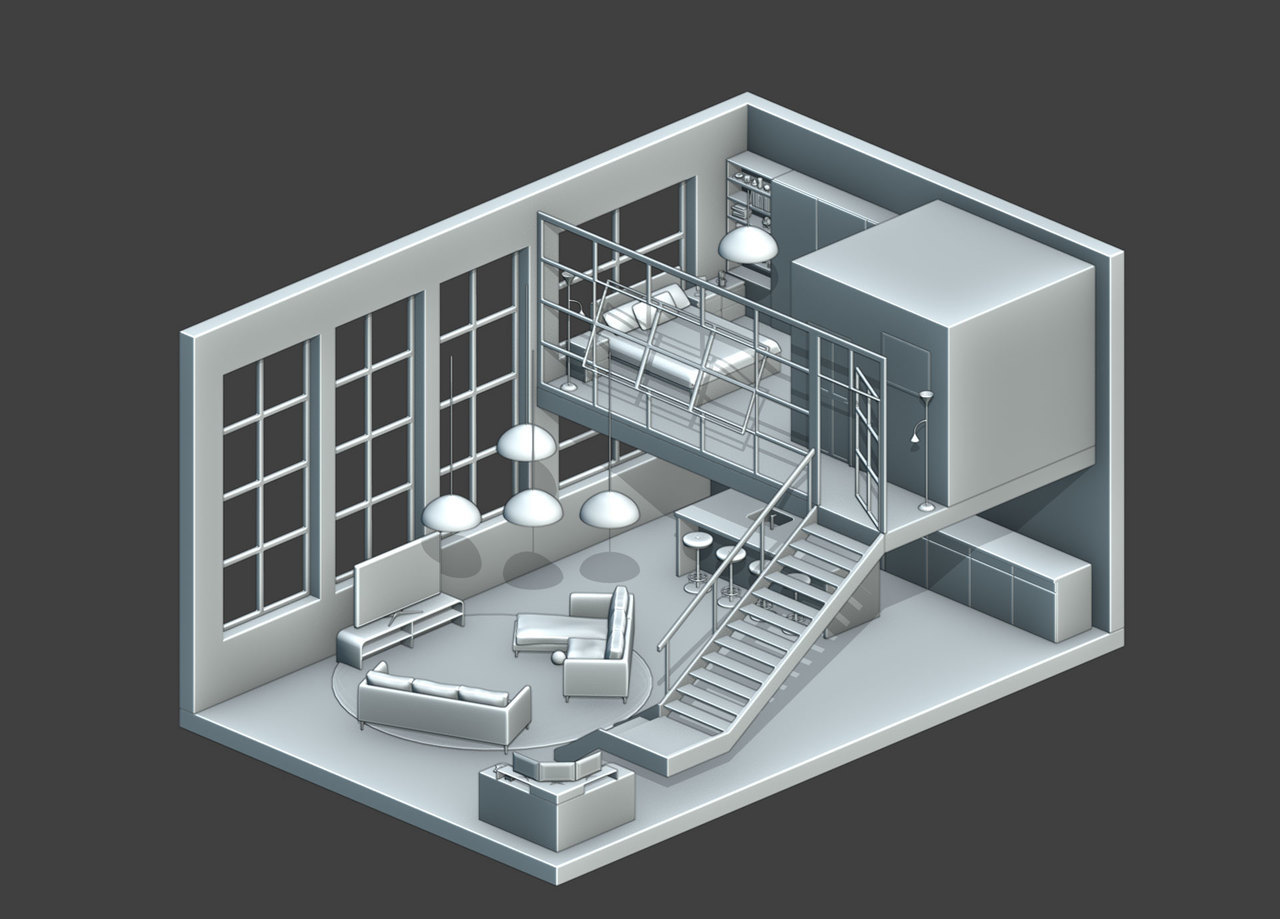



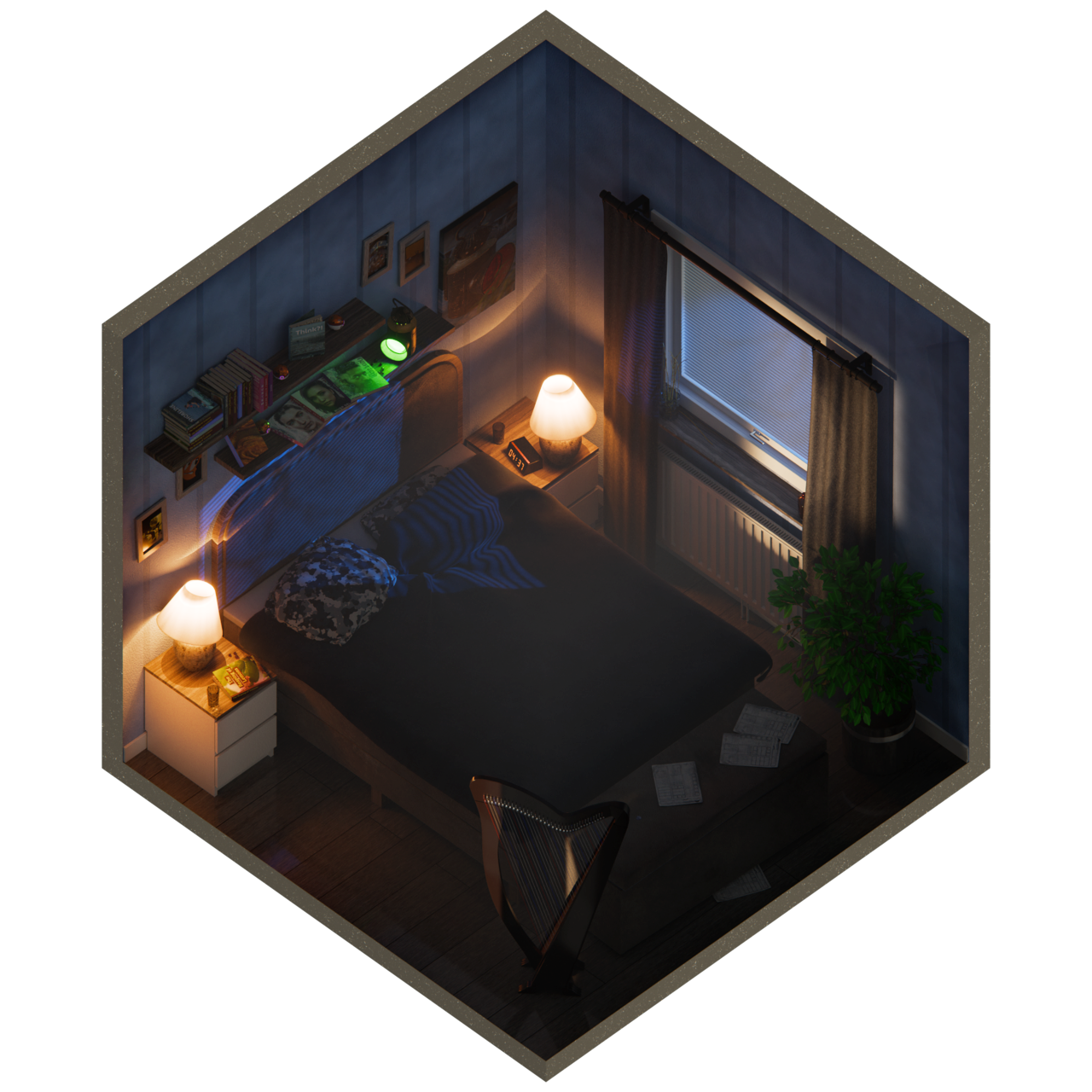

Get this course and 285 others by joining CG Cookie





Excellent course. The instructor’s pacing and depth of knowledge made a complex topic feel very accessible. I’m looking forward to applying these skills in my projects.
Highly recommended!
This course really helped me trudge through the difficulties of getting over the learning curve of 3D modeling. A great place to start for a beginner to the world of 3D.
Great introduction of 3D Modeling
Thanks for this! <3
Great course.
I had a very small understanding of blender before this. I could model one or two simple things, but there's a lot of stuff I didn't know prior to this course (and a lot of stuff I still have to learn xD)
I really liked the way the things were explained, I just wished there were more exercises thrown in between lessons to practice stuff. Like for example a simple exercise using curves would've been good.
Apart from that, I loved it! I'm thrilled to keep learning over here
I'm super happy I did this course. I now notice that I also dare to model more than before. Because of this course.
Hello there! I'm a design student from Germany, who created her first 3D project in Maya since it was part of the curriculumn. But due to the program's complexity (and over-the-moon-price) I decided to start over with 3D in Blender.
I first watched CG Cookie's "Blender Basics" course, then followed the "PRESS START" course, where we build a 3D console together with Jonathan, who also created this course. Thanks to these two courses, I decided to get a monthly subscription and try it out and I'm not exaggerating when I say this Fundamentals course (along with the other two free courses) is everything you need to start modeling and, most importantly, to feel confident in Blender.
The course is very well explained and not hard to understand at all. As someone who is usually scared to start with new programs, I've gotten the hang of the program quickly, followed each exercise, and later repeated them on my own. At no point did I feel like Jonathan was going too fast or forgetting that he were teaching beginners. The final exercise was a nice, relaxed way to inspire independent modeling and creativity instead of just following instructions.
I will definitely continue with the other CORE Fundamentals courses and can wholeheartedly recomment it to anyone who wants to start and feel safe with Blender! FIVE STARS!!
Amazing!
I just completed the "CORE | Fundamentals of 3D Mesh Modeling in Blender" course, and I couldn't be happier with the results. This is, hands down, the best starting point for anyone serious about learning Blender.
Jonathan Lampel is an outstanding instructor. His explanations are incredibly clear and concise, making complex topics like topology, modifiers, and efficient mesh editing completely accessible. He doesn't just show you what to do; he explains the why behind every tool and technique, which is crucial for building a strong foundation.
I learned so many things—from foundational navigation and selection tools to powerful modeling workflows. Every lesson felt perfectly paced, and the practical exercises solidify the knowledge immediately. I now feel fully equipped and confident to tackle my own 3D projects.
If you are looking for a comprehensive, high-quality, and deeply rewarding course to learn 3D mesh modeling in Blender, look no further. Five stars—highly, highly recommended!