

Yes, both passive and active objects have a collision margin. If the Sphere as space and the cube doesn't then yes adjust the sphere. Normally we adjust the passive since it affects all objects that land/hit it.
Oh I see, the sphere has to have a Mesh shape on collision rather than Sphere.
You just have to check Collision Margin under sensitivity subpanel. then you can change it. You can also change it to mesh.
So I have 3 spheres - one with a mesh collider, one with a sphere collider, one with a convex hull collider. All 3 have collision margin enabled at 1m distance.
The Sphere with a sphere collider seems to ignore the collision margin?
I also attached the blend file: collision-margin-spheres
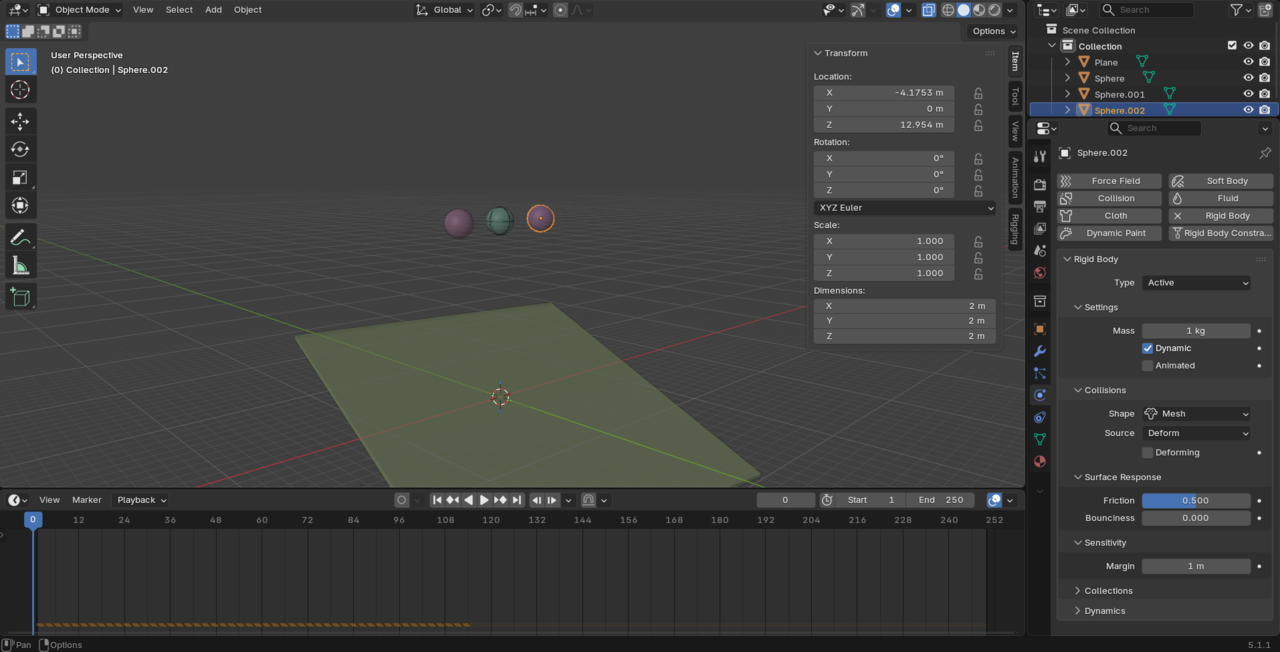
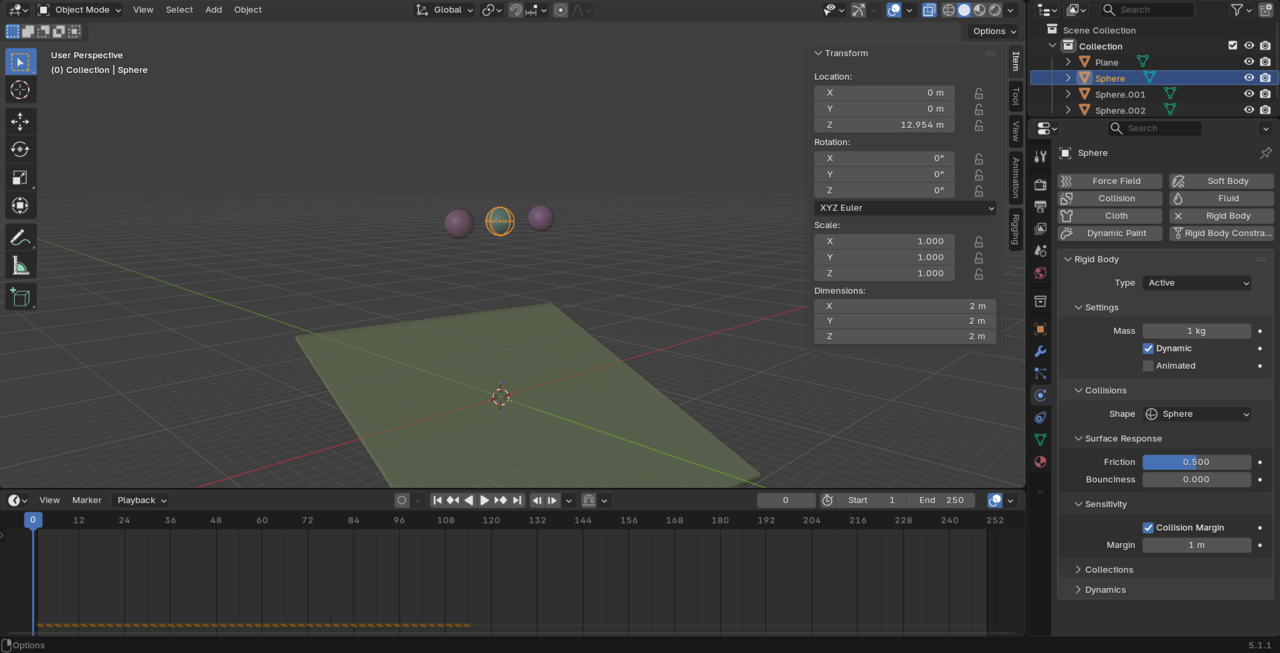
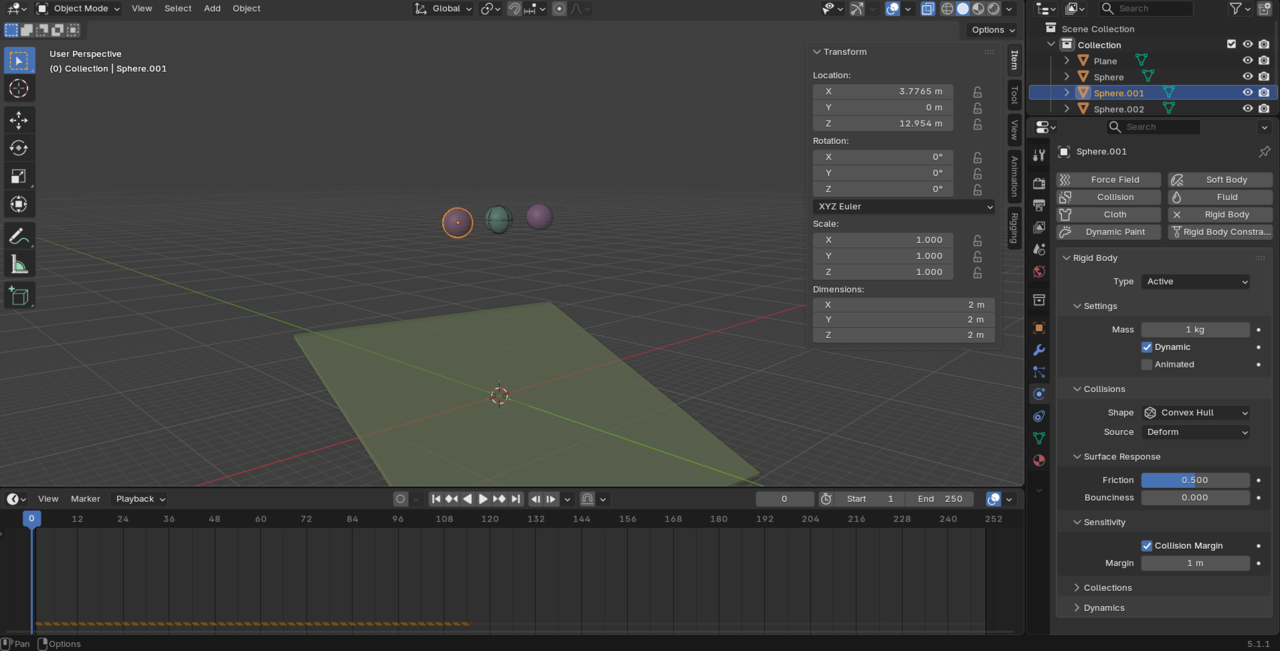
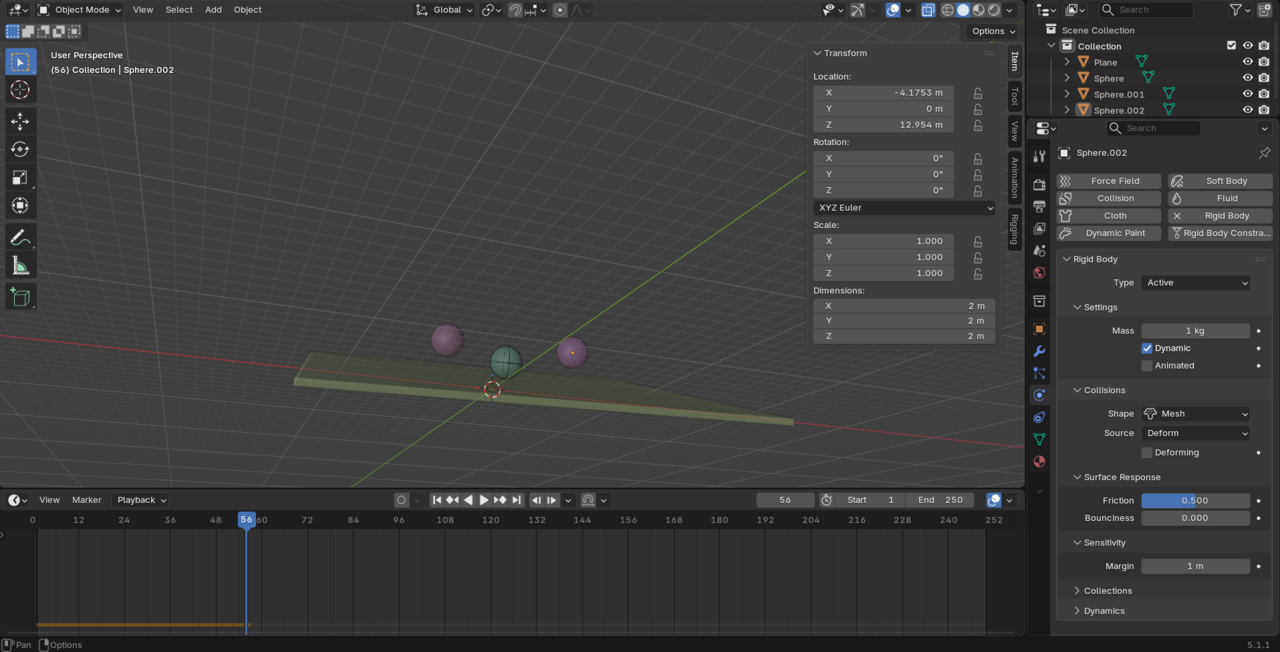
Just looked it up. You're right. Sphere, Box, Capsule, Cylinder, and Convex Hull if it's uniformed scaled all have the margin embedded in. So, that setting is ignored. I just learned something new. I wonder when they changed this.

Hi guys,
Oh, I didn't know that either!
Maybe, the reason has something to do with the fact, that some Objects, like the Cylinder and Meshes (can) change their shape, when Scaled down along the Normals (to 'embed' a Margin), while others keep theirs:
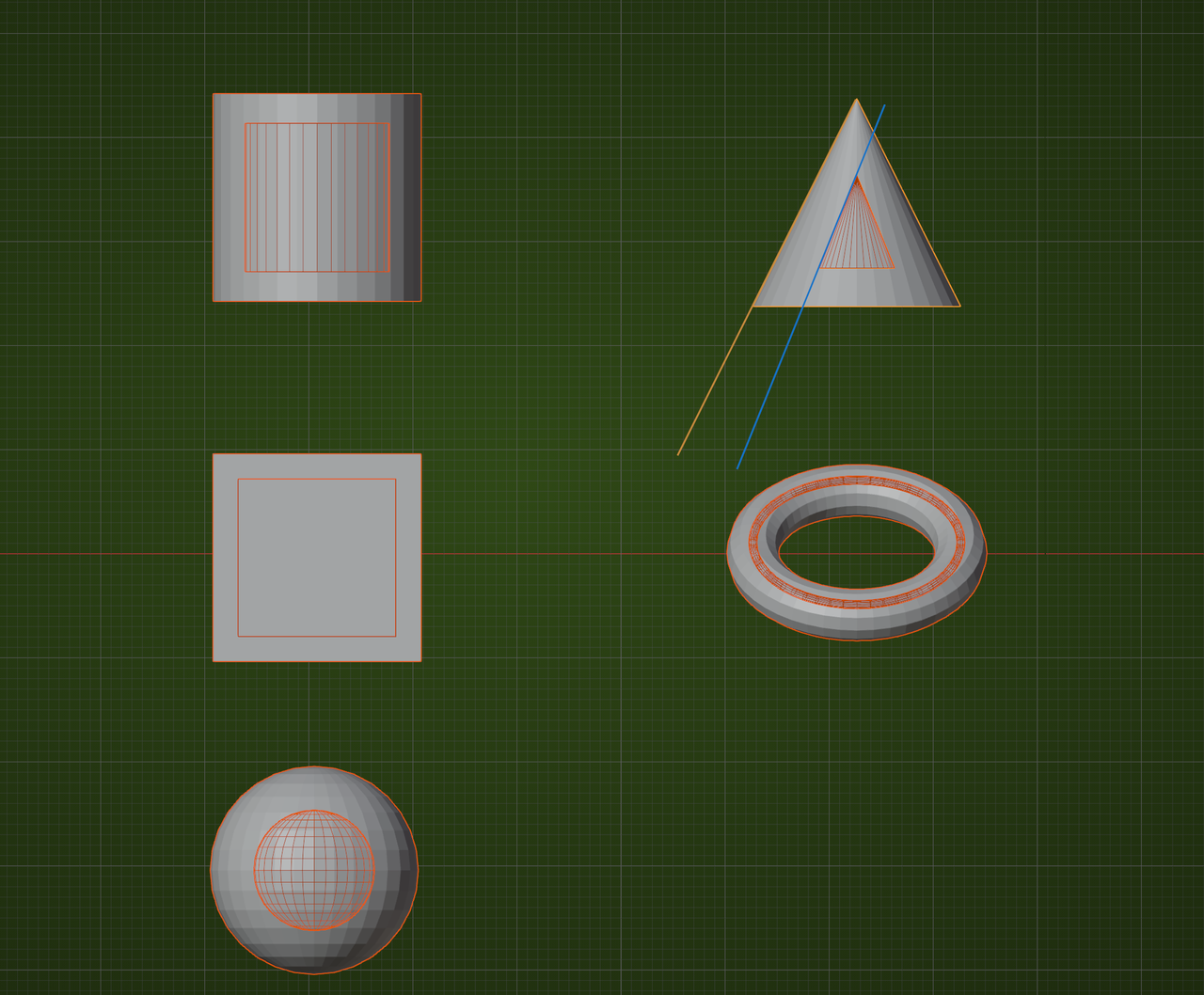
(The Cylinder's angle changes; the two lines I drew are not parallel. The 'donut' gets a bigger hole.)
Look at it this way:
Fake an embedding, by Scaling an Object down along its Normals (to make room for the Margin) and then Scale it up again (adding the Margin).
Box, Spere, Cylinder return to the original, but Cone doesn't and Triangle Mesh is not guaranteed (the Torus was a bad example, but most Meshes won't 'hold their shape'). Convex Hull is a bit of a mystery to me, because the Convex Hull of a Cone, for instance, is the same as the Cone.