Hi All,
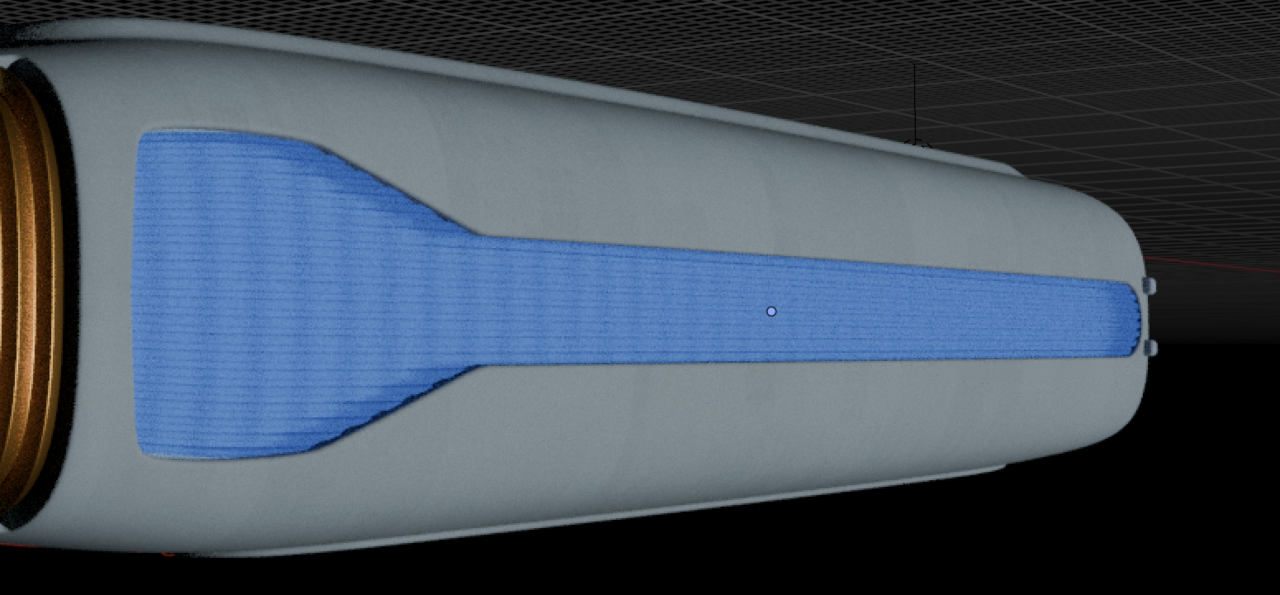
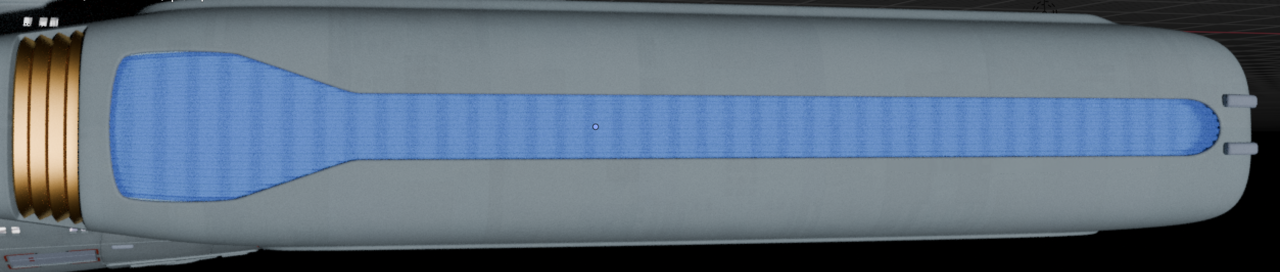
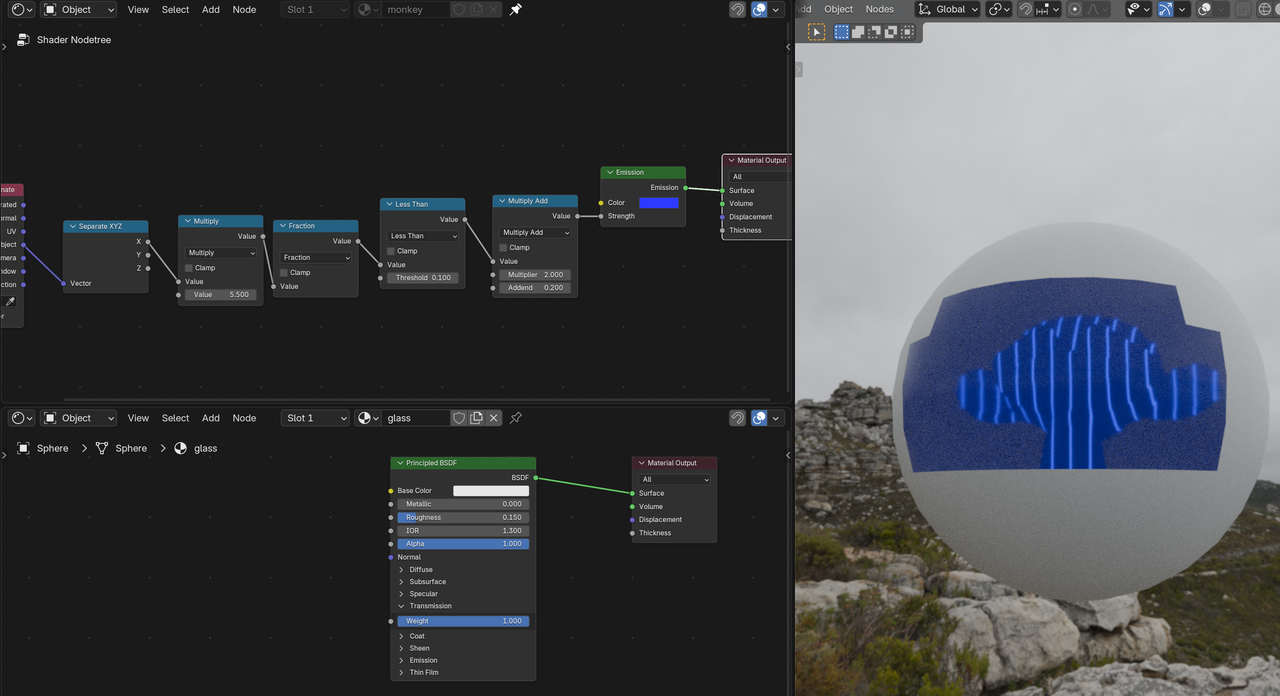
I'm stuck on how to proceed with making a "glow" image appear through a translucent/transparent material. Here's what I have in Cycles:
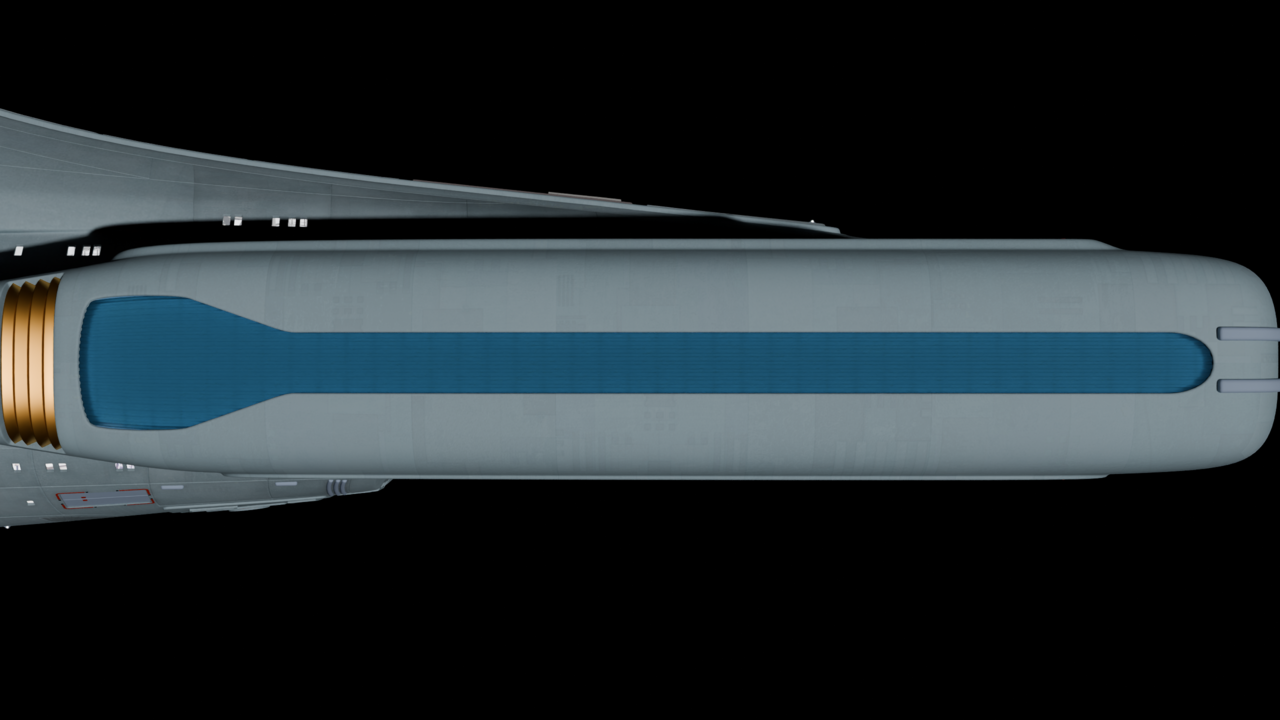
Here's what I want:
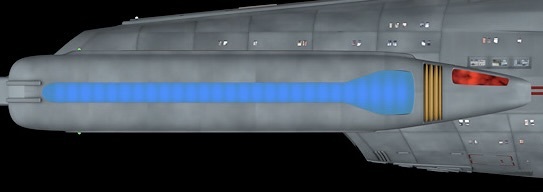
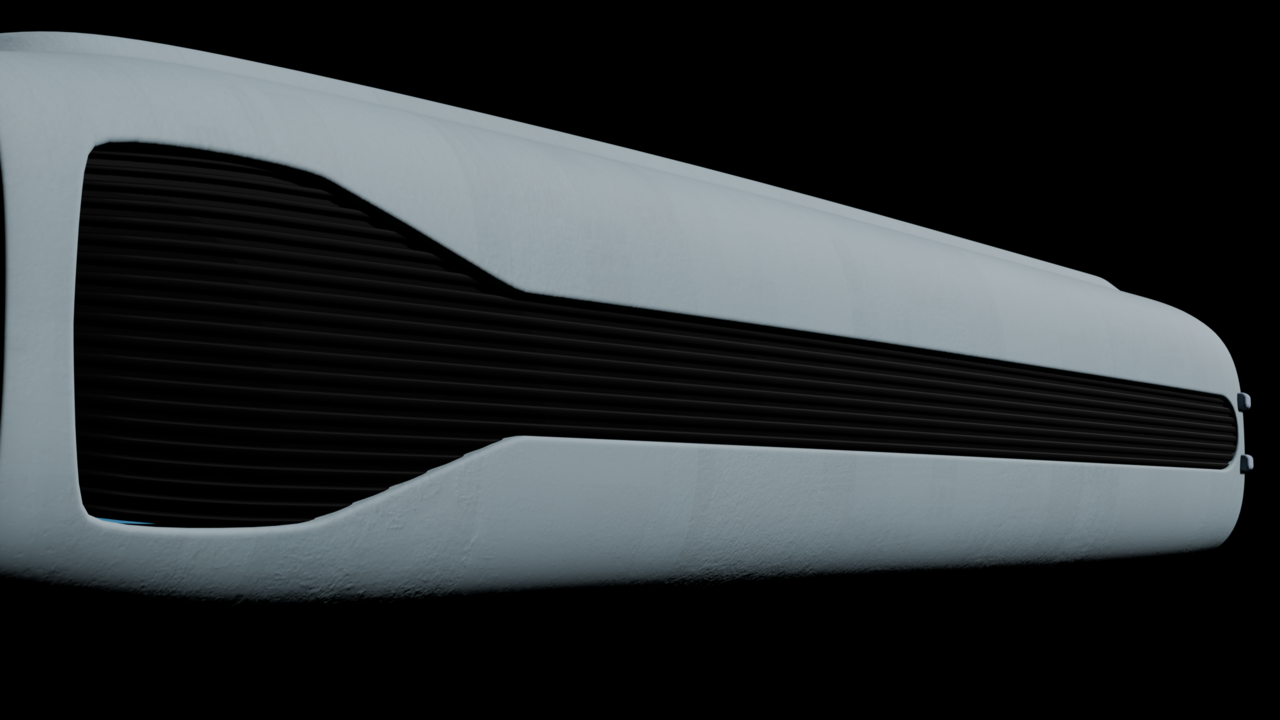
The grille in Eevee:
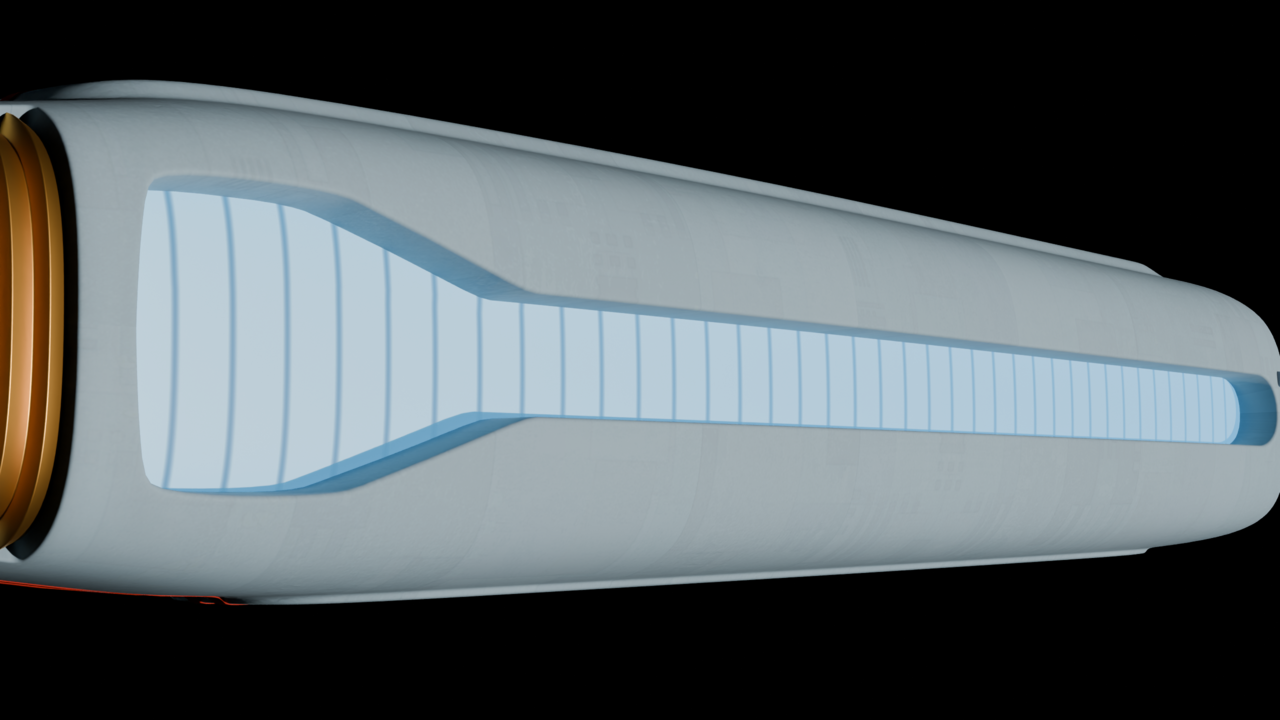
Glow only in Cycles:
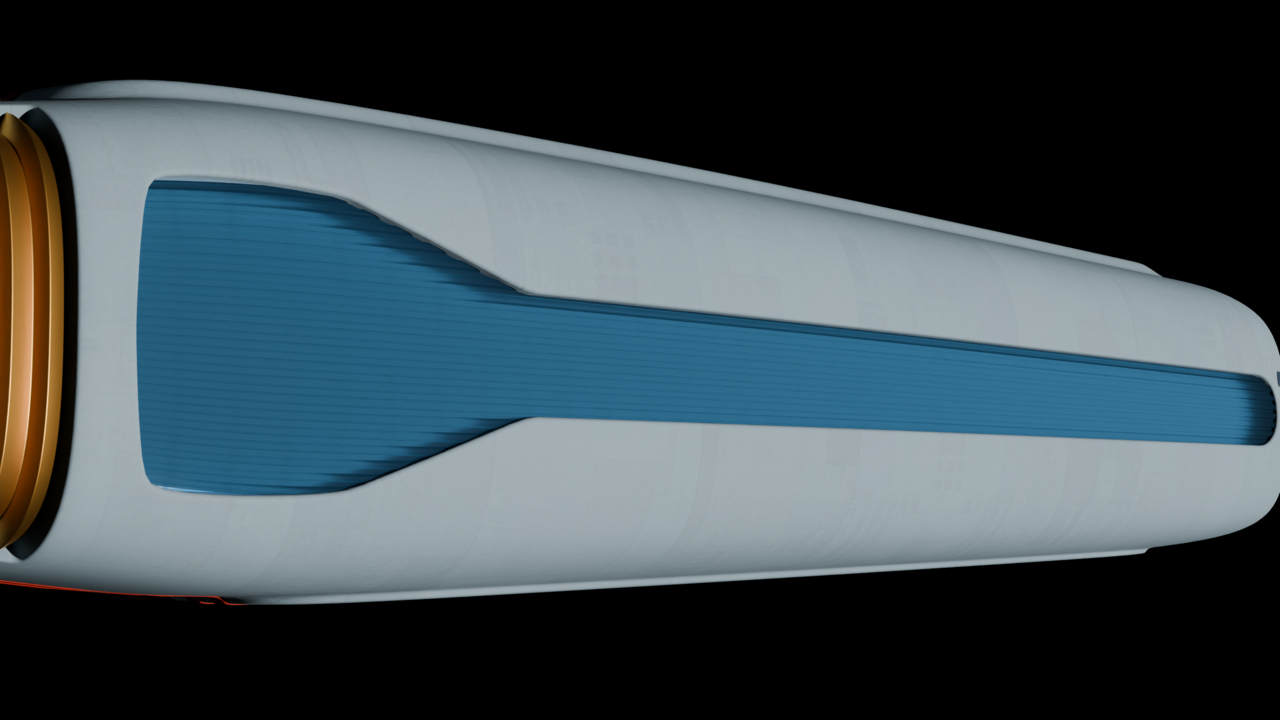
Grille with glow edge on in Cycles:
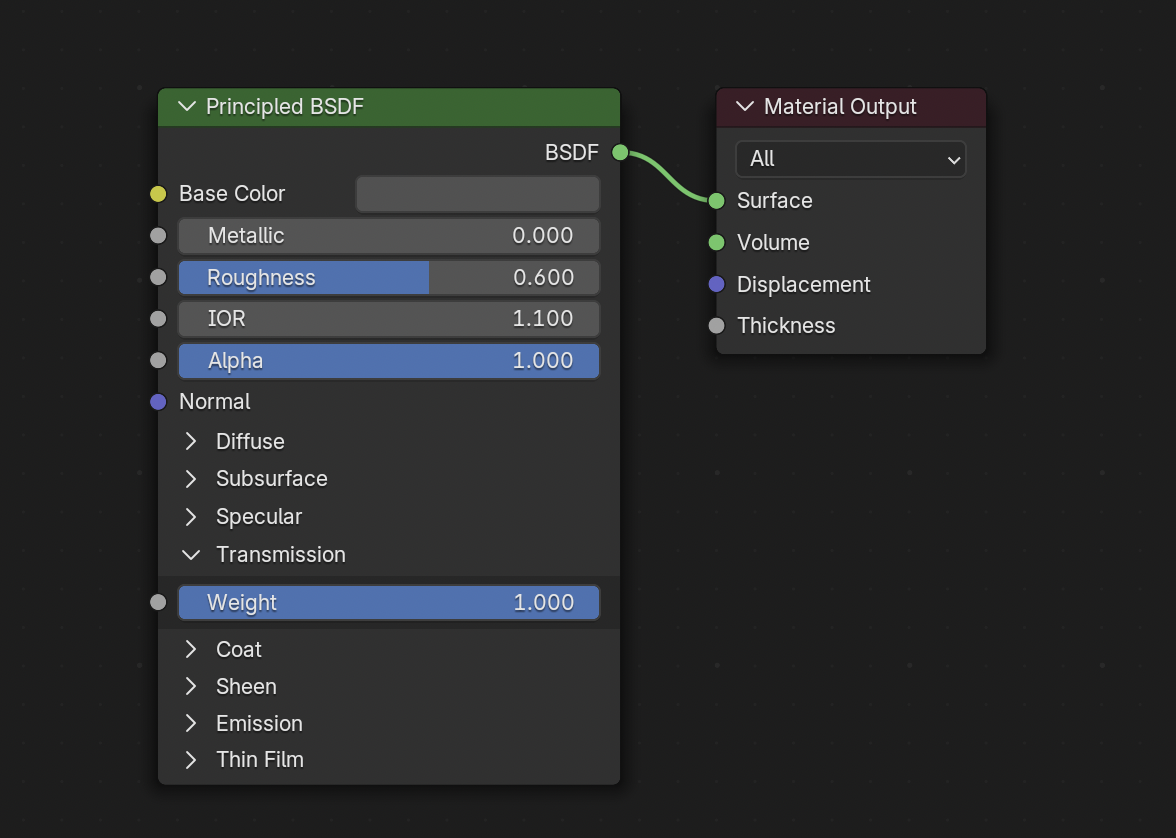
Grille nodes:
Glow nodes:
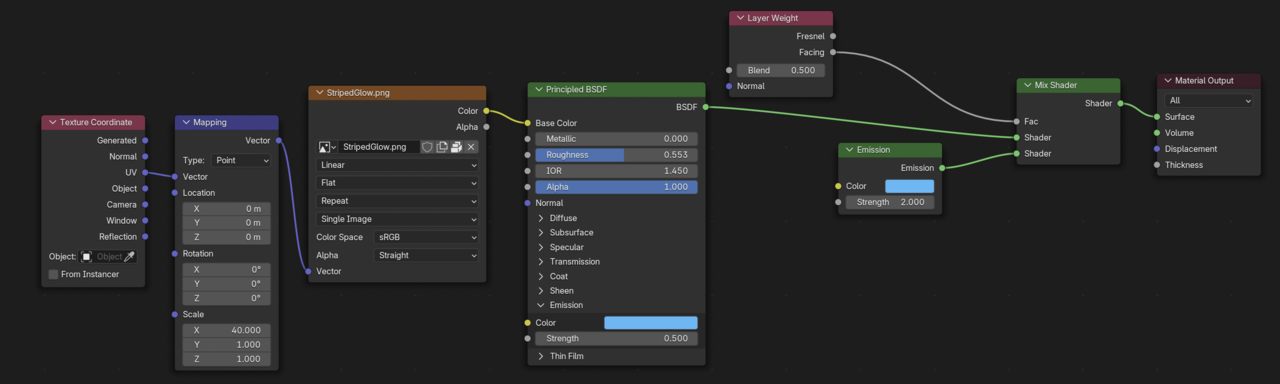
So can this be done in Blender or is my target image a product of a lot of post work? Thanks for any help!

If I'm understanding it correctly, you can always cheat. One thing we realize to late is that people cheat always, we think all the professional renders we see are perfectly accurate to real life, and it's totally the opposite. So you can just put the glow not behind the translucent, but in it, with a mask. Put it in the window or closer to the window, make the translucent clearer and ore transparent. There's also probably lots of hacks with the light path node.

I would first try increasing the emission strength to 1 instead of 0.5.
Thank you for all the suggestions! I'm working on them, but will have my computer shut down for a while in anticipation of ice storm-caused power outages.
I'll report back as soon as power is restored or the storm has passed. Cheers!

I've got it looking the way I want! Here's what I did:
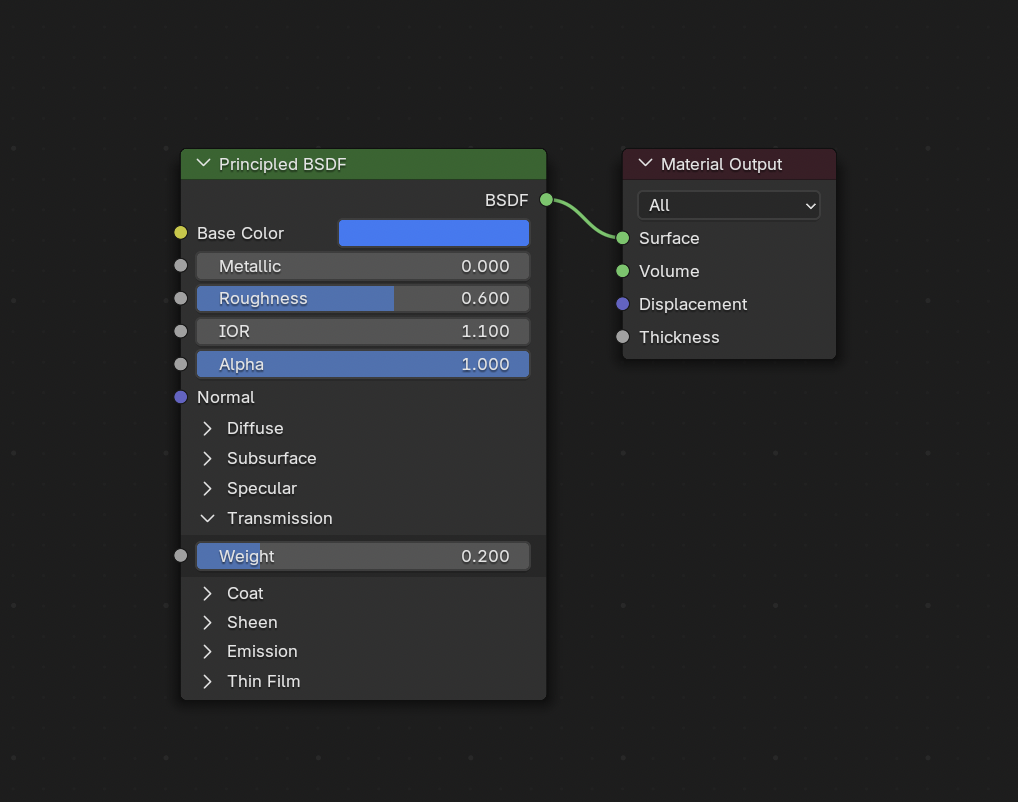
1. I used Omar's suggestion to cheat along with Martin's Roughness and Color ideas. I made the grille material blue instead of dark gray and I dropped the transmission value and increased the roughness.
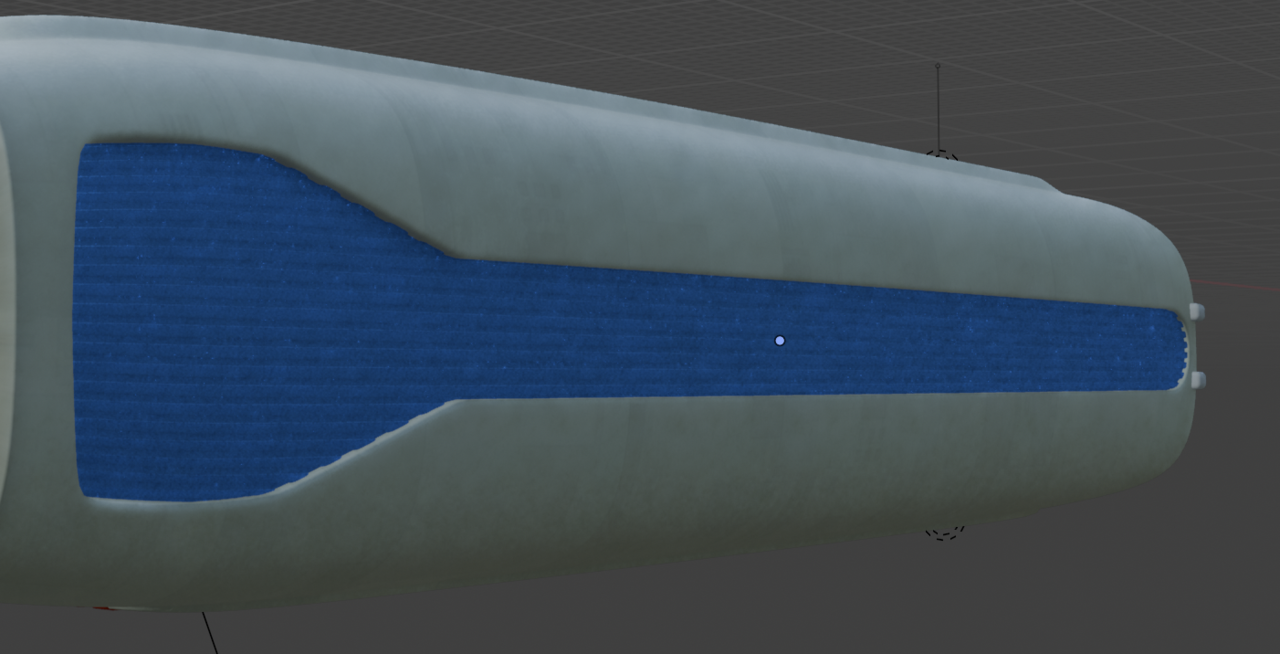
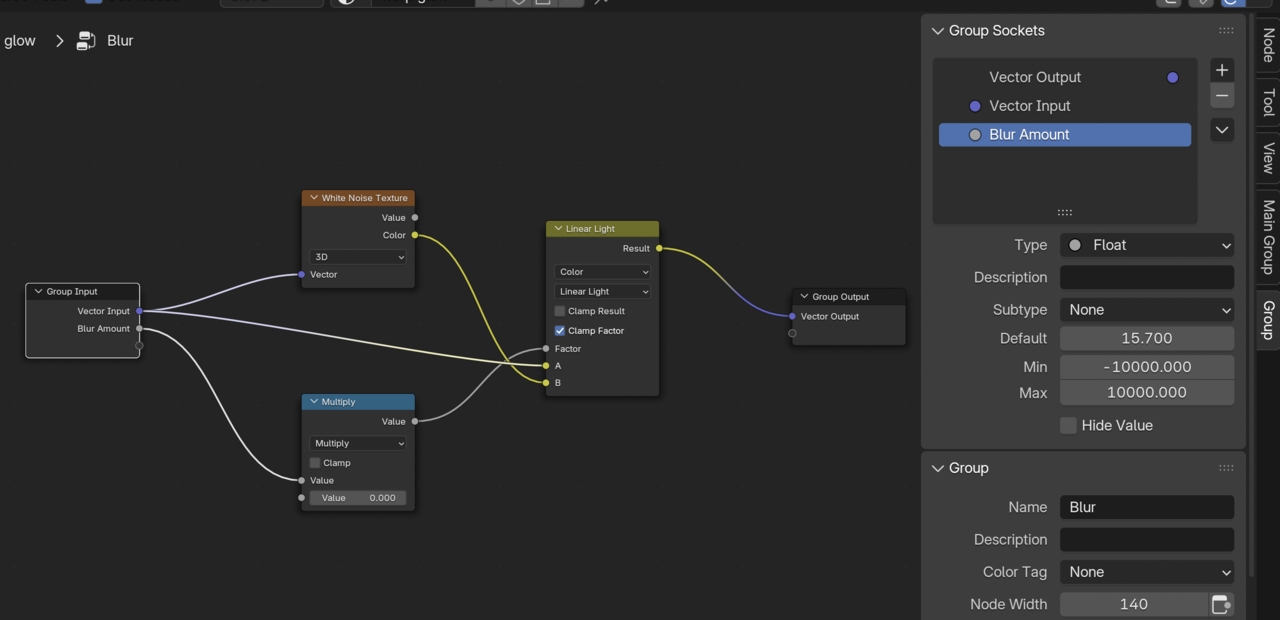
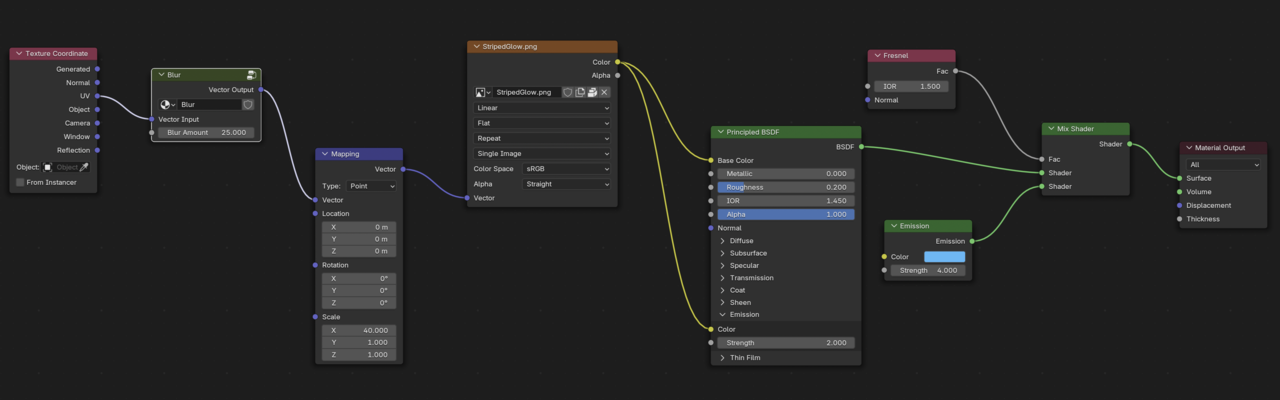
2. Martin's node tree example got me thinking about Math nodes and Mix Color nodes, which led me to a Blur Any Texture tutorial on YouTube by Ryan King Art. The blur node group and the whole material node setup is below. I connected the image texture to the Emission channel of the Principled BSDF shader (which I forgot to do originally) and I balanced the Strength value of the PBSDF shader against the Strength of the Emission shader. I got rid of the Layer Weight node and just used a Fresnel node.
The result: