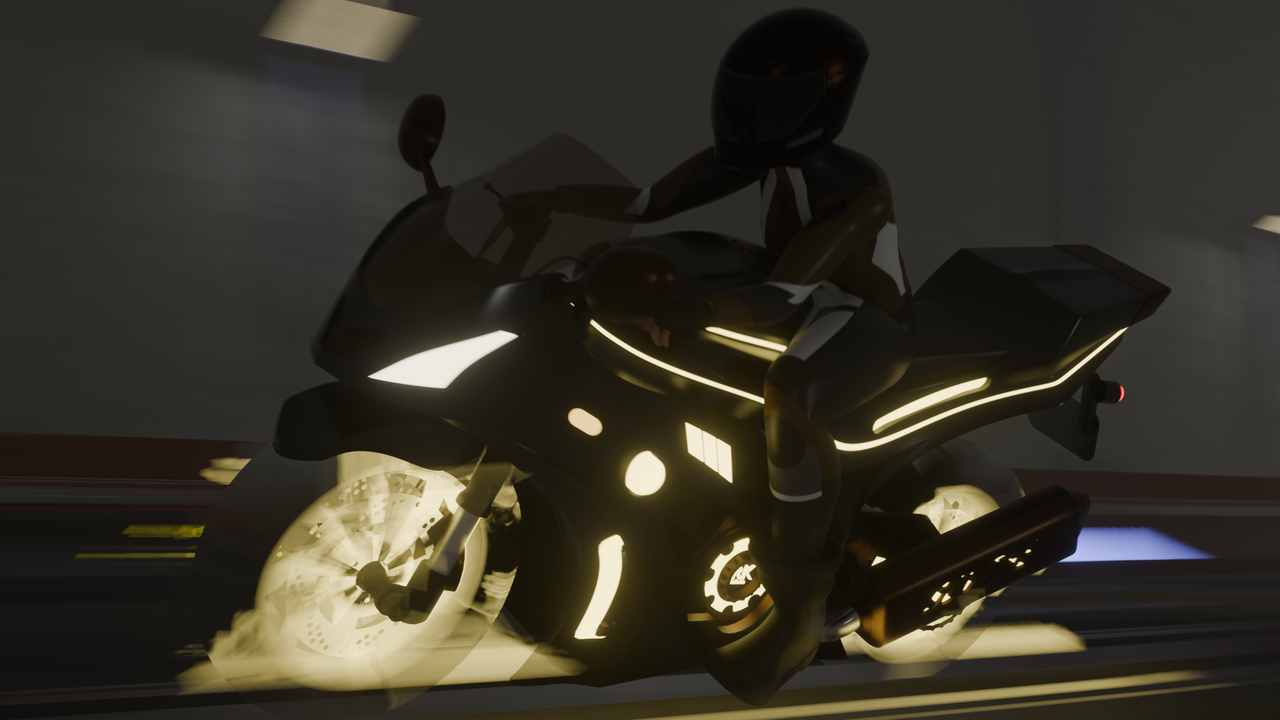
motion blur...

Question

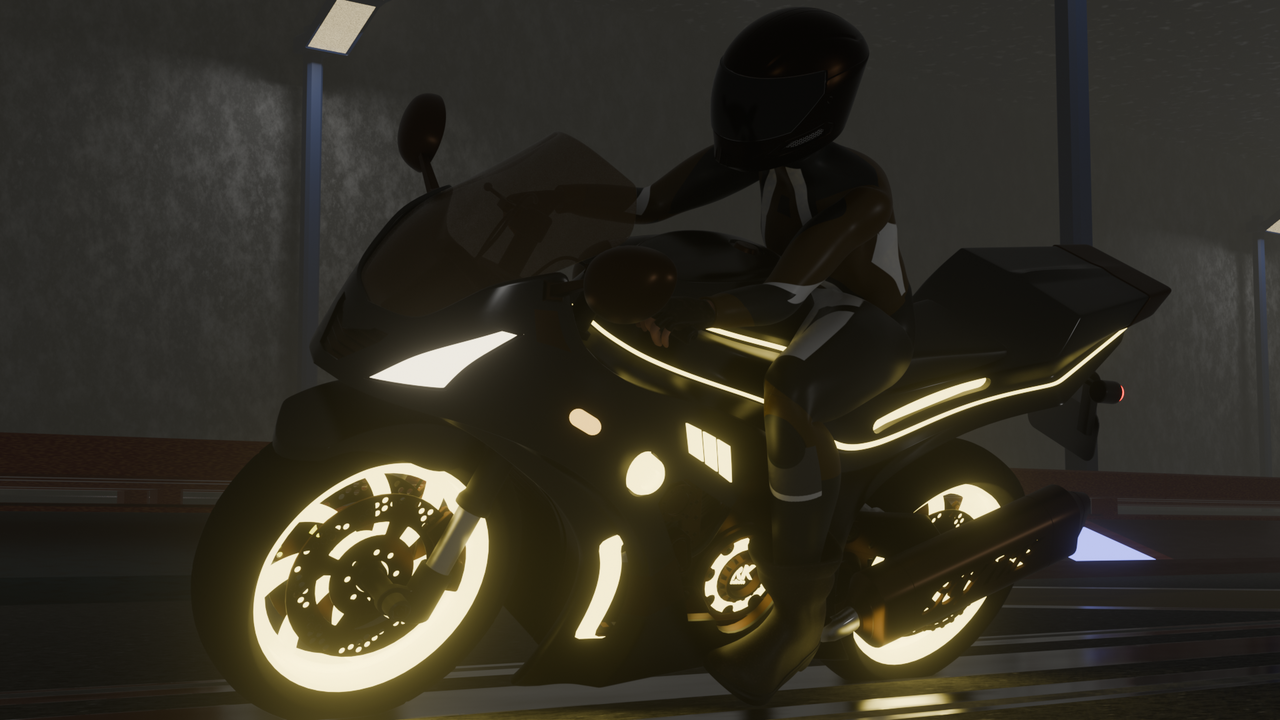
the first one is without motion blur and the second one is with. is the motion blur okay. i have never used it so i am not sure. i have not rendered out the animation yet. and it is done with evee.omg1.pngomg.png
1 love
Reply
  • Omar Domenech replied

    Looks ok, but what you need to do to really test it out, is to render at least 24 frame to get a second of animation and see how it behaves in motion. 

    2 loves
  • INUMAKI TOGE(INUMAKI TOGE) replied

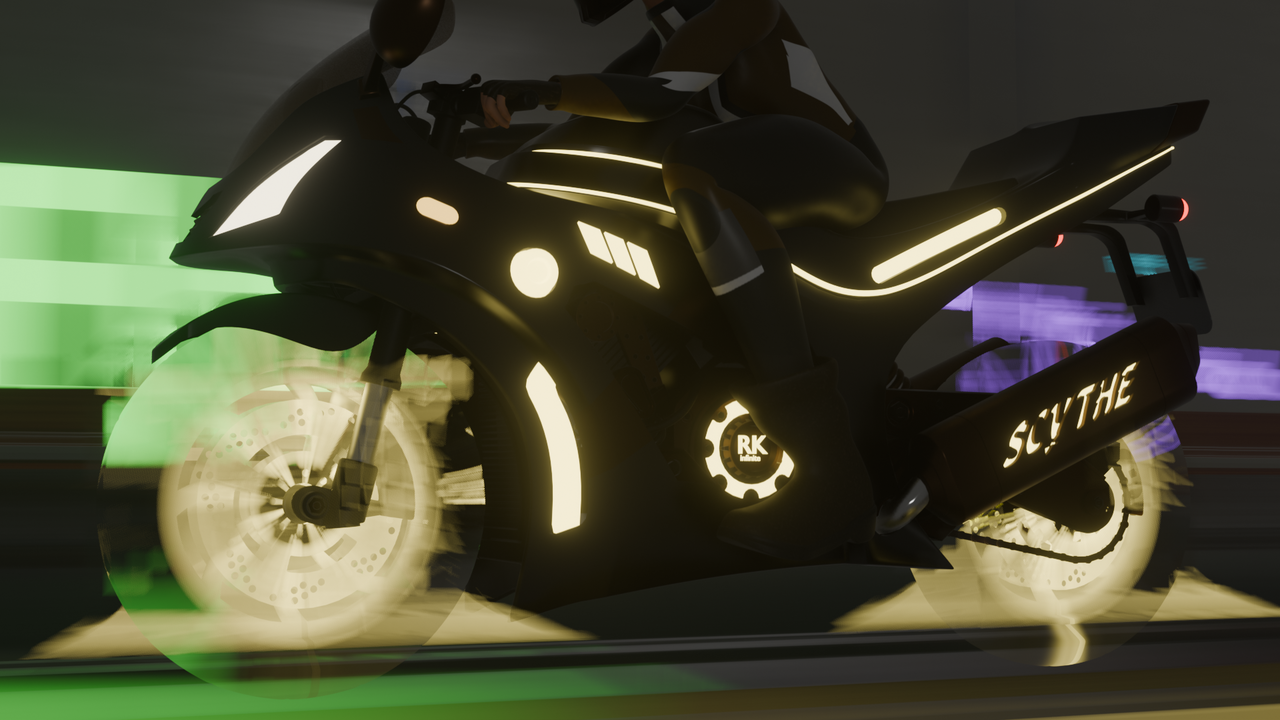
    i am redering photo sequence for 30 frames now. should be the blur always so blurry like this or is it incorrect. i dont know but i feel it is a bit off.
    test1239.png

    1 love
  • Omar Domenech replied
    Why are the tires transparent? The background looks good, the motorcycle looks good, the tires are a bit weird since they have very sharp edges. But we'll see how it looks with motion when rendering is done. 
    2 loves
  • INUMAKI TOGE(INUMAKI TOGE) replied
    i am not sure how the tyres got transparent. i did not touch the shader editor but i will check. the rendering is done but i dont know how to upload here. the video is in mp4 format.
    1 love
  • Martin Bergwerf replied

    That's probably just because it's EEVEE. Her Motion Blur is not the best.

    If you upload a video to YT, Vimeo or so, you can add the UR, if you click on the video icon (next to the image icon).

    1 love
  • INUMAKI TOGE(INUMAKI TOGE) replied


    1 love
  • Omar Domenech replied

    It's making me sign in and I don't have an account. 

    2 loves
  • INUMAKI TOGE(INUMAKI TOGE) replied

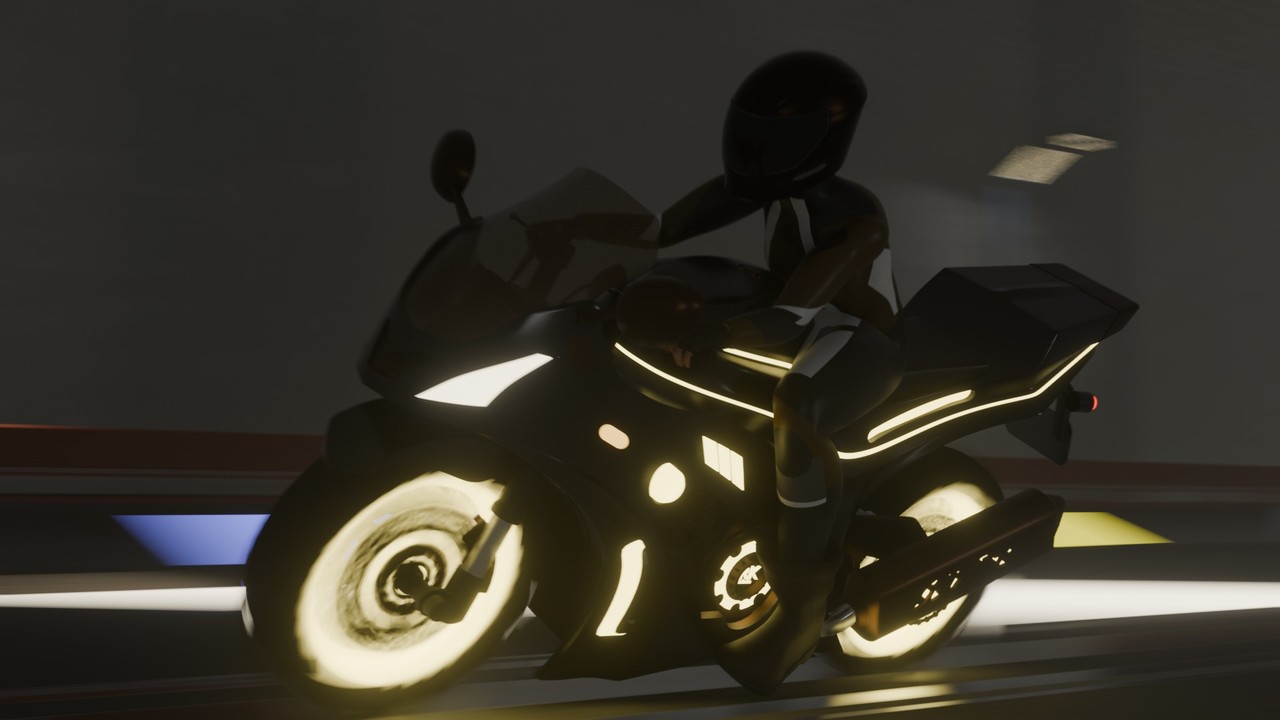
    i did some changes with the motion blur settings and i feel like this one is a bit better. and the transparency of the tyre is gone just by changing the motion blur settings.
    on blur settings.jpg

    • 🤘🏻
    1 love