Binocular normal map

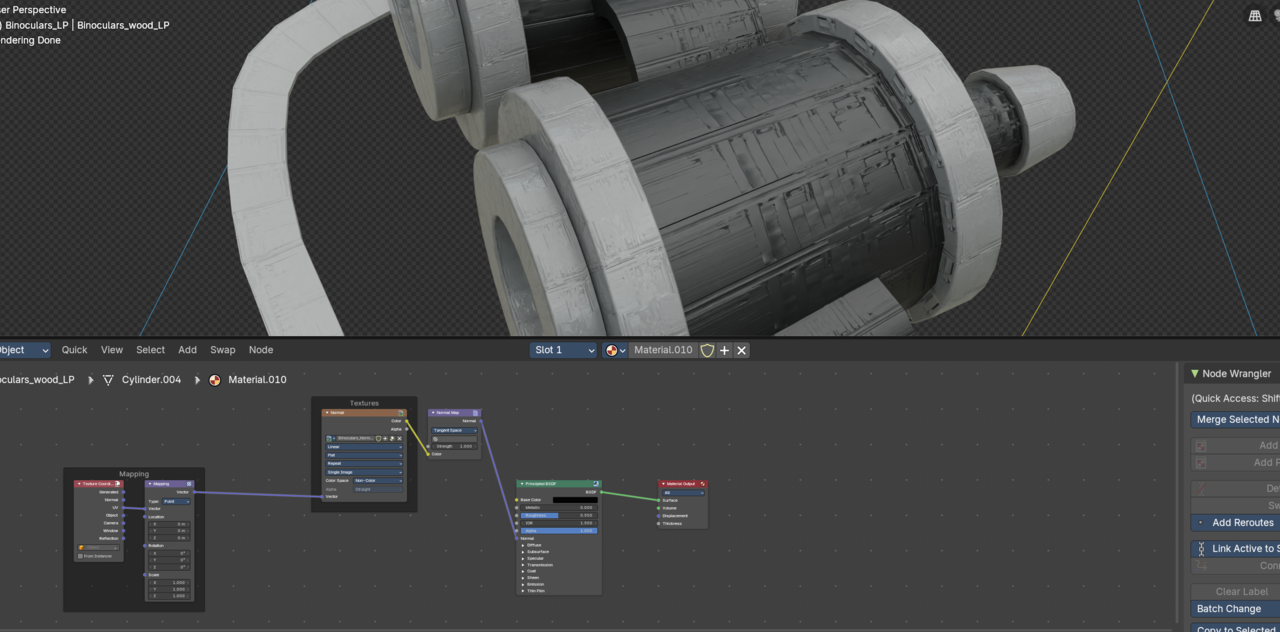
The binocular material doesn't look like wood after applying the normal map. It looks blocky as if made from irregular sized lego bricks. Does this work differently in Blender 5 from the way it does in the video?


1 love
Reply
  • Martin Bergwerf replied

    Hi David,

    Please add a screenshot.

    This hasn't changed in 5.0.

    Are you using the UV Coordinates?

    1 love
  • Omar Domenech replied
    Sounds like the value is set too high? But yeah, add some screenshots and try to walk us through what you did so we can try and figure out what is happening. 
    1 love
  • David Hurst(david_ch) replied


    026-01-09 182850.png

    1 love
  • David Hurst(david_ch) replied

    I just followed the steps in the video and double-checked the nodes and values against it. I think everything is identical.


    1 love
  • Martin Bergwerf replied

    HI David,

    Make sure you have the Material on the correct Object:

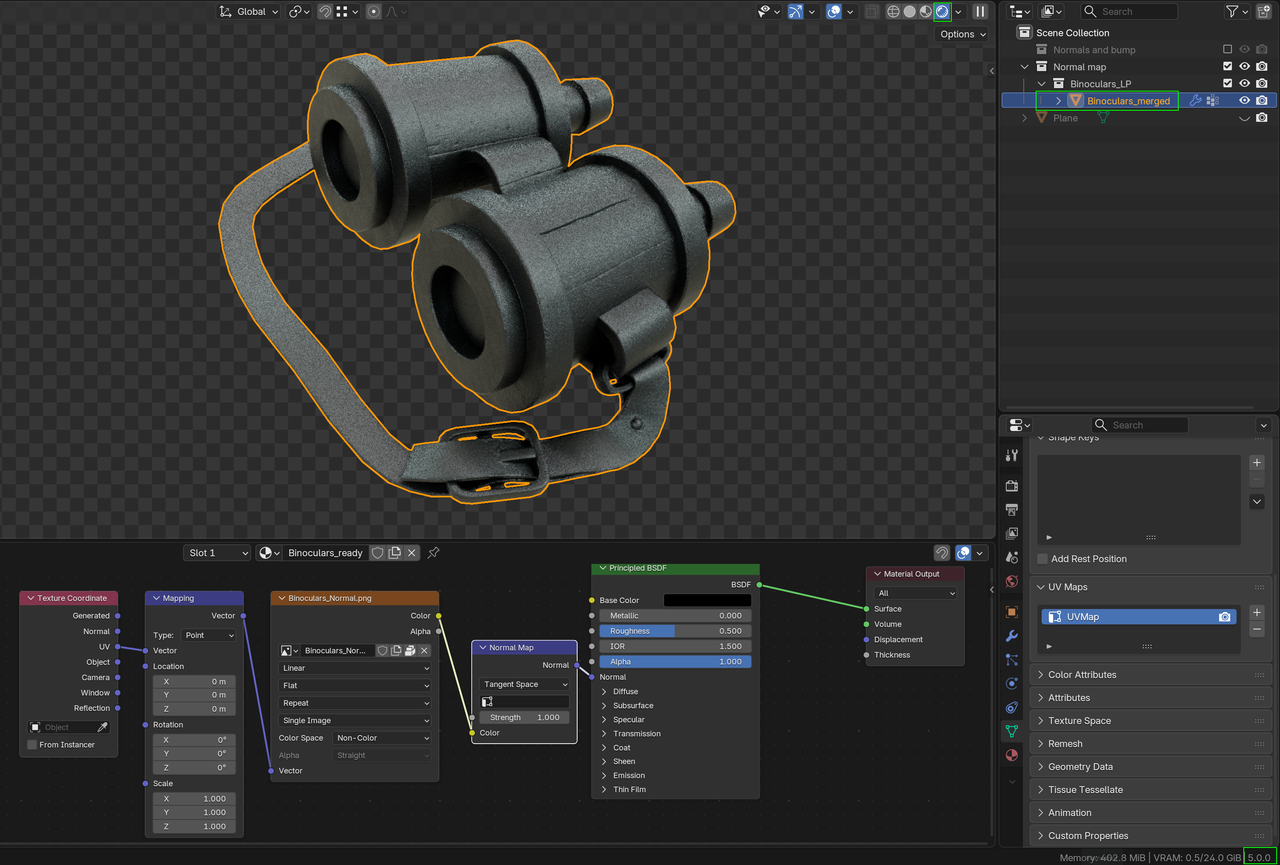
    Binoculars.png

    This is the .blend from Chapter 02, Lesson 06.

  • David Hurst(david_ch) replied

    There are two selectable binocular models in the scene and the mapping doesn't appear to work correctly with the first (which seems to work for you). It does work if I choose the "unwrapped binoculars" and apply the texture to that. So thank you, problem solved (to an extent!)

    • 👍
  • Martin Bergwerf replied

        "There are two selectable binocular models in the scene..."

    You are probably looking at the wrong .blend file. I used this:

    Binoculars_01.png

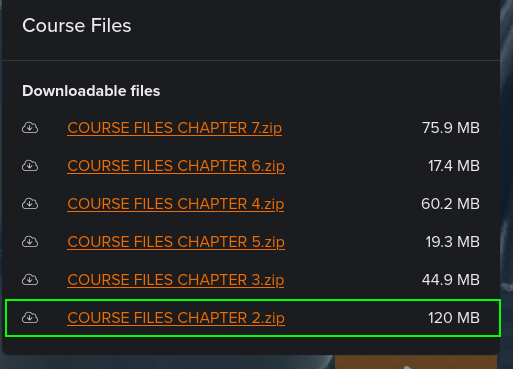
    From the downloads:

    Binoculars_00.png