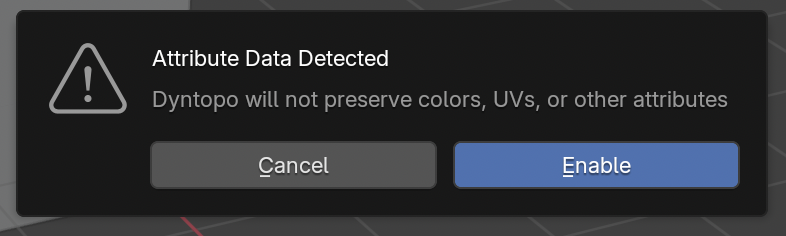

Hi, I'm studying the Sculpint core, and when I use the Dyntopo option, doesn't seems its change at all. Sometimes it worked activate and deactive, but in this case doesn't do anything.

Hi iTzDarfiTy ,
Let me guess, you are using a more recent Blender Version.
Some Brushes, like the Grab Brush, don't change the Topology. If I'm not mistaken, since 4.5, Blender greys out the Dyntopo Settings, like Resolution, to reflect, that the Brush you are using doesn't update the Topology.
Oh, I didn't know that box tbh, but in this case I tried to see blender in both monitor but nothing happens, I saw another aswer from Martin, and yeah, I'm using 4.5.4 LTS, because I have issues with constant crashes with AMD graphics, but idk if the gray tone really affects, because I don't see any update using the Resolution value. I tried to change the Resolution Value, but nothing seems to change, for the eyelid I use one value and for the bottom another, it looks the same lol 
Actually, I saw a forum, that using the snake hook brush worked, and I think actually work. And Martin it kinda look confusing because you see the grab brush, but I tried to use draw sharp, and crease sharp, but nothing changed, btw I apreciate your help both of you!! :D I think found a solution using the snake hook brush