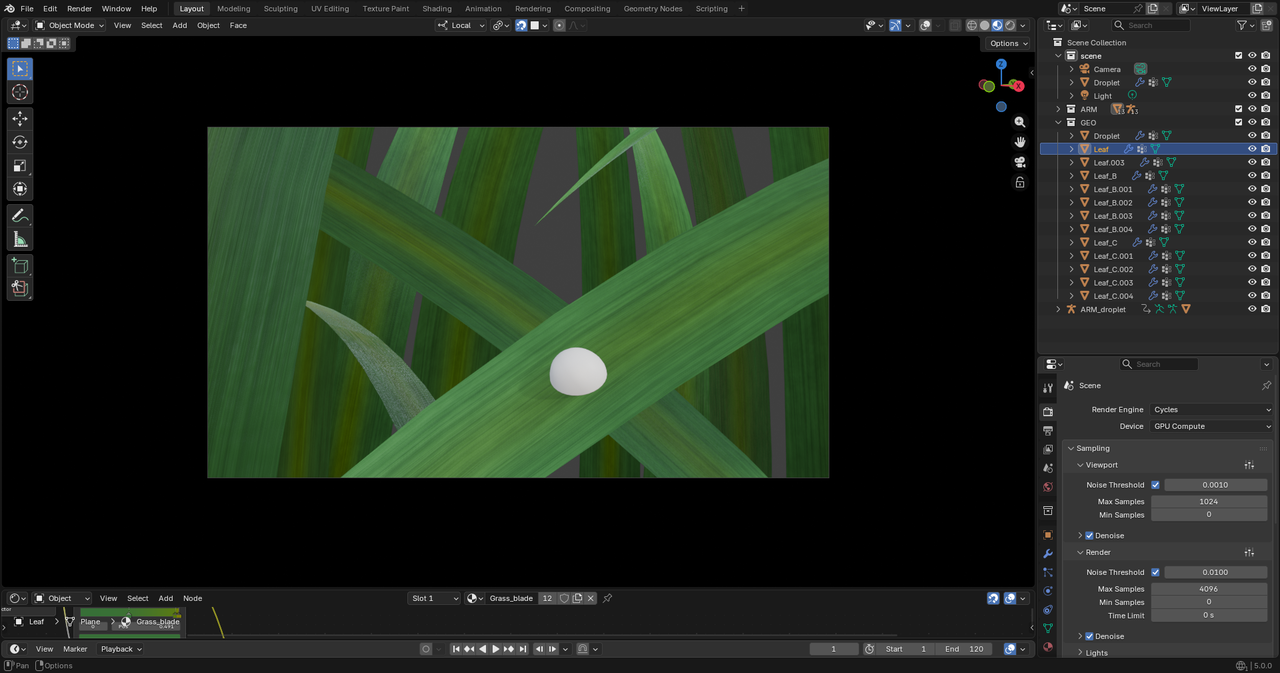
Hello all, i've been doing the execellent Macro series, but while doing Chapter 3, the drew droplet, i've run into some problems with the shading. i replicated to the letter the instructor's nodes, but my leaf still looks awfull and plasticky. I suspect it has to do with the bump node but i can-t seem to figure it out. Any help would be appreciated.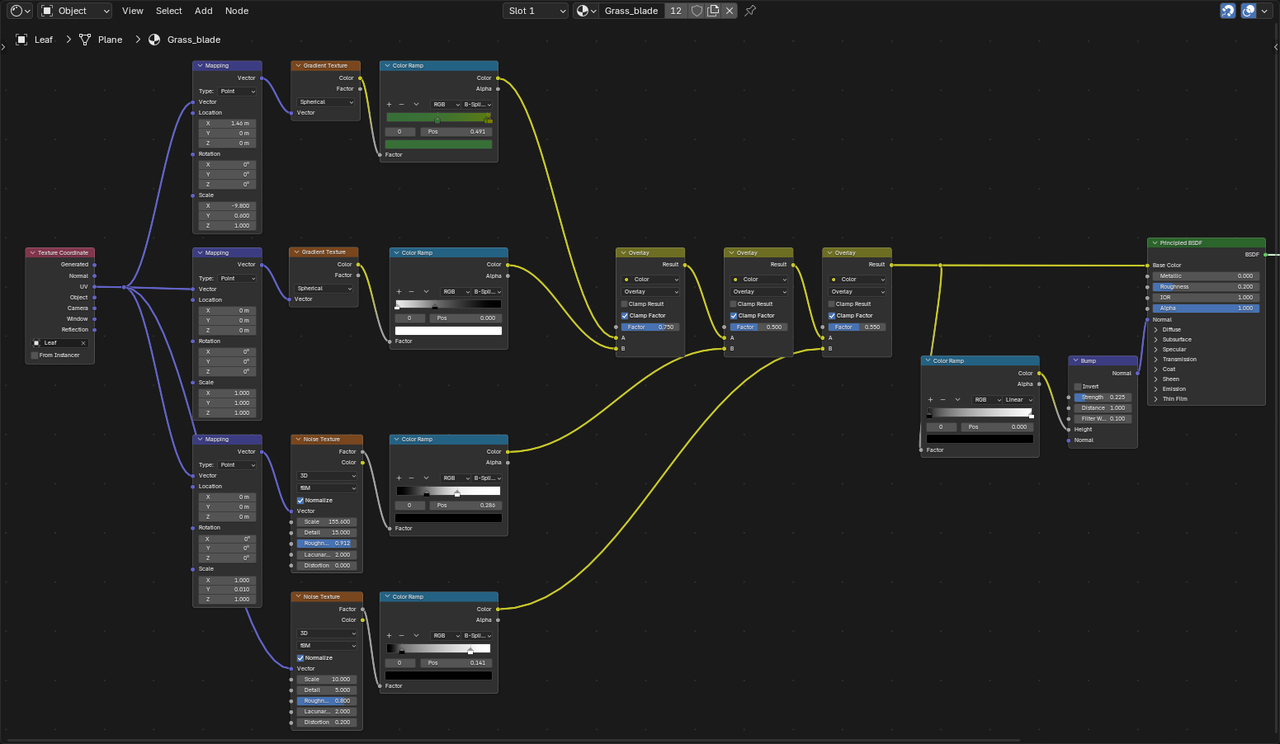
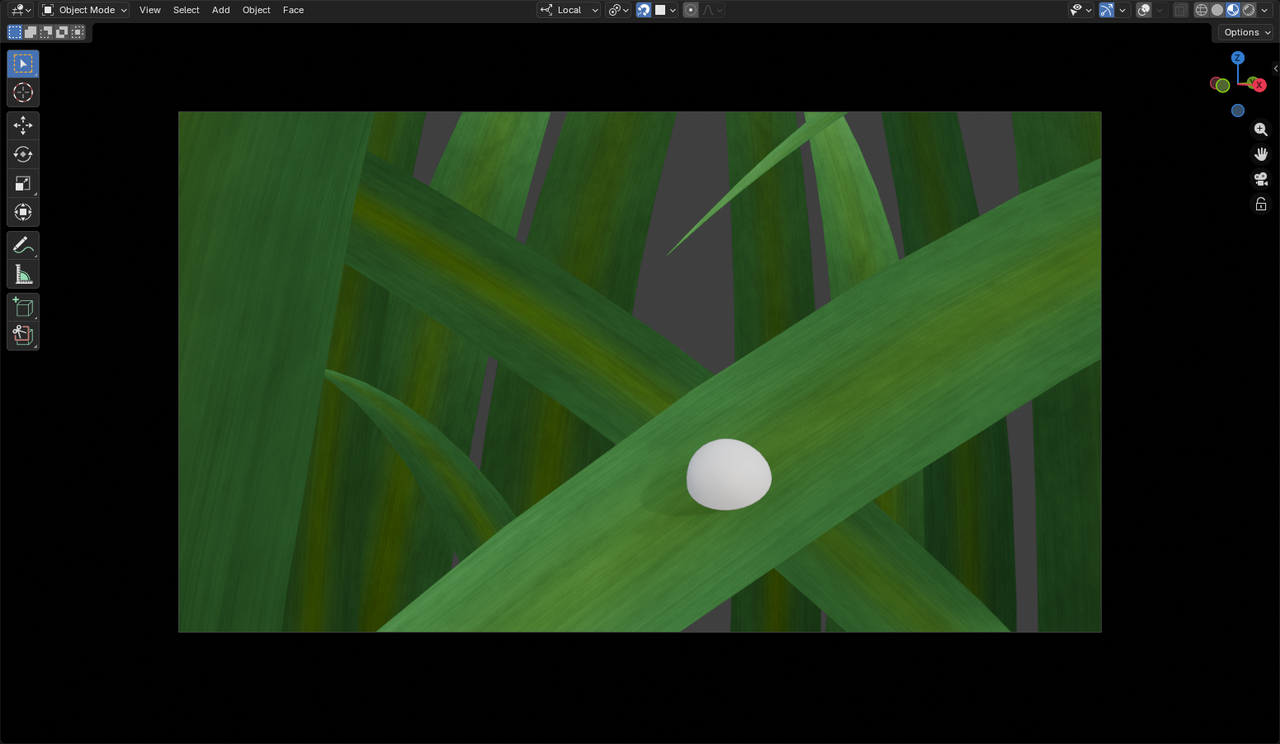

HI Giacomo __Jack ,
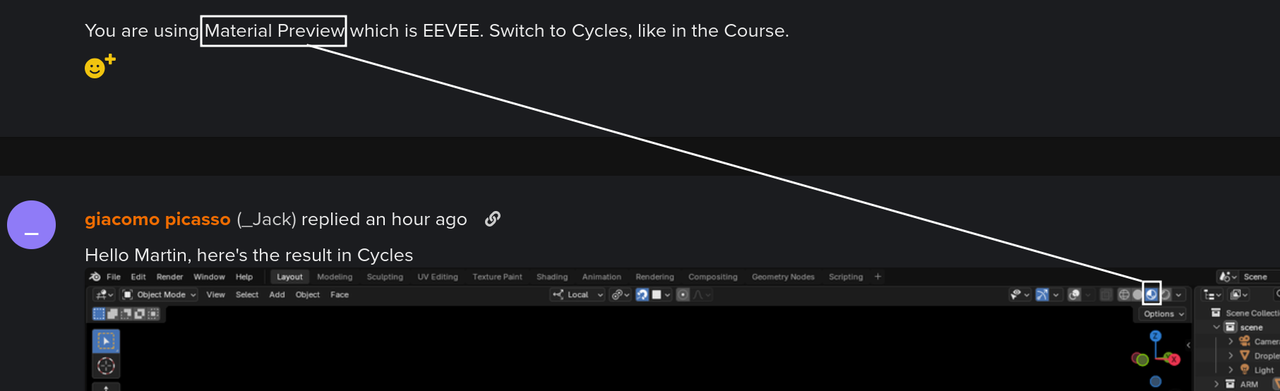
You are using Material Preview which is EEVEE. Switch to Cycles, like in the Course.
my bad guys, but i still thinks it looks bad, i presume i messed up somewhere along the bump part as the detail don't show up as well as in the tutorial. Could it be the method of UV unwrapping? i used a smart UV projection....
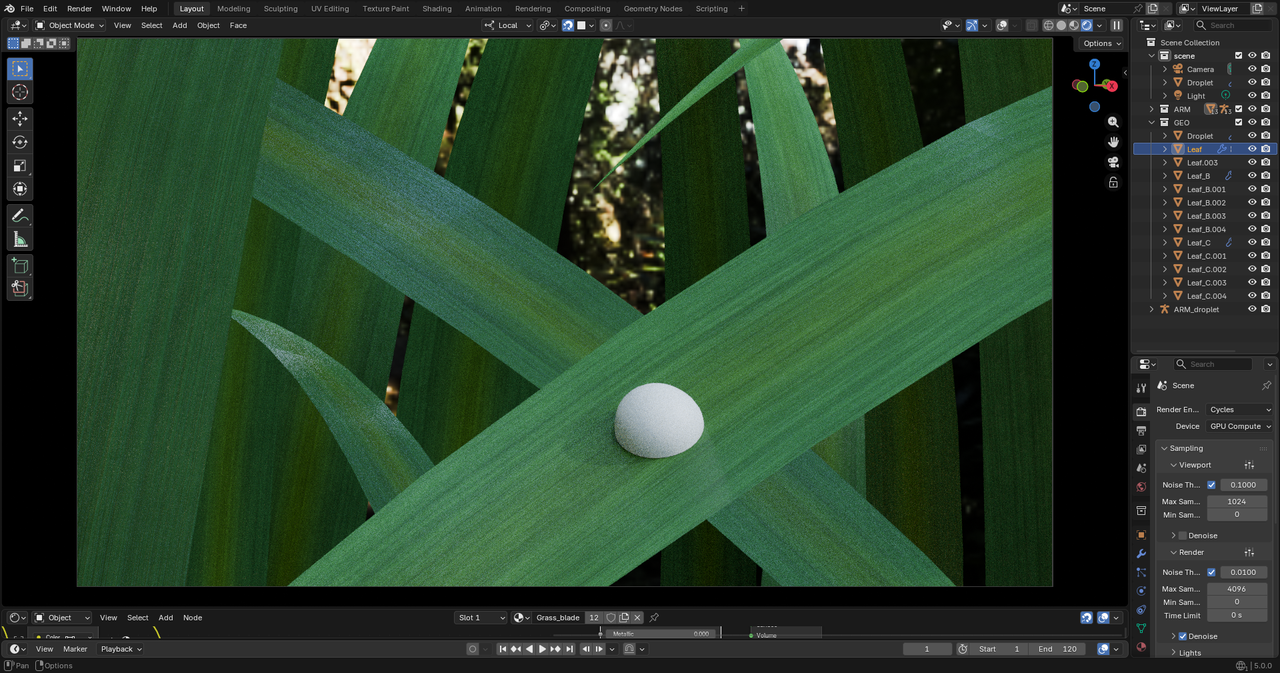
Try changing the Values (Strength and Distance) in the Bump Node. The size of your grass blades, for instance might be a bit different from the ones in the Course. Don't just Copy the Values used, but use them as a starting point and change them untill you get what you want. (I know, this can be very frustrating at first, tweaking the Values of all those Nodes and trying not to make more of a mess, trying to remember what each Node does and how changing a Value in one Node changes the result, but that's just the way it is....it will get easier over time, I promise).
Also, if I remember correctly, Kent switches out the Bump Node for a Displacement later on in this Lesson.