
Hi, I'm really bugged by the fact that the screen wasn't flat at 15:40. I do remember that we snapped it to be aligned with the console's surface previously in the course. How come it moved without my knowledge? Is the workflow introduced in this tutorial reliable? I'm really confused; please help me. Thank you.
Edit: Thanks so much for your answers. Just to clarify, the screen wasn't flat in the tutorial video itself, and the same thing showed up in my own model as well; so I think it's a bit unlikely that it's caused by moving the screen accidentally. Maybe something that has to do with proportional editing or beveling?

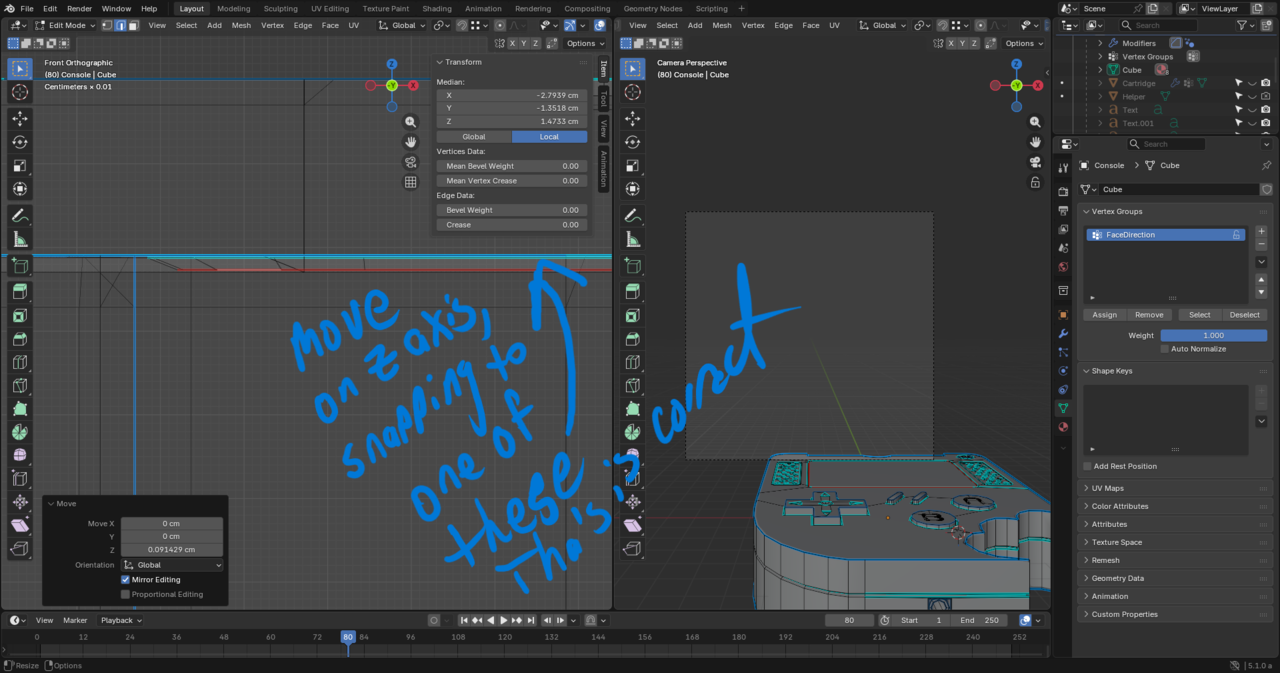
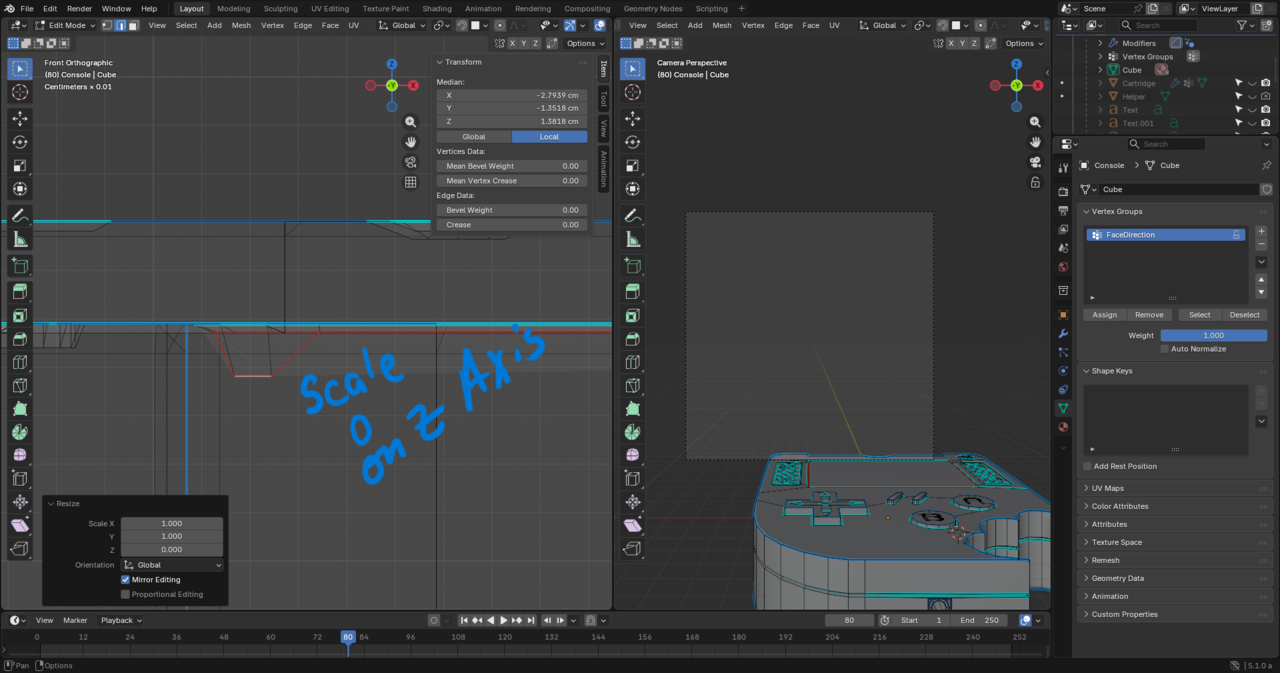
There's any number of reasons why it might not be flat, including accidentally moving when you didn't intend to or moving using proportional editing with a bigger fall off than you realized that wound up influencing something. The easy way to fix somethign that's not flat that's supposed to be is to scale to 0 along the axis that's supposed to be planar (ie if it's supposed to be flat on the Z axis, scale to 0 along the Z) and then you can snap it, constraining to that axis to a vertex/edge/face that is in the correct position.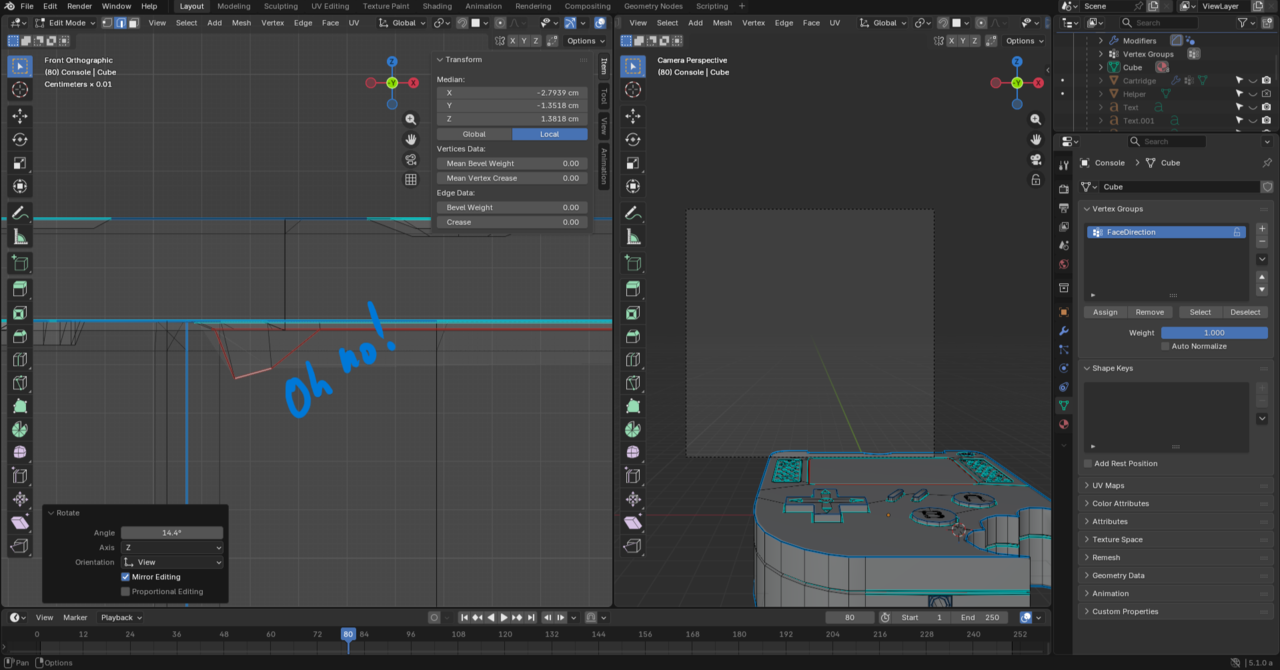

A very common cause for something like this, is that you had more, or less selected than you should, when you Moved things around.
That is not because a workflow, taught in a Tutorial is wrong, but because you weren't paying attention (which, admittedly, happens to all of us at times, but more often to beginners).
Grady already showed you how you can fix this.

This happens all the time to eveyone. You have more things selected than you should and stuff gets shuffle around without you realizing it. And then much further down the road you spot the mistake and you're like dangs, I made a mistake at some point, now I have to fix it. Again, super normal. Doesn't have to do anything with the tutorial.

I recently did this course and it's true, following the process shown in the video things will become uneven. Jonathan attempts to correct the issue and then proceeds with the rest of the video (around 15:20).
That said, I think this video is more about getting comfortable with the tools and navigating Blender in a project-based way rather than teaching good modeling practice. That comes later. If I remember correctly he gets into that aspect of proper modeling in the Pothead course.