Hi.
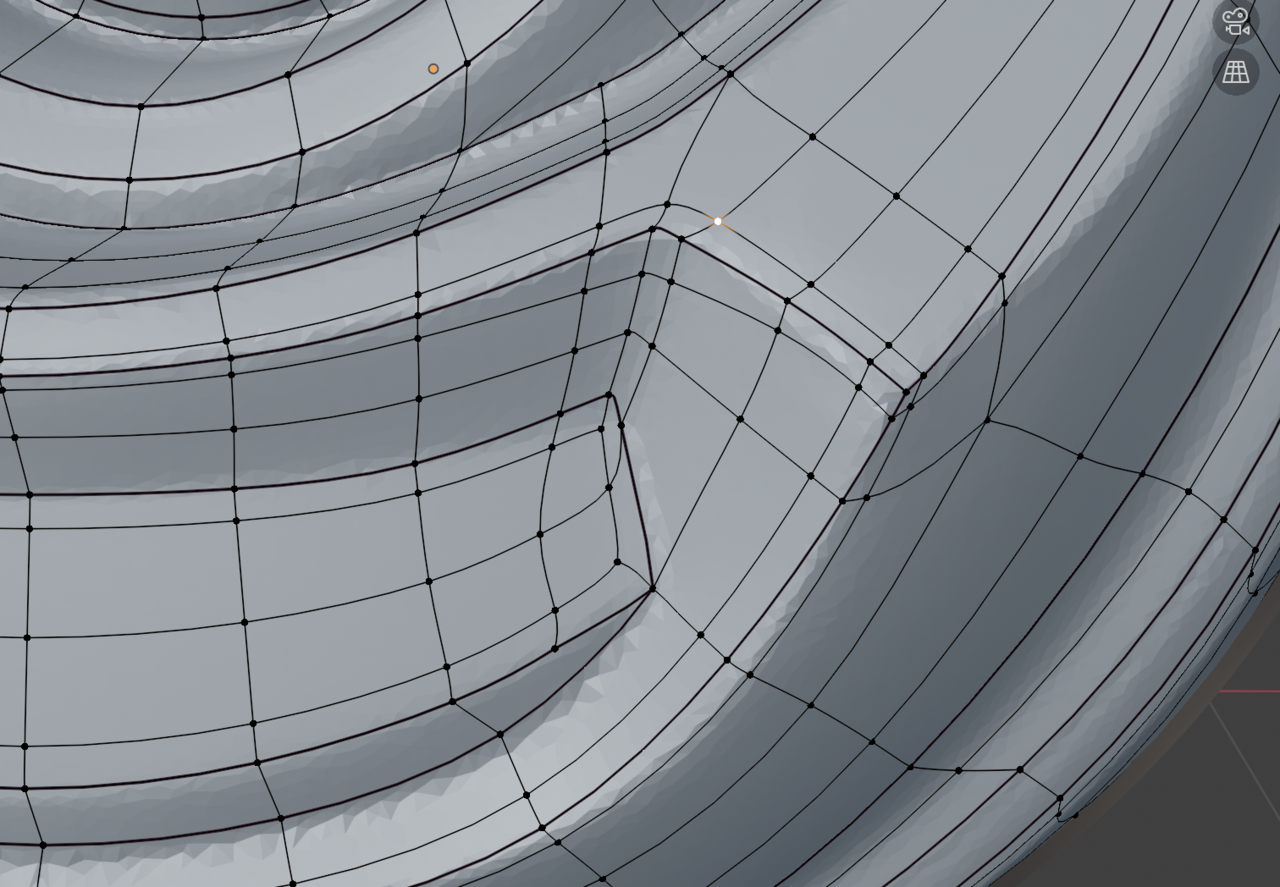
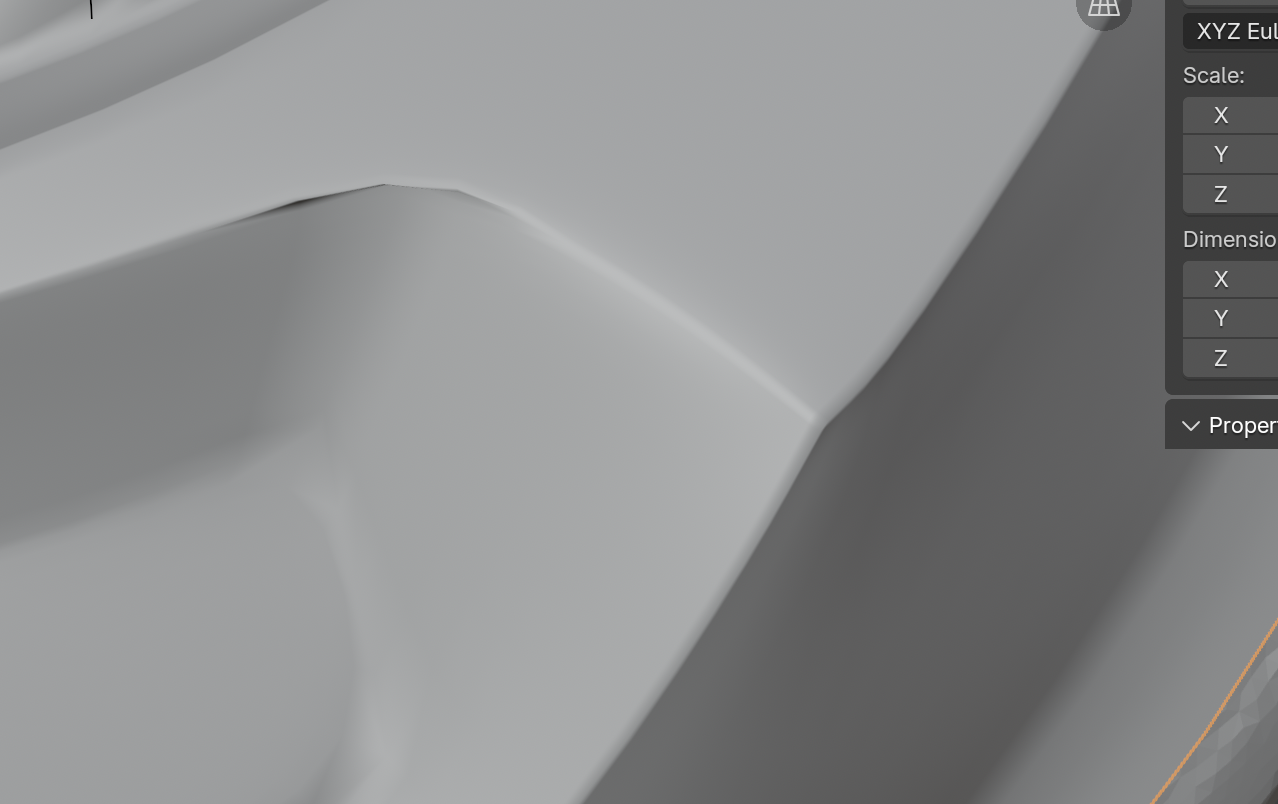
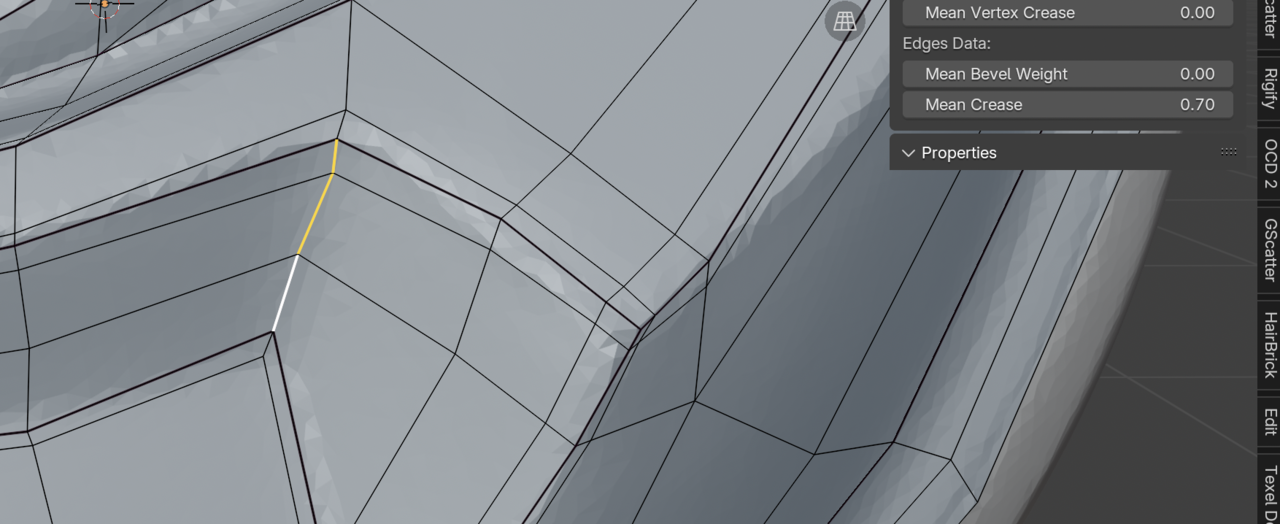
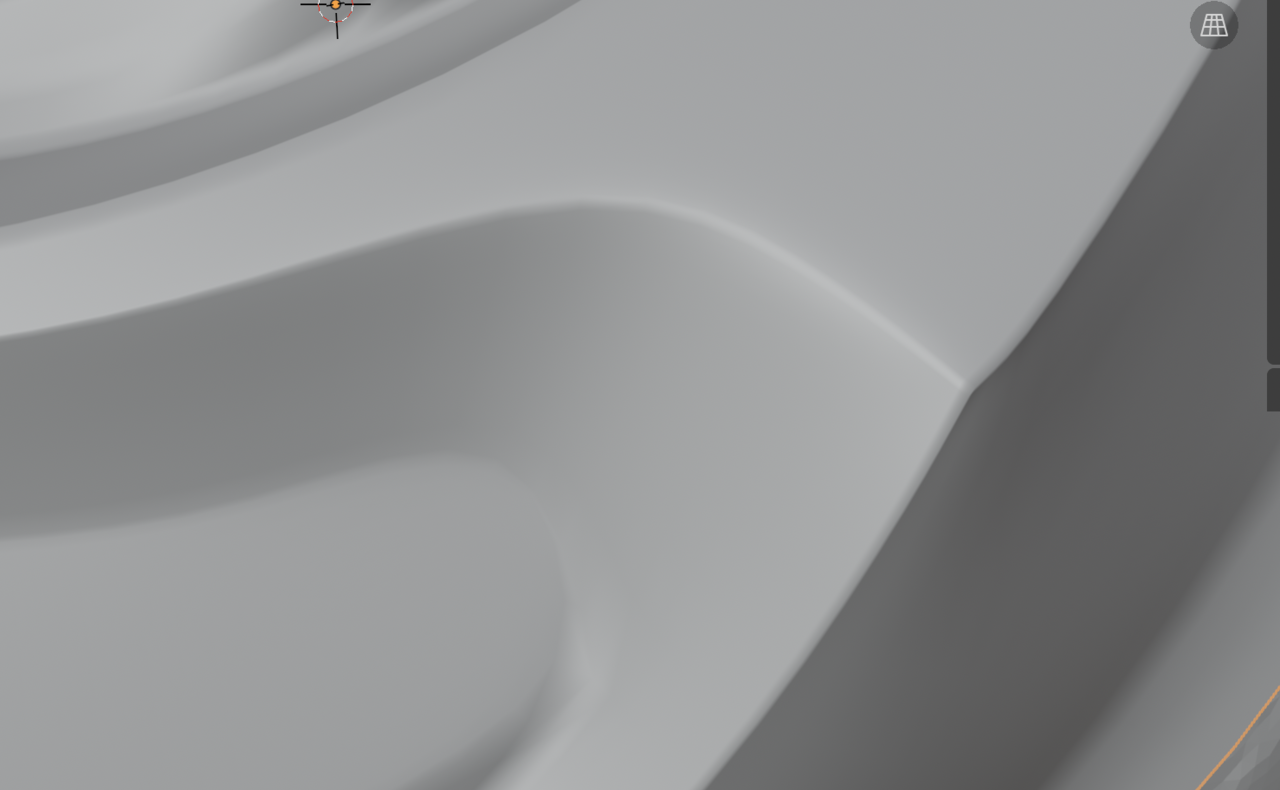
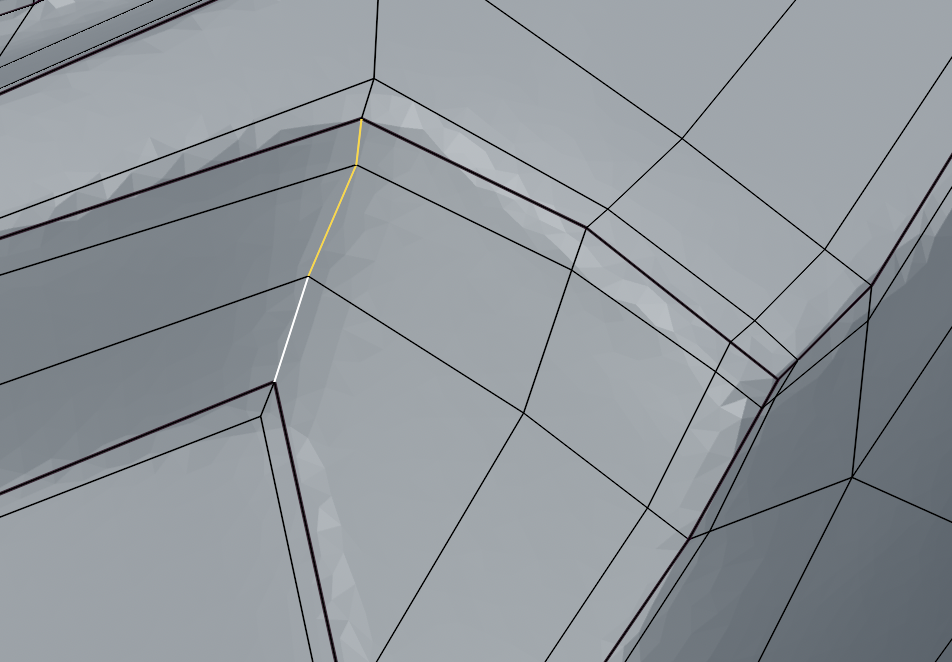
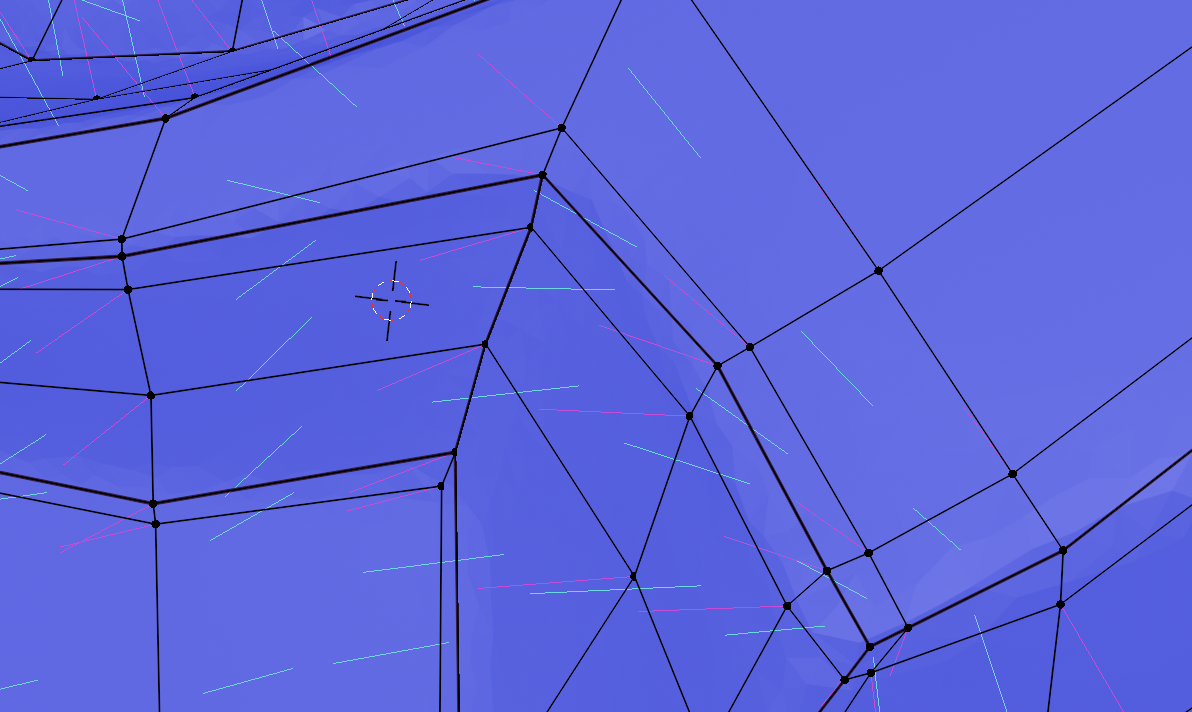
When I try to crease the inner edge. I'm getting an artifact on a surrounding edge.
Some scrngrabs before crease and after crease in my response below.

My first thought is that it's being caused by double verts. Try going into Edit mode, select all, M>Merge by distance and see if any vertices are merged (there will be a message at the bottom of the window) and if it helps the crease. Let us know!

Hi Jonatan ,
That is probably just an effect you get with Creasing, when you are also using Subdivision Surface (I rarely use Creases, to be honest, so I am not an expert). Holding Edges are usually the better choice.
But, what you can try, is extending the Creasing to some of the connected Edges, with minimal weight.
Have a look at JLampel doing an inner Crease in the Cookie Logo from 1;40 on: https://cgcookie.mavenseed.com/lessons/modeling-a-logo-pt-3

Thanks everyone, for your helpful feedback. I eventually went for adding two additional edge loops. This results in turning the triangle in the lower corner into a quad. So new edge loops will run around. But I guess it's better than having the pinch artifact. I tried rebuilding the corner several times but each time it resulted in the same thing.