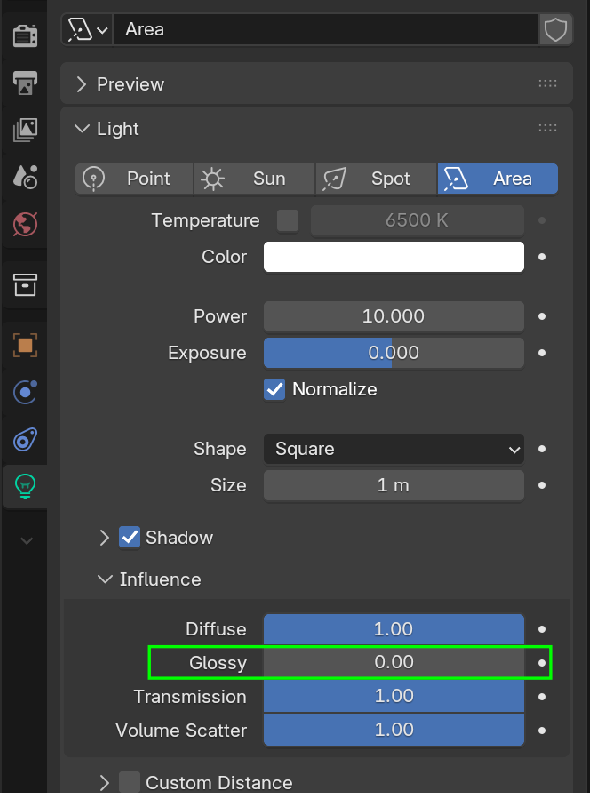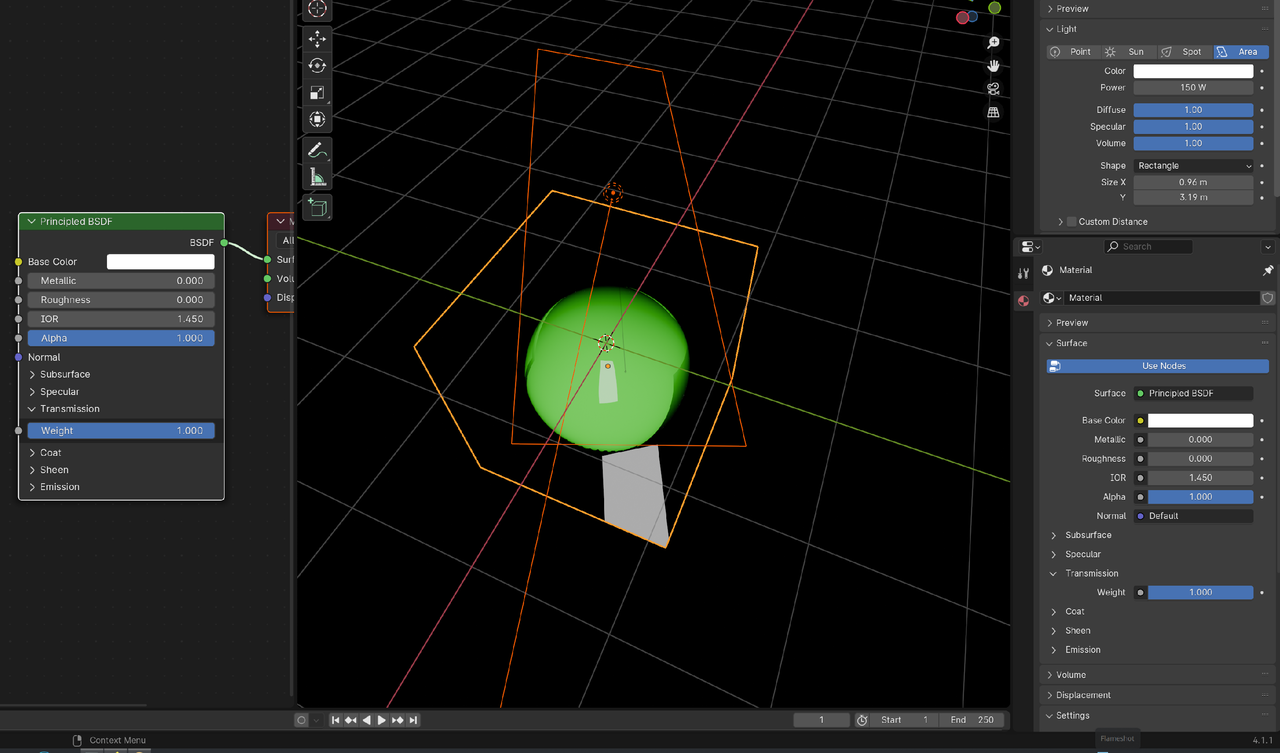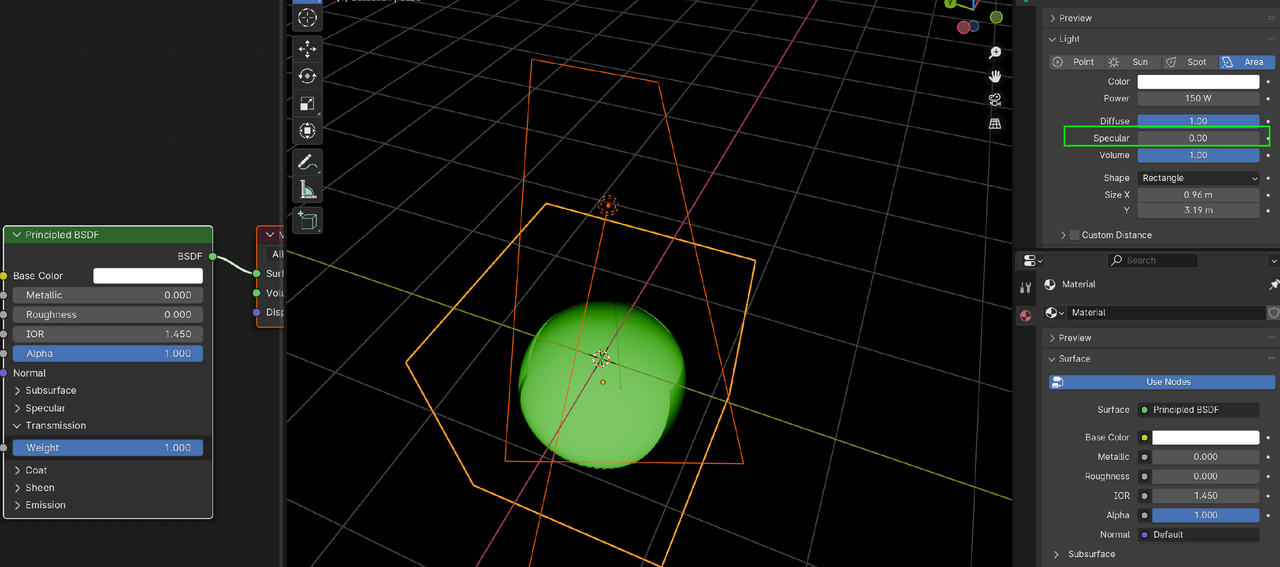
The LED screen has a roughness of 0. I can introduce a higher roughness but that will kill the quality of the screen making it look dull.
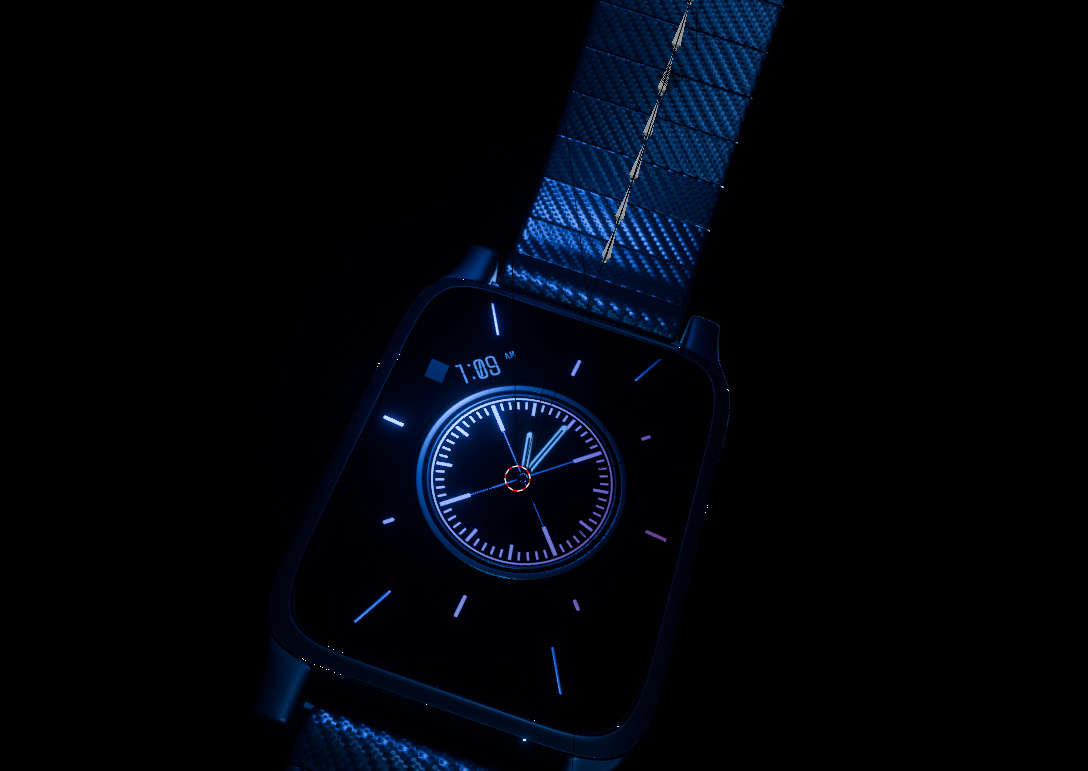
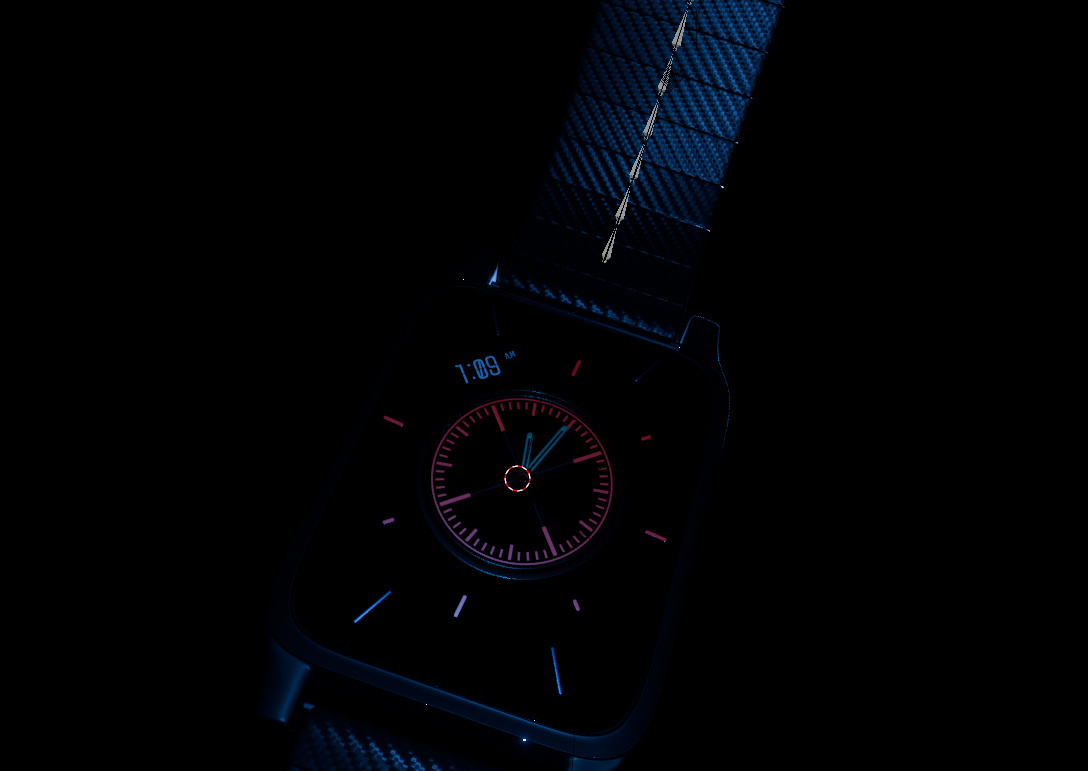
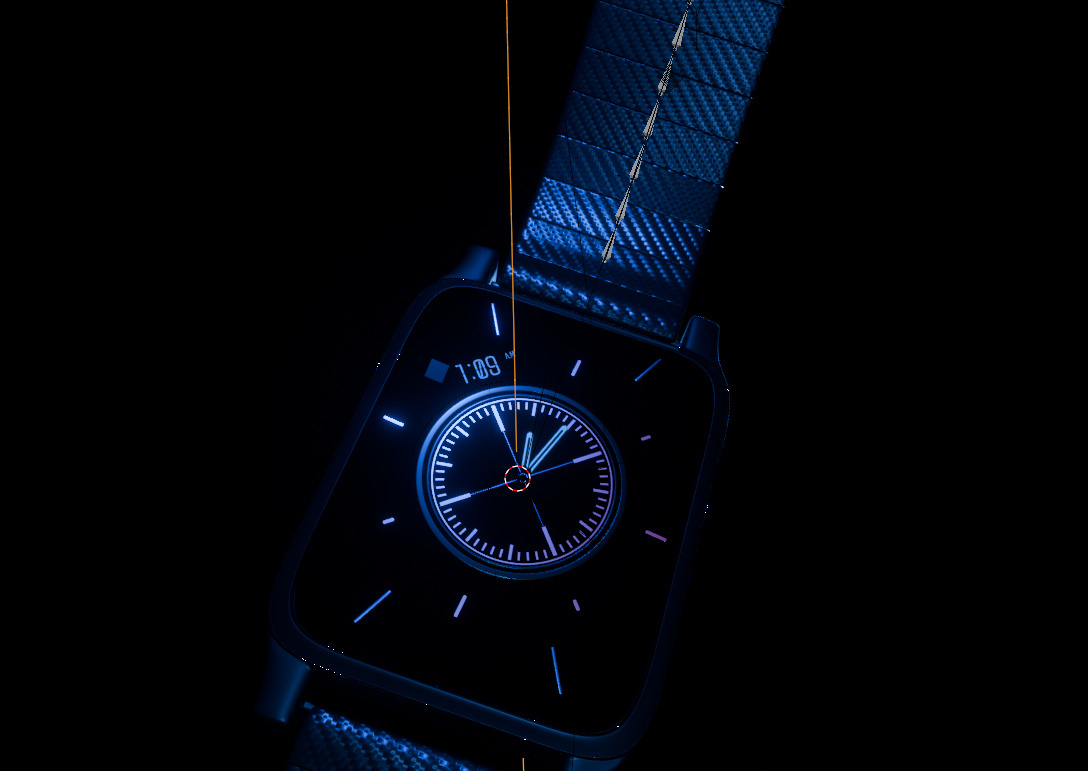
I tried replacing the area plane light with a plane mesh using an emission shader but that isn't enough to give the exact reflection desired like shown here. The emission shader just makes the object glow and not reflect off of surfaces.
I heard that the old Blender versions include a toggle "show emitter" but it would not make sense to use an old Blender version just to do that and go back to a new one and render it.
Is the lighting setup just faulty? In Cycles, I can just hide the emitter though and it will just be fine. But I am trying to render this in Eevee.

But it looks great, what is it that you don't like about your light setup? It's a tricky thing, doing lighting for product shots, exactly because of the issue you're going through. Imagine trying to do it in real life, it's a pain. There's addons that let you live paint lights, they are super helpful. You can do a search on Super Hive.
Hi Martin!
I was using Blender 4.1 for the whole time and did not see that setting but I went in Blender 4.5 and was able to toggle that down, unfortunately however it does kill my light.
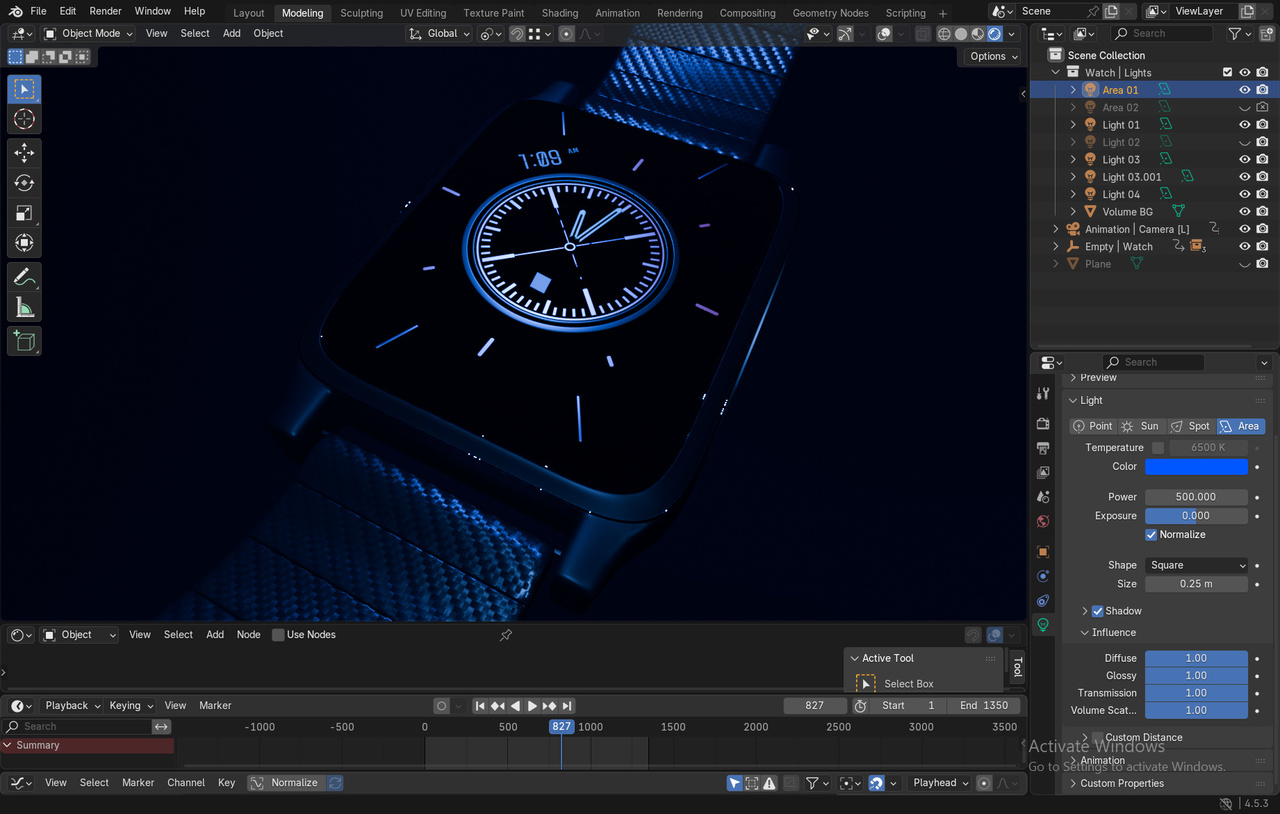
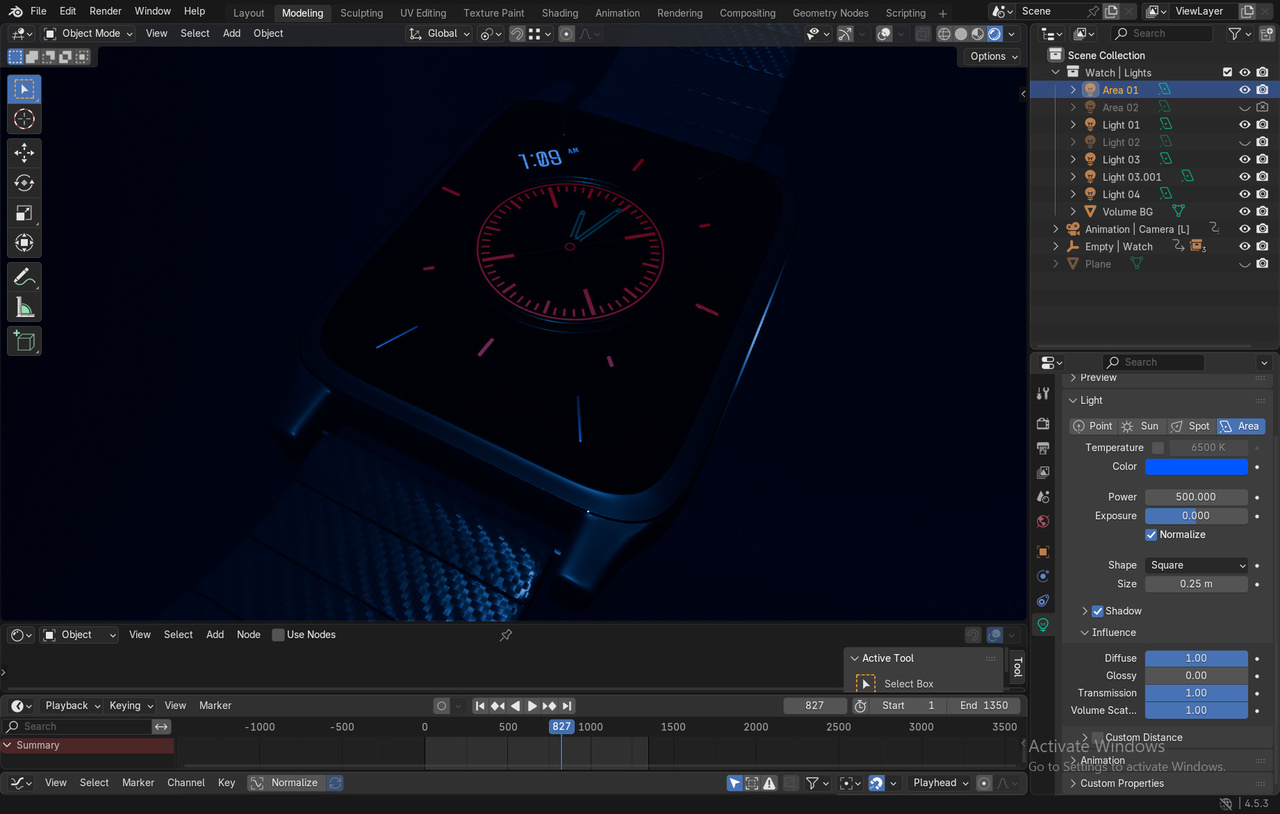
D:
Martin, oh it's most likely because my LED screen has Metallic bumped up making that appear as such. I think it might be my shader settings.
EDIT: Did it with metallic. I opened up a new project and replicated similar but when I turn down specular, the light dims down too.
https://www.dropbox.com/scl/fi/8vxmurbg72wm5rsma7u2d/test.blend?rlkey=0x56nwi9nhklwoyfeakb55b2v&st=8tyr3sfa&dl=0
Hi Omar,
Thank you. I saw the area light plane reflecting off as a square from the LED screen which I thought was distracting. However, I forgot I bumped up my LED screen as 1.000 metallic and 0.000 roughness and this was most likely the expected result.

Try setting metallic to 0.95 instead of 1. You may want to switch to a spot light instead of an area light. Area lights work better with light probes. This video by Andrew Price AKA Blender guru might help. https://www.youtube.com/watch?v=-gW6vk_OuNQ
Thanks Dwayne! Yeah, I pretty much did that and just settled with the roughness being a tad more. This is more like a dummy project and not like much of a real watch/phone shoot I am aiming for but realistically there would be more than 1 layer and the outermost layer is the one with the most roughness so I just settled with bumping the roughness a bit. I learned that this project is cooked but I just settled with tweaking the metallic and roughness settings.
If I would start a new project like this one, I'd do things differently.
Thanks for the help!