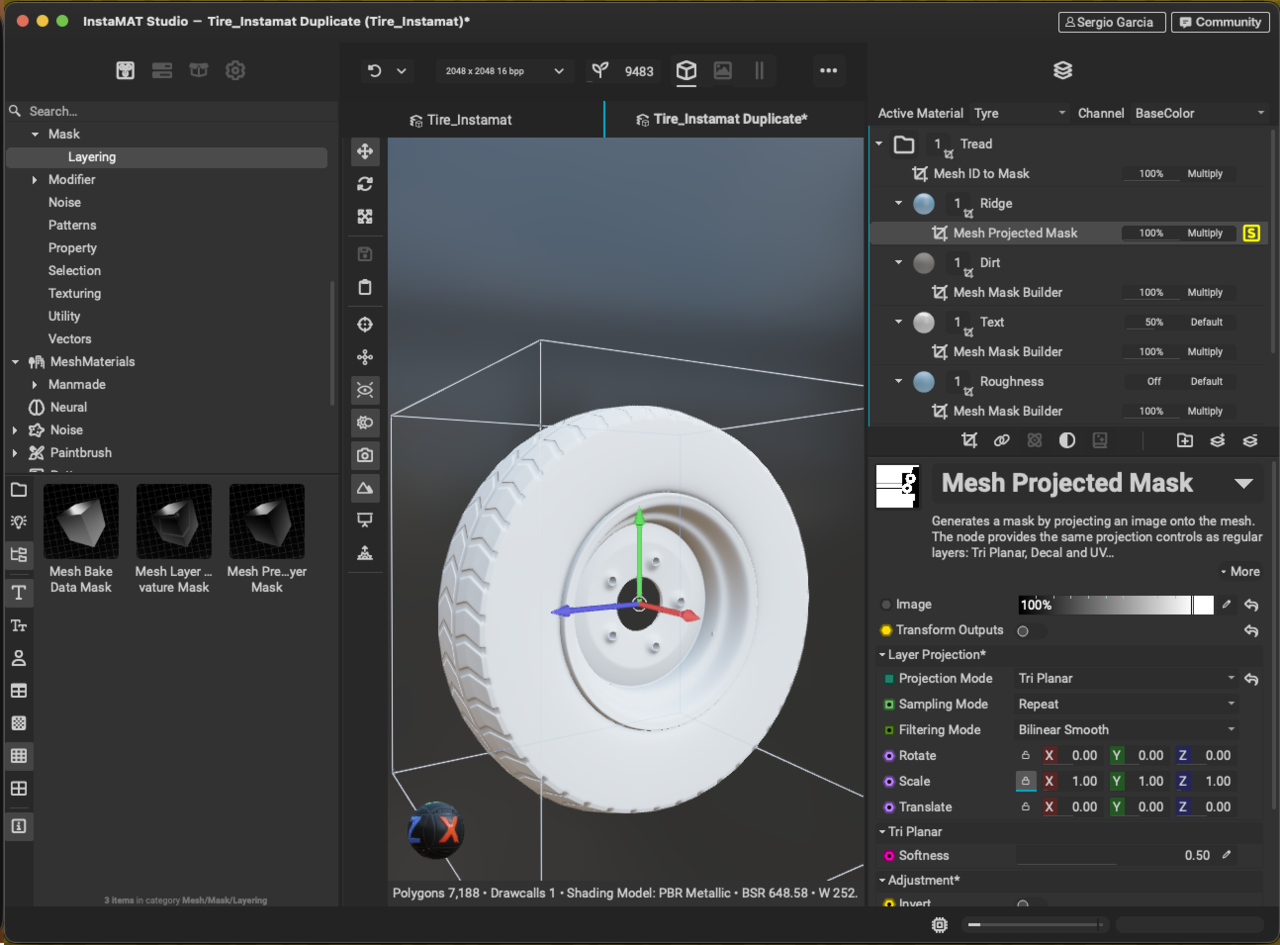
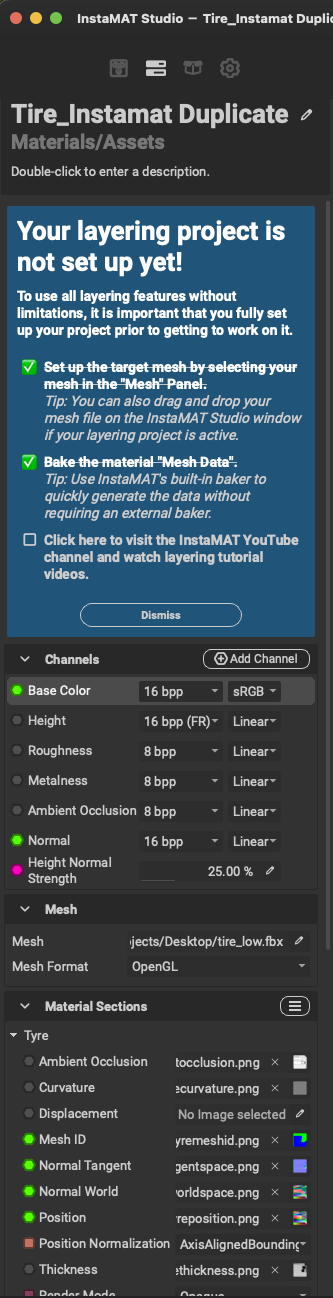
I cannot see the Mesh Projected Mask. My screen looks a bit different. Is there something I am doing wrong? 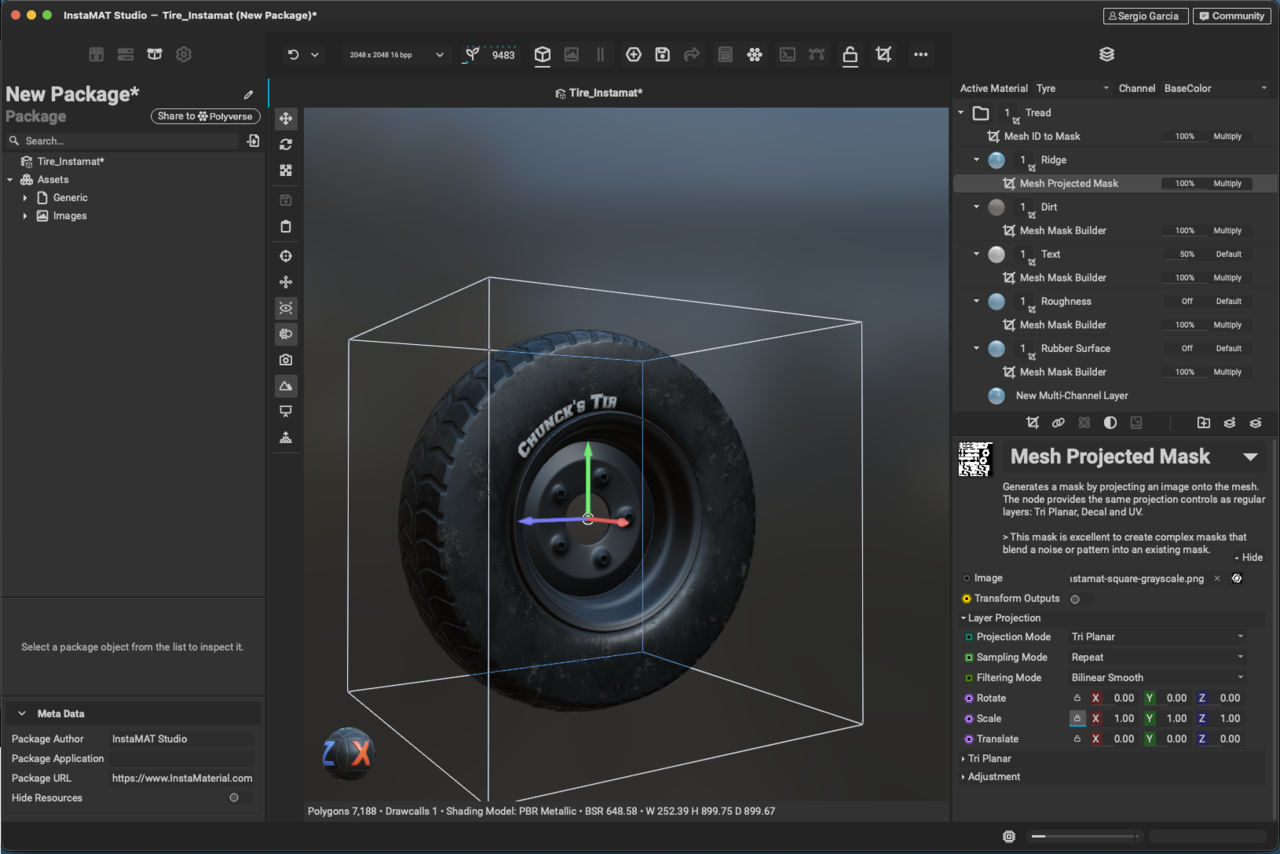
Nope, nothing shows. It's like not visible or not working at all. It doesn't show the Seed option either.

So the UI will be slightly different as this was recorded with an older version of InstaMAT, thus why you likely won't be able to see the Seed option.
What channels do you have visible on the Ridge layer? I know I have you turn off everything except for the Height and AO. Perhaps if you turn the colour channel back on for now, this can help us troubleshoot to see what is going on. As well, if you hover your mouse over the mask layer and press "S", you can solo that layer and visualize what the mask is actually doing. That may be a good place for us to start. :)


I started bringing it fresh back in Instamat. I noticed that the Aircap never came along. It is missing from the model, mmm...
So in your first image, the reason the mask now appears to be affecting everything is because in the Image slot, it has been set to a uniform value of white (100%). This essentially means that the model is being filled with the mask entirely since there is no variation in the mask.
You will want to set it to another image of some type, like the Ring texture that we use in the lesson.

As for the Layering Project tutorial, it likely shouldn't be anything that is conflicting with what you are trying to do! You should be able to dismiss it if you find it is impeding on your UI, but there will be no effect otherwise.
Sometimes a fresh working file is all you really need for things to start working properly again! If you are already starting anew, just keep in mind some of these troubleshooting options for when you get back to this part of the lesson, and perhaps can even try it early to make sure there's no surprises. :)
Now that I did it again an encounter other problems as well, I managed to overcome all these and now it working. I don't know what I did. It seems like I did the same things, but now it works. I have to say, and I might not be right as it is the first day that I use this software, that it feels a bit glitchy. Some problems I just fixed them by repeating them again same way and that time round it worked. Weird. Thanks for your help anyway.
There you go,
I couldn't get any closer. The chips and scratches on the hub would work at all as per your settings, so I decided to move on... What do you thing so far?
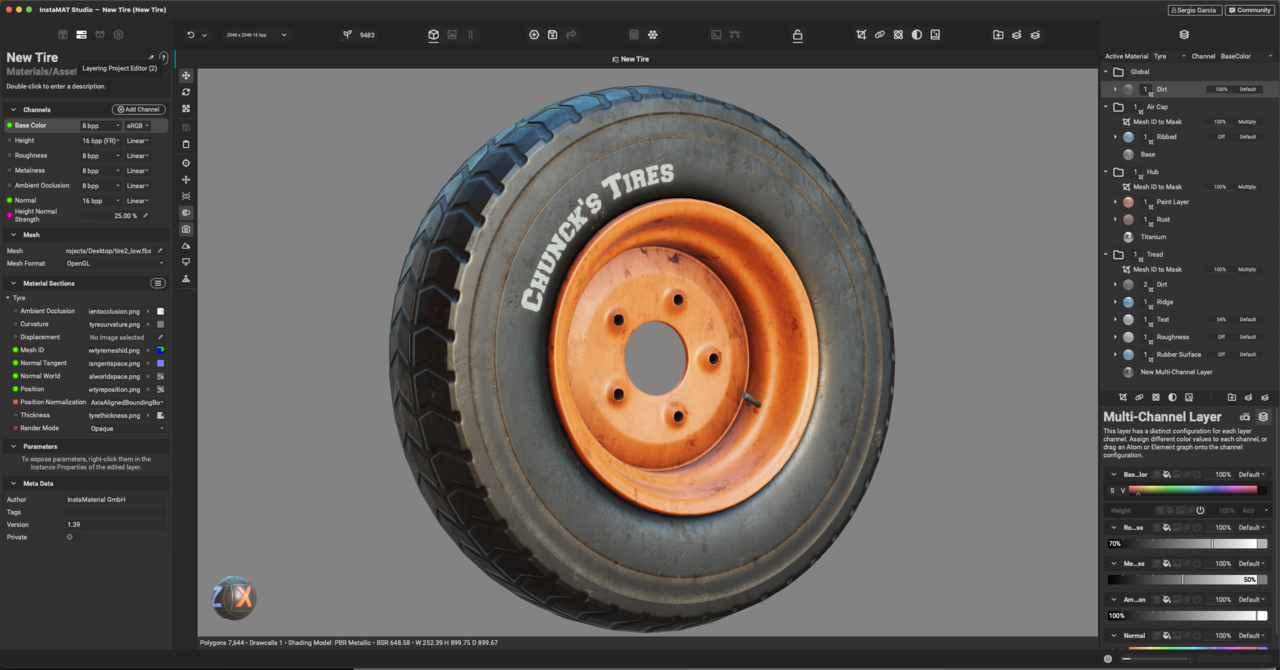

Aside from the American spelling it looks pretty good to me. I'm keen to learn a better texturing workflow than Blenders own