
Hi guys, after completing a few courses I decided to start submitting the exercises I couldn't complete before due to being stuck all the time. I decided to start modelling my room and I am already into trouble. I want to do a cavity for a handle for my wardrobe and I don't know how to approach it (I added loads of vertexes but it's giving me issues and not looking great). I attach an image for you to see. Any tips for the most professional way to do it (just for the cavity). Bear in mind this shape in all the drawers and doors around the room. Thanks for your help.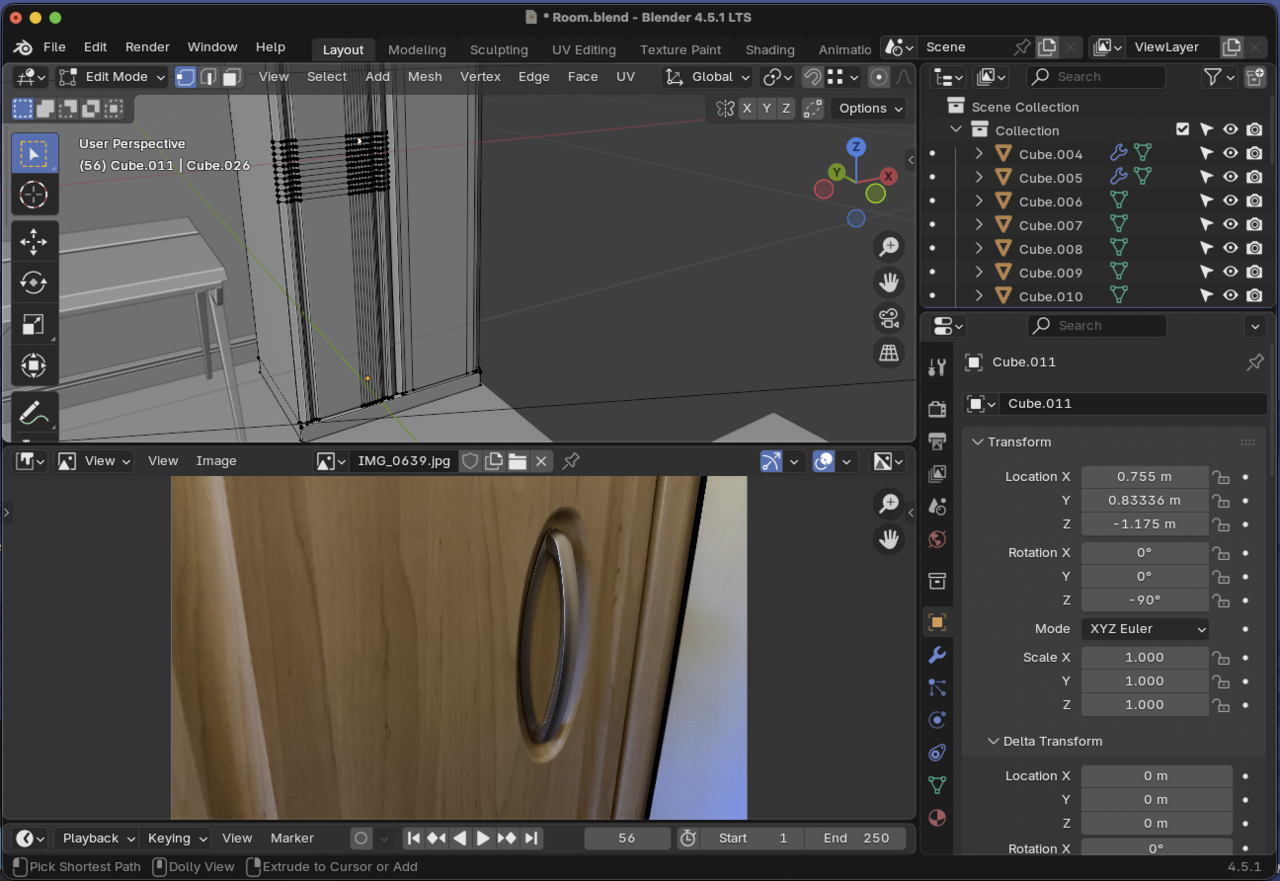

Try starting from the inside out. Begin with the oval shape and then spread out from there. Instead of having the rectangle and trying to figure out how to insert an oval. See what I mean? You start with the complex shape and then which whatever geometry you construct it, you go for the outer shape.


I don't think you'll need all those loop-cuts there.
Since that door is not going to deform, you can comfortably go with a big n-gon for it and take a similar approach to some elements in the "Press Start" course. So basically place your oval shape where you want it and extrude it inwards, bevel and all. Then connect the oval shape with the rest of the door with a couple of bigger faces. Maybe outset the outer edge of the oval to be able to bevel it too.
If all your fronts are the same, you could then simply copy the door around and resize as needed.
Inside-out has helped a lot. Thank you all very much. 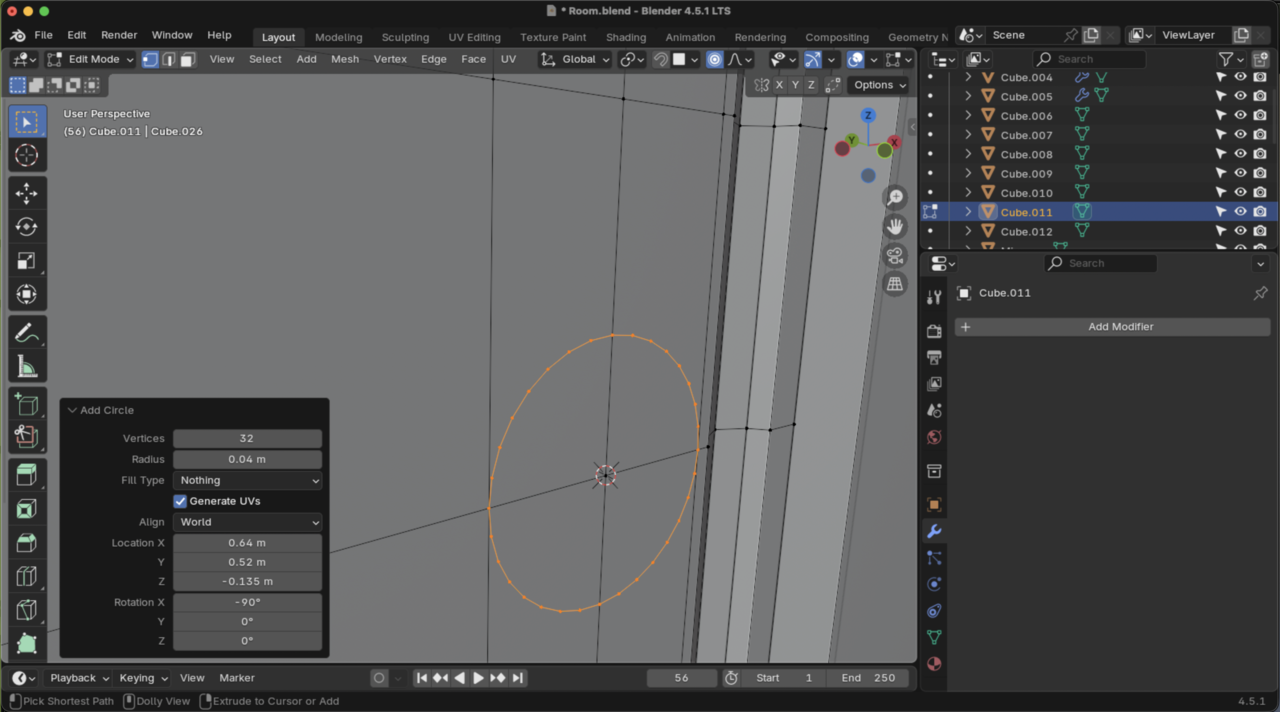
I did try to copy the arch and reuse it rotating it and scaling it, to make snap to vertices but it didn't work, so I just kept extruding and merging until I got something close to what I wanted. 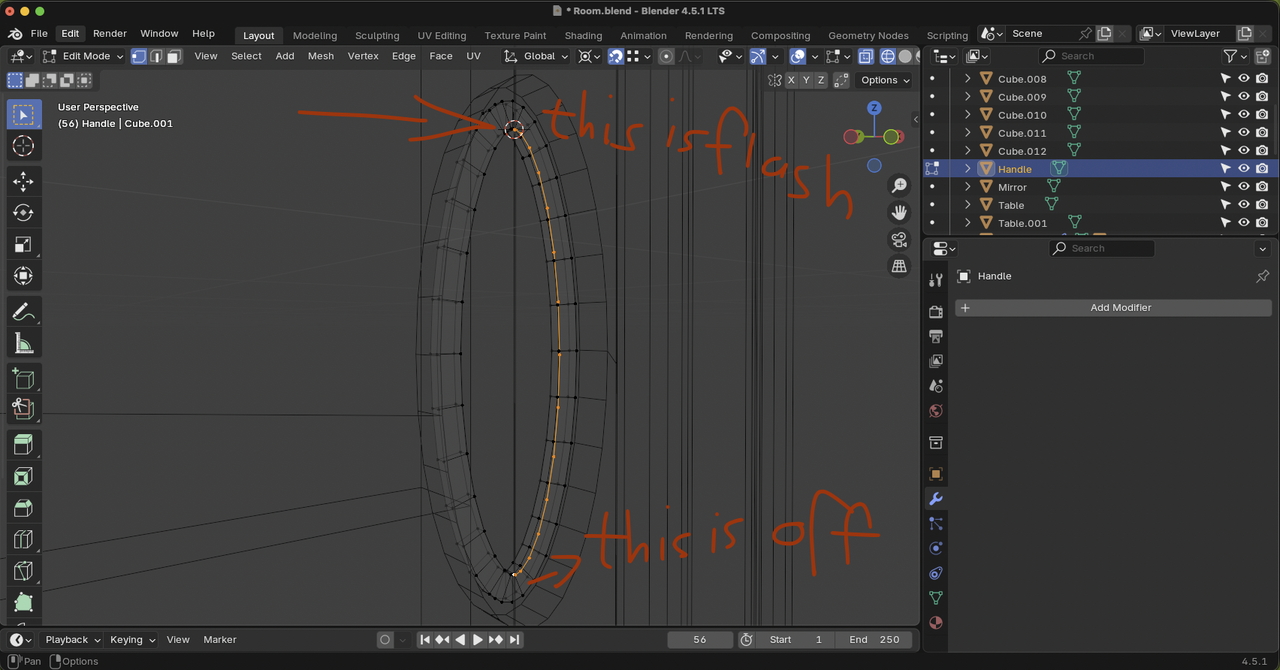
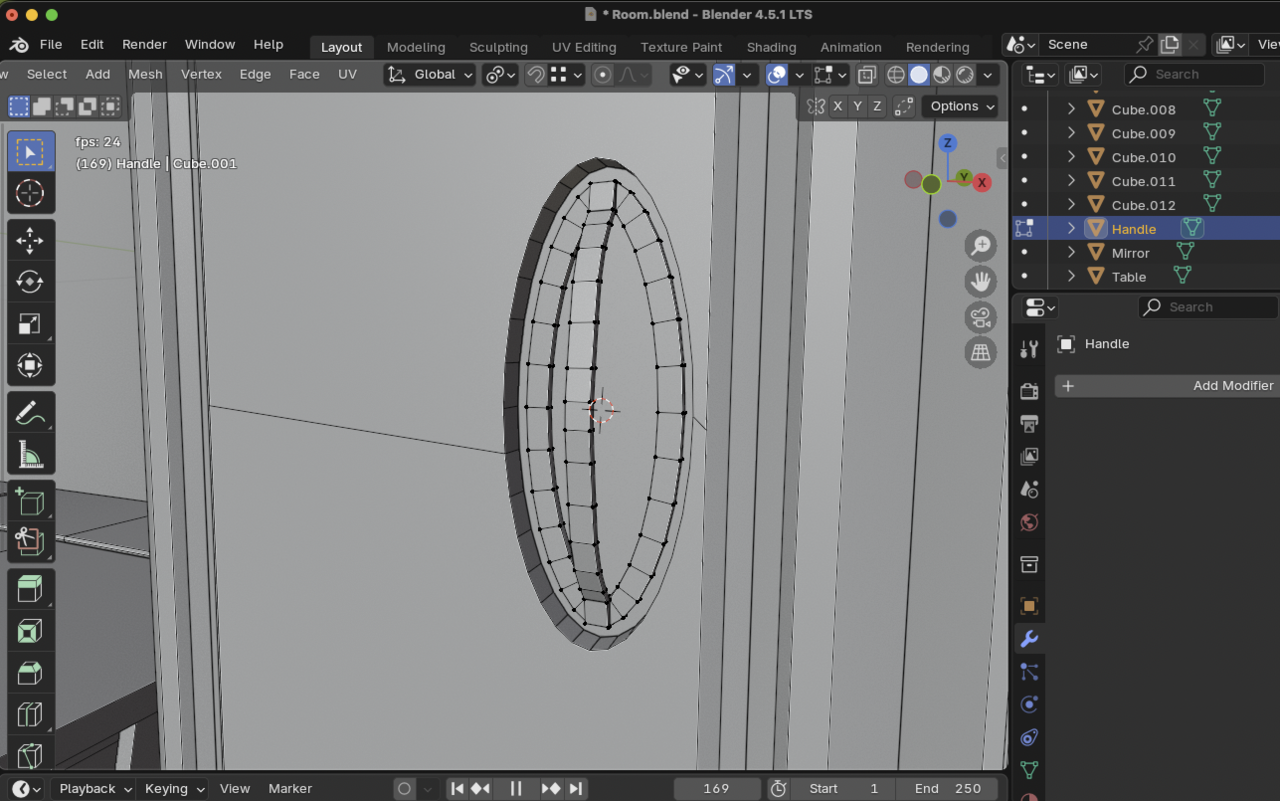
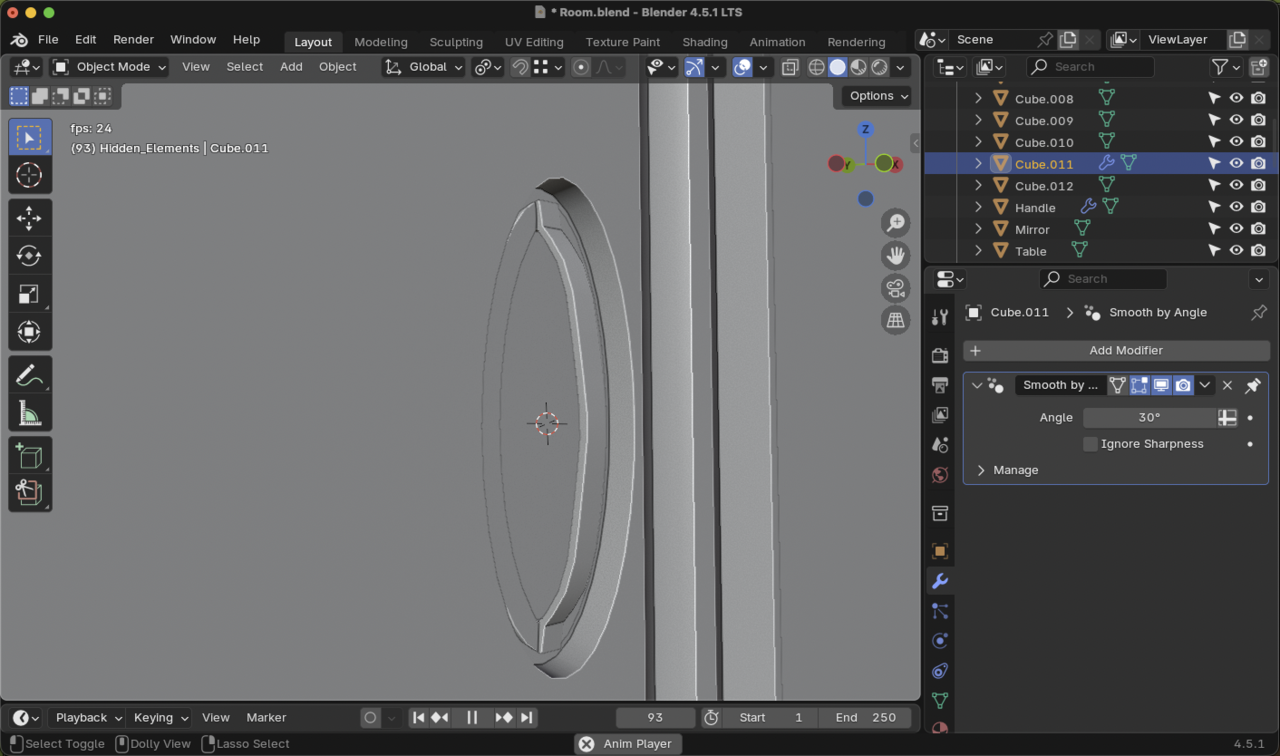
Thanks for the help.