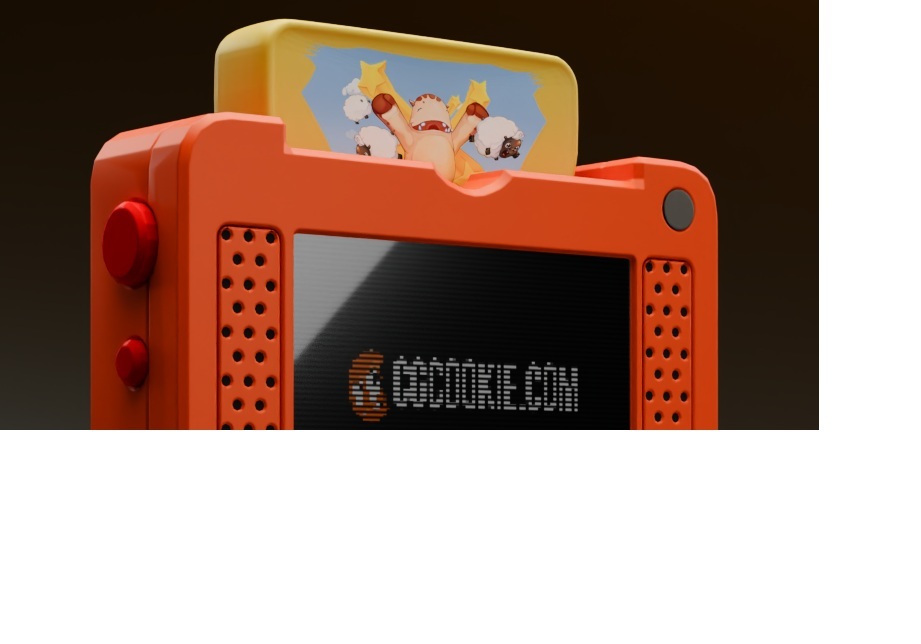
Hi any ideas why the image on the cartridge would be cutting off like that? Thank you.

Hi Luke HHotpenguin ,
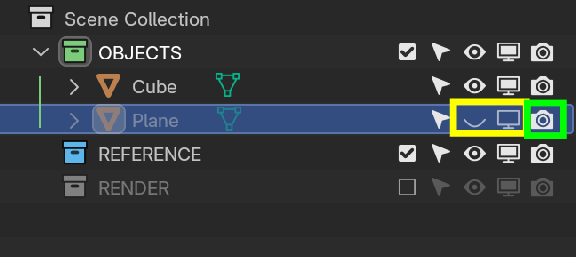
That is usually an Object that you have forgotten about and that is Hidden in the Viewport, but still Renders and partially blocks the view.
Look in the Outliner for something like this:
Thank you for the responses guys. To be honest it's probably all of those issues. I made some mistakes during the tutorial and went off script to fix them. This is my UV on the console and when I try to render it most times 'but not every time' it comes out looking like this. I might have to work back through from the start. Thanks again :)
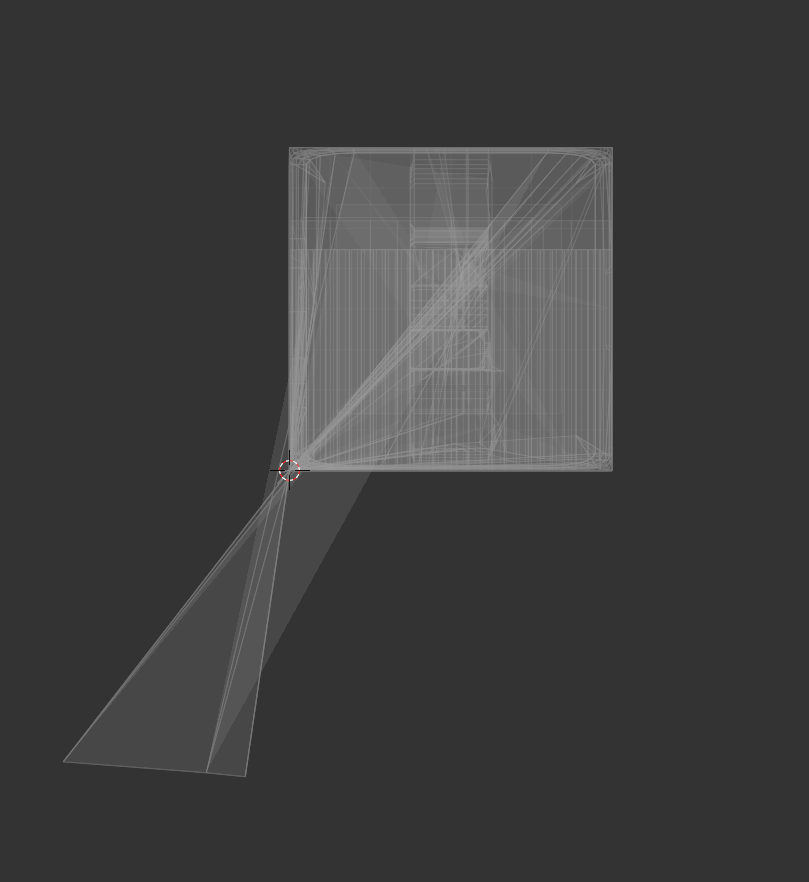
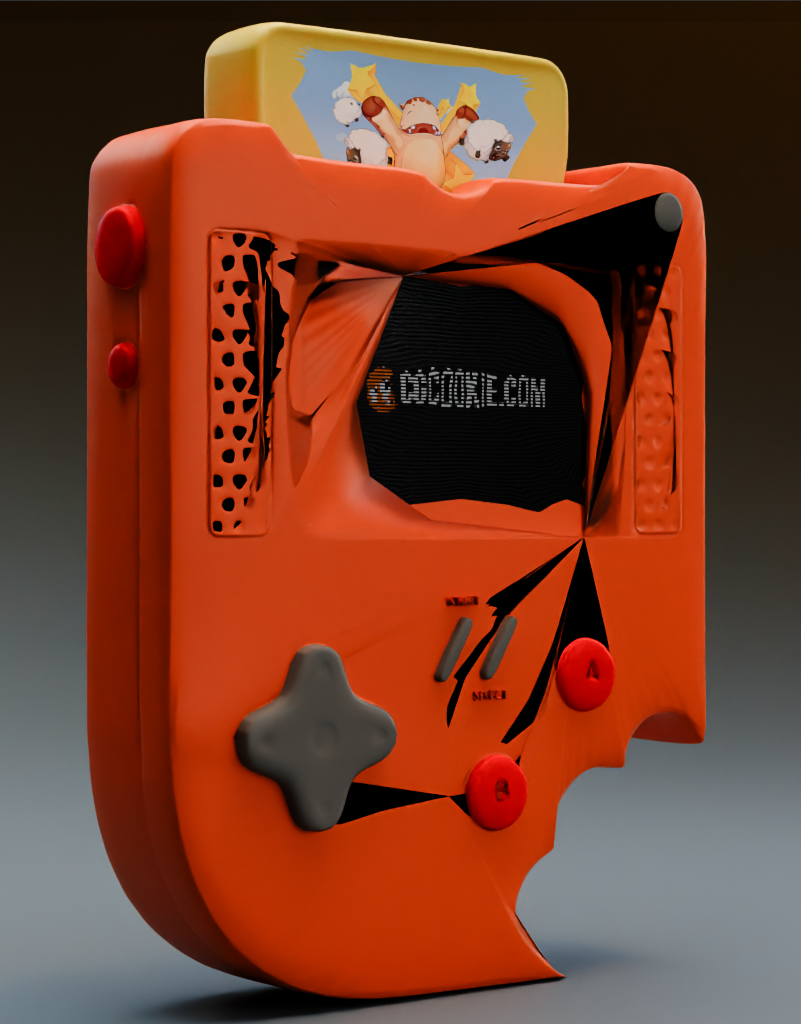

That looks like you added a subdivision surface modifier. If I remember correctly the topology in this project is not suited for a subdiv modifier so it would definitely mess up the model like this.

You can add a SubDiv with hotkeys Ctl + 1, 2 or 3 (for 1-3 subdivisions) so perhaps this is how it happened?
Oh that rings a bell. I probably did that. Thanks everyone. Helped a lot.