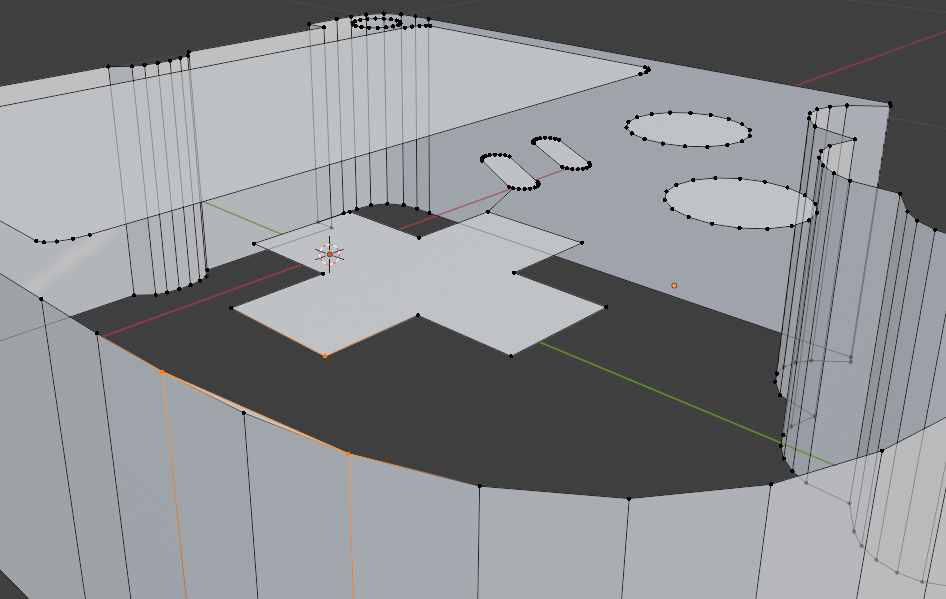
Hi ssplicedjunkie ,
Hard to tell without a screenshot, but let me try:
My guess would be, that you have 2 Objects (not 1), that are both in Edit Mode and that you are trying to connect Vertices of both Objects and that is not possible in Blender. What happens now, is that Blender only uses F on the 1 Vertex of the Active Object and that is when Blender makes a Face from that Vertex. Depending on whether you have the F2 Addon enabled (which you should imho), it will create a Triangle or a Quad:
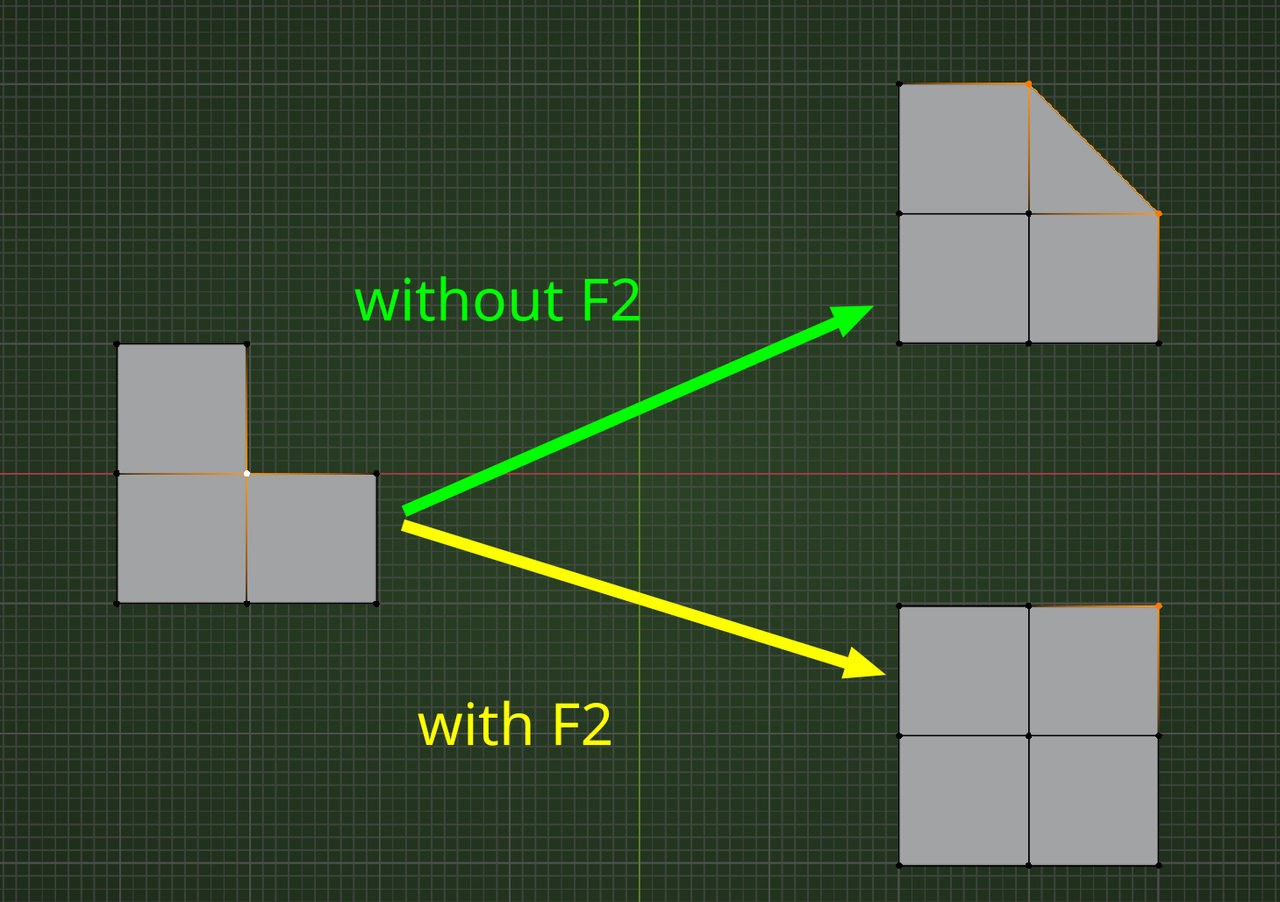
So, what you would have to do is first combine the 2 Objects and then connect (Fill) the 2 Vertices.
Switch to Object Mode. (You should now have 2 Objects Selected.)
CTRL+J to join the Selected Object with the Active one.
Back into Edit Mode and try again.

Try posting screenshots and walk us through your work, what exactly are you doing, to see if we can spot the error.
Also remember if you feel stuck, it's always a good idea to go back. 3D modeling is hard, so if you reach a point and you feel confused and fighting against the software, it's actually pretty normal. The right thing is to go back and try to reach that same point put understanding what happened, because it's easy to miss a step or two and mistakes just start to pile on.
thank you guys! sorry for not responding with a screenshot new to forums haha thanks!!!