Hey!
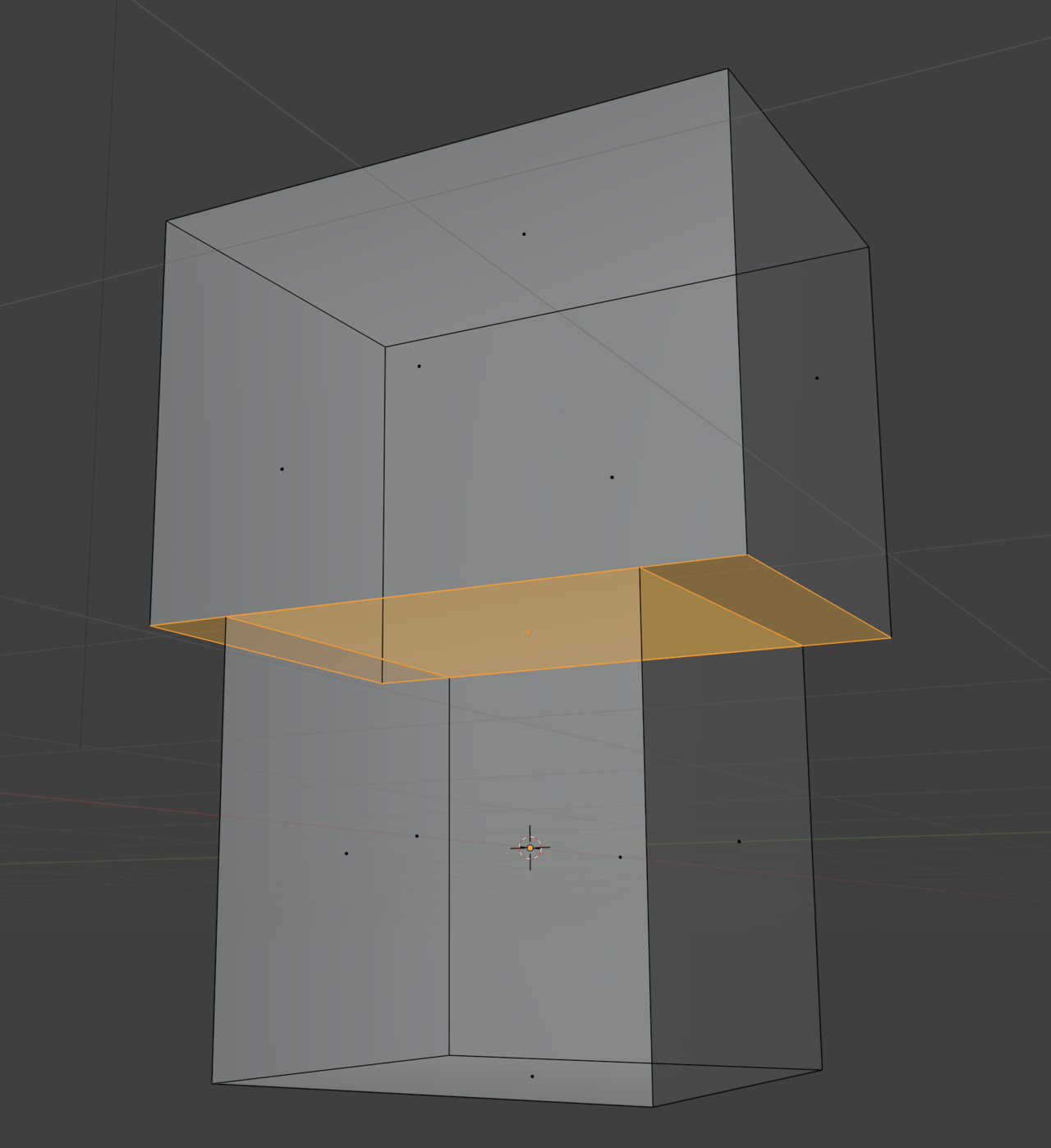
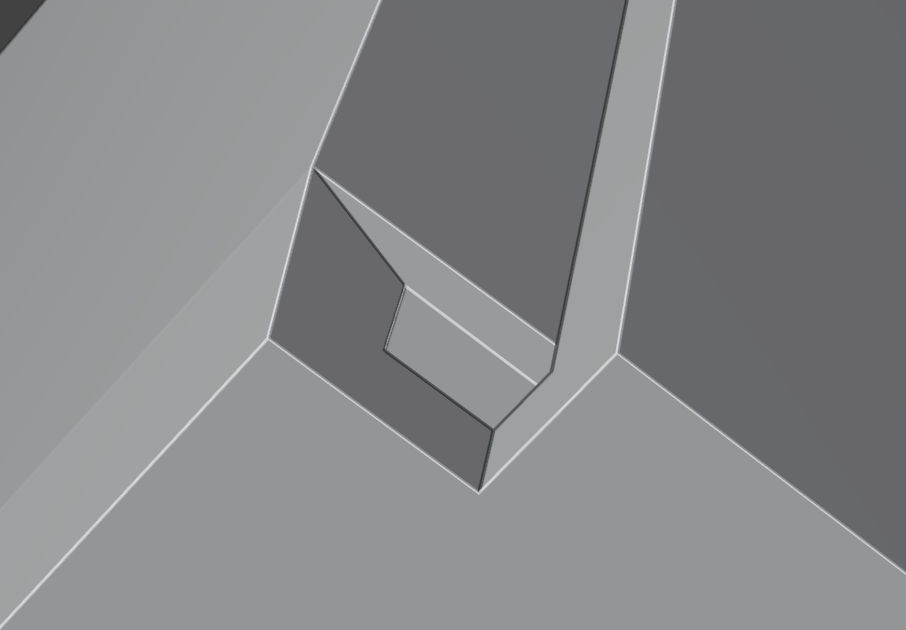
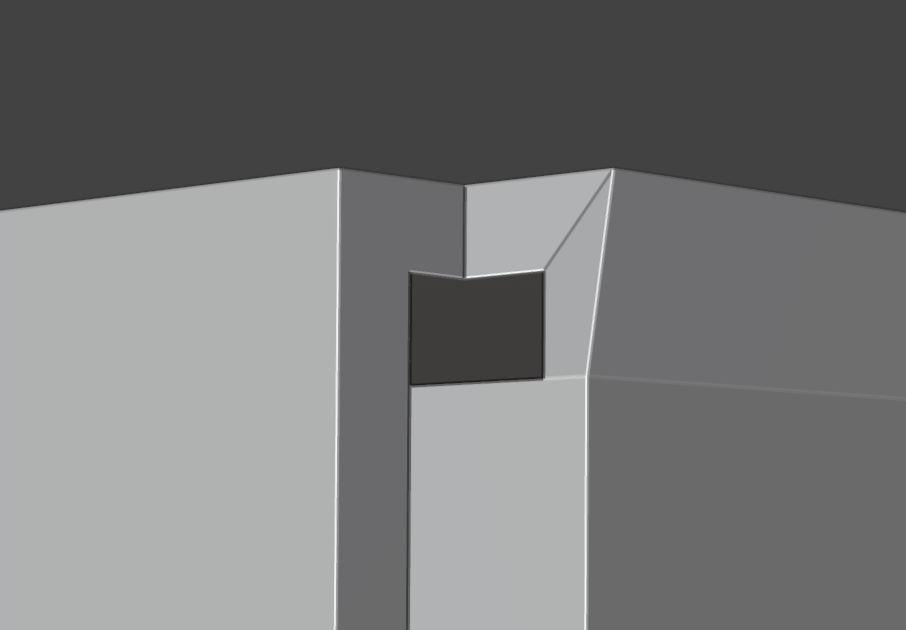
I have 2 cubes as a single object and a what to merge them to the single mesh by joining two faces. How to do it in correct way without loosing topology quality?

Hi Boris,
It's a bit of a 'weird' way of making something like that, but:
If you P > Separate > by Loose Parts, you can Switch to Object Mode and then use a Boolean Union to combine the twq and get something like the Mesh on the left:
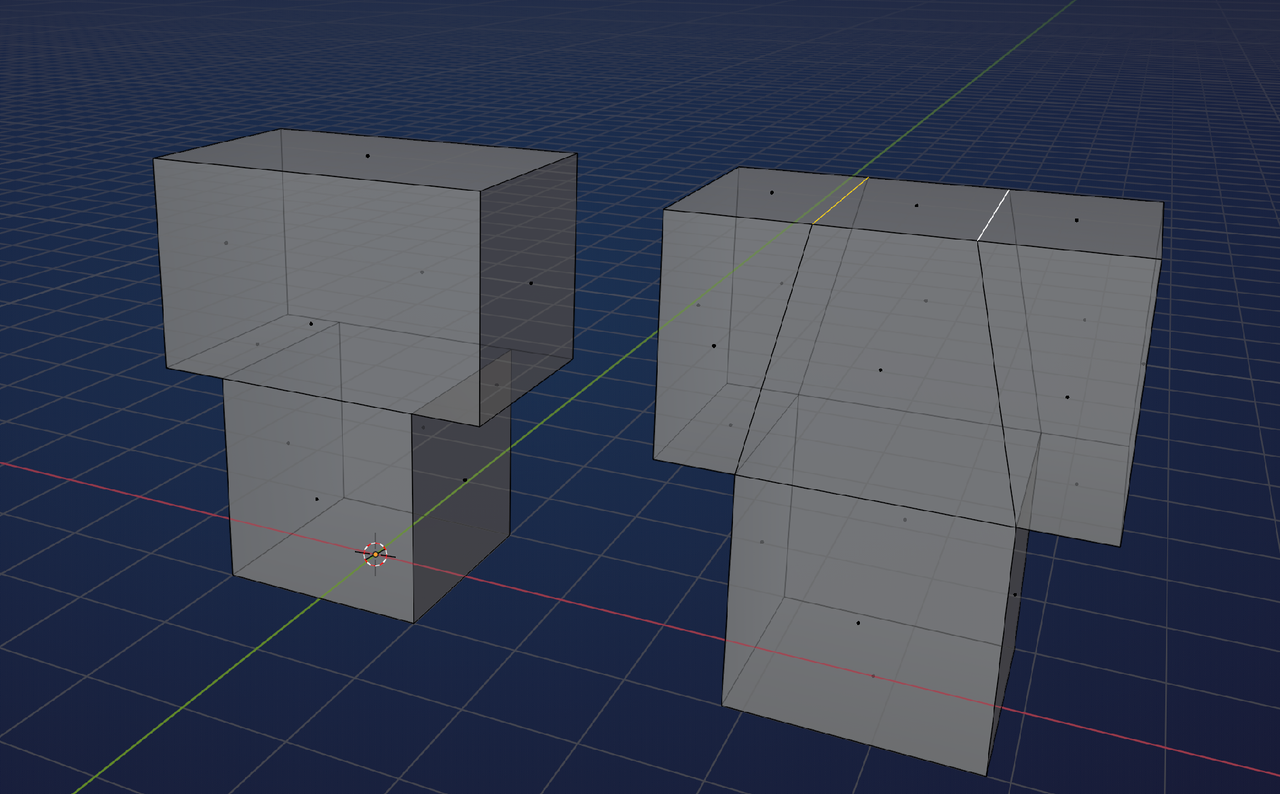
Subdividing the 2 long Edges on the top of the top cube gives you some extra Vertices, that you can connect down with J, to get an all-quad Topology..
A lot easier would be to start with the top cube, CTRL+R to make 2 Loop Cuts and then Extrude the middle Face at the Bottom down. Something like this:
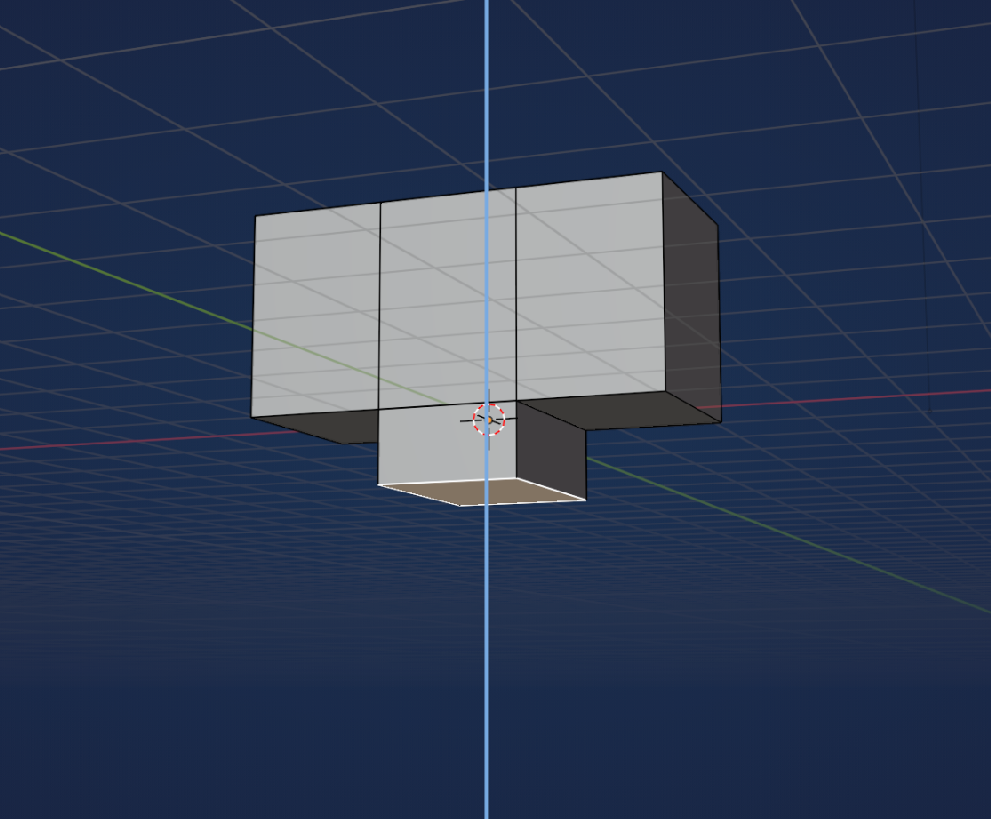
Thank you!
Yes, my method is a bit wierd, but I'm trying to establish a way to assemble
corrugated boxes using vector 2D cutters exported to svg.
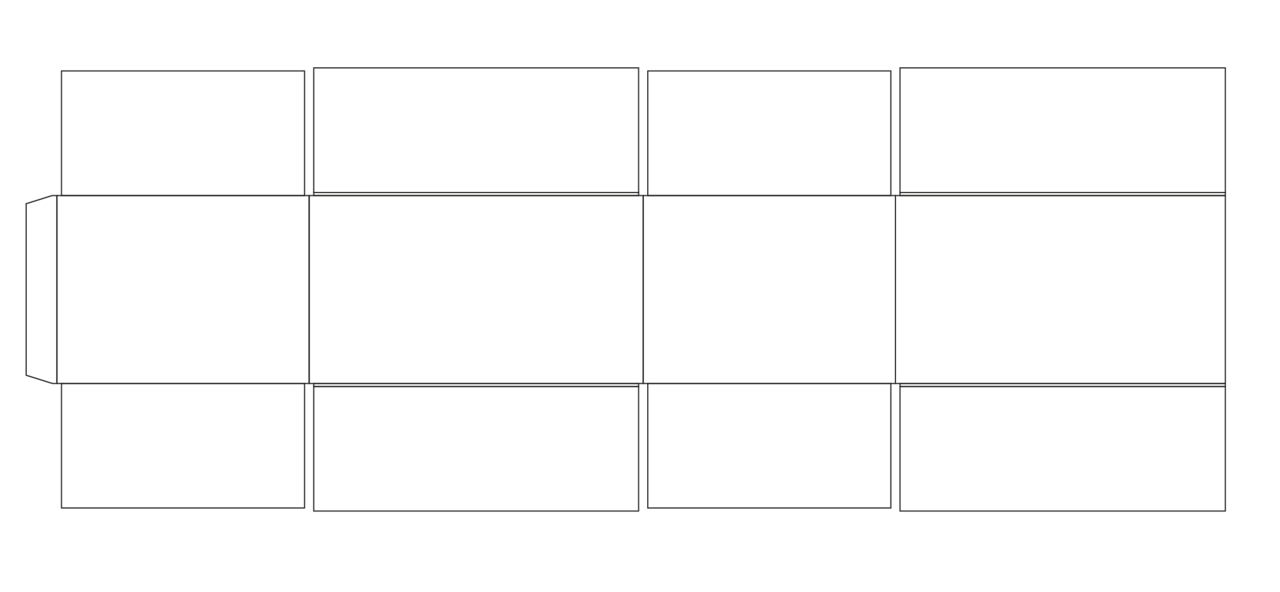
There is a quicker way:
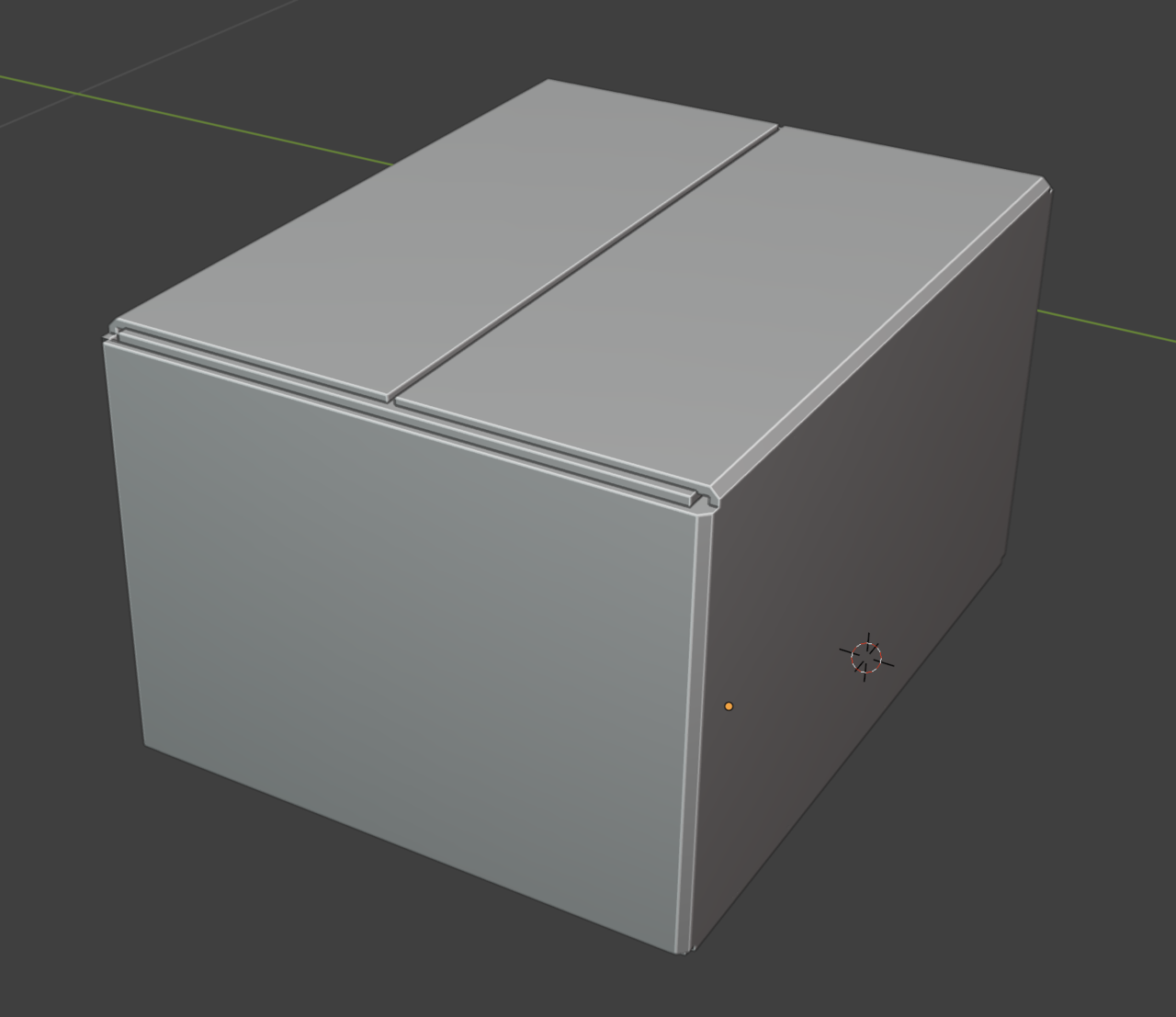
I can import svg, convert all panels to meshes and then join all vertices to make single plane with panels divided by the edges. Then I can rotate faces, get the final box and then just add a solidify. But the problem is that with solidify I cannot get proper thickness topology, I need all panels to have same thickness and I want to have round bevels on sides.
Here is an example
Mockup2.blend (Blender 4.2.13 LTS)

I'd say it's a very good idea to first learn all the modeling rules. There's so many gotcha's everywhere when it comes to modeling. Have you see the CORE mesh modeling fundamentals? Once you get used to modeling, I think you'll find it much easier and quicker to just model what you want and skip lots of steps of importing vectors and cleaning up messy geometry that comes from other software's.
Yeah, I totally agree with Omar!
Your mockup looks like a total mess. It would be a lot easier to just Model what you want directly in Blender.
Now, you might have a very good reason to do it the way you try to do it, but i'm afraid I can't help you then. I don't even understand what you are saying,. when you describe your process, sorry.