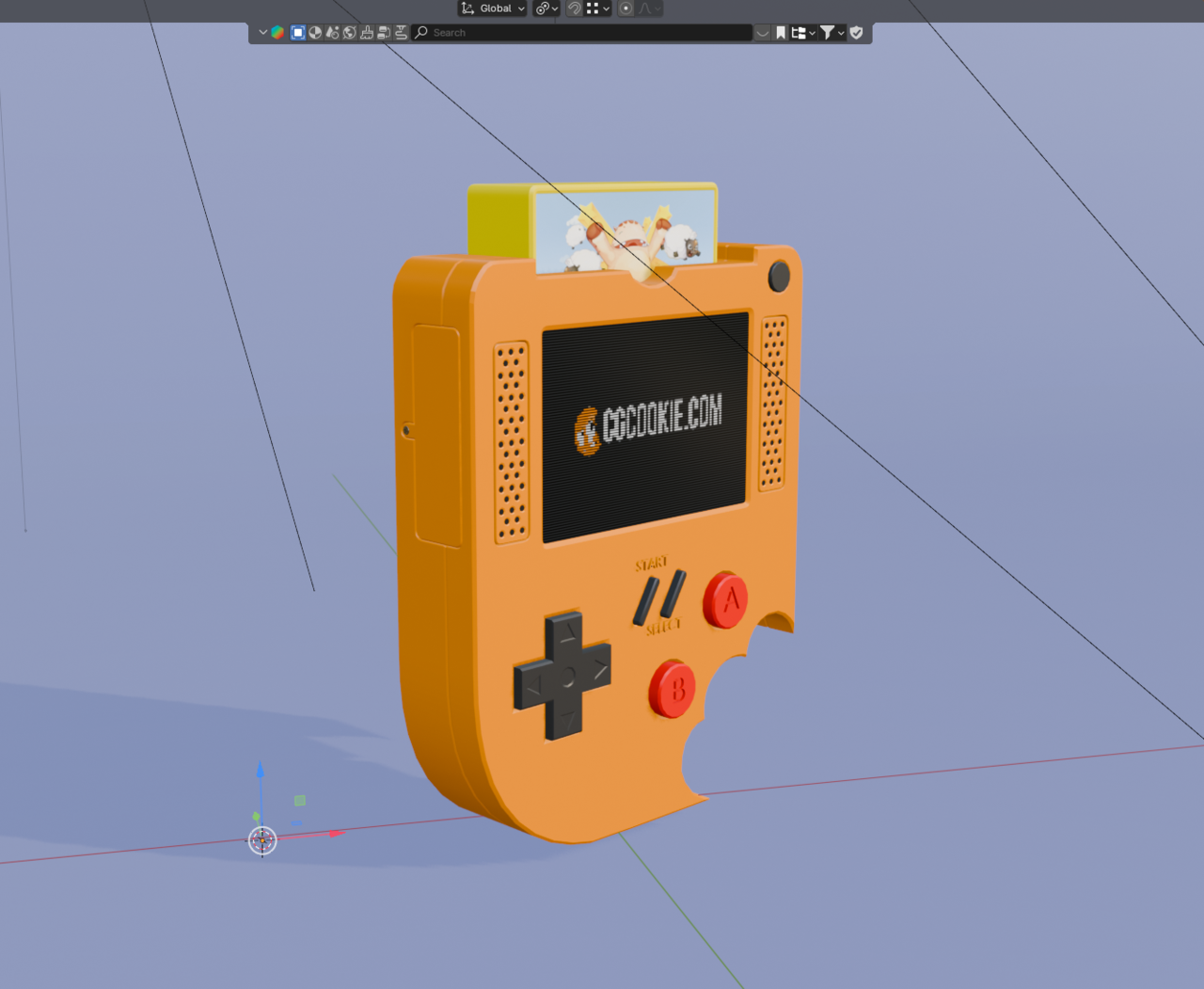
Issues with shading

I went to render my game console and I had some visual issues
1 love
Reply
  • Jeremiah Ricks(JerryDoes3D) replied


    WHY.png

    1 love
  • Omar Domenech replied

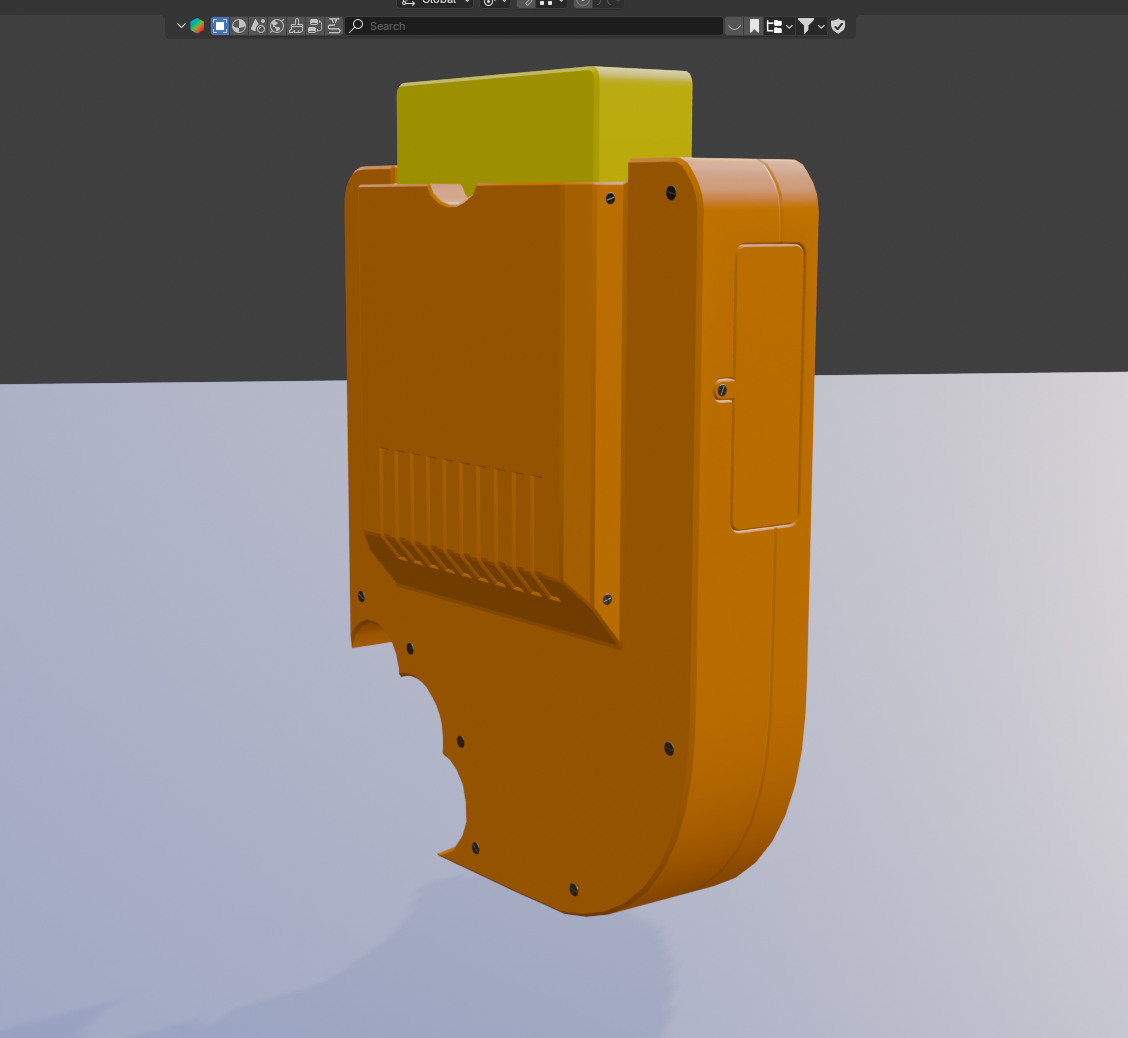
    Hello Jeremiah. What seems to be the problem officer? I can see an issue maybe in the top left face? It could be the yellow material is not assigned to those faces. Check and report back. 

    1 love
  • Jeremiah Ricks(JerryDoes3D) replied

    why2.pngwhy3.png

    1 love
  • Jeremiah Ricks(JerryDoes3D) replied

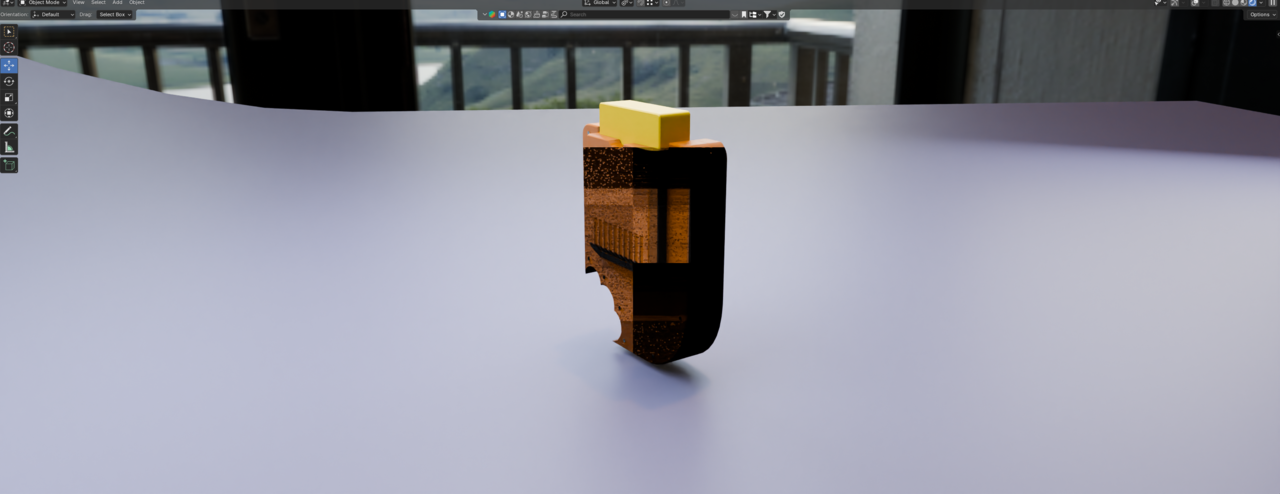
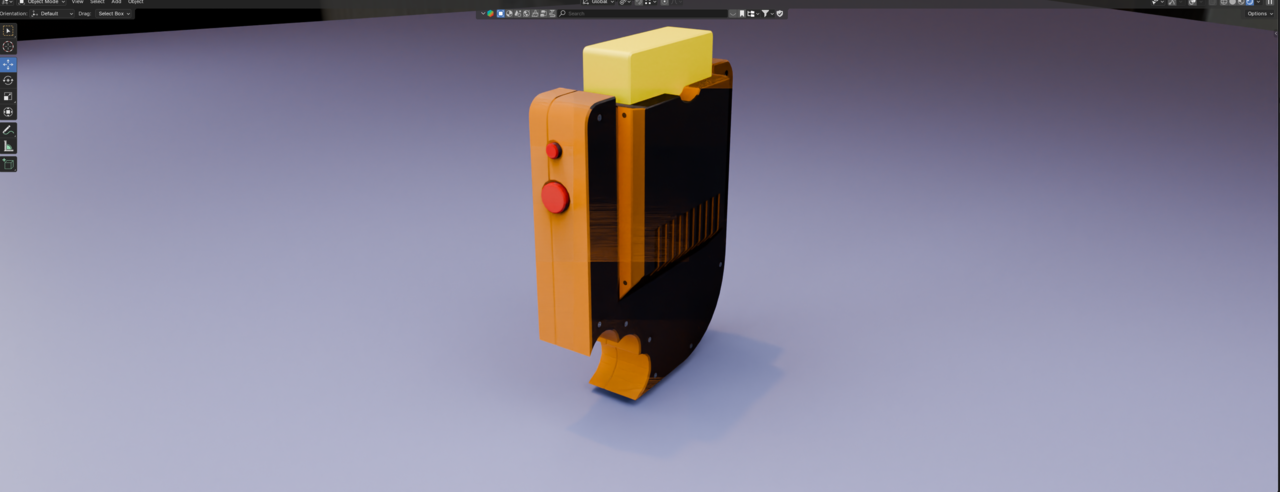
    I'm not sure what's happening, everything looks fine in the material preview but as soon as I switch it to render it gets that ugly shading issue

    1 love
  • Omar Domenech replied

    Even if you look at the model in render preview from outside the camera view? If you orbit around it, the issue us still there? It may be a reflection? If not you can upload the file and paste the link here. 

    1 love
  • Jeremiah Ricks(JerryDoes3D) replied


    why4.pngwhy5.png

    1 love
  • Jeremiah Ricks(JerryDoes3D) replied

    Photos from different angles. These were taken in Rendered Preview, Cycles, GPU Compute. 

    1 love
  • Dwayne Savage(dillenbata3) replied

    I'm going to go with Z fighting or flipped normals. In overlays check face orientation. If there is any red then it's flipped normals. For Z fighting you can select the face that turn black in edit mode and press H to hide them to make sure there aren't any faces under it. You can also try hiding(H) object in object mode to see if there are duplicates of the case object. To unhide press Alt+h.

    1 love
  • Omar Domenech replied

    If nothing Dwayne says works, upload the file and post the link so we can take a look at it, see what might be going on. 

    1 love
  • Jeremiah Ricks(JerryDoes3D) replied

    Sorry for the late reply, here is the file via google drive

    Blender Game Console

    1 love
  • Martin Bergwerf replied

    Hi Jeremiah JJerryDoes3D ,

    The main culprit is the Bevel Node in the Plastic Grey, orange and Red. Just disconnect it and those shading artifacts are gone (but so is the Bevel).

    Now, I think the Radius, was a bit small, considering, that your Units are cm. Maybe 0.05 would be more appropriate, but even then, I can't seem to get rid of the Shading issue.

    Might be some conflict between Shade Smooth By Angle and the Bevel Node...


    1 love