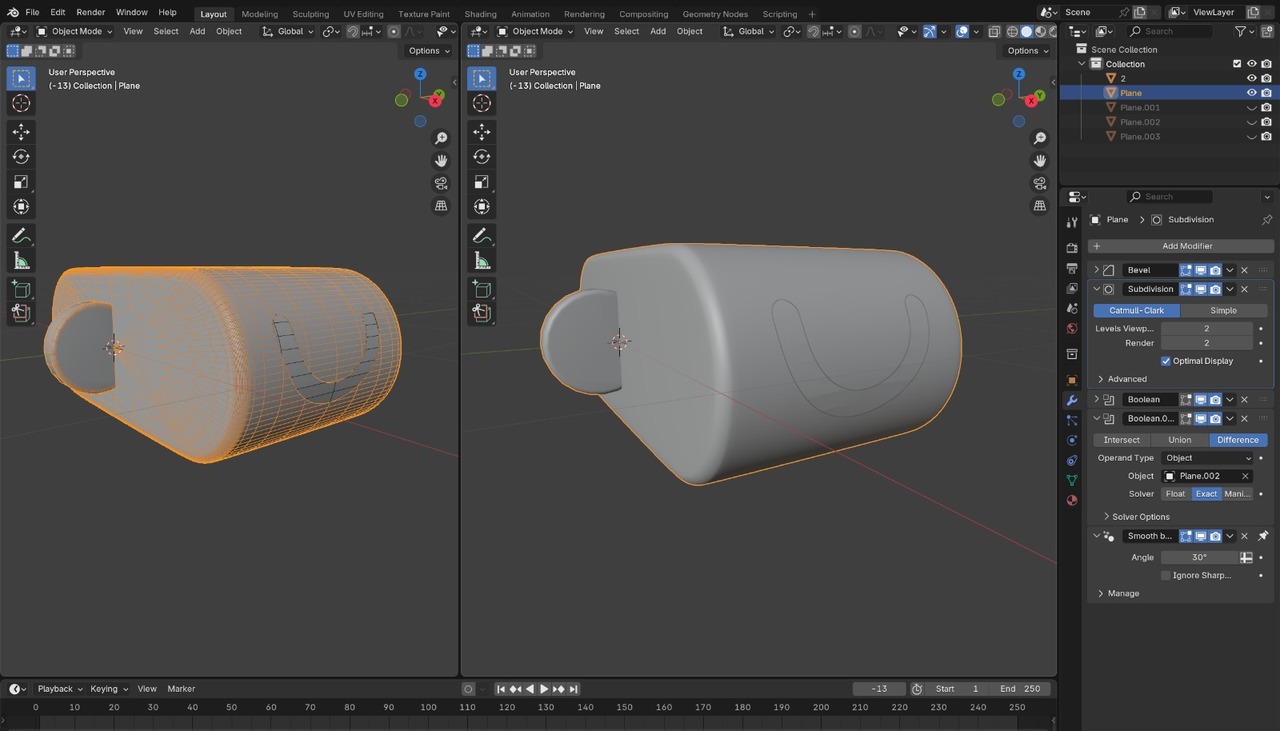
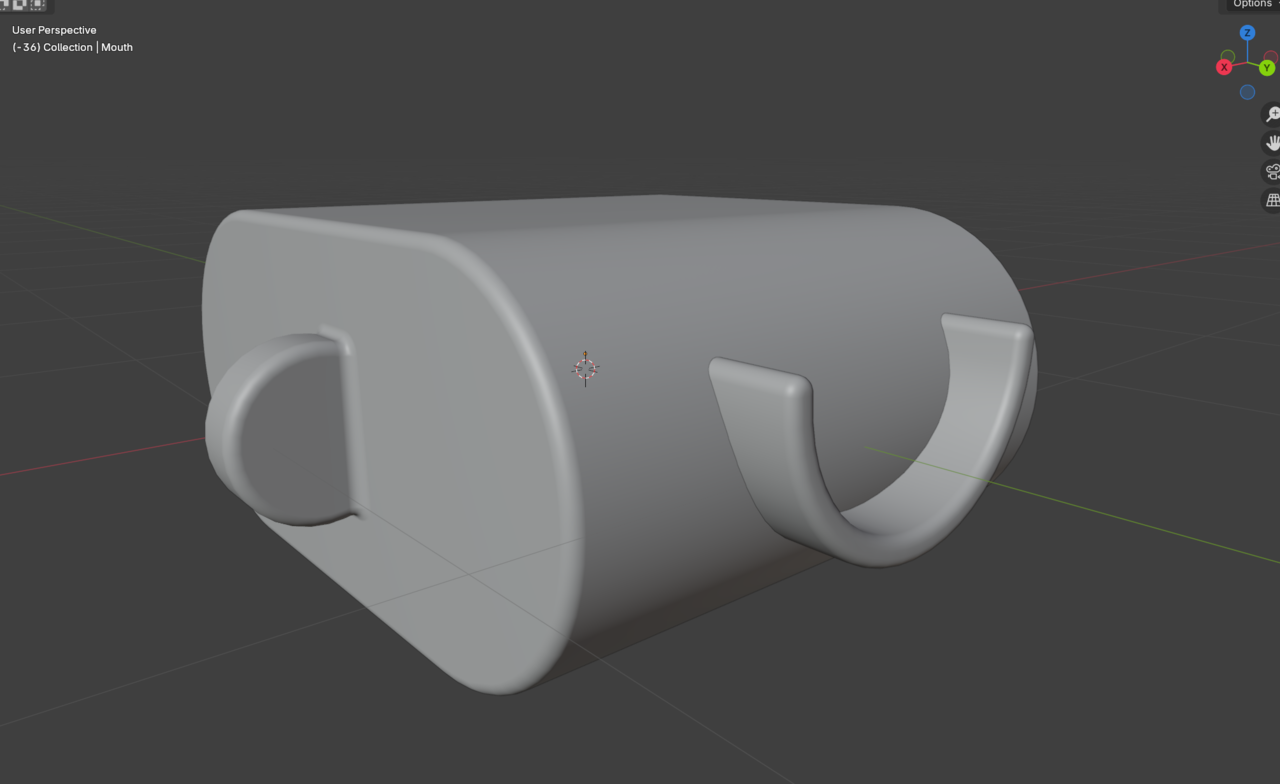
Hi @Blendash ,
First do the easy part, make the head and ear, you can simply use some Modifiers in the right order, for instance:
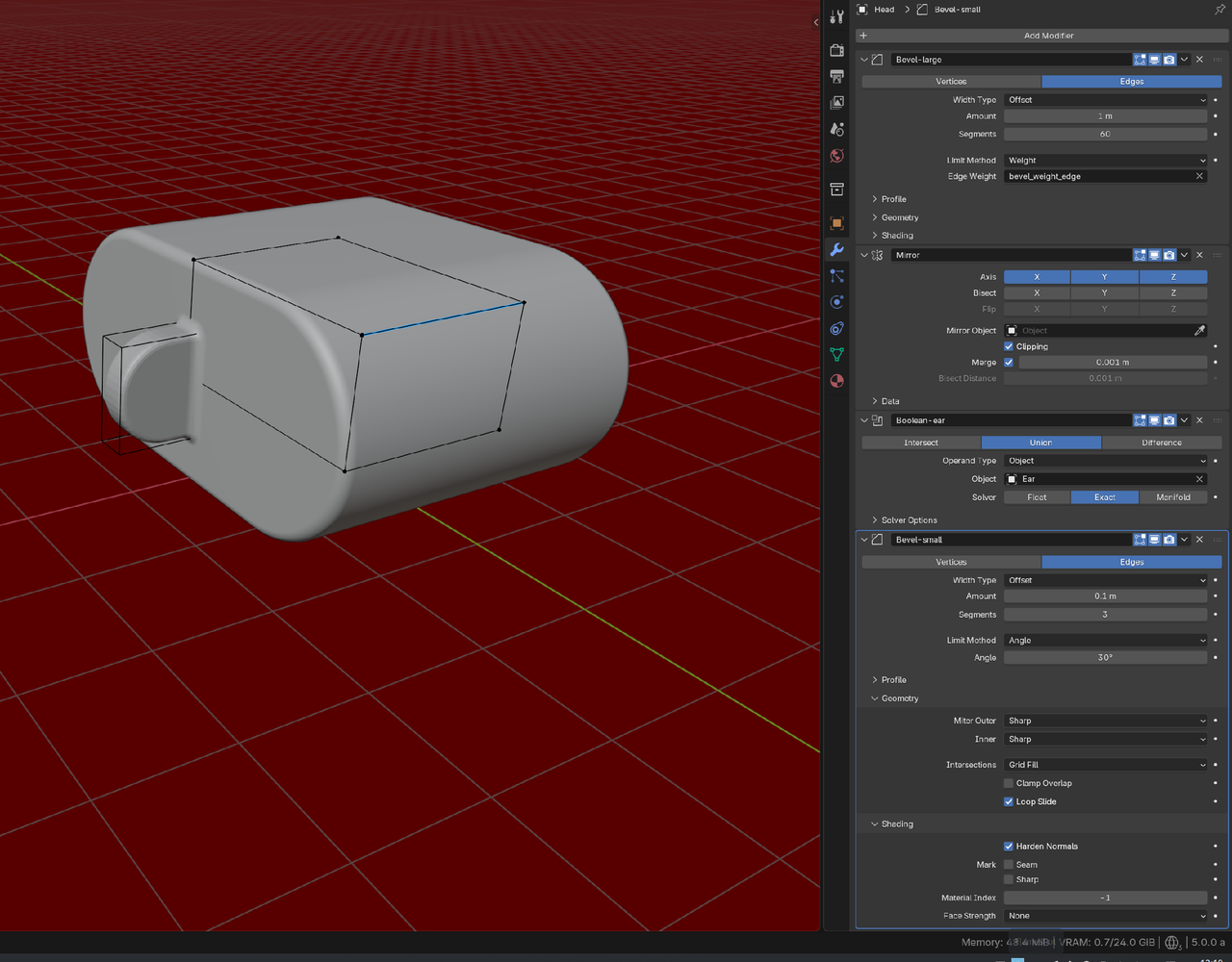
Then, when you're happy with the result, Apply all Modifiers on the head and do the mouth. Booleaning it will be easy, but then you'll probably have to Apply that Modiifer as well and create the last Bevels manually in Edit Mode.

Whenever I have to model something like that, I go about it starting with a perfectly plane surface and model the details in, like the smile, while things are flat. After all the loops flow correctly and things hold up, then I introduce the curvature be it with a modifier or deforming the mesh with tools. Because trying to carve the smile in a curved surface is too much of a pain. Hopefully you can picture what I mean.
Oh, I don't remember any Lesson about that, Omar.
The Idea is simple, like this, for instance:
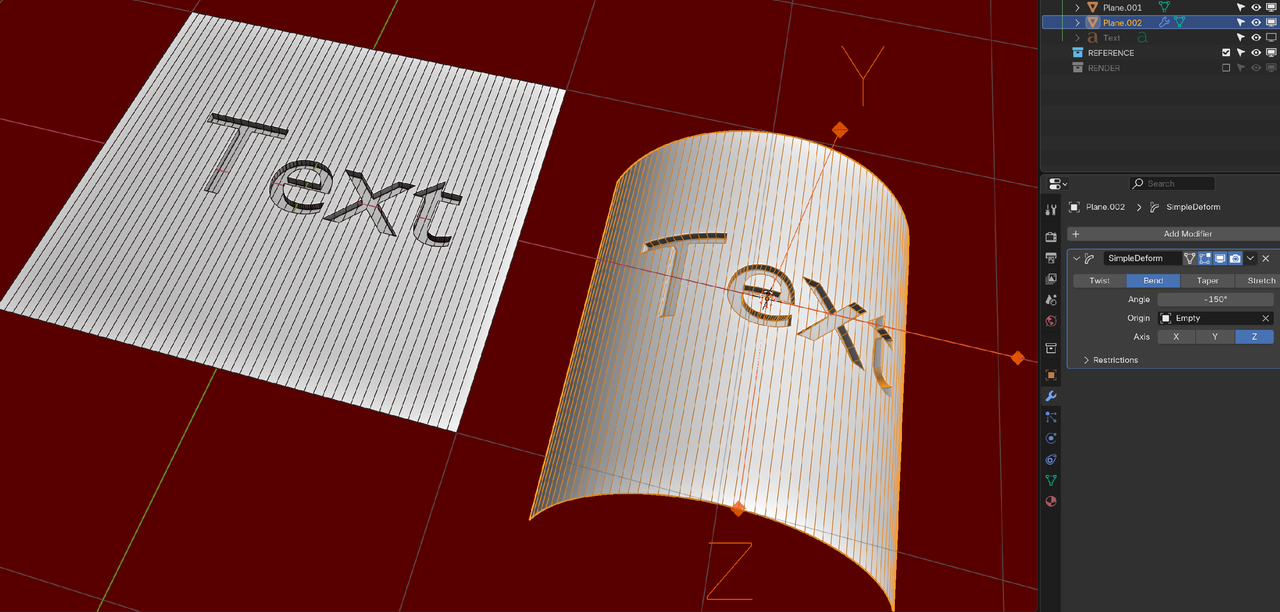
But to explain that in text here, is difficult, not only, because each situation requires a bit of a different approach.
@Blendash ,
You need to first Boolean the ear on the Head, then Bevel the result. Delete the Subdiv Modifier, because tyou'll need to Apply the Modifiers, before you get to the mouth and you do''t want the extra Geometry, that the Subdiv would make.
And, like I said, Apply the Modifiers, before making the mouth. (At least, that's what I would do)
With Omar's technique, you'd create the mouth in a flat Plane (pro tip; use the Knife Project for that) and then Bend it. Then make the head and connect the ear to it.
Thank you so much, guys, for your help.
I was trying to follow your method, but I don't know why it doesn't work for me.
Omar's method didn't work for me either — I think it's because of the bad topology I have
https://drive.google.com/drive/folders/1F3LJWP6-iCKyGhzOBtMx8qsOpK6M3Dpa?usp=sharing

What you can also do, is to simply Booleaning the shapes together (Union for the ear and Difference for the mouth) and not care about Topology, Bevels and smooth transitions yet. Then Apply the Booleans and do a Retopology, starting with the ear and mouth, so that you get something that you can Bevel.
So, you split up the complicated work in two simpler parts; first the shape and then the Topology.
Well, the way I'm trying to say doesn't involve booleans. The topology, with the loops and all, has to conform around the smile shape. In your pictures the smile geometry is just floating separate to the plane. Something like this:
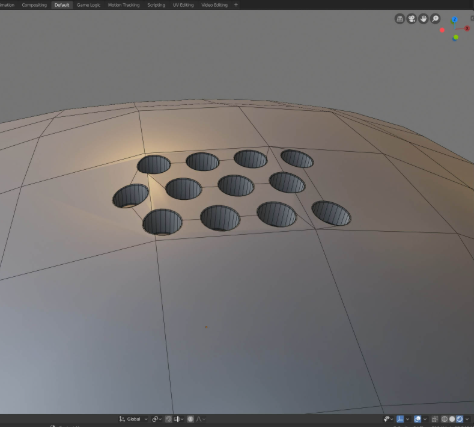
Which is all wrong, because the topology around the holes doesn't have the supporting loops. You need to aim for something like this:
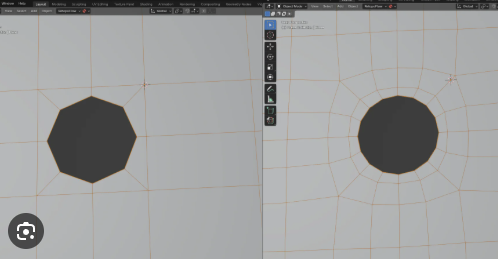
Those hole are well integrated in the geometry. You model that flat, that when when you bend your shape, the loops already support the surrounding geometry:
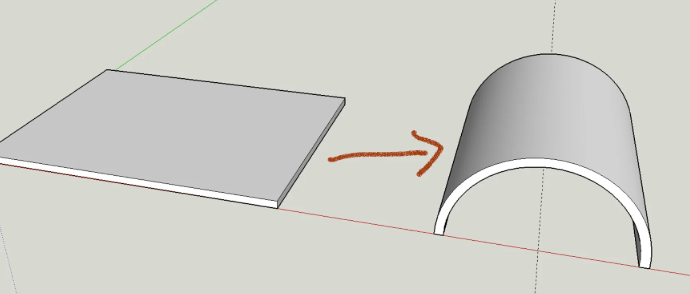
All of that is just to avoid having to model the smile while the curvature is already there. It is a nightmare to model something in a curved shape. That is why you model first flat, and then you curve.
I guess the course that mostly does something like that is JL modeling the cookie:
https://cgcookie.com/lessons/modeling-a-logo-pt-1-0ca5d2b8ee804f38