Aligning active camera to view issue

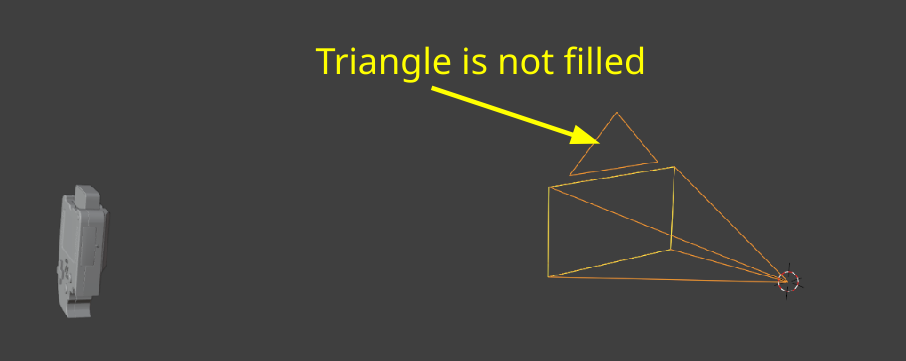
Hii, I am having an issue I cannot seem to get to work right and would love some help. I am on the Lighting and Rendering part of the course where we are adding the camera and then aligning active camera to view. For some reason each time I do that, it jumps my object away from origin. I have tried snapping my object to origin, but without fail it always jumps away. Clearly there is some user error happening here but this user is staring to go mad, please help :') Thank you!

1 love
Reply
  • Martin Bergwerf replied

    Hi Malory GGoose ,

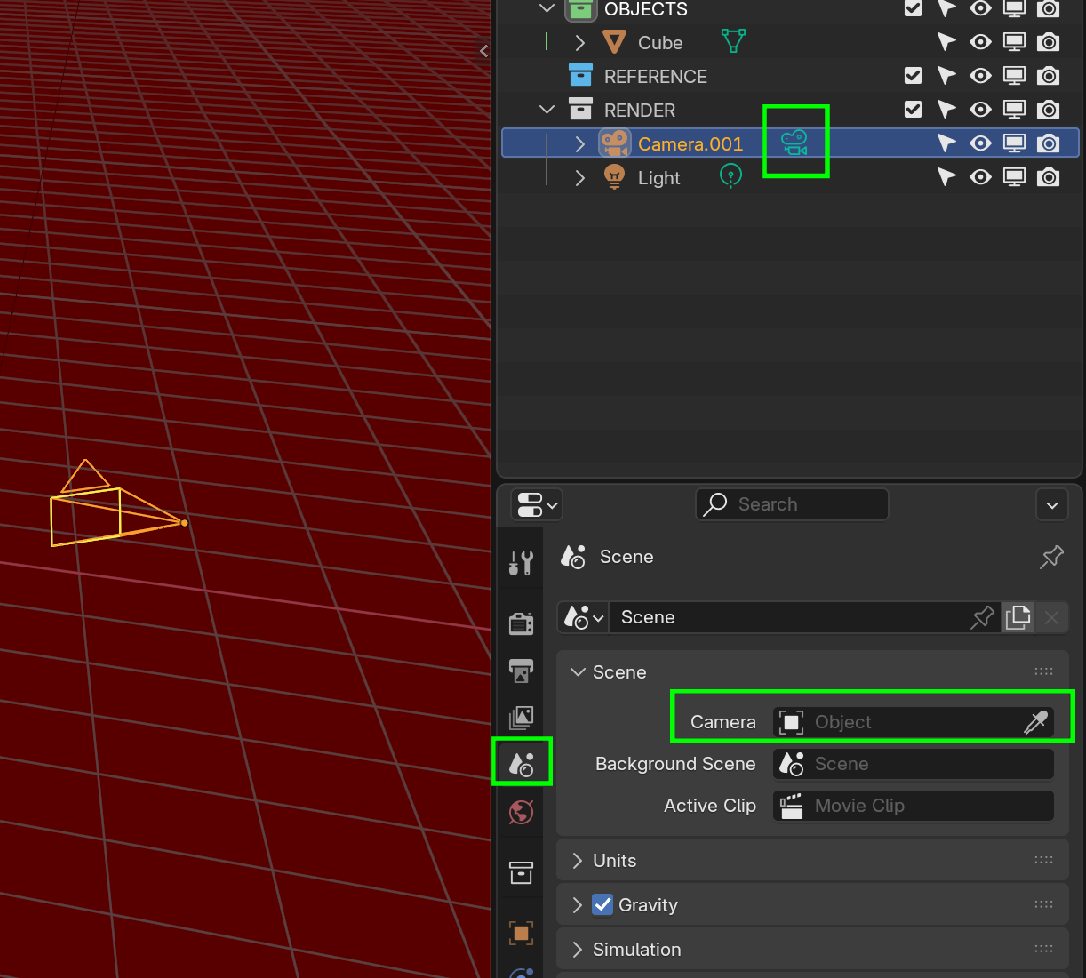
    The Camera in your Screenshot is not the Active Camera:

    Camera_00.png


    2 loves
  • Martin Bergwerf replied

    There are several things you can do, to make that Camera the Active Camera: in the Outliner click on the green Icon behind the name, Select it in the Properties Editor, or use CTRL+NUMPAD 0. (using that last shortcut, will also switch to Camera View):

    Camera_01.png

    3 loves
  • Goose replied

    Sooo simple that it hurts. Thank you very much worked like a charm. :)  

    • 👍
    1 love