Pokéball modelling results

CG Cookie

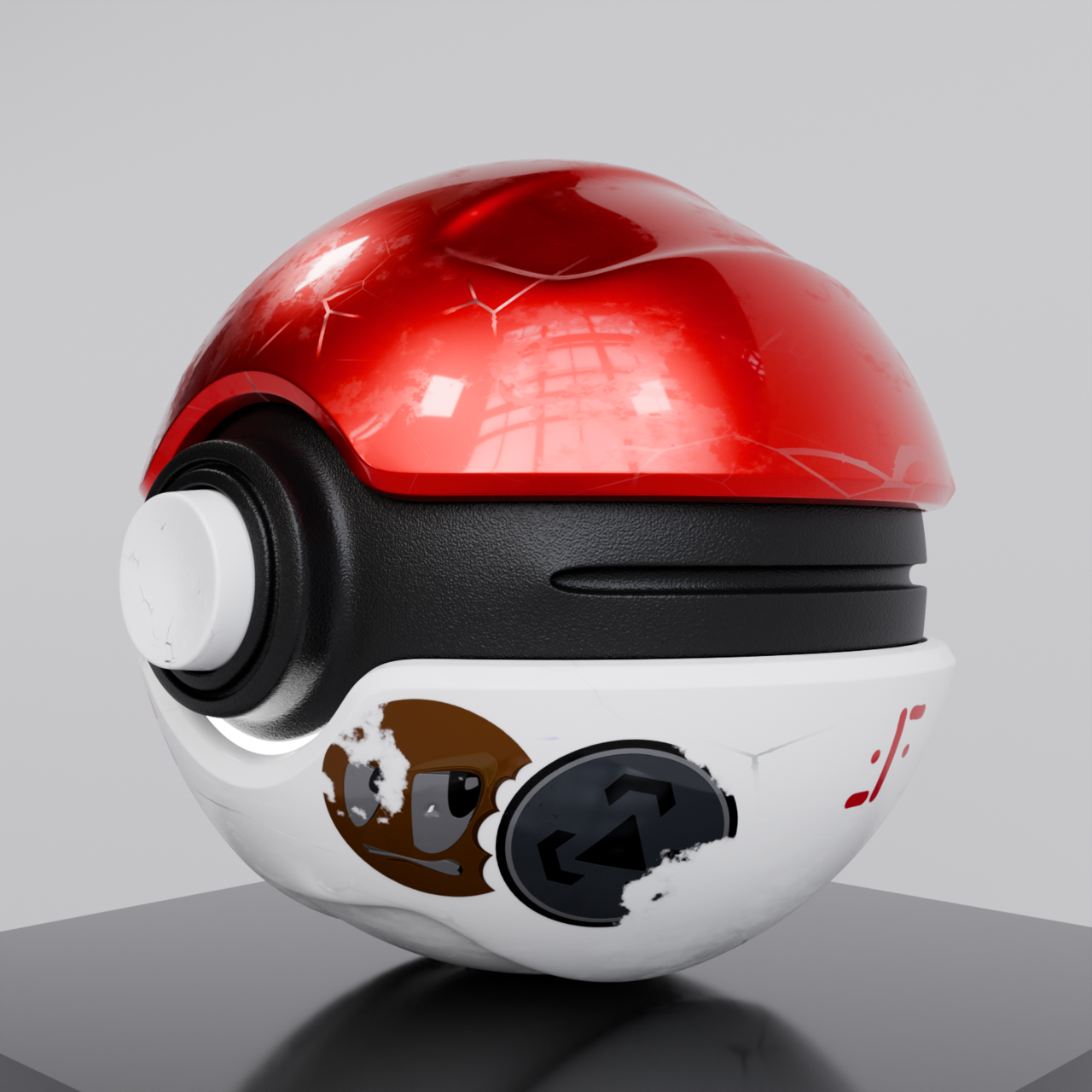
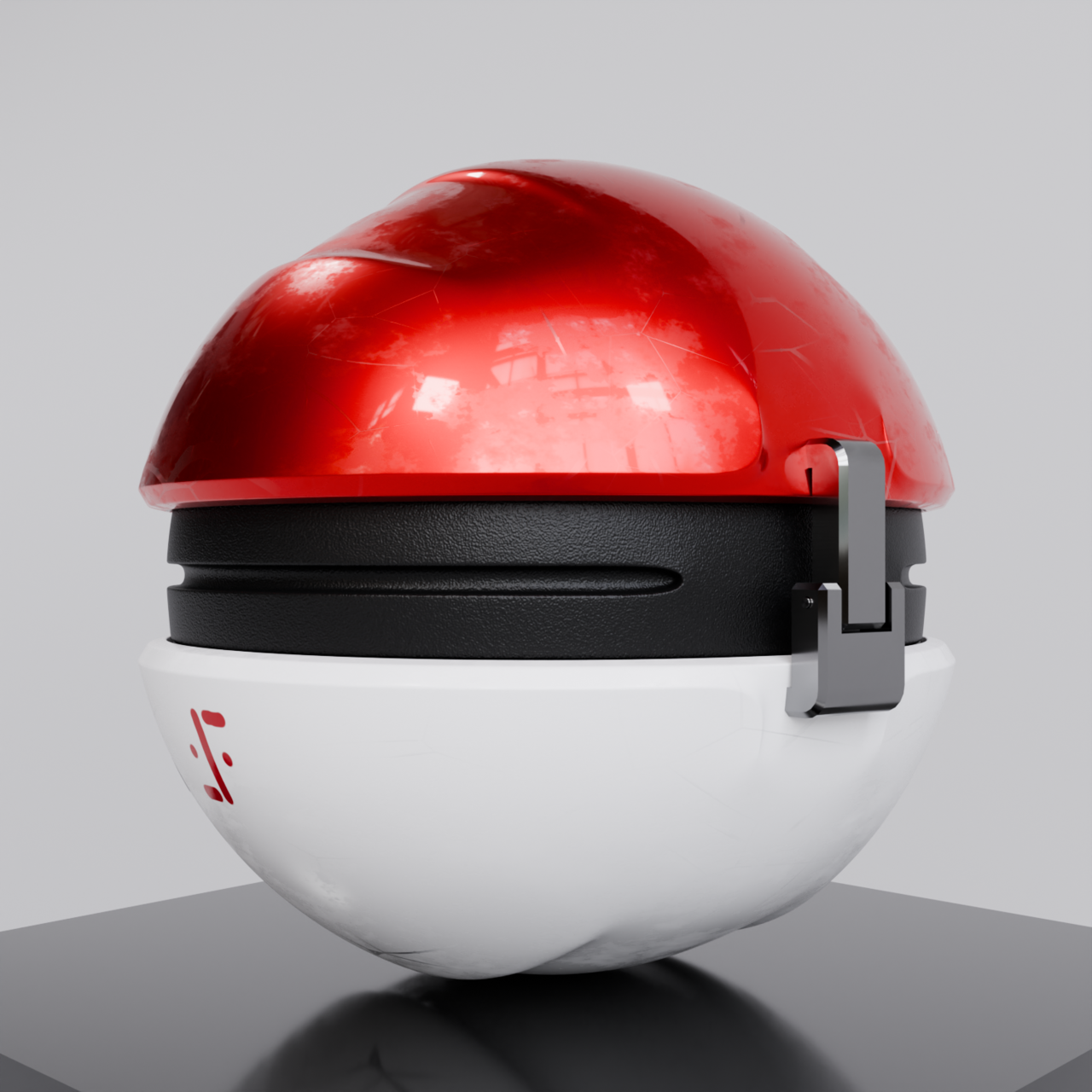
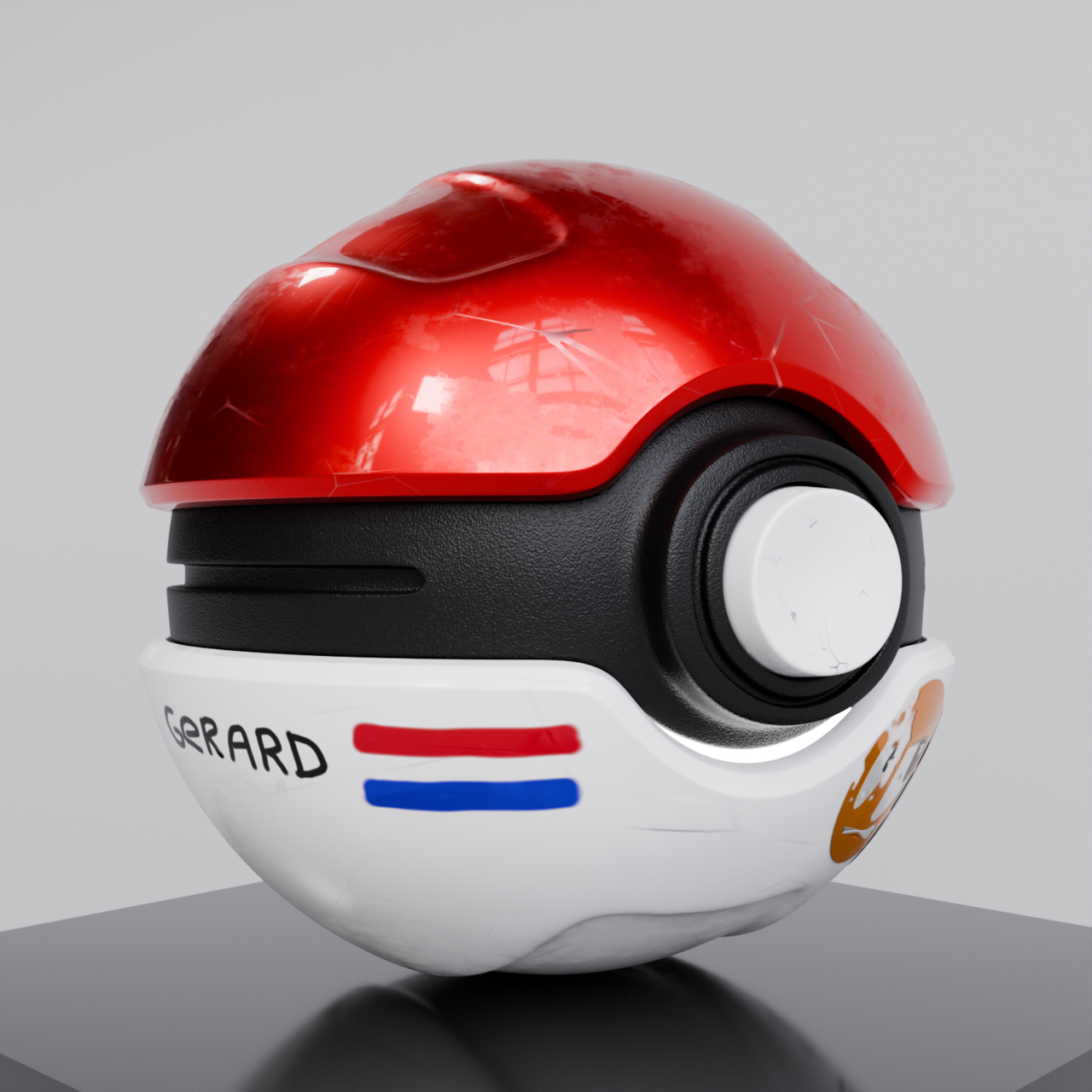
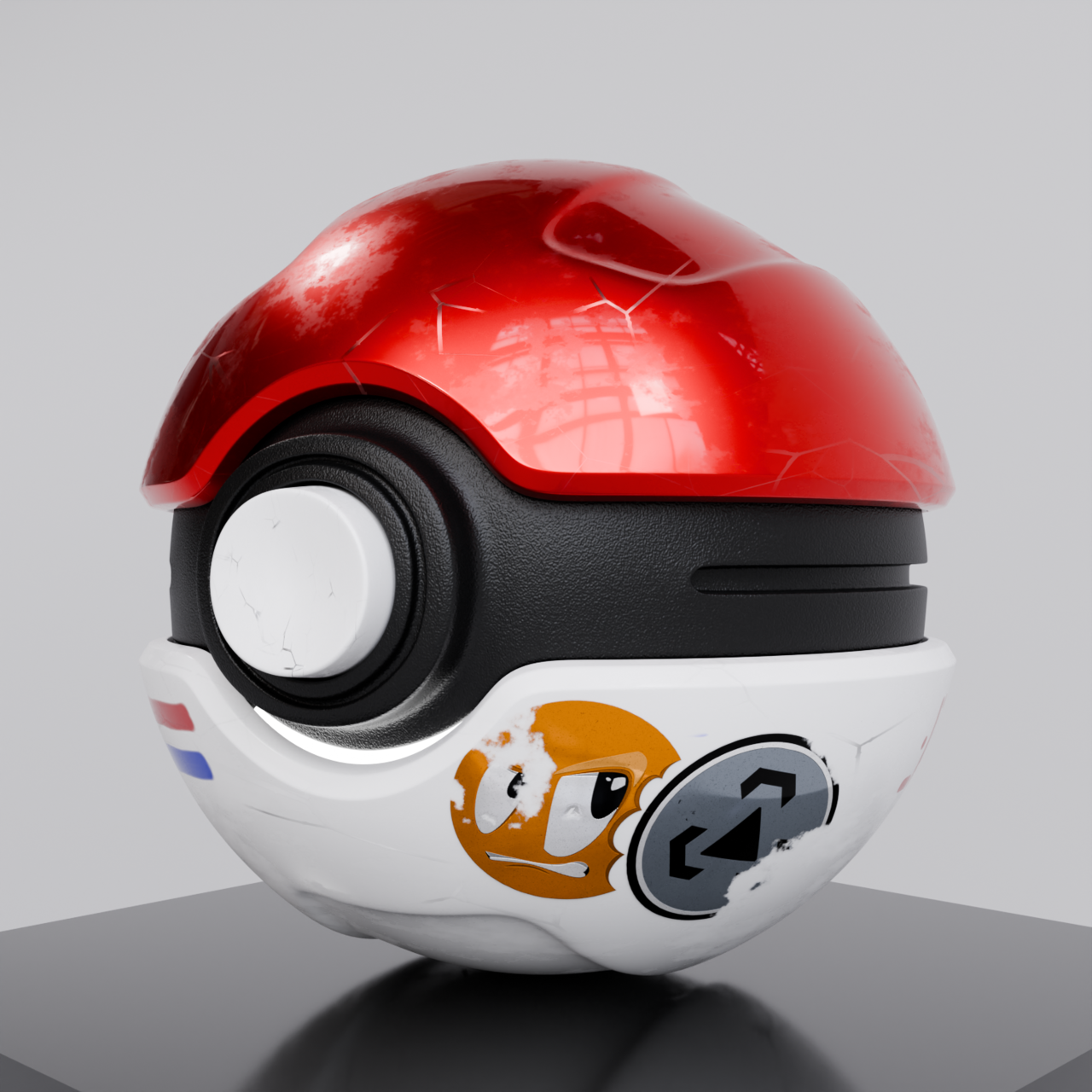
Modelling results of the "CATCH - Creating a Pokéball in Blender" course.

Looking forward to the rigging and animation part.
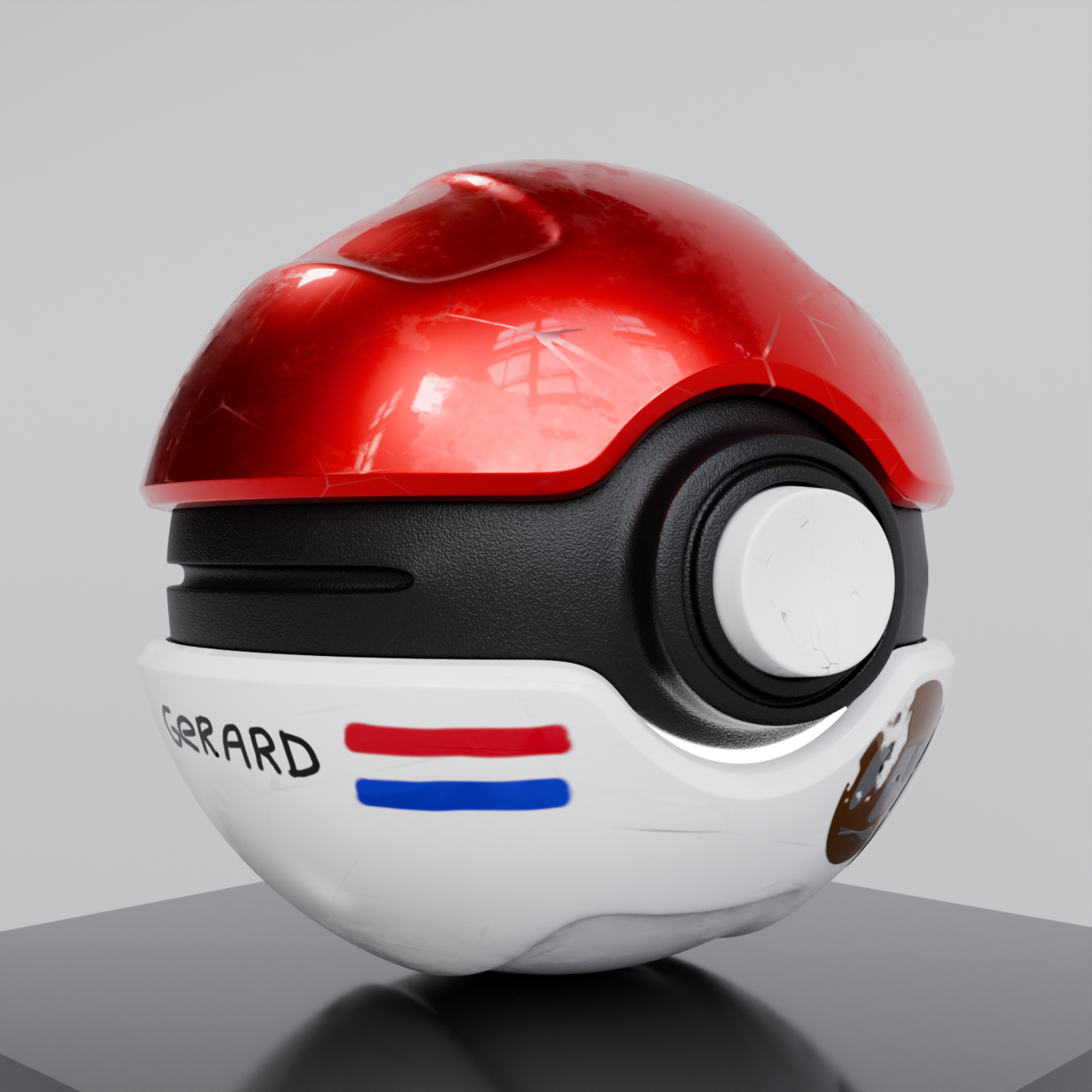
Pokéball 02.png

Pokéball 01.png

Pokéball 03.png

  • Omar Domenech replied

    Dangs Gerard, that is a cool looking realistic Pokeball. I don't know why the stickers always look too dark. Can you point me to that part of the course? It's been a while since I watched it. 

    1 love
  • Martin Bergwerf replied

    Yes, looking pretty great Gerard!

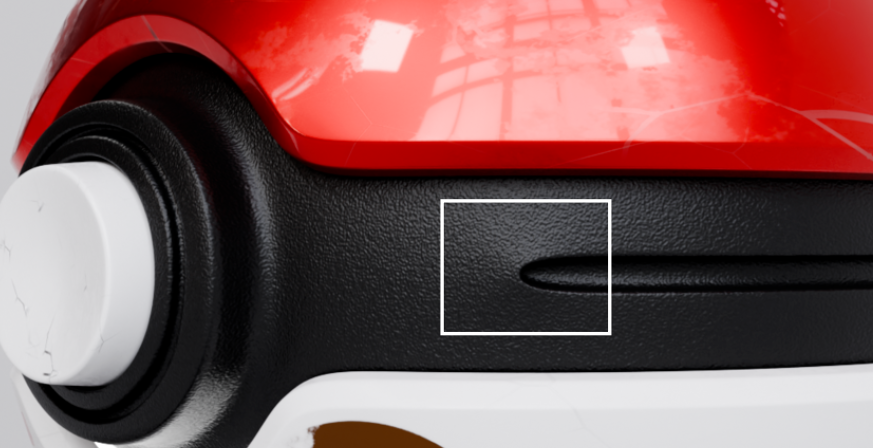
    Apart from the dark stickers (probably some small thing in the Shader that's easy to fix) and this looks not perfect (but still acceptable):

    Pokeball.png


    1 love
  • Gerard van den Brul(gerardjan) replied

    Hi Omar, thanks for the feedback.

    I think it happens at around here: at around 10:25

    CATCH - Creating a Pokéball in Blender -> 4. Chapter 3 - The Beautification -> Adding Decals (1/2) : 10:25

    Adding Decals (1/2) - CG Cookie

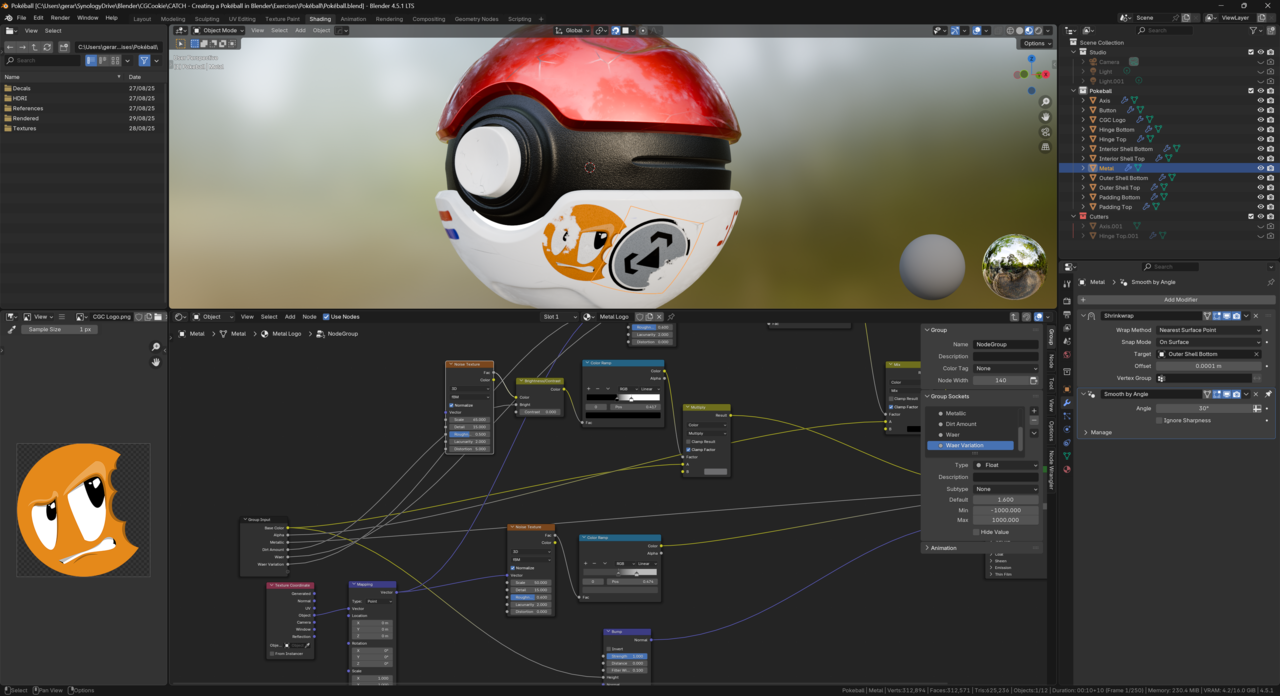
    I fiddled around and I removed the connection between a Mapping and Noise texture node which is responsible for adding the dirt effect. It brings back the colors making the decals more vivid. I am no expert in the shading editor so I am not sure why this happens.

    I also brought down the metallic effect because I also noticed that this had a darkening impact on the decals. 

    With Connection
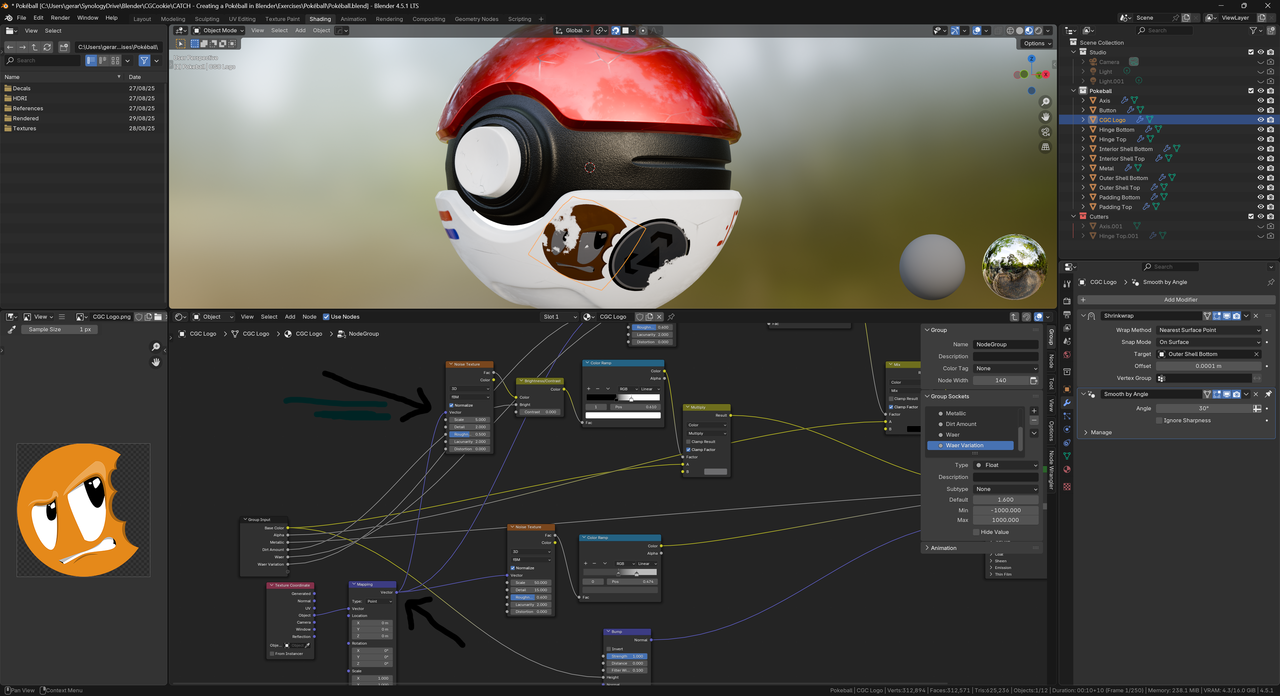
    025-08-29 190529.png

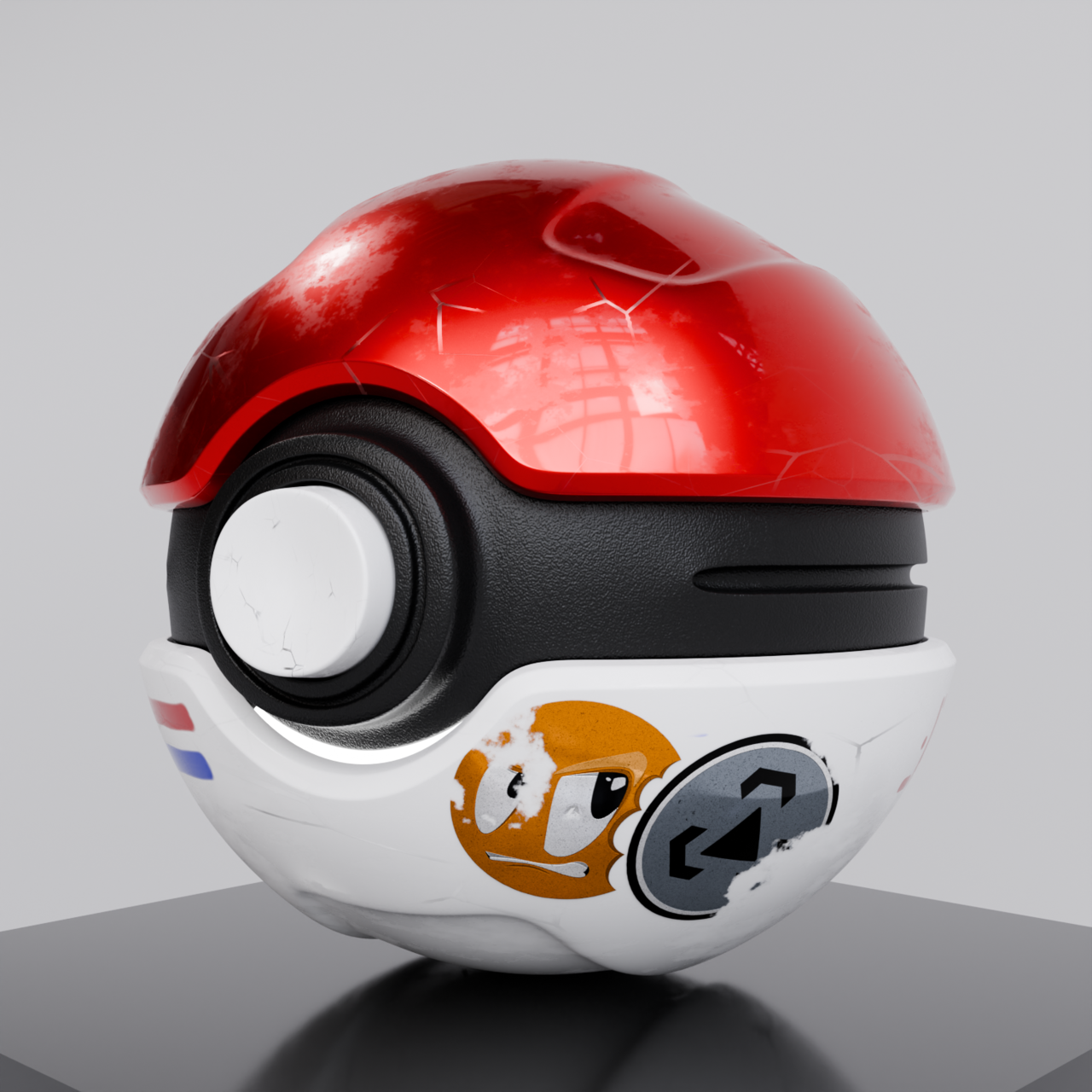
    Connection removed:

    025-08-29 191010.png

    Ball Decals.png

    I think this looks much better.


    • 🤘🏻
  • Gerard van den Brul(gerardjan) replied

    Hi Martin,

    Thanks for the constructive feedback. I will take a closer look at it.

  • Gerard van den Brul(gerardjan) replied

    Final result (For now)

    ll feedback Left.png

    l feedback Right.png

    • 😍Fantastic!
  • Omar Domenech replied

    Awesome. Much much better now with the decals feeling part of the lighting. 

    1 love
  • Martin Bergwerf replied

    That is super awesome! I absolutely love it!

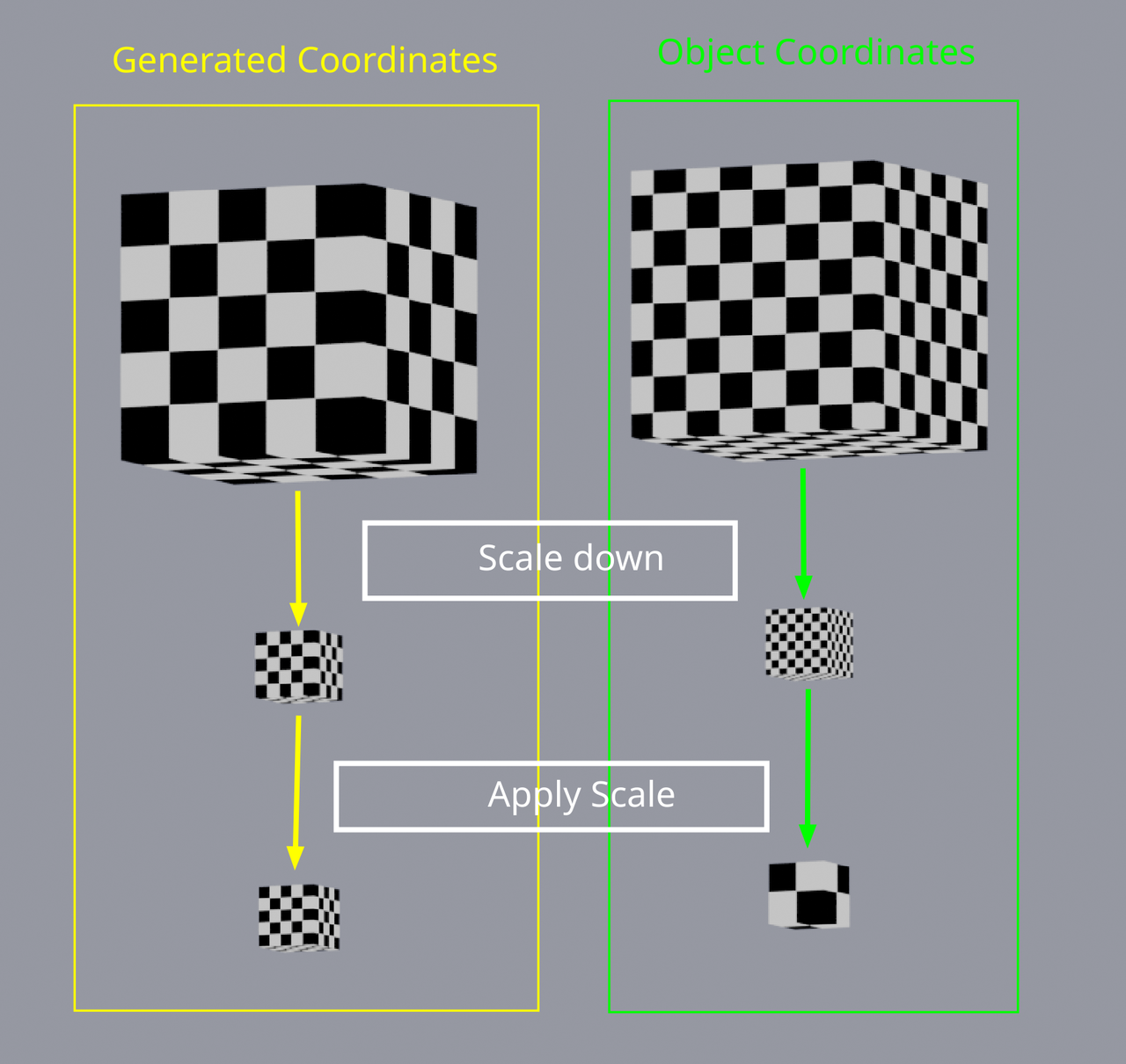
    And here's a schematic, of what happens when you use Object Coordinates vs Generated (default, when nothing is plugged in with Noise Textures):

    Coordinates.png

    1 love
  • Gerard van den Brul(gerardjan) replied

    Hi Martin, nice to hear that you like it. 

    I will take a look at it. Shading with it’s nodes can be very hard to comprehend. Especially when the instructor is plugging very quick. Went to all the courses of Ewa’s Materials and Shading course but that’s also very difficult to follow. 

    Thanks for the explanation!