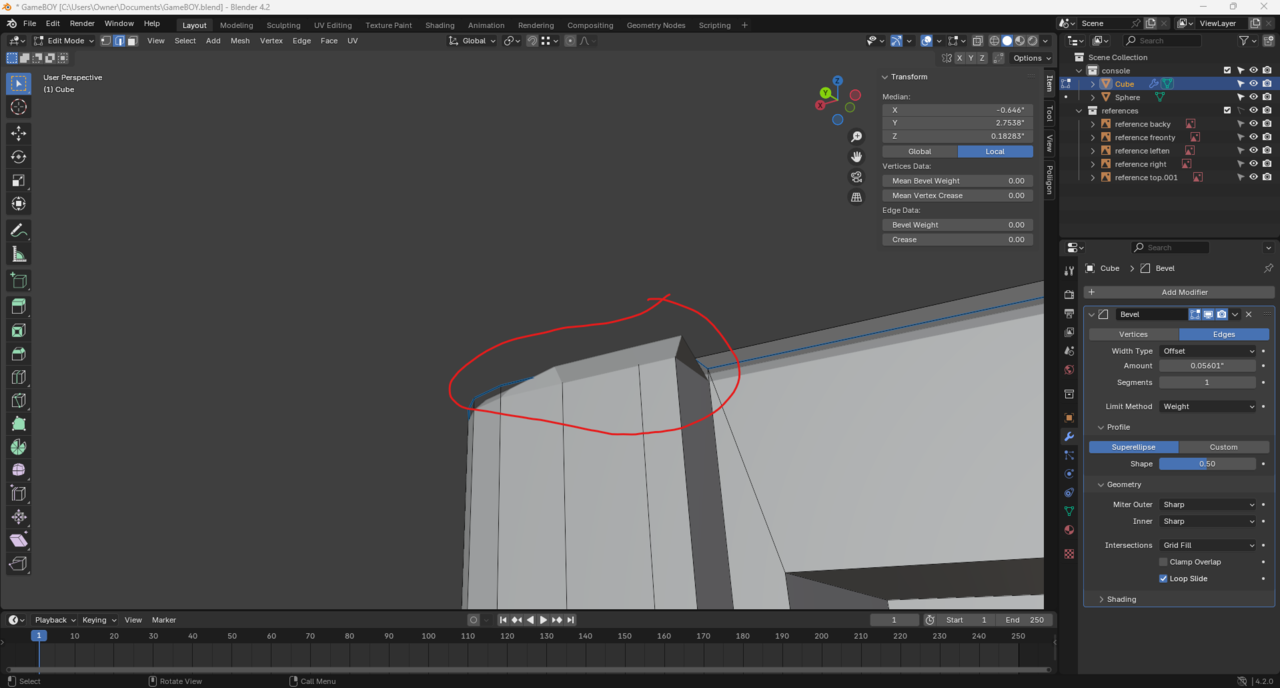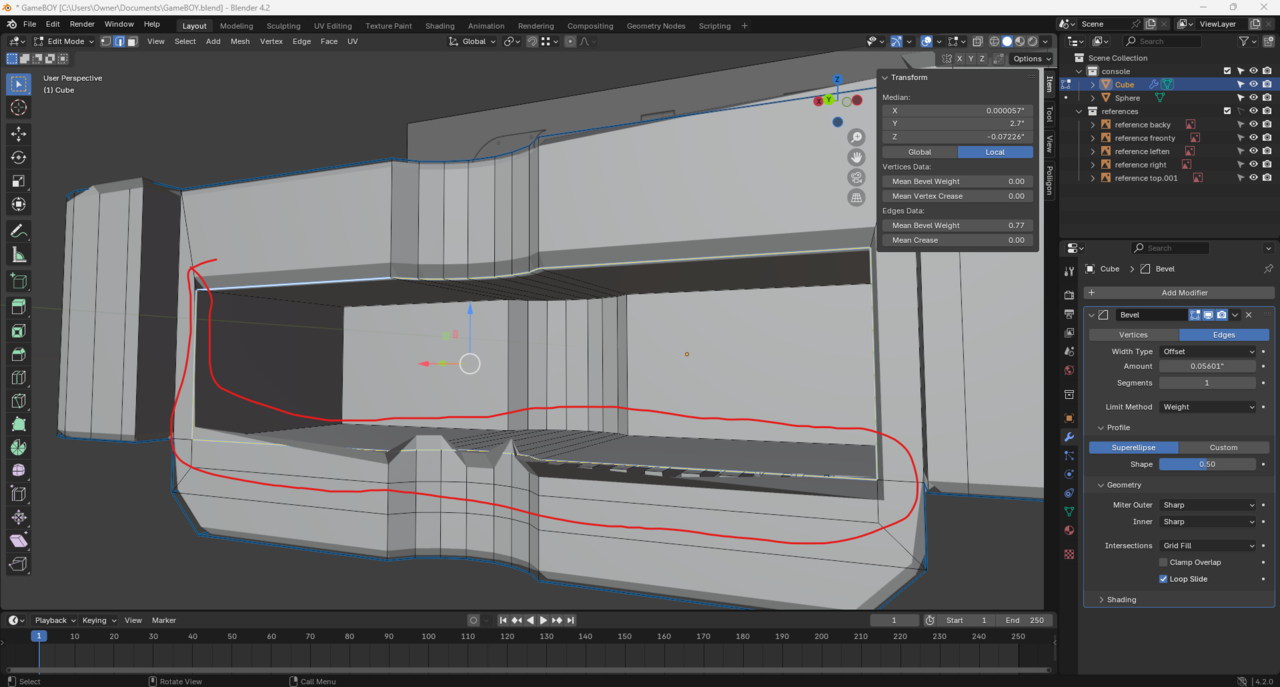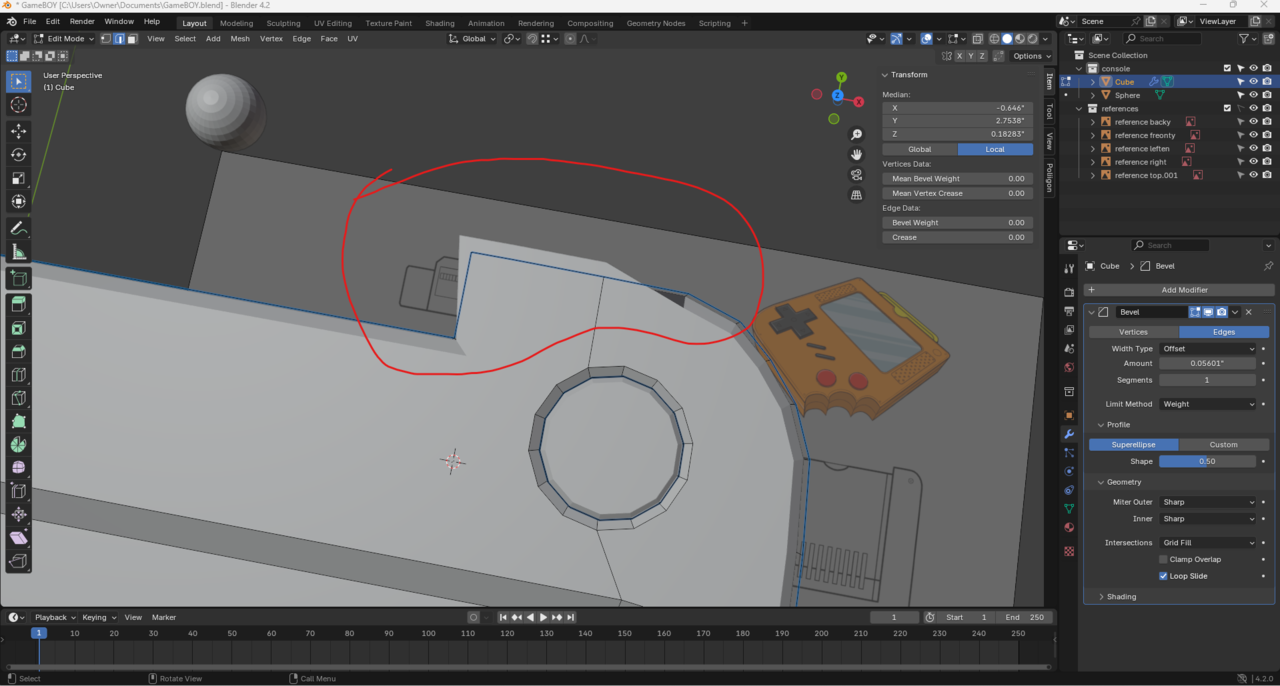
bevel issue

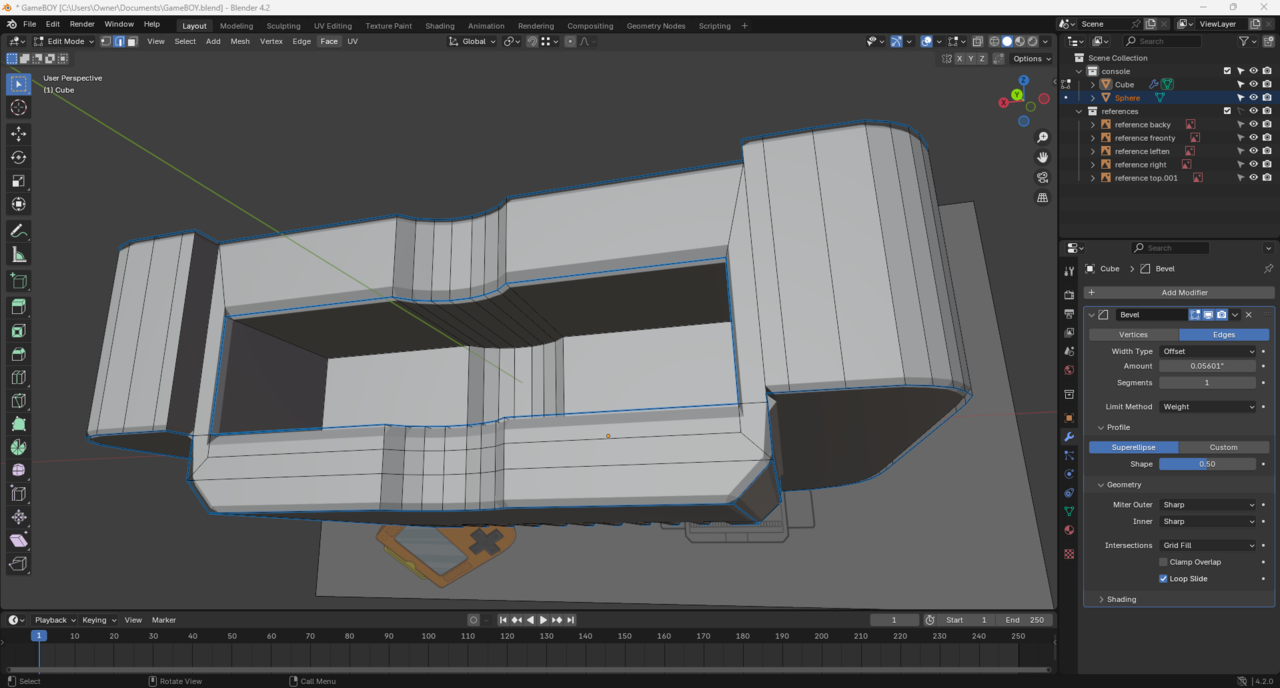
Bevels all wonked up

  • Ford Grimm(Ford) replied

    I tried merge vertices by distance and no luck there


    025-08-20 053839.png025-08-20 054038.png025-08-20 053746.png

  • Martin Bergwerf replied

    Hi Ford,

    That looks like a case of inconsistent Normals to me.

    In Edit Mode, Select everything with A and then SHIFT+N.

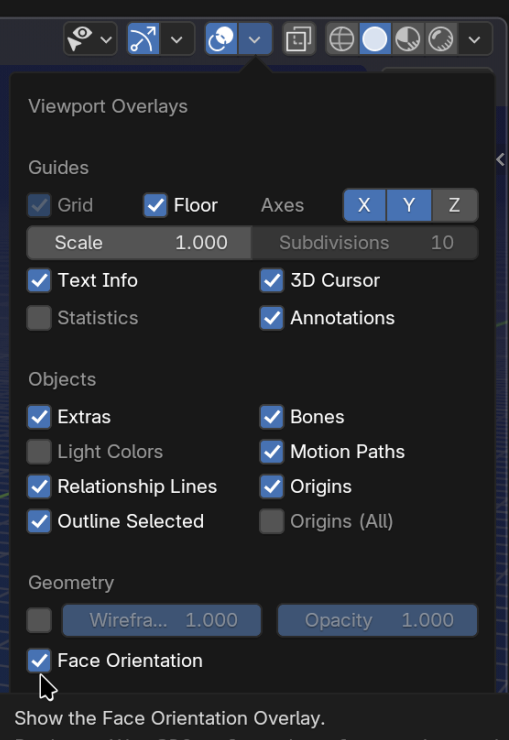
    You can enable Face Orientaion in the Overlays Dropdown, to see  if something's wrong, red is 'bad':

    Face Orientation.png


  • Omar Domenech replied

    Also remember, when modeling if you're not sure what you are doing, errors begin to stack up and things go crazy after a while. So don't be afraid to just start over, most of the time it is easier to start from scratch than to try and clean everything up. It's faster, you gain speed and you being to see where you might have made mistakes and learn to avoid them. 

  • Ford Grimm(Ford) replied

    Thanks Martin! Correcting the normals fixed it instantly!

    Thanks Omar that's a good idea!
    025-08-21 051319.png

    • 🤘🏻
    • 👍