

Sweet trick to measure from the top vertex to the floor! I never used those X,Y,Z buttons on Measure It!
Also learned that it only works towards the origin of the object, so measuring the outlet towards the floor didn't really work. But that can be so helpful! Particularly for models that share the same origin.
On a side note: you can measure distances between objects in Measure It, though it has its quirks.
You must select the vertex you would like to measure it from, then in the other object select the vertex you wish to measure it to. Then select both in object mode and hit the button "Link".
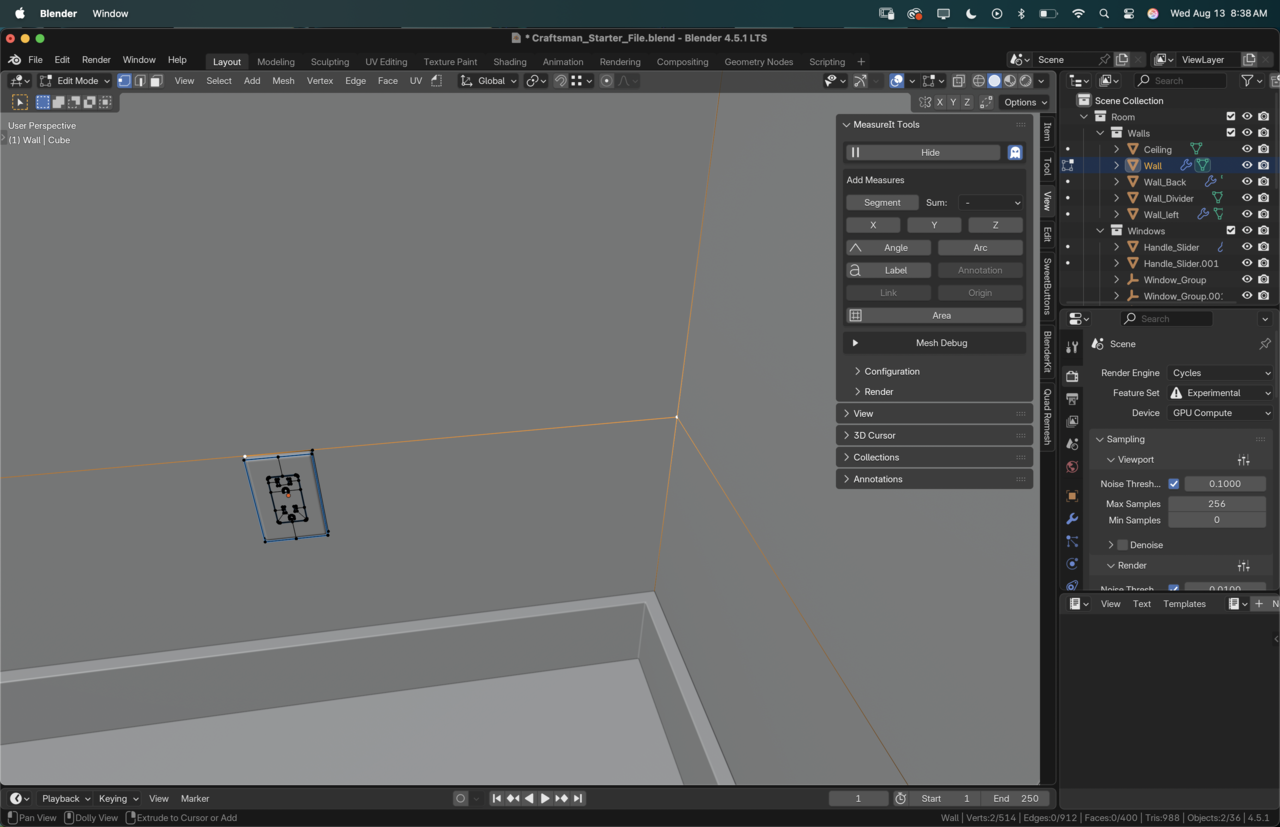
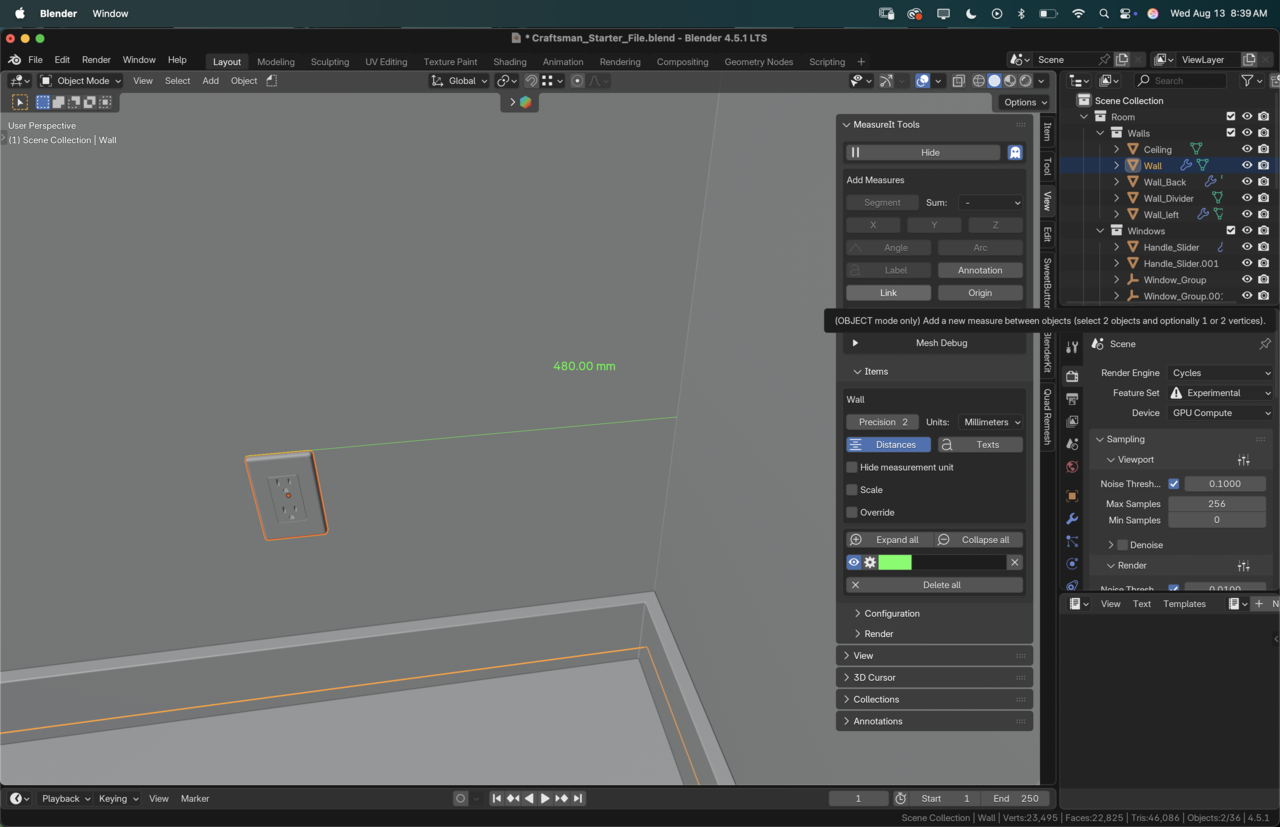
The downside is that if you don't have vertices in the same plane you'll end up with the actual distance, not limited to an axis. It'd be cool if both features were combined! It is handy if you do have vertices that already match and you don't want to add any extra loop cuts to your model.


Ha! True that!!
And measure it is really very easy to use as a free add-on Martin. These are just extra features that can come in handy, but the basic usage is really simple.
The link function is indeed a great tip.
I do advise caution with it though, because of the exact quirk you already pointed out with vertices not being on the same plane. I remember vaguely running into some funkiness with it once, but I can't remember where or what exactly.
This would definitely something to doube-check on site.
Yeah, that is the bummer. The workaround would be always cutting more loops, which is a different bummer. But between more loops, the link function, and the good ole default cube methods, we're bound to have at least one method that works for every scenario.
