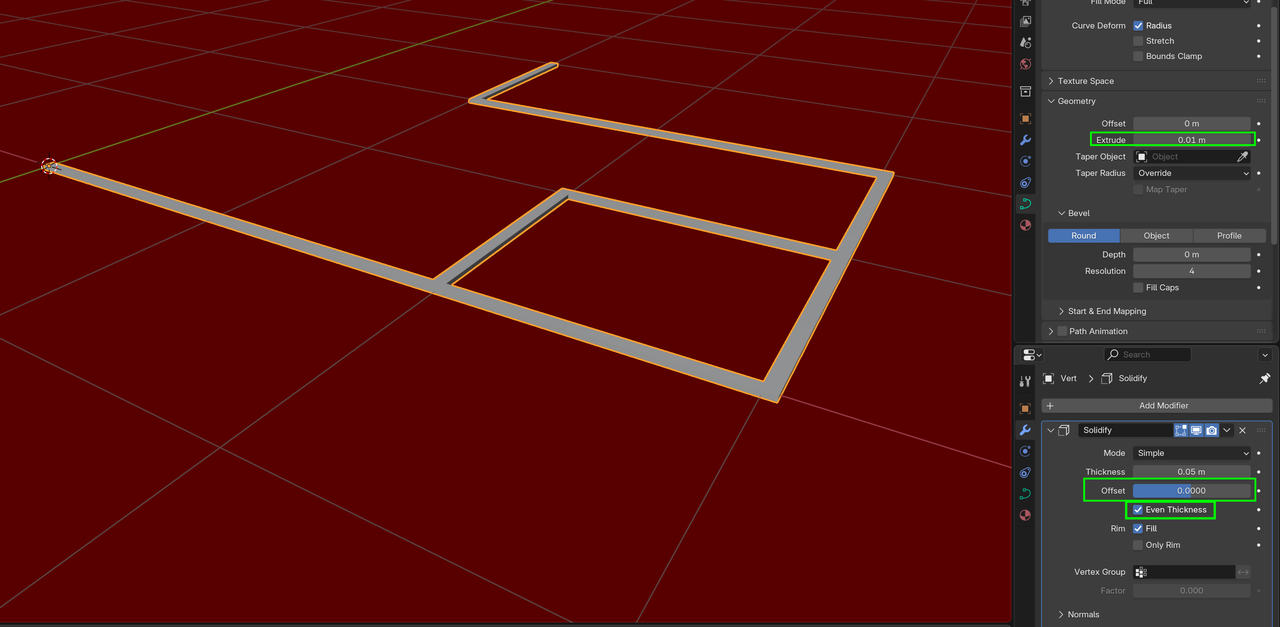
Hello, i am trying to make a 3D metro map and for the thinner line network i decided to use curves and give them width. but they always seem to turn out uneven. i tried
removing depth->convert to mesh->merge by distance->convert to curve but it always reapears at random places

Hi RRigel864 ,
A simple way, would be to use Geometry Nodes:
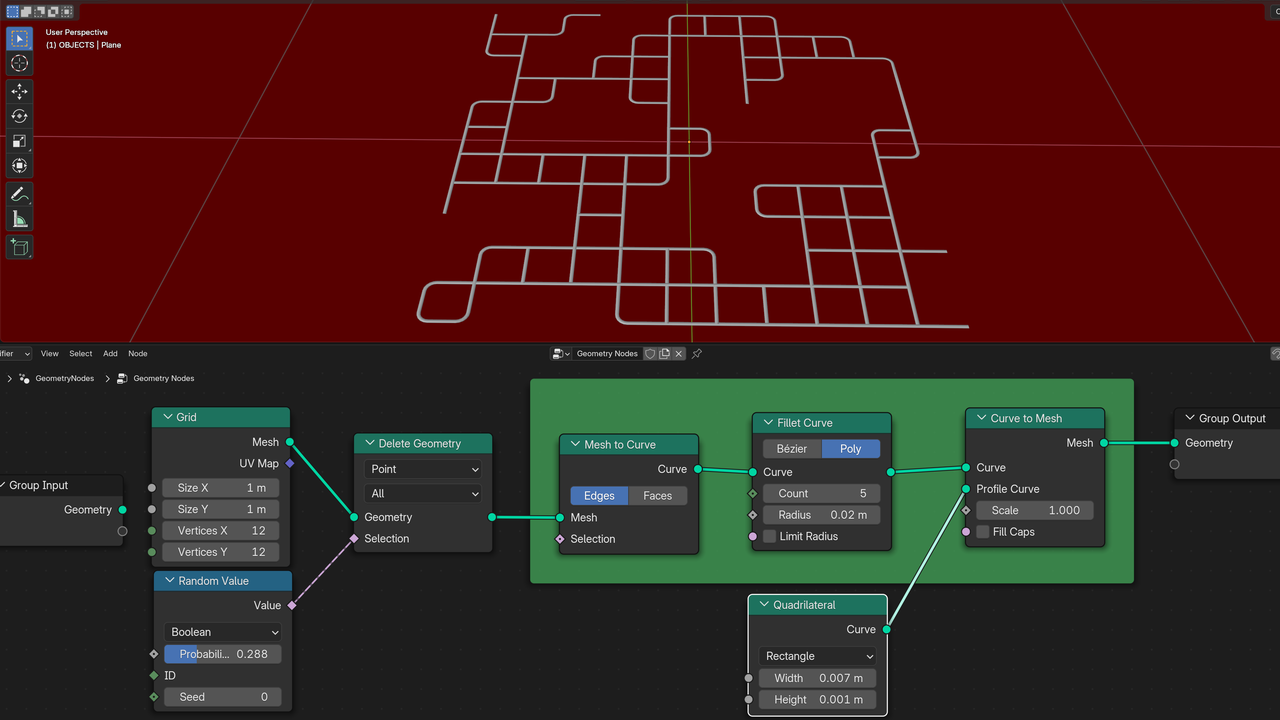
Those 3 Nodes in the green Frame are the main ones.

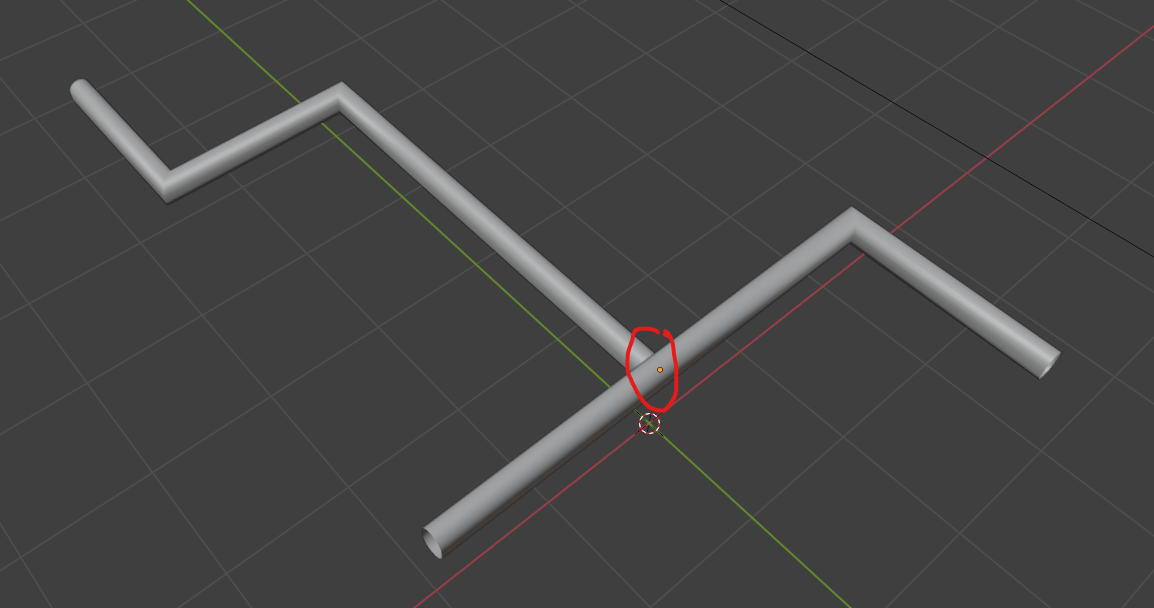
Also they seem uneven because you're trying to merge them at the turning points where they deform because of the 90 degree angle. Where there is a turn, I try not to crash them there and instead use another curve:
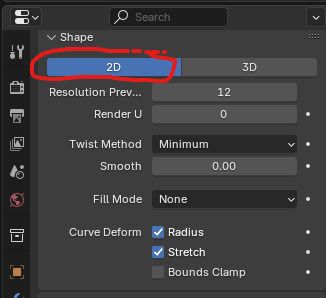
And changing them from 3D to 2D helps with the deformation: