

Hi Aviv, yes, there is a workaround: use Blender 3.0.
It might be a matter of a few lines, that nedd changing, but the Blender API has changes between each Blender Version and from 3.0 to 4.2 (and why not 4.5, the latest LTS ?) is quite a stretch.
Someone else here might know what exactly to change, to make the 3.0 Script work in 4.2.
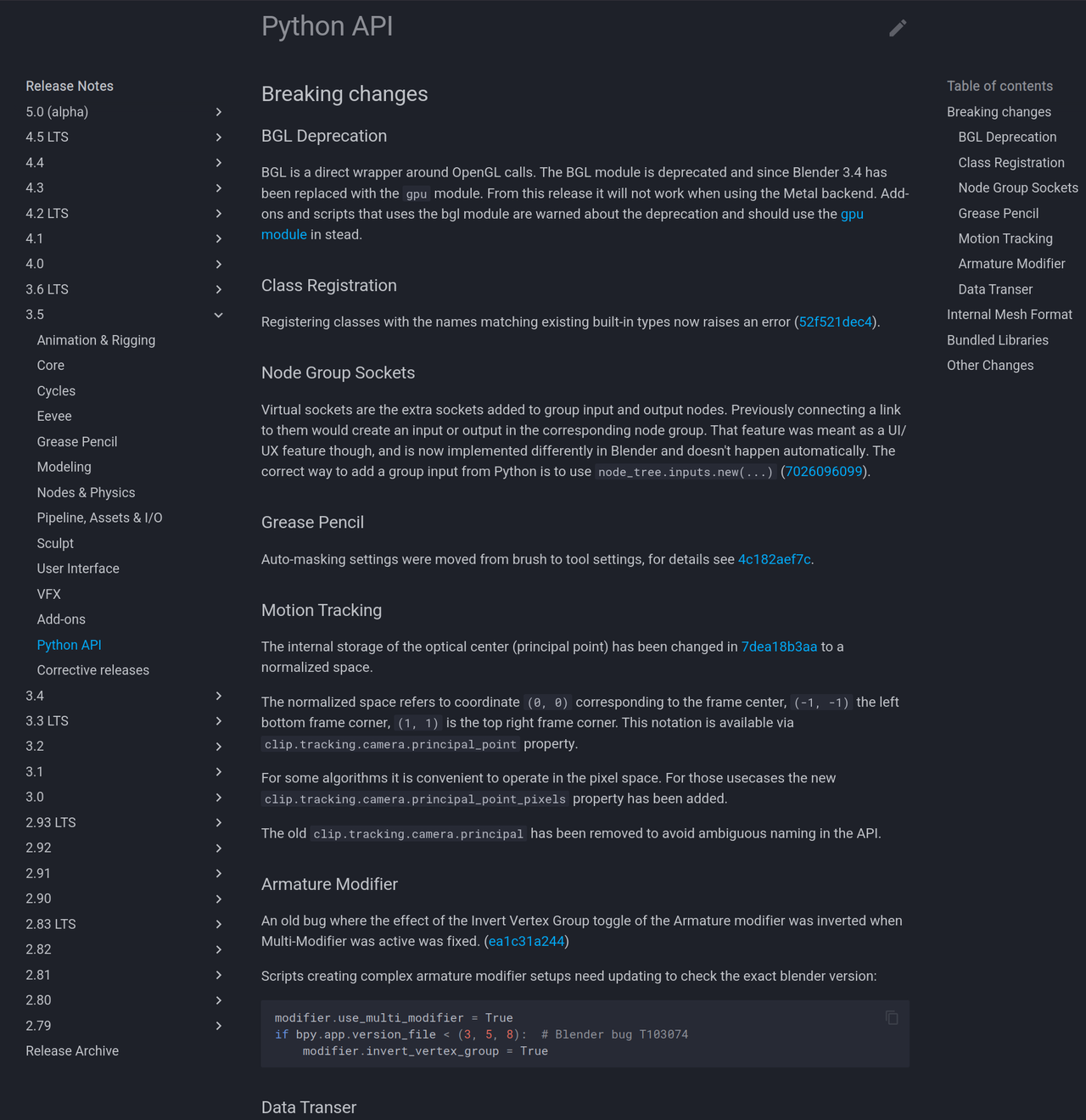
And if you go to: https://developer.blender.org/docs/release_notes/
You can see what has changed in each Version, so also in the Python API:

The scripts in that video is for bone layers.
Bone layers were replaced with Bone Collections in 4.0+
Script would need to be rewritten from scratch.

Bone layers have been replaced with bone collections. I believe Wayne has a 4.x script for this. If not I can do it when I get home from work in about 4 hours.

Hi Aviv,
Here's how you can fix this. Why am I making you fix this??
So you can learn more.
You know what they say, "teach a man to fish.....and he'll become a vegan"
or something like that.
Ok in the text editor find the section underneath where it says "def draw(self, context):" on line 21.

The following link is an updated Tidy script. It's not done efficiently. You will need to be in pose mode when you run it. Also It leaves the bones in any bone collection that they are already assigned to. It took me longer than I thought to figure out how to assign a bone to a bone collection. I see Wayne already covered the UI script.
https://drive.google.com/file/d/1UHChZ-j1SrMxkqeqnqyLW3hiAunTT5nf/view?usp=sharing
I've updated the Tidy script so it will switch to pose mode and actually move the bones instead of just assigning it to the collection. I've also made it more efficient(I hope). It is the rig_tidey_bone_layers4.0.py.
https://drive.google.com/drive/folders/1vVy5_HLU6bodWIKrSod6nbtKbnS4vRcf?usp=drive_link
For those who just want to see the code without having to download:
import bpy
# Get active object
rig = bpy.context.active_object
#Check to make sure it's an armature.
if rig and rig.type == "ARMATURE":
    #Switch to pose mode
    bpy.ops.object.mode_set(mode='POSE')
    #Set array for Collection name and Bone name search
    Type = ["DEF","MCH"]
    #Loop thru Type. First is DEF then MCH.
    for TName in Type:
        if TName == "DEF":
            Deform = True
        else:
            Deform = False
        #Get collection
        tcol = rig.data.collections.get(TName)
        #If collection doesn't exist then create it
        if not tcol:
            tcol = rig.data.collections.new(TName)
        #Add dash to the Type for searching.
        TN = TName+"-"
        #loop thru all bones
        for bone in rig.pose.bones:
            #Make sure bone isn't selected
            bone.bone.select = False
            #Check if bone name contains the search type. DEF- or MCH-
            if bone.name.startswith(TN):
                bone.bone.select = True
                bone.bone.use_deform = Deform
                bone.lock_location = [True, True, True]
                bone.lock_scale = [True, True, True]
                bone.lock_rotation = [True, True, True]
                if bone.rotation_mode in ['AXIS_ANGLE','QUATERNION']:
                    bone.lock_rotation_w = True
        #Moves all selected bones in pose mode to the collection.
        bpy.ops.armature.move_to_collection(collection_index=tcol.index)