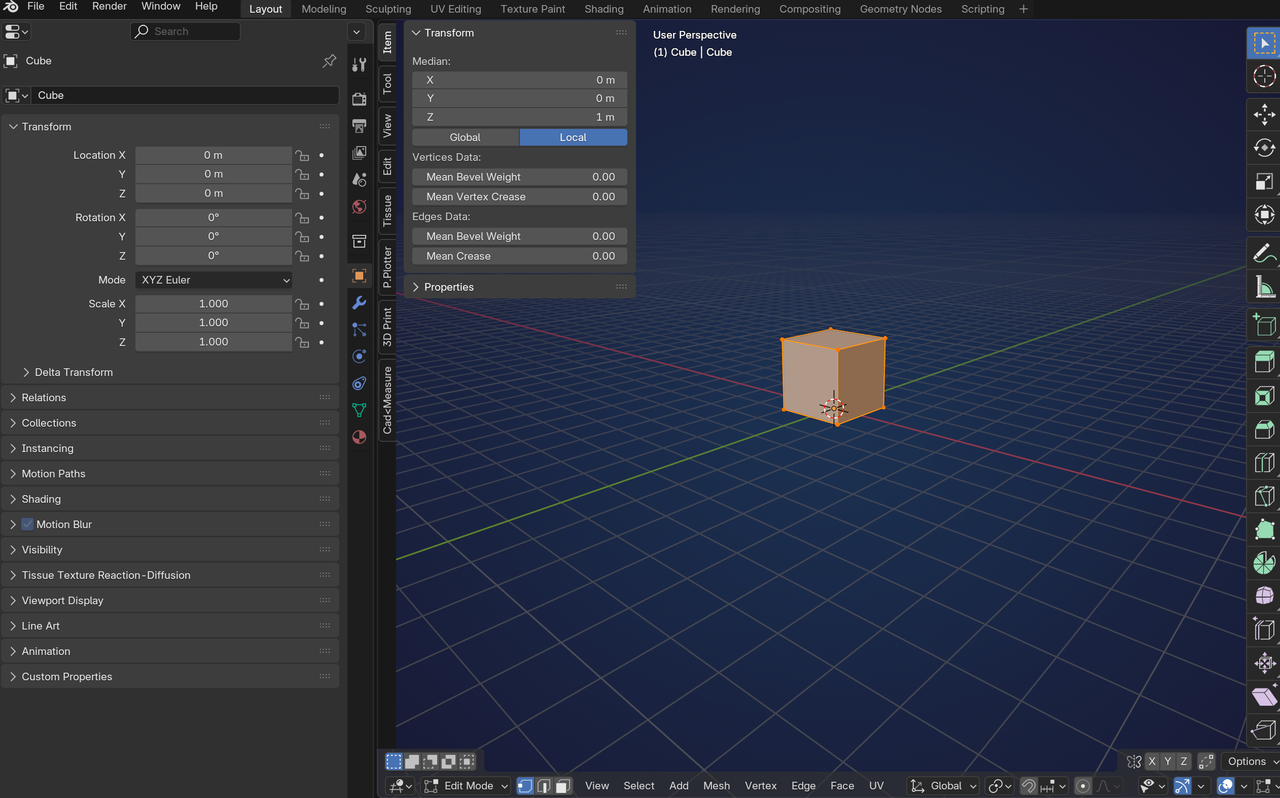
Is there a way to get the brushes to the left side of the 3D viewport (4.0) rather than at the bottom (4.4)? My initial complaint with this is not seeing the names until you hover over the brush. I've since figured out how to get the names to show, but it's still inconvenient. Good lord... if it ain't broke, don't try to fix it. They could put the tool bar stuff they currently have on the left, toward the bottom where the brushes are - in my opinion.
Okay, I think I'm done complaining (the CENSORED version)... for now.

HI Scott pffsfs ,
Well, it is just an Editor Window, so yes, you can place it wherever you want.
In the latest Version (Blender 4.5 LTS), you also have some more Options on how they are displayed:
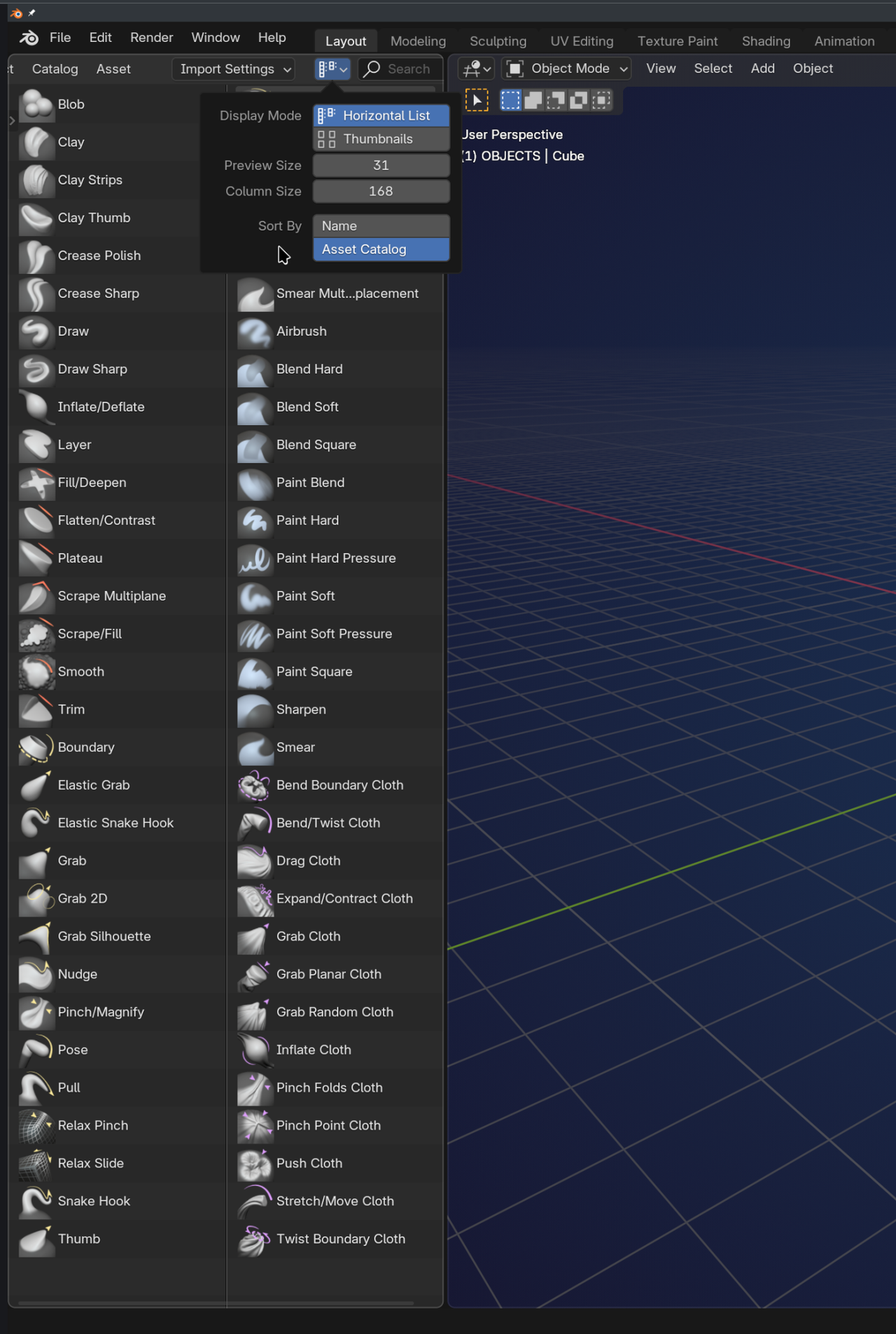
Btw. you cannot put the Toolbar on the bottom; you can swap left/right (Toolbar and N-Panel) and top/bottom (Header/Footer) in a Window, but not left/bottom, or so.

I don't know if this helps or not, but the brushes at the bottom is because they aren't just tools now. They are assets and currently the asset bar is only at the bottom. My understanding is that the reason for it being at the bottom makes it easier to expand and is also easier to navigate for drawing tablets. Side note: the asset bar was tested and used with pose library first. It start off in the n-panel and eventually end up where it is now. If you want to suggest changing it to the side again you can do a mock-up image of how you feel it would work best then post the image along with your reasoning at the following link. You may want to check first if someone else has already posted that and if they did then up vote it. The developers view this and make decisions based on the communities feed back. For example the navigation gizmo use to go across the top, but the majority voted for down the side where it's at now.