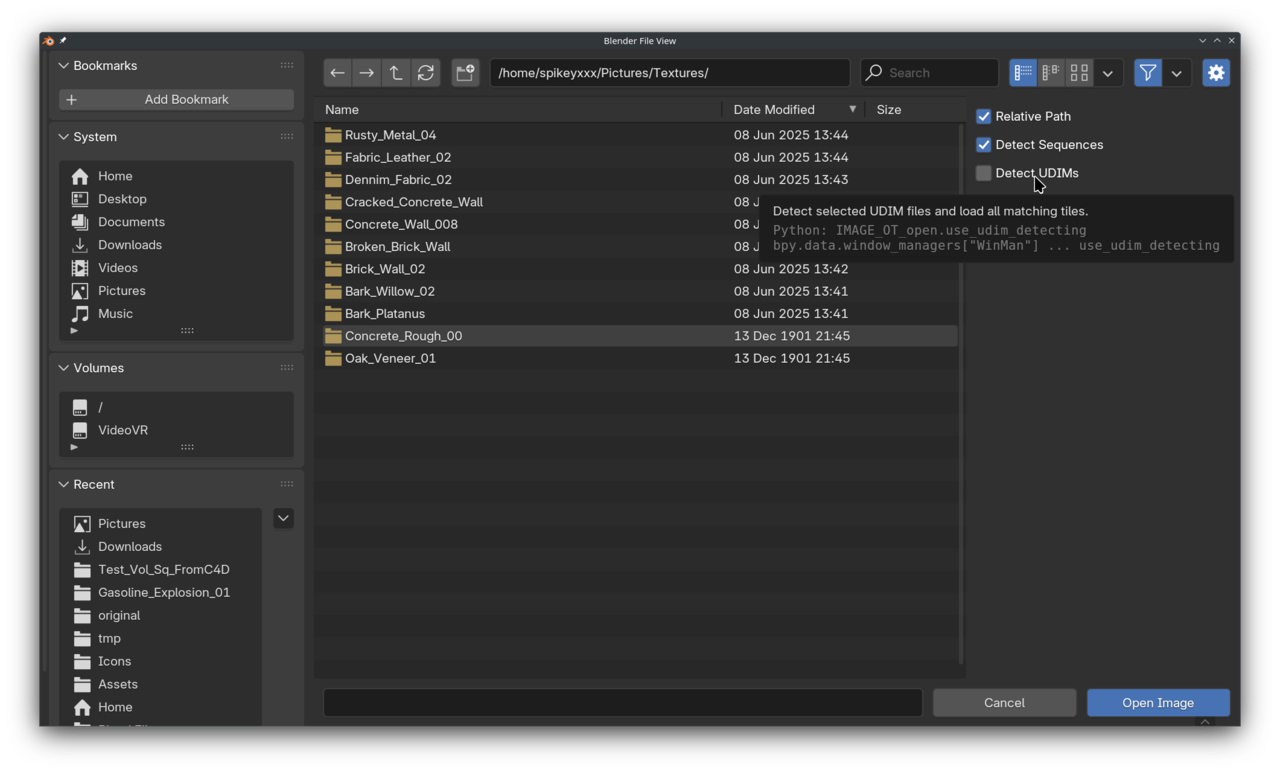
I downloaded and image to use as a texture tile.
I started on a primitive default cube, marked seams, created a UV map, and then immediately "opened" an image in the UV editor, the selected texture I downloaded. Then nothing shows up. No texture anywhere. Why is blender lying? What else could I possibly do? This is the simplest possible situation to apply a UV texture, I tried using ctrl+T in the shader editor too, same problem, blender is lying and showing a purple "missing link" color when nothing is missing!
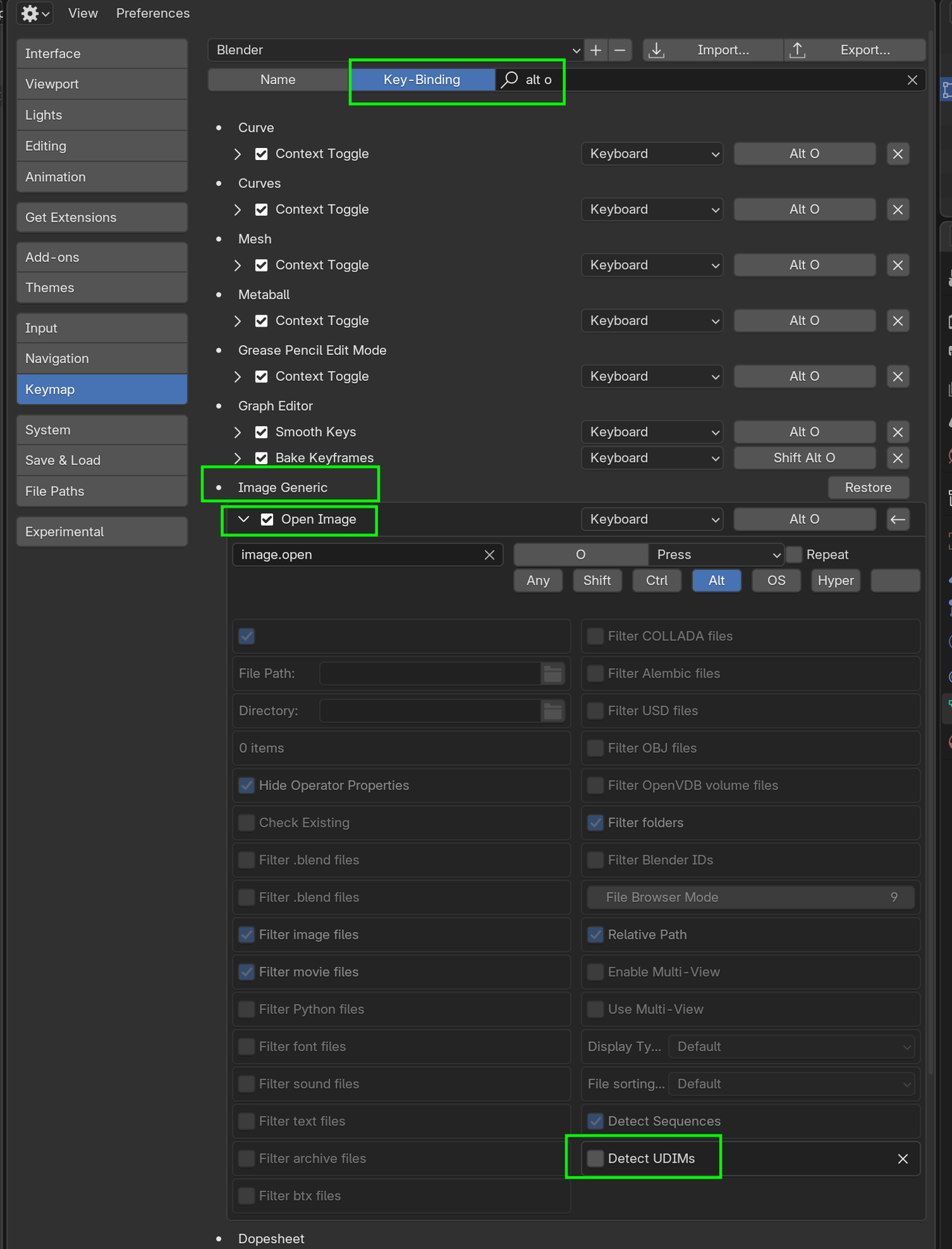
Problem solved, blender was lying because blender *inserted special characters* in the file name, which I ****did not**** put there, blender literally arbitrarily chose to insert characters into my file name, literally, which then broke the link because it contained special characters that cannot be processed as a file name. What the hell? The problem went away after I renamed the file myself, otherwise it inserted "<UDIM>" for literally no reason at all.
Yeah, that's literally what happened. The file I downloaded did not contain the characters "<UDIM>". But when I checked the file name IN Blender, suddenly those characters appeared in the texture's name only in blender, unasked for. Blender somehow modified the name in a way I never asked for.

Hi Sid,
I've seen that before, that has somethong to do with your naming. If you have an image called something.1001.png, Blender interprets that as a Tiled UDIM Image
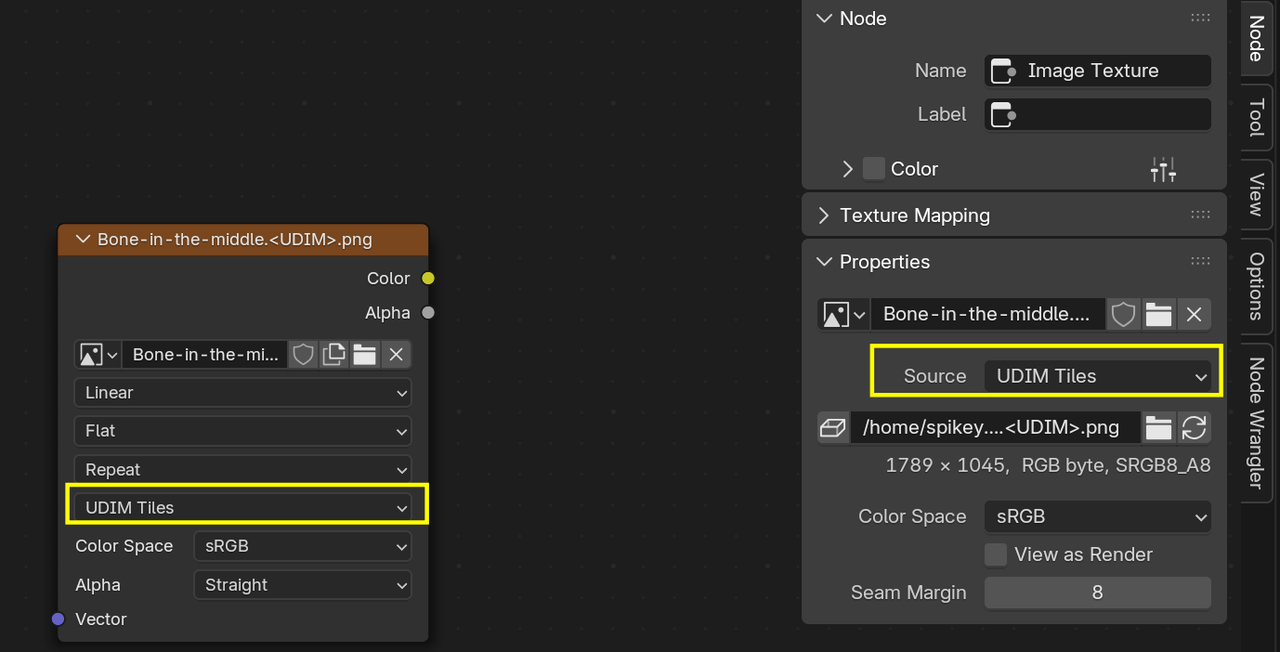
According to the Manual, if an Image file name ends in.xxx. png (or jpeg, or...) it will be considered a UDIM.
Wow I never realized that, thanks for finding this fix!