
My plan is to sculpt snake scales onto a cylinder and then bake the details into that cylinder so animations I use run smoothly.
But, there's a catch: in order to do this, I'd have to sculpt each and every scale manually, but that defeats the purpose of blender being blender! Snakes have several different types of scales: top and bottom head scales, and then separate top and bottom body scales.
Is there a way I can copy and paste a cylindrical projection of scale patterns further down the cylinder of a mesh I'm sculpting? This is like using a texture brush, but instead of a brush, it wraps around the entire cylinder.
Is that possible? How else do I repeat a detailed pattern I made?

There are several Settings for Tiling, but there is also this:
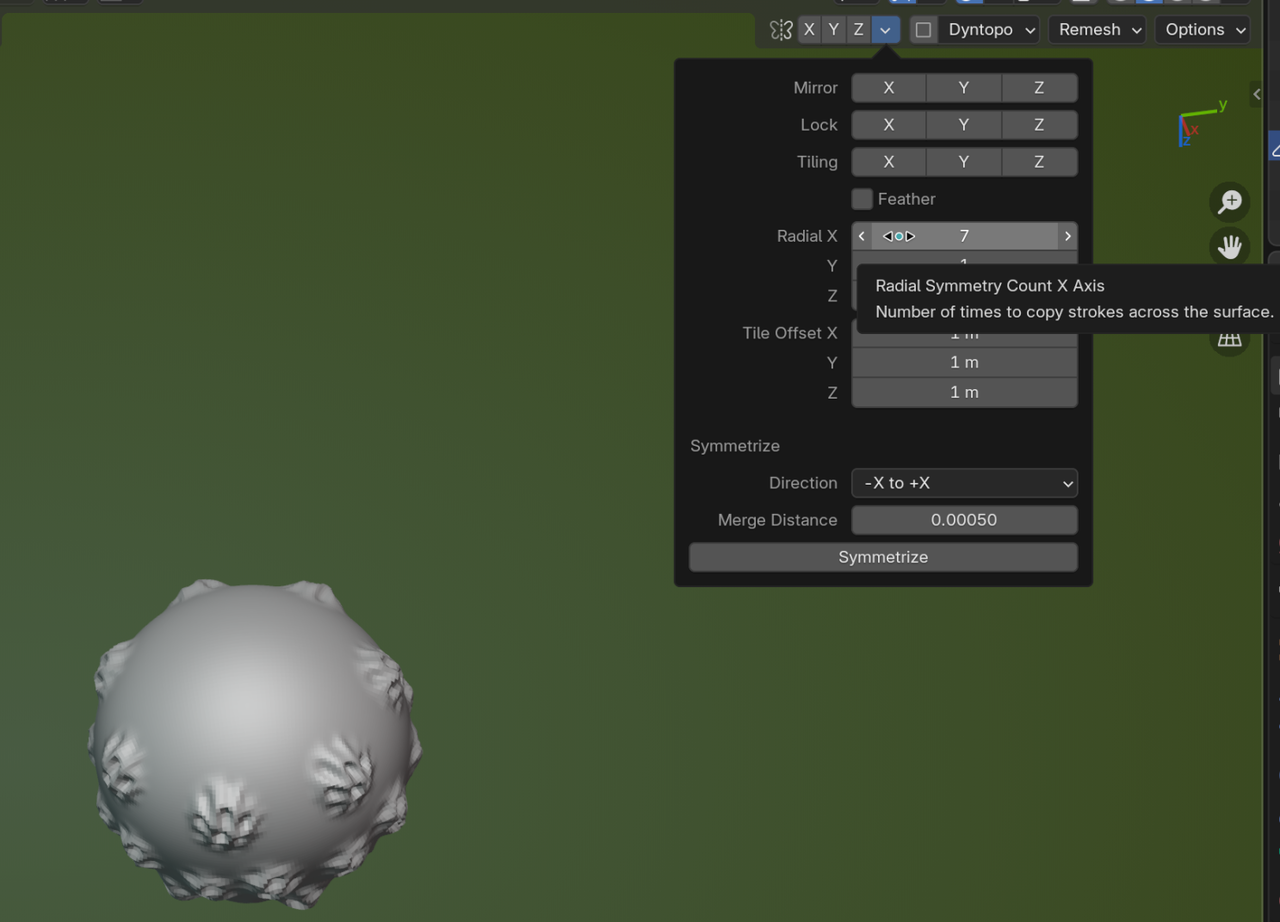
I recommend you watch the Fundamentals of Sculpting: https://cgcookie.com/courses/core-fundamentals-of-digital-sculpting-blender

It depends on how detailed you want to get. You can use sculpting, but you can also use instancing. Either default or thru geometry nodes. Basically you model out a scale then use instancing to place a scale at every vertex on your cylinder/mesh. Another option is to use particle system.
Basic instancing: select scale then shift+select mesh. Ctrl+p->object. Then select mesh, in properties editor in the object tab under instancing change from none to vertex.