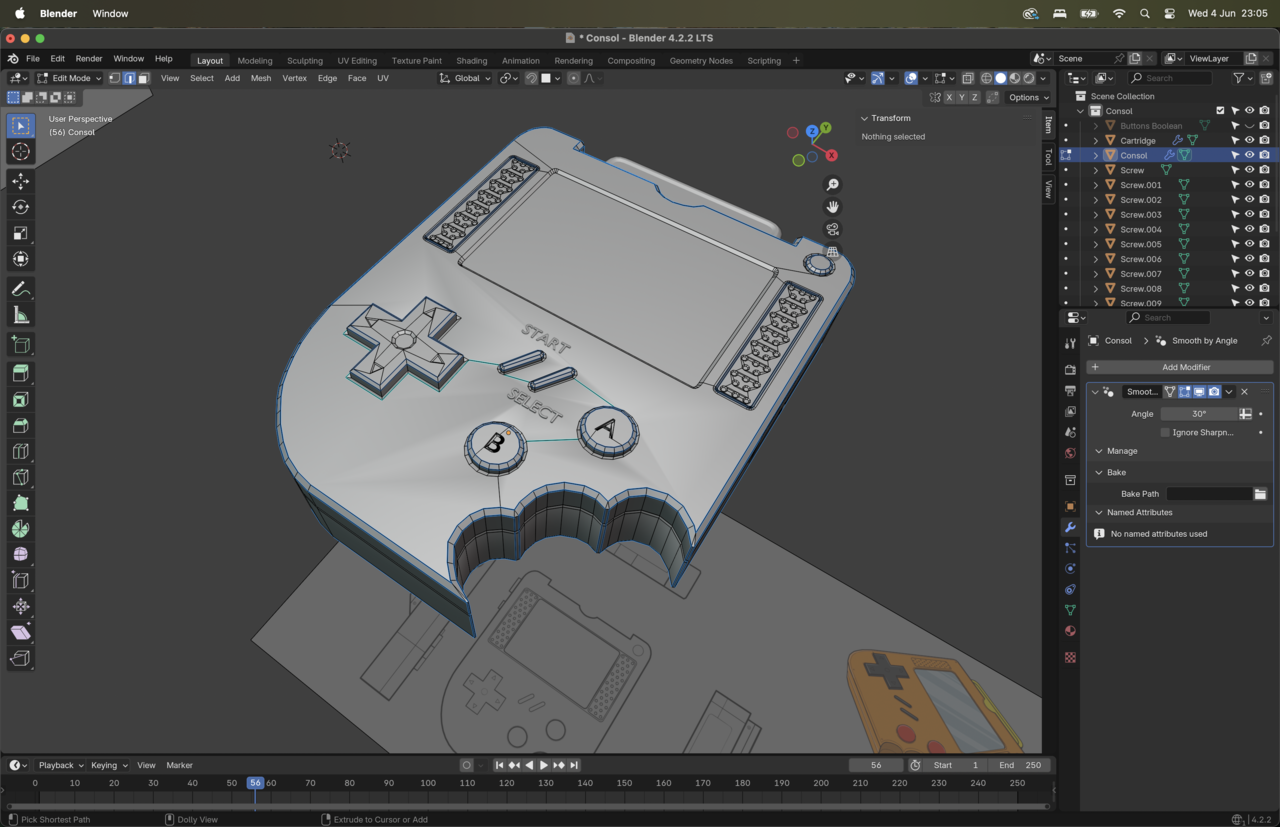
hello guy's - smooth shade issue

I recalculate the outside, and I also sharpen some edges but this area remain a total mystery for me.

if you have an idea I am all here, and first of all thank you for you time =)

1 love
Reply
  • rachid yous(gecko) replied

    6-04 at 23.03.16.png

    1 love
  • rachid yous(gecko) replied

    6-04 at 23.05.23.png

    1 love
  • Martin Bergwerf replied

    Hi Rachid,

    You are not the first person to run into this.

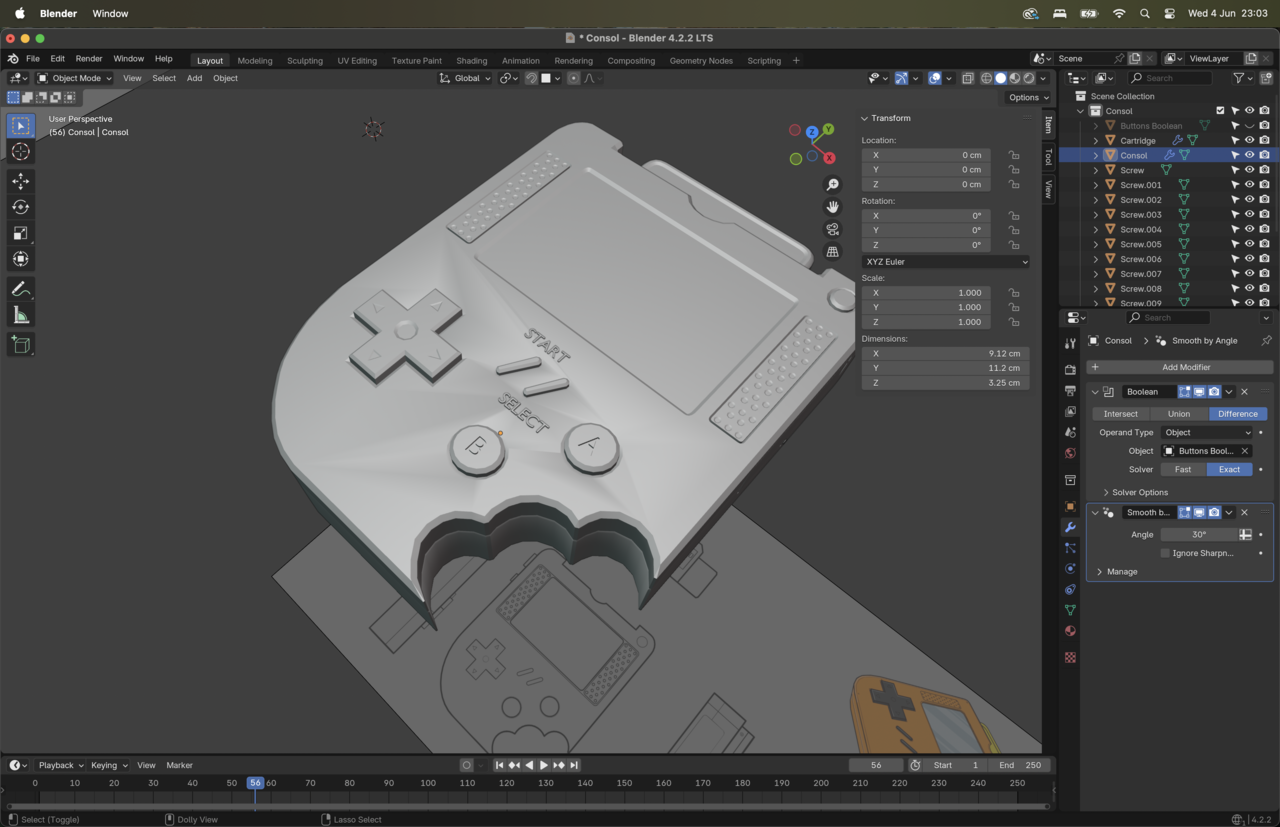
    There are a few ways to fix this; lowering the Angle in the Smooth By Angle Modifier, 'deepening the insets around the buttons, or Shade the top Faces Flat.

    Have a look at some of the other posts, like this one: https://cgcookie.com/community/20931-triangles-on-surfaces-after-auto-smooth 

    1 love
  • Omar Domenech replied

    One of the main ones that tend to help is cutting the Ngon smaller on that main face, so connecting from vertex to vertex with J to make a cut. Also checking your faces are totally straight on the Z axis, so selecting all the faces and S then Z then 0. 

    2 loves