Hey,
I can't figure this out. I tried a couple of things, checked everything multiple times, but I keep getting this issue.
Everything bakes fine, except the objects we modeled from the curves (chain hooks, and chain link).
I tried converting the high poly version to a mesh, because I did not trust the automatic convert during export, but that didn't help either.
1. Naming, check
2. Origins, check
3. UVs, check
4. High/Low -poly, vertex distance, check (they should be close enough)
5. Face orientation, check
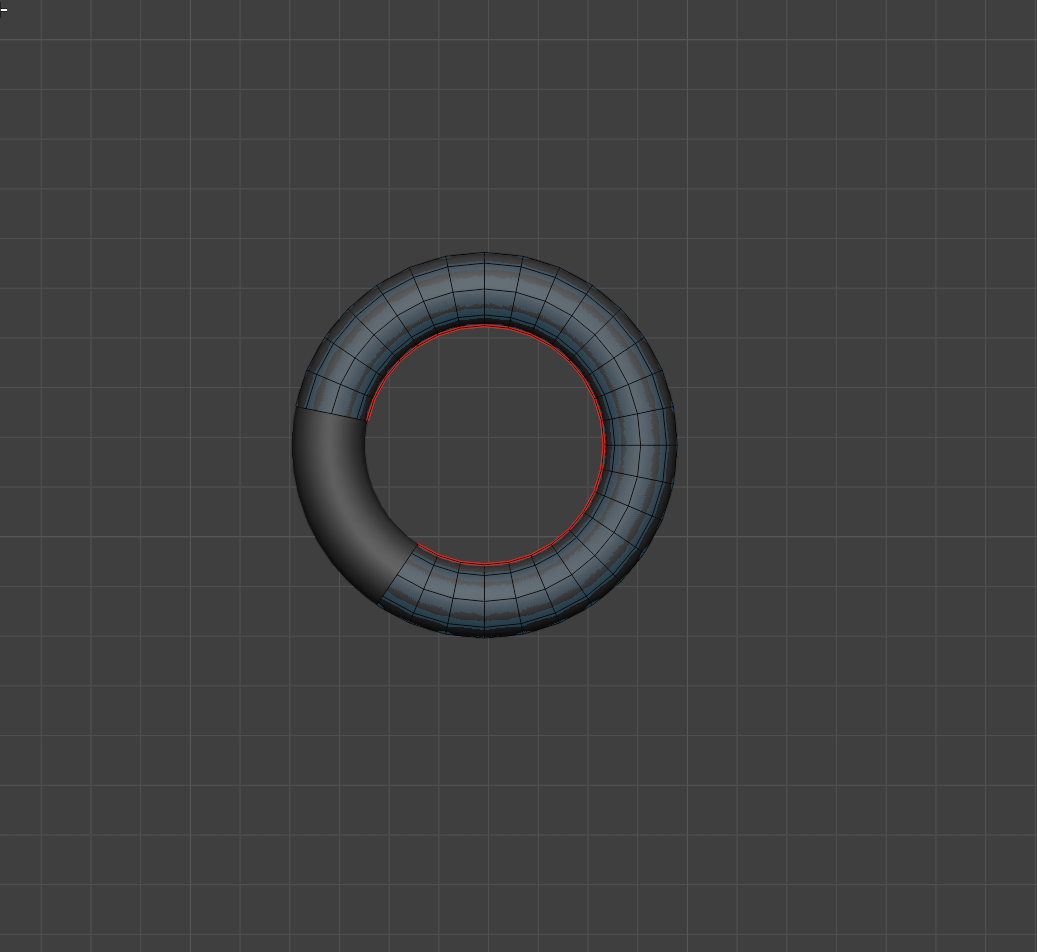
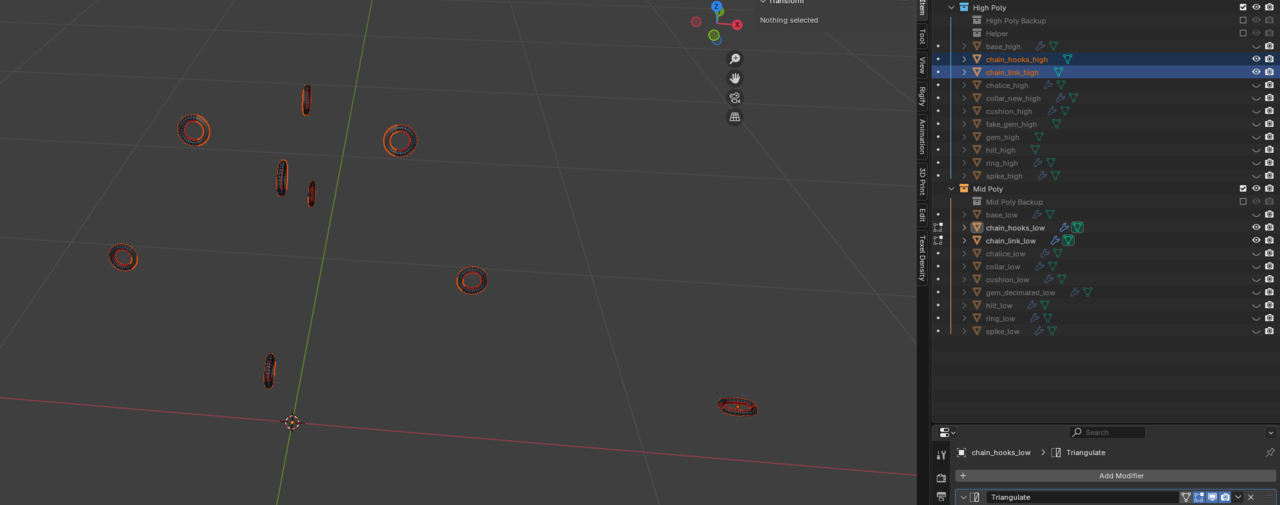
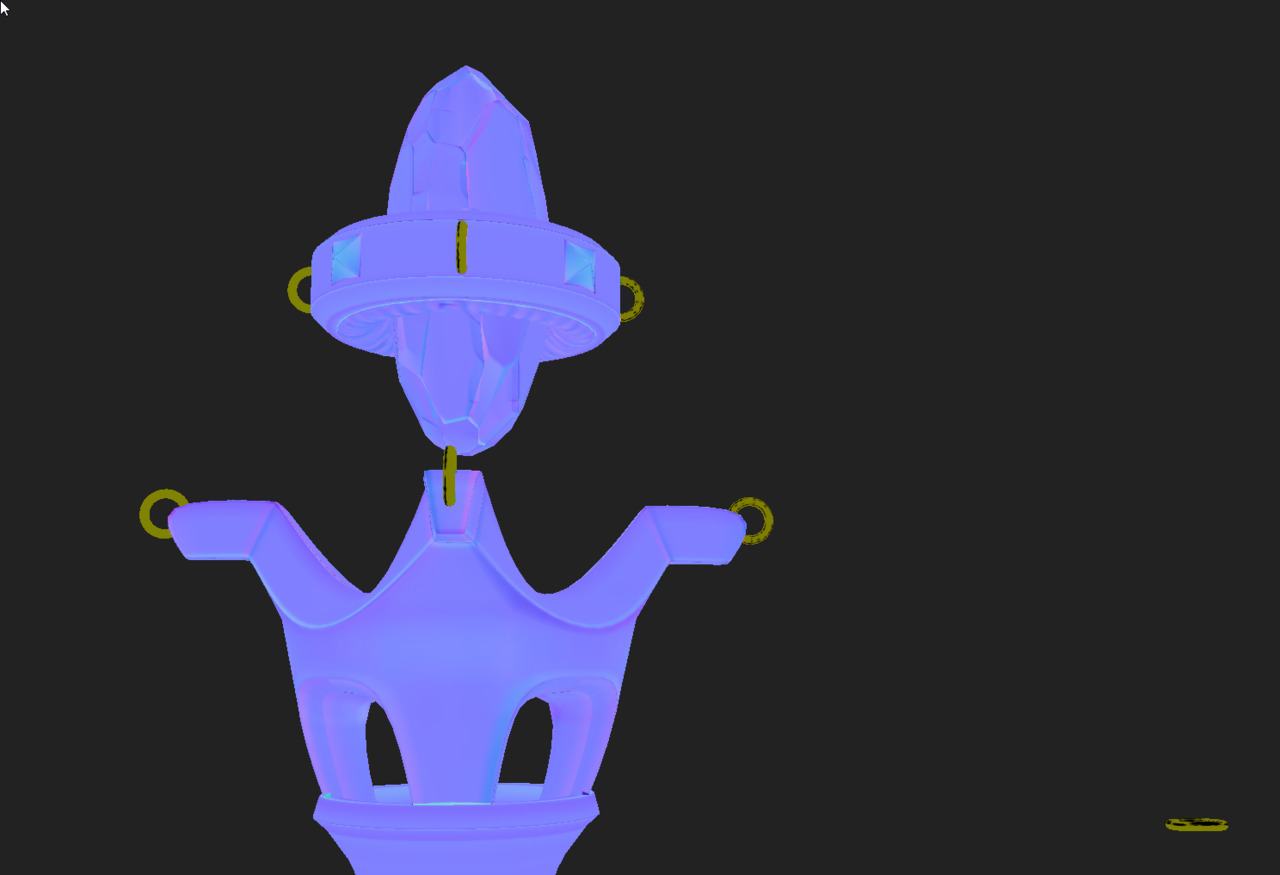
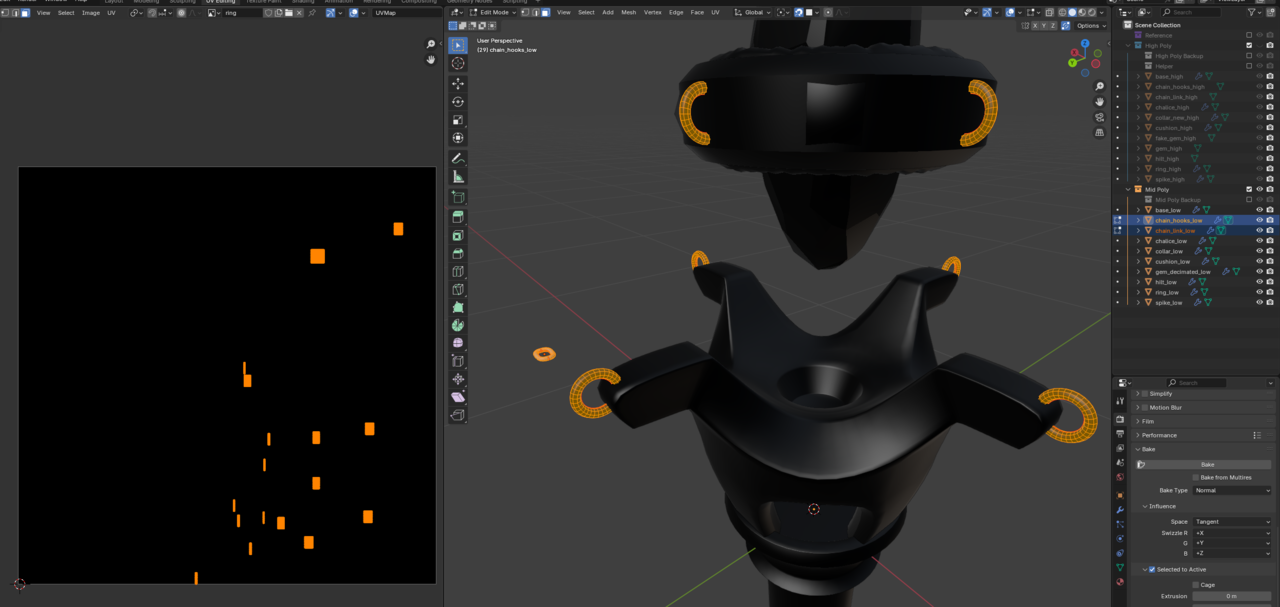
Since I cant figure out how to upload images from my local computer... I try to describe it.
After the baking process in InstaMat, the chain link and the chain hooks appear yellow, with some black spots and stripes, in the normal map preview in InstaMat.
My first assumption was flipped faces, so I checked that on the low poly. Then I went ahead and converted the High Poly curve objects to meshes in blender, to I can rule out any export issues.
After this did not help, I baked out the Normal Map of the chains (high to low) in Blender, to check if this would be different.
Without any extrusion, the normal bake in Blender showed similar issues. With even the tiniest extrusion (0.0001) it bakes well in blender.
Then I went ahead and fiddled around with the Bake Settings in InstaMat, but nothing worked.
Another user, the one with the curved wooden staff with the sphere in the middle, had a similar issue with a cube like object. But I did not find any hint on how to resolve the issue.
I would really like to post the screenshots, but I only can upload images from an URL as it seems. I tried renaming from png to jpg, but still cant upload.
Apparently images can only be uploaded in the Answer.
Although they are pretty small, I hope all relevant information can be seen in them.

Thank you for a super in-depth explanation! It looks like you've covered everything I would have suggested, so that unfortunately puts us back at square one, haha. 😅
Would you be able to upload the .blend file, either here or to a Google drive and share the link so that I could take a look? I get the feeling this one may be tough to diagnose without being able to jump in and see for myself! Especially if you've found that it bakes correctly in Blender, but not InstaMAT. 🤔
Thank you for the fast response!
Here is the link https://gofile.io/d/4BGjoM
Since you are here, I really enjoyed the course so far. I like the methodical and procedural approach.
One issue I had was setting up the Scrape brush in blender 4.4.3, since it completely goes bananas if set to constant falloff. Which thankfully could be resolved by setting the Brush Type from the default "plane" to "scrape".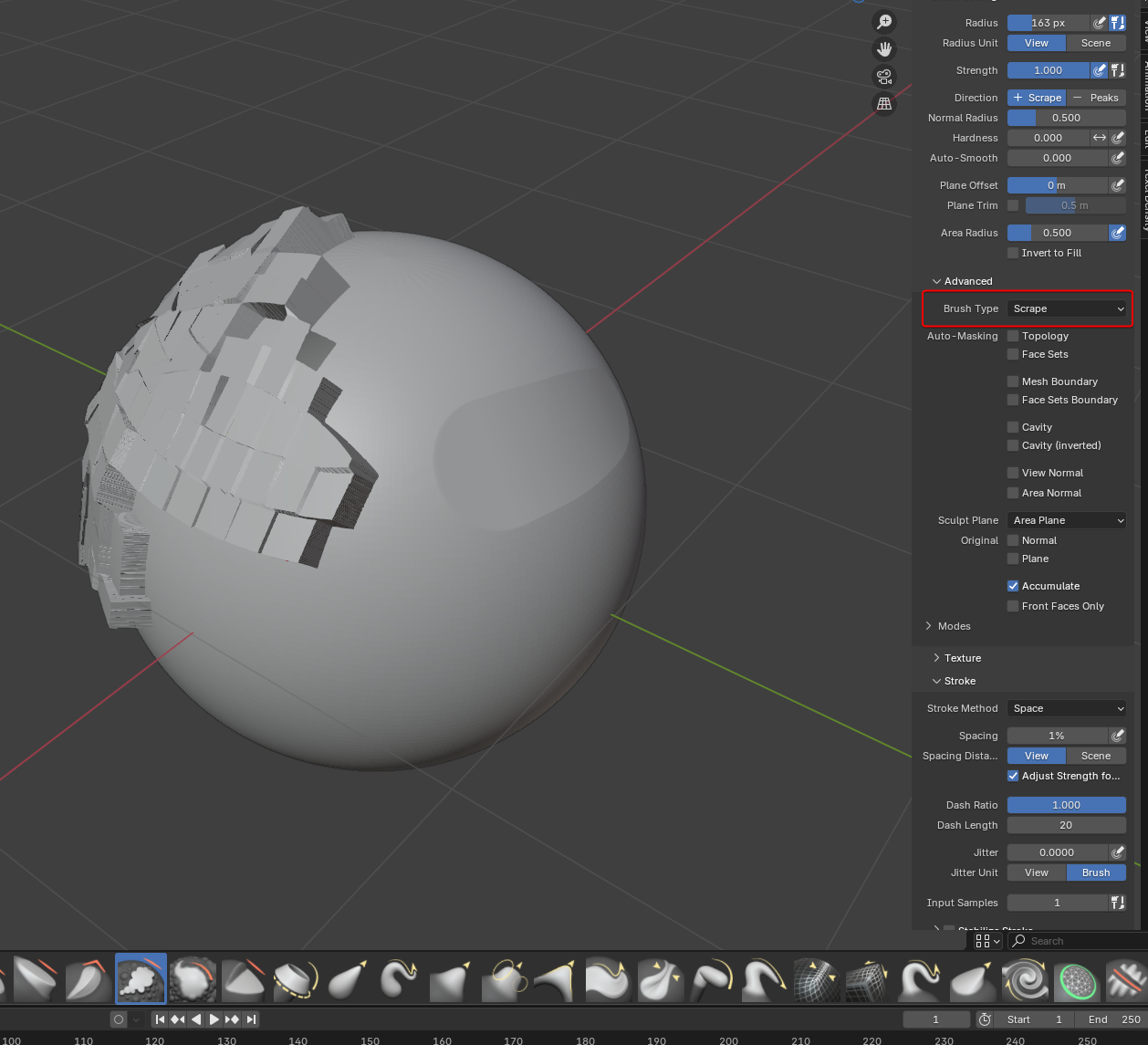

Hi Dario CCaetn0 ,
Yikes, that looks like a Bug! Would be great if you could Report that.
But another workaround is, to use a Custom Falloff and set that to Constant:
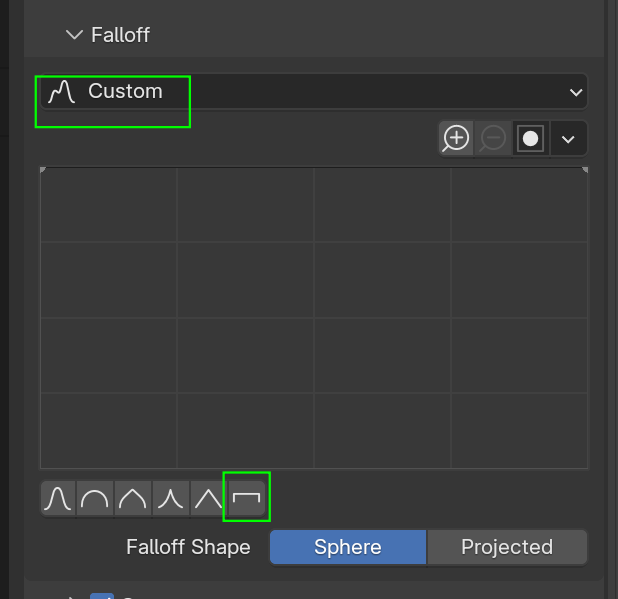
Bug is confirmed and has been assigned high severity. It will probably be fixed in the next update/patch (these guys are fast!)
Okay guys, I managed to fix it.
One simple, but not really obvious switch. I would love to have you guess it, but lets just move on...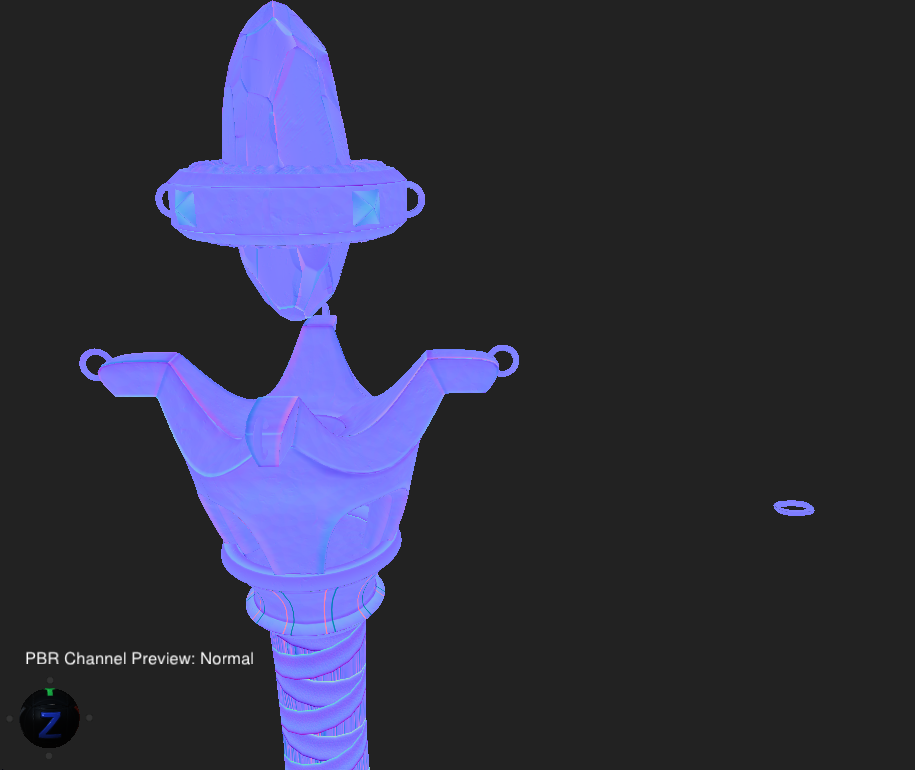
I changed the Baking Engine in InstaMat from GPU to CPU.
EDIT: Did not realize you had posted just as I was typing this up! Glad that you were able to figure something out in the meantime, although a completely different solution than mine haha. I guess this is a good reminder that at the time of this issue, InstaMAT is still a work in progress and is likely to have some weirdness going on like that. 🤷♀️
Ok, wow this hurt my head haha. I have never encountered this before, and I'm still not sure what the issue actually is. However, I think I have stumbled upon a possible hotfix (don't want to call it a solution, since again I'm not sure what is actually going on and I'm not sure if this truly "solves" the root of the issue).
That being said, in the Mesh Baking dialog in InstaMAT there is a toggle button for "Binormal Per Fragment" under the Normal Tangent Space header. Baking when I had that enabled seemed to "fix" the issue of baking out that green colour. I'm not sure if this is InstaMAT misinterpreting the normals of those meshes for whatever reason, but baking with that enabled seems to produce expected results.
Give that a try and let me know what happens! 🙏
With the option enabled.
Hey Chunck,
thank you for your effort.
I can confirm that your solution also solves the problem.
We might be able to check "Geometry" -> "Tangent Space" during the FBX export instead, but I haven't tested it.