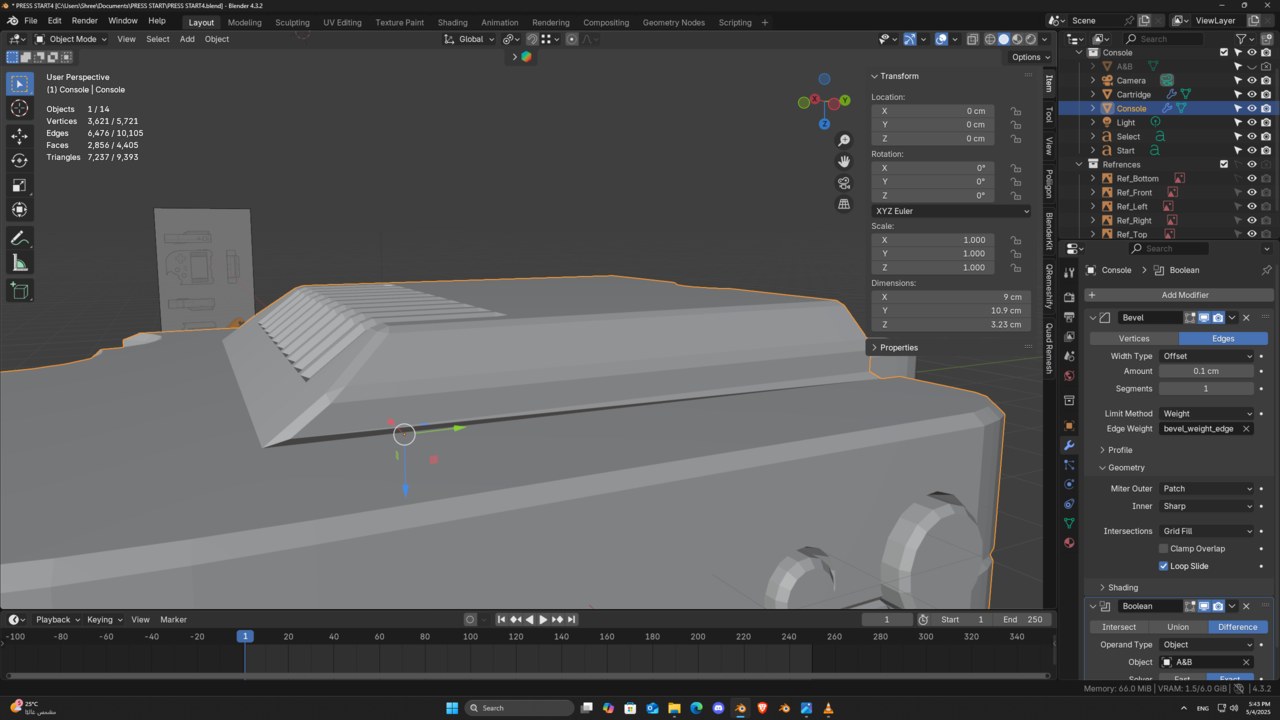
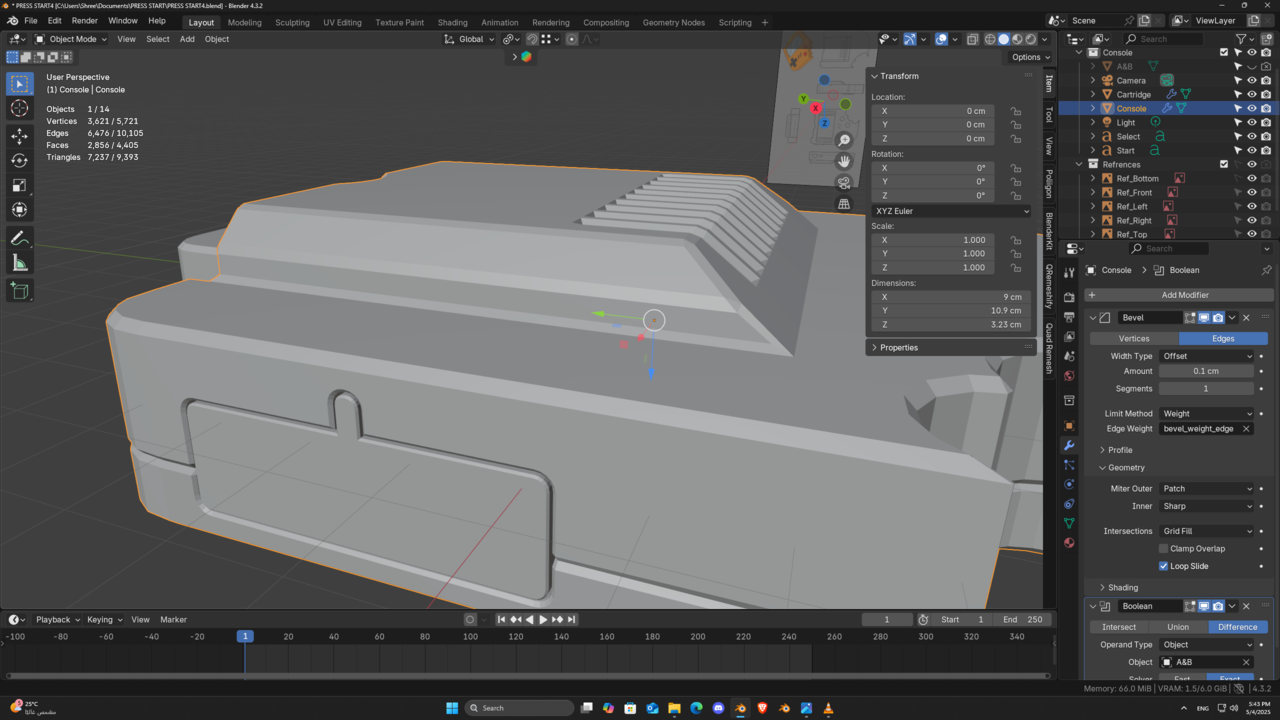
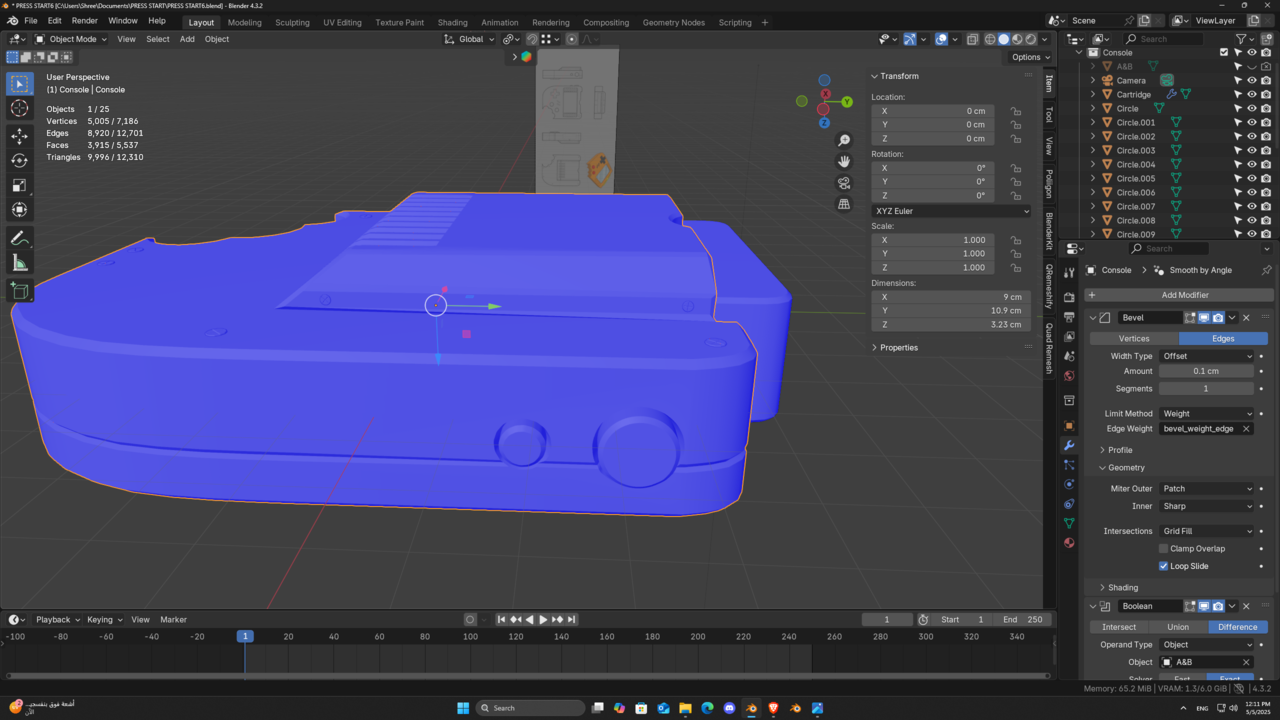
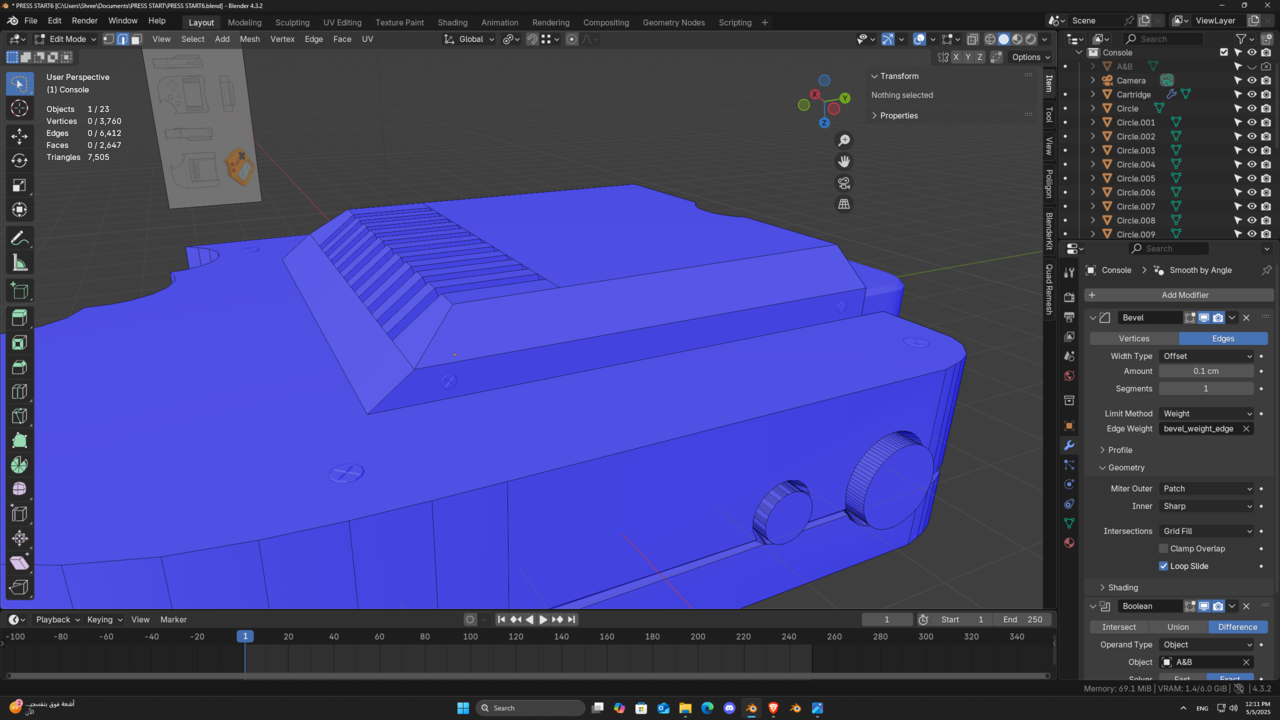
I tried everything, vertices locations, merge and there is no face over lapping

Hi sshreef ,
Did you check for inconsistent Normals?
(In Edit Mode: A (to Select all), then SHIFT+N, to recalculate the Normals.)
Hi Martin,
I did check that multiple times I even tried multiple versions of blender the only thing that worked out is to apply the bevel modifier then relocate the vertices in the right locations or doing bevel to this edge without the modifier. I have uploaded the console file on google drive and you can check it up from Here
Hi sshreef ,
There are a few things wrong.
First, these two Edges don't go straight 'down':
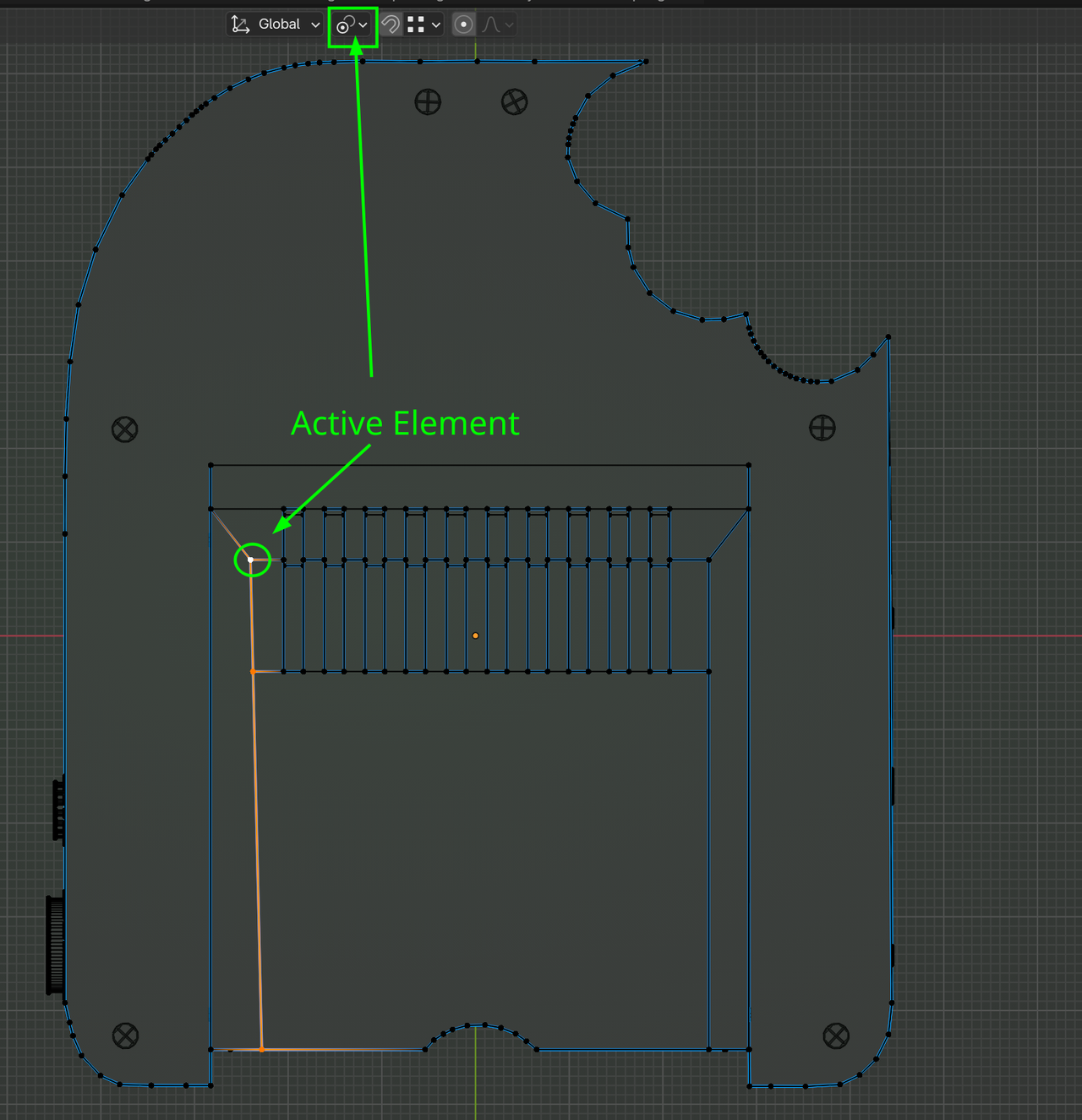
If you set it up like this, you can use S, X, 0 (zero) to get it straight:
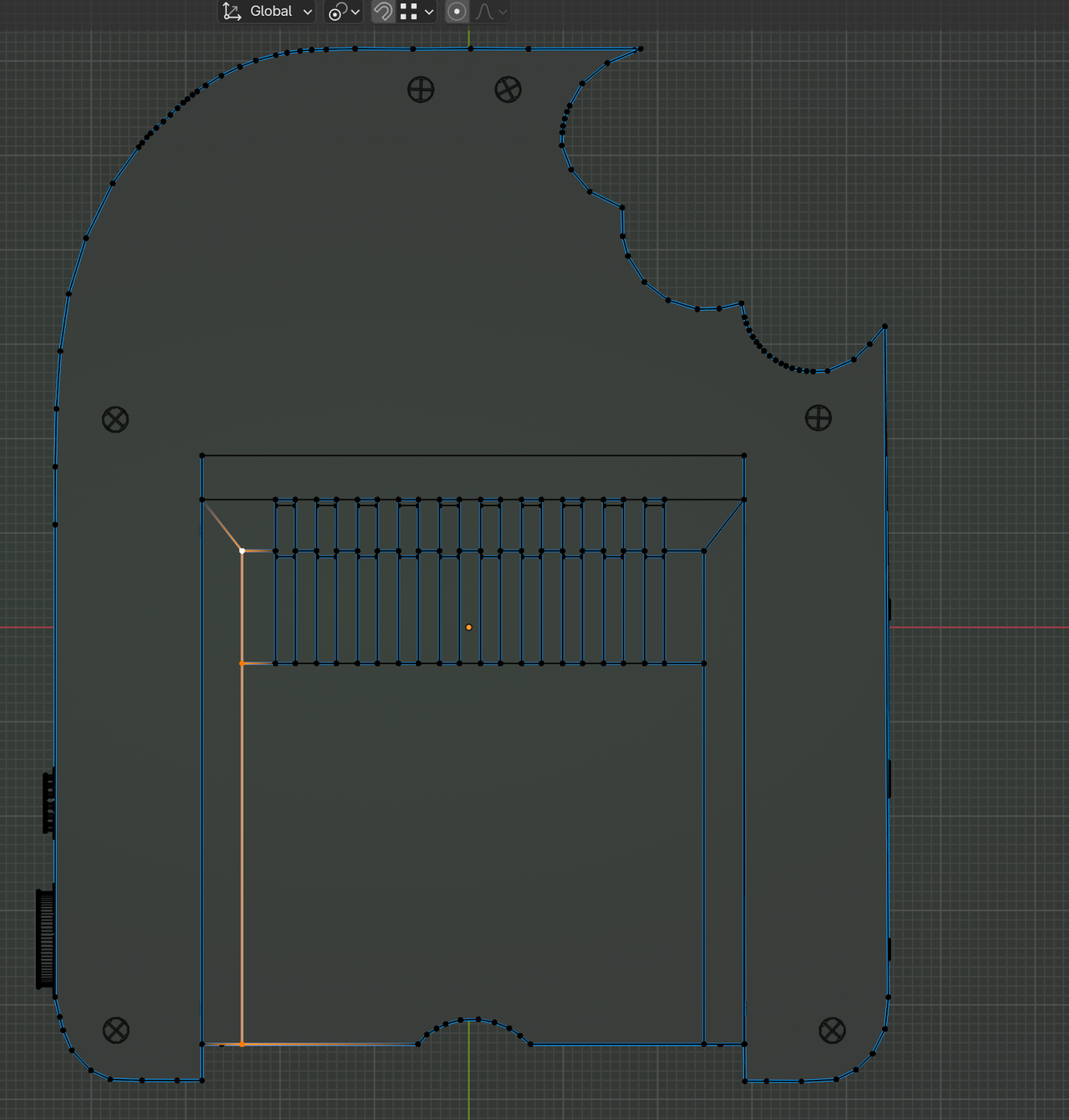
This Face on the side is not flat:
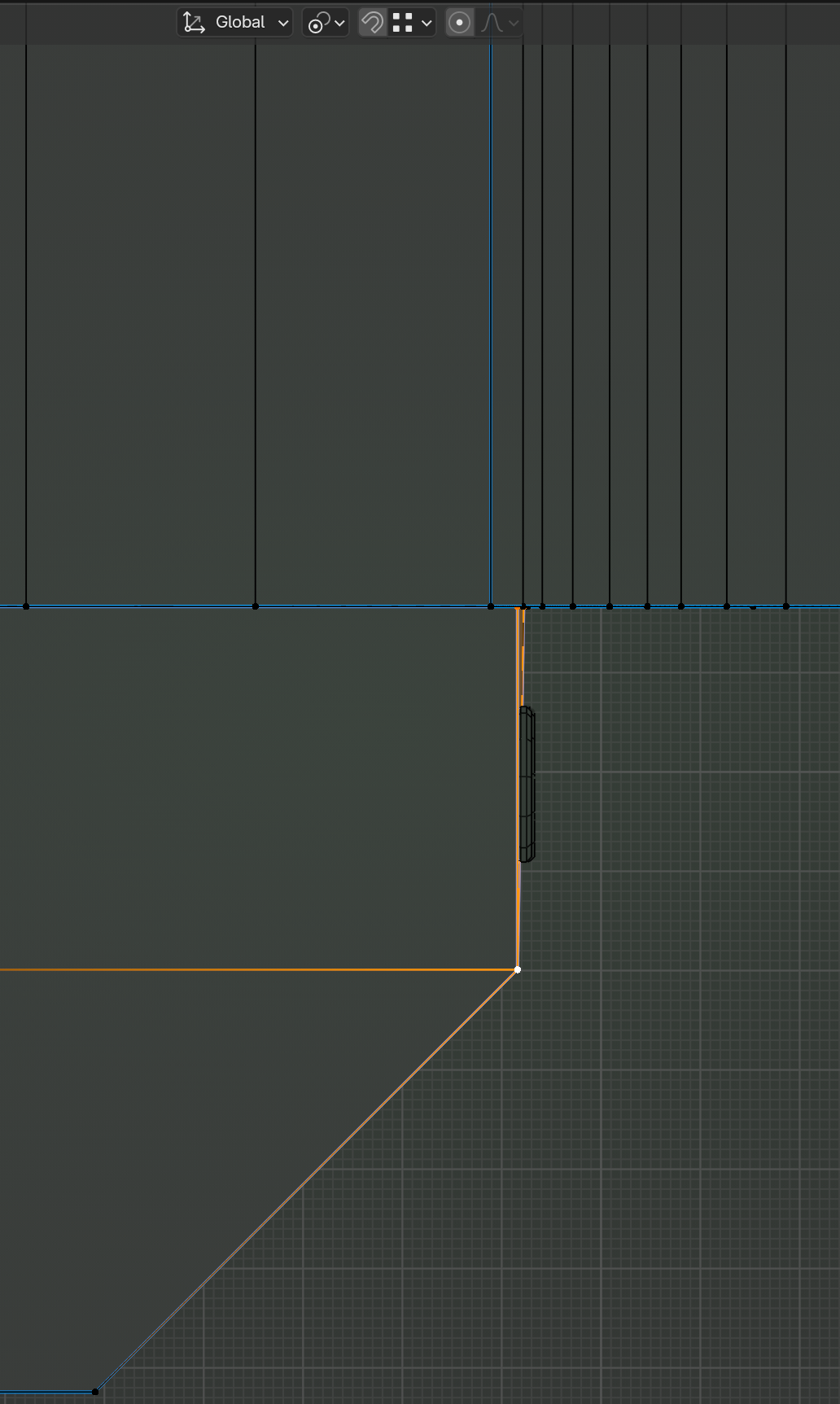
Same trick as above to fix it.
I think you also need some Bevel Weight on this Edge:
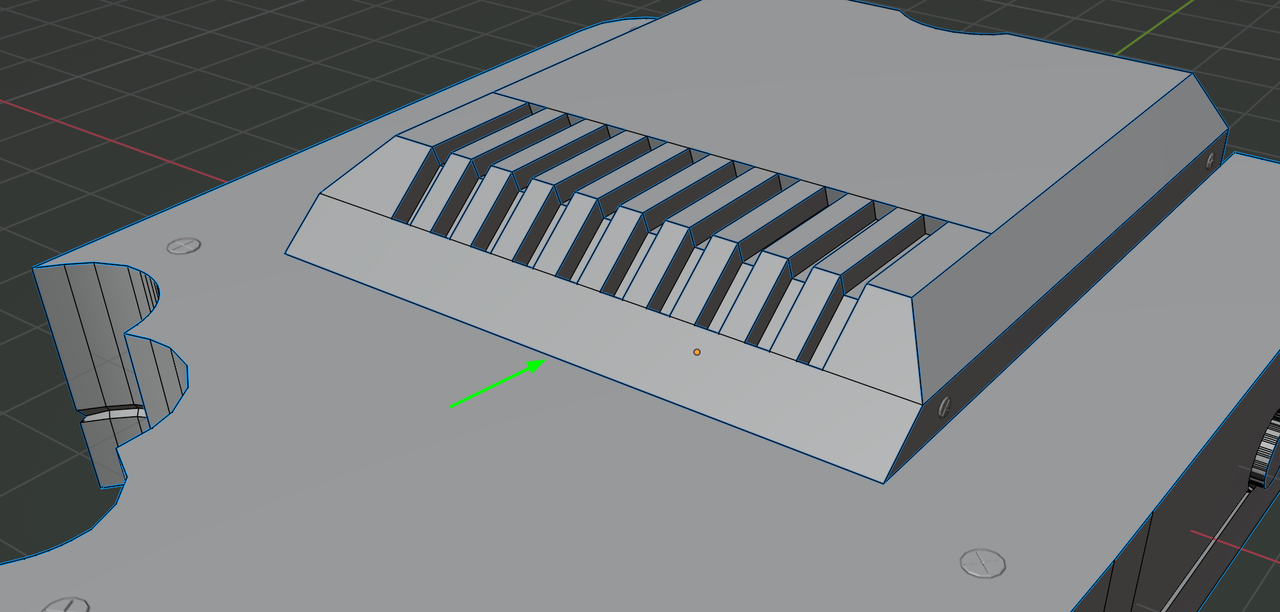
Then everything should work. (Maybe also reduce the Bevel Amount a bit.)
Hi Martin,
Thank you for your help!
Can you clarify the third picture? because I feel confused about it.
BTW when I beveled this edge it fixed the other edge but it messed up with the geometry.
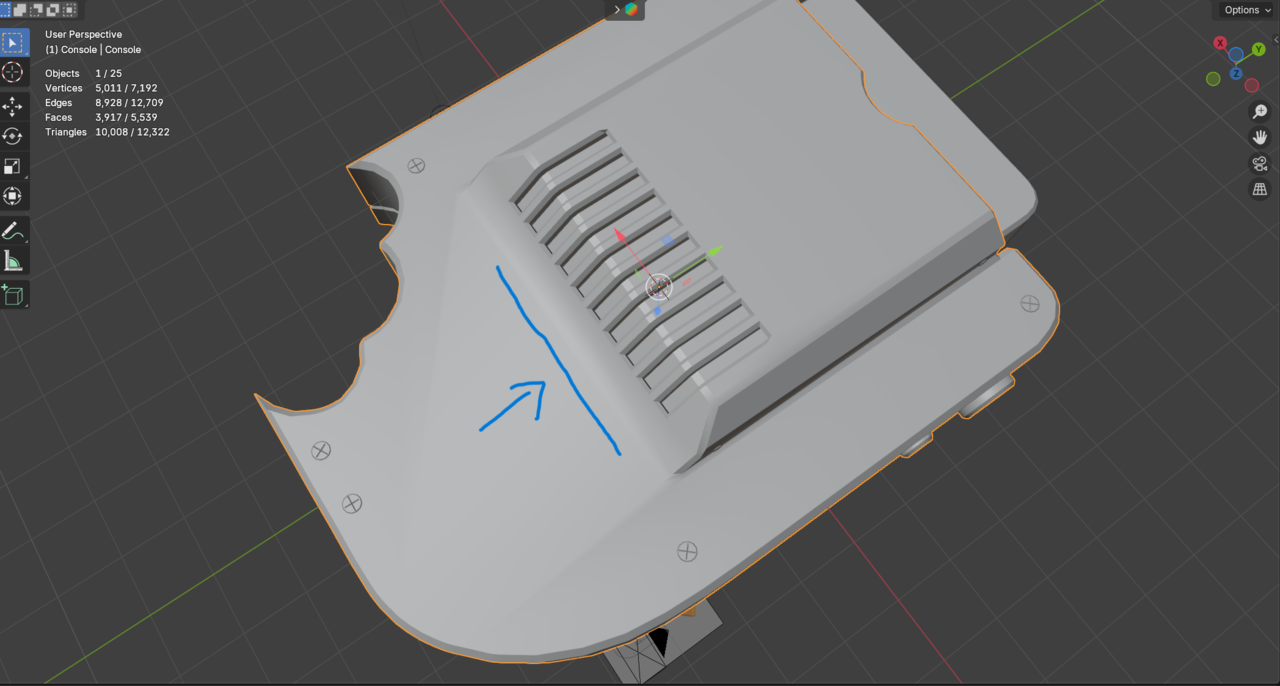
The third pcture is in Front View. From Bottom View, it is this side and zoomed in, you can see the error:
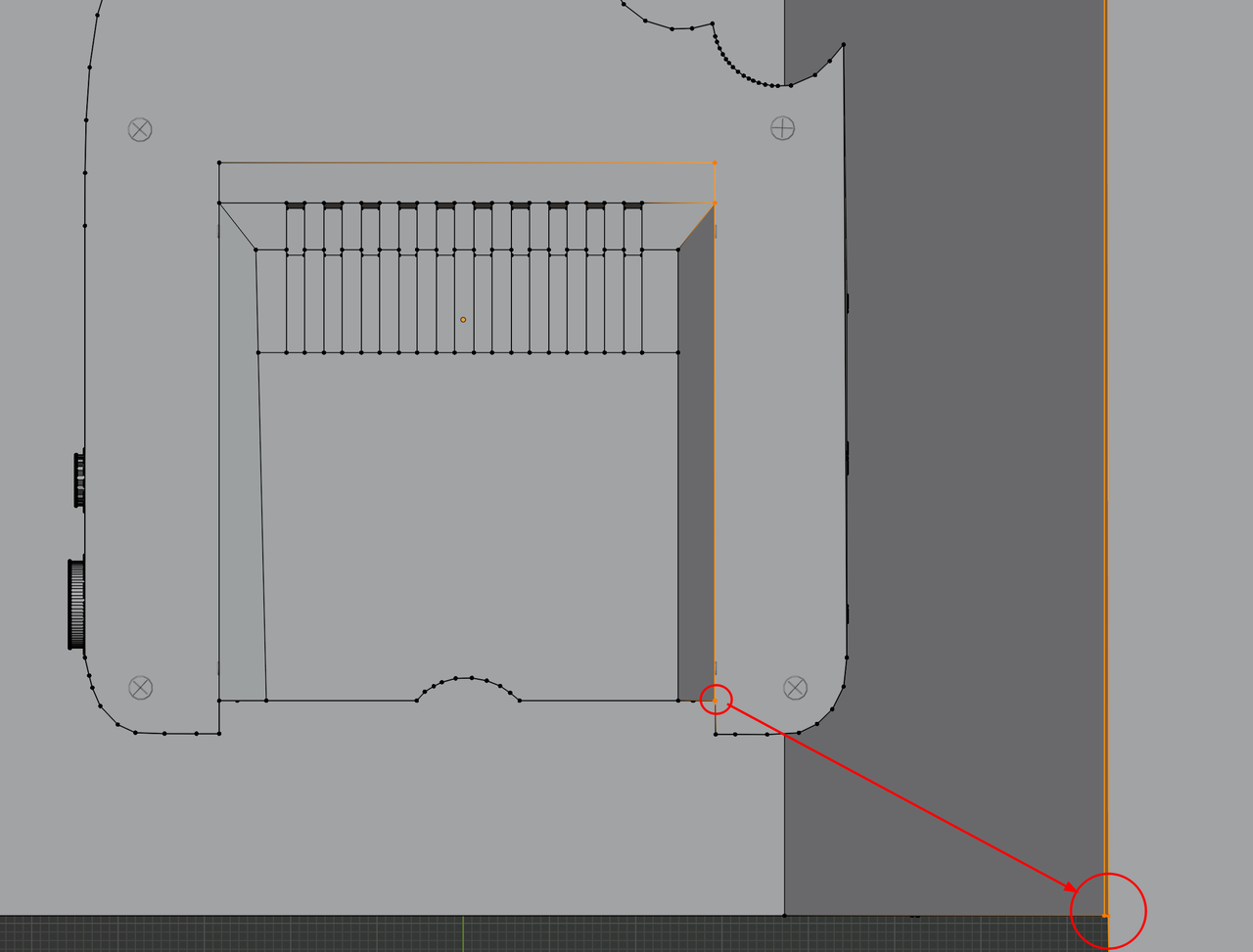
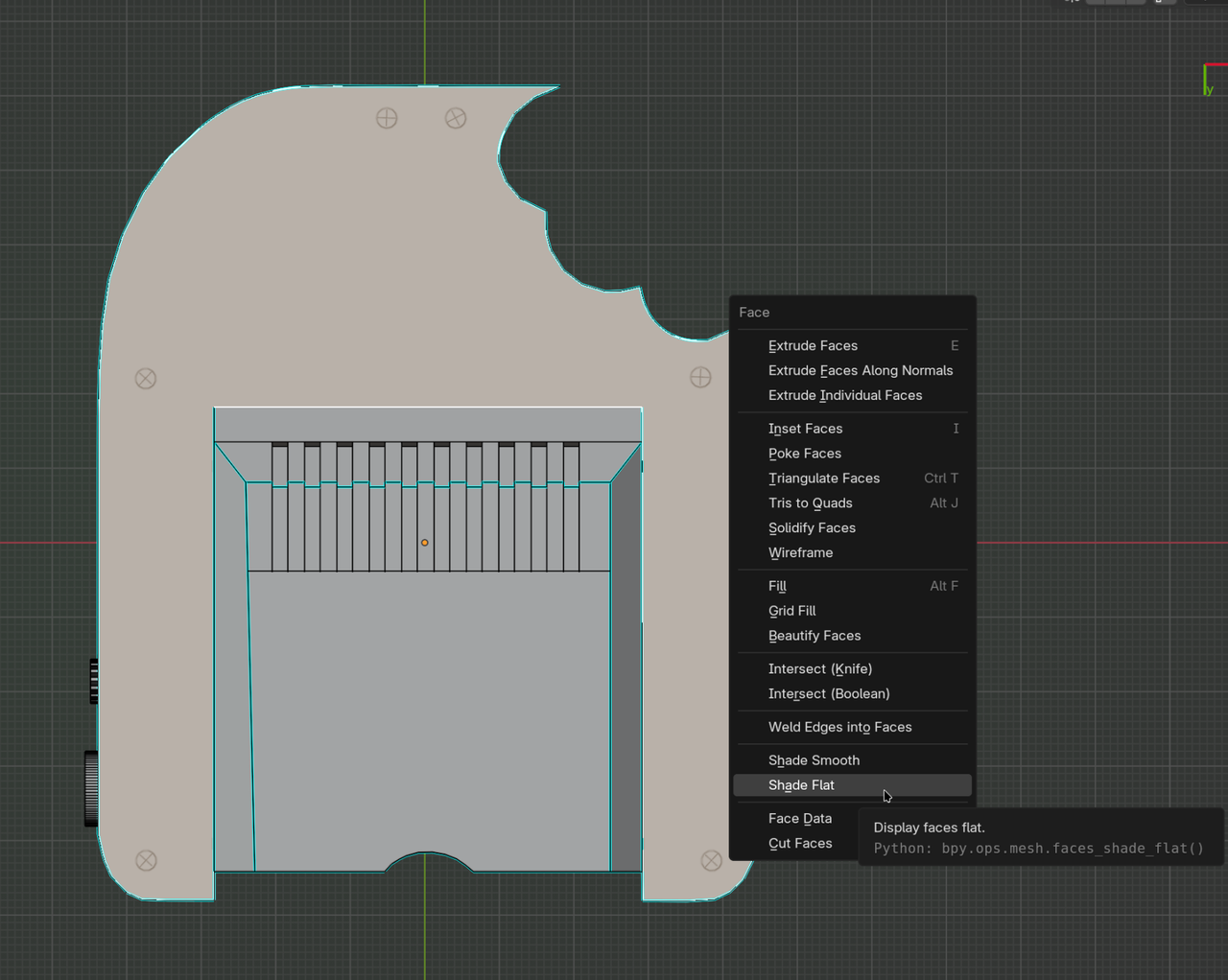
To remedy that Shading problem you get, you could try adjusting the Weight of that Edge, or the Angle of the Smooth By Angle Modifier, or jus Select this Face and set it to Shade Flat (CTRL+F > Shade Flat):