Hello everyone! Kent, this is an OUTSTANDING course! Just a tip for anyone experiencing this issue after rendering.
When I rendered the first time, I saw this message in my render view window "errors during render. see system console blender" to see the system consol you can access it in the window tab and select to see the console.
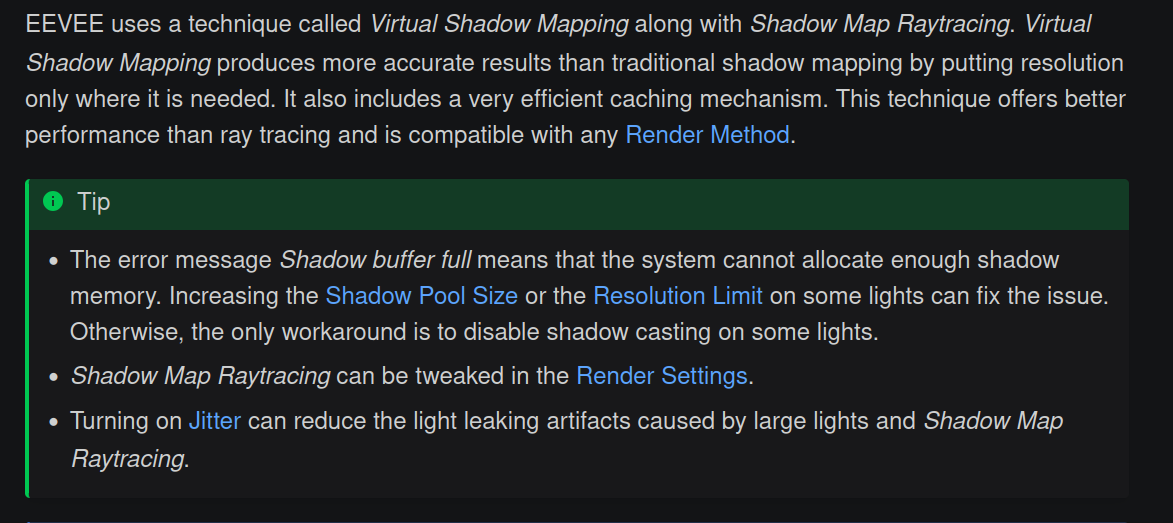
The error I had was "shadow buffer full" after a bit of research, it appears that a large number of lamps can create this problem. (I have a rather powerful PC, I'm not sure which part of the hardware this lighting error is affecting) anyway, I just placed my lamps in separate collections and disabled the rendering of those lamps that are not in the scene. This resolved the error.
I thought I should share as this has likely happened for others as well.
After playing around with various settings trying to hone this problem in a little further, I am certainly getting this issue with shadows turned on not just the number of lamps in the scene. I lowered the shadow resolution to .5 instead in 1 and that also helped. You may have to mess with some various settings to find a good balance.
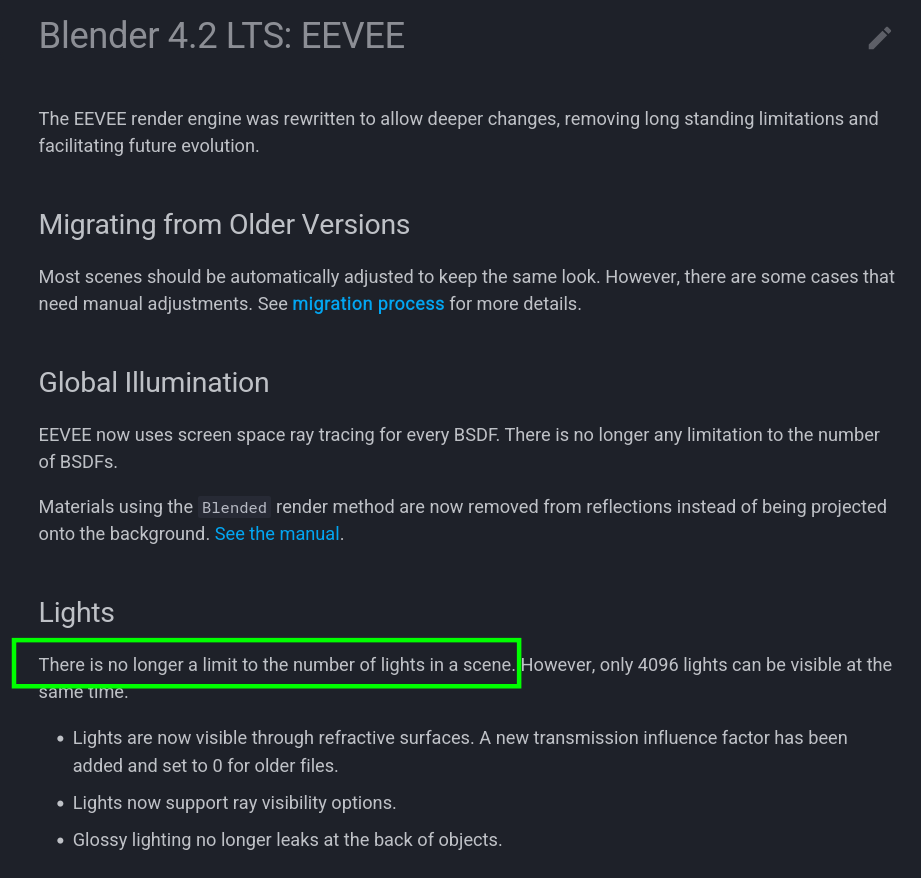
This scene certainly does not have 4096 lights or lamps.
What are they considering lights? Are 'light bounces' considered lights as well?
So when I look at my Blender Console, the shadow buffer error begins at 4096 in the thread and continues to around 6900 or so. I am guessing that is the Megabytes (which is only around 4GB)? I am having a head-scratching moment with this Shadow buffer full code.
I am operating with a Ryzen7 9800x3d processor, RTX 5070ti 16gb, and 64GB of RAM.
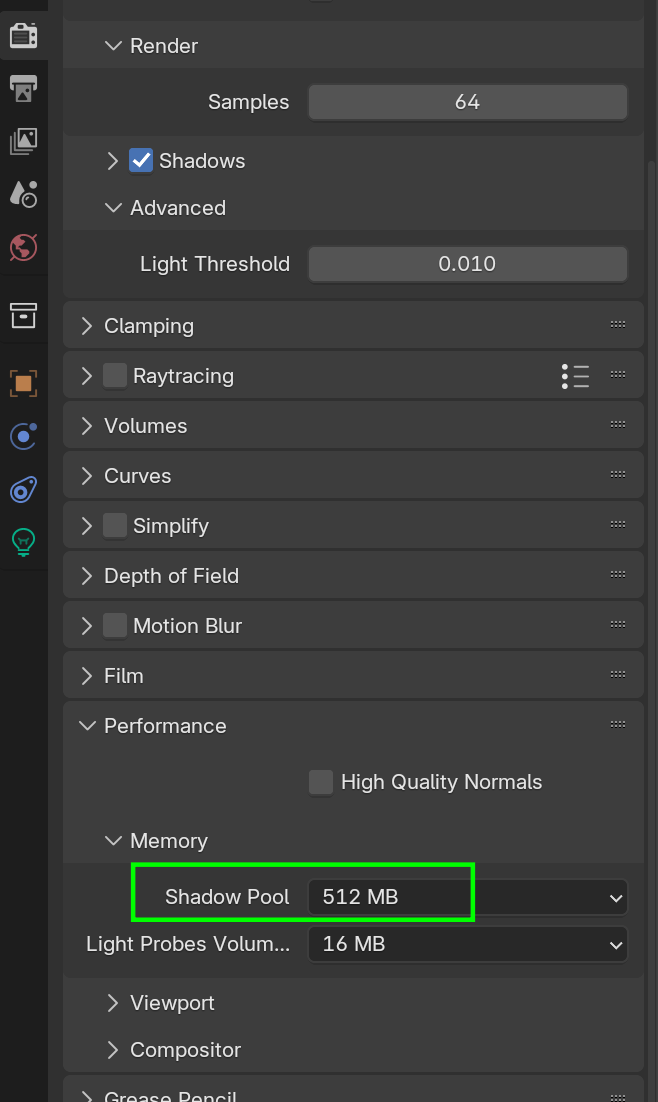
Not one piece of my hardware is maxed out at 4GB. Is there a way to really crank Blender/EVEE up to 'full power' in preferences? Is it a cache size issue? So I don't have to compromise my shadow rays? The renders I shared in the gallery only use one 'ray' for the render in the settings under 'shadows' in the render settings. (I'm sure the 1 ray vs. 6 isn't a huge huge difference for this particular application). Although it could come into play down the road on a different project.
I turned those up to the highest setting of 1GB as well. Im sorry I forgot to mention that. Based on the user manual, it seems that EVEE just isn't as capable of handling the larger scenes with many lights and shadows, perhaps? Turning down the rays of the shadows was the best workaround I found for the issue.
Yes this happened in the parking garage course. Could it just be the large scale of the scene that makes EVEE struggle?


Hey Jason jasonbadum ,
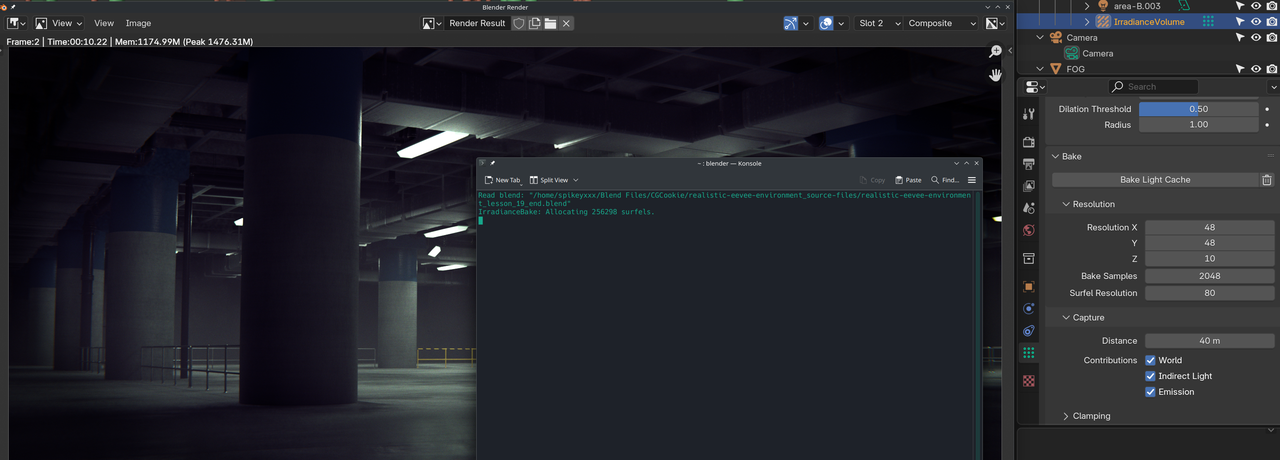
I tried Rendering the final .blend from the Course Files, without changing any Settings in Blender 4.4.1 and got this:
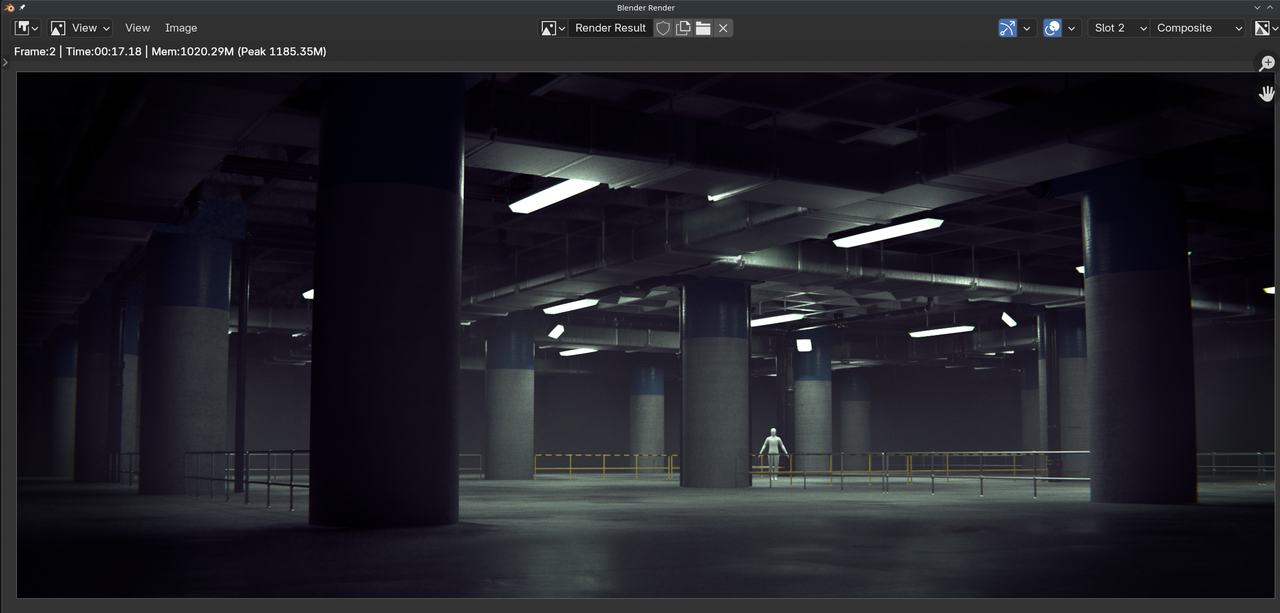
No Errors.
So I wonder what is causing your problems...did you try Rendering out this one, instead of your own version? Maybe there is a hidden difference somewhere...
It did not max out in the course file render. The main difference I see, at least in the light volume cube is the count. Kent has his at 40,40,10. My scene is at 48,48,10
That's comforting. Haha! I am planning to update Blender this weekend to the latest version. I could share the blend file if anyone is interested in looking at it.
I will share a Google Drive link when I get home later this evening. I have been operating on 4.4.0. 😊
Here is the link to the blend file. The only thing I did was bump the rays back up to '6'.
Garage Blend File
Please let me know if this link works.
Hi Jason,
The Link works fine, but I don't get any Errors;
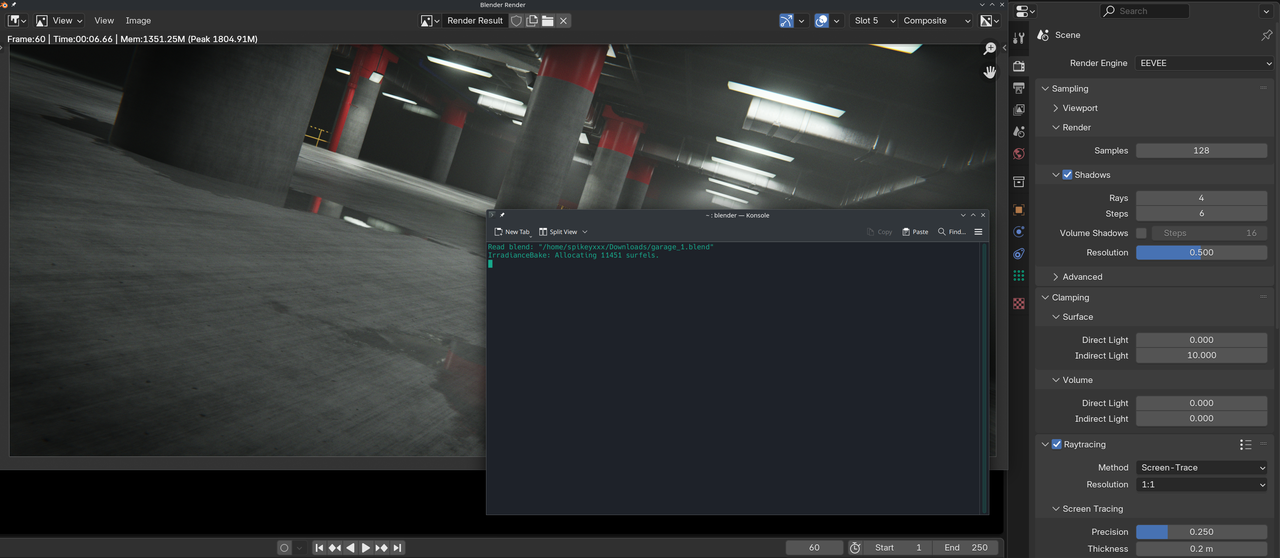
Not even with the Hidden Lights Collection enabled (which improves the result imo):
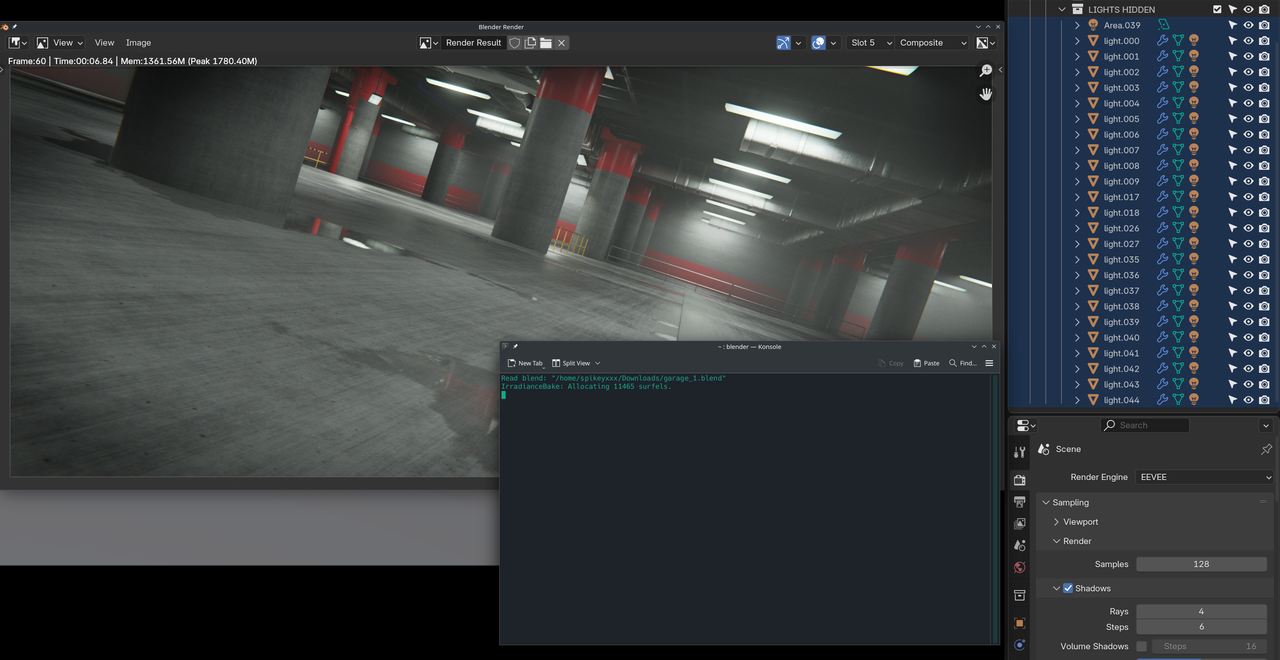
So, I have no idea, what causes it.
Maybe a Driver issue (the latest Drivers for the RTX 40 and 50 series seem to have some problems).
Or are you using any 3rd party Addons?